
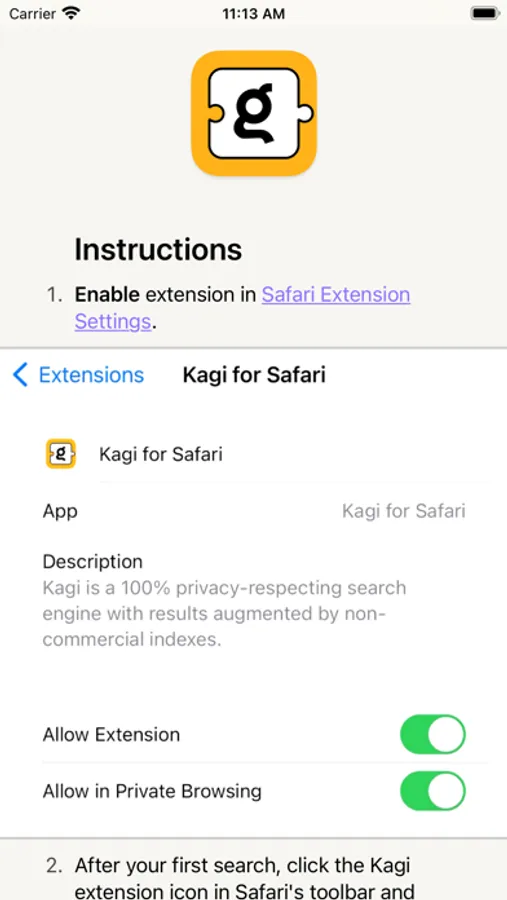
With this Safari extension, you can redirect your search requests to Kagi to enhance privacy and personalization. Includes features like seamless redirection, private browsing support, and no ads or data collection.
AppRecs review analysis
AppRecs rating 3.3. Trustworthiness 80 out of 100. Review manipulation risk 21 out of 100. Based on a review sample analyzed.
★★★☆☆
3.3
AppRecs Rating
Ratings breakdown
5 star
58%
4 star
8%
3 star
4%
2 star
6%
1 star
25%
What to know
✓
Low review manipulation risk
21% review manipulation risk
⚠
Pricing complaints
Many low ratings mention paywalls or pricing
⚠
High negative review ratio
31% of sampled ratings are 1–2 stars
About Kagi for Safari
Please note that some requests may still be sent to your default search engine due to this limitation, although the redirect will always be successful.
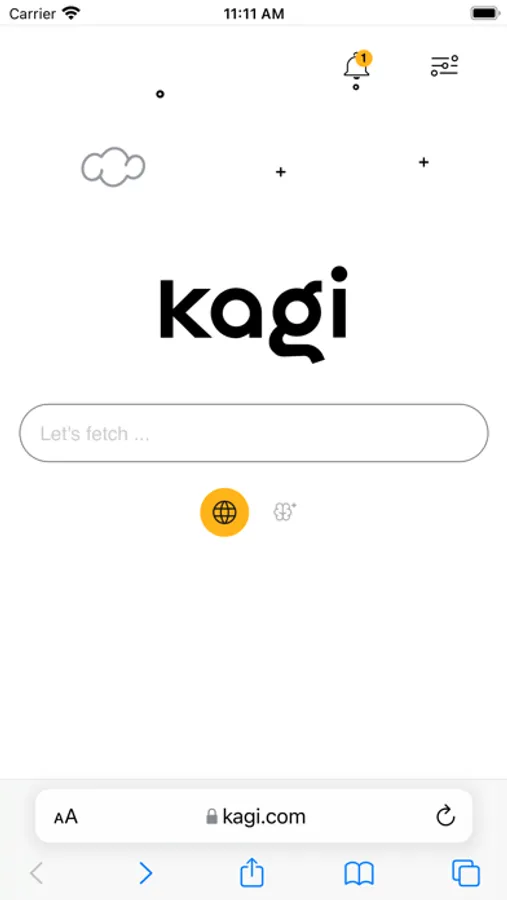
Kagi search is a quick, user-centric, 100% privacy-respecting search engine with results augmented by non-commercial indexes and personalized searches. It has a clean, high-performance user interface with only the most relevant results and no telemetry, no ads and no collection of private information.
Kagi for Safari Screenshots
Tap to Rate:
Reviews for Kagi for Safari
Andrii222222
!g stopped working
It’s no longer possible to see Google AT ALL, even if I type it in the address bar. The extension completely breaks it. It’s been like that for a couple months now and it’s a paid product.
tiglowe
Can’t switch to Google results
I like Kagi and will continue to use it on my computer, but seeing Google results in this app is completely broken. Please fix this ASAP! I uninstalled Kagi months ago because of this problem, and I’m disappointed to see that it’s still an issue.