With this app, you can access SaaS, web apps, files, and desktops remotely and manage multiple accounts. Includes support for virtual apps, file sharing, and integration with enterprise systems.
AppRecs review analysis
AppRecs rating 4.2. Trustworthiness 75 out of 100. Review manipulation risk 21 out of 100. Based on a review sample analyzed.
★★★★☆
4.2
AppRecs Rating
Ratings breakdown
5 star
65%
4 star
21%
3 star
4%
2 star
2%
1 star
8%
What to know
✓
Low review manipulation risk
21% review manipulation risk
✓
Credible reviews
75% trustworthiness score from analyzed reviews
✓
High user satisfaction
86% of sampled ratings are 4+ stars (4.3★ average)
About Citrix Workspace
HOW TO USE CITRIX Workspace app
1. Open Citrix Workspace app and tap on Get Started.
2. Enter the Server or email address as instructed by Your IT Help Desk or system administrator.
3. Enter your User Name and Password.
4. Select the applications you want to use.
5. For adding multiple accounts, navigate to Settings and tap on Manage Accounts.
6. For Deleting/Editing Account already added navigate to Settings and tap on the Store.
HOW TO REPORT AN ISSUE TO CITRIX - Please contact your company's IT support team before following these steps:
Option 1
1. Open Citrix Workspace app and tap 'Settings' and then 'Report Issue'.
2. Click on Advanced, choose Location as File & Console, Log Level as Verbose, click on the back arrow.
3. Type in a description of the issue and click Share. Choose your Email app. This will generate a log file attached to the draft email.
4. Send the email to your company's IT support team.
Option 2
1. In the App Store, go to Citrix Workspace
2. Tap 'Reviews' and then tap 'App Support' found at the bottom right of the screen.
3. This launches the Citrix support forum where you can review reported issues OR
4. To report issues, tap the menu icon and create an account first.
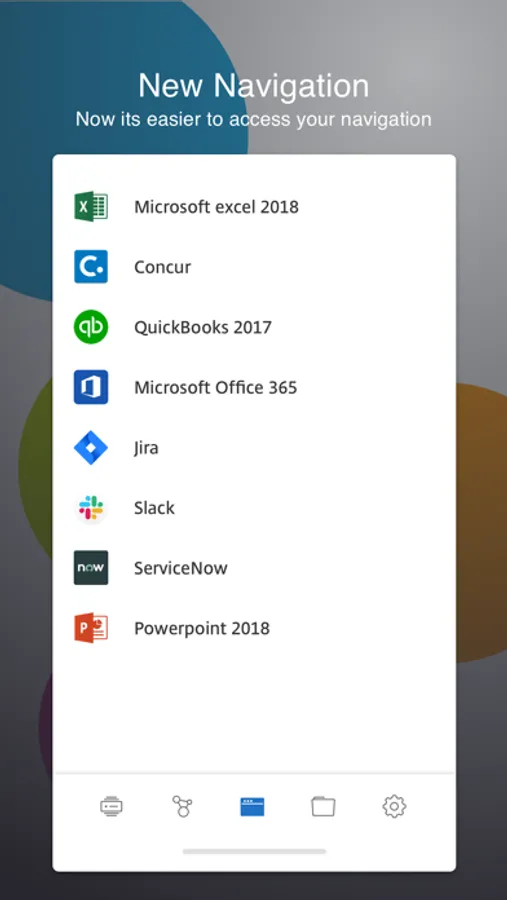
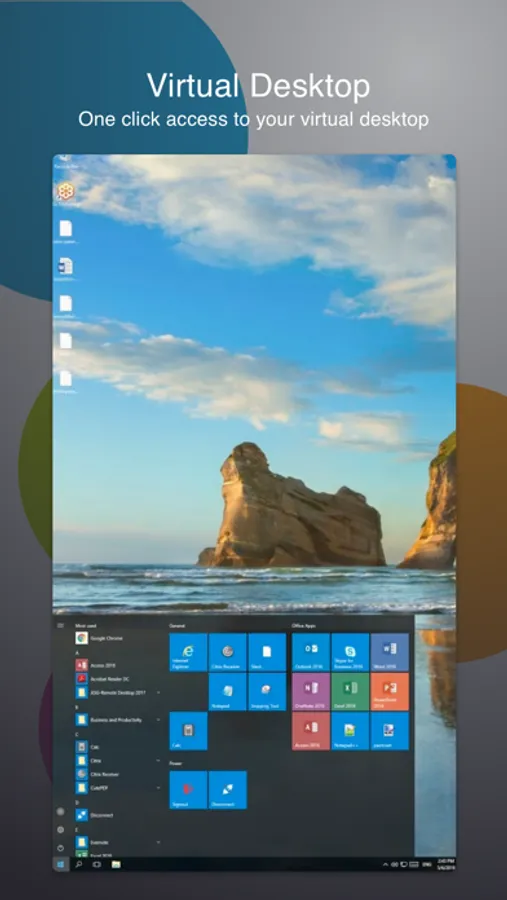
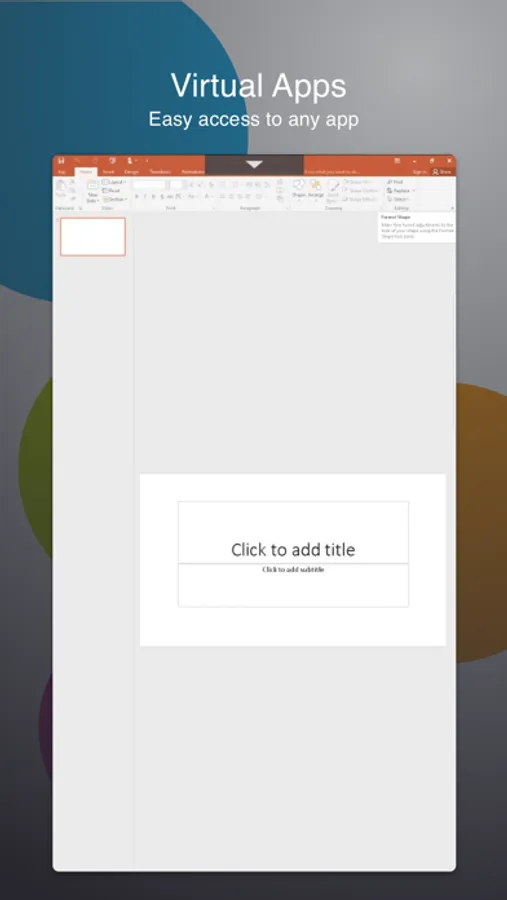
Citrix Workspace Screenshots
Tap to Rate:
Reviews for Citrix Workspace
Duncan Passell
Since new update, cannot open .Ica files
So ever since the new update, I can’t open my files. It’ll take me to the app but then just sit as if I never launched the file. Means I cannot use it at all, which is unfortunate because it was convenient but now it’s a real pain.
bkmayes
Good APP
Very sturdy connection for me and feels like I’m setting at my office desk.