In this audio spectrum analyzer, users can visualize and customize frequency displays up to 20 kHz using adjustable FFT sizes and filtering options. Includes frequency span control, peak hold, multiple window functions, and screenshot capability.
AppRecs review analysis
AppRecs rating 3.8. Trustworthiness 78 out of 100. Review manipulation risk 22 out of 100. Based on a review sample analyzed.
★★★☆☆
3.8
AppRecs Rating
Ratings breakdown
5 star
54%
4 star
15%
3 star
10%
2 star
6%
1 star
15%
What to know
✓
Low review manipulation risk
22% review manipulation risk
✓
Credible reviews
78% trustworthiness score from analyzed reviews
✓
Good user ratings
69% positive sampled reviews
About Audio Spectrum Analyzer
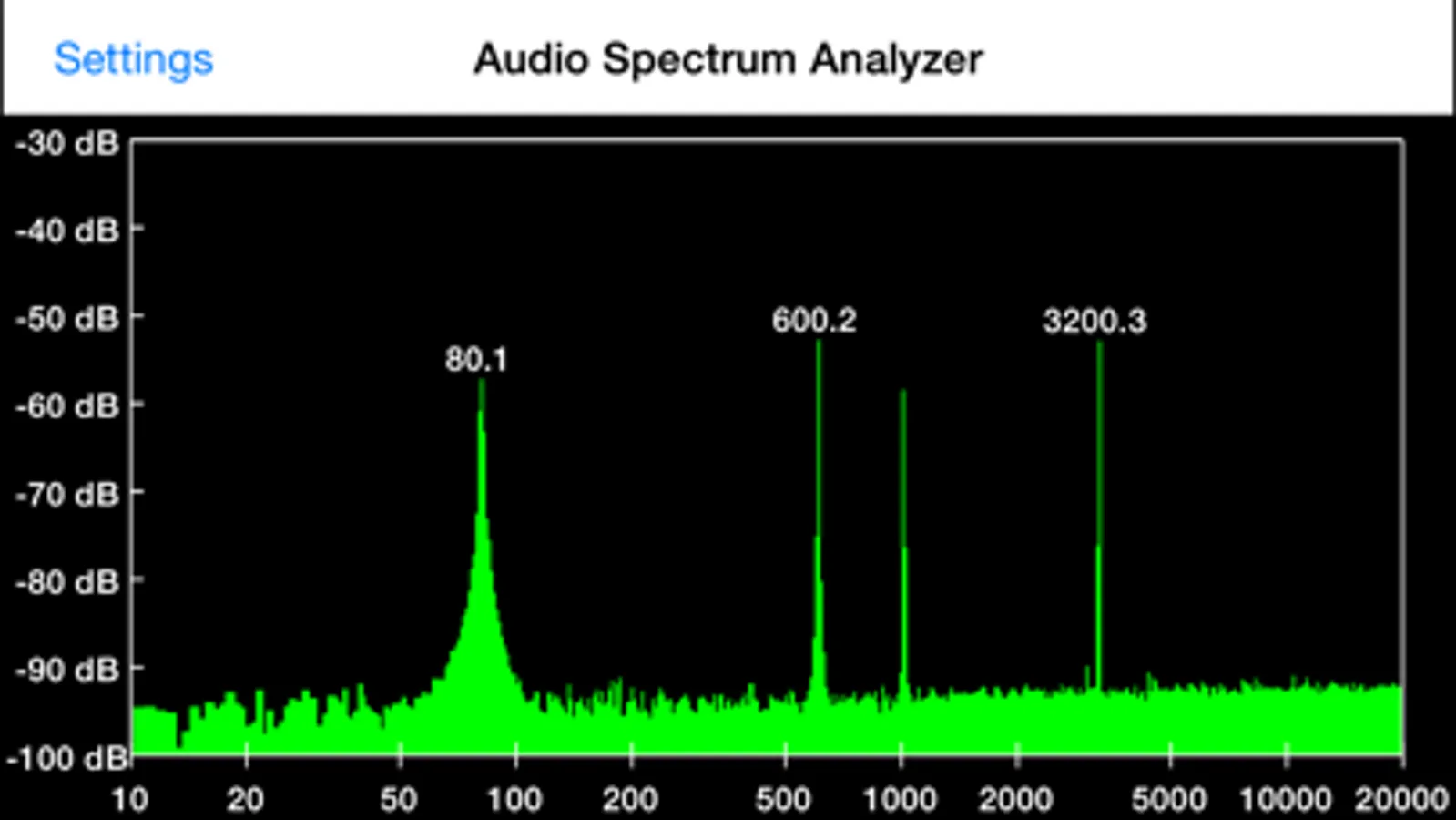
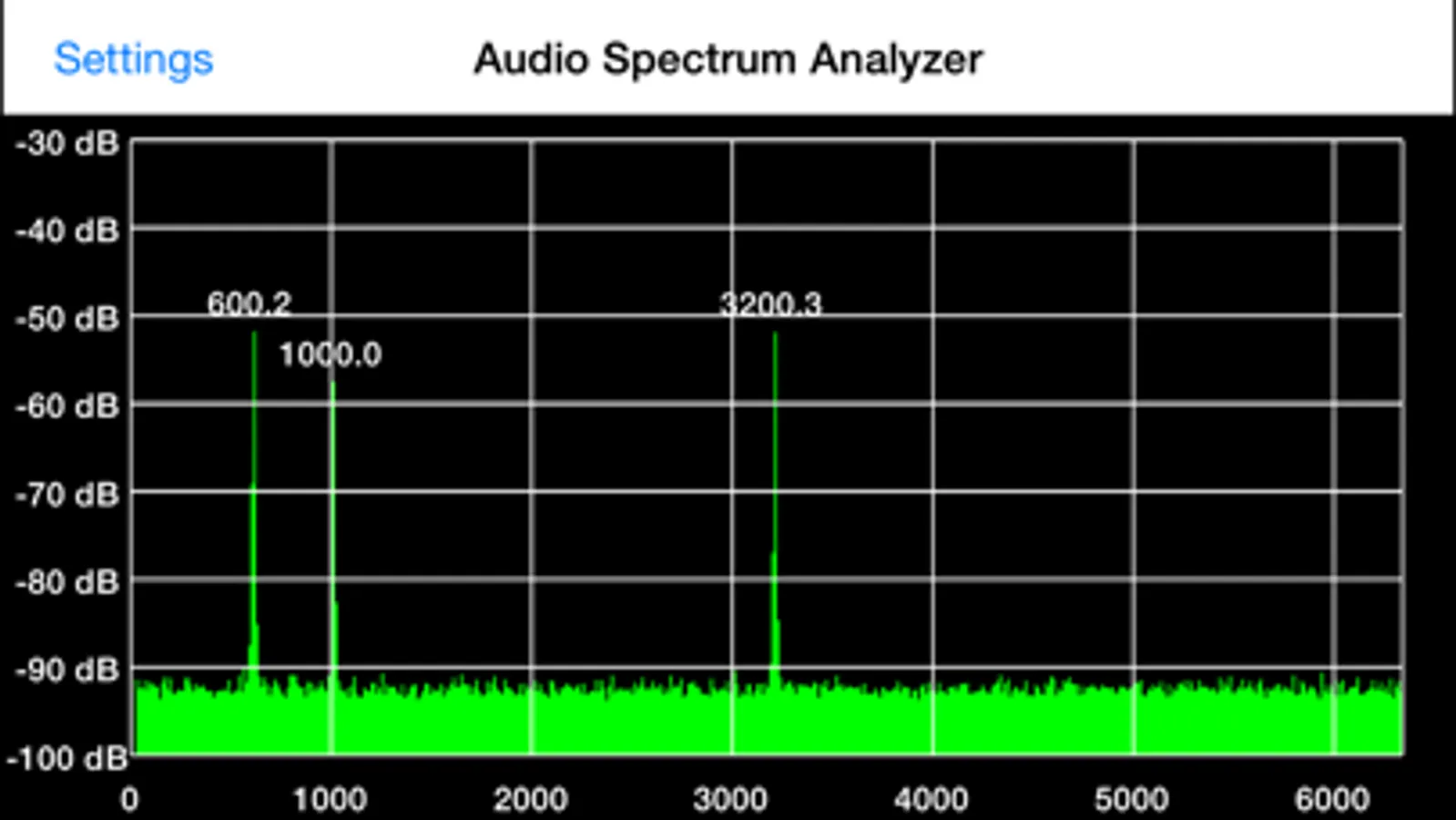
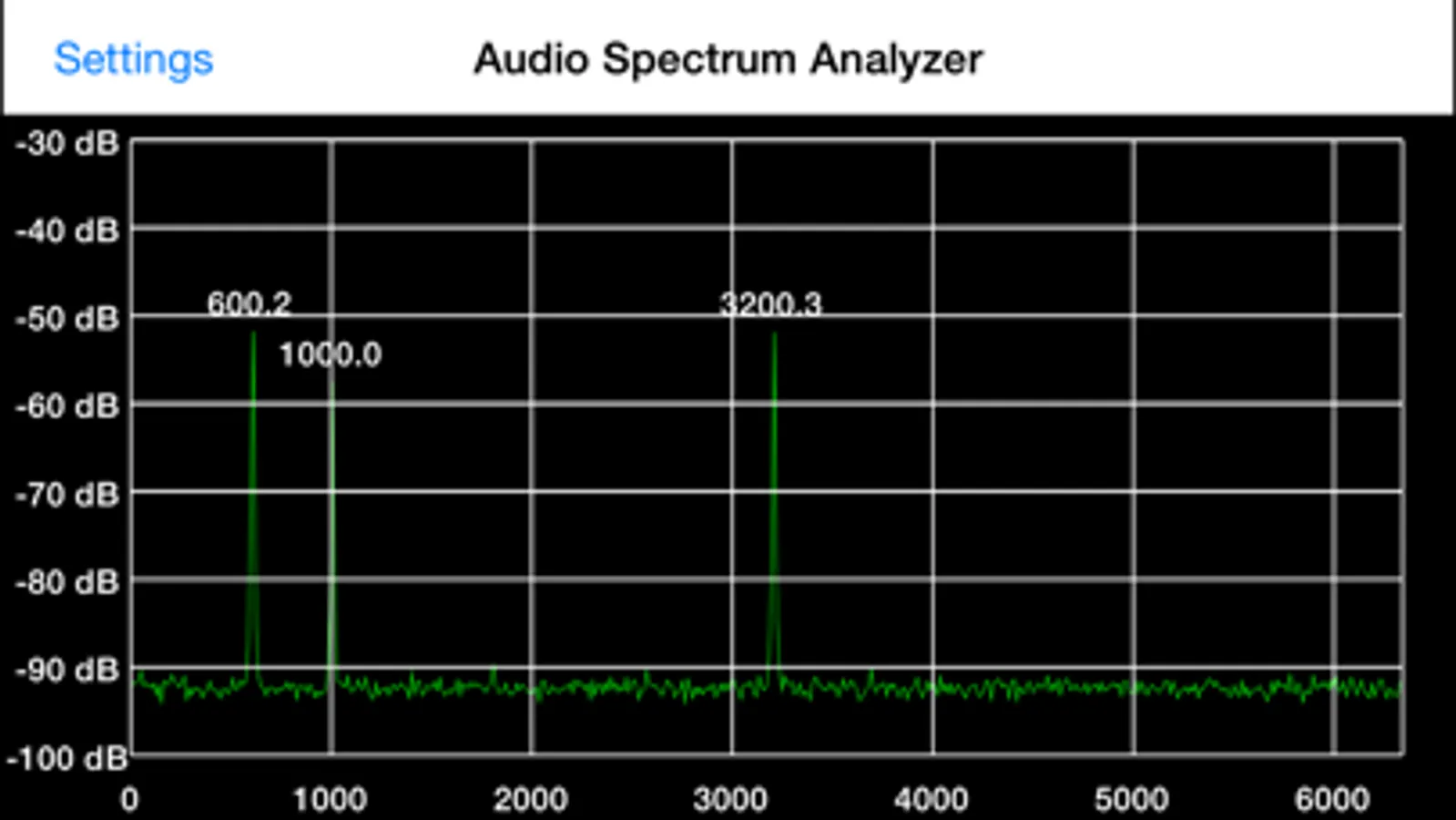
Spectrum Pad turns your iPad, iPhone, or iPod Touch into an audio spectrum analyzer. Frequencies up to 20 kHz can be displayed.
You can control the displayed frequency span, as well as the FFT size, from 1024 to 262144 bins.
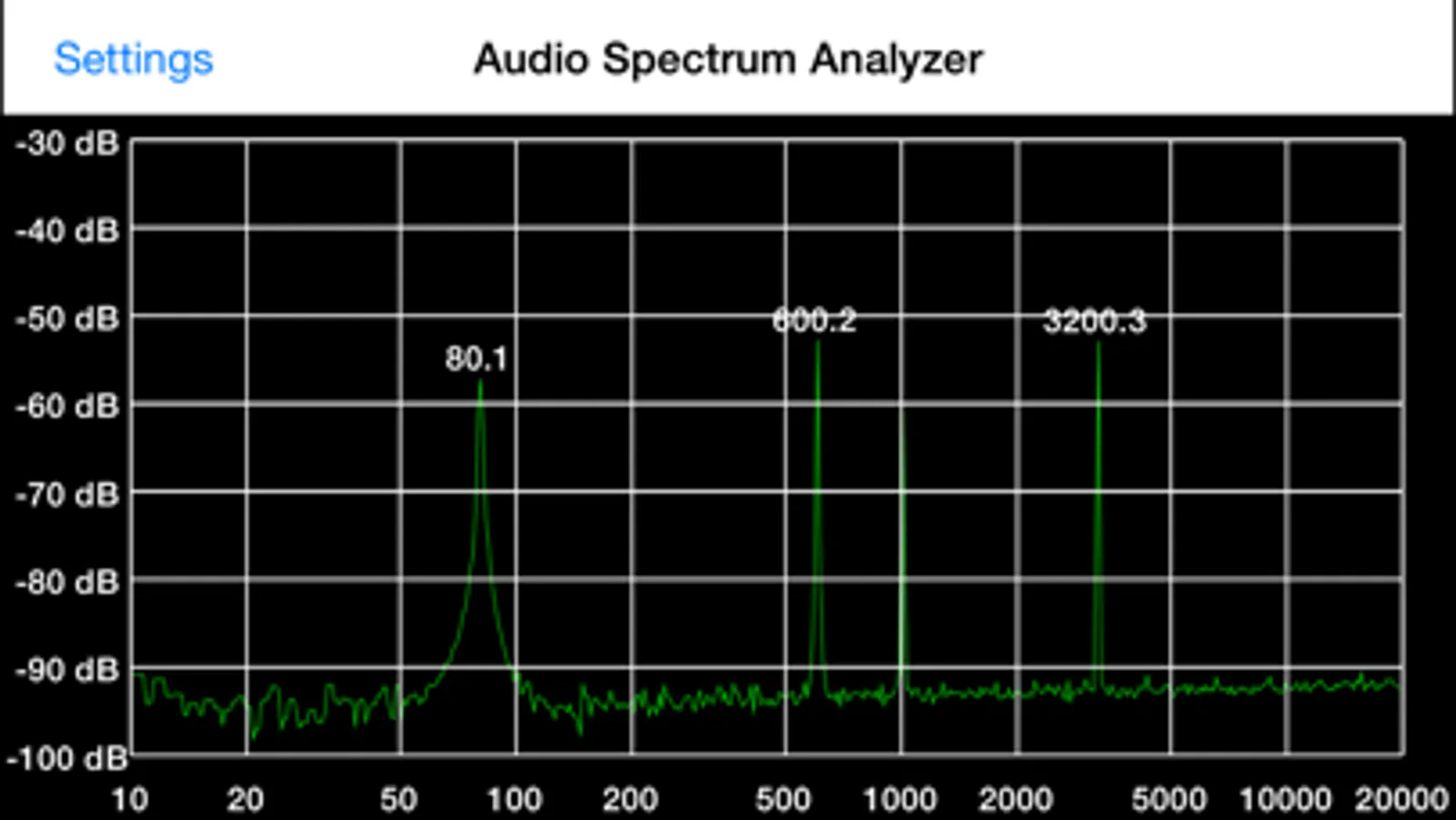
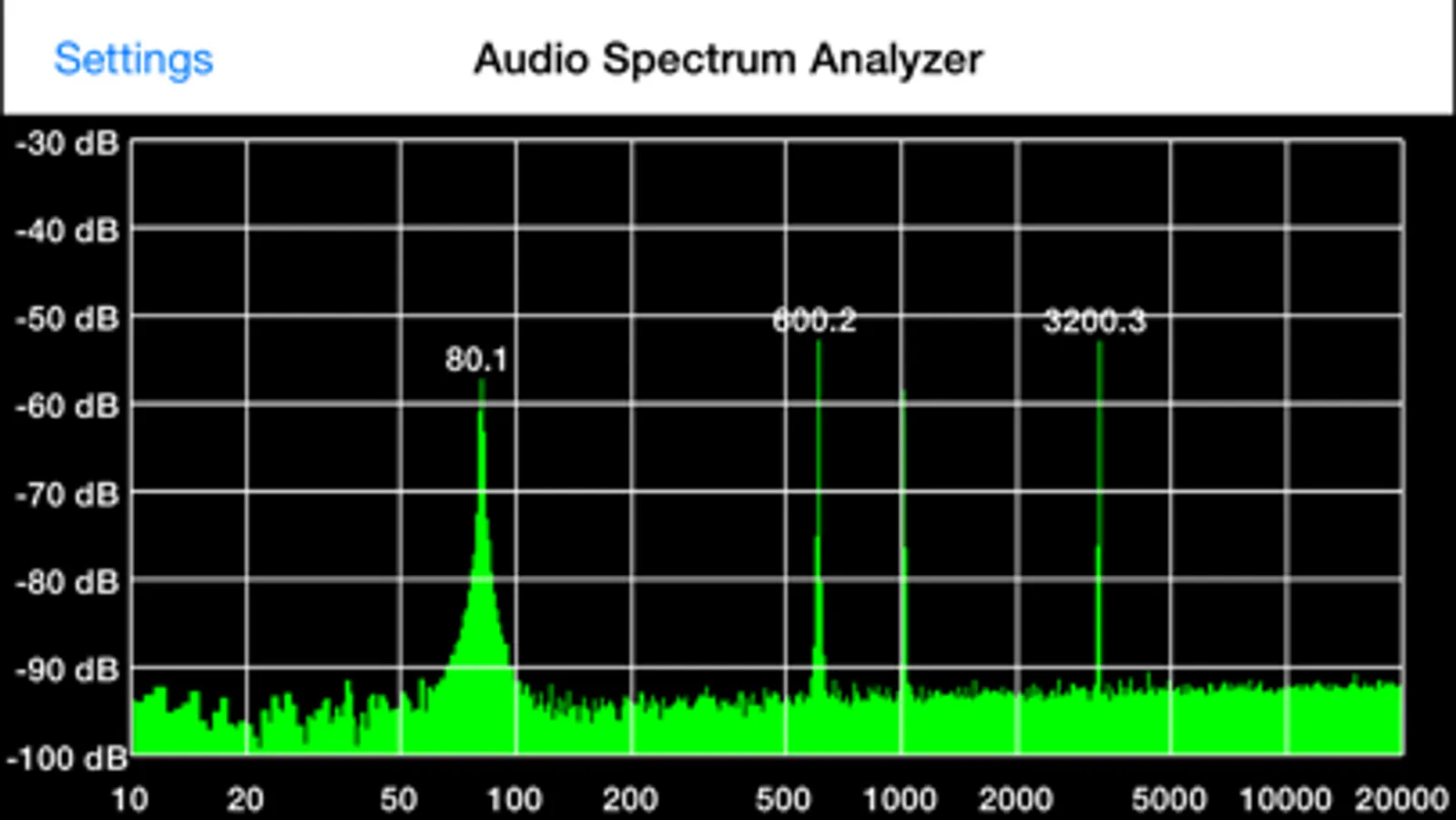
A logarithmic display of the entire 10 Hz to 20 kHz frequency range is available, and the graph fill mode can be turned on and off, as well as the display of up to five frequency markers.
Filtering (averaging) can be applied to the spectrum, to smooth out variations.
You can turn on the Peak Hold to make it easier to see transient events, as well as adjust the decay rate.
Swiping with two fingers lets you adjust the brightness of the spectrum or the graticule grid overlay.
Tapping three times with two fingers will save a screenshot to your Photos.
One of several user selectable window functions can be used:
Rectangular
Hanning
Hamming
Tukey
Cosine
Lanczos
Blackman
You can control the displayed frequency span, as well as the FFT size, from 1024 to 262144 bins.
A logarithmic display of the entire 10 Hz to 20 kHz frequency range is available, and the graph fill mode can be turned on and off, as well as the display of up to five frequency markers.
Filtering (averaging) can be applied to the spectrum, to smooth out variations.
You can turn on the Peak Hold to make it easier to see transient events, as well as adjust the decay rate.
Swiping with two fingers lets you adjust the brightness of the spectrum or the graticule grid overlay.
Tapping three times with two fingers will save a screenshot to your Photos.
One of several user selectable window functions can be used:
Rectangular
Hanning
Hamming
Tukey
Cosine
Lanczos
Blackman
Audio Spectrum Analyzer Screenshots
Tap to Rate:
Reviews for Audio Spectrum Analyzer
technomuso
Needs averaging
Very useful, but it would be so much better if it could do a running average of the spectrums. This would help to pull signals out of the noise floor.
cyclops8807
Doesn’t work
Doesn’t work with iPhone XR. Looks like it has t been updated in years. Not worth any money