In this circuit simulation app, you can design and experiment with analog and digital circuits using a wide range of elements and real-time analysis tools. Includes over 300 elements, multimeter, oscilloscope, and programming options for Arduino and PIC controllers.
AppRecs review analysis
AppRecs rating 3.6. Trustworthiness 80 out of 100. Review manipulation risk 23 out of 100. Based on a review sample analyzed.
★★★☆☆
3.6
AppRecs Rating
Ratings breakdown
5 star
63%
4 star
7%
3 star
5%
2 star
7%
1 star
19%
What to know
✓
Low review manipulation risk
23% review manipulation risk
✓
Credible reviews
80% trustworthiness score from analyzed reviews
⚠
Pricing complaints
Many low ratings mention paywalls or pricing
About iCircuit
Use it like a CAD tool: add components, wire them up, and set their properties. But iCircuit is unlike typical CAD apps because it is always simulating. You do not stop to take a measurement or spend time configuring reports. Instead, you just play with the circuit as you normally would, with the power on.
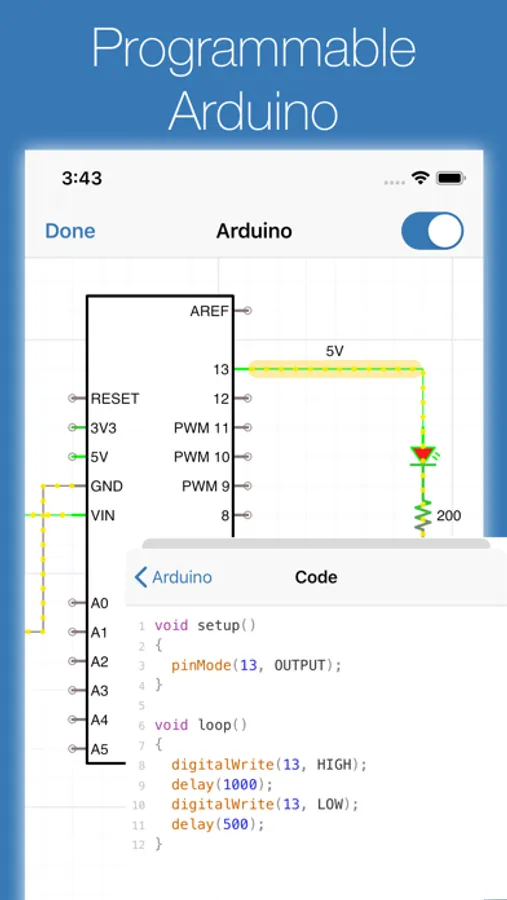
Build circuits with over 300 components, from simple resistors and LEDs to programmable Arduinos (Uno, Nano, Mega, ESP8266, ESP32), PIC microcontrollers, and 60 4000/7400-series digital ICs (more available with Pro). Connect elements, adjust values, and instantly see the results.
BUILT-IN TEST EQUIPMENT
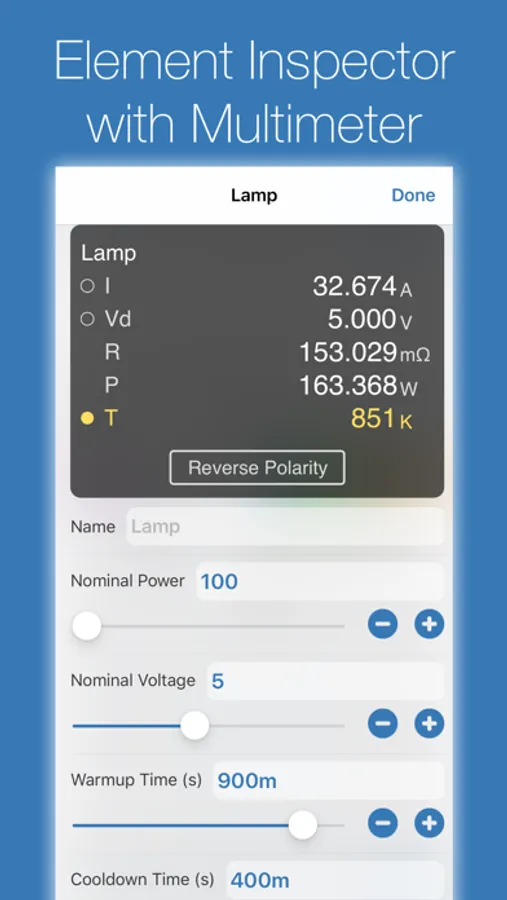
• Multimeter: Probe any point to read voltage, current, and power
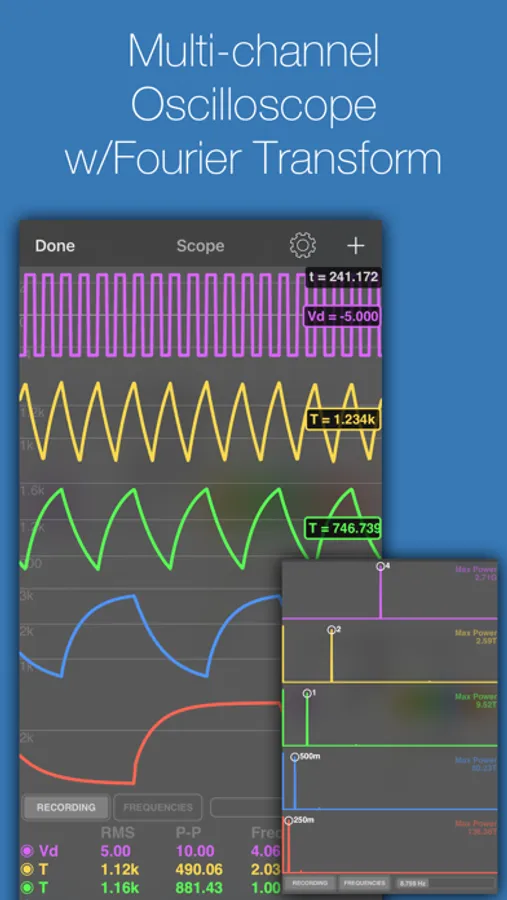
• Oscilloscope: Track multiple signals with touch-controlled time scale, stacked/unstacked views, FFT analysis, and Bode plots
• Gauges: Visualize voltages, currents, and frequencies directly in your circuit
• Signal generators and configurable sources
EXTENSIVE COMPONENT LIBRARY
• Programmable Arduinos (Uno, Nano, Mega, ESP8266, ESP32)
• Programmable PIC microcontrollers (assembly and HEX files, more available with Pro)
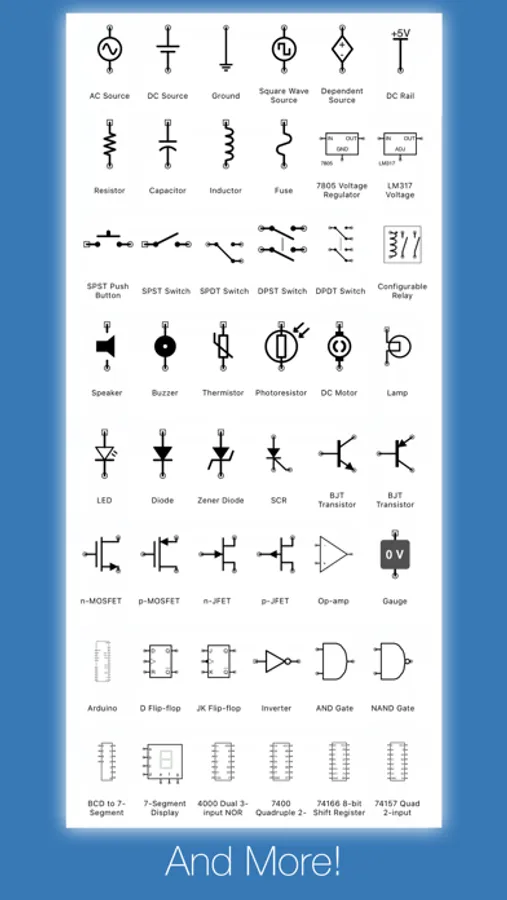
• Power: Voltage regulators (78xx, LM317), sources, dependent sources, power jacks, and simulated antennas
• Analog: Resistors, capacitors, inductors, diodes, BJTs, MOSFETs, thermistors, triodes, and tetrodes
• Digital: Logic gates (AND, OR, NAND, NOR, XOR), JK and D flip-flops, and 60 4000/7400-series ICs (180+ available with Pro)
• ADCs and DACs
• Sensors and displays: LEDs, 7-segment, NeoPixels, matrix displays, thermistors
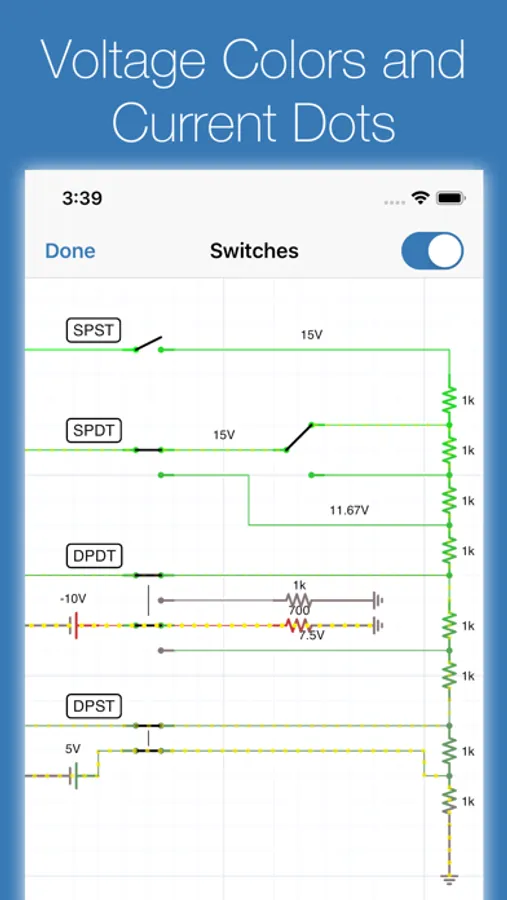
• Electromechanical: Motors, servos, SPST/SPDT and DPST/DPDT switches, push buttons, relays, and speakers
CREATE CUSTOM ELEMENTS
Build sub-circuits and custom elements to componentize your designs and create reusable modules. Share your custom elements with others via the iCircuit Gallery.
AUDIO SIMULATION
Hear your circuits. Speakers, buzzers, and microphones produce real audio output.
Perfect for students learning electronics, hobbyists prototyping projects, and engineers validating designs, all without burning out a single component.
ABOUT ICIRCUIT PRO (OPTIONAL)
iCircuit is a complete app with a one-time purchase. iCircuit Pro is optional and adds extra components (including more PICs and a larger 4000/7400 IC library) and helps fund ongoing development. Pro is not required for core simulation or everyday circuit design.
Terms of Use: https://www.apple.com/legal/internet-services/itunes/dev/stdeula/
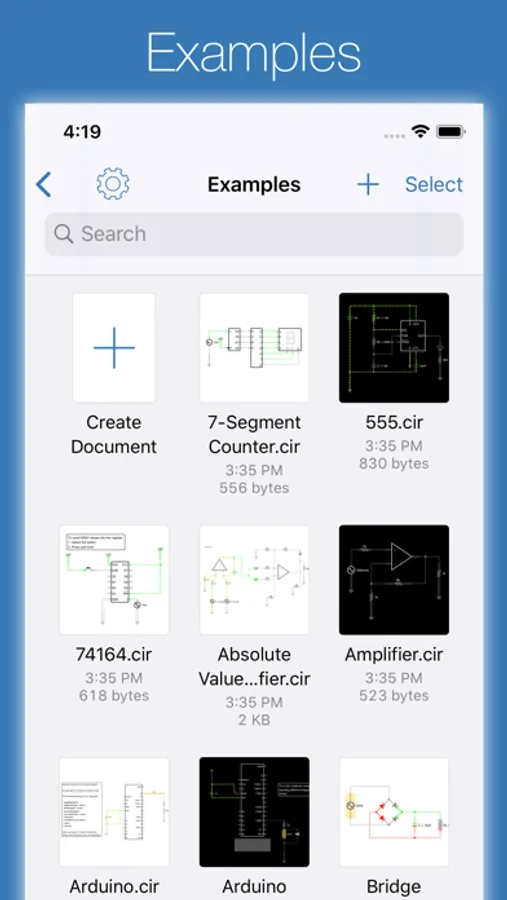
iCircuit Screenshots
Tap to Rate:
Reviews for iCircuit
guitaroYeah
Excellent
I wait n wait for that other company very big ? Never have they seen a mac NOR an iPhone … but hey iCircuit has been on my list , i will never ever be able to thank you enough,
Raquel Raquel Raquel
sad
This app deserves more negative reviews. It's super-amateur and riddled with bugs/annoyances. I wanted to use this to sketch circuits on an iPad. It's not good for that because the components are so buggy and limited. The UI doesn't work the way you would expect. You can't place things like you would expect. Basic functions like zooming and moving the canvas just don't work right. Snapping is frustrating and inconsistent. Sometimes when you tap an item it brings up one menu, sometimes it brings up a different menu. When using the app the canvas often gets stuck where you can't scroll down to see the bottom half of what you're working on, and the only way to fix it is to close the project and open it again. The pencil doesn't work right. It gets stuck doing nothing on a lot of taps. It kinda works sometimes, but the app was definitely not tested with the pencil. It's made to work with your finger. Scrolling lists of components is frustrating because there's no scrollbar and no room between components to 'grab' the list and scroll it. Most of the time you try to scroll a list it will think you're trying to drag the component out of the list and place it. Labelling things is not something the developer wants you to do. Components have a name you can edit, but many don't actually display the name. Traces/nets can't have names. There is a 'text label' component, but if you try to use it you'll realize there is an invisible barrier preventing you from actually placing it near other things. So you can't make an adjacent label, and you certainly can't place a label on top of something. Take a basic component — the TRS jack. It doesn't show the name you give it, and it doesn't have labels for tip/ring/GND. By default it's facing right. If you want to make it face left, you can only rotate it 180º so now it's upside down with GND on top and tip on the bottom which is confusing because you can't label things. There's a 'flip' option but it doesn't actually flip the component. It just roates it 180º. So it just does the exact same thing as rotating it twice. That's not very useful unless you like upside-down jacks with unnamed leads coming out of them. You're better off using 'internal port' for anything you want a name on. There's no consistancy. The TRS jack rotates and flips, but 'flip' actually rotates instead of flipping. But if you want to rotate an IC there is no 'rotate' option, there's just 'flip', and in this case it actually DOES flip the IC to a mirror image. That's not something you'd EVER want (unless you're drawing a circuit where the IC is on the bottom side of the PCB and you're looking through it from the top). Point being nothing works the way you want it to. If you want to sketch a circuit you're better off sketching it in a basic drawing app or sketching it on a piece of paper and taking a picture. This app won't improve your workflow. Most of the problems are things a developer with mobile experience could fix in an afternoon, but this developer is still charging $12.99 yet is unwilling/unable to fix any of the UI for 10+ years.