In this file management app, you can compress, decompress, and view ZIP and RAR files with password protection and encryption. Includes support for multiple archive formats, cloud integration, and security features.
AppRecs review analysis
AppRecs rating 4.0. Trustworthiness 76 out of 100. Review manipulation risk 23 out of 100. Based on a review sample analyzed.
★★★★☆
4.0
AppRecs Rating
Ratings breakdown
5 star
88%
4 star
6%
3 star
2%
2 star
1%
1 star
3%
What to know
✓
Low review manipulation risk
23% review manipulation risk
✓
Credible reviews
76% trustworthiness score from analyzed reviews
⚠
Ad complaints
Many low ratings mention excessive ads
About iZip – Zip Unzip Unrar
No. 1 App for ZIP and RAR file management on iPhone/iPad! Most secure and fast Zip utility for business and professional users.
iZip is a ZIP file management tool on iPhone and iPad. iZip has the following features:
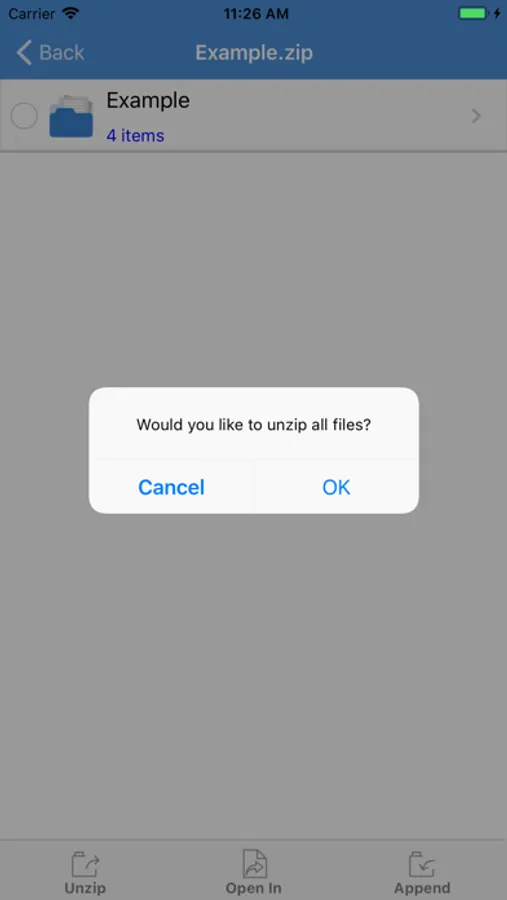
- Unzip files from ZIP format, including password protected and AES encrypted ZIP files.
- Unzip many compressed files, including: RAR, 7Z, ZIPX, TAR, GZIP, BZIP, TGZ, TBZ, ISO, DEB, CAB, JAR, RPM, CBS, and more.
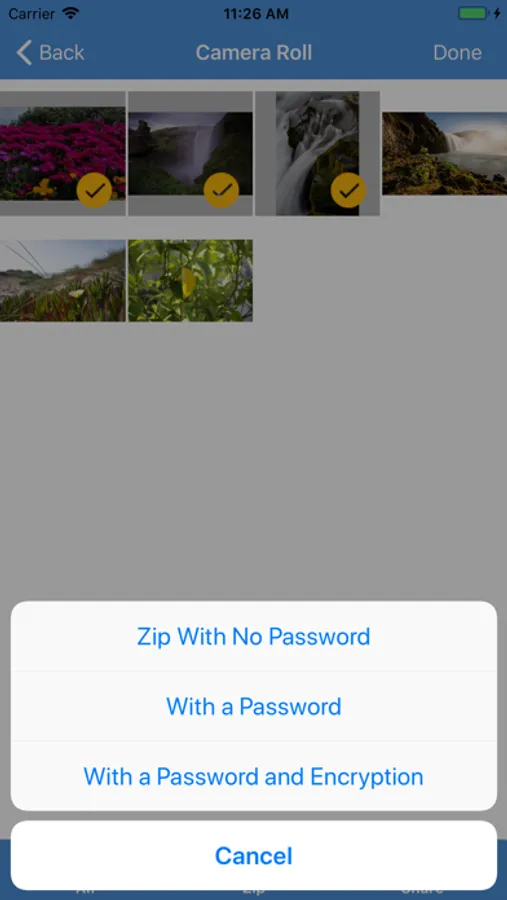
- Compress files into ZIP file.
- Compress photos and videos from Photo Album.
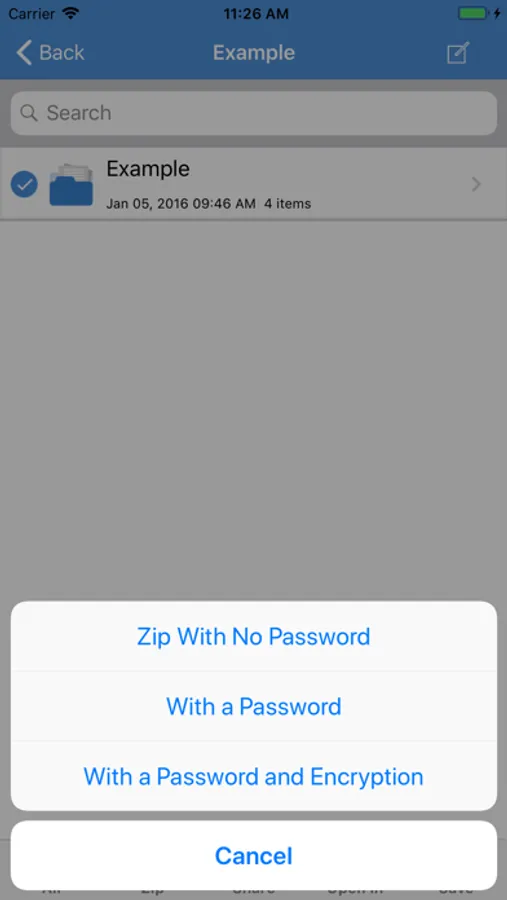
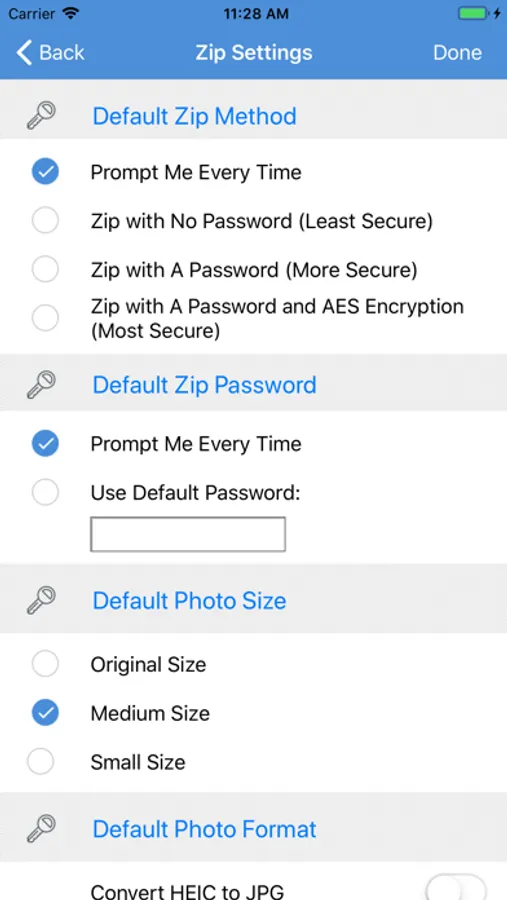
- Compress files with a password or AES encryption. (Pro)
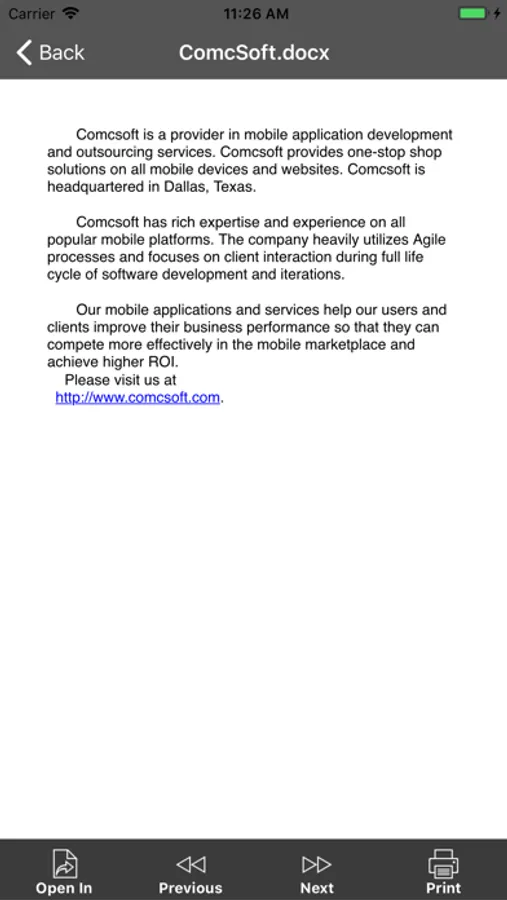
- Open and view many document types: DOC, Excel, PPT, PDF, TXT, RTF, Pages, JPG, GIF, PNG, audios and videos.
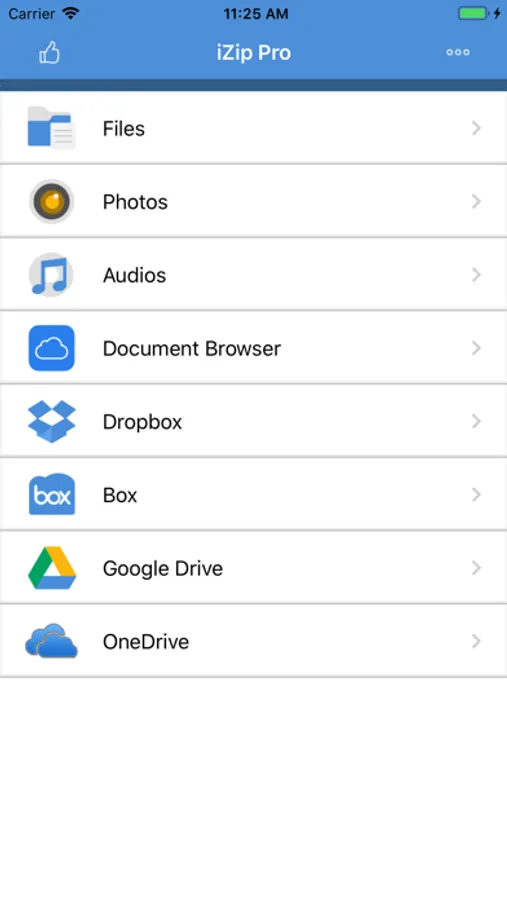
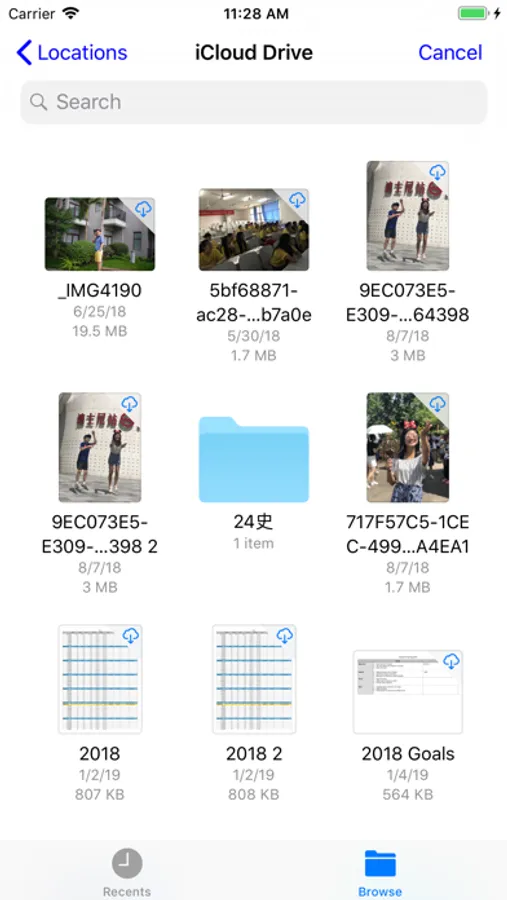
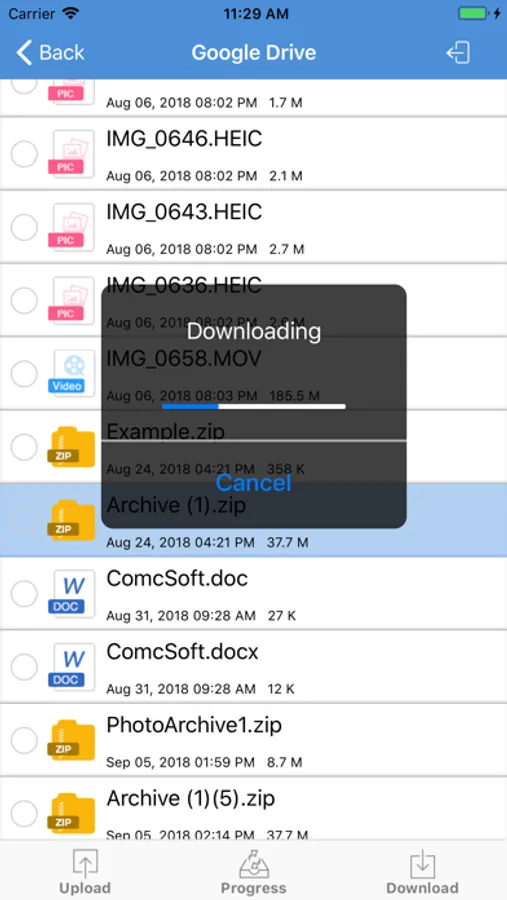
- Open files directly from iCloud, Dropbox, Box, One Drive, and Google Drive.
- Upload/download files to/from Dropbox, Box, One Drive, and Google Drive.
- Support Files app. Open files from iCloudDrive, other cloud drives, and third party Apps in Document Browser. Save files to iCloudDrive, other cloud drives and third party Apps.
- Append files to a ZIP file.
- Support multiple ways of sharing files, including: Email, Message, Airdrop, Open in another App.
- Save photos to Photo Album.
- Support HEIC to JPG conversion. Support different image sizes. (Pro)
- Print documents.
- Download/upload files through iTunes.
- Support Face ID and Touch ID. (Pro)
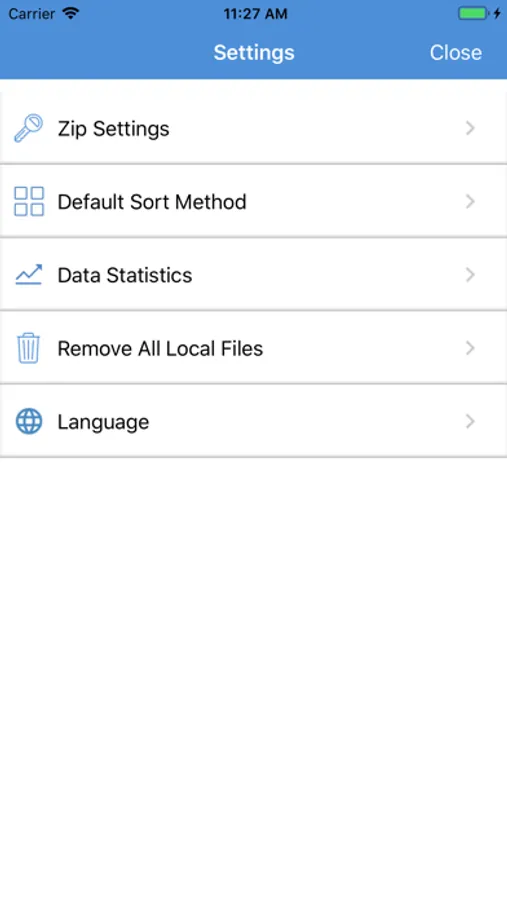
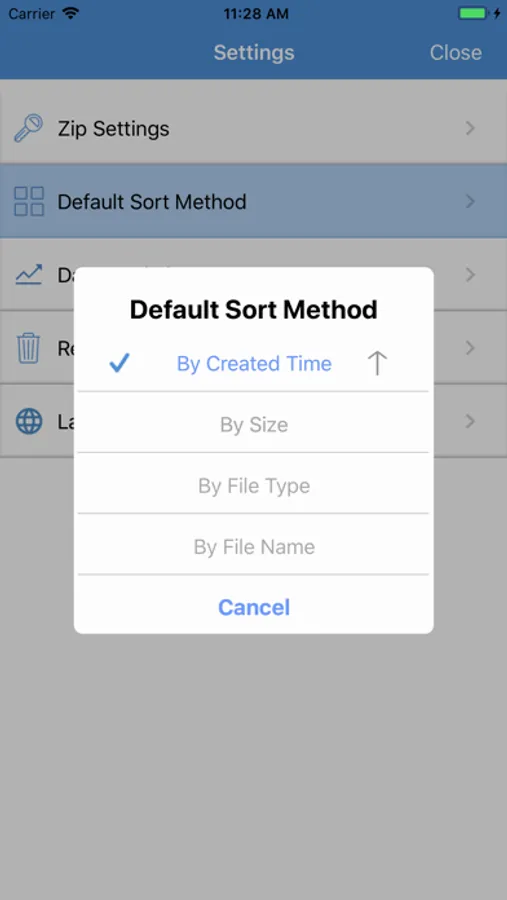
With its simple interfaces, iZip provides the easiest way to manage ZIP files on iPhone and iPad.
If you have any questions, please visit: http://www.comcsoft.com/Portfolio/our_apps/iZip/iZip_overview.php
iZip is a ZIP file management tool on iPhone and iPad. iZip has the following features:
- Unzip files from ZIP format, including password protected and AES encrypted ZIP files.
- Unzip many compressed files, including: RAR, 7Z, ZIPX, TAR, GZIP, BZIP, TGZ, TBZ, ISO, DEB, CAB, JAR, RPM, CBS, and more.
- Compress files into ZIP file.
- Compress photos and videos from Photo Album.
- Compress files with a password or AES encryption. (Pro)
- Open and view many document types: DOC, Excel, PPT, PDF, TXT, RTF, Pages, JPG, GIF, PNG, audios and videos.
- Open files directly from iCloud, Dropbox, Box, One Drive, and Google Drive.
- Upload/download files to/from Dropbox, Box, One Drive, and Google Drive.
- Support Files app. Open files from iCloudDrive, other cloud drives, and third party Apps in Document Browser. Save files to iCloudDrive, other cloud drives and third party Apps.
- Append files to a ZIP file.
- Support multiple ways of sharing files, including: Email, Message, Airdrop, Open in another App.
- Save photos to Photo Album.
- Support HEIC to JPG conversion. Support different image sizes. (Pro)
- Print documents.
- Download/upload files through iTunes.
- Support Face ID and Touch ID. (Pro)
With its simple interfaces, iZip provides the easiest way to manage ZIP files on iPhone and iPad.
If you have any questions, please visit: http://www.comcsoft.com/Portfolio/our_apps/iZip/iZip_overview.php
iZip – Zip Unzip Unrar Screenshots
Tap to Rate:
Reviews for iZip – Zip Unzip Unrar
Willshirefarms
Pure junk
Cant even get out of the ads! Uninstalled immediately
Can’t extract 7z files
Izip
Can’t extract 7z files