In this PDF management app, you can create, modify, and view PDF documents with features like merging and splitting files. Includes file import options, page editing tools, and security settings.
AppRecs review analysis
AppRecs rating 4.2. Trustworthiness 72 out of 100. Review manipulation risk 27 out of 100. Based on a review sample analyzed.
★★★★☆
4.2
AppRecs Rating
Ratings breakdown
5 star
87%
4 star
8%
3 star
2%
2 star
1%
1 star
2%
What to know
✓
Low review manipulation risk
27% review manipulation risk
✓
Credible reviews
72% trustworthiness score from analyzed reviews
✓
High user satisfaction
87% of sampled ratings are 5 stars
About Power PDF - PDF Manager
Power PDF is a powerful tool to create, secure and view PDF documents on iPad/iPhone.
Power PDF lets you create PDF documents on your iPhone/iPad with ease. It supports:
- Create PDF documents from many file types, including: DOC, XLS, PPT, TXT, RTF, XML, HTML and all text files.
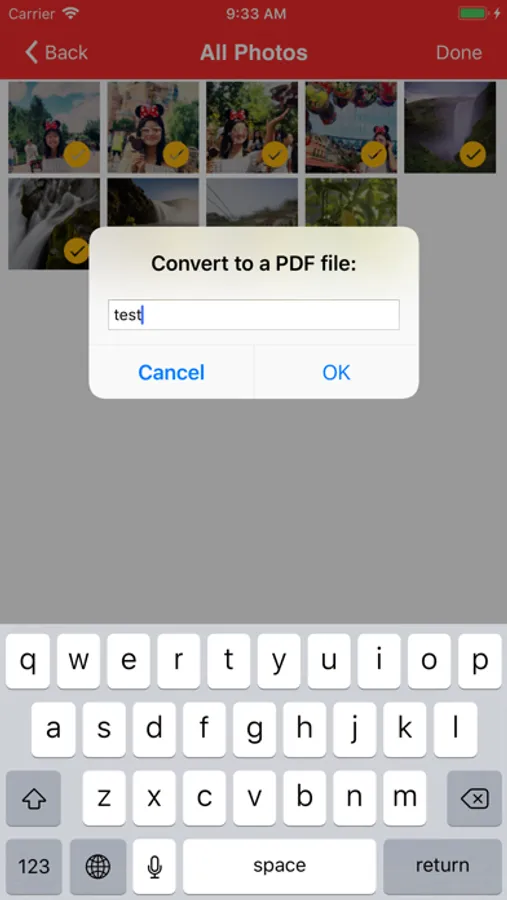
- Convert photos to a PDF document.
- Scan to a PDF document using your Camera.
Power PDF lets you modify PDF documents on your iPhone/iPad with ease. It supports:
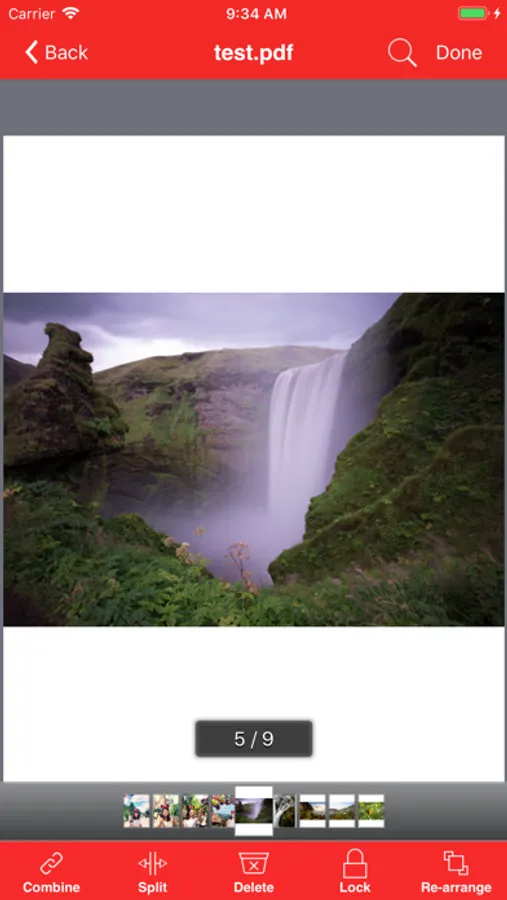
- Combine PDF documents.
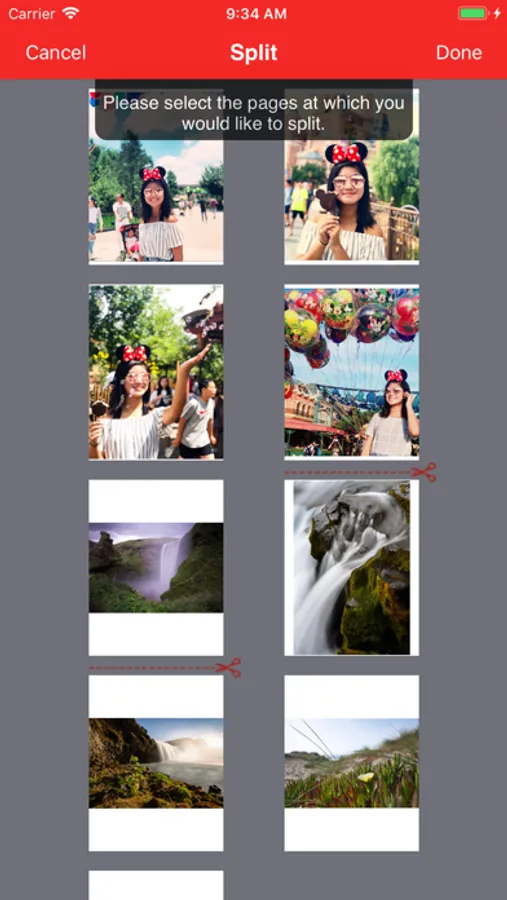
- Split a PDF document into two or more documents.
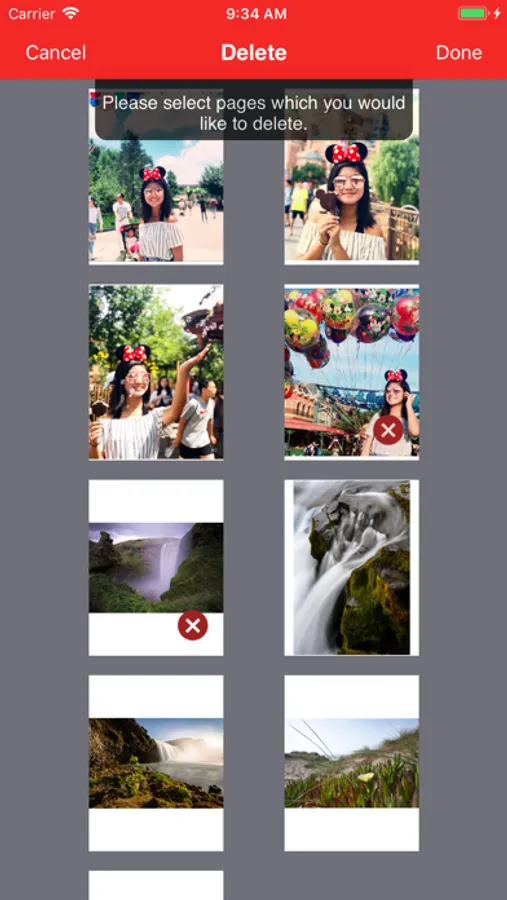
- Delete pages in a PDF document.
- Re-arrange pages in a PDF document.
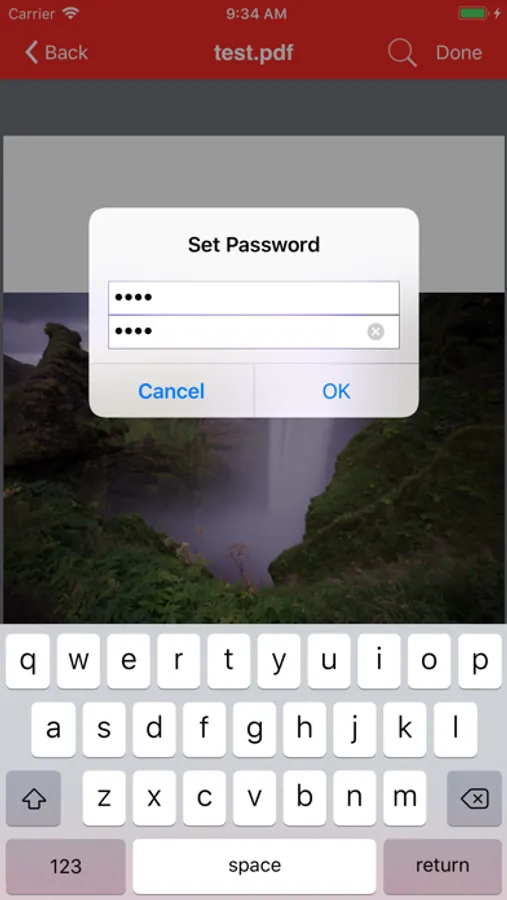
- Add password protection to a PDF document.
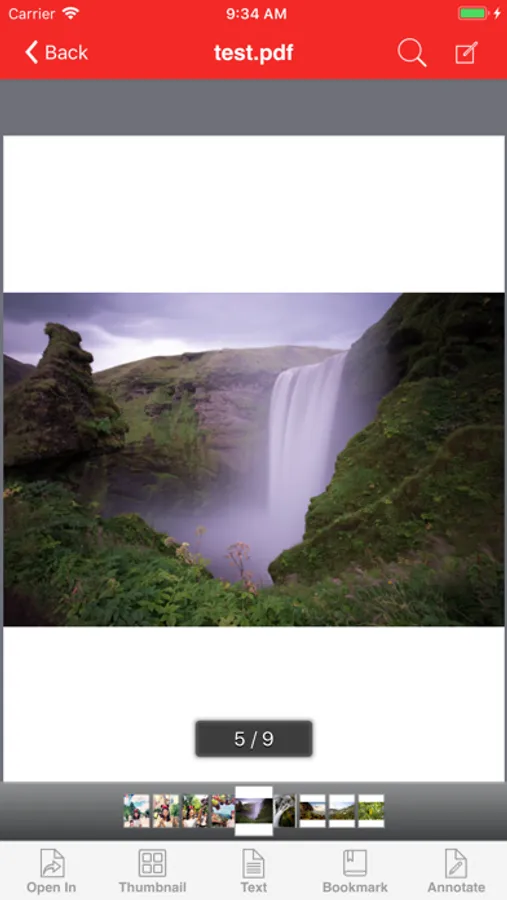
Power PDF lets you view PDF documents with ease. It supports:
- View PDF documents in thumbnail or full screen modes.
- Extract text from a PDF document.
- Add bookmarks on a PDF document.
- Search within a PDF document.
- Fast Navigate within a PDF document.
- Zooms in/Zooms out on a PDF document.
- Annotate in a PDF document.
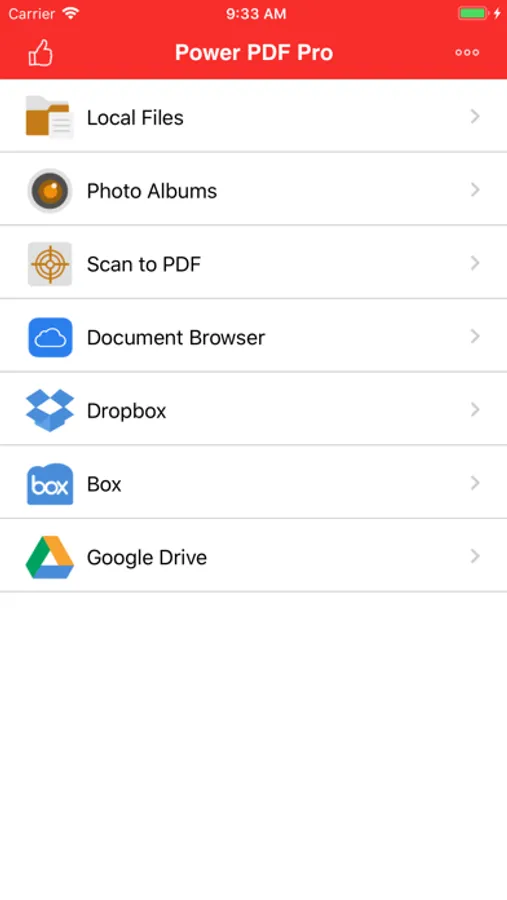
Power PDF also has a File Manager, which supports the following features:
- Import files from your Camera Roll, Email or another App through “Open In”.
- Manage Files including: rename, delete, move, create folder and sort.
- Search file name in Local Files and Camera Roll.
- Open many document types, including: DOC, EXCEL, PPT, TXT, image files, and audio files.
With its simple interfaces, Power PDF provides the easiest way to manage PDF documents on iPhone and iPad.
If you have more questions, please visit: http://www.comcsoft.com/Portfolio/our_apps/PowerPDF/PowerPDF_overview.php.
Power PDF lets you create PDF documents on your iPhone/iPad with ease. It supports:
- Create PDF documents from many file types, including: DOC, XLS, PPT, TXT, RTF, XML, HTML and all text files.
- Convert photos to a PDF document.
- Scan to a PDF document using your Camera.
Power PDF lets you modify PDF documents on your iPhone/iPad with ease. It supports:
- Combine PDF documents.
- Split a PDF document into two or more documents.
- Delete pages in a PDF document.
- Re-arrange pages in a PDF document.
- Add password protection to a PDF document.
Power PDF lets you view PDF documents with ease. It supports:
- View PDF documents in thumbnail or full screen modes.
- Extract text from a PDF document.
- Add bookmarks on a PDF document.
- Search within a PDF document.
- Fast Navigate within a PDF document.
- Zooms in/Zooms out on a PDF document.
- Annotate in a PDF document.
Power PDF also has a File Manager, which supports the following features:
- Import files from your Camera Roll, Email or another App through “Open In”.
- Manage Files including: rename, delete, move, create folder and sort.
- Search file name in Local Files and Camera Roll.
- Open many document types, including: DOC, EXCEL, PPT, TXT, image files, and audio files.
With its simple interfaces, Power PDF provides the easiest way to manage PDF documents on iPhone and iPad.
If you have more questions, please visit: http://www.comcsoft.com/Portfolio/our_apps/PowerPDF/PowerPDF_overview.php.
Power PDF - PDF Manager Screenshots



Tap to Rate:
Reviews for Power PDF - PDF Manager
Drooz117745
Awesome app…
…if you enjoy big fat digital turds.
ironman-12
Easy to use but very powerful
I love the way this program handles all types of documents so easily