In this PDF management app, you can create, edit, and view PDF files using various import and export options. Includes support for file conversion, cloud storage integration, and document security features.
AppRecs review analysis
AppRecs rating 4.1. Trustworthiness 81 out of 100. Review manipulation risk 20 out of 100. Based on a review sample analyzed.
★★★★☆
4.1
AppRecs Rating
Ratings breakdown
5 star
89%
4 star
6%
3 star
2%
2 star
1%
1 star
2%
What to know
✓
Low review manipulation risk
20% review manipulation risk
✓
Credible reviews
81% trustworthiness score from analyzed reviews
⚠
Pricing complaints
Many low ratings mention paywalls or pricing
About Power PDF Pro
Power PDF Pro lets you create PDF documents on your iPhone/iPad with ease. It supports:
- Create PDF documents from many file types, including: DOC, XLS, PPT, TXT, RTF, XML, HTML and all text files.
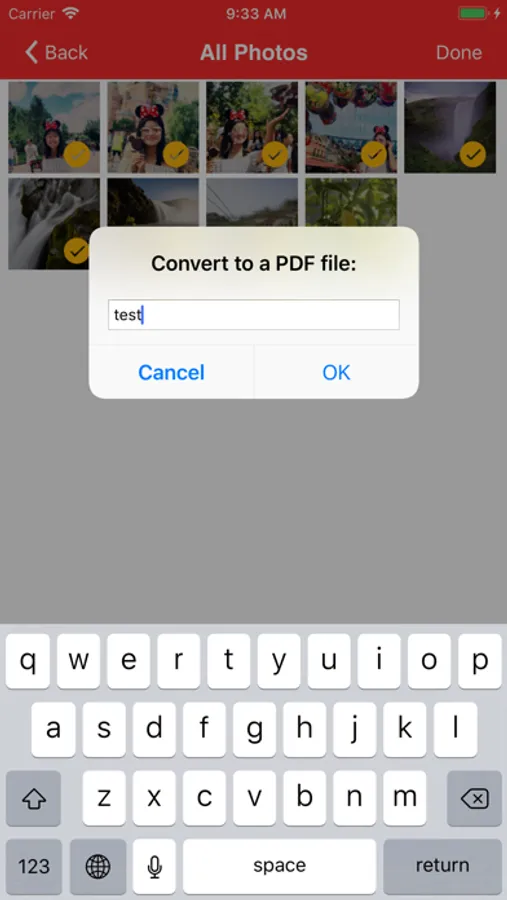
- Convert photos to a PDF document.
- Scan to a PDF document using your Camera.
Power PDF Pro lets you modify PDF documents on your iPhone/iPad with ease. It supports:
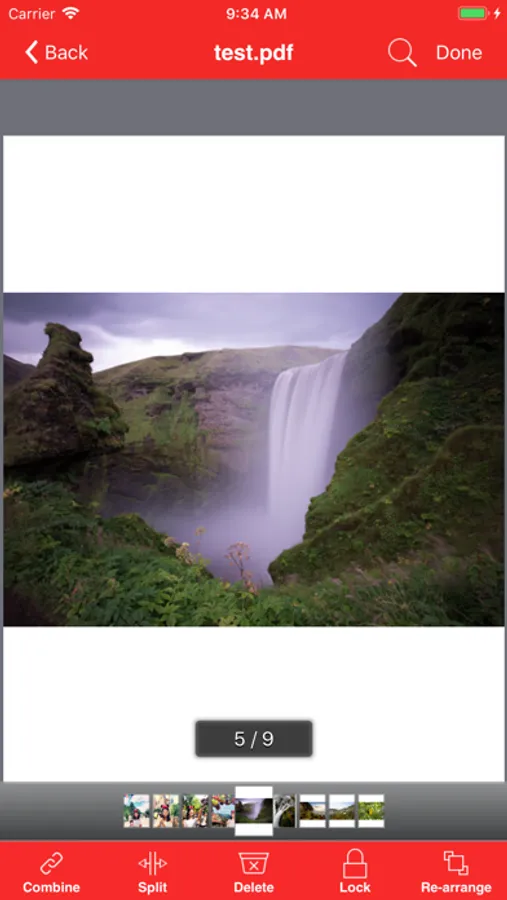
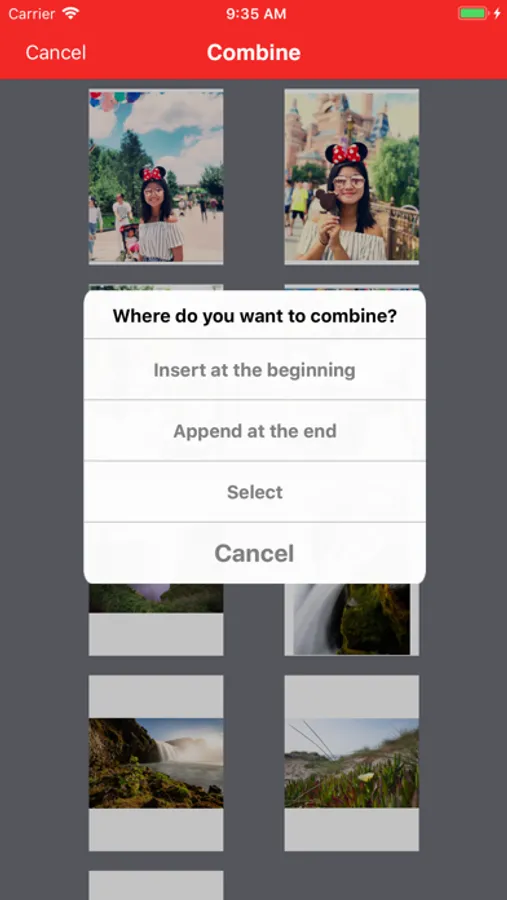
- Combine PDF documents.
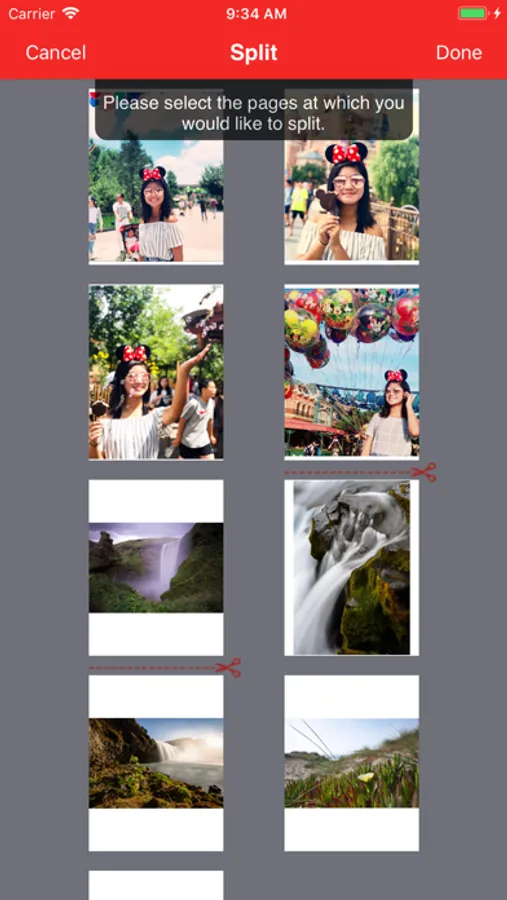
- Split a PDF document into two or more documents.
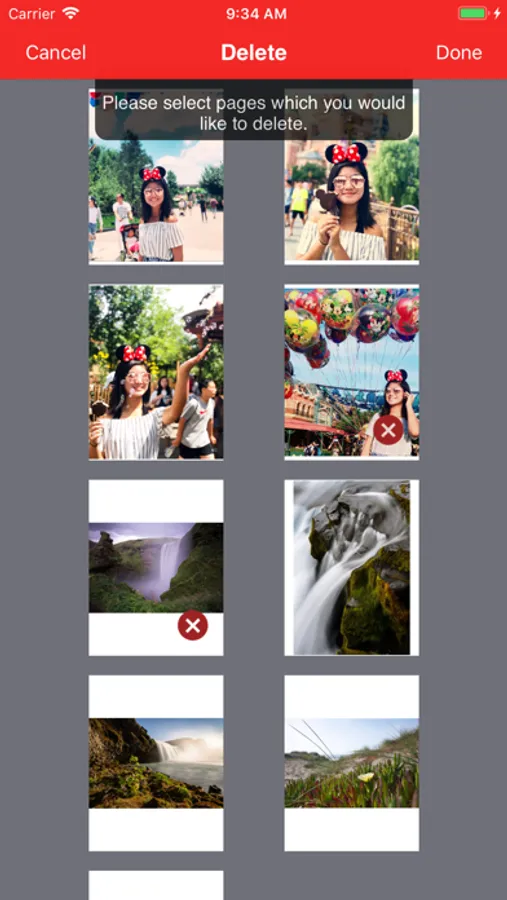
- Delete pages in a PDF document.
- Re-arrange pages in a PDF document.
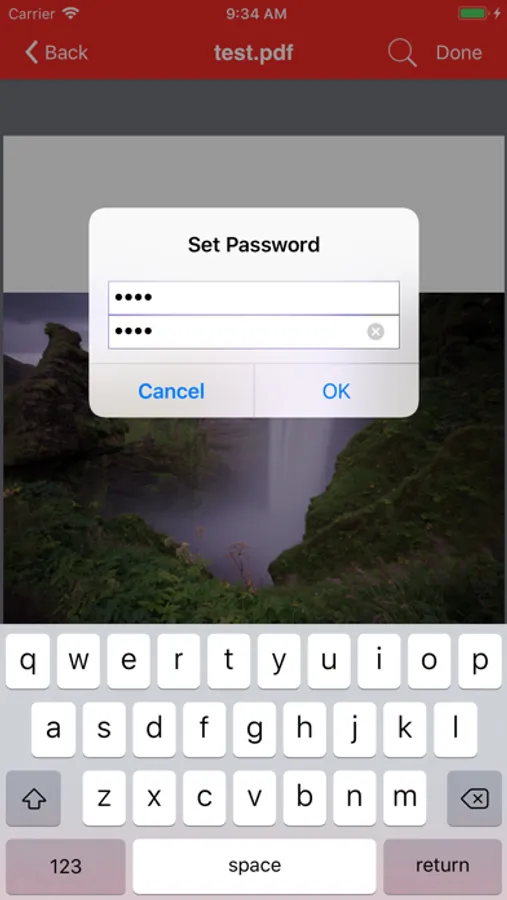
- Add password protection to a PDF document.
Power PDF Pro lets you view PDF documents with ease. It supports:
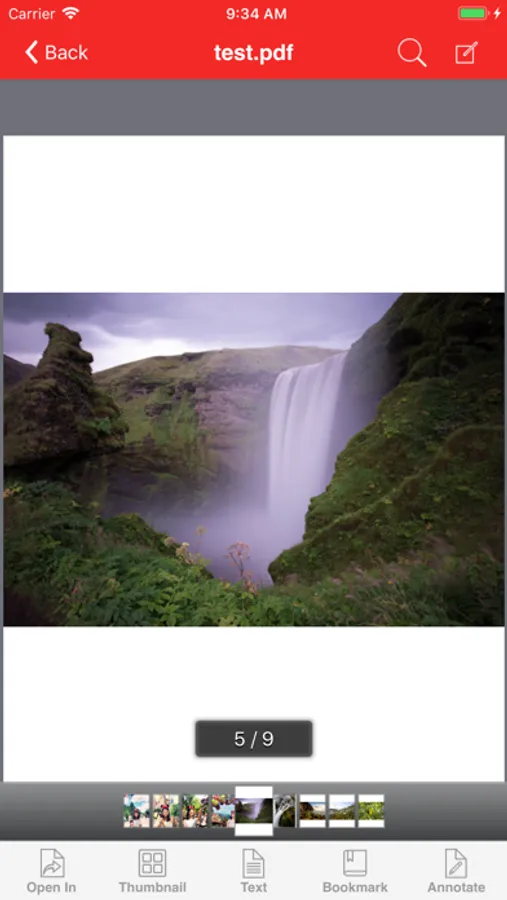
- View PDF documents in thumbnail or full screen modes.
- Extract text from a PDF document.
- Add bookmarks on a PDF document.
- Search within a PDF document.
- Fast Navigate within a PDF document.
- Zooms in/Zooms out on a PDF document.
- Annotate in a PDF document.
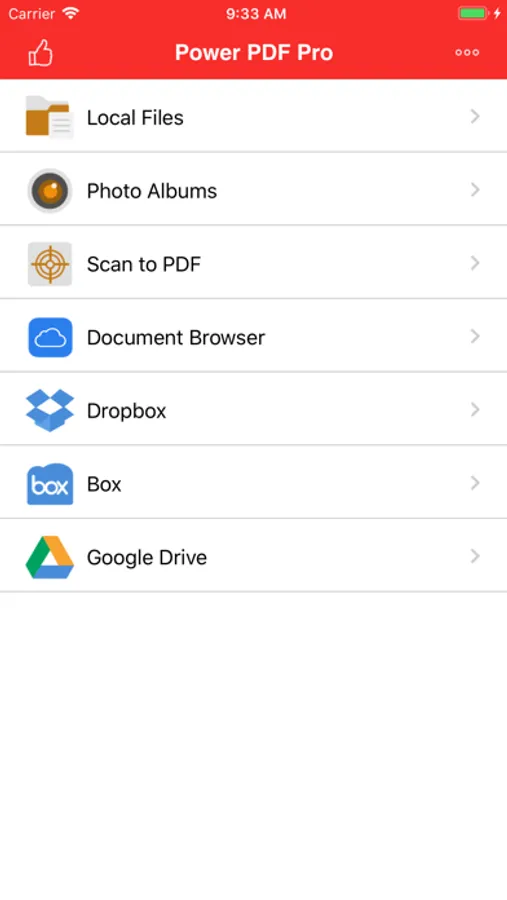
Power PDF Pro also has a File Manager, which supports the following features:
- Import files from your Camera Roll, Email or another App.
- Manage Files including: rename, delete, move, create folder and sort.
- Search file name in Local Files and Camera Roll.
- Open many document types, including: DOC, EXCEL, PPT, TXT, image files, and audio files.
- Download from/upload to Dropbox, Box and GoogleDrive.
With its simple interfaces, Power PDF Pro provides the easiest way to manage PDF documents on iPhone and iPad.
Power PDF Pro Screenshots


Tap to Rate:
Reviews for Power PDF Pro
PS-Watch
My Main PDF App
I use it daily to print to pdf and store the documents on my phone. It has connection to some cloud storage but not icloud. Hope the developers will include connection to iCloud storage soon.
Alvar Broen
Cannot Lock File
I have the Pro version but I cannot password protect files. Looking at the FAQs, it says there is an upgrade required. The description on the App Store does not state this limitation.