In this drawing app, you can create seamless patterns and experiment with textures using customizable tools. Includes pattern tiling, real-time parameter adjustments, and support for Apple Pencil.
AppRecs review analysis
AppRecs rating 4.7. Trustworthiness 71 out of 100. Review manipulation risk 21 out of 100. Based on a review sample analyzed.
★★★★☆
4.7
AppRecs Rating
Ratings breakdown
5 star
84%
4 star
10%
3 star
3%
2 star
1%
1 star
3%
What to know
✓
Low review manipulation risk
21% review manipulation risk
✓
Credible reviews
71% trustworthiness score from analyzed reviews
✓
High user satisfaction
84% of sampled ratings are 5 stars
About WowPaint
Other artists: WowPaint is great for drawing and painting “normal” art as well!
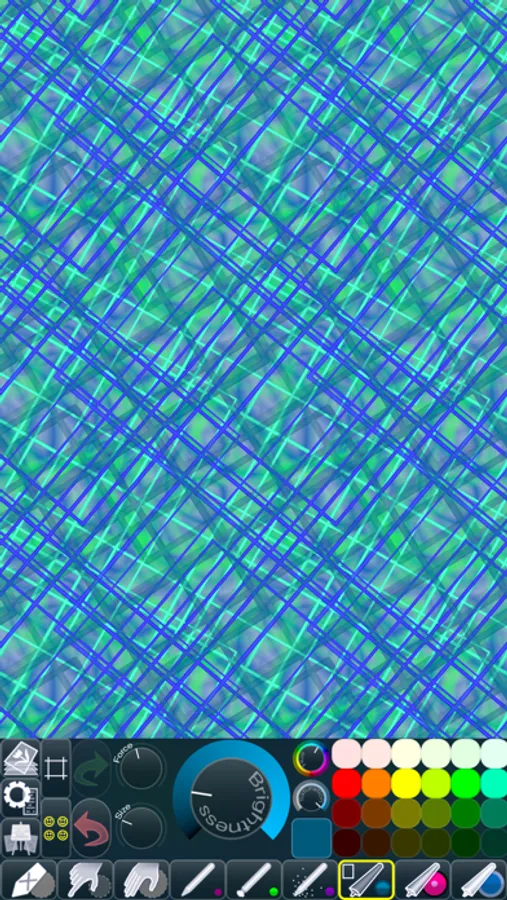
• CREATE SEAMLESS PATTERNS •
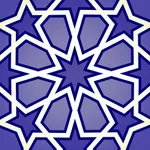
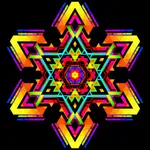
Use the Seamless Pattern Options to aid you in creating seamless patterns that can be used as website or desktop backgrounds, in print, or for textures in 3d modeling.
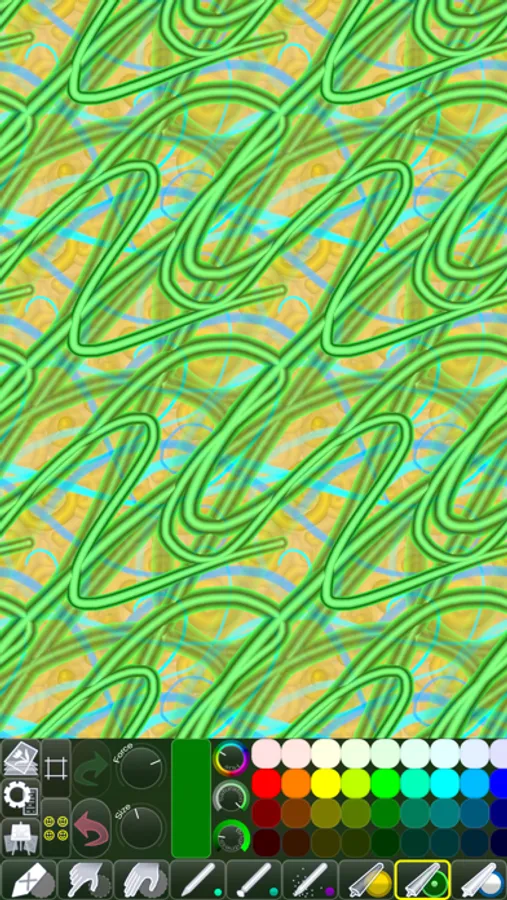
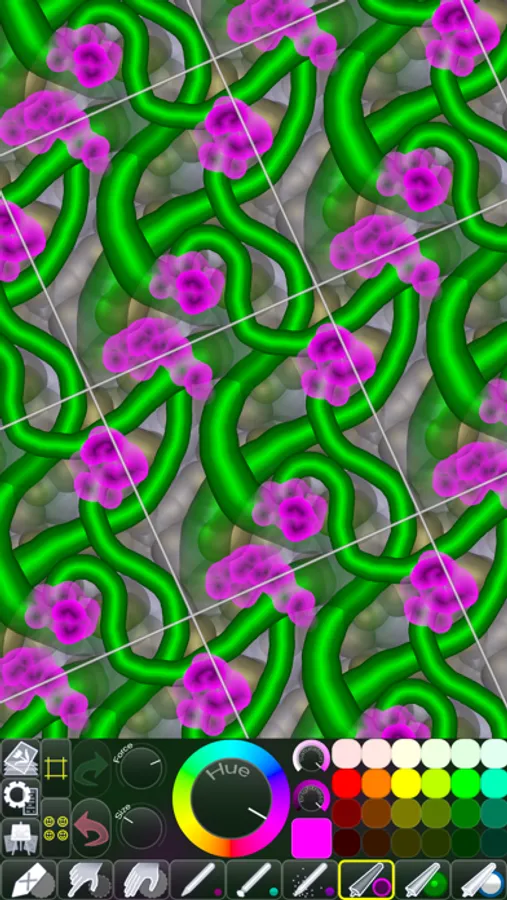
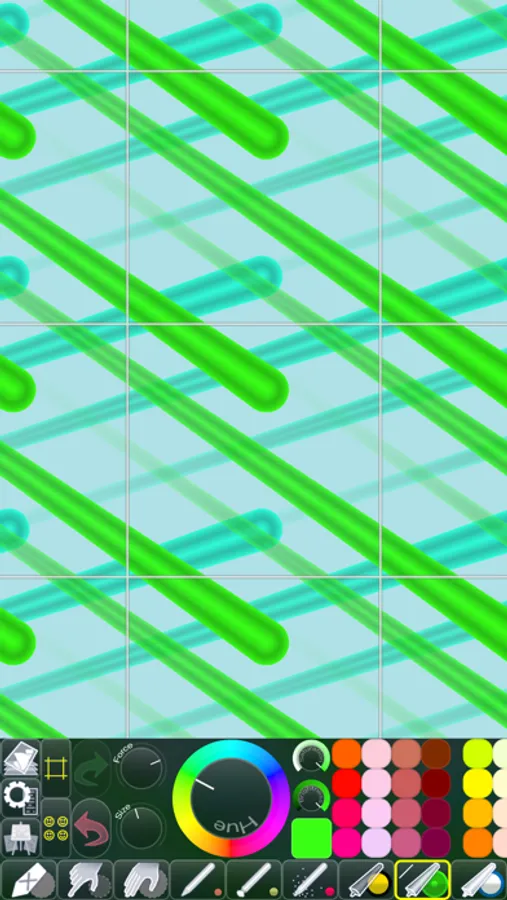
When you have switched on Wrap X/Y, any strokes you paint that go over the picture’s edge will continue on the opposite side.
That means that there will be no hard edges where strokes are cut off (since they continue instead), which makes the picture a perfect candidate for being seamlessly repeated.
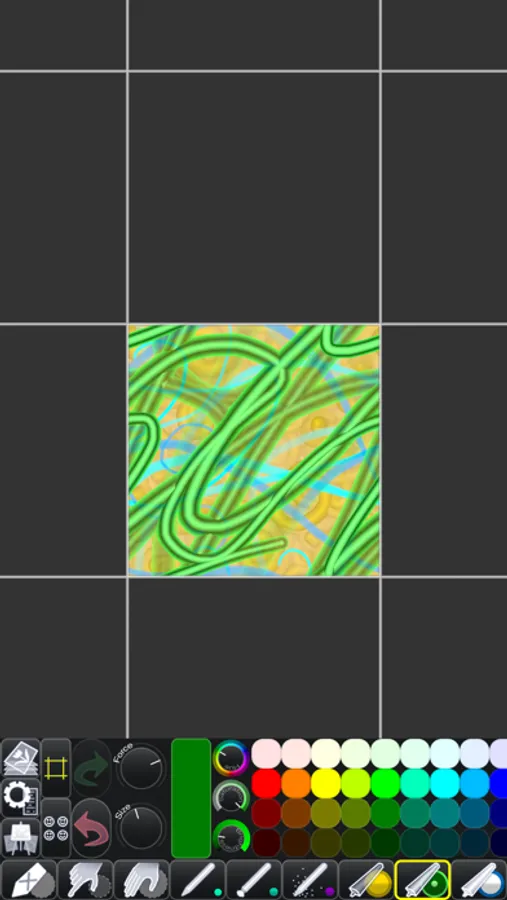
A tremendous help when using the Wrapped Painting mode is the option of having the picture displayed as tiles next to each other.
You’re free to paint anywhere on these tiles, and you will see the results in real time.
You can also switch on Edge Indicators, to make it easier to see where the picture being repeated begins and ends.
• FINGERTIP = STROKE SIZE •
When you paint, the app measures how much of your finger is touching the screen and changes the stroke size accordingly.
There’s a huge difference between using just the corner of your fingertip and pressing down the whole fingerprint area!
A 2nd tool assigned to your finger will still use this feature, so don’t ignore it just because you have an Apple Pencil!
• LEFT-HANDED? •
Just swipe the toolbar over to the other side!
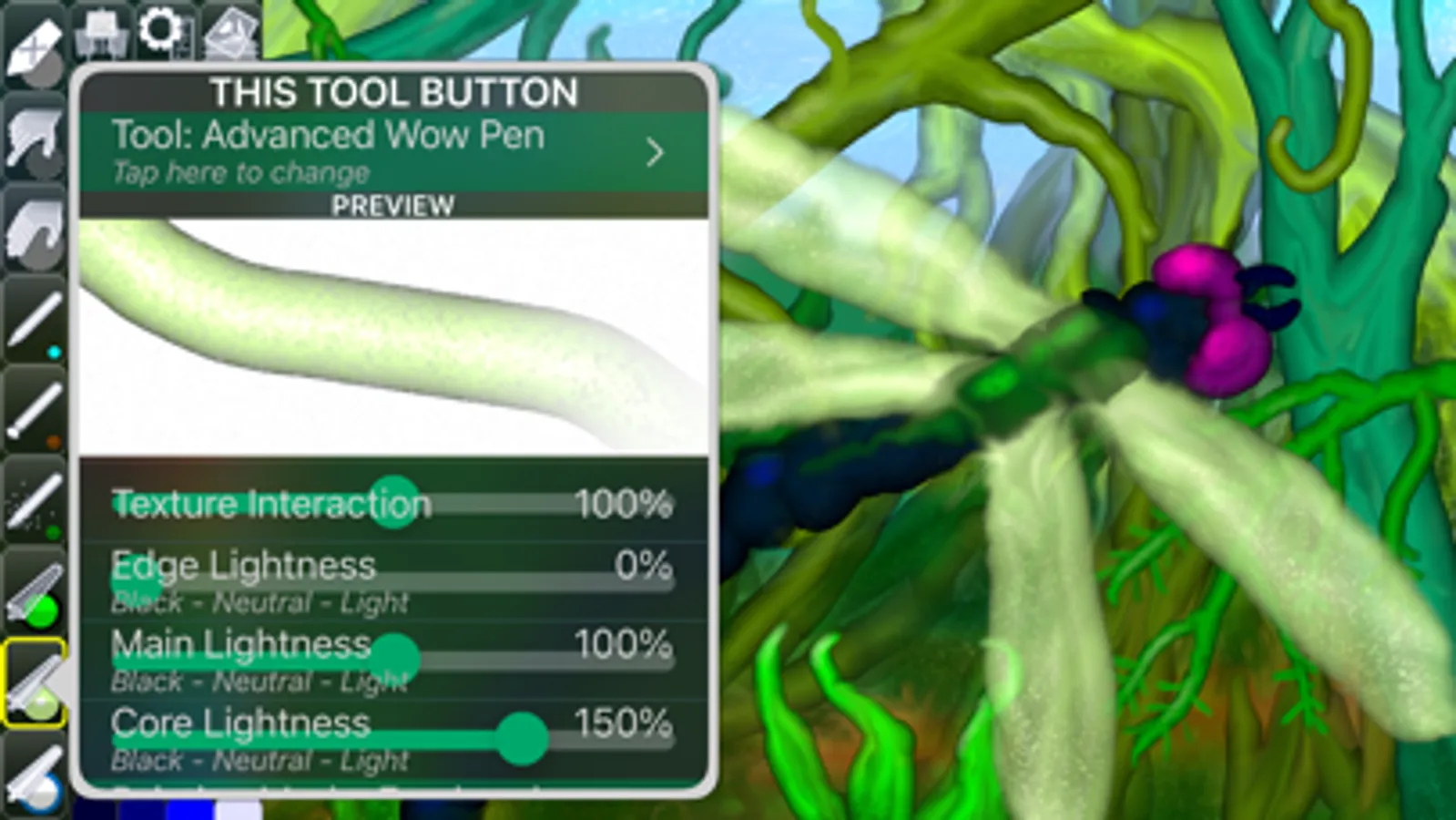
• PARAMETERS CAN BE CHANGED LIVE •
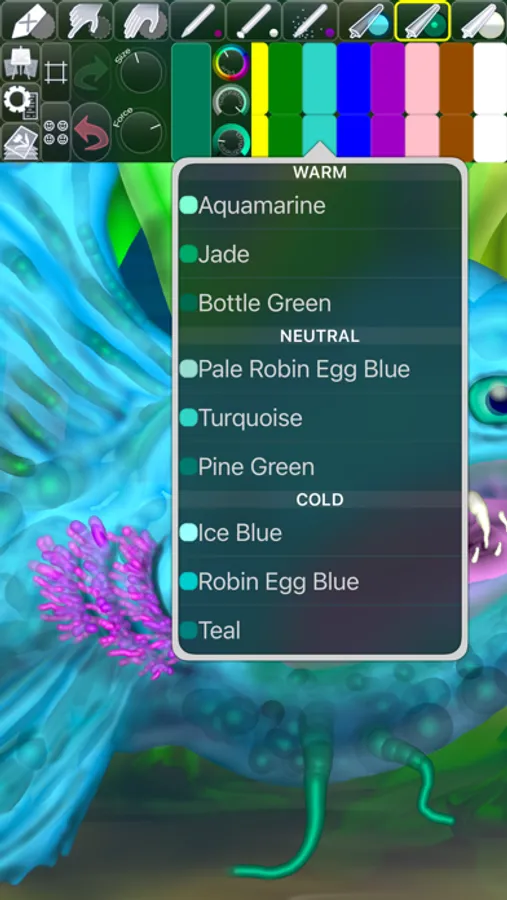
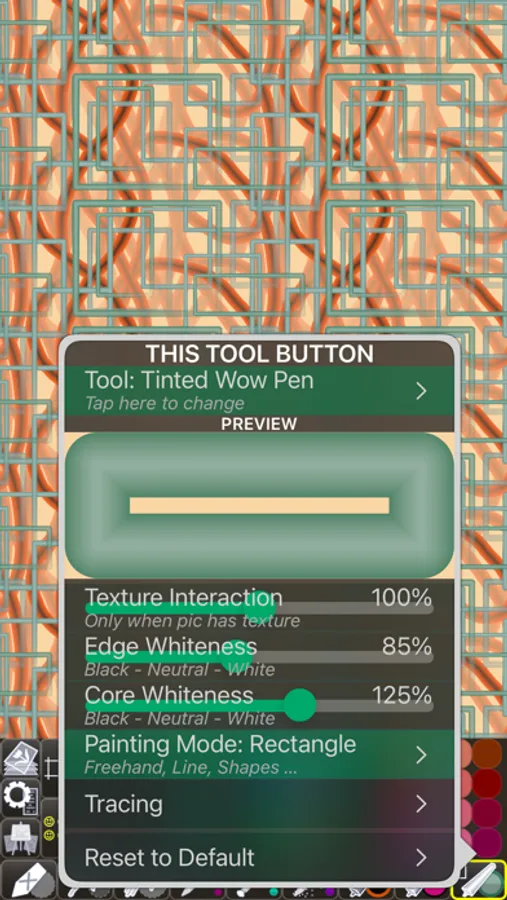
Use any buttons or controls to change/adjust color, size, force, simultaneously while painting.
• UNIVERSAL PURCHASE •
If you choose to buy the Pro upgrade, this one-time in-app purchase will unlock all Pro features in the app on all available platforms (iPad-iPhone-Mac)!
• METAL •
The engine is based on Metal, with 128-bit color and floating-point arithmetic.
• SWIFT •
The app was developed entirely using Swift (earlier versions used C++).
• APPLE PENCIL SUPPORT • FULL SCREEN PAINTING •
• DARK MODE • LANDSCAPE • PORTRAIT • WIDE COLOR •
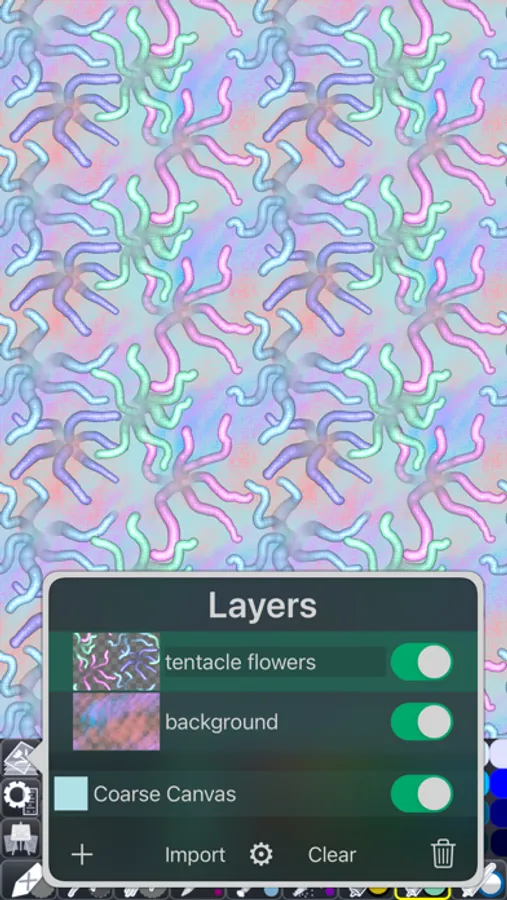
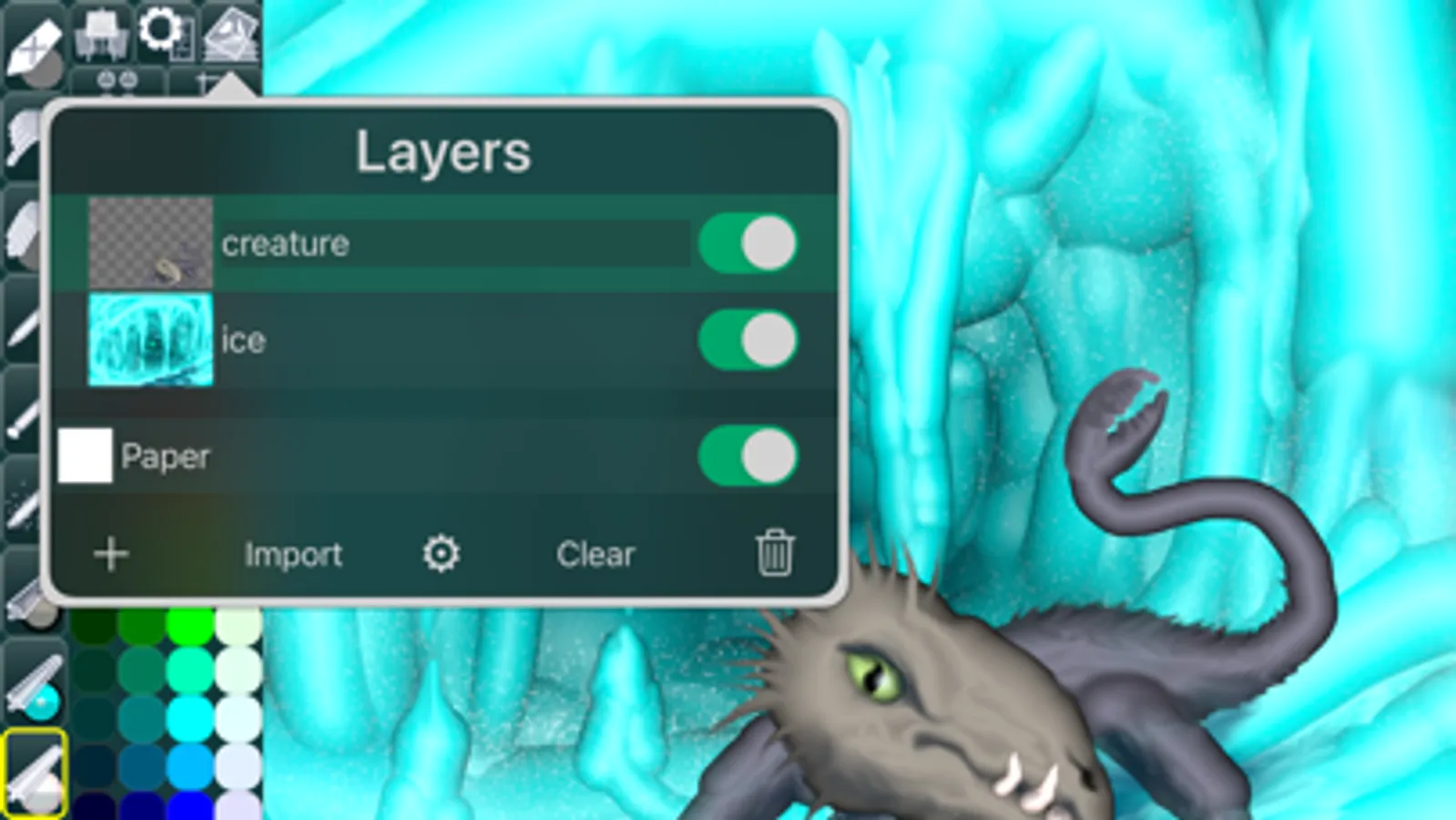
• MULTIPLE LAYERS • PHOTO TRACING MODE (Pro feature) •
WowPaint Screenshots
Tap to Rate:
Reviews for WowPaint
Way Too In Depth Reviewer
Like painting with spray foam!
This is a fun, simple app packing a surprising amount of functionality. I wish it was combined with the very similar apps from the same developer; having them separate seems very artificial and weird and I want to use all the brushes together. To put it meanly all these apps from this person work the exact same except for the older Chill Paint, but stop you from using the brushes together to make you buy the same pro features multiple times. To put it nicely, it keeps the apps individually simple and lets people find what they’re searching for on the App Store in specific terms I guess. Still, it’s silly! I want to use all the brushes together! Basically I’m peeved because I like these apps so much. I wouldn't care if they were lame. Definitely give it a download. They pack a punch with a surprising number of features. All these apps are missing some really basic stuff I’d expect of an art app but also have a bunch of features, once you buy pro, that I wish all art apps had. You’ll have to give it a try yourself. I love the wow brushes! They provide such a unique and interesting sculptural look. I’m gonna be using this for a long time
Otterpocket Ink
Perfect option for the photoshop challenged!
I've tried to make repeating patterns using photoshop, illustrator, canva, pages, Foto, and on and on. I finally downloaded this little gem of an app as my last try and it's amazing. At least give it a try before you spend $500 on softwared that will take you 2 years to learn. I made a pattern significantly better than my AI efforts, manual efforts, or any other sort of effort in the first 20 minutes. Thank you!