With this painting app, you can create artwork using live-calculated brushes and adjust parameters in real time. Includes support for Apple Pencil, multiple layers, and customizable interface options.
AppRecs review analysis
AppRecs rating 4.8. Trustworthiness 76 out of 100. Review manipulation risk 22 out of 100. Based on a review sample analyzed.
★★★★☆
4.8
AppRecs Rating
Ratings breakdown
5 star
83%
4 star
11%
3 star
1%
2 star
2%
1 star
3%
What to know
✓
Low review manipulation risk
22% review manipulation risk
✓
Credible reviews
76% trustworthiness score from analyzed reviews
✓
High user satisfaction
83% of sampled ratings are 5 stars
About HuePaint
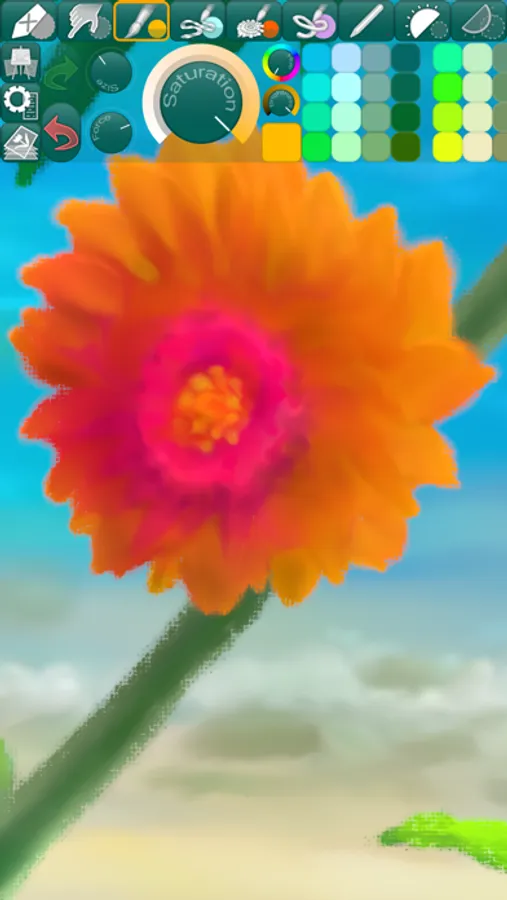
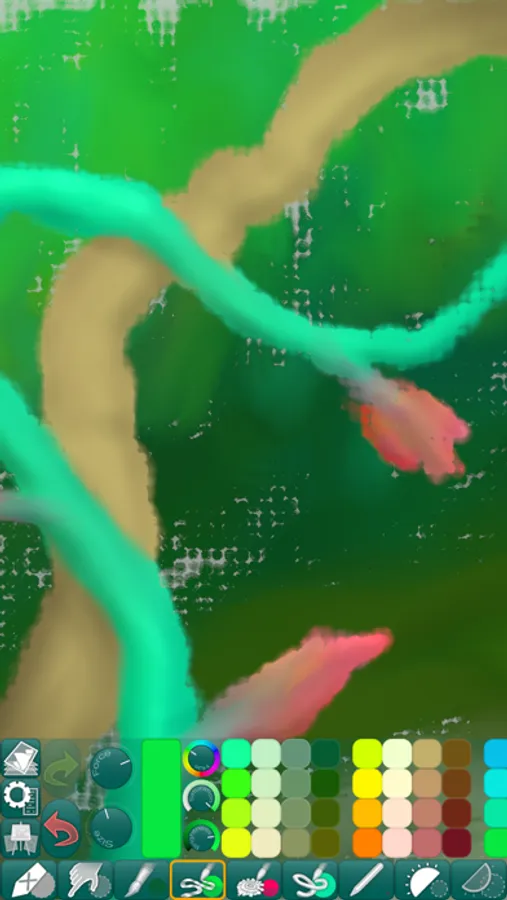
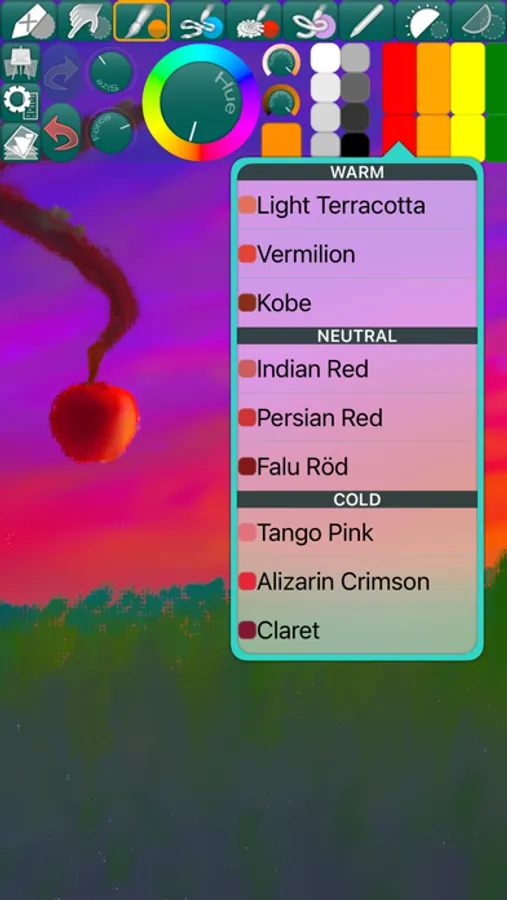
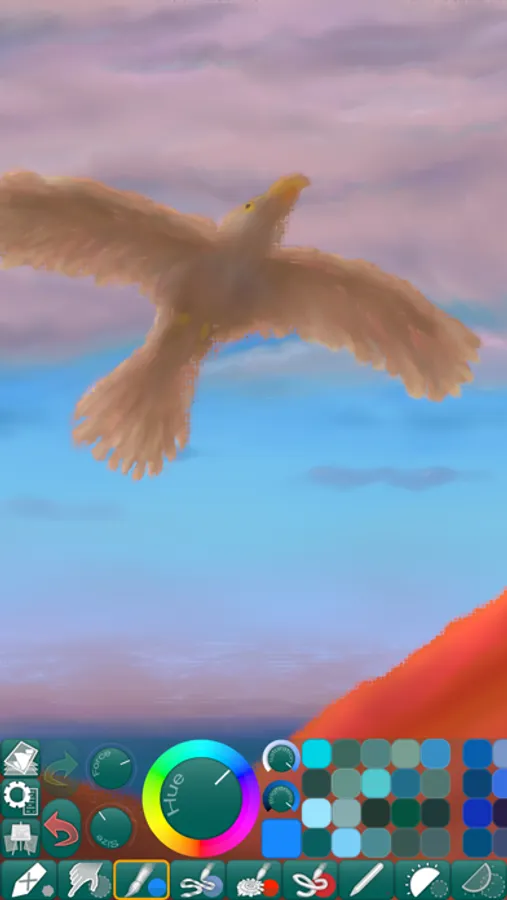
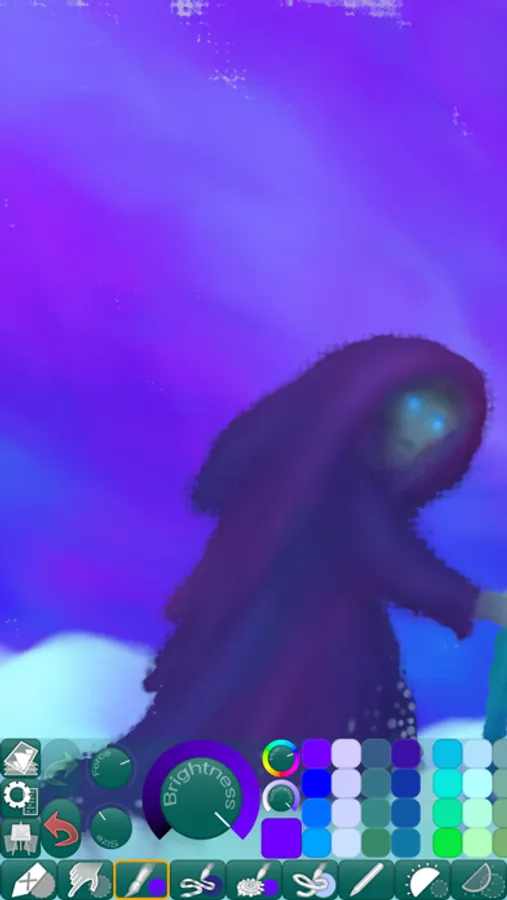
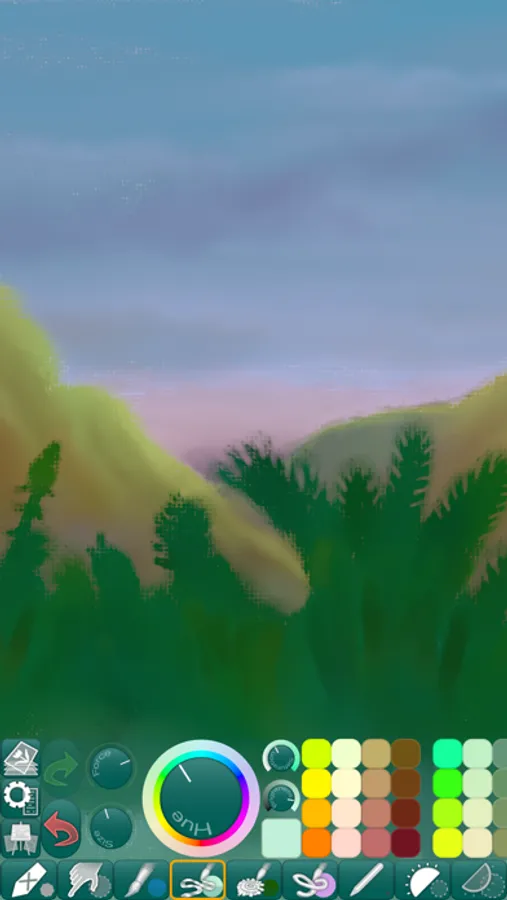
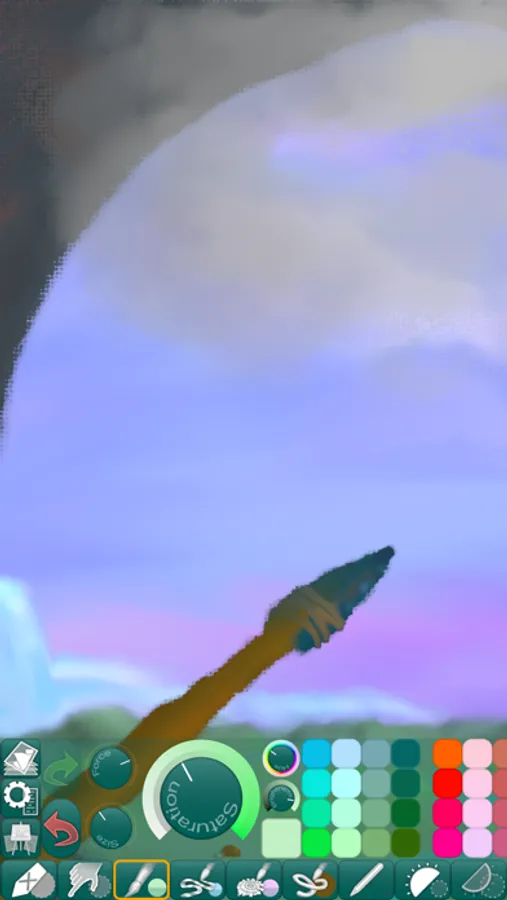
Paint and create beautiful works of art using this app’s expressive painting tools and workflow-friendly user interface.
• COLORFUL PAINTING TOOLS •
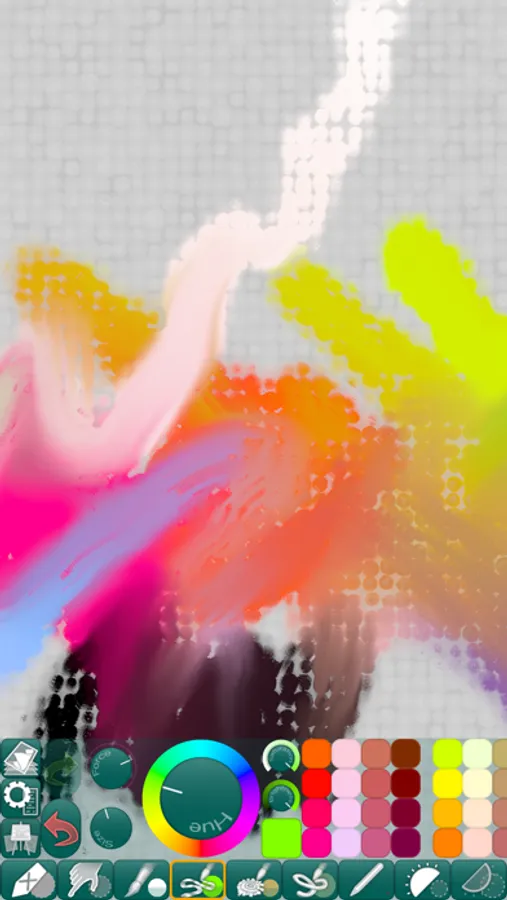
HuePaint features live-calculated brushes and strokes that interact in real time with a canvas texture that is uniquely generated for each picture.
• FINGERTIP = STROKE SIZE •
When you paint, the app measures how much of your finger is touching the screen and changes the stroke size accordingly.
Apply just the corner of your fingertip for a thin line, or the whole fingerprint area for a broad stroke.
A 2nd tool assigned to your finger will still use this feature, so don’t ignore it just because you have an Apple Pencil!
• LEFT-HANDED? •
Just swipe the toolbar over to the other side!
• PARAMETERS CAN BE CHANGED LIVE •
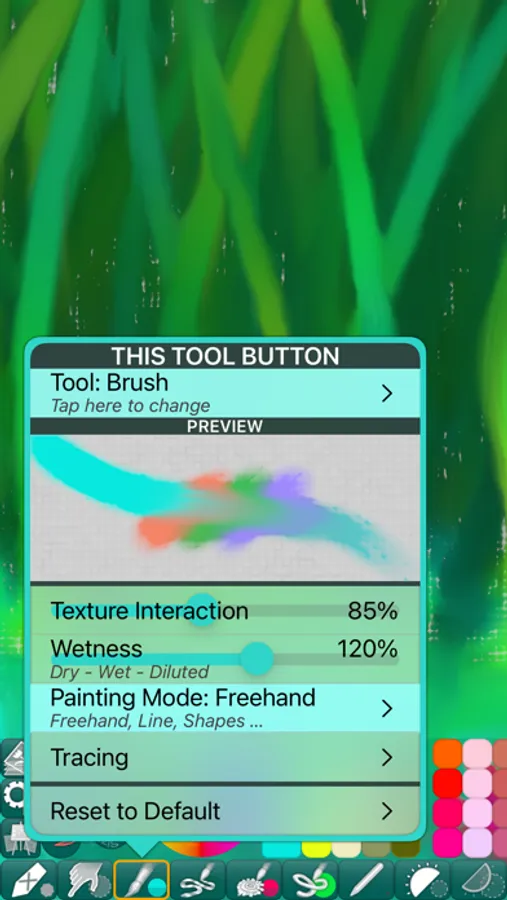
Use any buttons or controls to change/adjust color, size, force, simultaneously while painting.
• UNIVERSAL PURCHASE •
If you choose to buy the Pro upgrade, this one-time in-app purchase will unlock all Pro features in the app on all available platforms (iPad-iPhone-Mac)!
• METAL •
The engine is based on Metal, with 128-bit color and floating-point arithmetic.
• SWIFT •
The app was developed entirely using Swift (earlier versions used C++).
• APPLE PENCIL SUPPORT • FULL SCREEN PAINTING •
• DARK MODE • LANDSCAPE • PORTRAIT • WIDE COLOR •
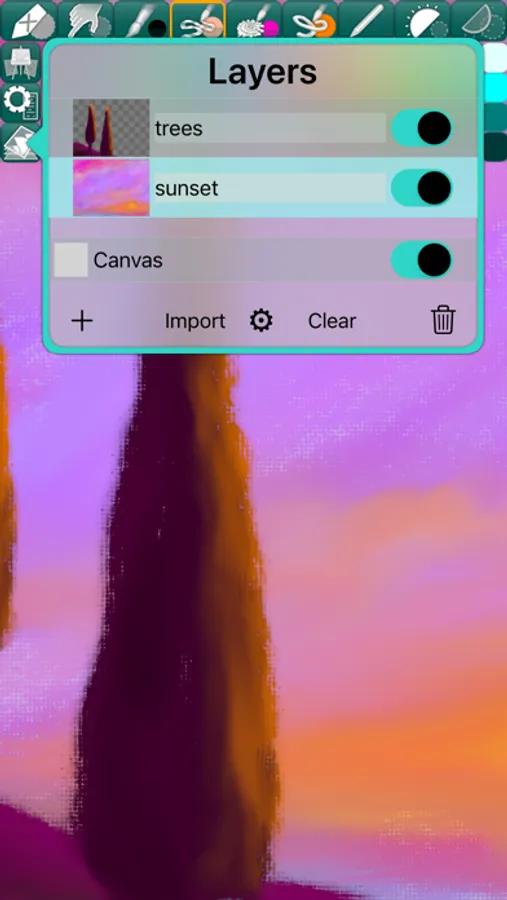
• MULTIPLE LAYERS • PHOTO TRACING MODE (Pro feature) •
• COLORFUL PAINTING TOOLS •
HuePaint features live-calculated brushes and strokes that interact in real time with a canvas texture that is uniquely generated for each picture.
• FINGERTIP = STROKE SIZE •
When you paint, the app measures how much of your finger is touching the screen and changes the stroke size accordingly.
Apply just the corner of your fingertip for a thin line, or the whole fingerprint area for a broad stroke.
A 2nd tool assigned to your finger will still use this feature, so don’t ignore it just because you have an Apple Pencil!
• LEFT-HANDED? •
Just swipe the toolbar over to the other side!
• PARAMETERS CAN BE CHANGED LIVE •
Use any buttons or controls to change/adjust color, size, force, simultaneously while painting.
• UNIVERSAL PURCHASE •
If you choose to buy the Pro upgrade, this one-time in-app purchase will unlock all Pro features in the app on all available platforms (iPad-iPhone-Mac)!
• METAL •
The engine is based on Metal, with 128-bit color and floating-point arithmetic.
• SWIFT •
The app was developed entirely using Swift (earlier versions used C++).
• APPLE PENCIL SUPPORT • FULL SCREEN PAINTING •
• DARK MODE • LANDSCAPE • PORTRAIT • WIDE COLOR •
• MULTIPLE LAYERS • PHOTO TRACING MODE (Pro feature) •
HuePaint Screenshots
Tap to Rate:
Reviews for HuePaint
Cabdishakuur
hi
is so fun
Freelum****
I actually feel like an artist
Thank you, for releasing a part of me I did not know existed. Heather Lum