
In this clinician scheduling app, you can view your on-call schedule, receive notifications, and manage your profile. Includes schedule customization, secure messaging, team management, and offline access.
AppRecs review analysis
AppRecs rating 4.2. Trustworthiness 77 out of 100. Review manipulation risk 20 out of 100. Based on a review sample analyzed.
★★★★☆
4.2
AppRecs Rating
Ratings breakdown
5 star
73%
4 star
12%
3 star
3%
2 star
2%
1 star
9%
What to know
✓
Low review manipulation risk
20% review manipulation risk
✓
Credible reviews
77% trustworthiness score from analyzed reviews
⚠
Ad complaints
Many low ratings mention excessive ads
About Amion - Clinician Scheduling
Stay on top of your upcoming shifts
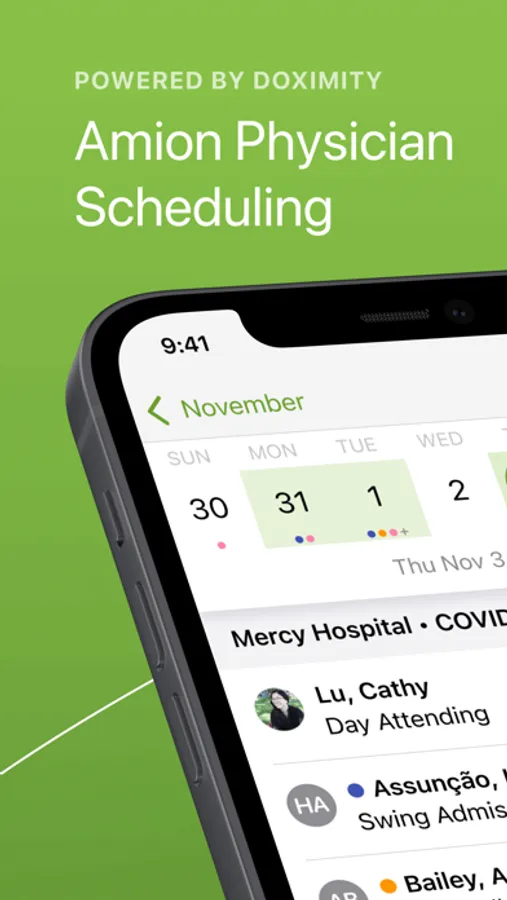
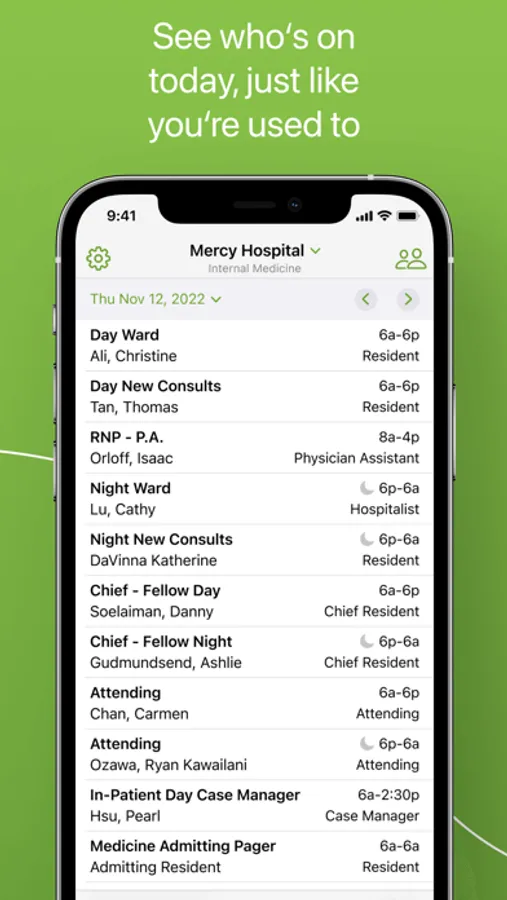
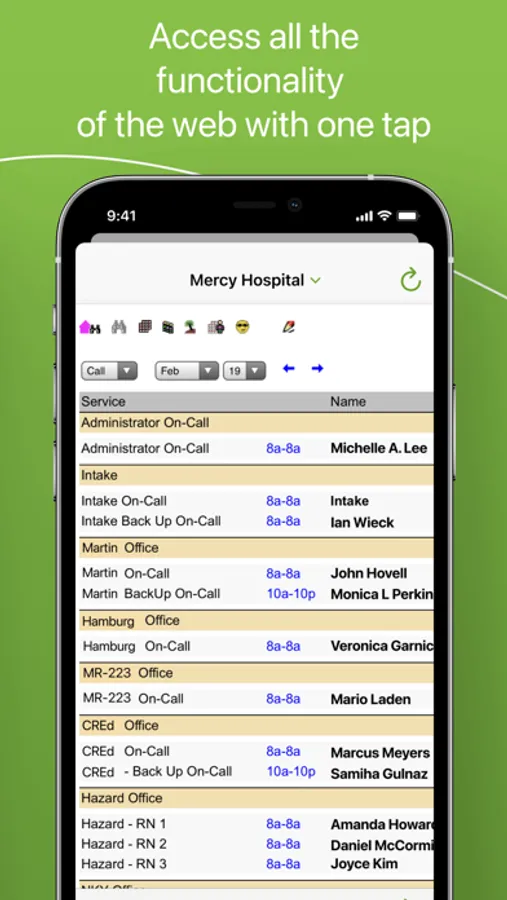
· View your schedule at a glance, right from the homepage
· Receive schedule change alerts and notifications
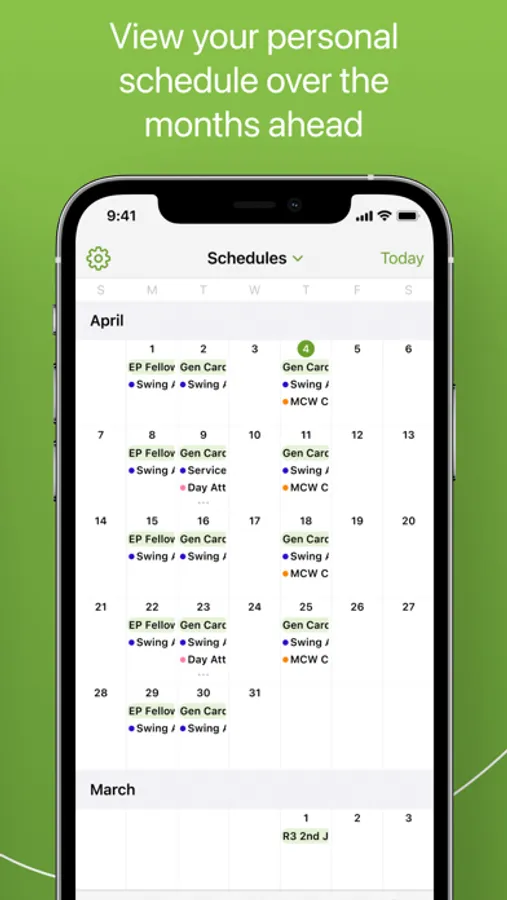
· View your shift schedule in calendar format
Customize your calendar
· Customize your calendar view with easy color coding
· View schedules by week or month
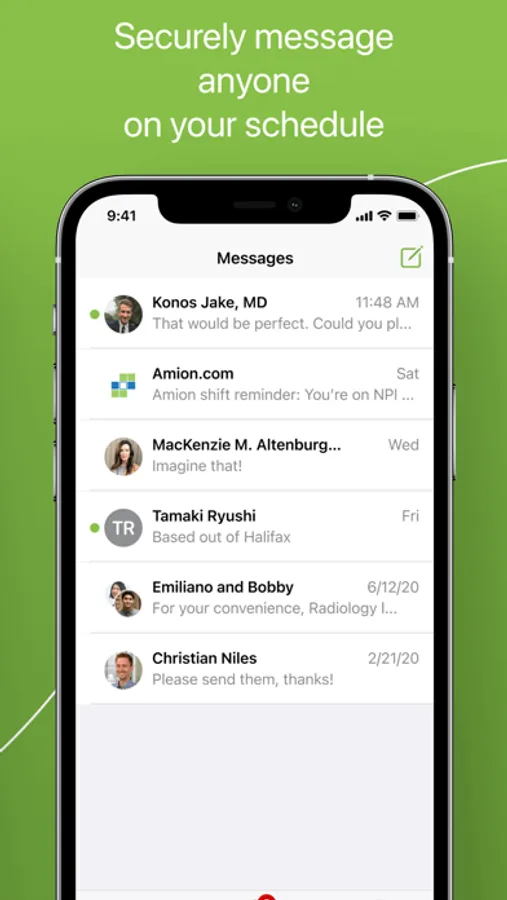
Send and receive HIPAA-Secure Text Messages
· Text anyone in your schedule through the HIPAA-secure platform
· Keep your text messages confidential even when you’re away from your phone with secure notifications
· Read receipts let you know when your text message has been sent and received
· Keep everyone in the loop with group text messaging
· View your colleagues’ Doximity profile to look up fax numbers, back lines, and emails
Manage your logins, groups and on-call team
· Check who else is on call
· See and add your colleagues’ schedule
Stay connected
· Send pages to your colleagues within Amion
· Calendar data remains easily accessible offline
· Manage your profile and career opportunities
Amion has partnered with Doximity, the network for healthcare professionals, including physicians, nurse practitioners, and physician assistants, to build the Amion mobile app.
We would love your feedback! Please send comments, ideas or issues to support@doximity.com.
Amion - Clinician Scheduling Screenshots

Tap to Rate:
Reviews for Amion - Clinician Scheduling
Joe62612
Please fixed the grayed out back button
After updating the app, the back arrow button is grayed out and very annoying to have to restart just to start at the beginning every time.
XS49254
Notification options keep resetting
Every time this app updates, notification settings get reset. This is so dangerous because it makes me miss pages. I require the PRESTO alarm sound and 10 repeats to make sure I don’t miss night time pages, and it happens every time this app updates. It should keep the settings options persistent between updates. I hate this app. It sucks.