With this calendar app, you can create, modify, and organize events using drag and drop, customize colors, and support international time zones. Includes event editing tools, color options, and Google Calendar synchronization.
AppRecs review analysis
AppRecs rating 4.7. Trustworthiness 75 out of 100. Review manipulation risk 24 out of 100. Based on a review sample analyzed.
★★★★☆
4.7
AppRecs Rating
Ratings breakdown
5 star
78%
4 star
15%
3 star
4%
2 star
1%
1 star
2%
What to know
✓
Low review manipulation risk
24% review manipulation risk
✓
Credible reviews
75% trustworthiness score from analyzed reviews
⚠
Ad complaints
Many low ratings mention excessive ads
About CCal 11 Lite
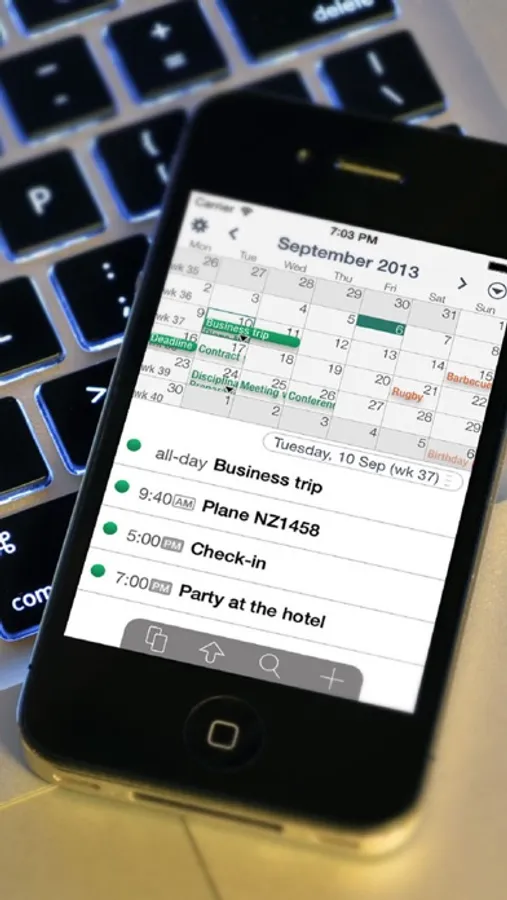
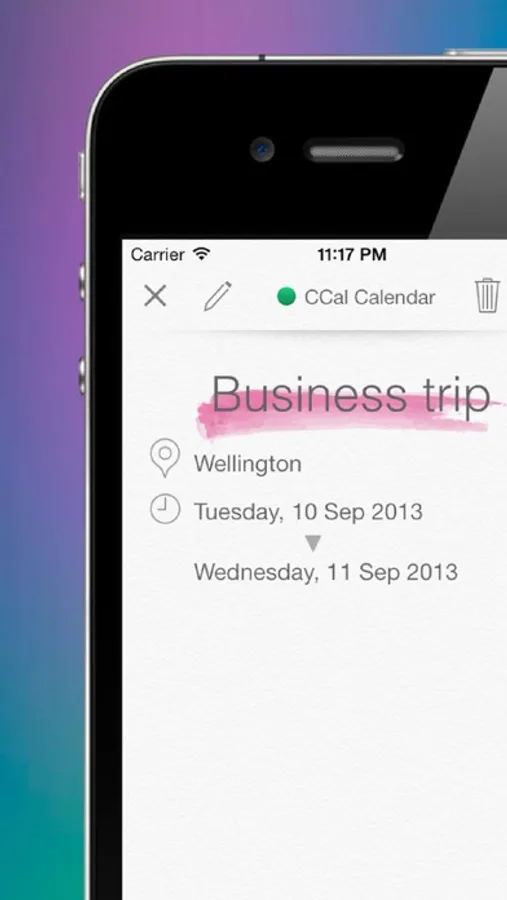
CCal is an intelligent and elegant calendar application that can upload to Google Calendar.
=== Features ===
- CCal has a sophisticated and intuitive user interface which allows you to create and modify any date or event by "drag & drop" (simply hold your finger on the screen/event and move it where you want).
- To change the date of any event simply drag that event to the desired destination date.
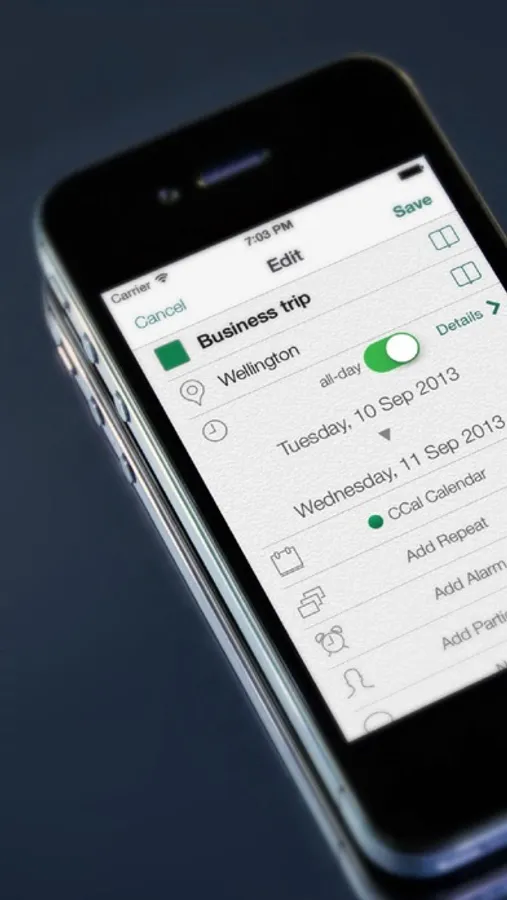
- With CCal, easily and efficiently manage your plans and create individual events using a choice of colors.
- CCal supports iPhone's standard "shake to undo" function. Multiple Undos and Redos are available.
- Copy & paste events.
- Delete events - drag to trash
- With CCal, you can customize background colors based on the day of the week or an individual event's existence.
- CCal supports international time zones ... more than 400 regions.
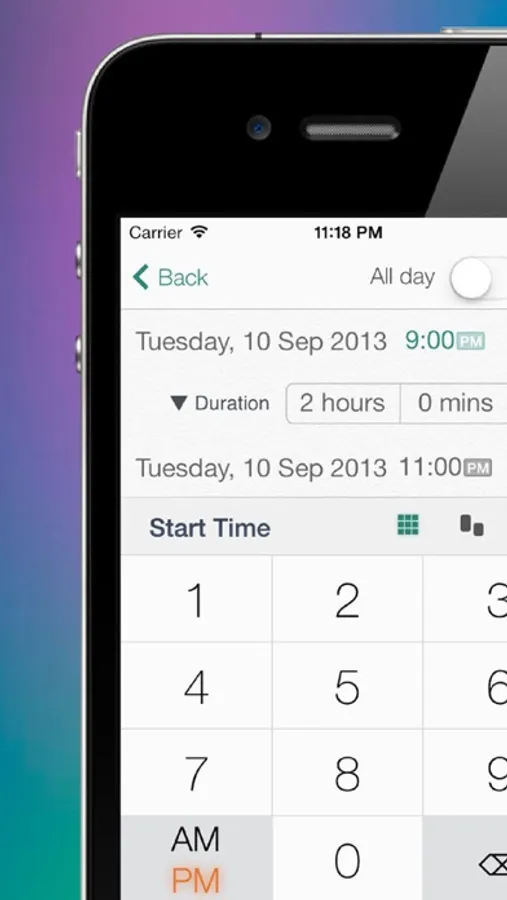
- With CCal, you can choose to input times using a spinning-wheel or by using an easy & quick ten-key.
- With CCal you can display the current month and the following month continuously in "scroll mode"… Your schedule will not be divided by the month boundary.
== Supported Localizations ===
English, Japanese
Please Note:
• Our CCal 10 and CCal 11 are separate apps.
• In iOS 5, creating and displaying Reminders items is not supported.
■ Google Server resumed normal service early on 15 Feb 2013. We apologize for the inconvenience and appreciate your patience.
------------------------
© iStockphoto.com/evamac
CCal 11 Lite Screenshots
Tap to Rate:
Reviews for CCal 11 Lite
jeremyswife
Ads are horrendous.
I’ve had this app for over 10 years and it used to be great. For a while now, the ads have taken over, making it more difficult to use. For the last week or two the ads have become pornigraphic and no, not due to learned preferences. I am appalled.
Thxibcdfjbbj
So customizable! Daily details in month view. Color code. Alarms. Some time to set up, then perfect!
All events are visible in month view! Need I say more? ...okay great week and day views. Zoom options. Custom options. Color code events with phone calendar sync. I'm in love! Thank you for creating something that's actually functional!