In this ad blocking and proxy management app, you can configure proxy settings and control content fetching on your device. Includes filters for ads, trackers, and customizable proxy rules for specific websites.
AppRecs review analysis
AppRecs rating 4.2. Trustworthiness 74 out of 100. Review manipulation risk 27 out of 100. Based on a review sample analyzed.
★★★★☆
4.2
AppRecs Rating
Ratings breakdown
5 star
72%
4 star
9%
3 star
4%
2 star
2%
1 star
12%
What to know
✓
Low review manipulation risk
27% review manipulation risk
✓
Credible reviews
74% trustworthiness score from analyzed reviews
⚠
Ad complaints
Many low ratings mention excessive ads
About Weblock: adblock & proxy
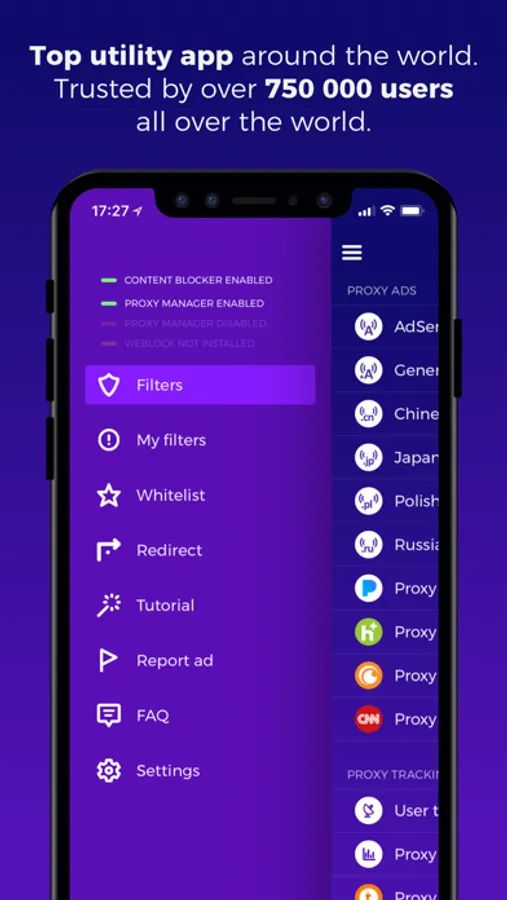
• Over 750 000 app downloads worldwide
• No in-app purchases, no subscription. Simple one-time payment
• Top Utility ranked in all App Stores around the world
• Over 1000+ carefully crafted filters
• Easy setup in under 1 minute with detailed tutorial
• Now with built-in Safari Content Blocker for better web ad protection
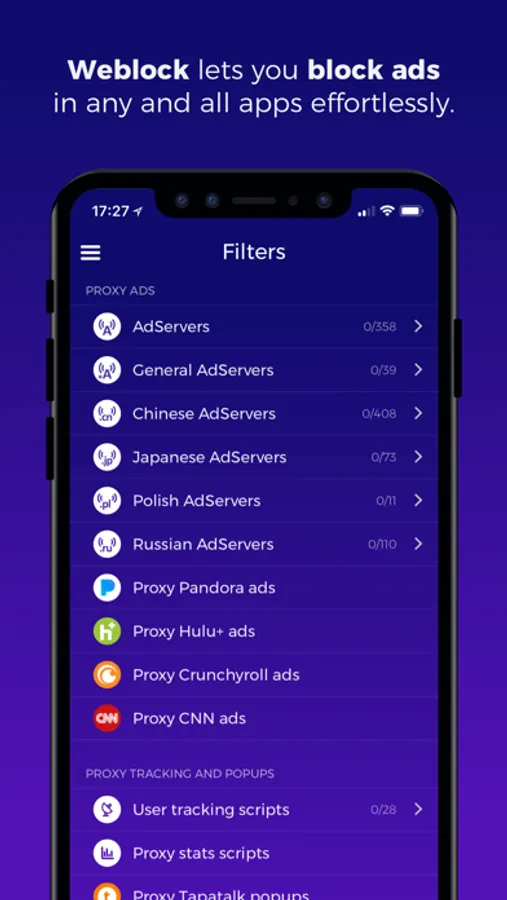
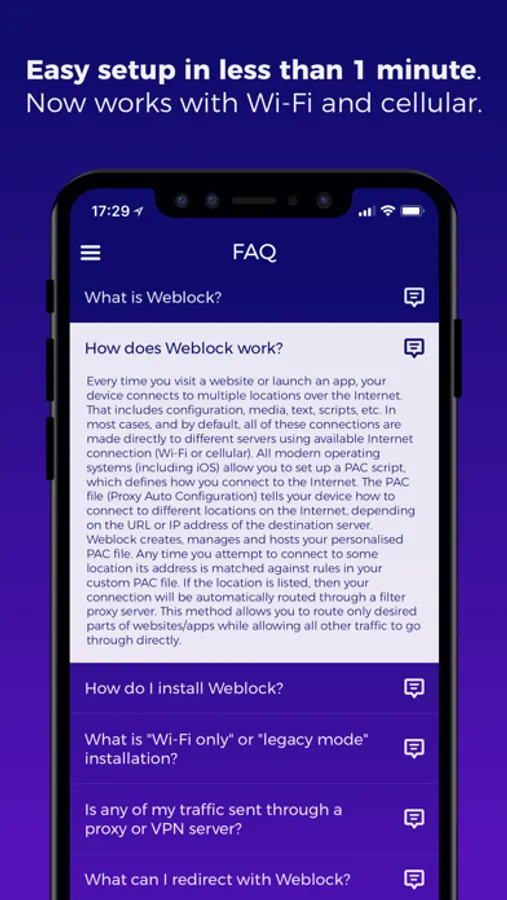
Weblock allows you to control how your device fetches online content. Easily manage PAC (Proxy Auto-Config) script and route different connections through different proxy servers. Weblock can make your device download ads (banners and popups), stats and user tracking, scripts or images through a proxy server you pick. It also allows you to use a different proxy for specific websites, like Facebook, Twitter, Google+, social widgets from websites. You can even define your own content filters. With Weblock you can control proxy for basically any network resource! This way you can choose not to reveal your real IP to different services, limit advanced ad targeting and protect your privacy.
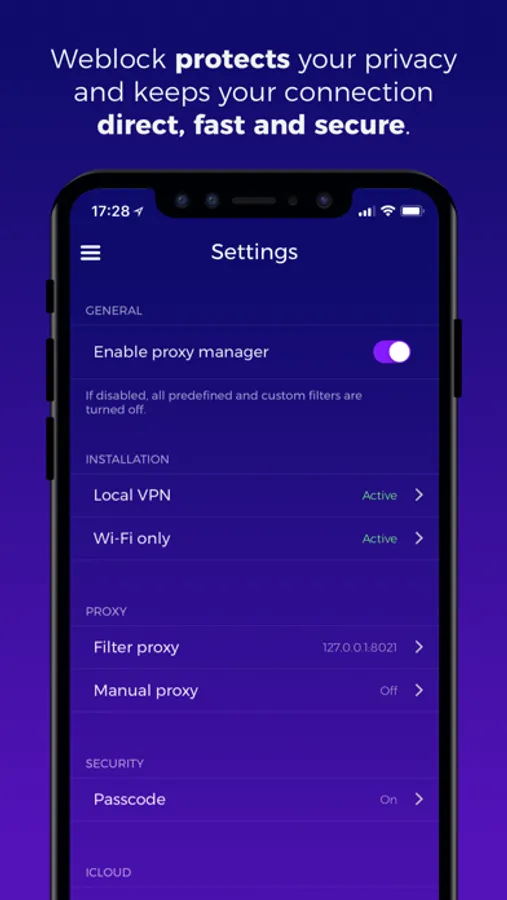
IMPORTANT NOTICE: You're responsible for selecting a proxy server that allows you to download content you wish to download. We DO NOT provide a proxy service. Using a bad proxy server (like 127.0.0.1:8021) might result in some resources being blocked. You can control your proxy settings selectively with Weblock. Contact our support if you need help choosing right proxy server or setting up Weblock on your device.
Here are some situations in which Weblock might come in handy:
• Fetch ads through a proxy server you choose. Protect your privacy and prevent ad servers from knowing your real IP address and tracking you.
• Disable majority of ads on websites you visit on your iOS device! Weblock supports all major web browsers: Safari, Chrome, Mercury and others (browsers redirecting web traffic through third-party servers like Puffin Browser or Opera Mini are not be supported).
• Easily remove all native Facebook widgets and plugins (Like buttons, comments, etc.) on sites you visit - simply disable Facebook plugins in Weblock! Do the same for Twitter, Google+ and other social media.
• Stop annoying Tapatalk popups, nagging you to download forum browsing app on every visit.
• Take control of someone else's device - you can preconfigure any iOS device to control it with your Weblock app. Block or redirect any content, anytime, directly from your own device.
• Your predefined filters and custom rules can be synced between all your iOS devices using iCloud.
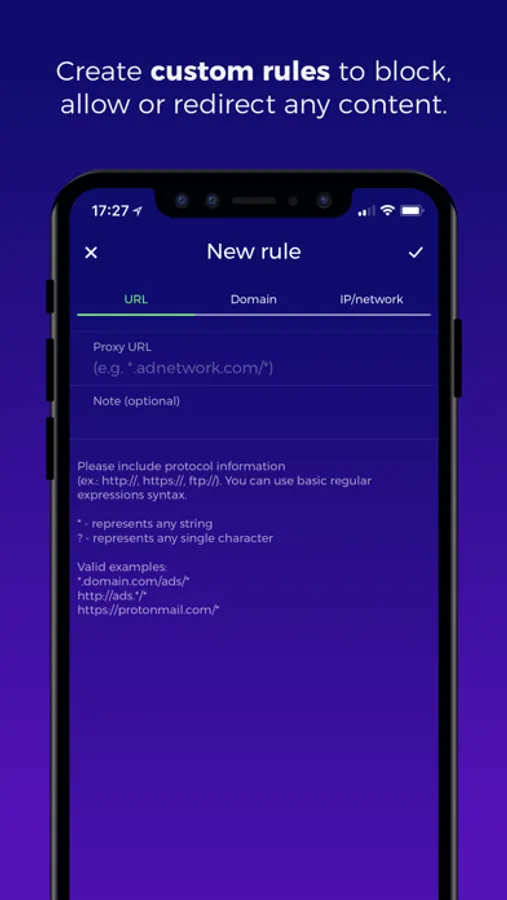
• If you wish to block something else, you can create your own rules and filters. You can block any URL (with regular expressions), domain or IP address. Don't know how? Let us know - we're here for you.
• You can also use Weblock's redirect feature to emulate '/etc/hosts' entries for HTTP and HTTPS traffic. This might be useful for web and app developers to pin domains to different IP addresses.
••• IMPORTANT! •••
Need help setting up Weblock? Contact our support directly through the app.
Weblock: adblock & proxy Screenshots
Tap to Rate:
Reviews for Weblock: adblock & proxy
Lokv
Hasn’t been updated in years
This was good but hasn’t been updated in years. Do not spend money on this outdated app.
Duzzenmatta
Disconnects ProtonVPN
When I set up Weblock it disconnects the VPN and sets up the Proxy manager VPN. This is the result of following the Weblock app's instructions and FAQ. So I ask myself... which is better? Weblock will be reactivated if the Devs can clear this up