AppRecs review analysis
AppRecs rating 2.7. Trustworthiness 84 out of 100. Review manipulation risk 21 out of 100. Based on a review sample analyzed.
★★☆☆☆
2.7
AppRecs Rating
Ratings breakdown
5 star
26%
4 star
16%
3 star
5%
2 star
5%
1 star
47%
What to know
✓
Low review manipulation risk
21% review manipulation risk
✓
Credible reviews
84% trustworthiness score from analyzed reviews
⚠
Mixed user feedback
Average 2.7★ rating suggests room for improvement
About Terrain Navigator Pro
TNP serves a professional market, including search and rescue teams, law enforcement, foresters, surveyors, the oil and gas industry, and land managers. This mobile app is ideal for entry-level GIS applications and enables professionals to use the smartphone in their pocket instead of a consumer-grade GPS device.
To activate this app, users need a licensed copy of the Terrain Navigator Pro desktop software version 9.2 or later.
To learn more about TNP, visit the Terrain Navigator Website at www.terrainnavigator.com.
OFFLINE DATA COLLECTION
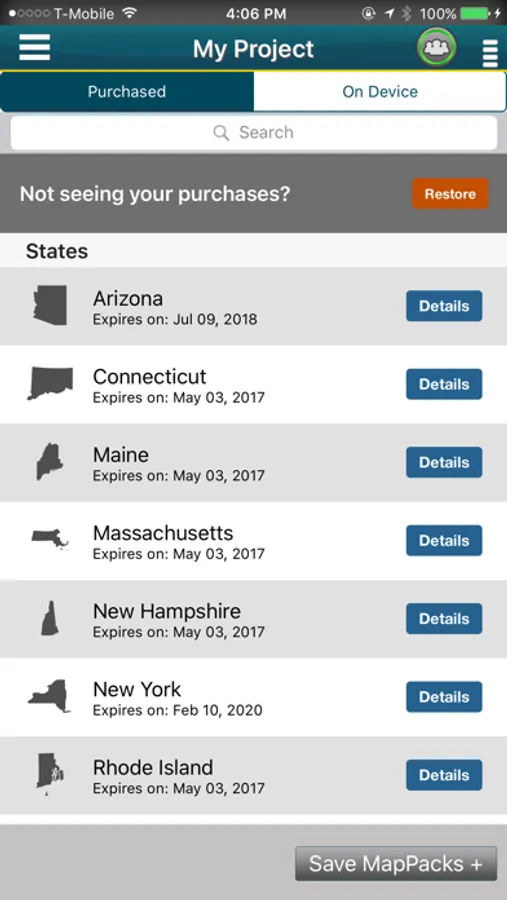
The TNP mobile app uses the GPS built into the iPhone, so professionals can collect field data in areas without a cellular or data signal. In addition, users can download and store topographic, aerial, and street maps onto the phone for offline use and data display. Your data is stored on your iPhone, so there’s no need to have a network connection.
----------------------------------
TNP CLOUD
Got a Wi-Fi or data connection? Share your data in near real-time with colleagues at the office to streamline project workflows. The TNP app uploads data as it’s collected, so professionals with the same project open in the TNP desktop software can view the field data and collaborate to make accurate, on-the-spot decisions.
----------------------------------
TNP MOBILE APP FEATURES
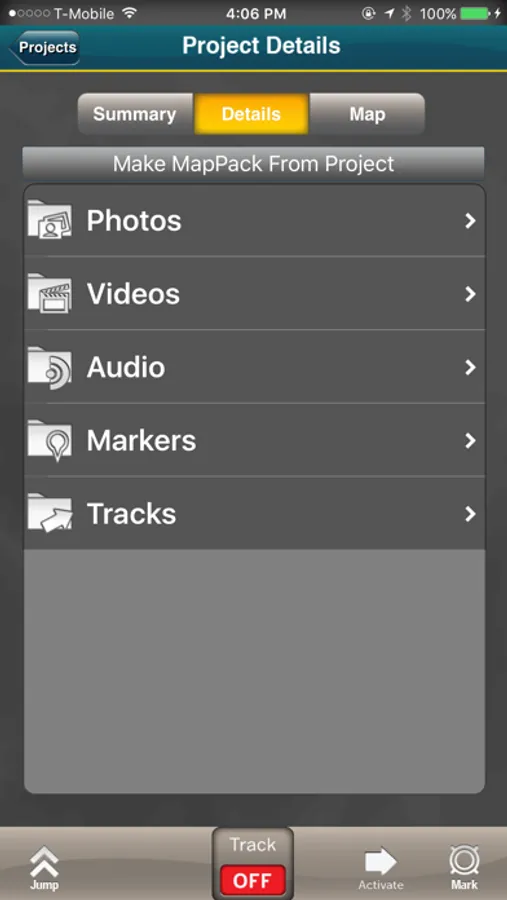
•Collect field data (markers, tracks, photos, videos, audio clips) in areas without a cellular or data signal.
•Near real-time sync between phone and TNP map software via Wifi or data connection like a 3G network.
•View data on topographic, aerial, and street maps downloaded to phone for offline use. Terrain Navigator Pro offers 1-meter aerial photos for the 48 contiguous United States. The seamless USGS topographic maps are based off 1:24K, 1:100K, 1:250K map scales. Alaska is 1:63K and 1:250K.
•Access a compass and other geo-information such as latitude/longitude, elevation, and direction on phone.
•New Feature for TNP Enterprise customers - team tracking shows where your users are in near real time. Support for team projects which allow organizations to control data users can see
----------------------------------
TNP DESKTOP SOFTWARE
This app syncs to our award-winning Terrain Navigator Pro mapping software, which has been fine-tuned based on more than a decade of feedback from professionals who rely heavily on maps in the field. The TNP software provides access to an easily catalogued collection of USGS/US Forest Service topographic maps, including 1:24,000 (7.5 minute series), 1:100,000 and 1:250,000 scale as well as seamless, 1-meter resolution color aerial photos dating back to 2003, and up to the most recent National Agriculture Imagery Program (NAIP) aerial imagery available. The software supports GIS and CAD export and import, and provides access to advanced mapping tools, including: range rings by time and distance, area fills and line-of-sight height offsets, geo-pins, geo-tips, Public Land Survey System (PLSS), advanced address search, up-to-date street data, and more.
----------------------------------
Notes: Terrain Navigator Pro is designed for your iPhone device. Continued use of GPS running in the background can dramatically decrease battery life.
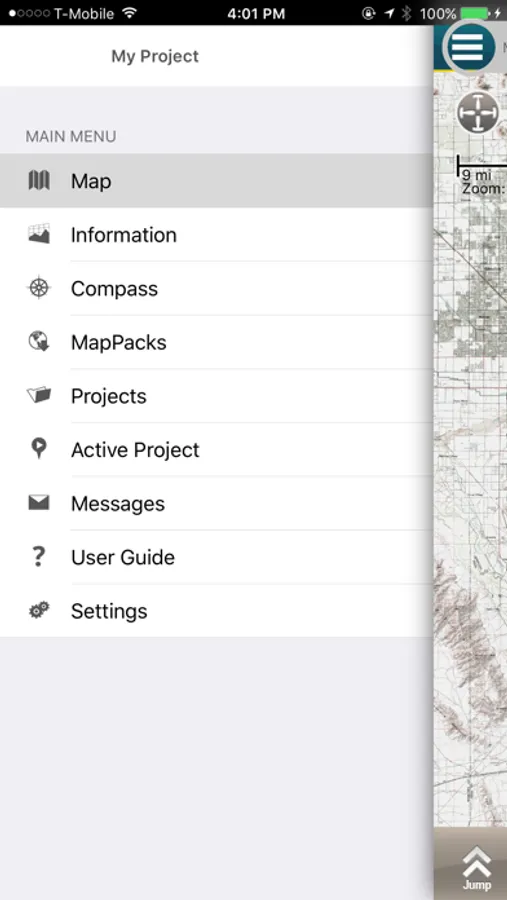
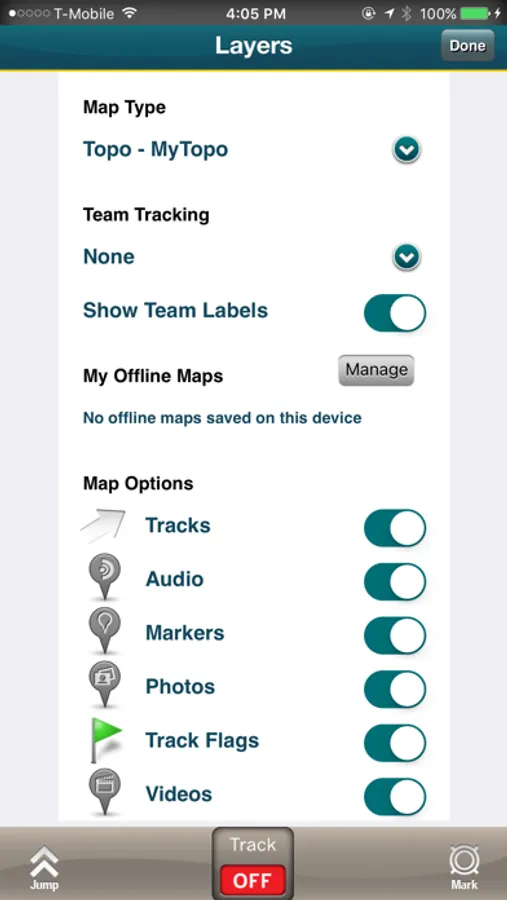
Terrain Navigator Pro Screenshots

Tap to Rate:
Reviews for Terrain Navigator Pro
Tfreeman12
Unintuitive
Quite difficult to discern how to mark out a custom map you save and then send to MyTopo to print. I gave up and will print a free one at the library using Caltopo.com
Manatarms220
Landscape
Love this and use it regularly on woodland ops. I just with the app would switch to a landscape mode when I rotate my phone. Make it so much easer to use in my carrier