
AppRecs review analysis
AppRecs rating 3.8. Trustworthiness 73 out of 100. Review manipulation risk 18 out of 100. Based on a review sample analyzed.
★★★☆☆
3.8
AppRecs Rating
Ratings breakdown
5 star
50%
4 star
10%
3 star
15%
2 star
20%
1 star
5%
What to know
✓
Low review manipulation risk
18% review manipulation risk
✓
Credible reviews
73% trustworthiness score from analyzed reviews
✓
Good user ratings
60% positive sampled reviews
About SW Maps
Whether you are conducting a full scale GNSS survey with high precision instruments, need to collect large amount of location based data using nothing but your phone, or just need to view a few shapefiles with labels over a background map on the go, SW Maps has it all covered.
Record points, lines, polygons and even photos and have them displayed over your choice of background map, and attach custom attribute data to any feature. Attribute types include text, numbers, an option from a predefined set of choices, photos, audio clips and videos.
Conduct high accuracy GPS surveys using external RTK capable receivers over Bluetooth LE.
Draw features on the map by adding markers, and measure distance and area.
Reuse the layers and attributes of a previous project for another survey, or create templates and share them with other users.
Share the collected data with other users as Geopackages, KMZ or shapefiles, or export them to your device storage. Also share and export recorded data as Spreadsheets or CSV files.
All data is recorded and exported in the standard WGS84 Geographic coordinate system (EPSG:4326).
Features
-Online Base maps: Apple Maps or Open Street Map
-Support for multiple mbtiles and KML overlays
-Shapefile and Geopackage layers, with attribute categorized styling. View shapefiles in any coordinate system supported by the PROJ.4 library.
-Add multiple online WMTS, TMS, XYZ or WMS layers and cache tiles for offline use.
-Connect to external GPS receivers using Bluetooth for high accuracy surveying using RTK with built-in NTRIP client. Also record data from external receiver for post processing.
-Define multiple number of feature layers, each with a set of custom attributes
Feature Types: Point, Line, Polygon
Attribute Types:Text, Numeric, Drop down Options, Photos, Audio, Video
Save as Template for re-use or sharing
-Record GPS tracks, with distance measurement
-Label features based on attribute values.
-Import feature layers from templates or existing projects.
-Share or export collected data as KMZ (with embedded photographs) , shapefiles, GeoJSON, Geopackage (GPKG), XLS/ODS spreadsheets or csv files.
-Share templates or projects with other users
-Supports use of GTX geoid files. To use custom geoids, prepare a GTX file with offsets in meters from WGS84.
This product is made in Nepal and is FREE (no Ads). If you find this useful, please let your friends know that you have used a product from Nepal. Spare sometime to visit this wonderful country and know the Nepali people.
SW Maps Screenshots
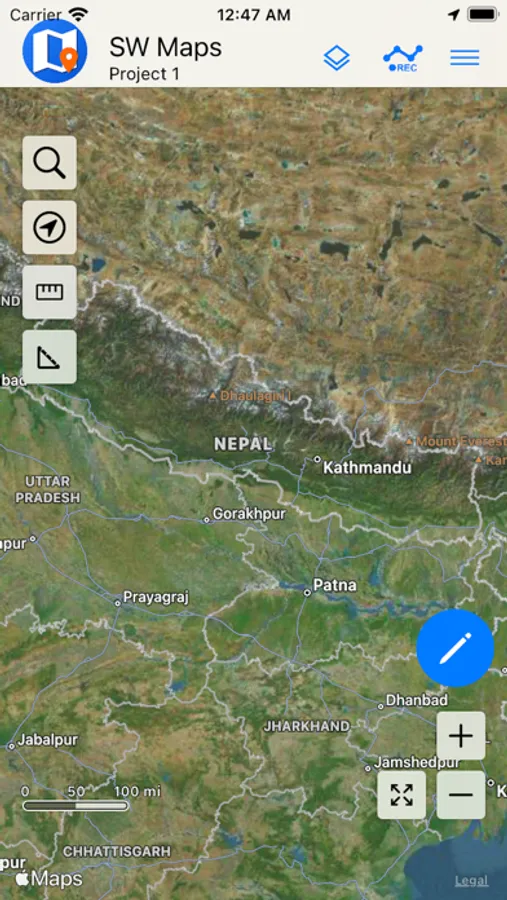
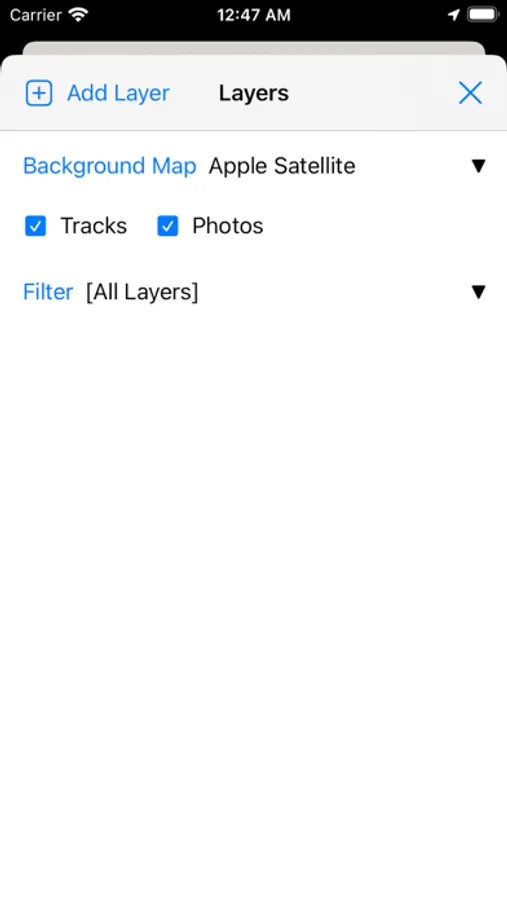
Tap to Rate:
Reviews for SW Maps
houdini.f16
Fine on phone, bad on ipad
can’t add layers on my ipad like I can on the phone, limiting usefulness of app. Something is messed up in the interface, there is no “cancel” or “add” buttons on the ipad to add the layer. Seems like it is because the ipad creates a square window the add layer interface pops up in, but the interface is copied from the phone version hence the buttons are never drawn (they are off screen bottom).
Chis chicago
Great but a suggestion
The stake out function should show compass heading to 2. Decimal Places. N20.15 is not equal to N20.2 it gets rounded too. Surveys use two decimal places