SpatialCamera
Hangzhou Xiaoying Innovation Technology Co., Ltd.
4.1 ★
75 ratings
$3.99
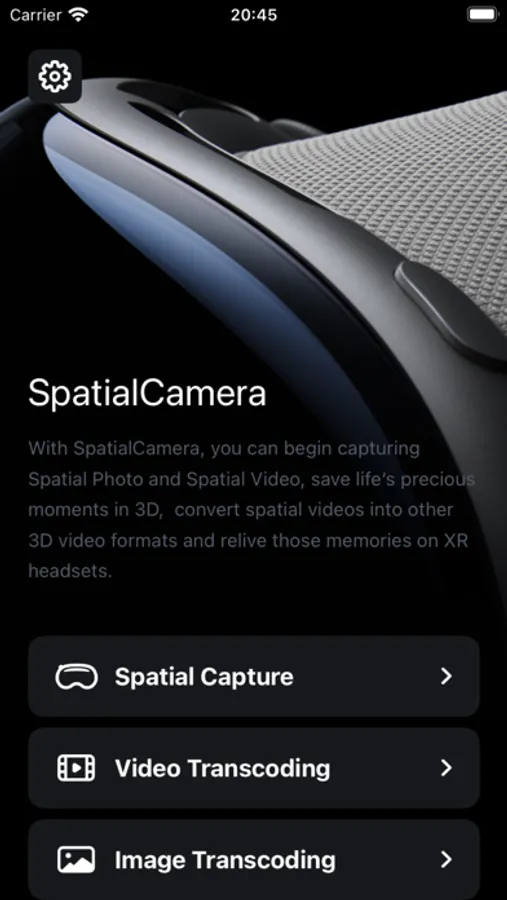
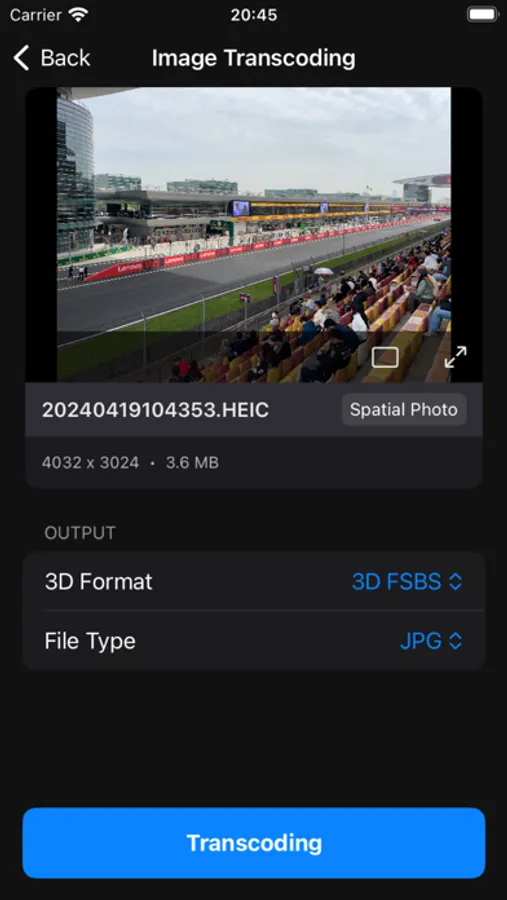
With this app, you can capture spatial photos and videos on compatible iPhones and iPads, and convert media formats. Includes batch transcoding and AI-powered photo conversion tools.
AppRecs review analysis
AppRecs rating 3.9. Trustworthiness 79 out of 100. Review manipulation risk 18 out of 100. Based on a review sample analyzed.
★★★☆☆
3.9
AppRecs Rating
Ratings breakdown
5 star
63%
4 star
13%
3 star
5%
2 star
5%
1 star
13%
What to know
✓
Low review manipulation risk
18% review manipulation risk
✓
Credible reviews
79% trustworthiness score from analyzed reviews
✓
High user satisfaction
76% of sampled ratings are 4+ stars (4.1★ average)
About SpatialCamera
**Spatial Capture**
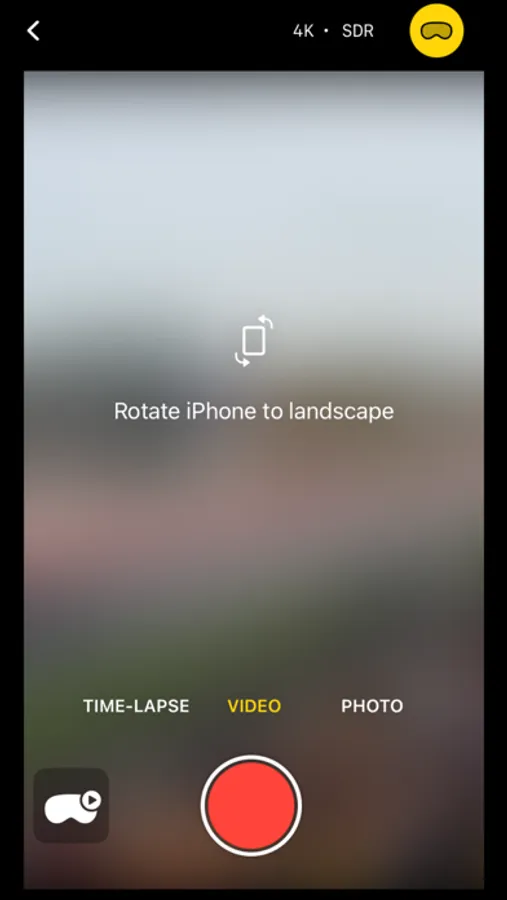
- Supports capturing spatial photos
- Supports capturing spatial videos up to 4K and HDR format (on select devices)
- Supports time-lapse mode
- Supports launching Spatial Camera from the lock screen (iOS 18).
- Supports camera control button (iPhone 16 series).
**Image and Video Transcoding**
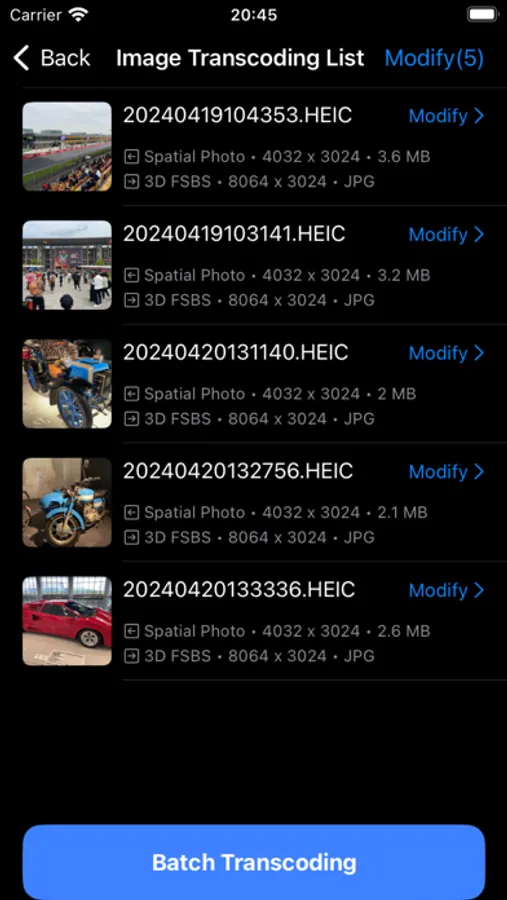
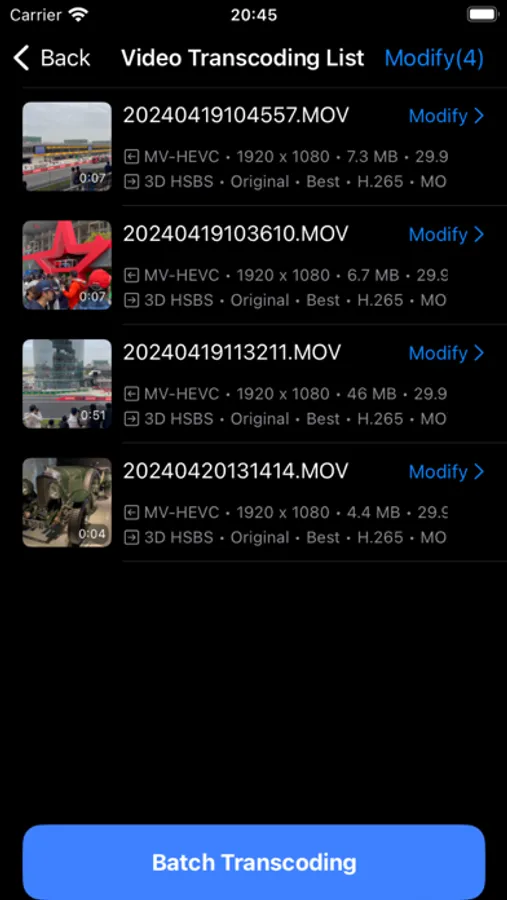
- Supports conversion between traditional SBS, HOU formats and spatial photo/video formats
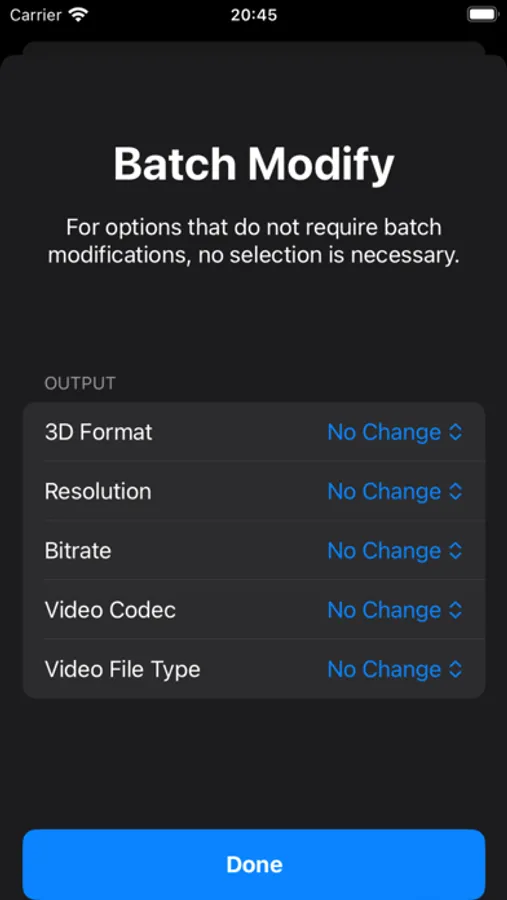
- Supports batch transcoding
- Supports 2D photo conversion to spatial photo (powered by on-device AI model)
* Devices with better support for Spatial Capture
iPhone 16 Series
iPhone 15 Pro
iPhone 15 Pro Max
iPhone 12
iPhone 12 mini
iPhone 11
iPad Pro 12.9-inch (6th generation)
iPad Pro 12.9-inch (5th generation)
iPad Pro 12.9-inch (4th generation)
iPad Pro 11-inch (4th generation)
iPad Pro 11-inch (3rd generation)
iPad Pro 11-inch (2nd generation)
*For other devices with different camera layouts, they will operate under the following compatibility modes:
Compatibility Mode 1: Utilizes the telescope and wide-angle lenses for spatial capture, primarily focusing on the perspective of the telephoto lens.
Drawback: Requires maintaining a longer distance from the subject.
Compatibility Mode 2: Rotates the device to keep the wide-angle and ultra-wide-angle lenses on the same horizontal line.
Drawback: The captured image will be cropped a lot.
*AD: If you have an Apple Vision Pro, we invite you to try our newly launched, all-in-one local video player **SpatialVideos**, designed exclusively for visionOS.
https://apps.apple.com/app/spatialvideos/id6450283181
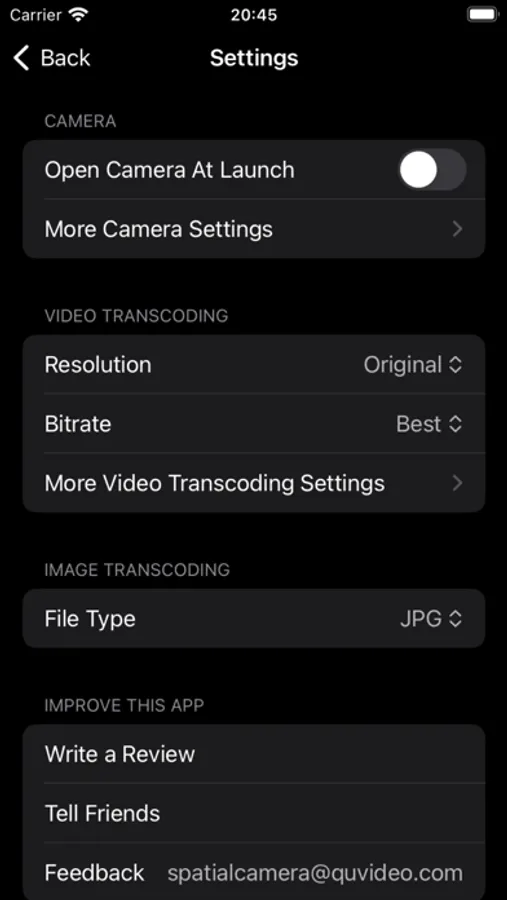
SpatialCamera Screenshots
Tap to Rate:
Reviews for SpatialCamera
Jgray777
iPhone 11 Works well
Overall this app works great to record spatial/3D video with my iPhone 11. Videos look good to me in a MetaQuest 2 headset. Video recording with a stable device looks good in 4K. If device is handheld, 1080 with stabilization is better. A tutorial would help improve the app. For example, after capturing video in the app, you then need to transcode it before it will display as 3D video in a headset like a MetaQuest.
Abdias_Z
Color scale breaks. No 3D glass review
1, Color scale breaks when 4K HDR on Sunny day sky. 2, No 3D glass review 3, even so much expensive than spatially