AppRecs review analysis
AppRecs rating 4.2. Trustworthiness 71 out of 100. Review manipulation risk 28 out of 100. Based on a review sample analyzed.
★★★★☆
4.2
AppRecs Rating
Ratings breakdown
5 star
40%
4 star
40%
3 star
20%
2 star
0%
1 star
0%
What to know
✓
Low review manipulation risk
28% review manipulation risk
✓
Credible reviews
71% trustworthiness score from analyzed reviews
✓
High user satisfaction
80% of sampled ratings are 4+ stars (4.2★ average)
About Oilbook - Liquid Painting
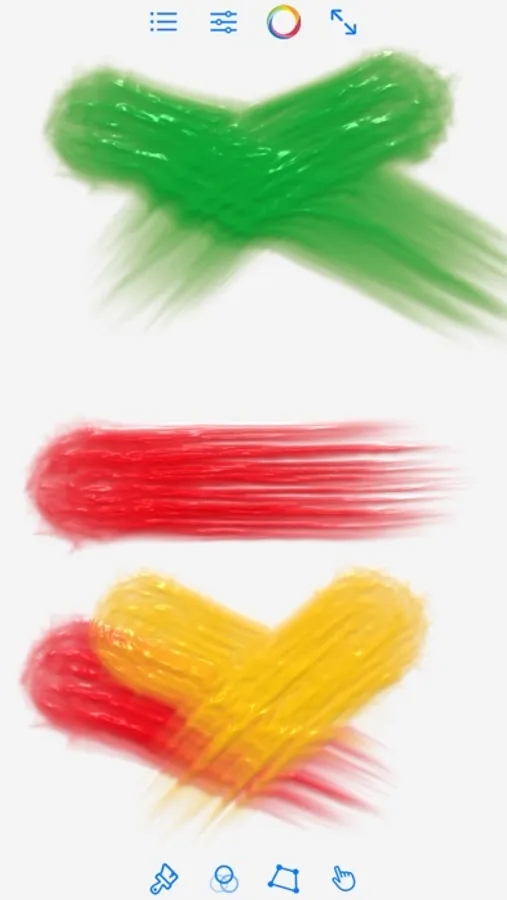
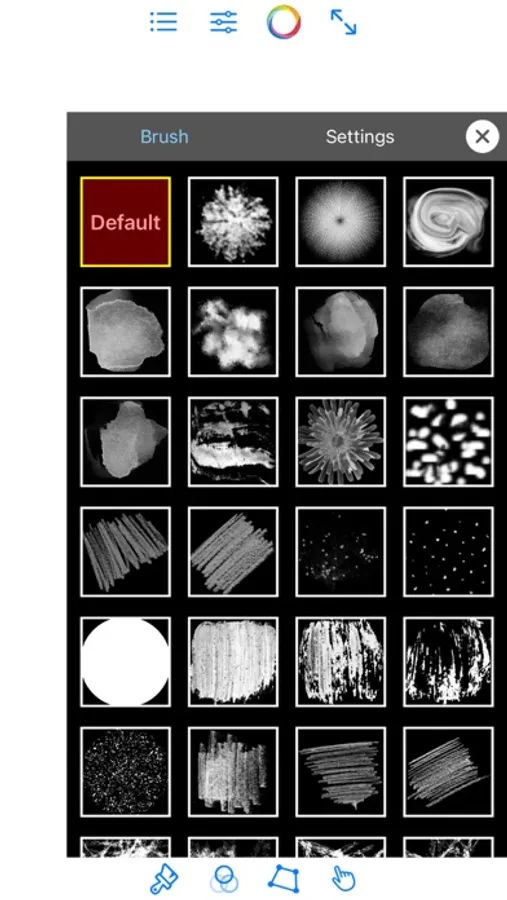
The default brush can adjust the number of bristles and the size of the brush. The fluidity of the pigments can also be adjusted. Other brushes can adjust texture, size, point distance, hardness, direction, opacity and other parameters.
Reducing 'Bristle Count' can sometimes improve the effect. For some brushes, it is better to adjust the hardness. For example, please try to adjust the hardness of some brushes to 0.
Supports multiple undo/redo.
Supports switching between portrait and landscape modes.
A large number of oil painting texture color presets with adjustable intensity can be applied to your work.
You can select colors using the color wheel, or use the eyedropper tool to extract the color of a point on the canvas.
You can use the eraser, clear the canvas, switch full-screen mode.
The current project progress can be saved, and the archive can also be deleted. You can save your work to photo album or share it.
In Apple Pencil mode, the stroke thickness will change in real time with the pressure.
There is a user guide in the settings page.
In the pro version you will:
- Get all brushes and color presets, and they are constantly being updated.
- Remove watermark.
- Choose the canvas size.
- Move the canvas to inspect and paint details.
- Turn on pressure support for Apple Pencil, for all other brushes.
- You can choose to use Apple MetalFX technology to enlarge the size of your work by 4 times. MetalFX is a technology developed by Apple for enhancing game graphics quality.
Pro version is a one-time purchase.
If you encounter any problems in use, please write to duansu3518290@163.com
Oilbook - Liquid Painting Screenshots
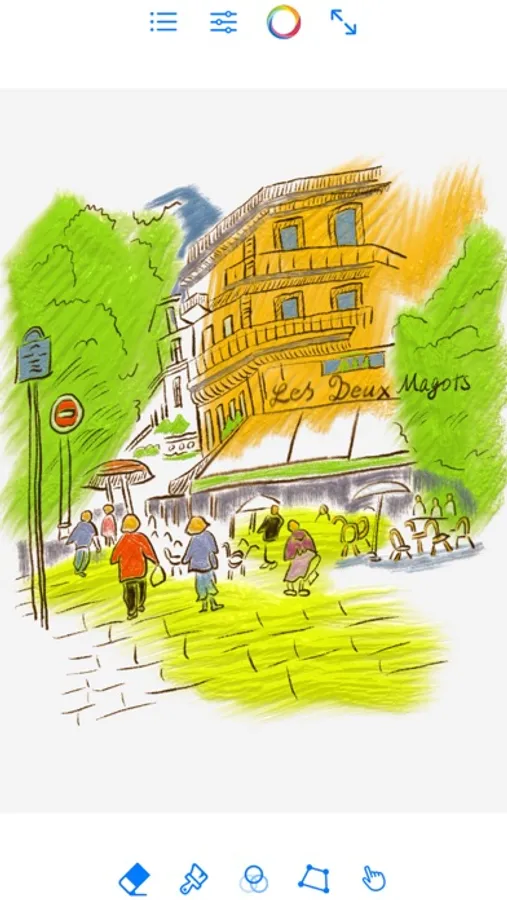
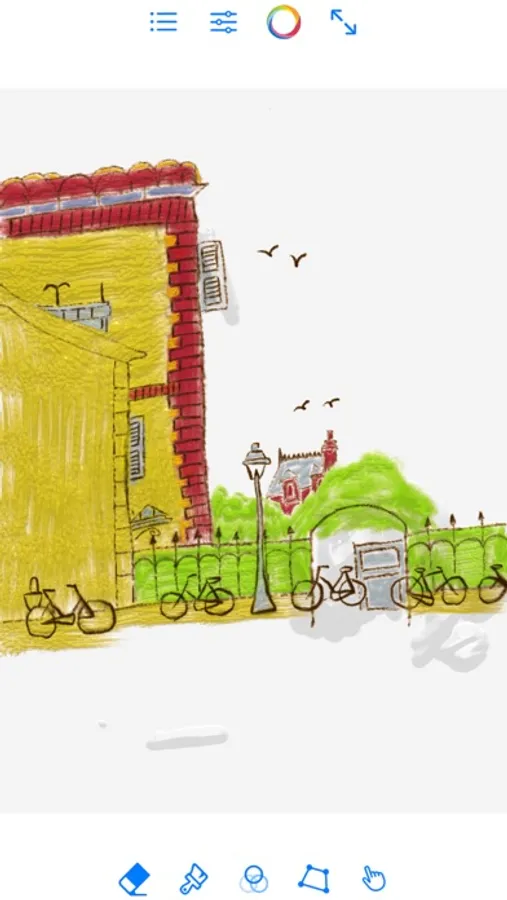
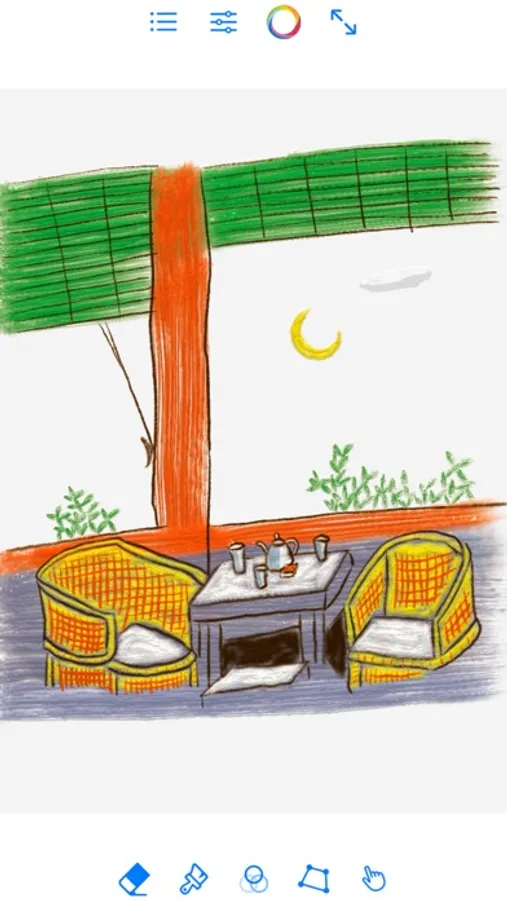
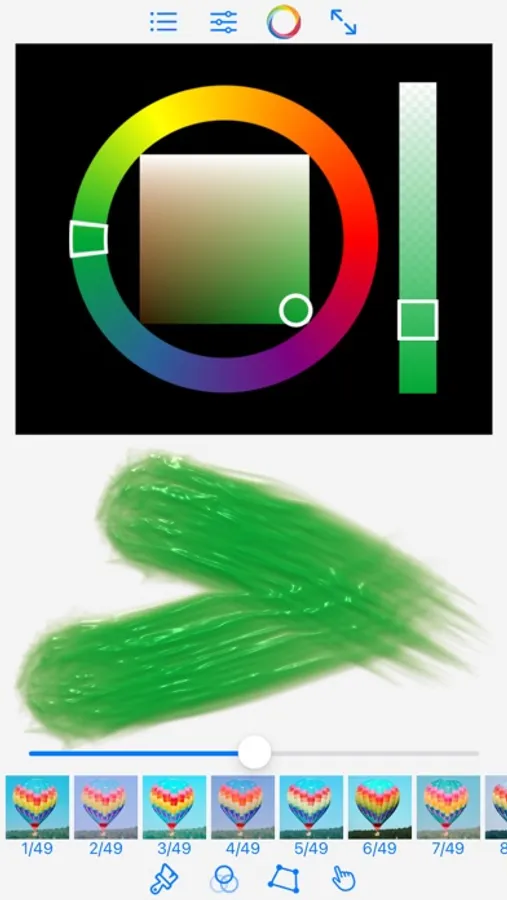
Tap to Rate:
Reviews for Oilbook - Liquid Painting
iandyv1980
Amazing but…
It’s good but I would like if they added more brushes for free I don’t like how there’s only 2 options but other then that it’s a amazing app you should definitely check it out
specialappssk
Looks interesting
Only one brush to test out with very few features to try out in this free version… I want to know what I am getting before I buy the full version. For example what size canvas can this app go up to? Is it high quality and can it support large poster sized images if I were to save an image to use elsewhere? What formats can I save it in? Can I import it into other art apps? Looks interesting, but I need more details.