
AppRecs review analysis
AppRecs rating 4.7. Trustworthiness 81 out of 100. Review manipulation risk 27 out of 100. Based on a review sample analyzed.
★★★★☆
4.7
AppRecs Rating
Ratings breakdown
5 star
83%
4 star
11%
3 star
0%
2 star
0%
1 star
6%
What to know
✓
Low review manipulation risk
27% review manipulation risk
✓
Credible reviews
81% trustworthiness score from analyzed reviews
✓
High user satisfaction
83% of sampled ratings are 5 stars
About OWC Drive Speed
Whether you’re a motion picture or family video filmmaker, you can’t leave the perfect shot up to chance. OWC Drive Speed verifies video data transfer rates and storage limits with attached drives to your iPhone. Now you can ensure seamless, efficient file exchanges, fewer dropped frames, and the peace of mind knowing you have the storage capacity needed to capture everything.
Drive Speed Highlights
Real-Time Speed Monitoring
Accurate data rates to understand whether your phone and storage setup can support high-quality video.
Multiple Device Support
Drive Speed supports a wide range of external storage devices, including SSDs, USB drives, and even memory card readers.
Find Your Setting
Customize iPhone transfer tests by choosing the video format, frames per second, and duration. Measure transfer speeds for options so you have a comprehensive overview of your device's performance under different scenarios.
Historical Data Analysis
Track and analyze historical transfer speeds over time. Save your results with different settings and drives to help you optimize your workflow.
Sharing Your Results
Export speed data and share your transfer speed results with colleagues or friends. Analyze the data on different platforms or collaborate with others for troubleshooting or optimizing data transfer processes.
OWC Drive Speed Screenshots
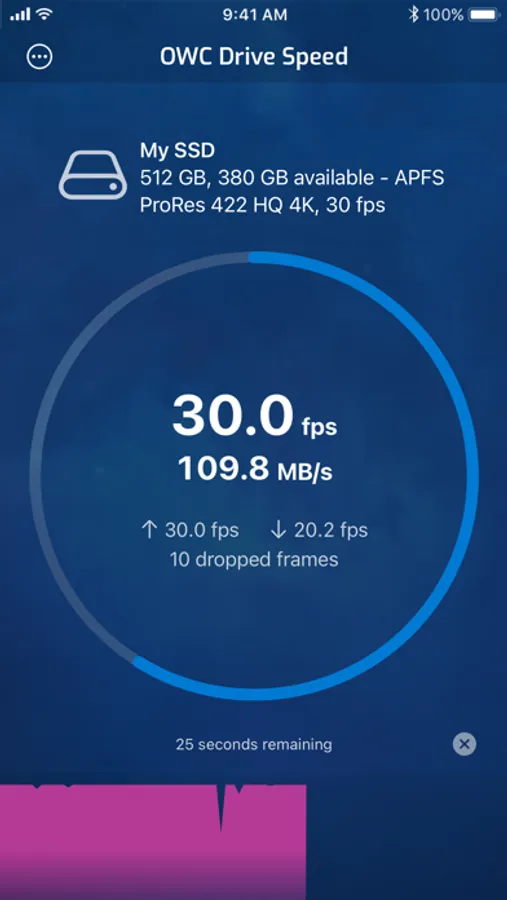
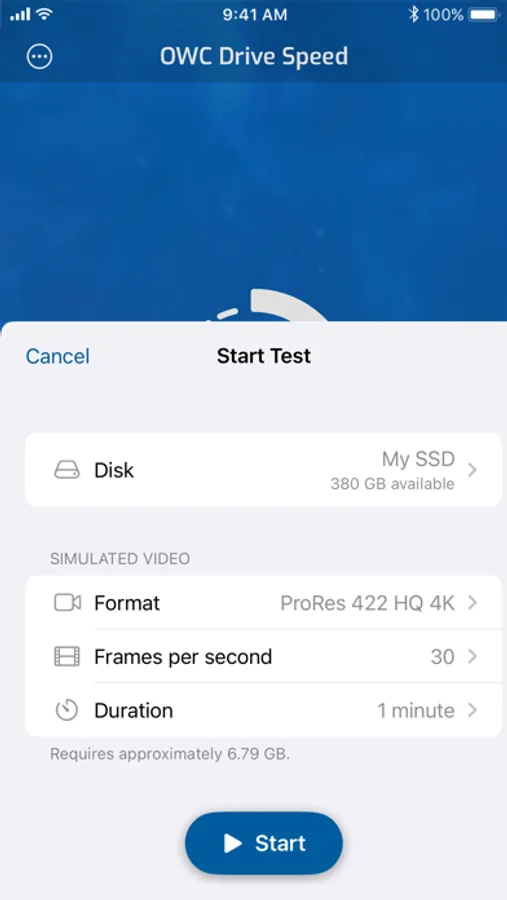
Tap to Rate:
Reviews for OWC Drive Speed
Arthur in Utah
Incorrect results on my sandisk 4TB drive
Way low results
Slava.Ag
Great app and the simplest way to test your external SSD/Flash drive
For those who wish to use the iPhone 15 Pro Max for writing to external storage, particularly when recording in the highest quality format—60 frames per second in 4K with Apple ProRes—you must use this application. It's the only method to determine if your external SSD is sufficiently capable. Additionally, ensure that your external SSD is formatted in the Apple File System (APFS) format, with a GUID Partition Map as your partition scheme. Failing to do so could result in dropped frames in your footage, which can be extremely frustrating. Also, make sure you choose the right format for testing: ProRes 422 HQ in 4K.