AppRecs review analysis
AppRecs rating 2.0. Trustworthiness 85 out of 100. Review manipulation risk 23 out of 100. Based on a review sample analyzed.
★★☆☆☆
2.0
AppRecs Rating
Ratings breakdown
5 star
18%
4 star
6%
3 star
0%
2 star
6%
1 star
71%
What to know
✓
Low review manipulation risk
23% review manipulation risk
✓
Credible reviews
85% trustworthiness score from analyzed reviews
⚠
Mixed user feedback
Average 1.9★ rating suggests room for improvement
About Neo Studio 2
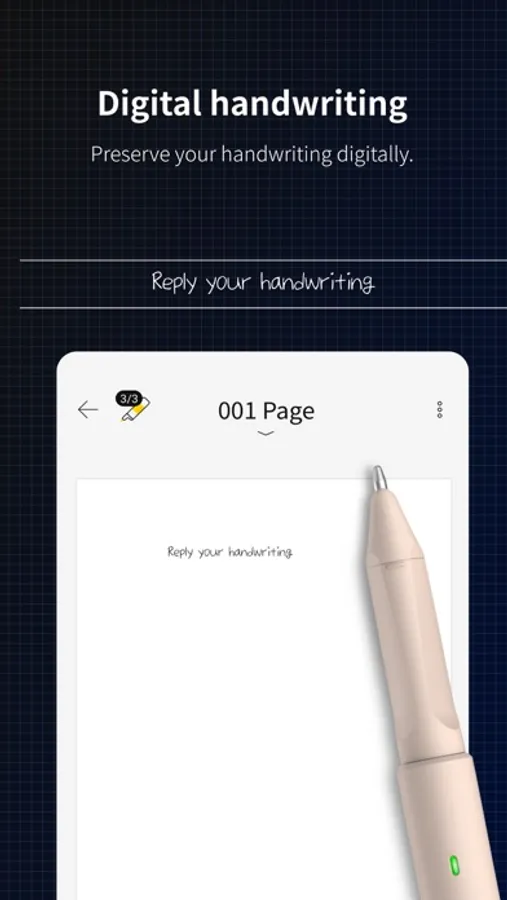
Reborn as the dedicated application for Neo Smartpen: Neo Studio 2!
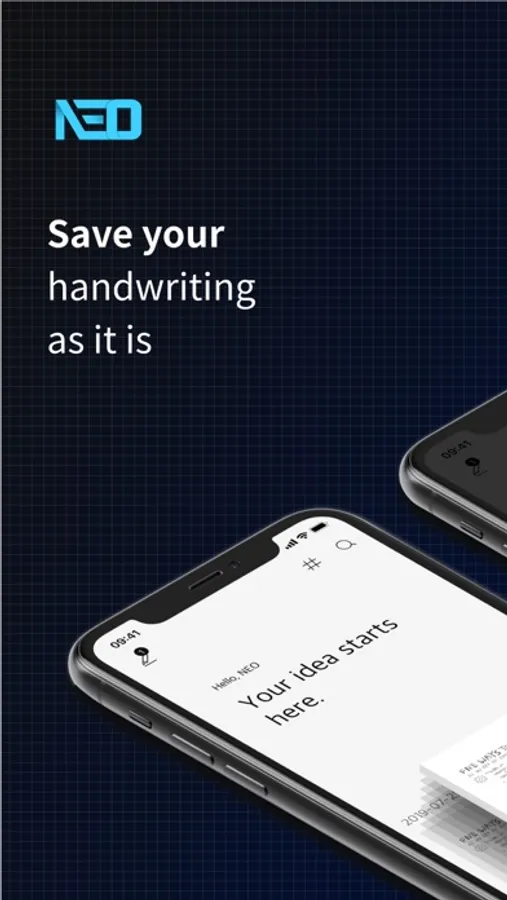
Experience the improved Neo Studio 2 with a more convenient and streamlined note-taking environment, expanding the handwriting paradigm.
#Introduction of Main Features
[Page View]
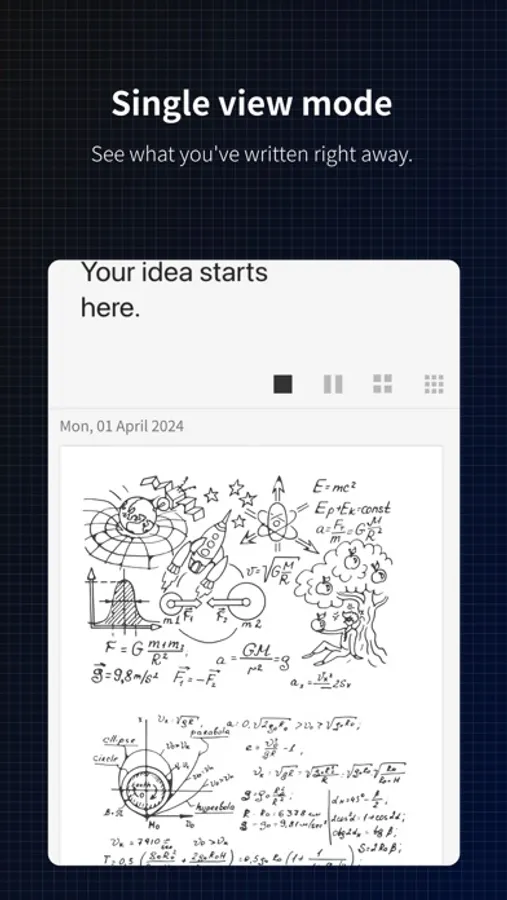
Now you can scroll through the timeline with a single page view. You can easily check your handwritten notes without entering a detailed page.
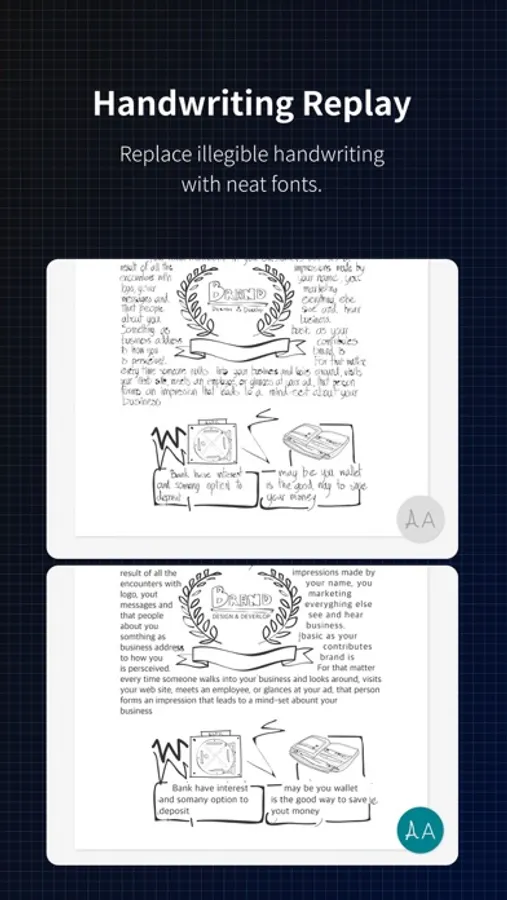
[Text Extraction]
The previous 'Handwriting Recognition' function has been renamed to 'Text Extraction.' It has also been changed to a button at the bottom right of the handwriting detail page, allowing you to instantly convert your handwritten content into text.
[Lasso Tool]
In the handwriting detail page, you can select specific areas with the Lasso Tool for text extraction or to share only the selected area.
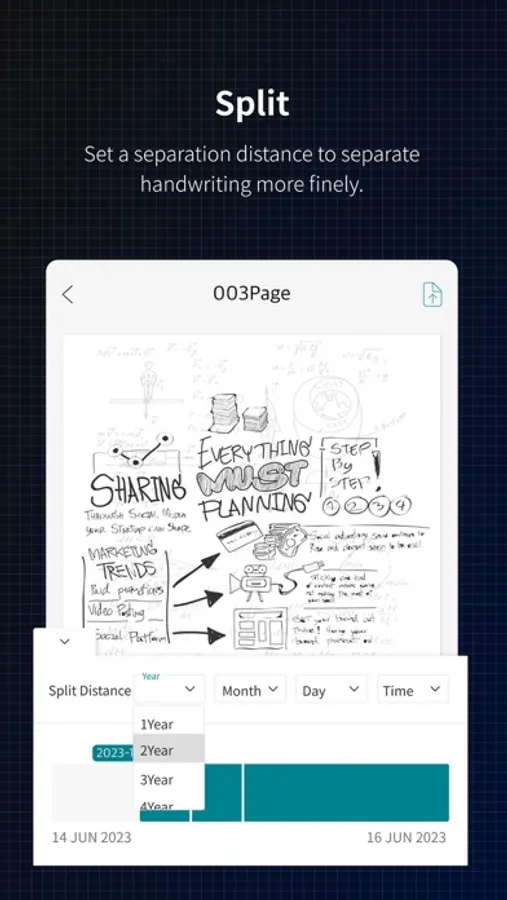
[Split]
Now overlapping handwriting is automatically separated. This addresses the issue of choosing the right time of overlapping notes, allowing you to isolate them and then automatically separate into the same notebook as the first writing.
[Connect Only This Pen]
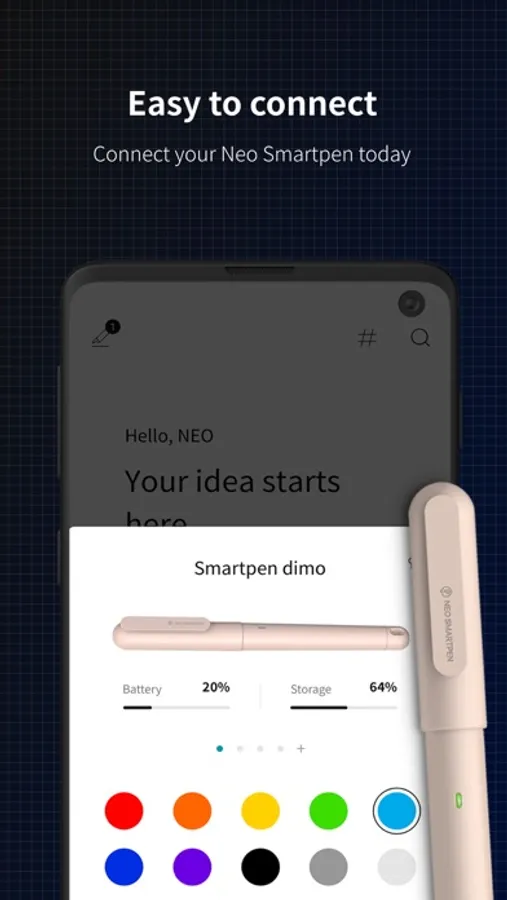
If other smart pens are on, they may automatically connect to the app, but now you can focus on one pen, adding this feature to boost concentration.
[Synchronization]
Synchronization is now done in real-time without manual intervention, so you can log in with your existing account on any device, and your handwritten data will be reflected automatically.
[Compatible Smartpens for Neo Studio]
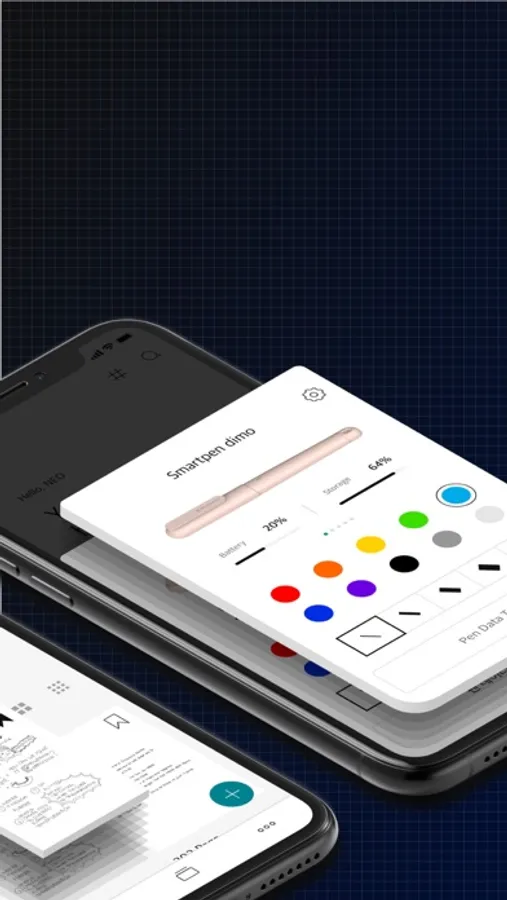
Neo Smartpen A1 (NWP-F151), Neo Smartpen R1 (NWP-F40), Neo Smartpen R1(NWP-F45-NC), Neo Smartpen M1 (NWP-F50), Neo Smartpen M1+ (NWP-F51), Neo Smartpen N2 (NWP-F121C), Neo Smartpen dimo (NWP-F30), LAMY Sadari all black ncode (NWP-F80)
[Service Access Permission Information]
- Bluetooth: Used to connect smart pens and devices through Bluetooth.
- Photo permission: Used to set notebook covers with personal photos or save shared files to the device.
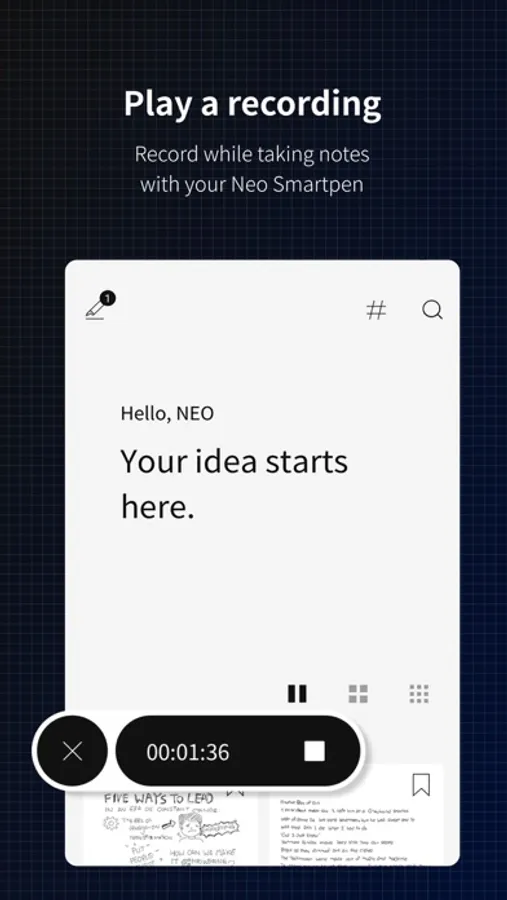
- Audio recording and microphone: Used for voice recording in Neo Studio 2.
* If you don't agree to these permissions, some features of the service might not function properly.
* The Neo Studio 2 app's access permissions are compatible with iOS 16 or later versions.
[Service Access Permissions Guide]
Bluetooth: Used to connect the smartpen and device
Photo access: Used to set personal photos as notebook covers or to save shared files to the device
Audio recording & microphone: Used for the voice recording feature of Neo Studio 2
Some features may not function properly if permissions are not granted.
Neo Studio 2 requires iOS 16 or later.
Neo Studio 2 Screenshots
Tap to Rate:
Reviews for Neo Studio 2
flobot
Will not connect to my N2
Bought their 2026 planner and an N2 smart pen. The app does not recognize the smart pen, so I cannot register the pen. I have tried to register my N2 with this app on 4 separate devices: iPhone 17 Pro Max, iPad Pro M1, google fold, and galaxy tab s10. Only the android devices recognize the N2 within the Bluetooth settings, but the app itself does not recognize the pen on either device. I downloaded their Pen Manager app onto my M1 MBP hoping I can update the firmware, but the app always crashes upon opening it. I've lost all faith in trying to have the perfect smart planner set up, so I will not order their smart planner and R1 for my wife, brother, and sister-in-law as originally planned.
Bob jack club
I wont connect
I bought a N2 pen and it will not connect to my iPhone 12 i was following that instructions and it still will not connect