
In this app, users can receive audio descriptions of text, objects, and people using AI-powered recognition. Includes features for reading, describing images, recognizing products and currency, and personal object identification.
AppRecs review analysis
AppRecs rating 4.2. Trustworthiness 79 out of 100. Review manipulation risk 20 out of 100. Based on a review sample analyzed.
★★★★☆
4.2
AppRecs Rating
Ratings breakdown
5 star
69%
4 star
10%
3 star
11%
2 star
5%
1 star
6%
What to know
✓
Low review manipulation risk
20% review manipulation risk
✓
Credible reviews
79% trustworthiness score from analyzed reviews
✓
High user satisfaction
79% of sampled ratings are 4+ stars (4.3★ average)
About Seeing AI
Seeing AI provides tools to assist with a variety of daily tasks:
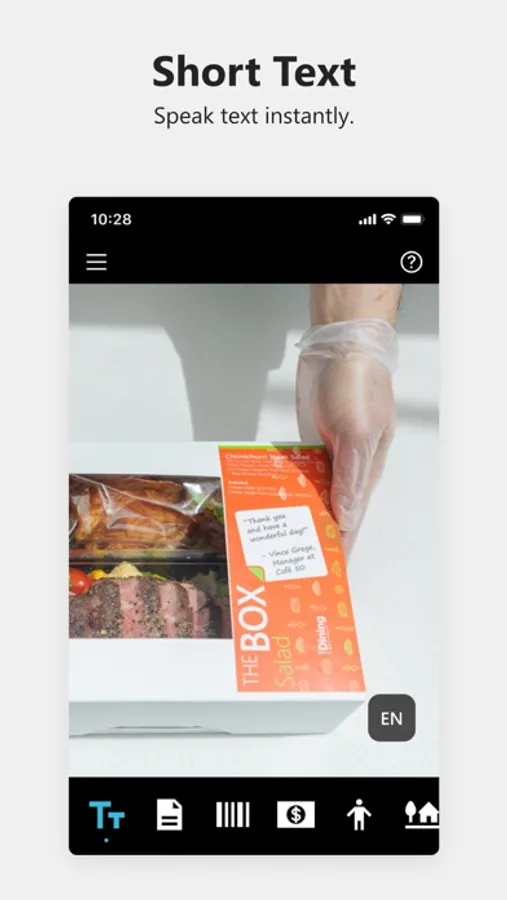
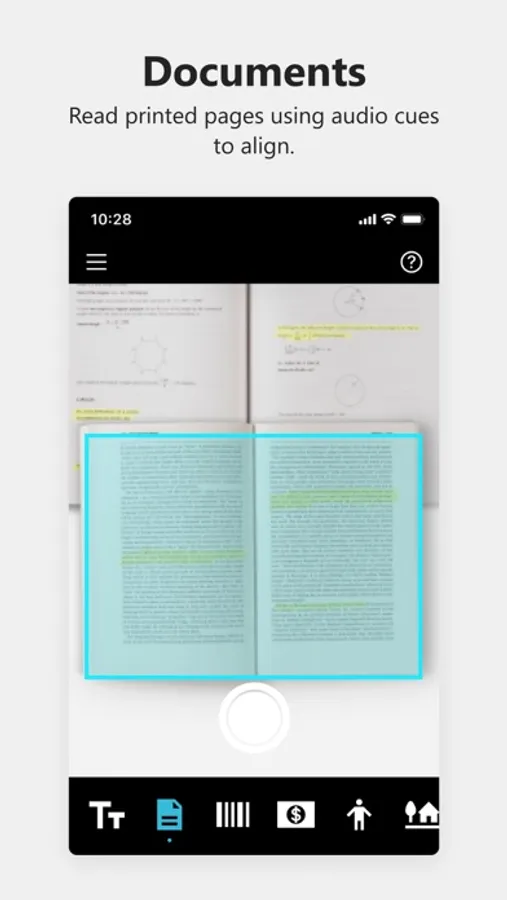
• Read - Hear text as soon as it appears in front of the camera. Document alignment provides audio cues to capture a printed page and recognize the text along with its original formatting. Ask Seeing AI about the contents to easily find the information you need.
• Describe - Take photos to hear a rich description. Ask questions to focus on the information you care about. Explore photos by moving your finger over the screen to hear the location of different objects.
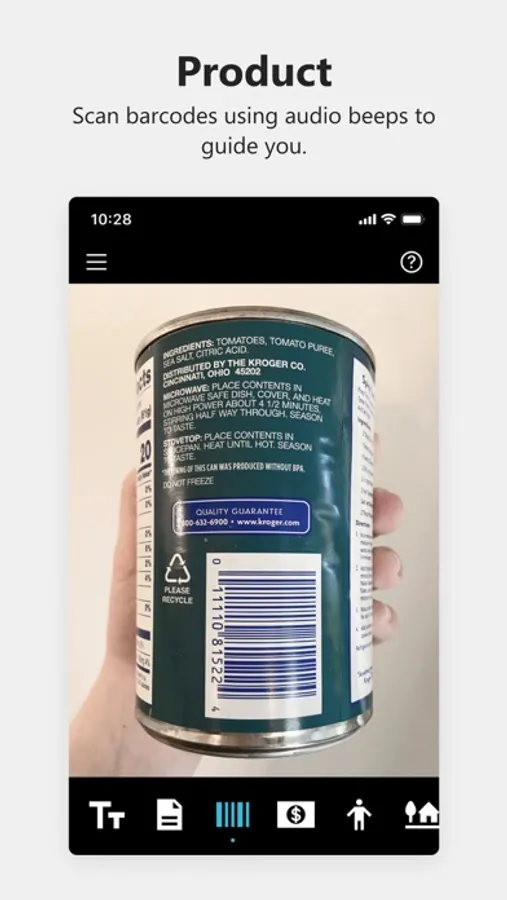
• Products - Scan barcodes and Accessible QR codes using audio beeps to guide you; hear the product name and package information when available.
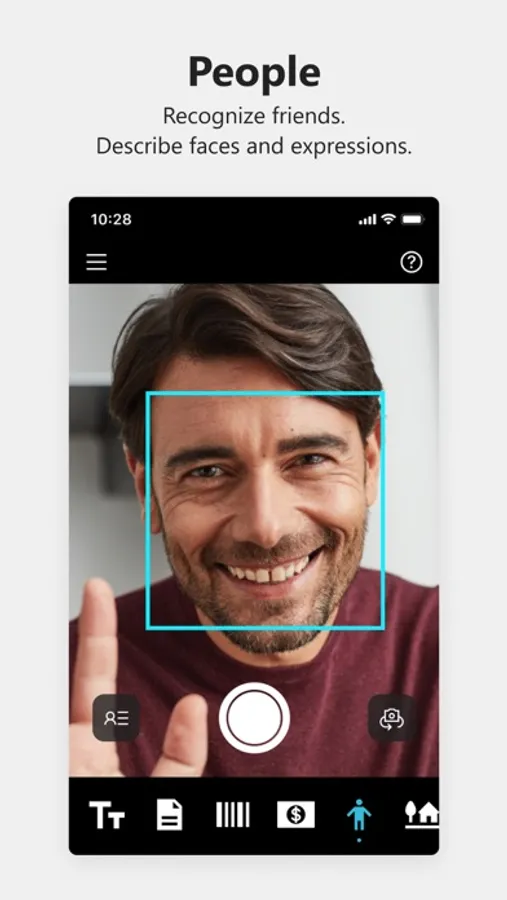
• People - Save photos of friends and coworkers so you can recognize them later. Get an estimate of their age, gender, and expression.
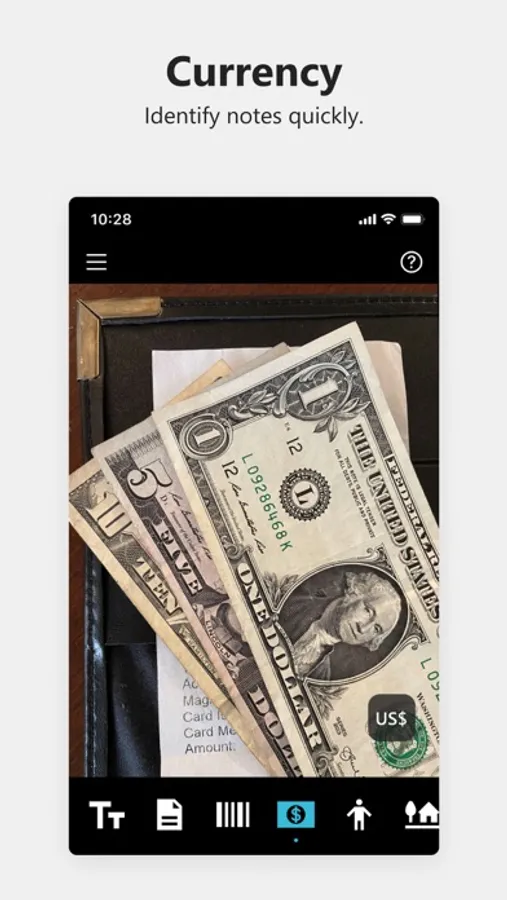
• Currency - Recognize currency notes.
• Find My Things - Teach Seeing AI to recognize your personal objects and follow the audio cues to find them later.
• World - An Audio Augmented Reality experience to explore an unfamiliar environment, including hearing objects announced around you with Spatial Audio (requires a device with a LiDAR, and iOS 14+).
• Colors - Identify colors.
• Light - Hear an audible tone corresponding to the brightness of your surroundings.
• Photos and Videos in other apps - Just tap “Share” and “Recognize with Seeing AI” to describe media from Mail, Photos, WhatsApp, and more.
• Browse Photos - Hear descriptions of photos and videos saved on your device.
Seeing AI continues to evolve as we hear from the community, and AI research advances.
Visit http://SeeingAI.com for more details.
Questions, feedback or feature requests? Email us at SeeingAI@Microsoft.com.
Seeing AI Screenshots
Tap to Rate:
Reviews for Seeing AI
Cheyhorse
Great app but…
I work for an Assistive Technology Program. We recommend this app to many with vision deficiencies and it’s great. However, the app continues to change with updates. I was initially told this is supposed to be for those who are visually impaired but for those that cannot see, the changes make this difficult to use. When I first learned of the app, it was very simple to use but has had so many changes since that I can no longer say that. This needs to stay simple & refrain from changing so much. I don’t see how anyone with visual impairments can use it. The scan/read feature used to allow jumping around but it no longer works that way. The layout of the options have changed so much that it’s difficult to use for those that are unable to see what they are doing.
swahili lover
It’s great, but I have suggestions
Hey y’all this is what’s up so I think because I think we all know how Google has a thing where you could just take a picture of the answers like you could take a picture of your homework and get the answers. I think you should put that on there like it should be called homework helper because do you know how many blind kids like me blind 14-year-olds like me who tried to use Google lens and take a picture of the homework and get quotes sorry something wrong. Do you know how many a lot so therefore please do that please please do that. But that’s that suggestion thank you for this app and keep making more apps. Oh and fix Outlook.