
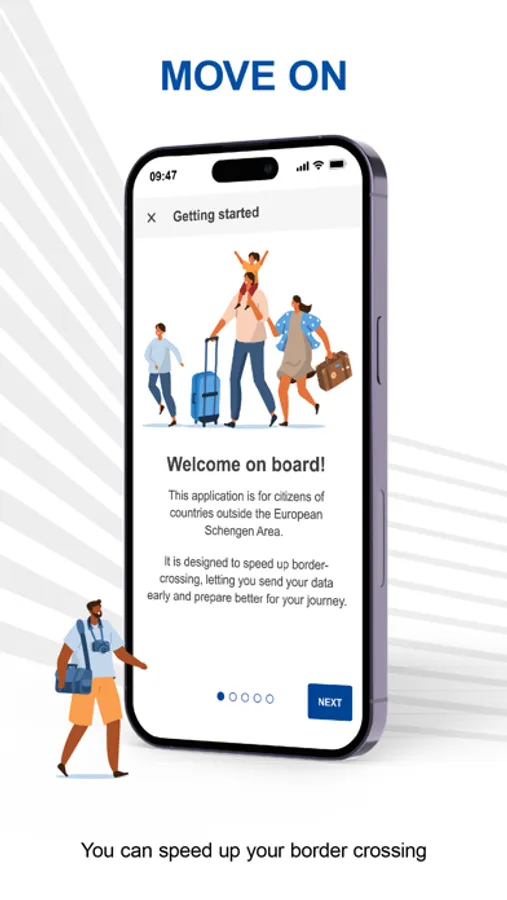
In this travel registration app, users can pre-register personal information for border crossing purposes and select travel details. Includes passport reading, facial recognition, and question answering features.
AppRecs review analysis
AppRecs rating 4.5. Trustworthiness 50 out of 100. Review manipulation risk 26 out of 100. Based on a review sample analyzed.
★★★★☆
4.5
AppRecs Rating
Ratings breakdown
5 star
77%
4 star
8%
3 star
4%
2 star
0%
1 star
11%
What to know
✓
High user satisfaction
86% of sampled ratings are 4+ stars (4.4★ average)
✓
Authentic reviews
No red flags detected
About Travel to Europe
Speed up your border check with the Travel to Europe app.
Developed by the European Union, Travel to Europe allows you to pre-register your personal information for the Entry/Exit System (EES) in advance.
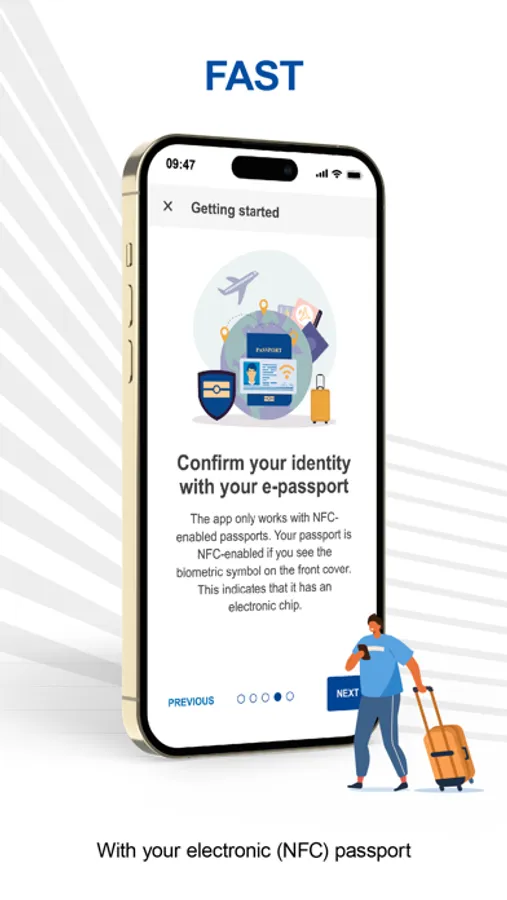
Currently, you can use the Travel to Europe app when entering Sweden, where it supports passport data, facial image and entry questionnaire. The other European countries using the EES may make the app available later. The specific functionalities offered may also vary from country to country.
Secure and simple to use, pre-registration with the app can be done within 72 hours before arriving in or leaving a European country using the EES.
Who can use the app?
You can use the app if you are a non-EU national travelling for a short stay to a European country using the EES, provided that you have:
• A biometric passport
• iPhone 8 or later with iOS 16 or later
• NFC (Near-Field Communication) functionality, in order to read the passport’s chip
• A frontal camera for the selfie capture
You cannot use the app if you hold a residence permit or a long-stay visa issued by a European country using the EES. To read more about whom the EES does not apply to and who cannot use the app visit https://travel-europe.europa.eu/ees/to-whom-does-ees-not-apply
How do I use the app?
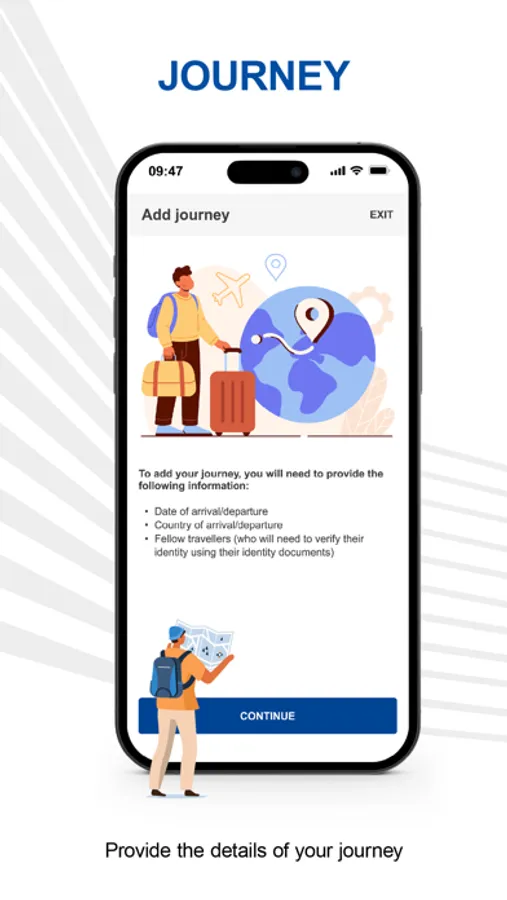
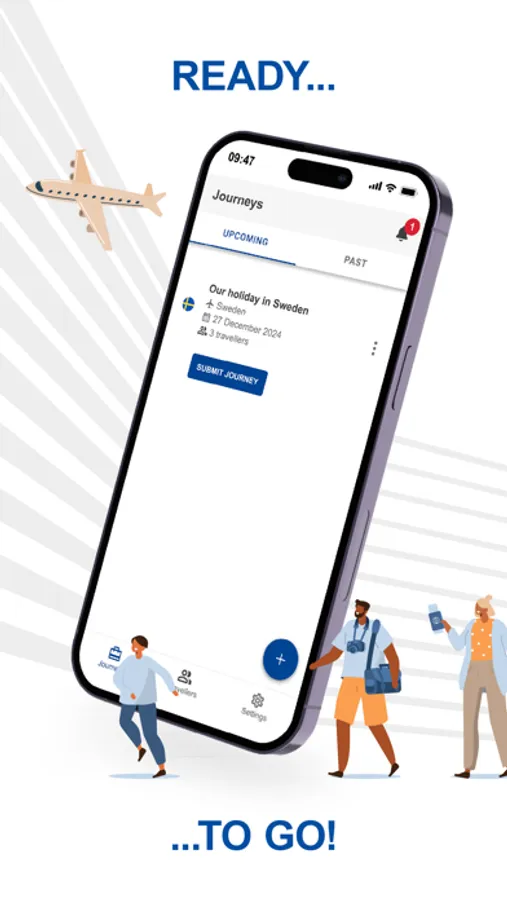
1. Create a new journey by selecting the European country using the EES you are arriving in or leaving from
2. Select the border crossing point and the time of your expected arrival
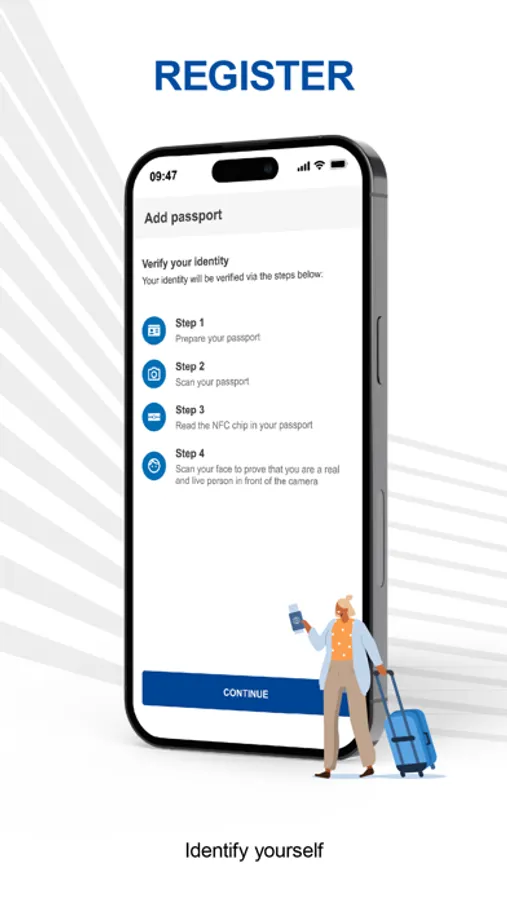
3. Scan the personal details page and the chip of your passport
4. Take a selfie to confirm your identity
5. Answer a few questions about your travel plans
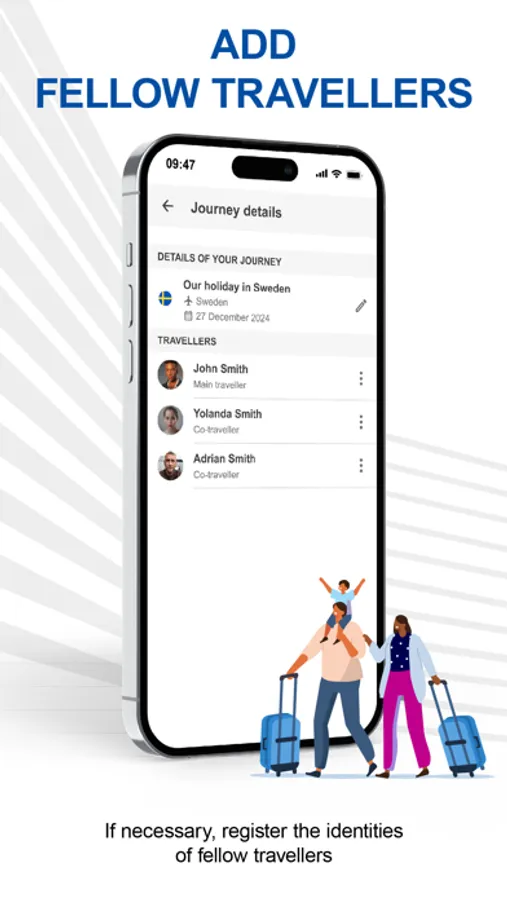
6. Optional: add co-travellers using steps 1-5
7. Submit your journey
8. Receive a confirmation that your journey has been accepted
9. Go to the border crossing point and follow the border guard’s instructions
Using the app does not replace checks by the border authorities and does not guarantee entry into the European countries using the EES. The final decision on entry can only be taken by the local border authorities based on whether you fulfil the entry conditions.
More information about the EES: https://travel-europe.europa.eu/
Developed by the European Union, Travel to Europe allows you to pre-register your personal information for the Entry/Exit System (EES) in advance.
Currently, you can use the Travel to Europe app when entering Sweden, where it supports passport data, facial image and entry questionnaire. The other European countries using the EES may make the app available later. The specific functionalities offered may also vary from country to country.
Secure and simple to use, pre-registration with the app can be done within 72 hours before arriving in or leaving a European country using the EES.
Who can use the app?
You can use the app if you are a non-EU national travelling for a short stay to a European country using the EES, provided that you have:
• A biometric passport
• iPhone 8 or later with iOS 16 or later
• NFC (Near-Field Communication) functionality, in order to read the passport’s chip
• A frontal camera for the selfie capture
You cannot use the app if you hold a residence permit or a long-stay visa issued by a European country using the EES. To read more about whom the EES does not apply to and who cannot use the app visit https://travel-europe.europa.eu/ees/to-whom-does-ees-not-apply
How do I use the app?
1. Create a new journey by selecting the European country using the EES you are arriving in or leaving from
2. Select the border crossing point and the time of your expected arrival
3. Scan the personal details page and the chip of your passport
4. Take a selfie to confirm your identity
5. Answer a few questions about your travel plans
6. Optional: add co-travellers using steps 1-5
7. Submit your journey
8. Receive a confirmation that your journey has been accepted
9. Go to the border crossing point and follow the border guard’s instructions
Using the app does not replace checks by the border authorities and does not guarantee entry into the European countries using the EES. The final decision on entry can only be taken by the local border authorities based on whether you fulfil the entry conditions.
More information about the EES: https://travel-europe.europa.eu/
Travel to Europe Screenshots
Tap to Rate:
Reviews for Travel to Europe
gottaluvthefog
Scam! There is no official pre-registration app for the EES!!!
Scam! There is no official pre-registration app for the EES!!!
Suresh C B
Only one country?
I can only see Sweden as an entry point option.