AppRecs review analysis
AppRecs rating 4.8. Trustworthiness 0 out of 100. Review manipulation risk 0 out of 100. Based on a review sample analyzed.
★★★★☆
4.8
AppRecs Rating
Ratings breakdown
5 star
0%
4 star
100%
3 star
0%
2 star
0%
1 star
0%
What to know
✓
High user satisfaction
100% of sampled ratings are 4+ stars (4.8★ average)
About Drawing with Math
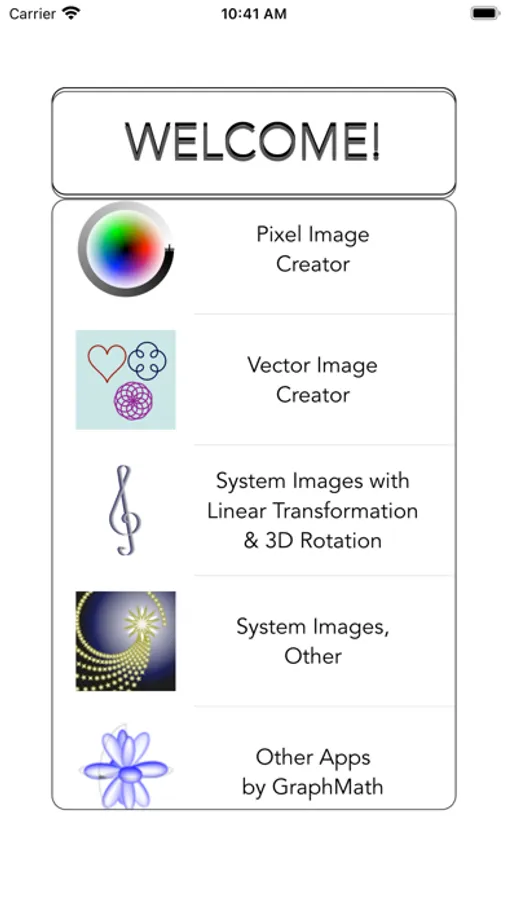
* uniquely versatile image editors,
* various methods of linear transformations of both user-entered and system images.
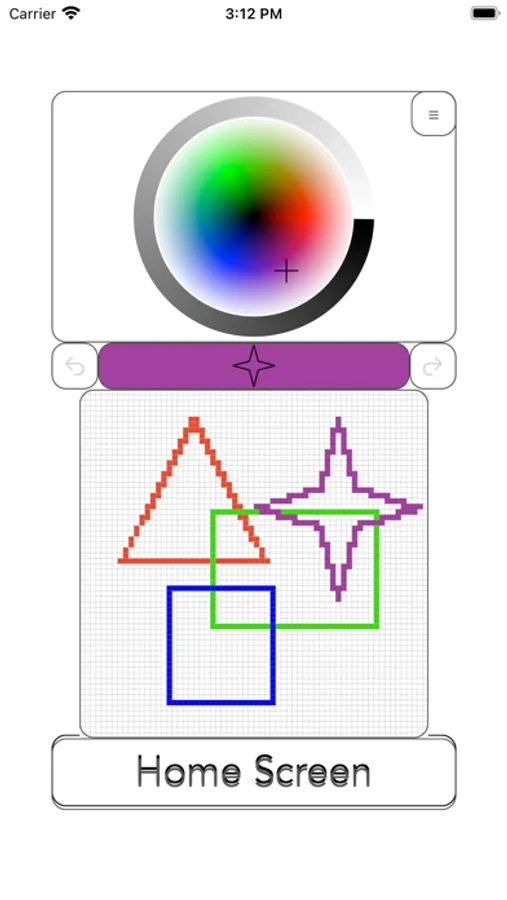
Image editors are available in vector and pixelated forms.
The editors offer such options as:
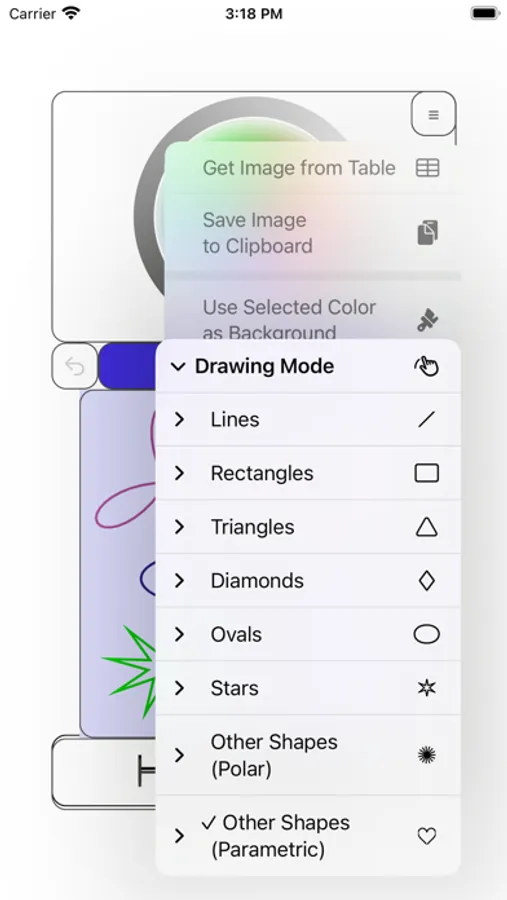
* free drawing,
* entry of all standard shapes,
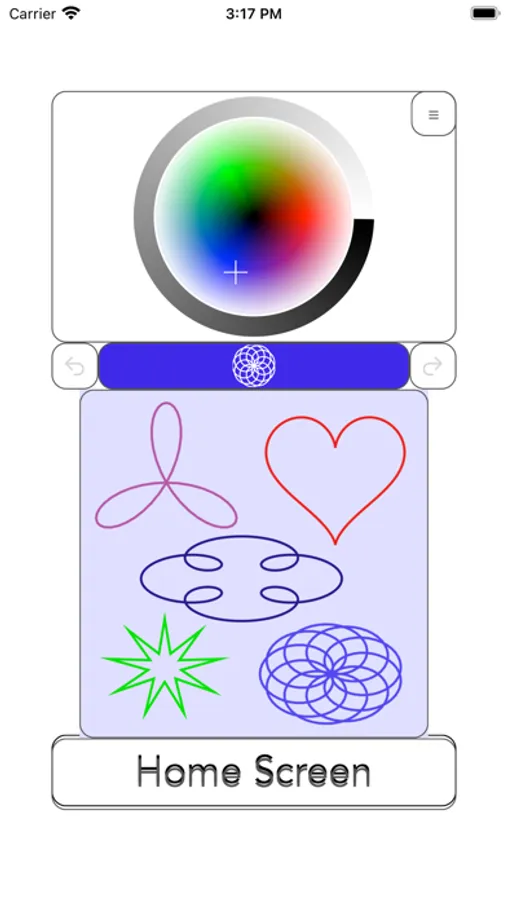
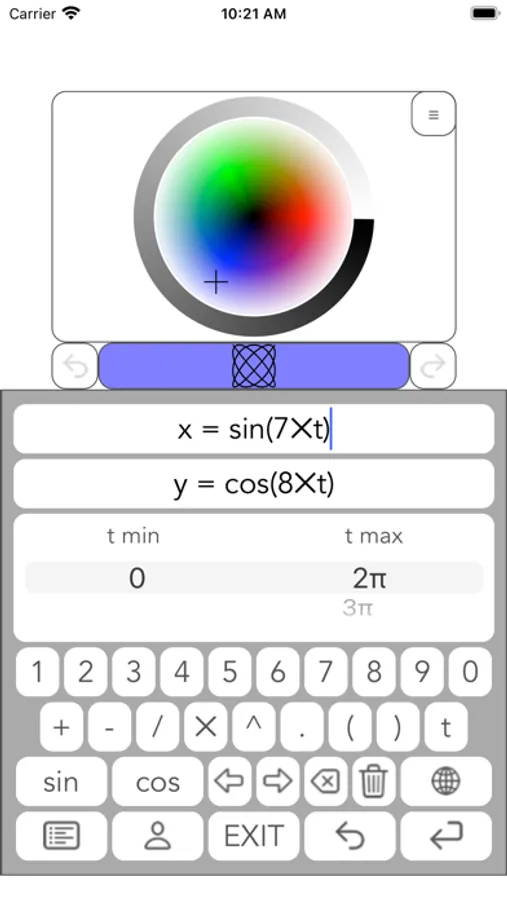
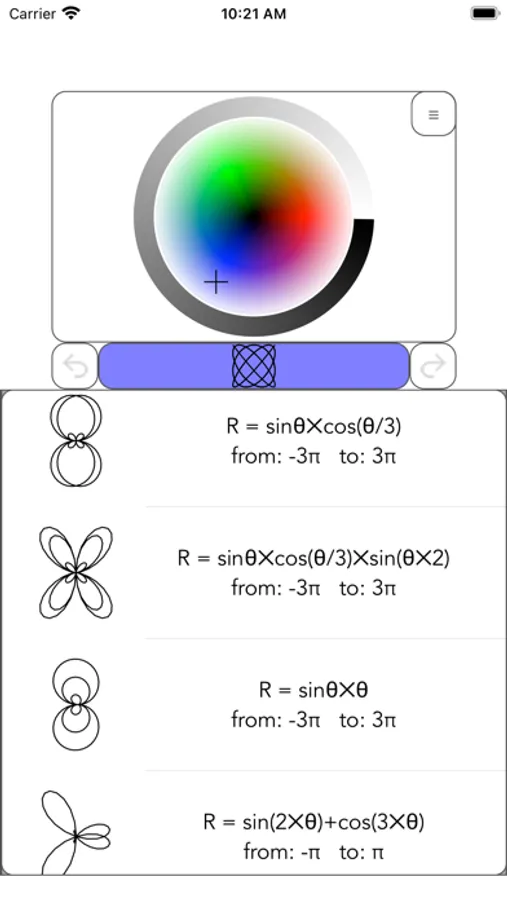
* entry of regular Cartesian, polar, or parametric function into image editor.
List of several visually appealing functions is provided.
The App stores 10 most recent user entries for each type.
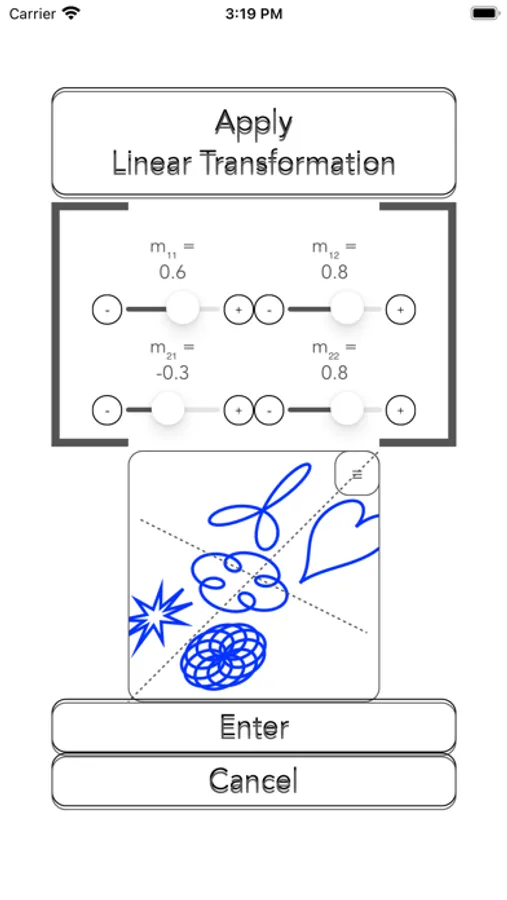
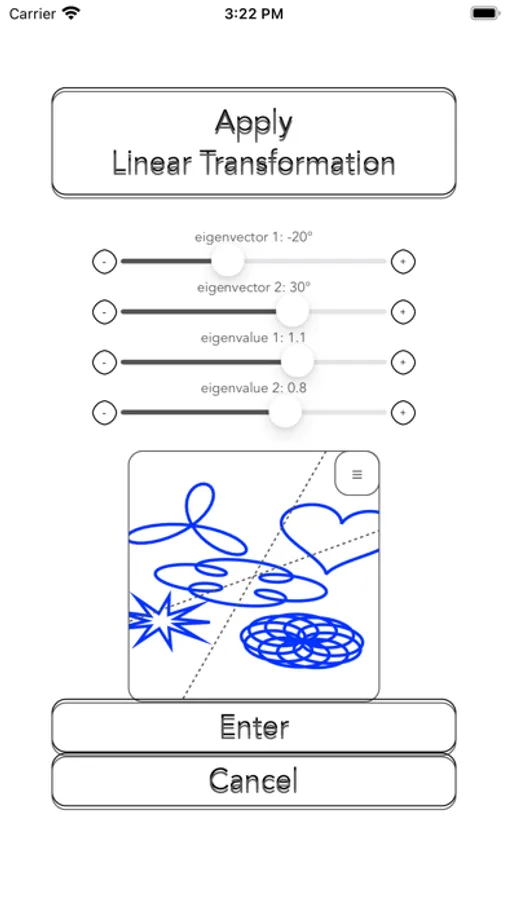
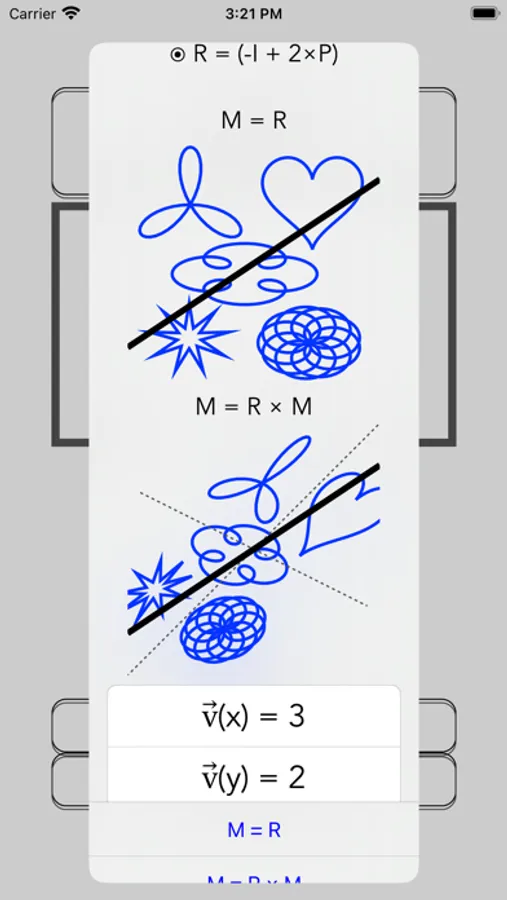
Vector images can be linearly transformed in a variety of user-defined ways:
* 2x2 matrix,
* eigenvalues and eigenvectors,
* rotation by degree,
* reflection across a given vector.
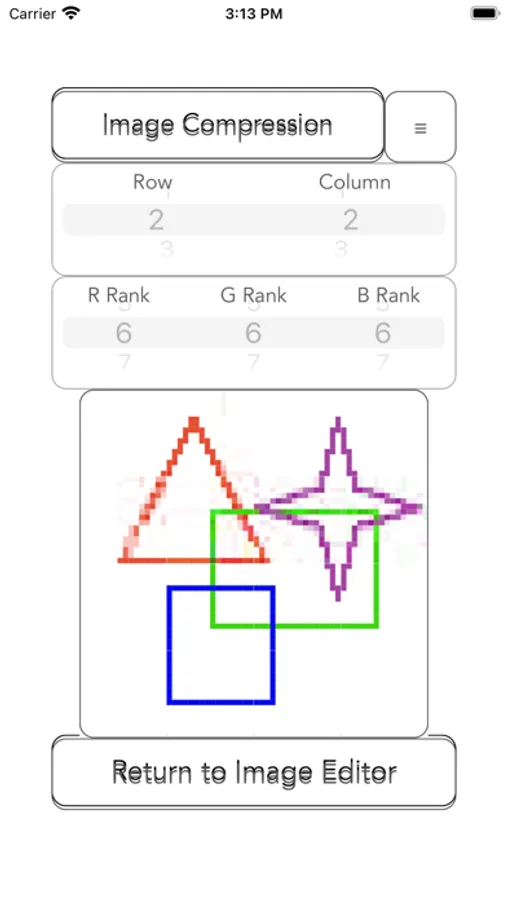
Pixelated images can be compressed by segments to user-selected rank.
Mathematical context for the above is provided, whenever possible.
Explanation of image compression algorithms requires significant understanding of Linear Algebra, and is available in our “Matrix Solver Step by Step” app.
Several bonus images with animations and editable greeting cards are also available.
Suggestions and any other feedback are welcome!
Write to us at graphmath@aol.com.
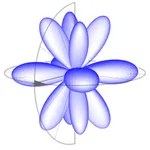
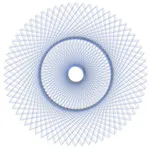
Drawing with Math Screenshots
Tap to Rate:
Reviews for Drawing with Math
oiseaux1604
Captioning and Annotating the images and art
I found this app (and these groups of apps, it seems) out of pure curiosity and boredom on the App Store. From what I understand, the drawings in the “System Images” are made from mathematical equations. I think adding the formula into the caption of the image or creating a side annotation on each drawing describing the calculations done to form these drawings would make it more intriguing and understandable. Also, in the drawing modes, I think that once a transformation was done, or a line was drawn, that a formula or calculation likewise to the System Images drawings could pop up, creating a more detailed learning experience for the user.