AppRecs review analysis
AppRecs rating 1.0. Trustworthiness 55 out of 100. Review manipulation risk 21 out of 100. Based on a review sample analyzed.
★☆☆☆☆
1.0
AppRecs Rating
Ratings breakdown
5 star
0%
4 star
0%
3 star
0%
2 star
0%
1 star
100%
What to know
⚠
Mixed user feedback
Average 1.0★ rating suggests room for improvement
About Audio to Video Converter
Audio to Video Converter
Audio to Video Converter is an innovative iOS application designed to convert audio files into video files effortlessly. This unique concept addresses common user needs and issues with ease.
Common Issues Addressed:
Convert audio files to video files seamlessly.
Enhance audio files by adding images and converting them into videos.
High-quality audio-to-video conversion.
A free, fast, and user-friendly solution.
Unlimited usage with no restrictions.
Features:
Effortless Conversion: Convert audio files into video files quickly and efficiently.
Free to Use: Enjoy all features without any cost.
Add Images: Personalize your audio files by adding your desired photo before converting them to video.
Unlimited Usage: Convert as many files as you want without any limitations.
User-Friendly Interface: Professional, attractive, and intuitive UI for a seamless user experience.
How to Use:
Download and Install: Get Audio to Video Converter from the App Store.
Open the App: Launch the app after installation.
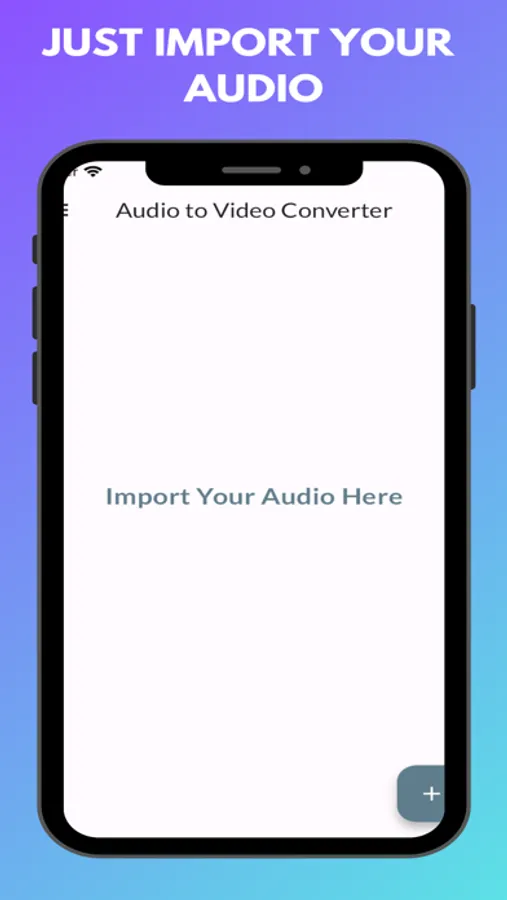
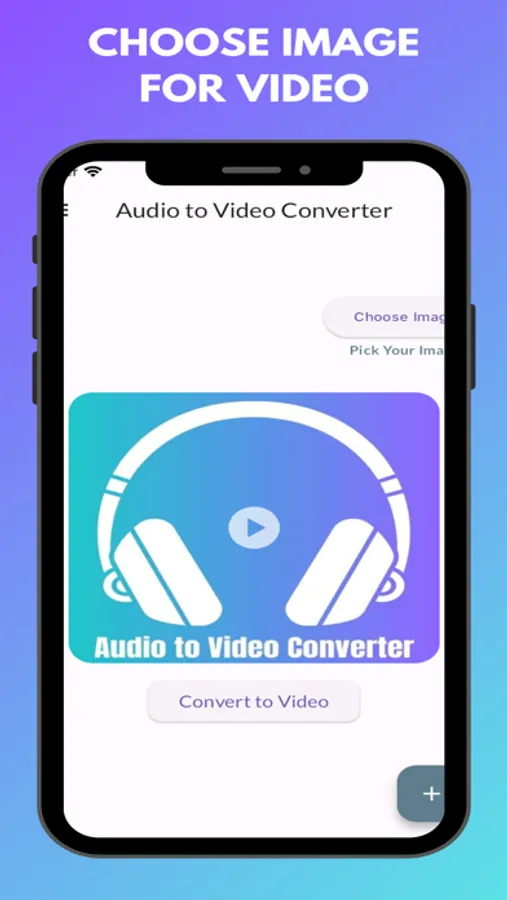
Import Audio: Select and import your audio file.
Customize: Choose from options such as "Add Photo" to include an image in your video.
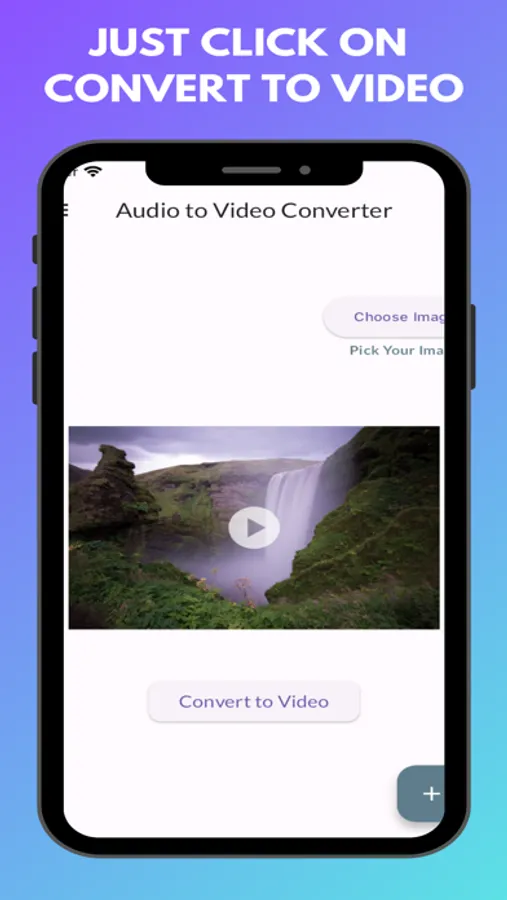
Convert: Use the "Convert to Video" option to transform your audio file into a video.
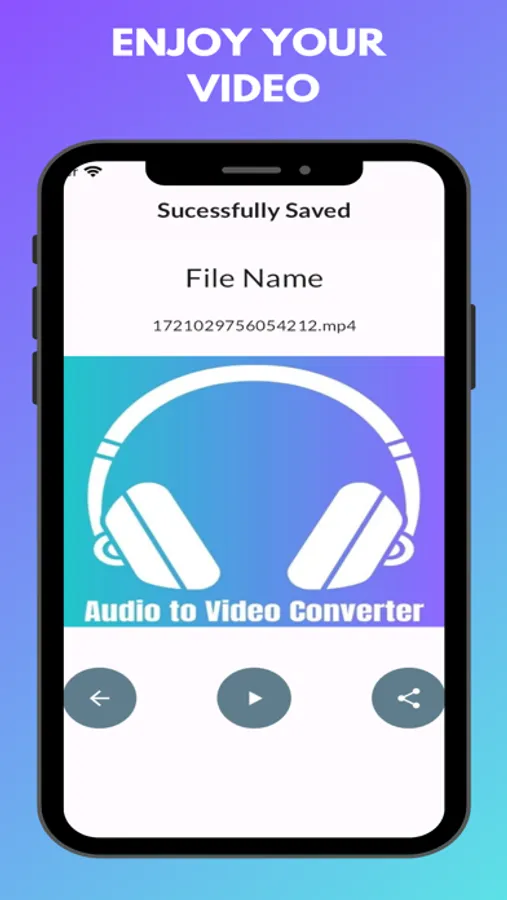
Enjoy: Experience the high-quality video output.
If you have any questions or need support, feel free to email us at trickswithandro@gmail.com.
Audio to Video Converter is an innovative iOS application designed to convert audio files into video files effortlessly. This unique concept addresses common user needs and issues with ease.
Common Issues Addressed:
Convert audio files to video files seamlessly.
Enhance audio files by adding images and converting them into videos.
High-quality audio-to-video conversion.
A free, fast, and user-friendly solution.
Unlimited usage with no restrictions.
Features:
Effortless Conversion: Convert audio files into video files quickly and efficiently.
Free to Use: Enjoy all features without any cost.
Add Images: Personalize your audio files by adding your desired photo before converting them to video.
Unlimited Usage: Convert as many files as you want without any limitations.
User-Friendly Interface: Professional, attractive, and intuitive UI for a seamless user experience.
How to Use:
Download and Install: Get Audio to Video Converter from the App Store.
Open the App: Launch the app after installation.
Import Audio: Select and import your audio file.
Customize: Choose from options such as "Add Photo" to include an image in your video.
Convert: Use the "Convert to Video" option to transform your audio file into a video.
Enjoy: Experience the high-quality video output.
If you have any questions or need support, feel free to email us at trickswithandro@gmail.com.
Audio to Video Converter Screenshots
Tap to Rate:
Reviews for Audio to Video Converter
Marquez Derrick
Not legit
Worst app ever. You can’t play your file, the file doesn’t even show up, and you can’t share it. Highly do no. t
Gfegvxetgd
Useless
loads of ads no functionality - avoid like the plague