About Mp3 to Mp4 Converter
Welcome to Mp3 to Mp4 Converter, the essential tool for transforming your Mp3 audio files into high-quality Mp4 video format effortlessly. Designed to meet the demand of users seeking a reliable solution, Mp3 to Mp4 Converter is your go-to application for seamless audio-to-video conversion.
Key Features:
Intuitive Design: Enjoy a modern and user-friendly interface designed for all levels of users.
Effortless Conversion: Convert Mp3 to Mp4 with a single click, making the process quick and hassle-free.
Fast Video Conversion: Experience speedy conversion without compromising on quality.
Universal Compatibility: Perfect for various audio-to-video conversion needs.
How to Use Mp3 to Mp4 Converter:
1. Download & Install: Get started by downloading and installing Mp3 to Mp4 Converter from the App Store.
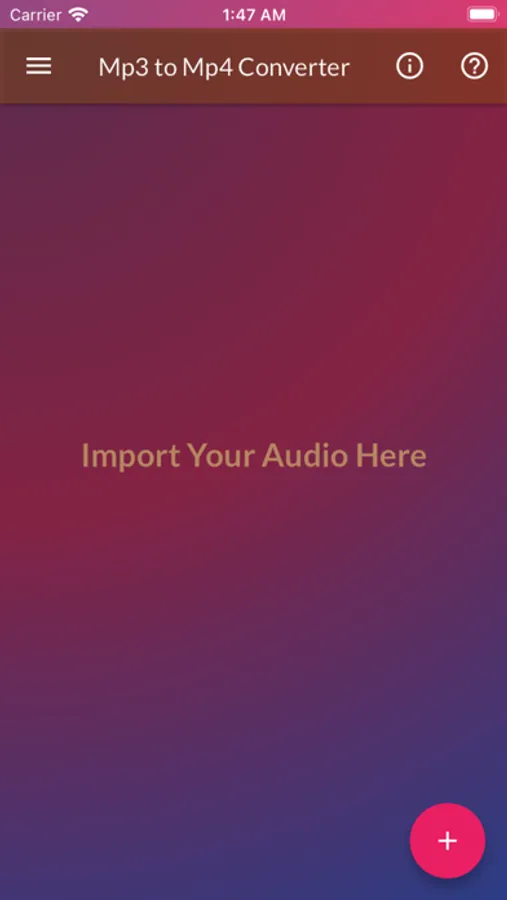
2. Launch the App: Open the application after installation.
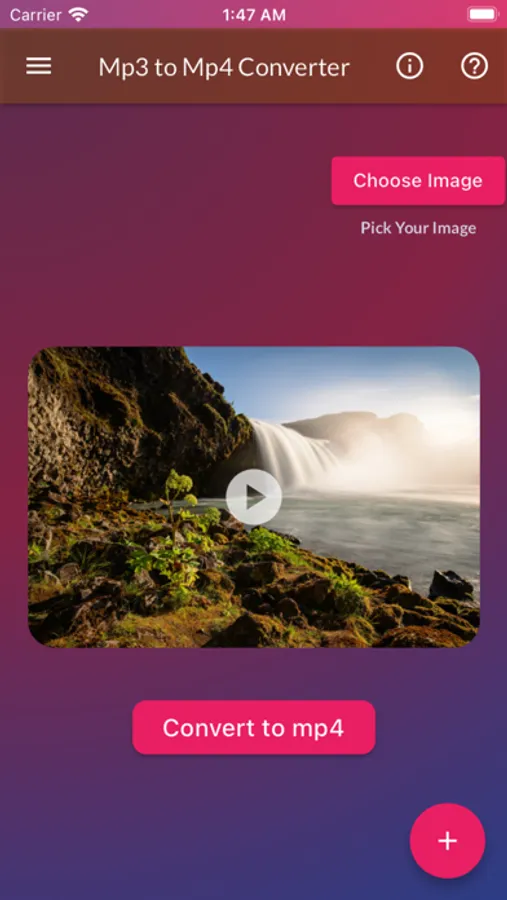
3. Video Conversion: Navigate to the Video Conversion Option.
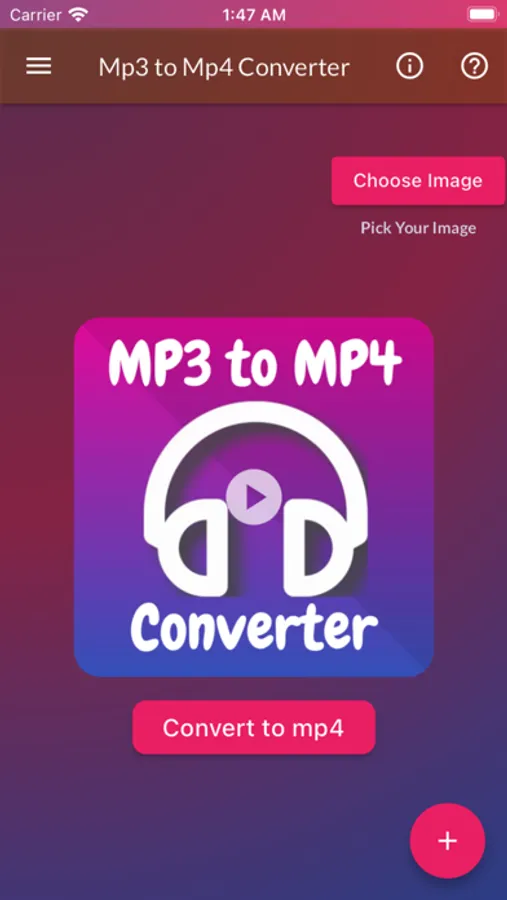
4. Select Your Mp3 File: Choose the Mp3 file you wish to convert.
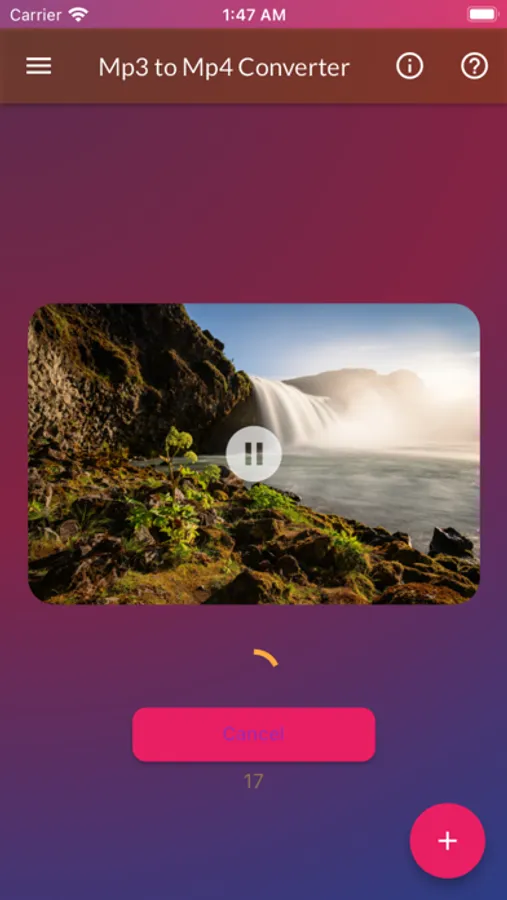
5. Click 'Convert to Mp4': Initiate the conversion process with a simple click.
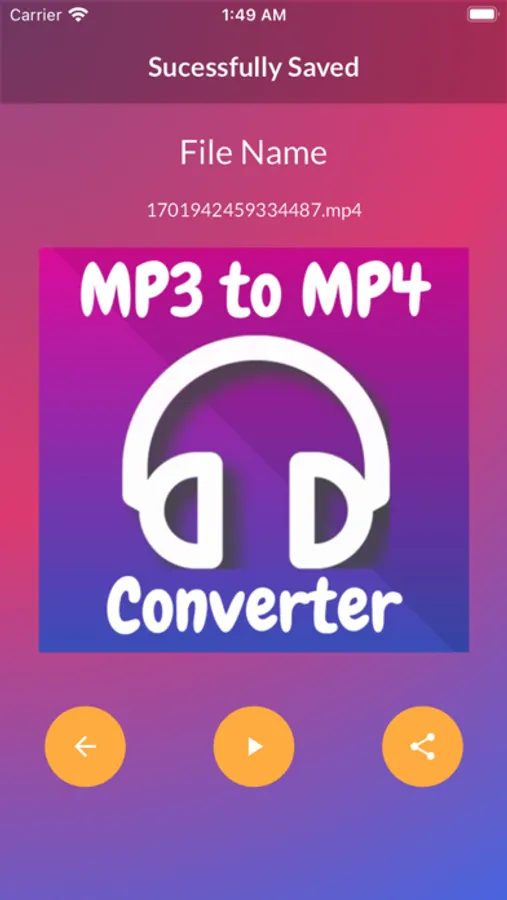
6. Enjoy the Result: After conversion, proceed to the next page.
7. Play and Share: Click the play button to preview your video and easily share it from your mobile gallery.
=> Questions or Feedback? Contact us at trickswithandro@gmail.com. We're here to help!
Explore the versatility of Mp3 to Mp4 Converter today!
Key Features:
Intuitive Design: Enjoy a modern and user-friendly interface designed for all levels of users.
Effortless Conversion: Convert Mp3 to Mp4 with a single click, making the process quick and hassle-free.
Fast Video Conversion: Experience speedy conversion without compromising on quality.
Universal Compatibility: Perfect for various audio-to-video conversion needs.
How to Use Mp3 to Mp4 Converter:
1. Download & Install: Get started by downloading and installing Mp3 to Mp4 Converter from the App Store.
2. Launch the App: Open the application after installation.
3. Video Conversion: Navigate to the Video Conversion Option.
4. Select Your Mp3 File: Choose the Mp3 file you wish to convert.
5. Click 'Convert to Mp4': Initiate the conversion process with a simple click.
6. Enjoy the Result: After conversion, proceed to the next page.
7. Play and Share: Click the play button to preview your video and easily share it from your mobile gallery.
=> Questions or Feedback? Contact us at trickswithandro@gmail.com. We're here to help!
Explore the versatility of Mp3 to Mp4 Converter today!
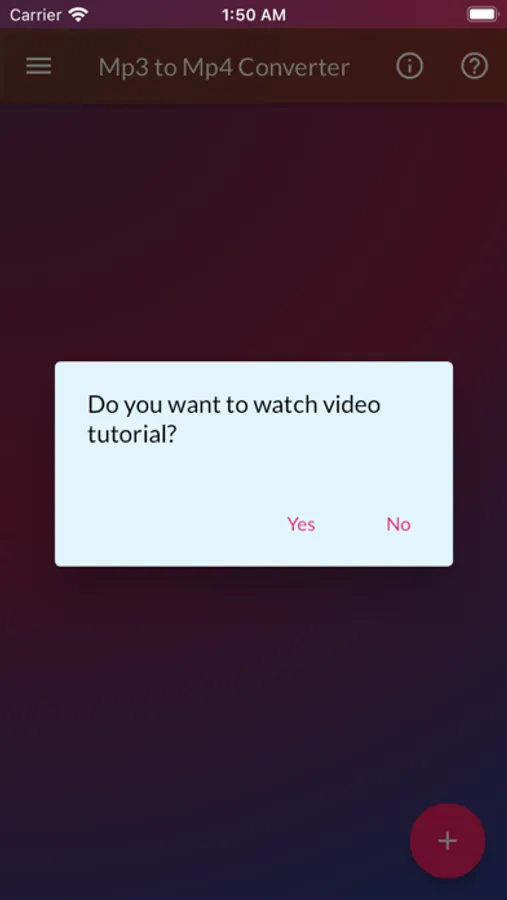
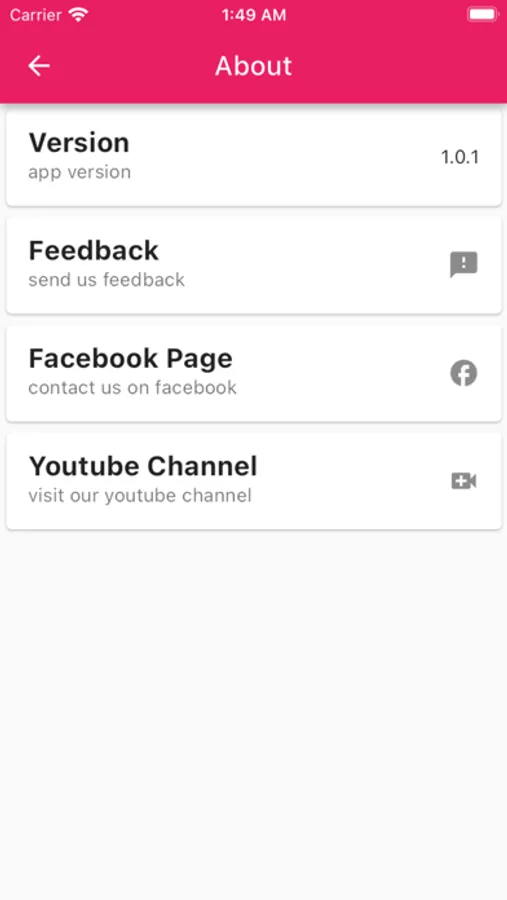
Mp3 to Mp4 Converter Screenshots
Tap to Rate: