AudioLab Audio Editor Recorder
Sanjaykumar Khunt
3.9 ★
106 ratings
Free
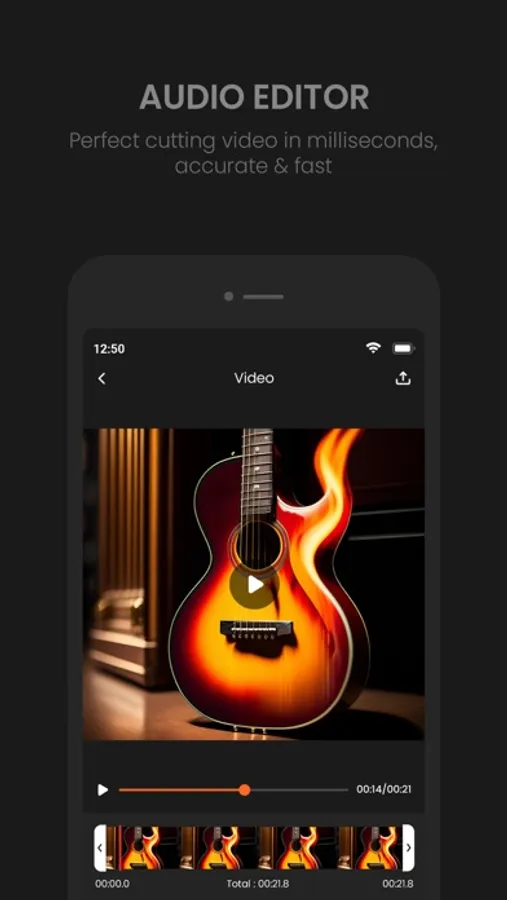
In this audio editing app, you can record, trim, and apply effects to sound clips easily. Includes multi-track editing, sound library access, and export options.
AppRecs review analysis
AppRecs rating 4.0. Trustworthiness 61 out of 100. Review manipulation risk 21 out of 100. Based on a review sample analyzed.
★★★★☆
4.0
AppRecs Rating
Ratings breakdown
5 star
69%
4 star
3%
3 star
2%
2 star
3%
1 star
24%
What to know
✓
Low review manipulation risk
21% review manipulation risk
✓
Good user ratings
72% positive sampled reviews
✓
Authentic reviews
No red flags detected
About AudioLab Audio Editor Recorder
• Key Features
1. Audio Editing Made Easy:
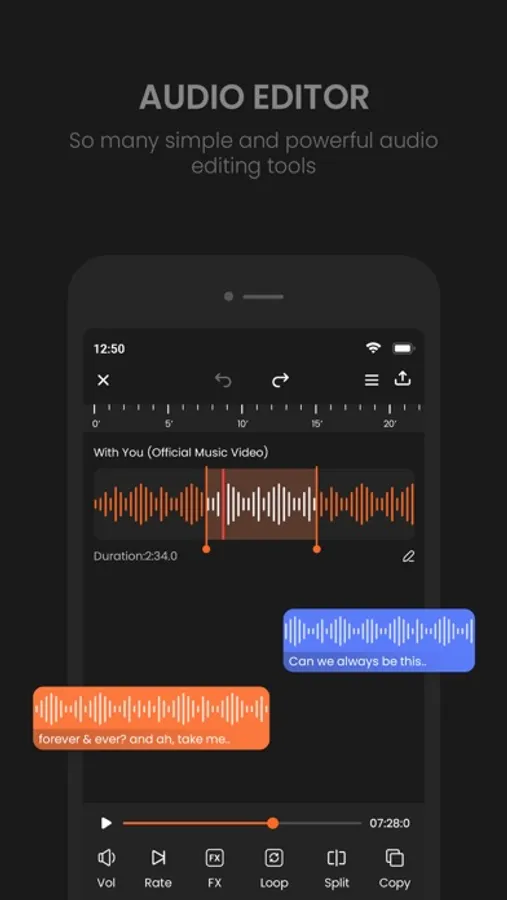
- Cut, trim, splice, and merge audio clips effortlessly.
- Apply fades, crossfades, and transitions with precision.
2. Multi-Track Editing:
- Work with multiple audio tracks for complex compositions.
- Adjust track volumes, panning, and effects independently.
3. High-Quality Recording:
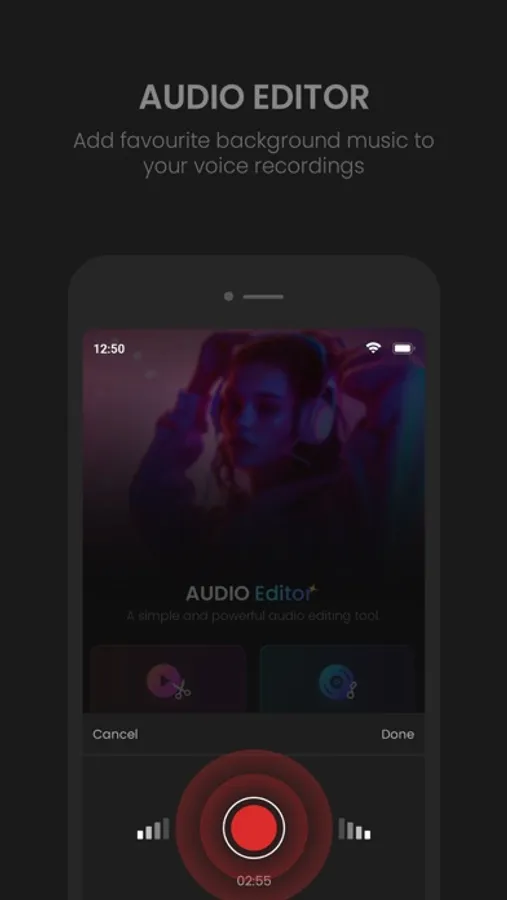
- Record in crystal-clear quality using your device's microphone or an external input.
- Support for stereo and mono recordings with real-time monitoring.
4. Professional Audio Effects:
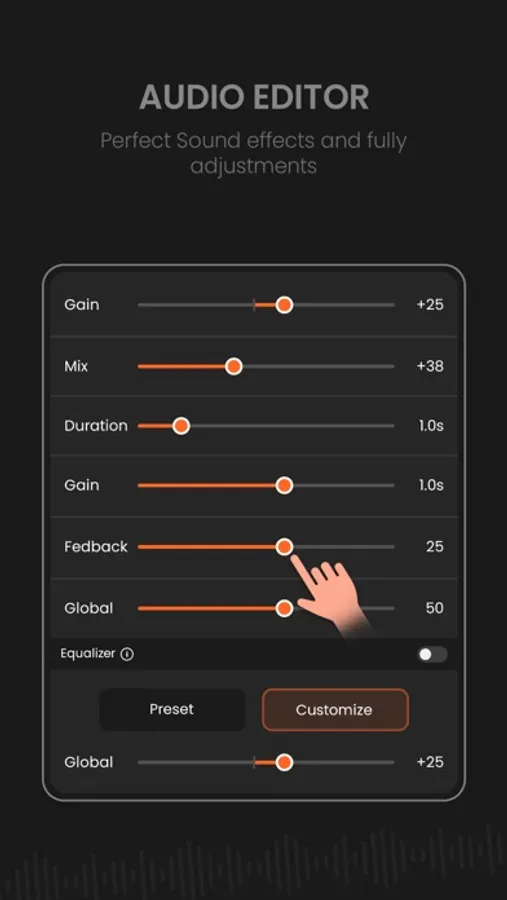
- Add reverb, echo, distortion, equalization, and more.
- Use built-in presets or fine-tune effects to suit your project.
5. Sound Library Integration:
- Access a royalty-free library of music, sound effects, and loops.
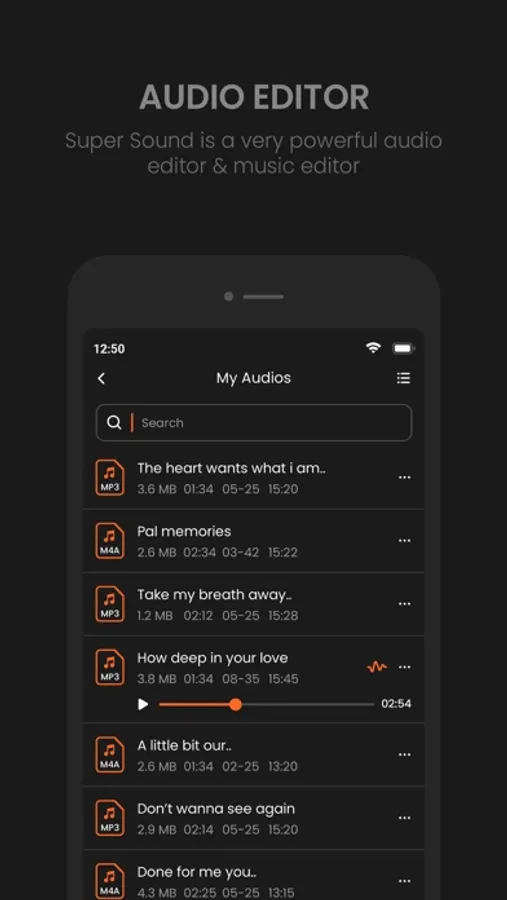
- Import files directly from your device, iCloud, or other cloud services.
6. Export and Sharing Options:
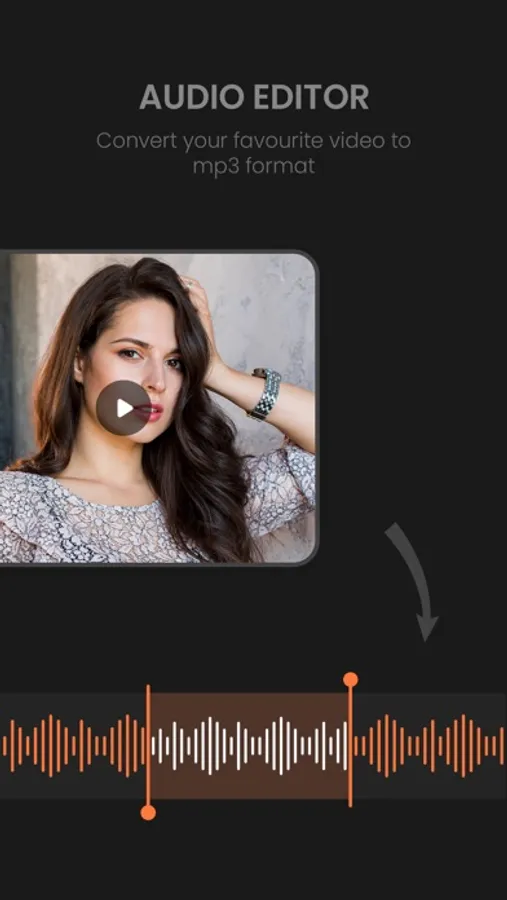
- Export your work in multiple formats (MP3, WAV, AAC, M4A, and many more).
- Share directly to social media platforms, email, or cloud storage.
7. Advanced Tools for Pros:
- Visual waveform editor for precise adjustments.
- Pitch shifting, time-stretching, and tempo adjustments.
- Noise reduction and audio clean-up tools for polished results.
8. User-Friendly Interface:
- Drag-and-drop functionality for quick editing.
- Customizable workspace for a personalized editing experience.
• Who It’s For:
Audio Maker is ideal for anyone who wants to edit or create audio on their device. Whether you're producing a podcast, creating music, editing voiceovers, or crafting soundtracks for videos, Audio Maker has everything you need in one compact app.
Get unlimited Audio Editing and Audio Making
Subscribe Monthly Audio Maker Pro at $1.99 and Yearly Monthly Audio Pro at $9.99 to use ads free versions of the premium app which can cancel anytime.
• Privacy Policy: https://sites.google.com/view/postart-policy
• Terms of Service: https://sites.google.com/view/postart-termsofuse
Why Choose Audio Maker?
With its powerful suite of tools, seamless integration with iOS, and a user-friendly interface, Audio Maker is your ultimate companion for all things audio. Create, edit, and share your soundtracks like a pro – anytime, anywhere.
AudioLab Audio Editor Recorder Screenshots
Tap to Rate:
Reviews for AudioLab Audio Editor Recorder
l1lllyyyyy!
it need to go back
i used this app long ago and it was perfect, now it’s overcomplicated and difficult to use. It was better before, easy and a good app overall. Now it’s bad
Positive Entertainor
Complicated
Honestly this doesn’t deserve a star at all I miss their prime day in 2020 where they were simple to use there was no ads anywhere. This is very disappointing that it’s now utterly useless to use this app.