
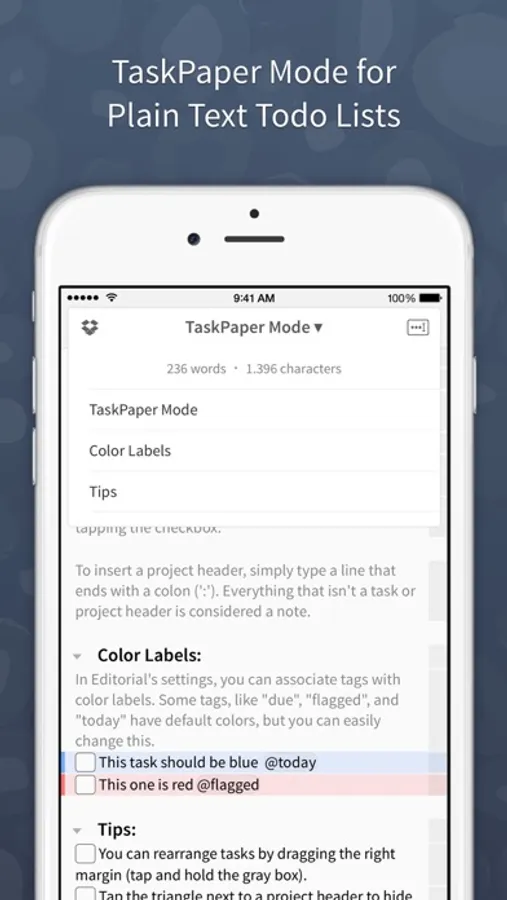
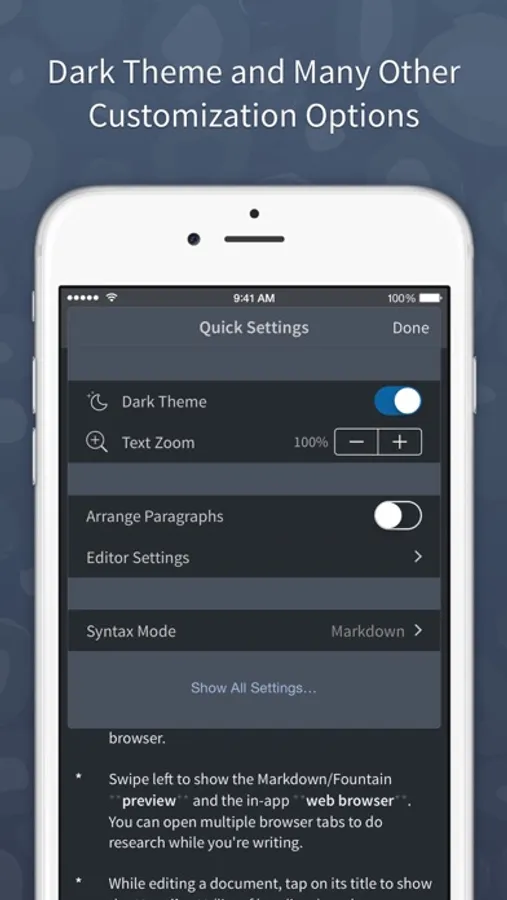
In this plain text editor for iOS, you can write, preview Markdown, TaskPaper, and Fountain documents with inline syntax highlighting. Includes workflows, script editing, Dropbox sync, snippets, and an in-app browser.
AppRecs review analysis
AppRecs rating 4.1. Trustworthiness 78 out of 100. Review manipulation risk 26 out of 100. Based on a review sample analyzed.
★★★★☆
4.1
AppRecs Rating
Ratings breakdown
5 star
63%
4 star
12%
3 star
6%
2 star
4%
1 star
14%
What to know
✓
Low review manipulation risk
26% review manipulation risk
✓
Credible reviews
78% trustworthiness score from analyzed reviews
✓
High user satisfaction
76% of sampled ratings are 4+ stars (4.1★ average)
About Editorial
Features:
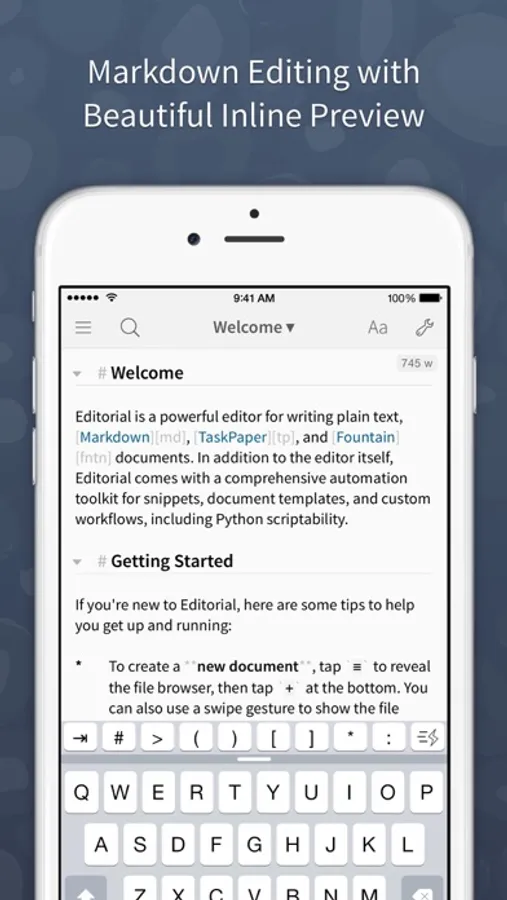
* Inline Markdown/Fountain Preview – With Editorial's subtle syntax highlighting, you can see your document's formatting immediately while you're writing. And when you need a full HTML preview, it's just a swipe away.
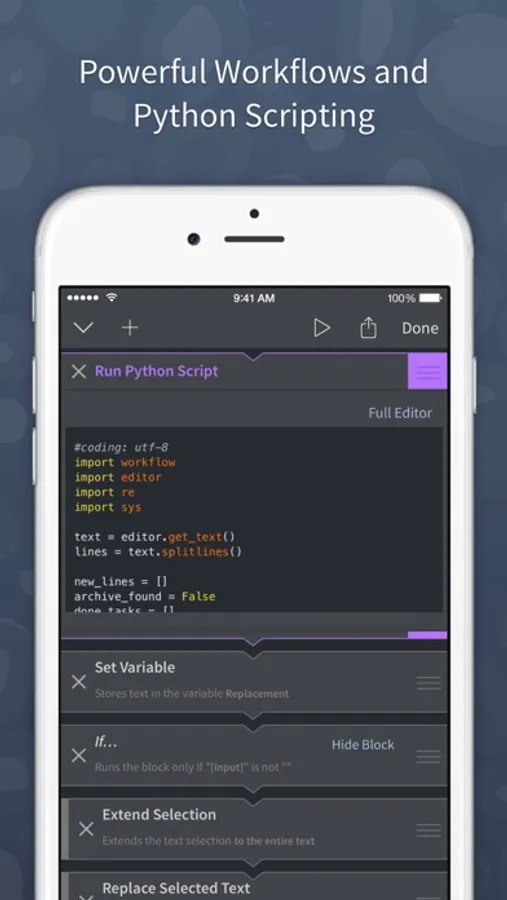
* Extensible with Workflows and Scripts – Select from over 50 text processing actions to create your own workflows for extending Editorial's feature set. For even more advanced automation, you can write Python scripts with an integrated code and UI editor.
* Dropbox Sync – The sync folder is customizable, so you can easily edit your documents with multiple apps.
* Smart Keyboard – The extended keyboard was specifically designed for writing Markdown and includes all the special characters you need. You can also control the cursor with simple swipe gestures.
* Snippets – Quickly insert frequently-used pieces of text by typing abbreviations. Snippets can include dynamic text, e.g. the current date or clipboard contents. TextExpander™ snippets are also supported.
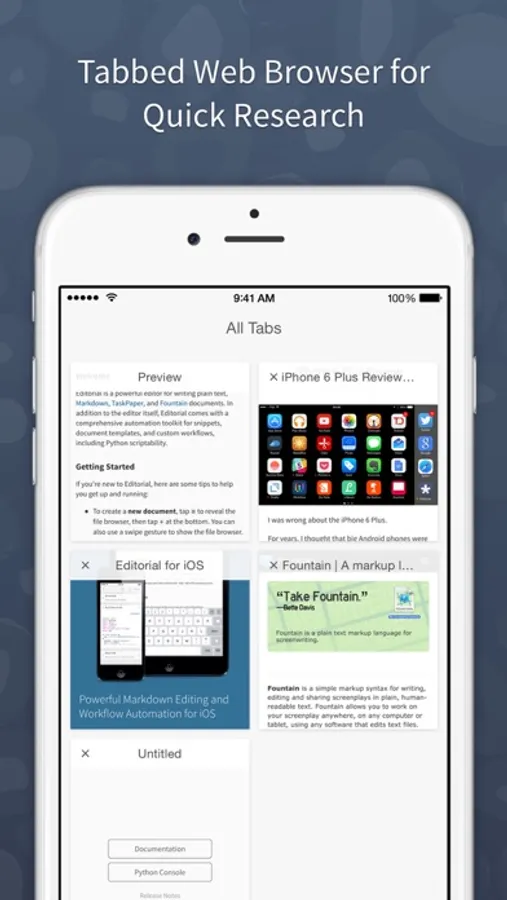
* In-App Browser – If you need to do some quick research while writing, you don't have to leave the app for that. You can even open multiple tabs.
* "Folding" allows you to quickly hide individual sections of your document while you're writing.
*** *** ***
“It would be hard to imagine a better editor, let alone recommend one that actually exists.” — The Verge
“This is it. Editorial sets a new standard for third-party iOS automation, and, for me, there’s no going back.” — Federico Viticci, MacStories
“Editorial just reinvented iOS text editing.” — Merlin Mann
Editorial Screenshots
Tap to Rate:
Reviews for Editorial
RobBanks
Amazing, Perfect and Full of Surprises
I keep forgetting all that Editorial is capable of. I forgot about the snippet/text expansion capabilities for inserting current date and time, and after spending all day looking for an affordable option on iOS… I realized, Oh right, Editorial does THAT too!!! Amazing!
Peeee3333eeeee
Still good!
Not gonna lie, I’d love an update. But this still has features modern apps don’t have.