With this smart home app, you can control Wi-Fi-enabled switches, outlets, and thermostats remotely from your iOS device. Includes energy reporting, custom schedules, and support for voice assistants and automation integrations.
AppRecs review analysis
AppRecs rating 2.1. Trustworthiness 71 out of 100. Review manipulation risk 28 out of 100. Based on a review sample analyzed.
★★☆☆☆
2.1
AppRecs Rating
Ratings breakdown
5 star
16%
4 star
5%
3 star
8%
2 star
21%
1 star
49%
What to know
✓
Low review manipulation risk
28% review manipulation risk
⚠
Mixed user feedback
Average 2.2★ rating suggests room for improvement
⚠
High negative review ratio
70% of sampled ratings are 1–2 stars
About iDevices Connected
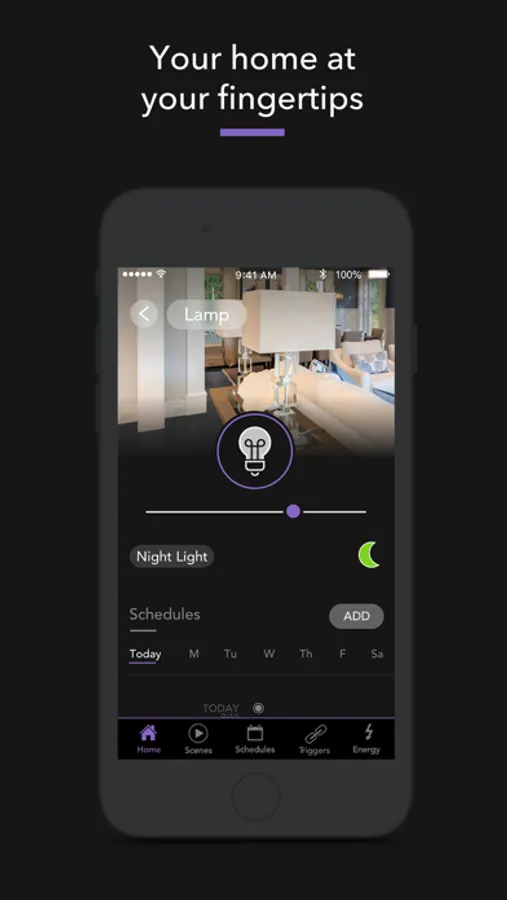
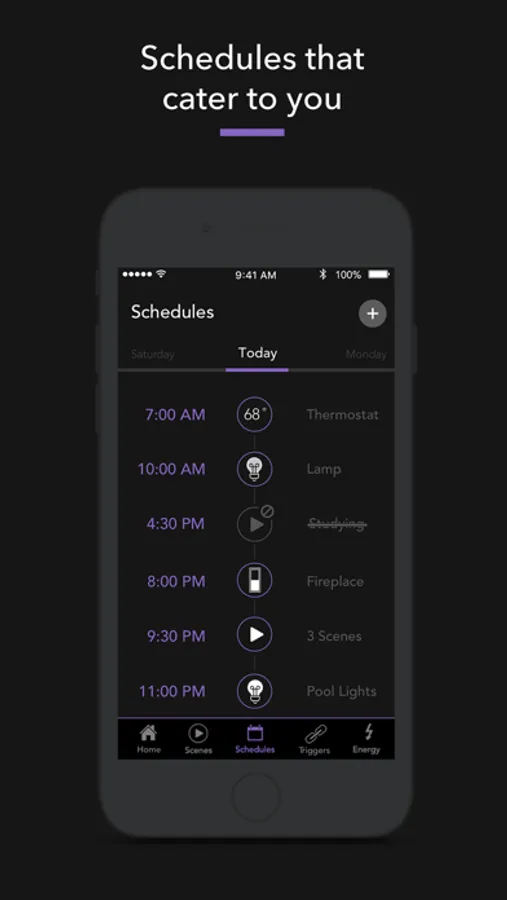
The iDevices Connected app is packed with intuitive smart features, empowering you to make the everyday things in your home extraordinary. We designed the app, but think of it as a blank canvas you can customize based on your lifestyle. Set schedules that cater to your daily life and make your home more efficient. Add a layer of security with location triggers that switch the lights on as soon as you pull into the driveway.
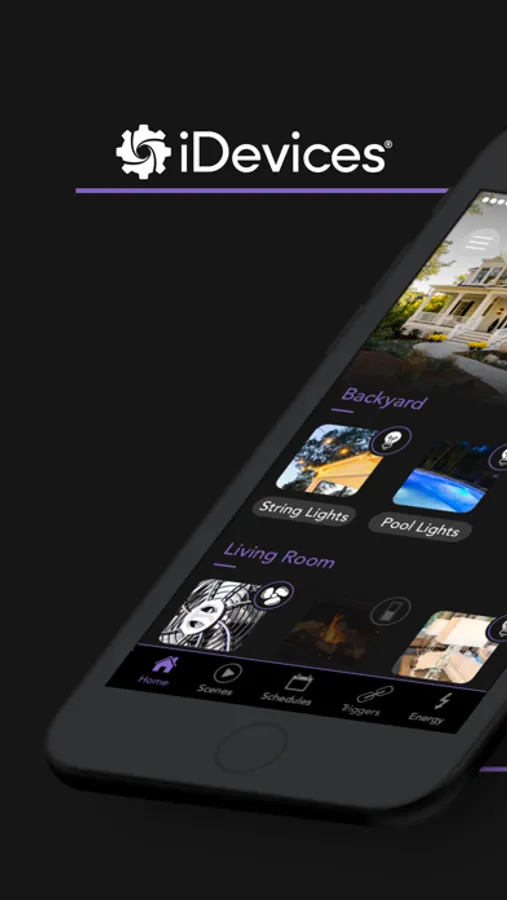
Design your smart home within the app and control it on a single screen. Make it your own with custom photos and accessory names. You can even group accessories into rooms and zones for simple, yet smart control.
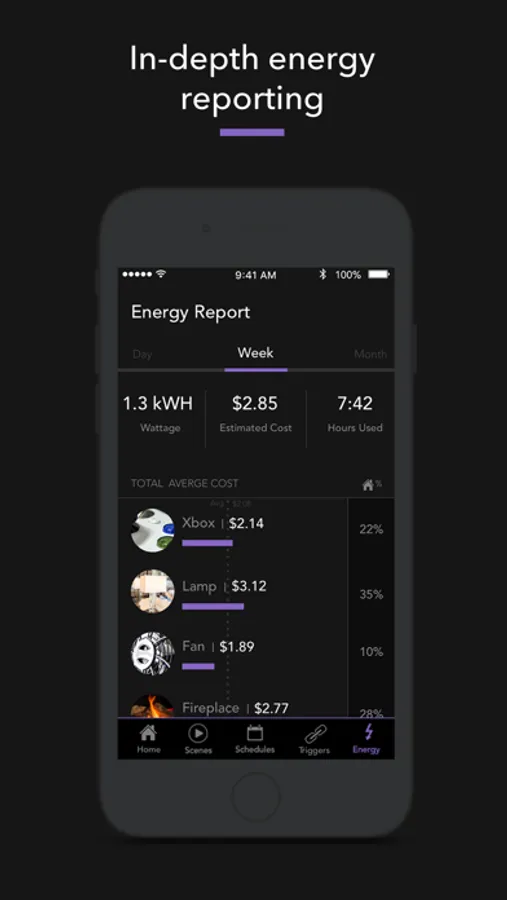
Know your home like never before with comprehensive energy reporting and custom notifications that give you a heads up when something changes, even when you're on the road.
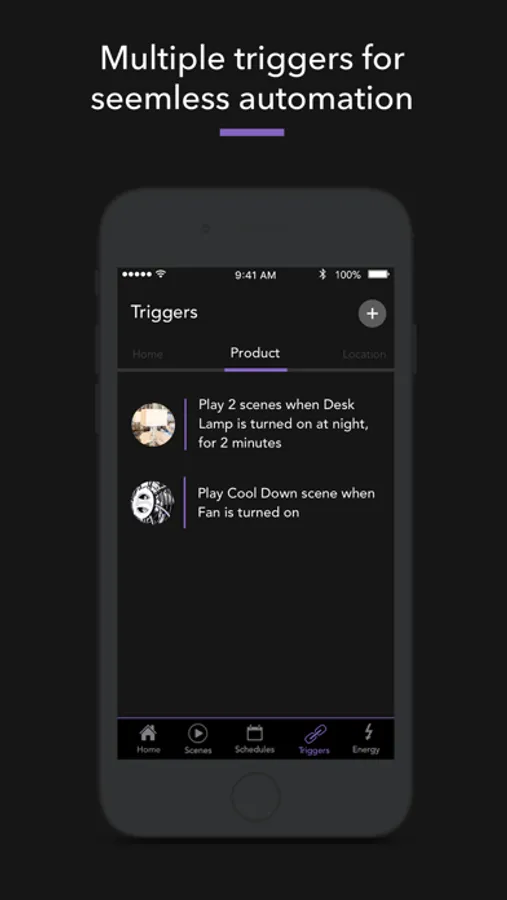
While there’s no need for multiple apps or hubs, you can set up your HomePod, Apple TV, or iPad as a home hub for even additional functionality, including sunrise and sunset triggers. You can also connect with the IFTTT app to enable custom triggers, link multiple accessories, and further automate your smart home.
iDevices Features:
- Voice control with Siri®, Alexa*, or the Google Assistant*.
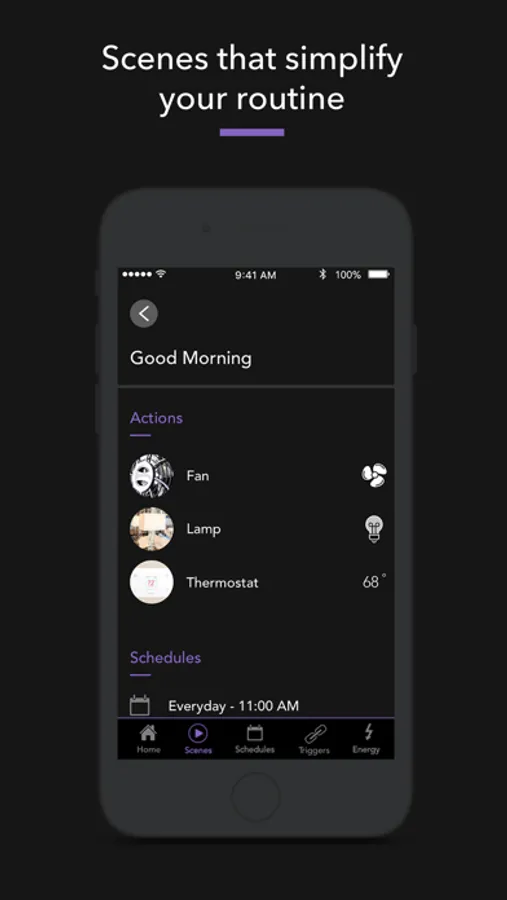
- Dynamic schedules & scenes
- IFTTT compatibility
- Easy in-app setup
- Energy reporting
- Remote access
- No hub required
*Requires Alexa-enabled accessory or a Google Assistant-enabled device.
The iDevices Customer Experience Team is here to make sure you get the most out of the app and your products! Contact Support@iDevicesinc.com with any questions you might have.
iDevices Connected Screenshots
Tap to Rate:
Reviews for iDevices Connected
Pgeeski
Asleep at the wheel
After the latest iOS update, I can not get into the thermostats advanced settings to set the offset and dead band settings. It’s been 2 years since this app has seen an update. When you’re sitting around and having a cup of coffee, maybe think about releasing a new update to fix these issues and more! Thanks!
DiveWild
Should be called GLITCH Devices
Does NOT work when away from home!