With this remote desktop app, you can connect to and control your computers from anywhere and transfer files between devices. Includes high-resolution video streaming, multiplayer gaming support, and activity recording options.
AppRecs review analysis
AppRecs rating 2.8. Trustworthiness 82 out of 100. Review manipulation risk 29 out of 100. Based on a review sample analyzed.
★★☆☆☆
2.8
AppRecs Rating
Ratings breakdown
5 star
32%
4 star
13%
3 star
8%
2 star
9%
1 star
37%
What to know
✓
Low review manipulation risk
29% review manipulation risk
⚠
Mixed user feedback
Average 2.9★ rating suggests room for improvement
⚠
High negative review ratio
47% of sampled ratings are 1–2 stars
About NoMachine
The perfect travel companion, you can use it to:
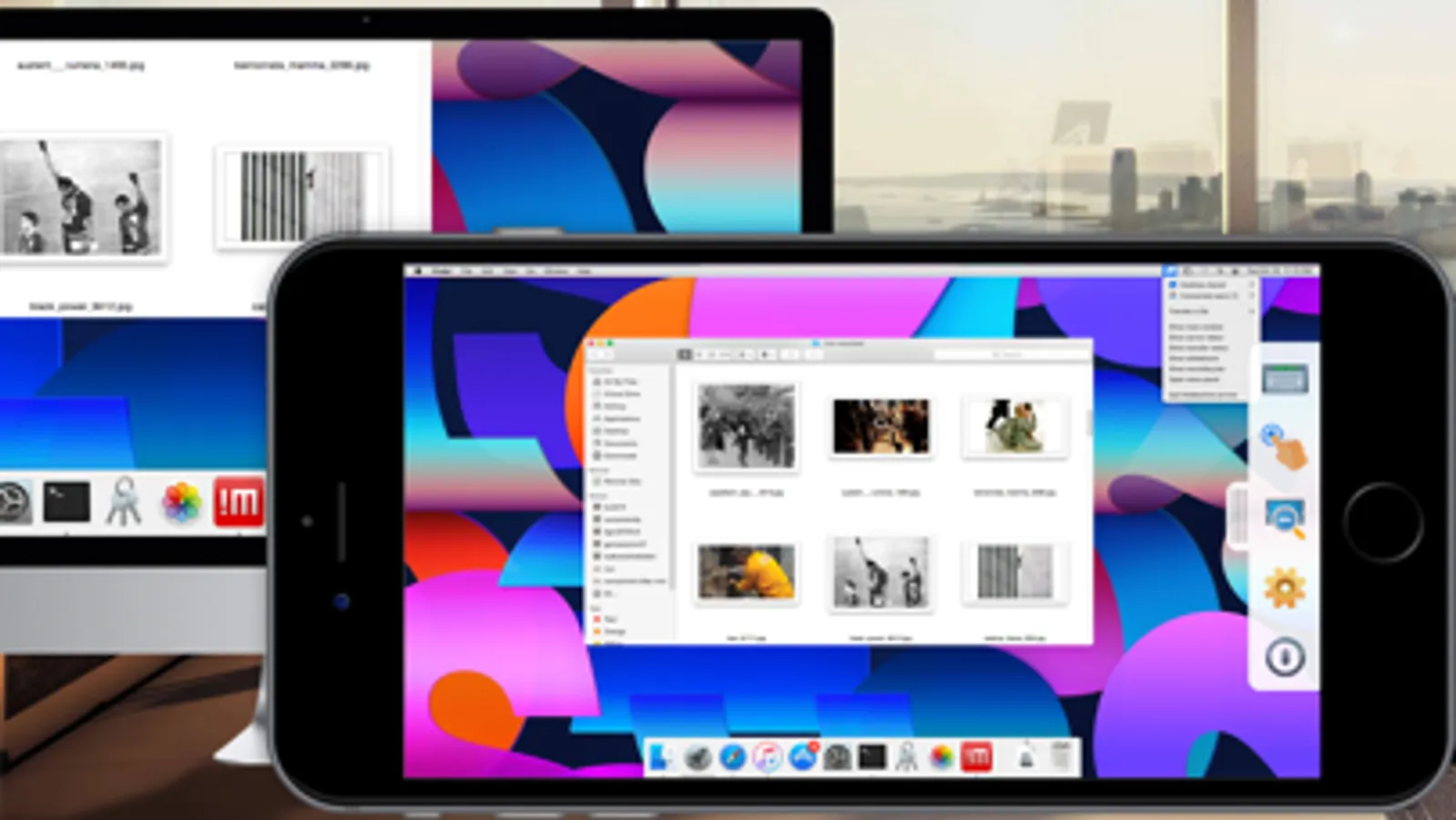
- Enjoy all videos, including HD movies, TV shows, and music files that are playable only on your computer
- Play graphic intensive games
- Remotely administrate unattended computers and give on-the-go support to colleagues and friends
- Control your computers remotely as if you were sitting in front of them
- Work with all your files, desktop applications and other programs all running on your computer elsewhere
Features:
- Access all computers behind firewalls
- High-resolution video and audio streaming
- Transfer files in both directions
- Record any activity on the remote desktop
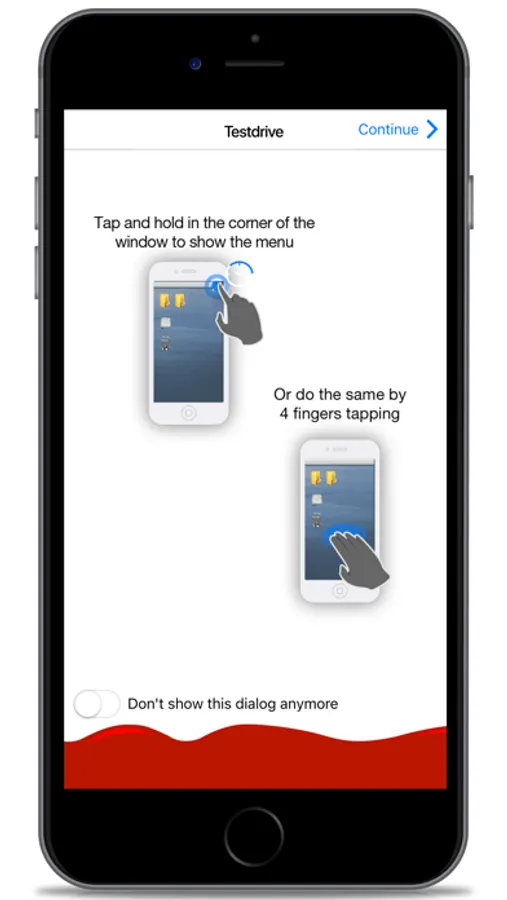
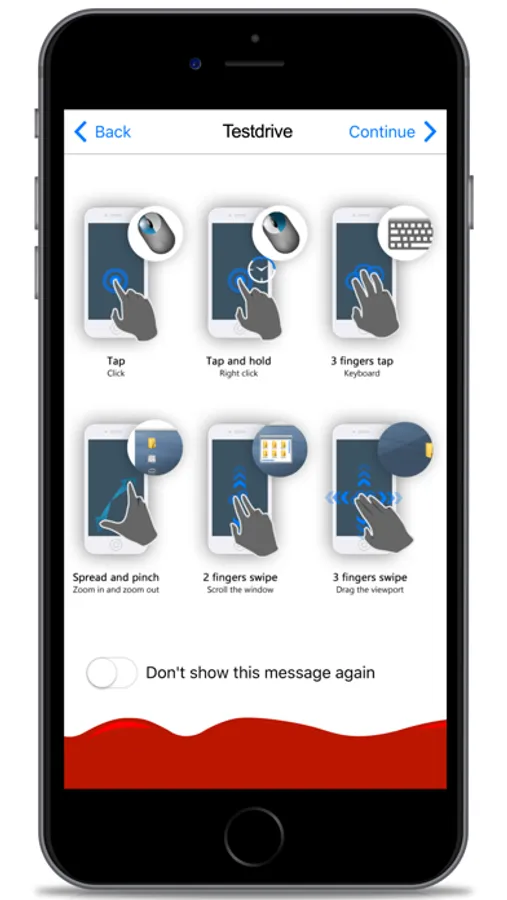
- Intuitive touch and control gestures
Quick guide
1) Install this app.
2) Download NoMachine from our website and install it on the computer you want to access.
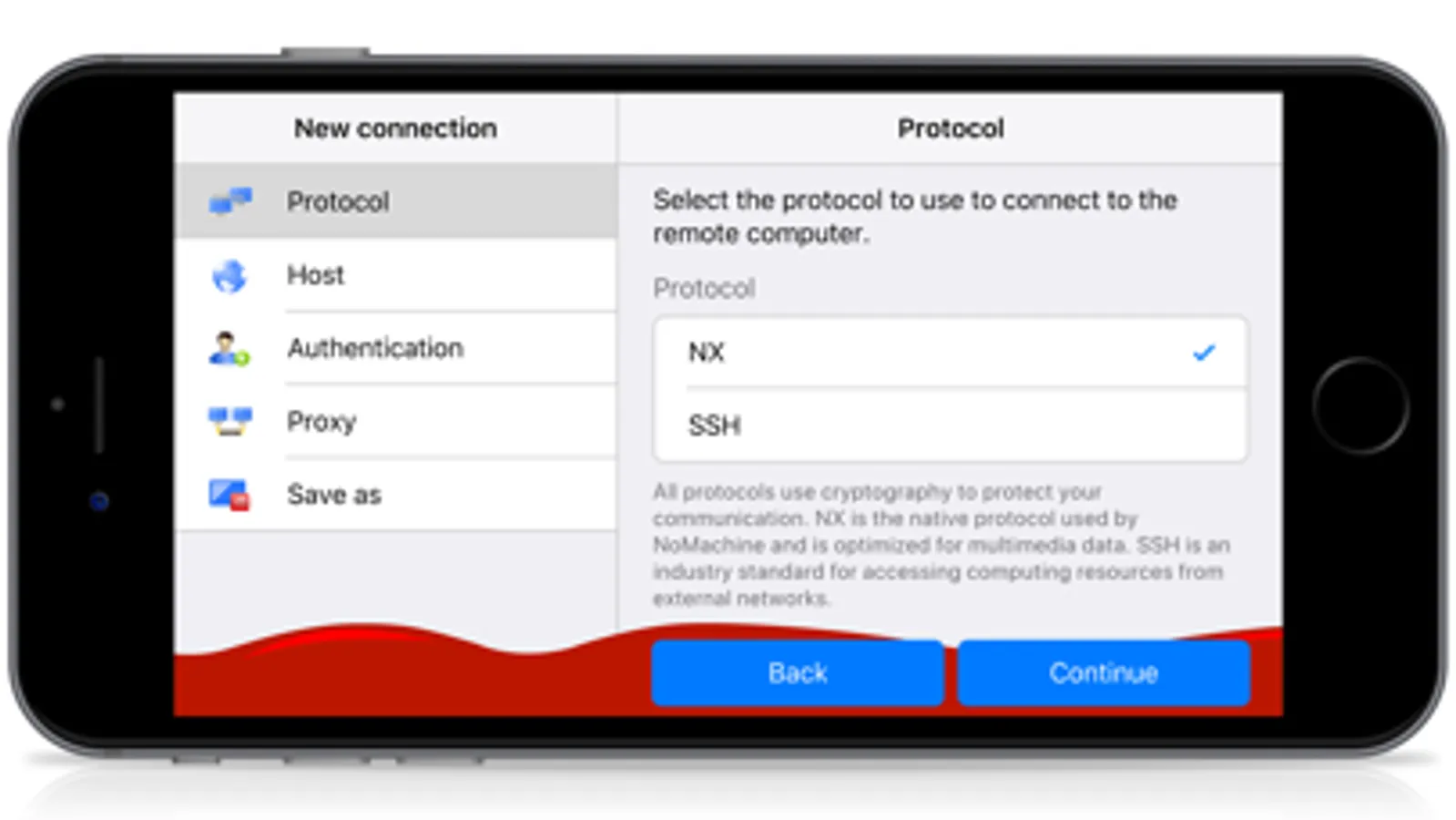
3) In the NoMachine for iOS GUI enter the IP of your computer or the Machine Id.
4) You must already have an account on the remote computer. Enter the credentials for your system account when prompted or use a guest account.5) For more detailed instructions check the tutorial here: https://www.nomachine.com/getting-started-with-nomachine-for-ios.
NoMachine Screenshots
Tap to Rate:
Reviews for NoMachine
Hxc Cody
Fantastic App
I’m not sure if people were experiencing old bugs which have been patched, or if consumerism really has addled the minds of all. This app is FREE and works VERY well for what it is. If it works with iOS 26 upon release then I might even consider donating to the dev. I’m not sure why people are giving negative reviews. Once you learn the ins and outs of how to interact with the app(might already be obvious to you if you’re in networking, I am not and relied heavily on GPT to set up a Linux vm on a VPS etc) I use my iPad to access VM through this app predominantly, and I’m super pleased with it as a whole. I connected a K10HE wireless keyboard and an M7 wireless mouse to the iPad Air (M2 chipset) and they work beautifully inside of NoMachine as well. I haven’t yet noticed any dead clicks or keystrokes. The only negative thing I could possibly say if I really wanted to nitpick, is that on a headless Linux vm the free version is locked to 800x600. There’s even a workaround for that as well so it’s honestly more of a nitpick than a negative. I mean, they have to incentivize you to buy the app somehow 😂
Applestorereviewer559
Work suprisingly well, assumed the worst from the reviews
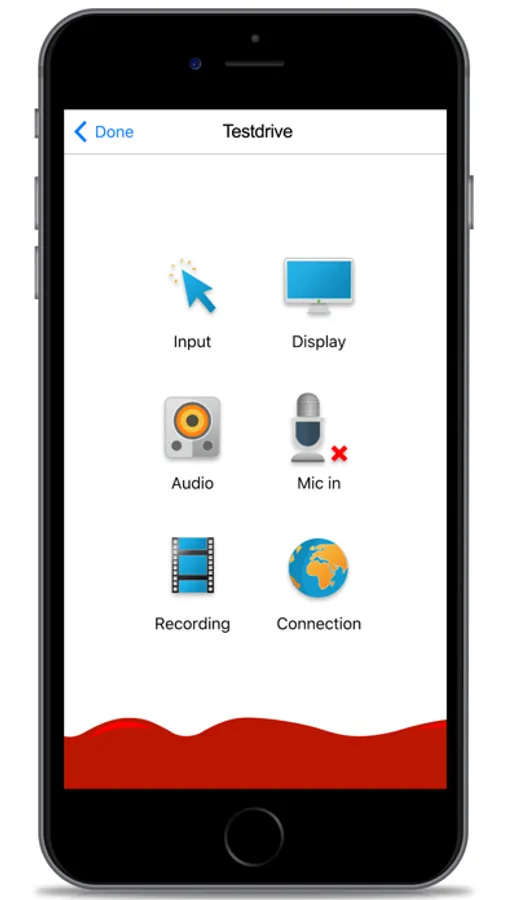
My main issue is that the menu options aren't intuitive, kinda take over the whole screen, otherwise it works well, easy connection, controls as expected, use any desk as an example its much easier to quick swap monitors and other options there Even works well over tailscalevpn and cellular connection when not home, does require manually entering the tailscale ip