Papers by ReadCube
Digital Science & Research Solutions Inc.
3.8 ★
548 ratings
Free
In this research management app, you can organize papers, annotate PDFs, and sync your library across devices. Includes features for searching articles, adding notes, and creating custom lists.
AppRecs review analysis
AppRecs rating 3.9. Trustworthiness 80 out of 100. Review manipulation risk 23 out of 100. Based on a review sample analyzed.
★★★☆☆
3.9
AppRecs Rating
Ratings breakdown
5 star
47%
4 star
20%
3 star
10%
2 star
9%
1 star
14%
What to know
✓
Low review manipulation risk
23% review manipulation risk
✓
Credible reviews
80% trustworthiness score from analyzed reviews
✓
Good user ratings
67% positive sampled reviews
About Papers by ReadCube
Enhanced PDF:
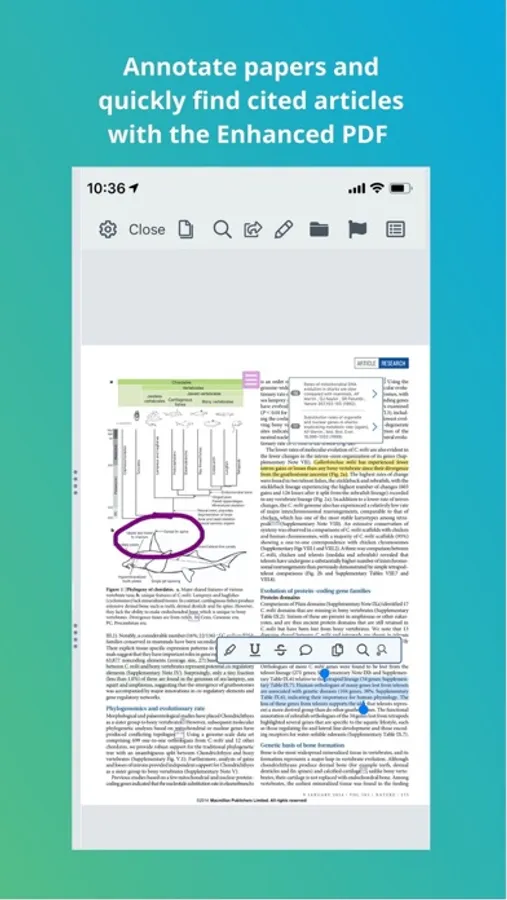
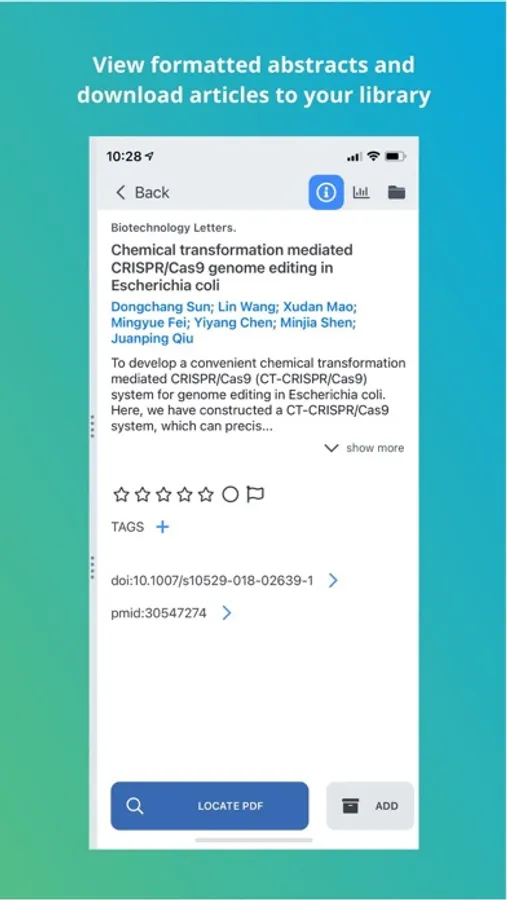
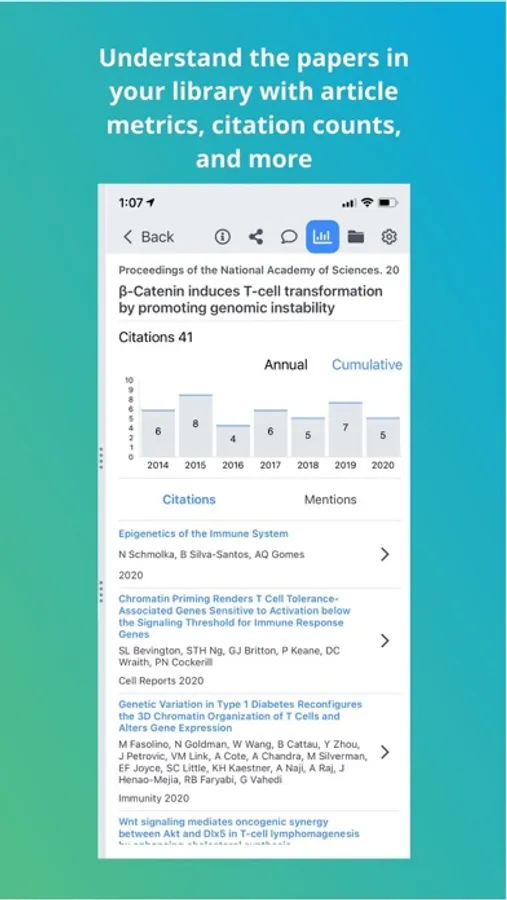
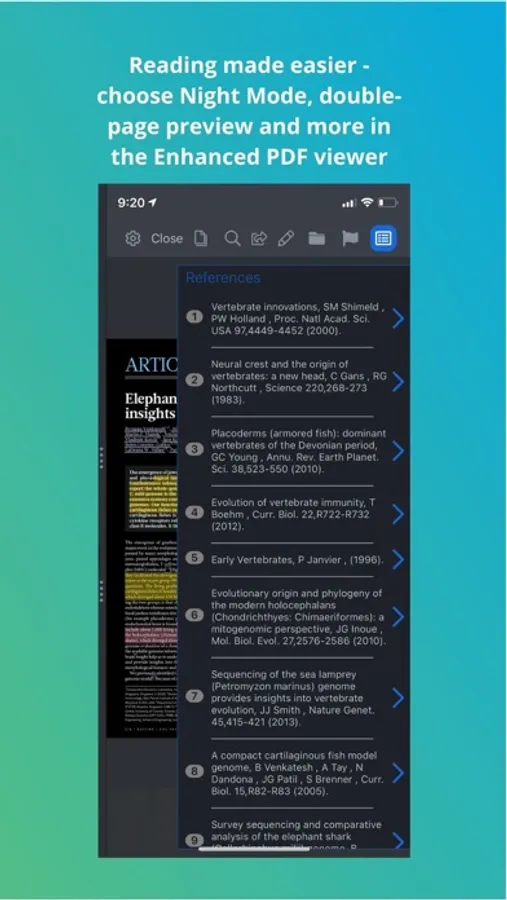
• Tap-able inline citations, reference lists, and author names so you can quickly find cited articles and related information
• Supplements are automatically attached where available
• Fullscreen or double-page PDF viewing plus multi-touch zoom/navigation for an optimal reading experience
• Multi-color highlighting and note taking tools
Easily find new papers:
• Search the Papers databases within the app
• Quickly download new articles with a single tap when you’re on campus or with your institutional proxy
• Import directly from Safari, email attachments, and other apps
• In your preferred browser, use any search engine to find article PDFs
• Use the “Open In…” option from the browser or any app to add PDFs to your Papers library
• Metadata is automatically resolved - no more guessing with cryptic file names
Personalized Recommendations:
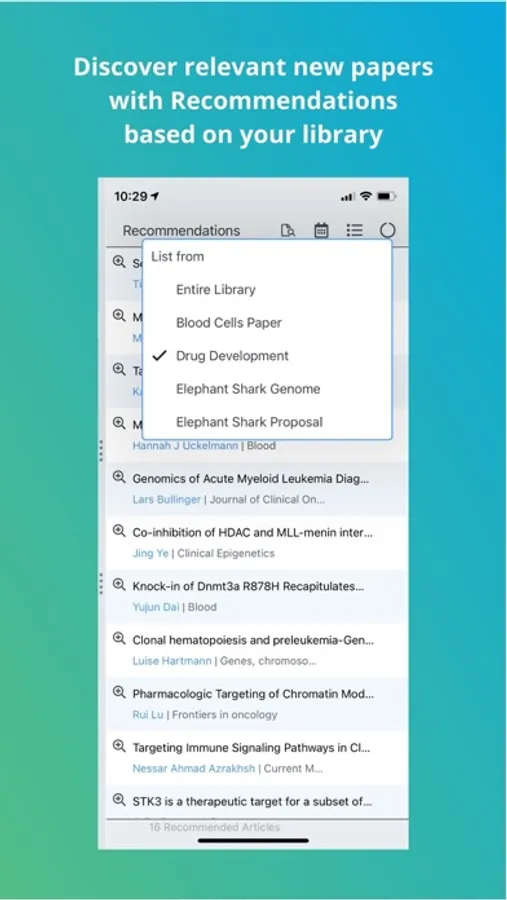
• Discover relevant new papers based on your library or lists – you’ll never miss another important paper again!
Stay organized:
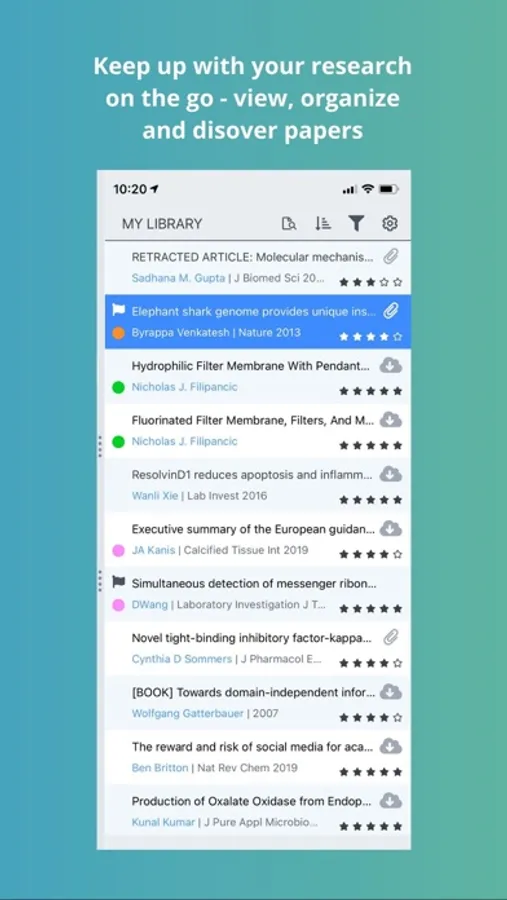
• Create custom lists and sort articles into one or multiple lists
• Quickly search your entire library (and all annotations)
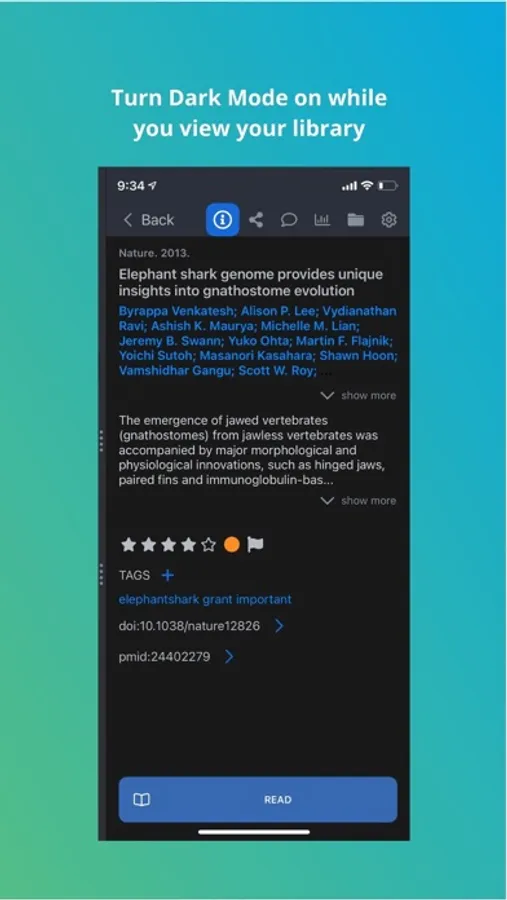
• Add any number of #tags to further customize your library organization
• Sync everything – papers, notes, highlights – between the Papers desktop and web apps or your other mobile devices
Simplify your research life – try Papers for free on your iPhone, iPad, and computer.
We love feedback from our users - please email support@papersapp.com with any suggestions or issues. Thanks for using Papers!
Papers by ReadCube Screenshots
Tap to Rate:
Reviews for Papers by ReadCube
SATXbug
New review 2/2026 - iPhone app is longer useful for citation input
I used Papers for years because the iPhone app was an excellent cloud interface to rapidly import papers I find online. Sadly this is no longer so. It seems impossible to share PDF references to the Papers iPhone app, and the items sent as web links don’t synchronize to the desktop versions. Can no longer input from bioRxiv. Since I rarely browse from my desktop, the system is effectively broken. The desktop app also doesn’t fully work, search is virtually impossible, and support links from both area no longer operational. Old Review: Best app for mobile users (previously 5 stars) There are several good citation managers that allow importing and annotating article PDFs from a PC. My work flow is that I like to add citations wherever I learn about them, and that means entering my iPhone, while reading and making notes on my iPad. I was a happy user of Mendeley until they terminated the iOS mobile app. Papers is outstanding for this use. I can add references and PDFs instantly from a pc browser add on or directly from the app. While reading an article, it’s easy to highlight, annotate, take notes. A side bar instantly grabs any cited papers that I might want, and another tab finds related articles. It’s easy to organize my library by tags and hierarchical lists. I’m sure there are other fine features but I’ve been too busy doing great research to find about them.
Andy1234@
buggy as always
I’ve been using Papers for years and I’m sick of it. The software is consistently buggy and unreliable, with constant syncing issues that never seem to get fixed. This is completely unacceptable.