With this widget, you can view and manage multiple city clocks, customize displays, and compare time zones. Includes options for analog and digital clocks, sunrise and sunset information, and location-based time tracking.
AppRecs review analysis
AppRecs rating 3.9. Trustworthiness 73 out of 100. Review manipulation risk 25 out of 100. Based on a review sample analyzed.
★★★☆☆
3.9
AppRecs Rating
Ratings breakdown
5 star
86%
4 star
7%
3 star
3%
2 star
1%
1 star
3%
What to know
✓
Low review manipulation risk
25% review manipulation risk
⚠
Ad complaints
Many low ratings mention excessive ads
⚠
Low-content positive reviews
Many 5-star reviews use very limited vocabulary
About World Clock Time Zone Widgets
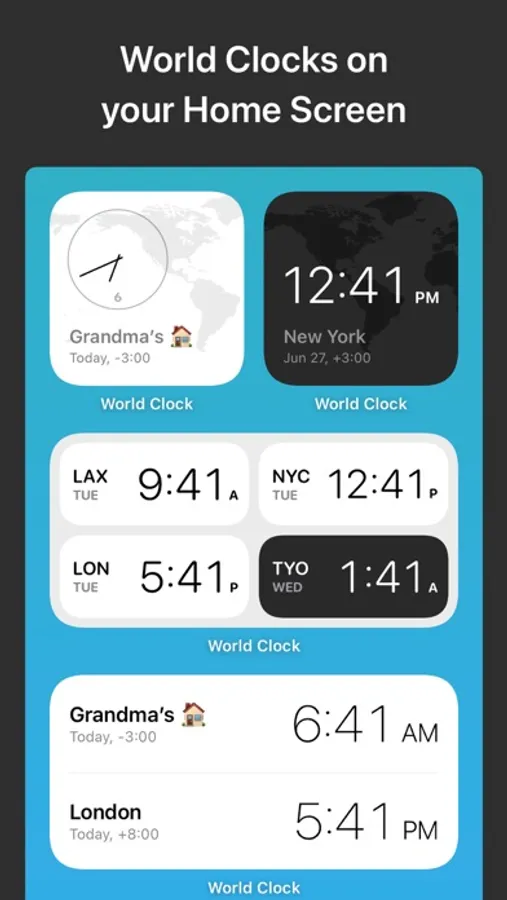
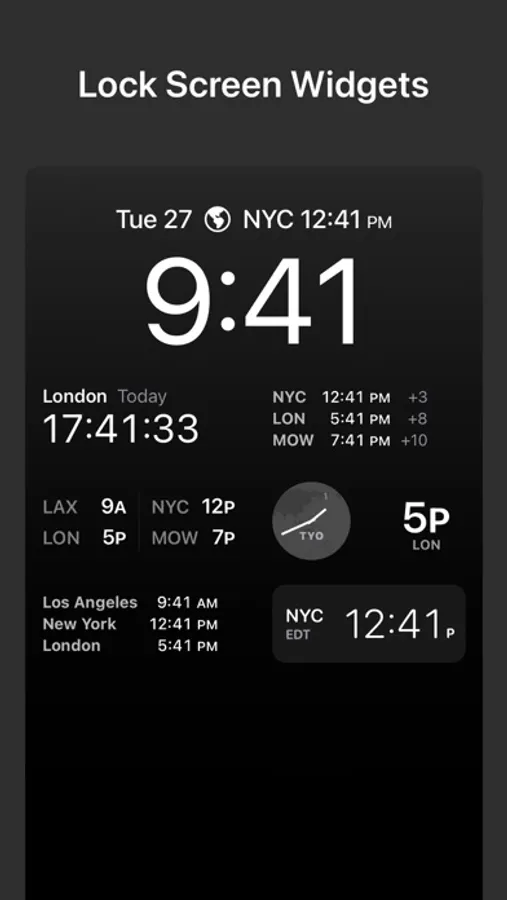
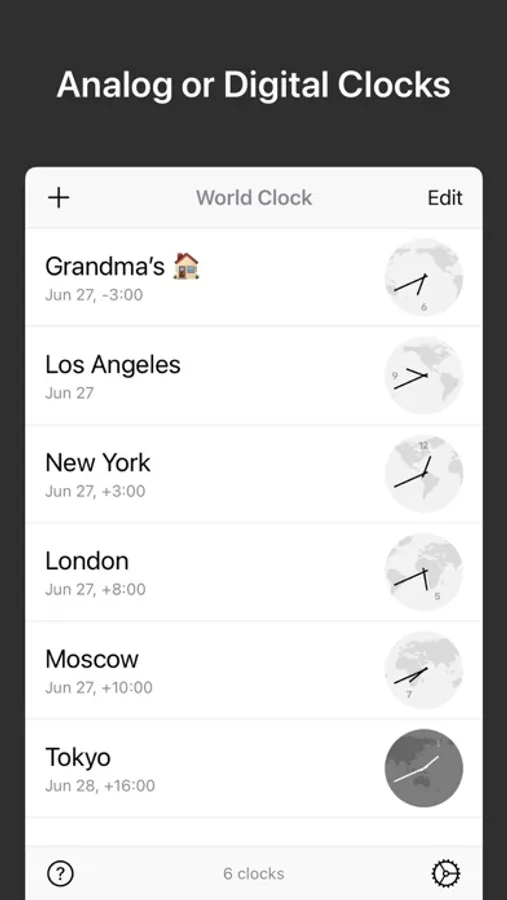
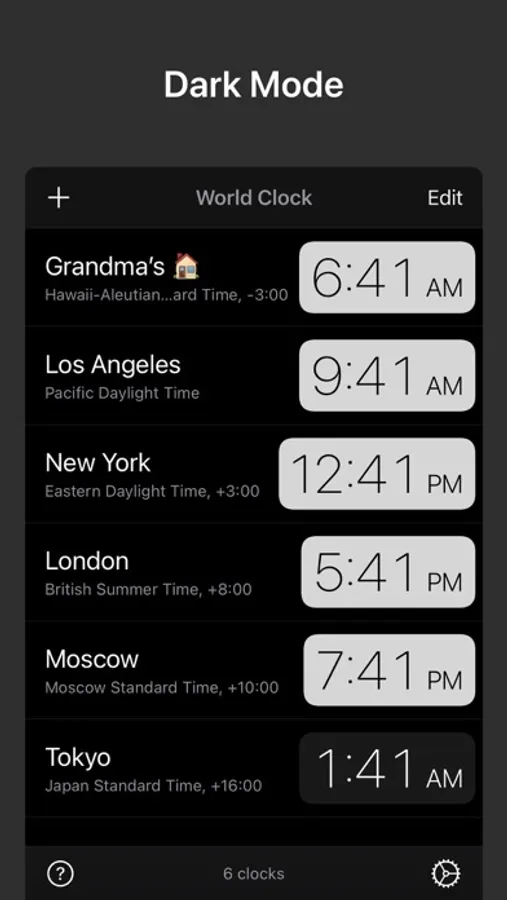
Check the time, anytime! Track the local time in cities across the world, right from your Home Screen, Lock Screen, or Dynamic Island. Add cities to World Clock and select the analog or digital clocks. Then check the World Clock widget whenever you need to know the time.
Features:
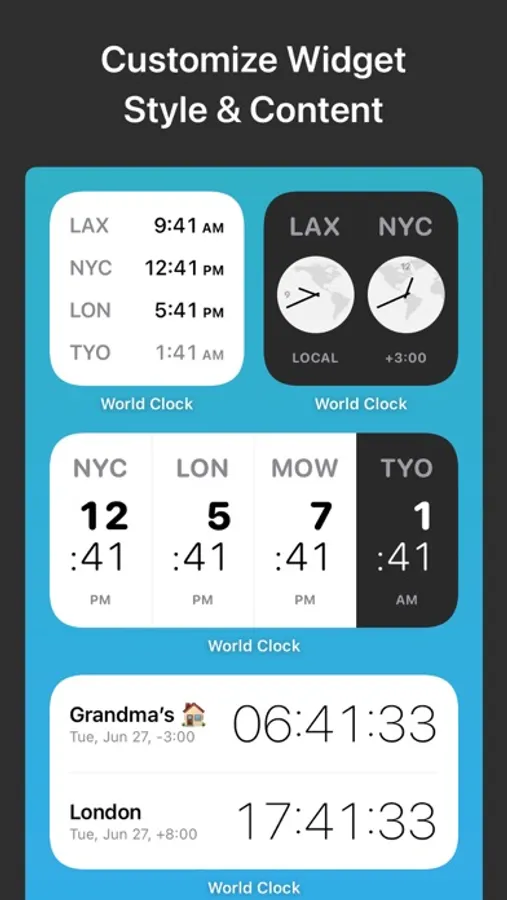
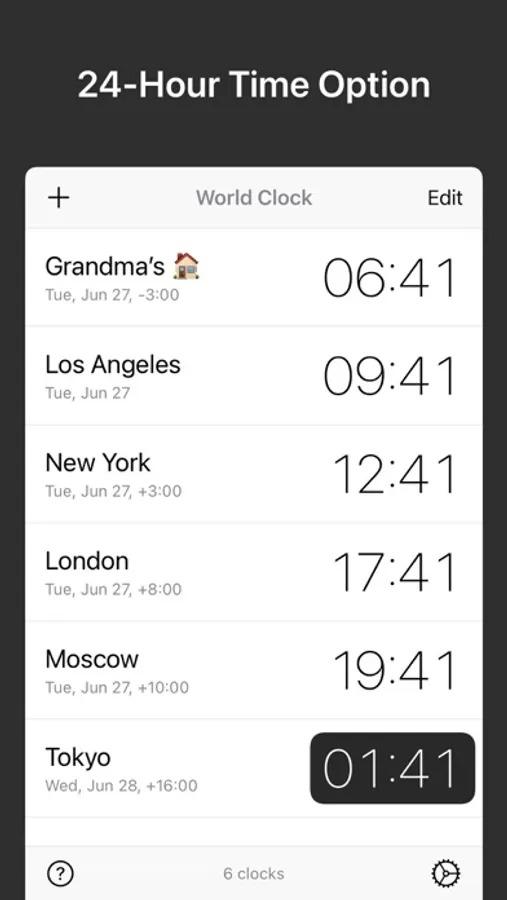
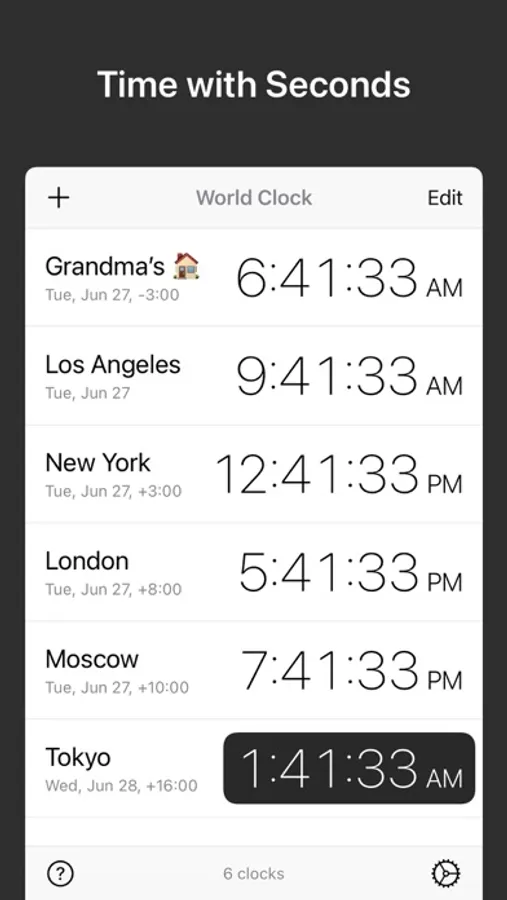
• Attractive analog and digital clock displays, with options to display seconds and 24-hour time.
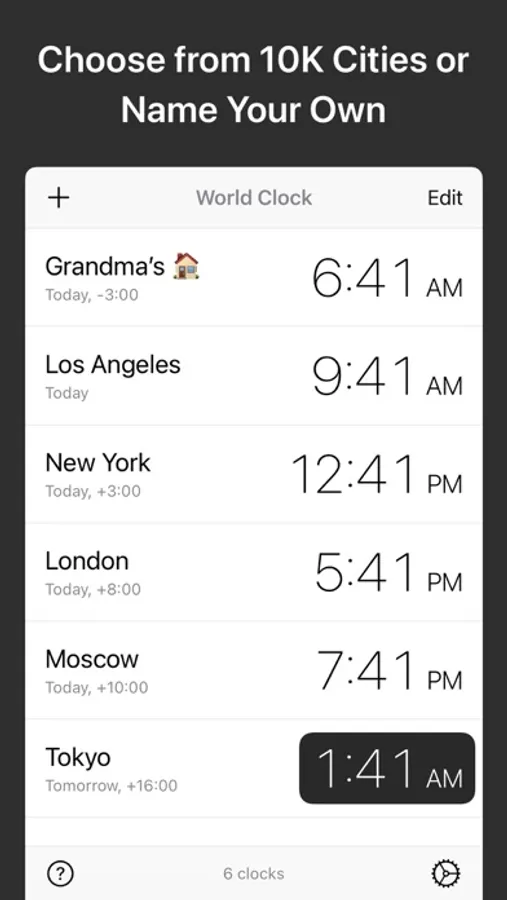
• Simple UI for adding and managing cities. Search or browse 10,000+ cities by name.
• Rename a city to create a custom clock, e.g., “Grandma’s House”.
• Get your local time using location (GPS).
• Widgets are available in many sizes and styles, including Lock Screen, Home Screen, and Today widgets.
• Live Activities available on iOS 16.2+ and iPadOS 17+. See the Live Activity on your Apple Watch with iOS 18 and watchOS 11.
• Stick a clock or two in the Dynamic Island with Live Activities and see them across all your apps.
• Convert tool: set the date and time, compare the times across all your time zones, and then share, create a reminder, or add to your calendar with just a few taps. This is a must-have productivity tool for remote workers or anyone coordinating across time zones.
• Includes easy instructions for adding the Widget to your home and lock screens.
• Daylight hours shown visually, based on actual sunrise and sunset times.
• Look up a location’s sunrise time, moon phase, time zone details, and more.
• In-app purchase to remove ads and unlock extra features. One-time purchase — no subscriptions!
Features:
• Attractive analog and digital clock displays, with options to display seconds and 24-hour time.
• Simple UI for adding and managing cities. Search or browse 10,000+ cities by name.
• Rename a city to create a custom clock, e.g., “Grandma’s House”.
• Get your local time using location (GPS).
• Widgets are available in many sizes and styles, including Lock Screen, Home Screen, and Today widgets.
• Live Activities available on iOS 16.2+ and iPadOS 17+. See the Live Activity on your Apple Watch with iOS 18 and watchOS 11.
• Stick a clock or two in the Dynamic Island with Live Activities and see them across all your apps.
• Convert tool: set the date and time, compare the times across all your time zones, and then share, create a reminder, or add to your calendar with just a few taps. This is a must-have productivity tool for remote workers or anyone coordinating across time zones.
• Includes easy instructions for adding the Widget to your home and lock screens.
• Daylight hours shown visually, based on actual sunrise and sunset times.
• Look up a location’s sunrise time, moon phase, time zone details, and more.
• In-app purchase to remove ads and unlock extra features. One-time purchase — no subscriptions!
World Clock Time Zone Widgets Screenshots
Tap to Rate:
Reviews for World Clock Time Zone Widgets
Boston Brent II
Too many ads
Constant adds are disruptive.
Terminology1799
The best one among peer apps
Its widgets look amazing!