With this rhythm training app, you can practice sight reading rhythm notation, customize beat patterns, and adjust tempo. Includes features such as articulation control, swing rhythm, MIDI export, and pattern randomization.
AppRecs review analysis
AppRecs rating 4.8. Trustworthiness 68 out of 100. Review manipulation risk 29 out of 100. Based on a review sample analyzed.
★★★★☆
4.8
AppRecs Rating
Ratings breakdown
5 star
80%
4 star
20%
3 star
0%
2 star
0%
1 star
0%
What to know
✓
Low review manipulation risk
29% review manipulation risk
✓
High user satisfaction
80% of sampled ratings are 5 stars
About Rhythm Engineer
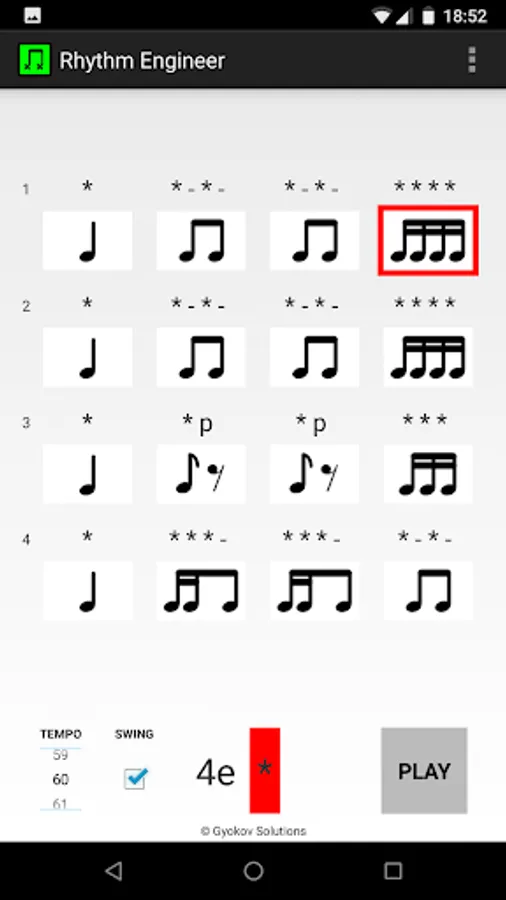
Rhythm Engineer is a rhythm training app for musicians. It can help learning sight reading rhythm notation.
It is a enhanced version of Rhythm Engineer Lite with more features like:
- up to 64 beats
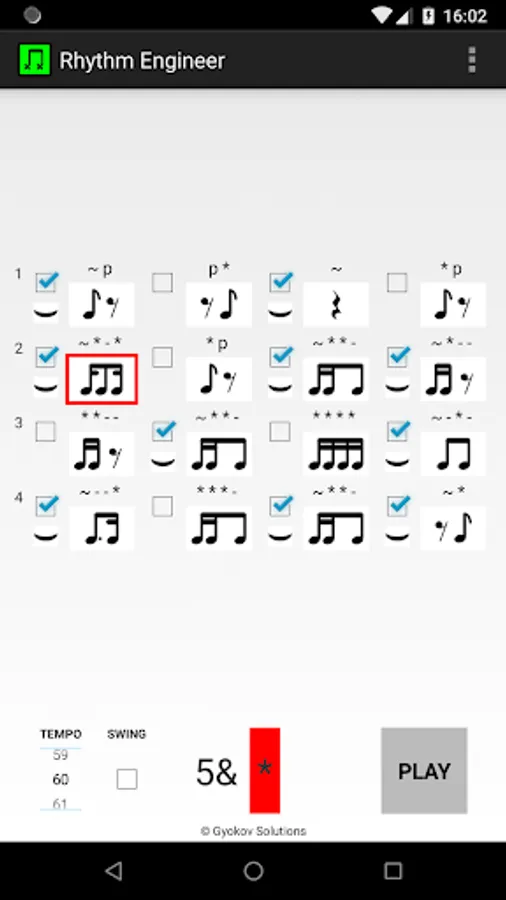
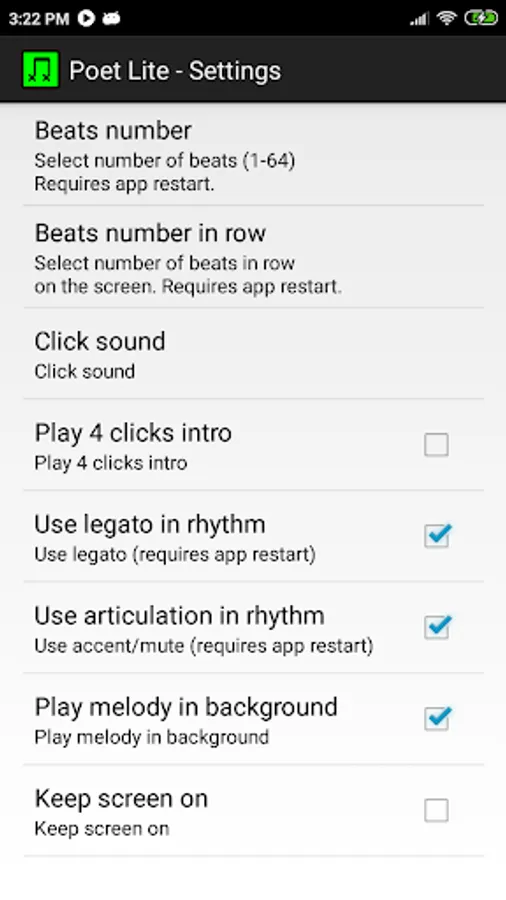
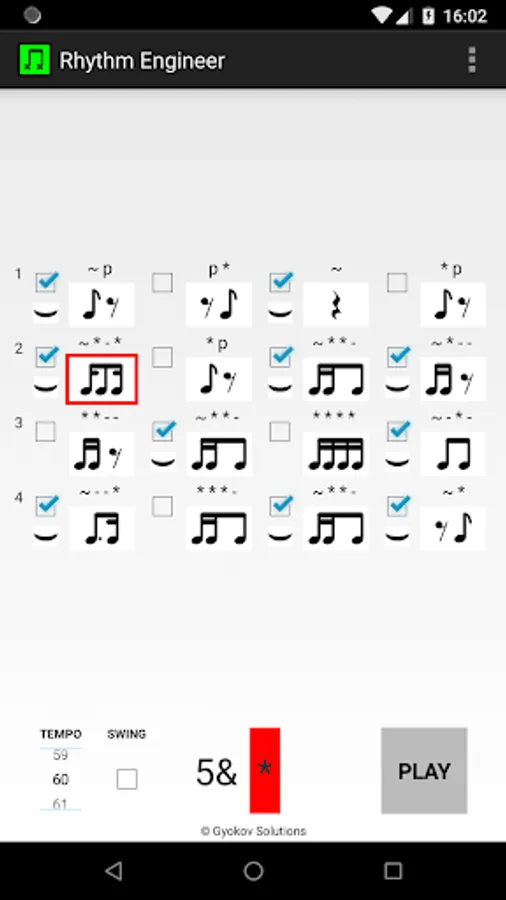
- use legato between beats
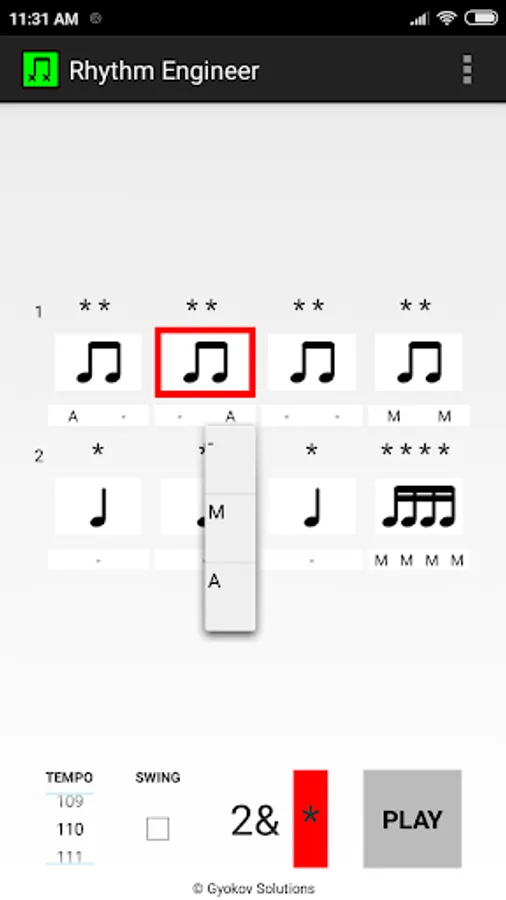
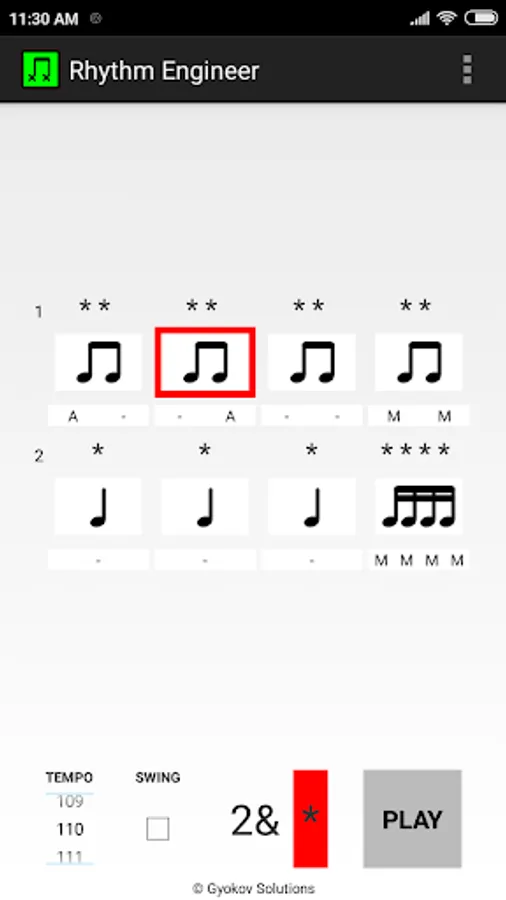
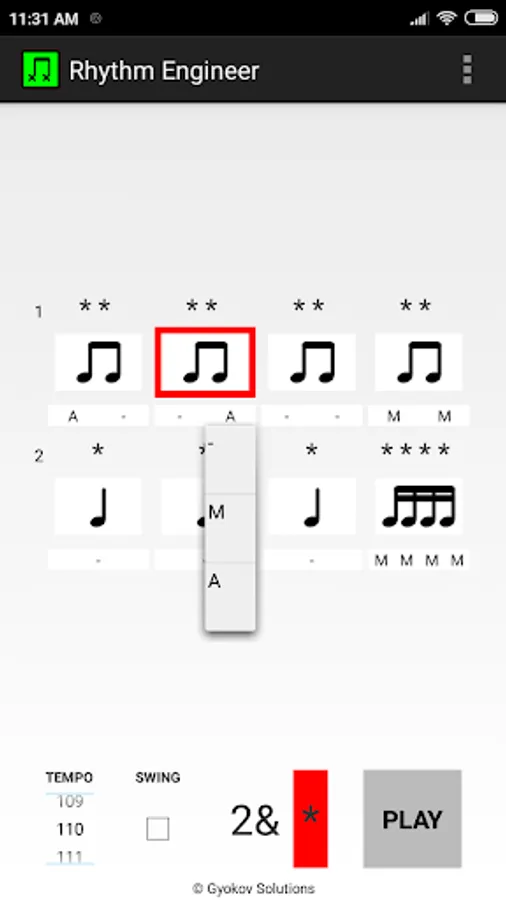
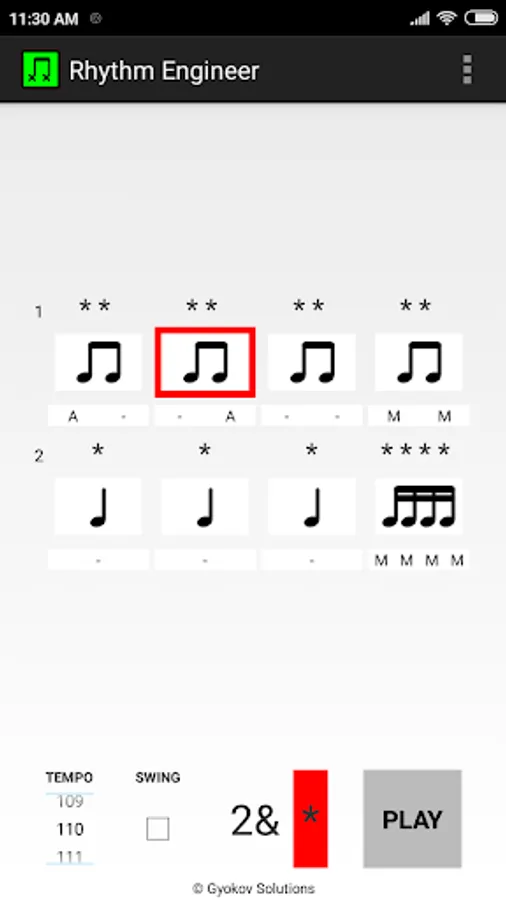
- use articulation (accented/muted) notes
- swing/shuffle rhythm
- save rhythm as midi and text file
- open rhythm file
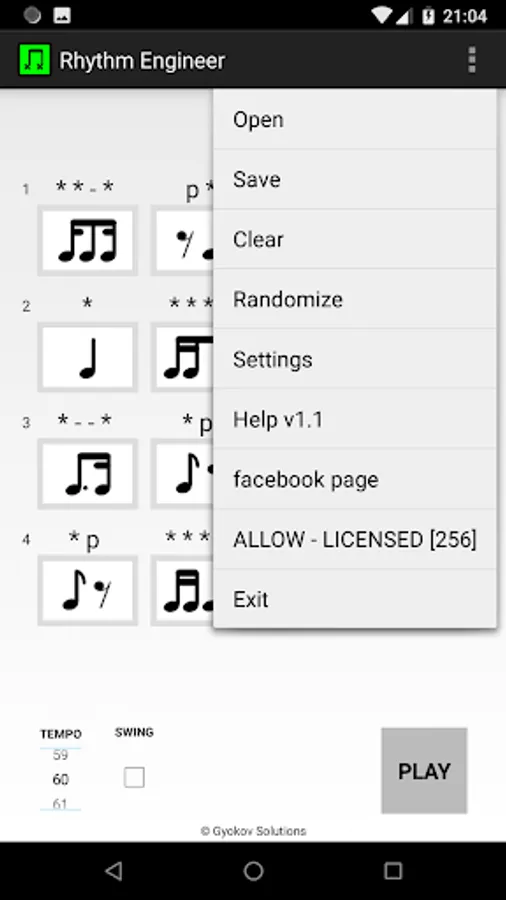
- randomize beat patterns
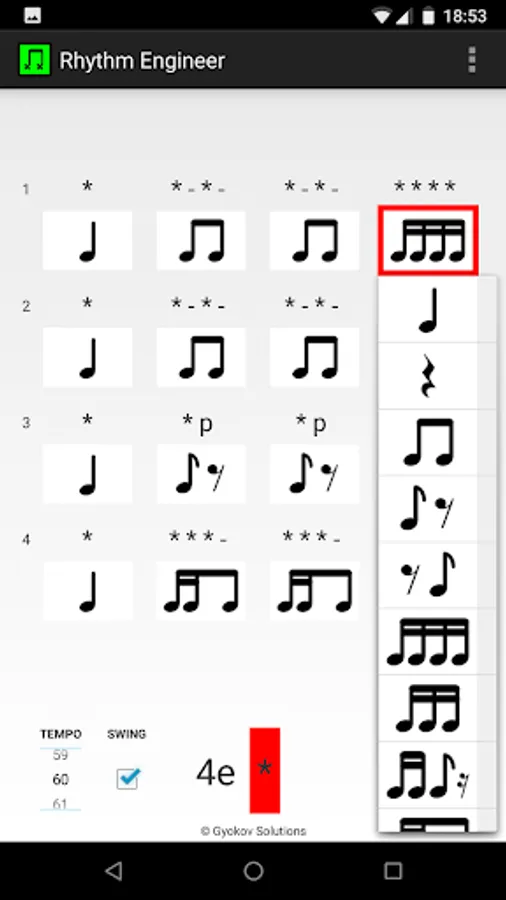
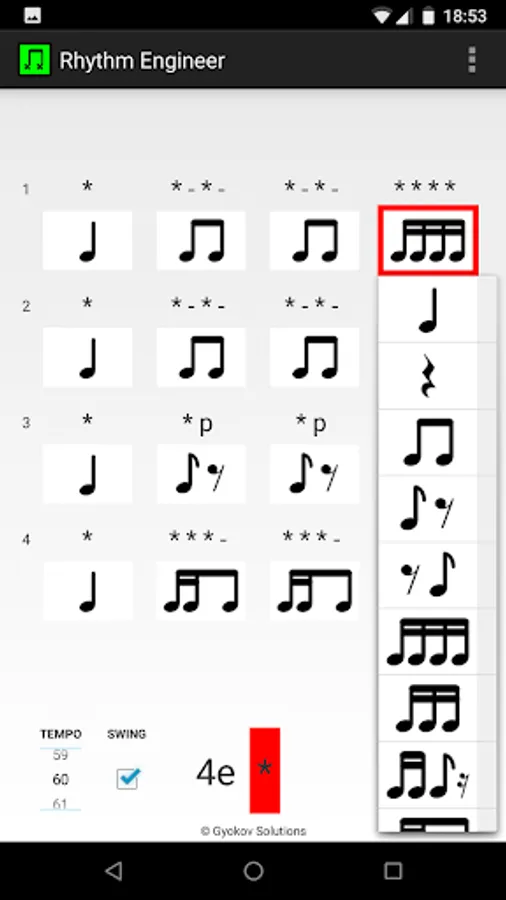
- use 16th triplests
- select in SETTINGS - USED PATTERNS which patterns to use
How to use:
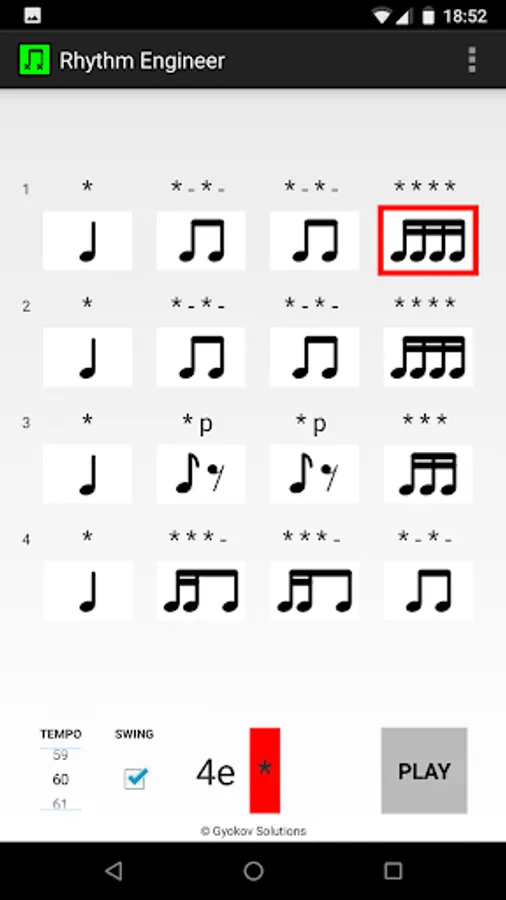
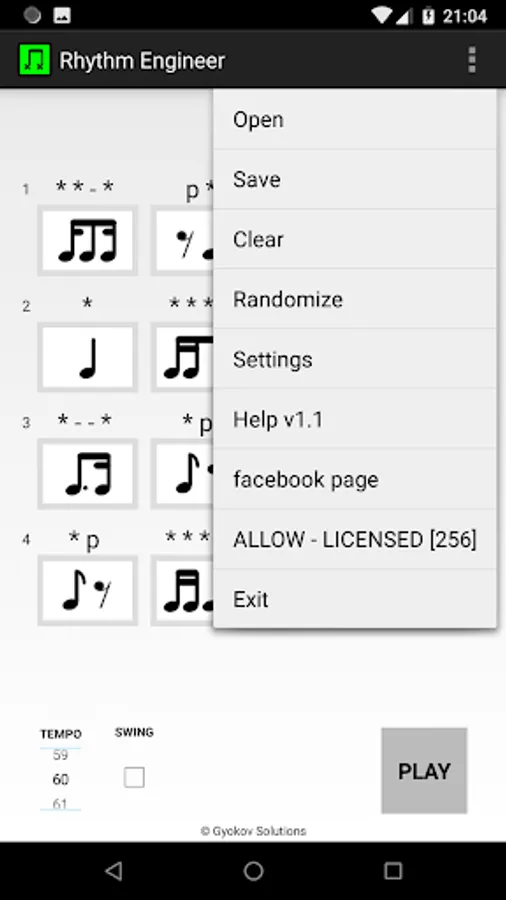
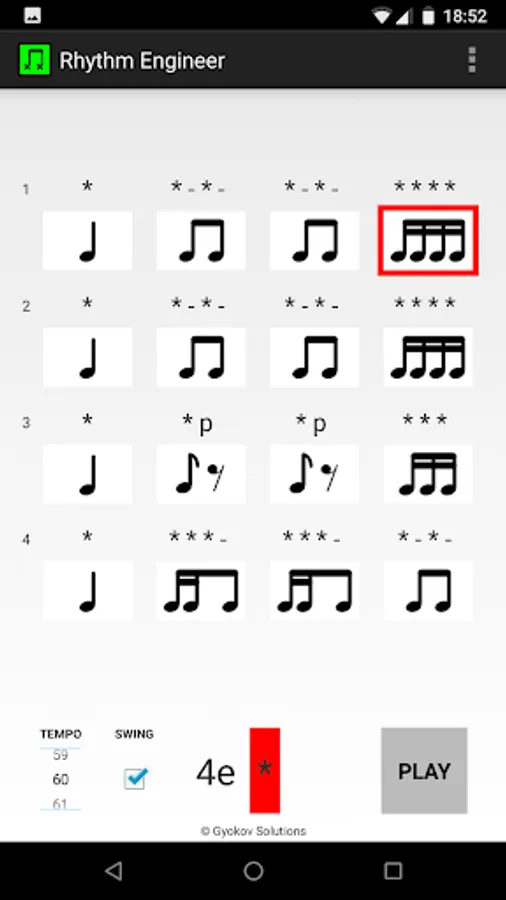
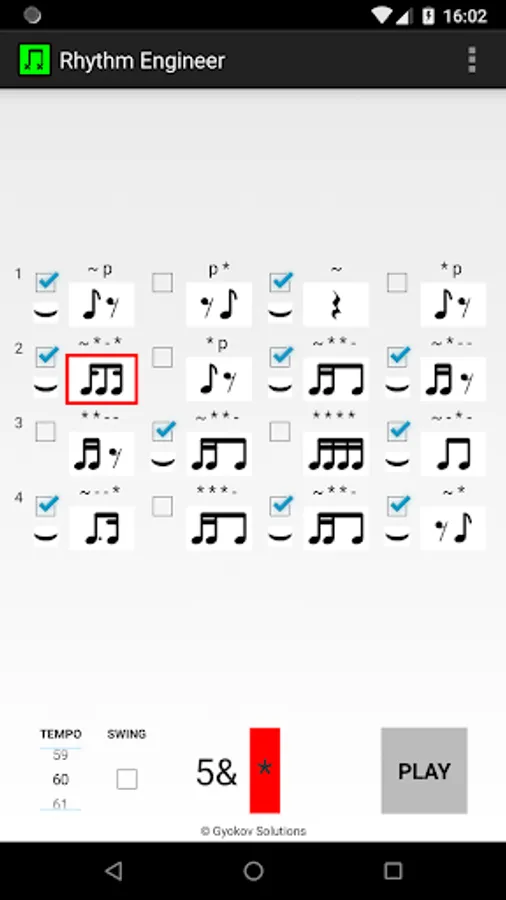
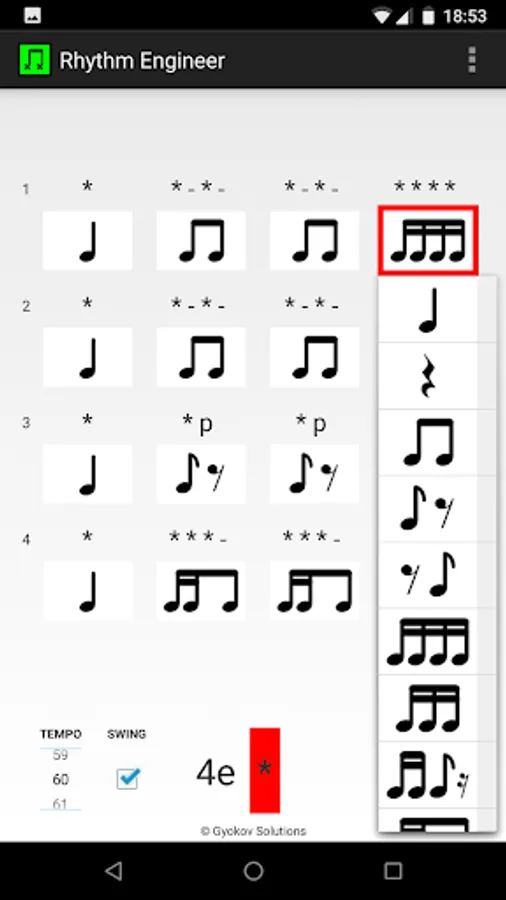
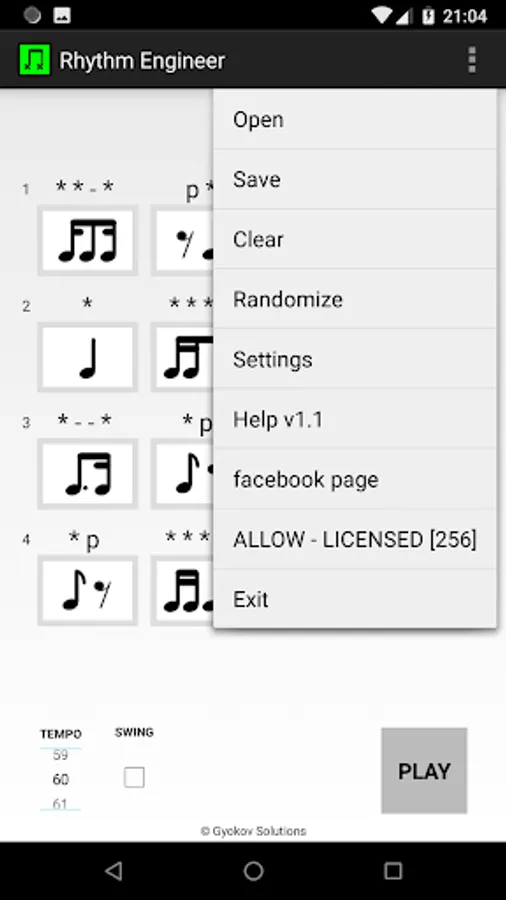
1. Select rhythm pattern for each beat
2. Press play to hear the rhythm
3. Adjust tempo with tempo slider
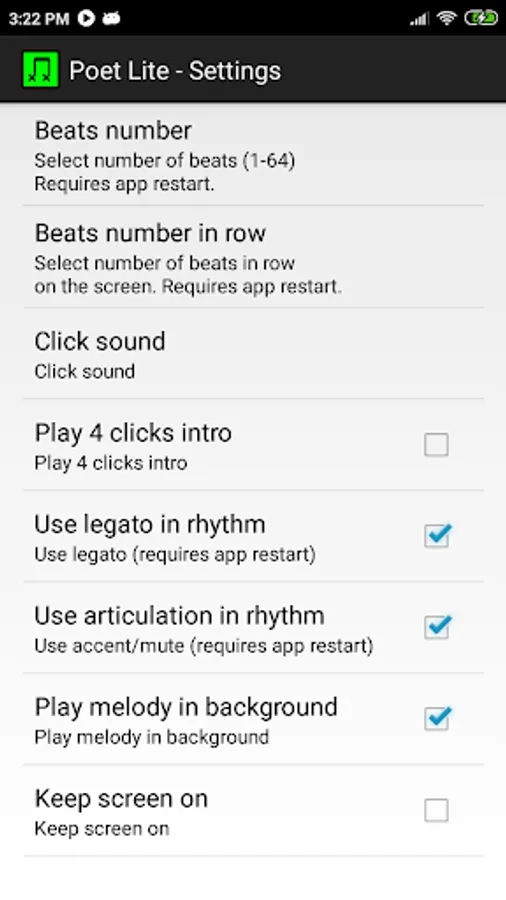
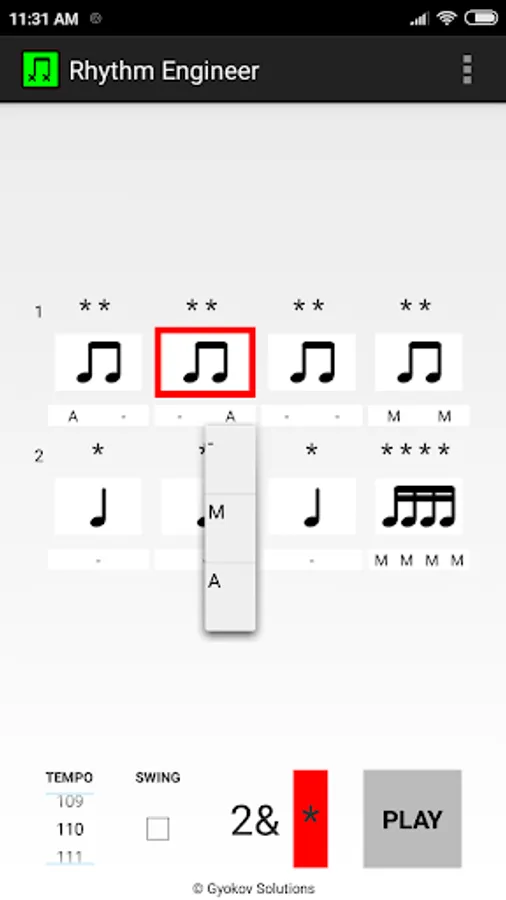
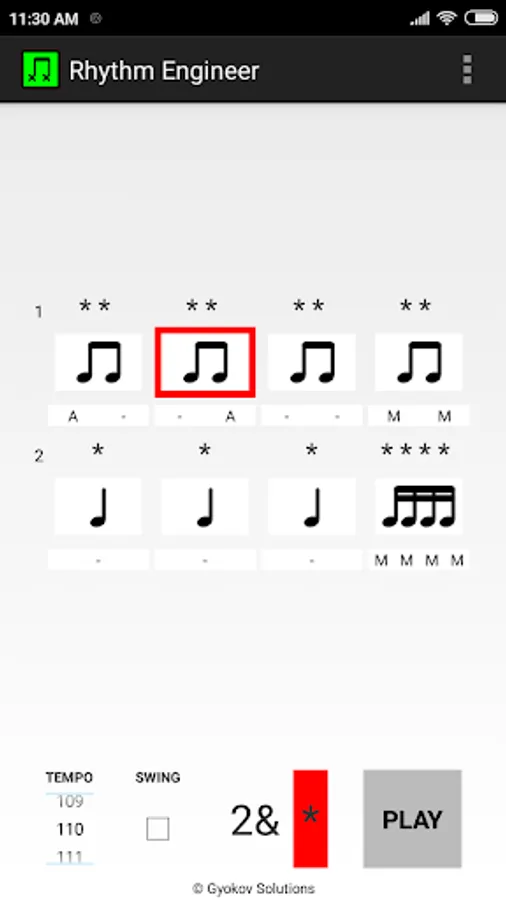
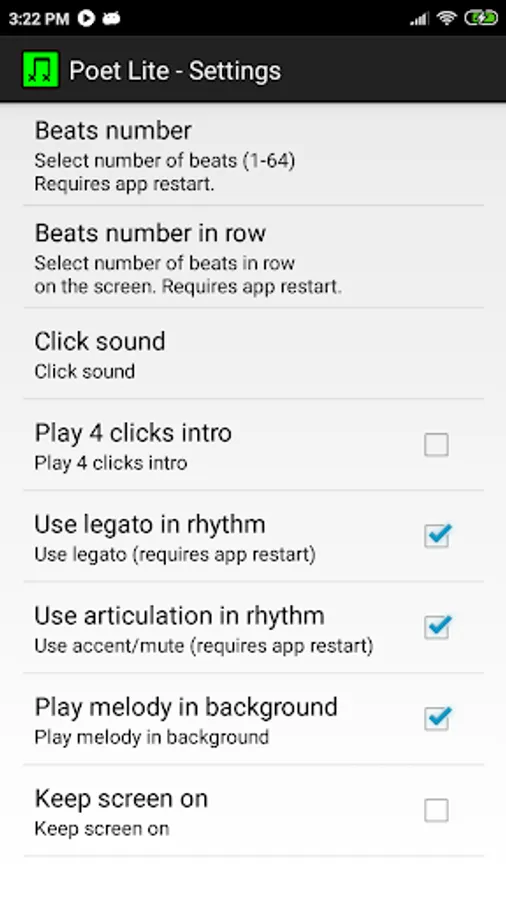
Additionally you can add articulation (accent or mute) to the notes and also legato between beats. In order to do this first allow the feature in Settings and restart the app in order to activate the feature.
On first app start autocalibration of timing correction is performed. Leave the app to play 10 notes in order to calibrate. You can run calibration also from Menu - Calibrate.
Video demo of articulation feature - https://www.youtube.com/watch?v=dGriOCt4ofM
It is a enhanced version of Rhythm Engineer Lite with more features like:
- up to 64 beats
- use legato between beats
- use articulation (accented/muted) notes
- swing/shuffle rhythm
- save rhythm as midi and text file
- open rhythm file
- randomize beat patterns
- use 16th triplests
- select in SETTINGS - USED PATTERNS which patterns to use
How to use:
1. Select rhythm pattern for each beat
2. Press play to hear the rhythm
3. Adjust tempo with tempo slider
Additionally you can add articulation (accent or mute) to the notes and also legato between beats. In order to do this first allow the feature in Settings and restart the app in order to activate the feature.
On first app start autocalibration of timing correction is performed. Leave the app to play 10 notes in order to calibrate. You can run calibration also from Menu - Calibrate.
Video demo of articulation feature - https://www.youtube.com/watch?v=dGriOCt4ofM
Rhythm Engineer Screenshots
Tap to Rate:
Reviews for Rhythm Engineer
Jurgen Schuller
2/14/2024
As other apps from the developer, this one generates a random track - this time rythm only (not notes!). Eventhough it's seems it's too random, each segment of the track have its own rythm, no appearant connection between parts of the track, It's not an issue, u can edit them, plus it's advertised more like a learning software than as an aid-tool for composion.
Espen Laub
8/27/2023
👍