
Lyrics Engineer Lite
GyokovSolutions
4.5 ★
14 ratings
1,000+
downloads
Free
With this app, you can write song lyrics over existing melodies or independently using the auto-write feature. Includes word suggestions, rhythm playback, and options to load custom dictionaries.
AppRecs review analysis
AppRecs rating 4.5. Trustworthiness 61 out of 100. Review manipulation risk 35 out of 100. Based on a review sample analyzed.
★★★★☆
4.5
AppRecs Rating
Ratings breakdown
5 star
50%
4 star
50%
3 star
0%
2 star
0%
1 star
0%
What to know
✓
High user satisfaction
100% of sampled ratings are 4+ stars (4.5★ average)
About Lyrics Engineer Lite
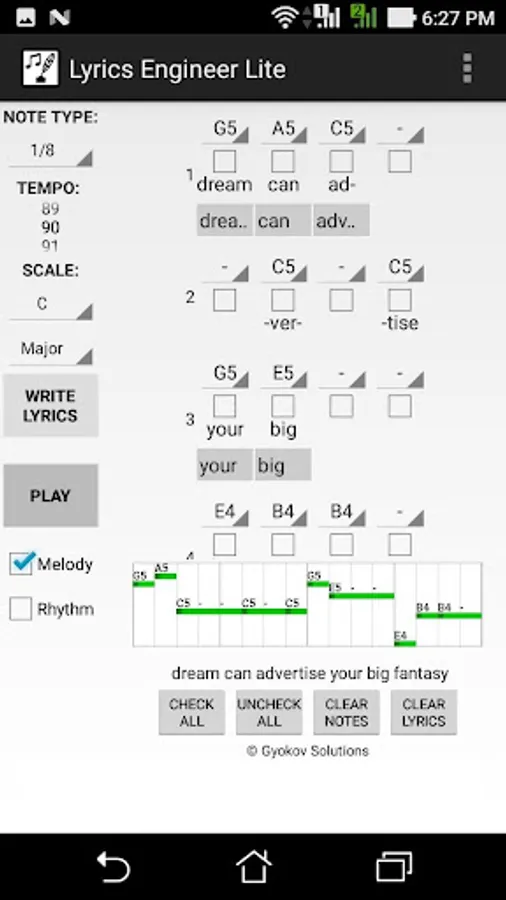
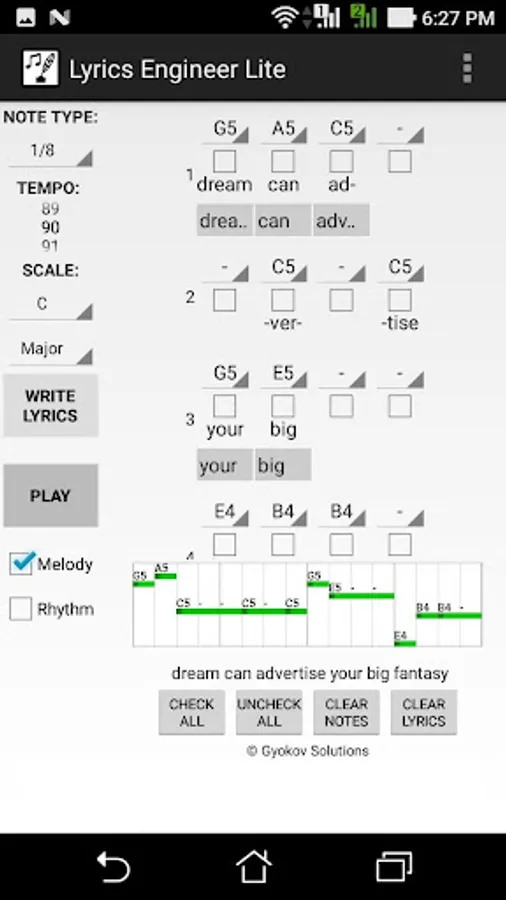
Lyrics Engineer helps you writing song lyrics. The app selects suitable words in order to match the melody accent to lyrics accent to achieve prosody and lyrics to fit comfortably the melody.
You can use the app to:
- Write lyrics over existing melody
- Write lyrics only (without melody)
Writing lyrics over existing melody:
1. Start with a melody - input melody notes by selecting notes in needed octave (C5 - note C from 5th octave)
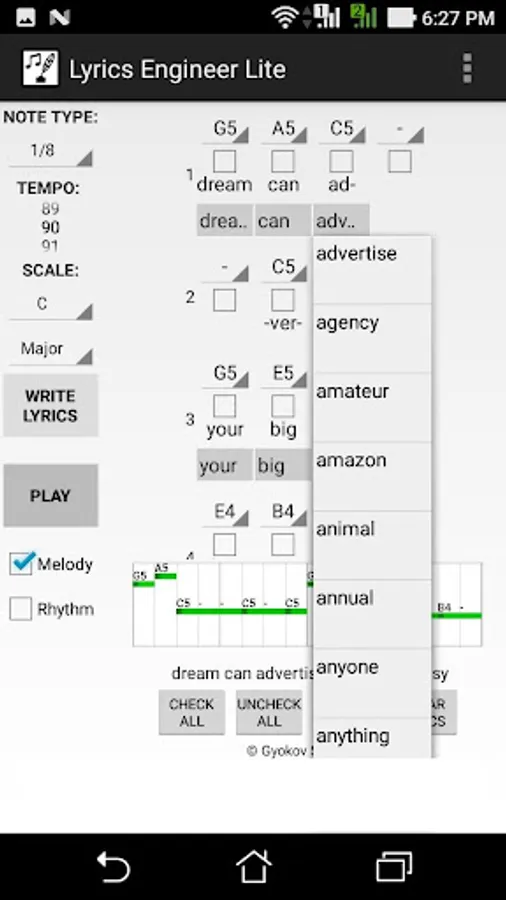
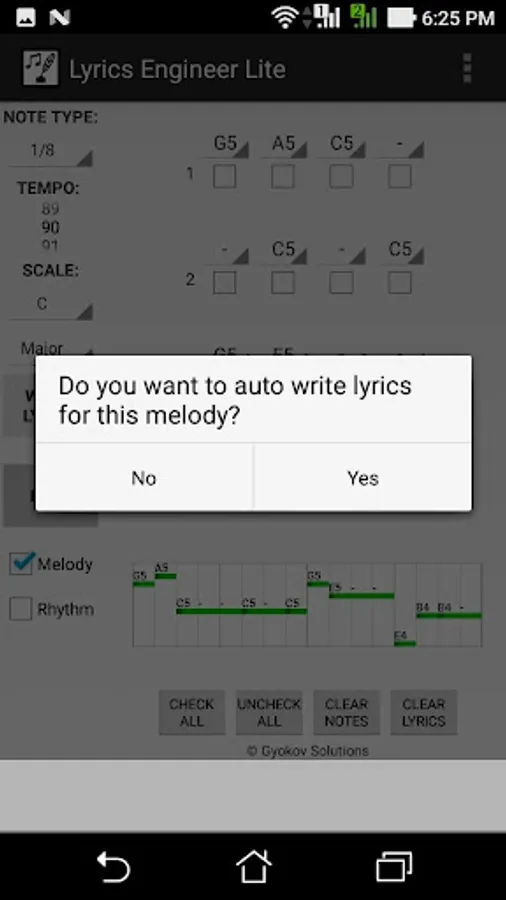
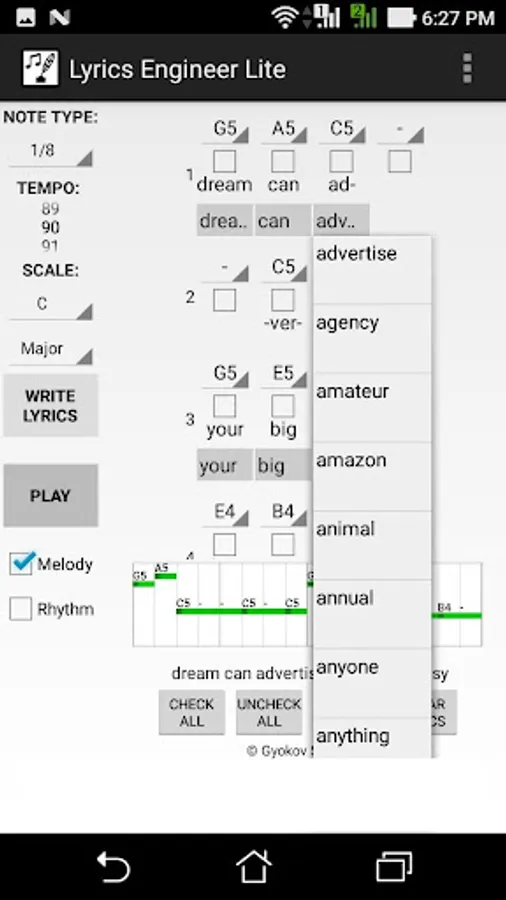
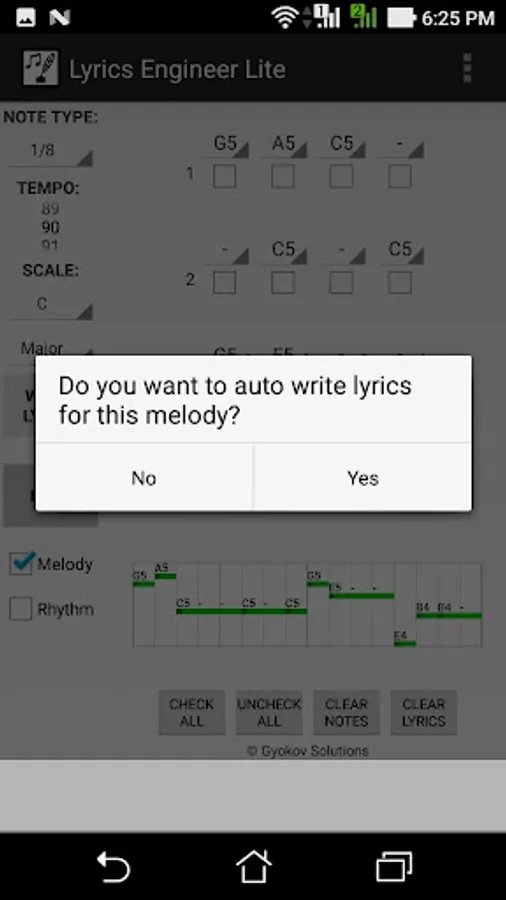
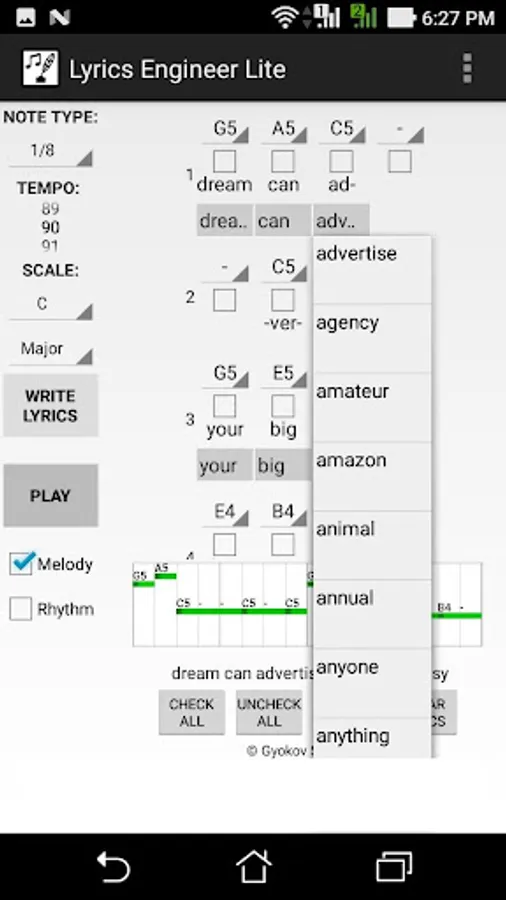
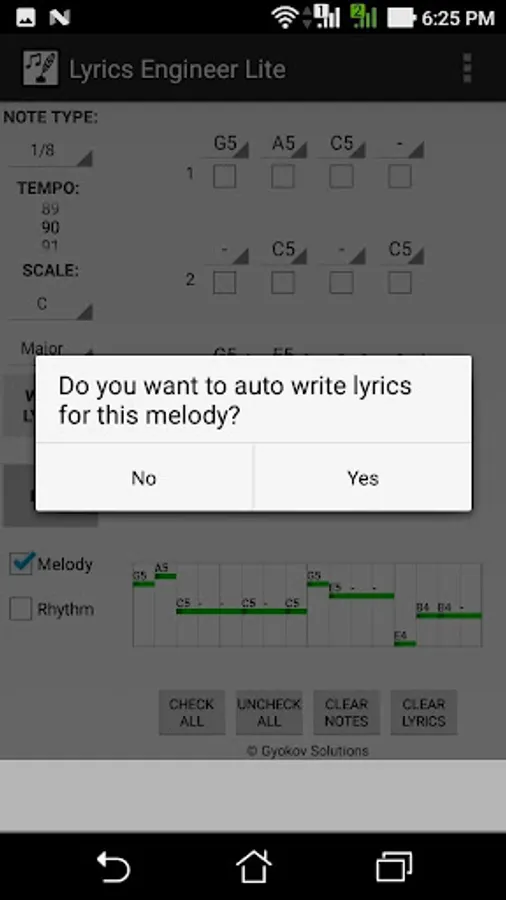
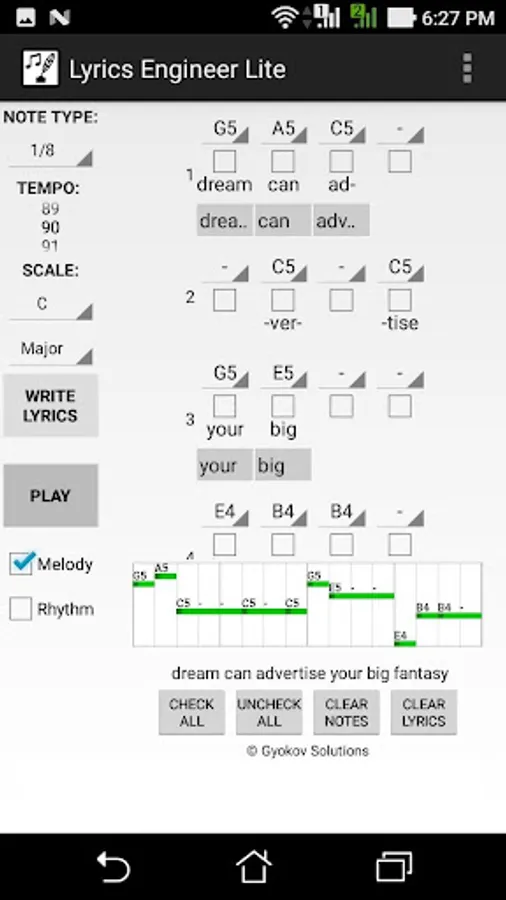
2. Press WRITE LYRICS button. The app will choose suitable words. You can choose between the other suitable words in drop down menu under the word start note.
3. Once you have some lyrics you can change a part of them by selecting some syllables and pressing WRITE LYRICS button. Then only selected syllables will be rewritten.
Writing lyrics only (without melody)
1. Check syllables where you want to put some lyrics
2. You can hear the lyric rhythm by checking RHYTHM checkbox and pressing PLAY button.
3. Press WRITE LYRICS button - the lyrics are auto written. You can change them by selecting words from suitable words list in drop down menu
4. Once you have some lyrics you can change a part of them by selecting some syllables and pressing WRITE LYRICS button. Then only selected syllables will be rewritten.
Check also the full version of Lyrics Engineer Lite with more features:
- more words available
- option to load custom prepared dictionary
- option to save the work
- option to open saved files
App privacy policy - https://sites.google.com/view/gyokovsolutions/lyrics-engineer-lite-privacy-policy
You can use the app to:
- Write lyrics over existing melody
- Write lyrics only (without melody)
Writing lyrics over existing melody:
1. Start with a melody - input melody notes by selecting notes in needed octave (C5 - note C from 5th octave)
2. Press WRITE LYRICS button. The app will choose suitable words. You can choose between the other suitable words in drop down menu under the word start note.
3. Once you have some lyrics you can change a part of them by selecting some syllables and pressing WRITE LYRICS button. Then only selected syllables will be rewritten.
Writing lyrics only (without melody)
1. Check syllables where you want to put some lyrics
2. You can hear the lyric rhythm by checking RHYTHM checkbox and pressing PLAY button.
3. Press WRITE LYRICS button - the lyrics are auto written. You can change them by selecting words from suitable words list in drop down menu
4. Once you have some lyrics you can change a part of them by selecting some syllables and pressing WRITE LYRICS button. Then only selected syllables will be rewritten.
Check also the full version of Lyrics Engineer Lite with more features:
- more words available
- option to load custom prepared dictionary
- option to save the work
- option to open saved files
App privacy policy - https://sites.google.com/view/gyokovsolutions/lyrics-engineer-lite-privacy-policy
Lyrics Engineer Lite Screenshots
Tap to Rate:
Reviews for Lyrics Engineer Lite
Espen Laub
8/27/2023
👍
Asiedu Samuel
5/23/2020
I'm giving you four stars bcos now I have downloaded it