In this app, you press the Compose button to generate a new song with algorithmic harmony and melodies across multiple instruments. Includes options for editing instrument notes, changing song sections, and saving as MIDI files.
AppRecs review analysis
AppRecs rating 4.7. Trustworthiness 68 out of 100. Review manipulation risk 32 out of 100. Based on a review sample analyzed.
★★★★☆
4.7
AppRecs Rating
Ratings breakdown
5 star
82%
4 star
9%
3 star
9%
2 star
0%
1 star
0%
What to know
✓
High user satisfaction
82% of sampled ratings are 5 stars
✓
Authentic reviews
Natural distribution, no red flags
About Song Engineer
Hear some sample songs - https://gyokovsolutions.com/music-albums
Listen to albums with demo songs
Thirteen Ghosts Of Cyber Past - https://youtu.be/6DoSPXTWjT8
Song Engineer - https://youtu.be/oWYQPvaaAYI
Seven modes - https://youtu.be/48vKyRcxWBU
Song production instructional video - https://youtu.be/xlxs6UzRPMI
This is the full version of Song Engineer Lite - https://play.google.com/store/apps/details?id=com.gyokovsolutions.songengineerlite
Full version app features:
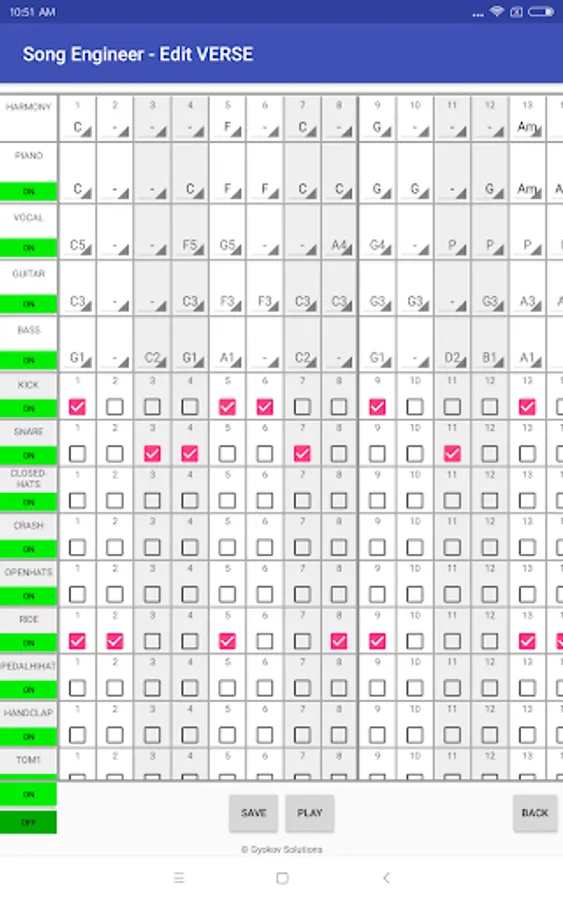
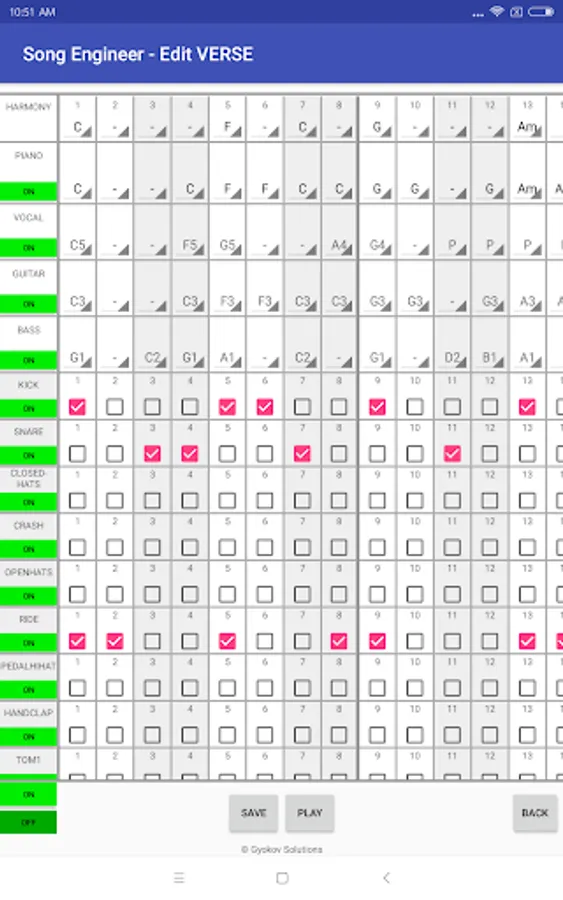
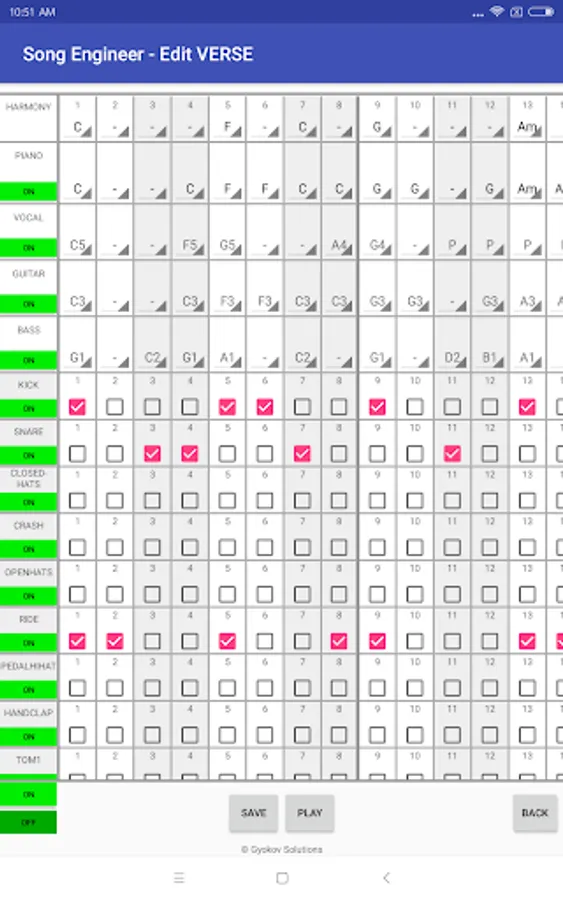
- edit instrument notes and drums
- additional lead guitar instrument
- select song tonality
- use different song sections (Intro, Verse, Pre-Chorus, Chorus, Bridge, Outro and 4 additional sections)
- change song section length
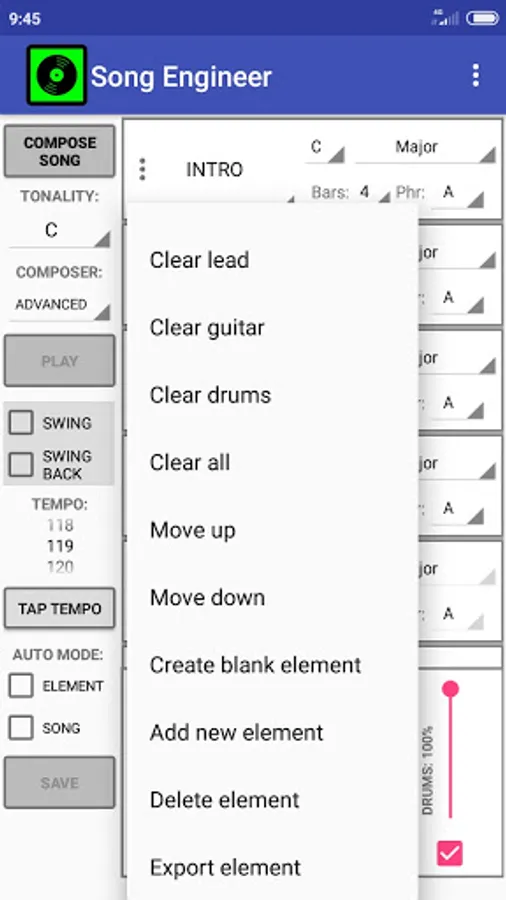
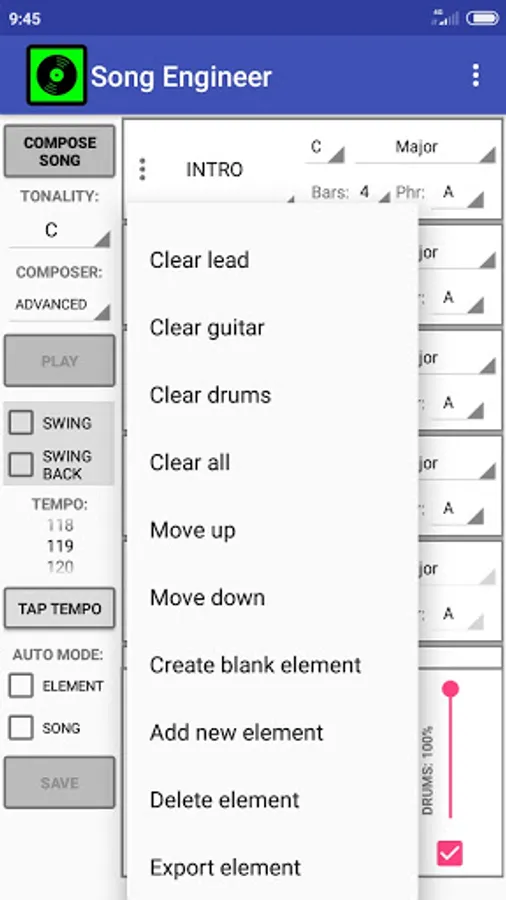
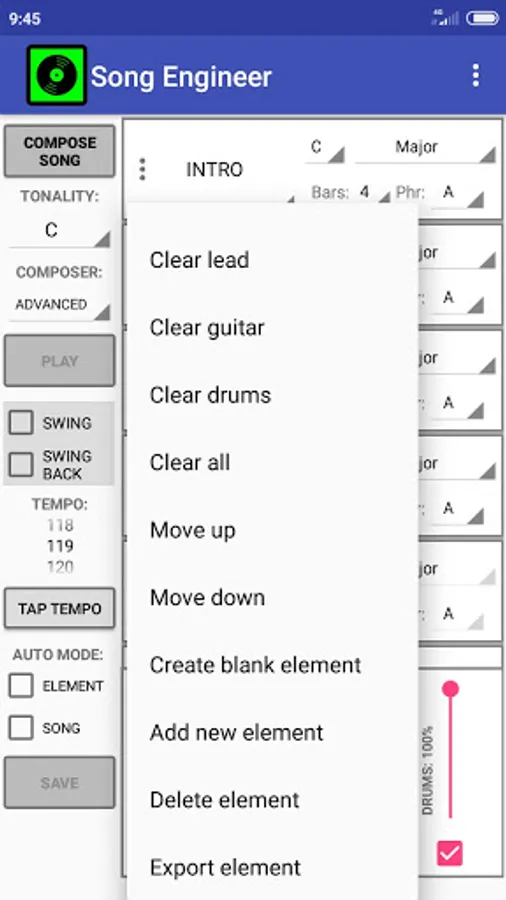
- rearrange song sections
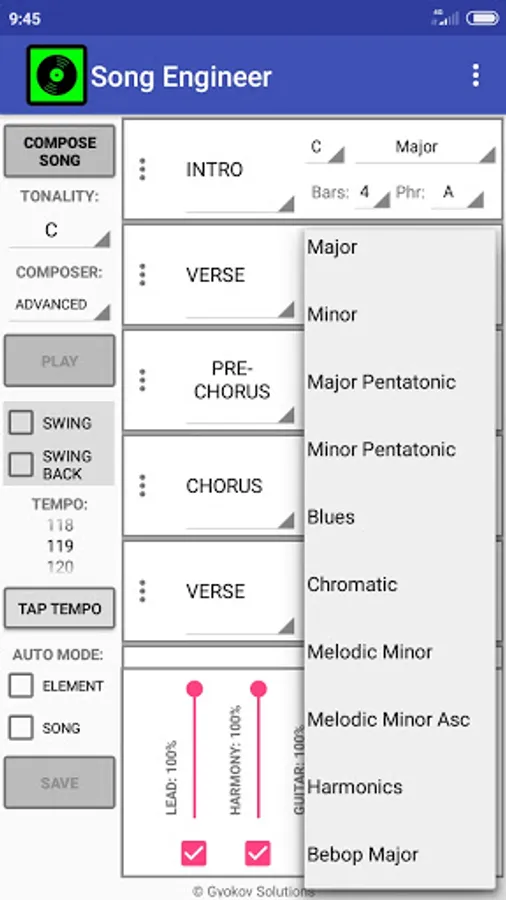
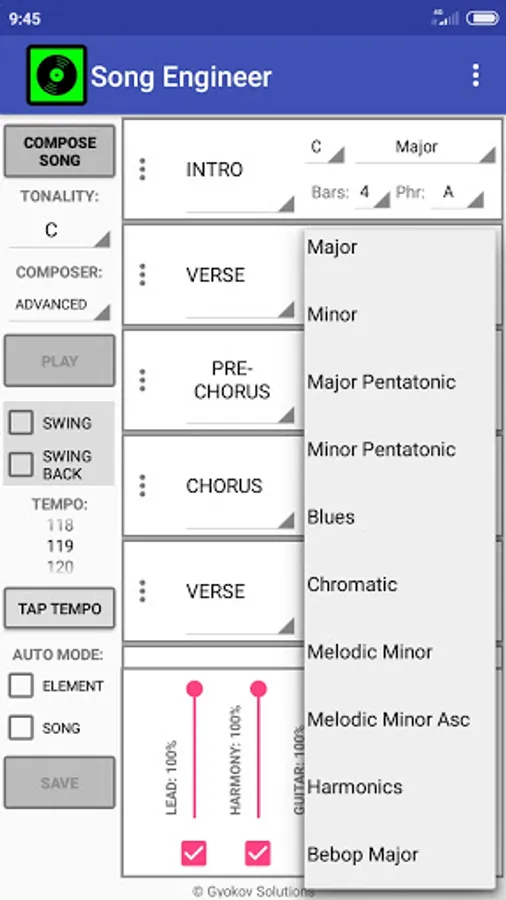
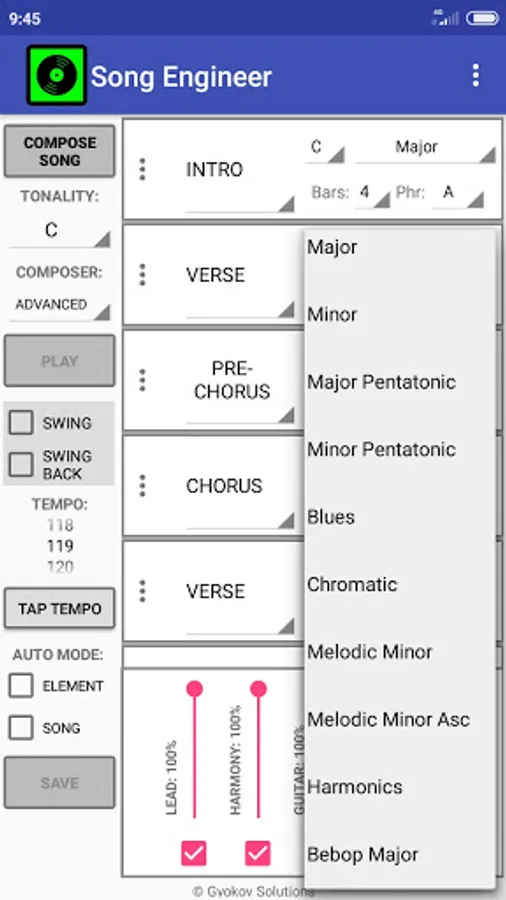
- change song elements root and scale type (major, minor, pentatonic, blues, chromatic etc...)
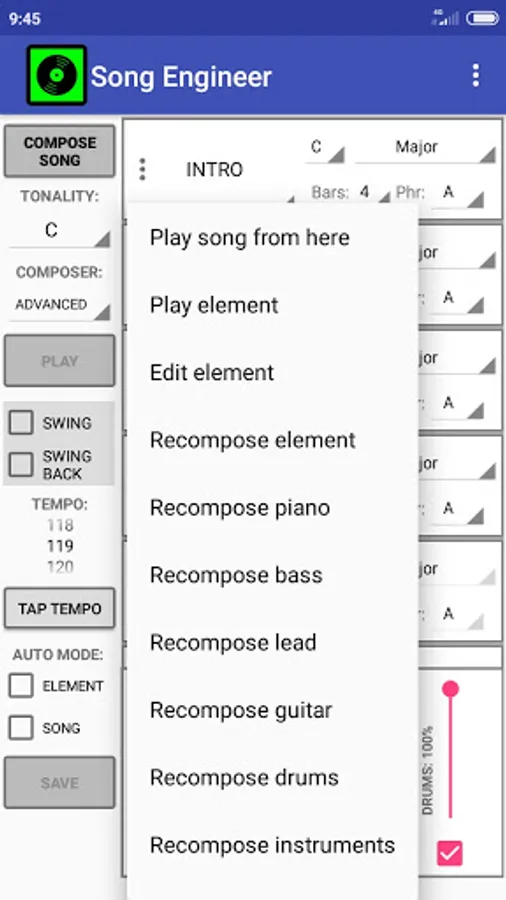
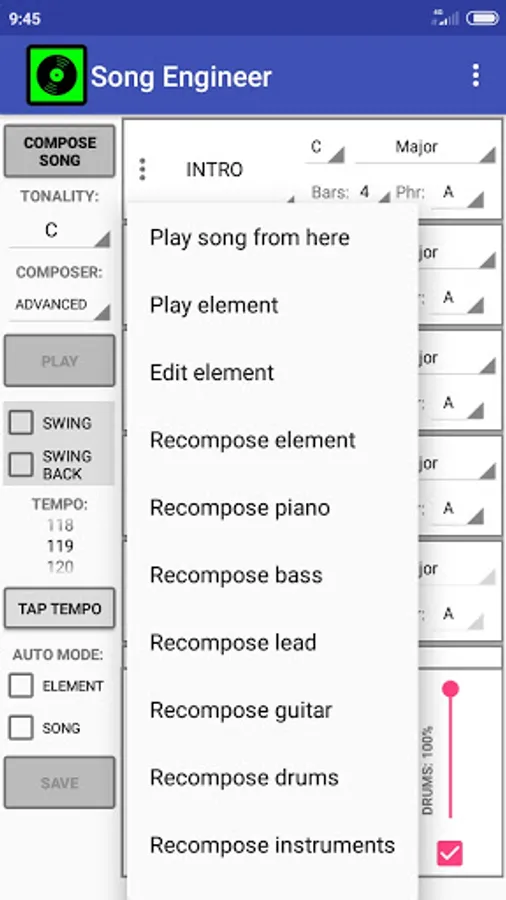
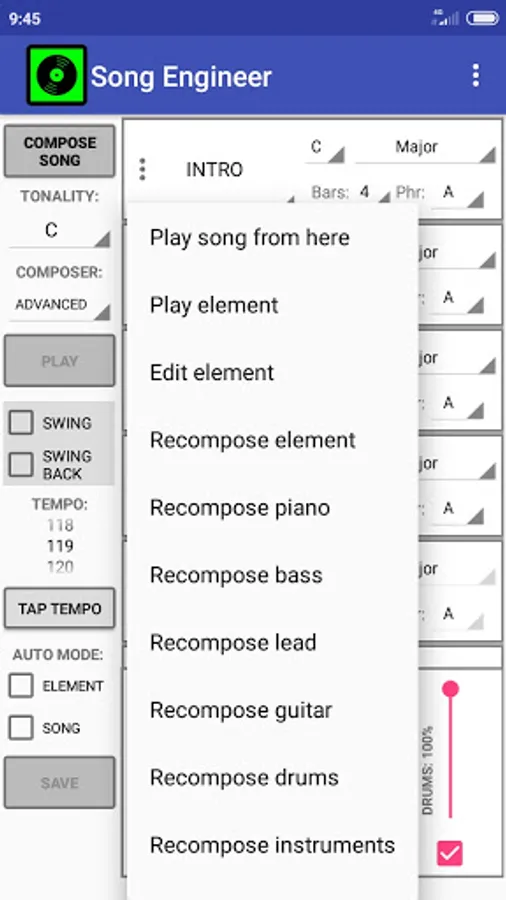
- recompose section
- recompose instrument in section
- change instruments used in midi
- save song as midi and xml file
- open saved song from xml file
- control composing parameters(melody phrasing, harmony rhythm, song sections preferred note lengths)
- swing mode
- lyrics writing - the app selects suitable words in order to match the melody accent to lyrics accent to achieve prosody and lyrics to fit comfortably the melody.
How to use:
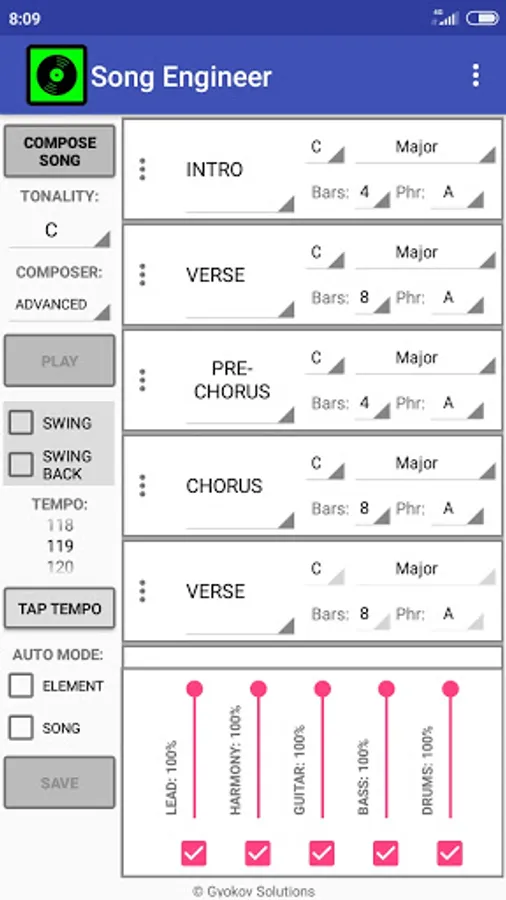
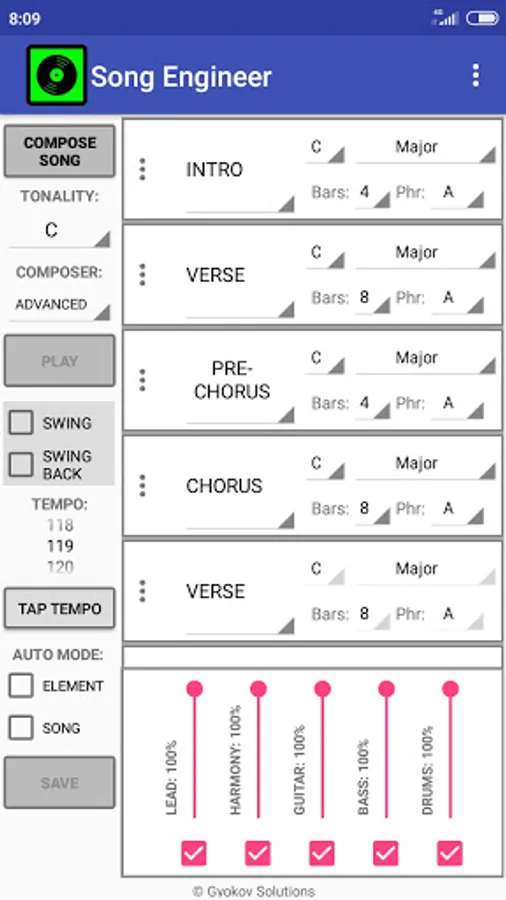
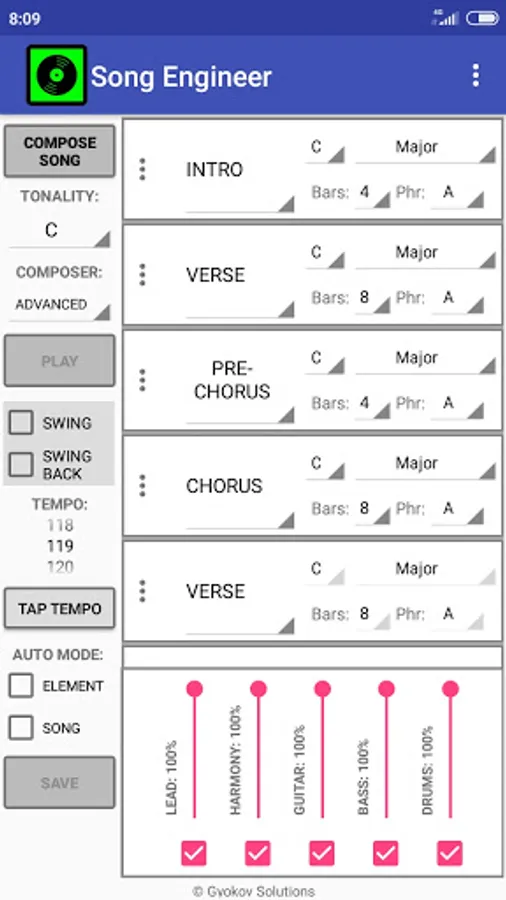
1. Select song tonality using TONALITY menu.
2. Optionally you can change song structure using the three dots button on the left side of every song element. You can change element types, add new elements or rearrange them.
3. You can change the elements (Verse, Chorus etc...) scale root and type(major, minor etc...), length (in bars). Only the first occurrence of every element has the controls unlocked. When you change some property then all elements of the same type will change their values accordingly.
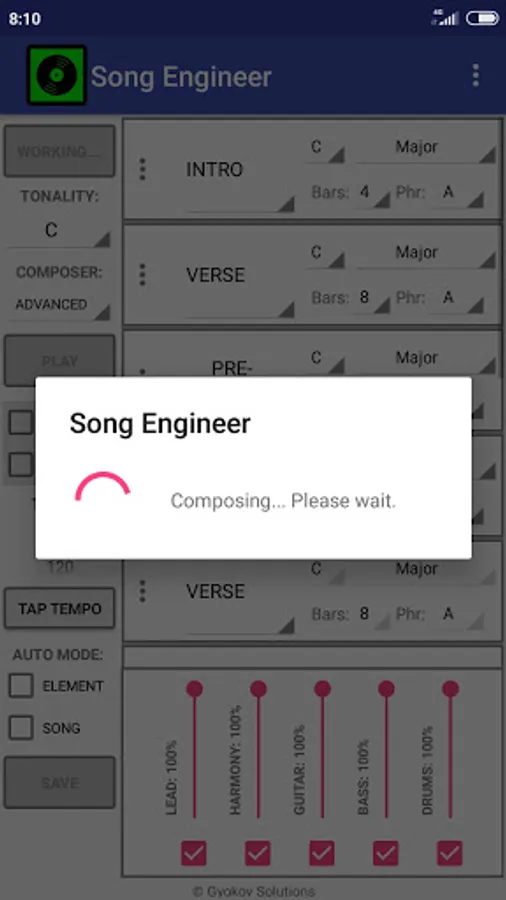
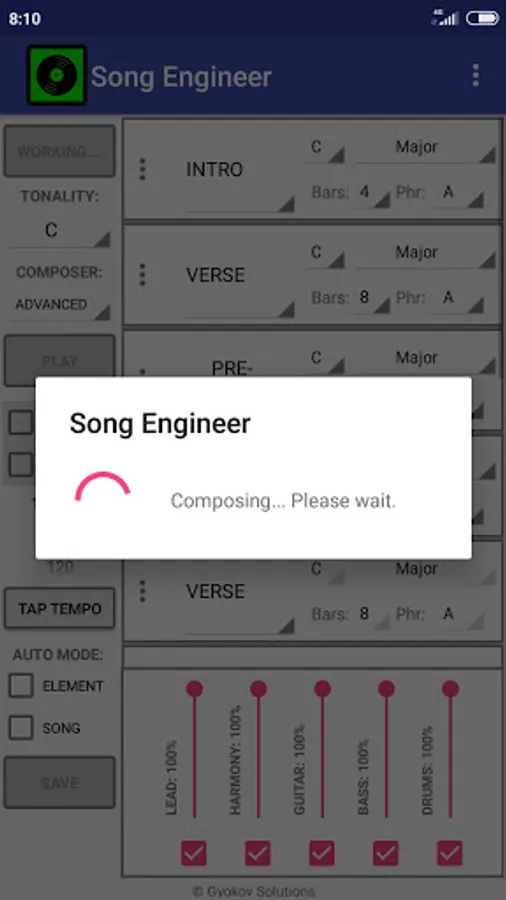
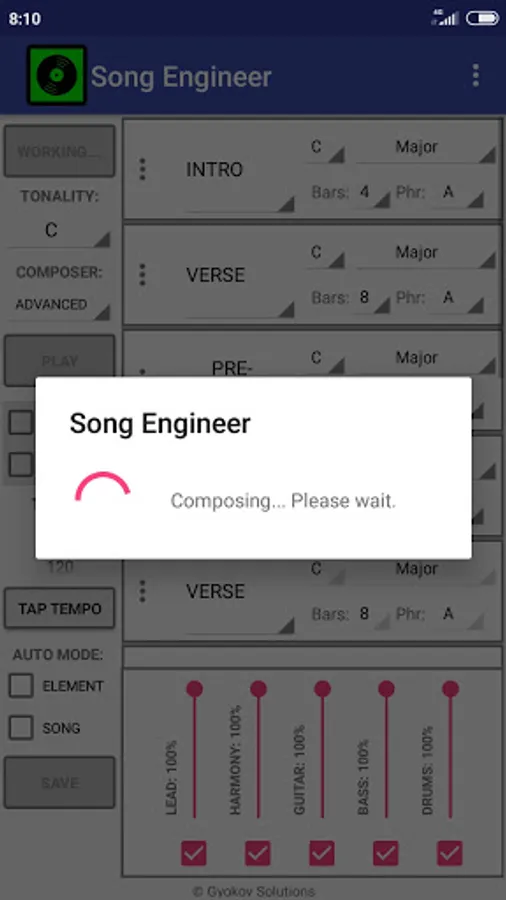
4. Press COMPOSE
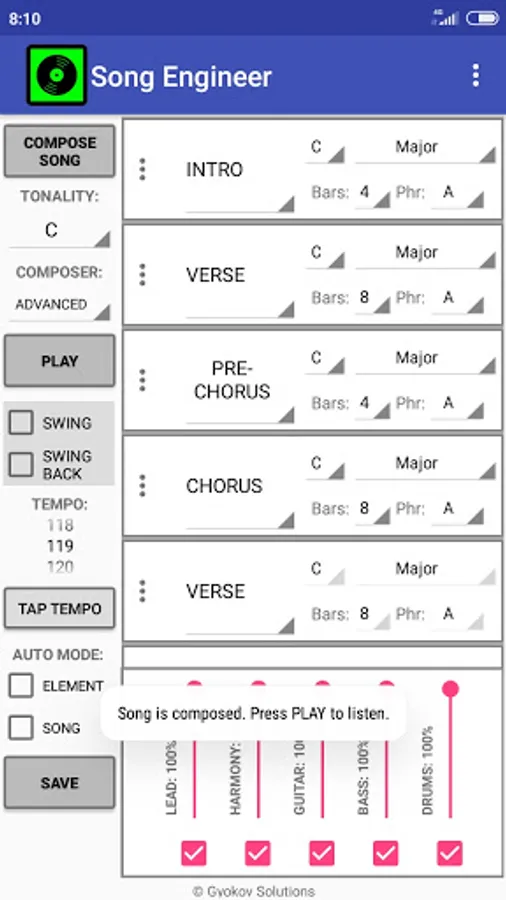
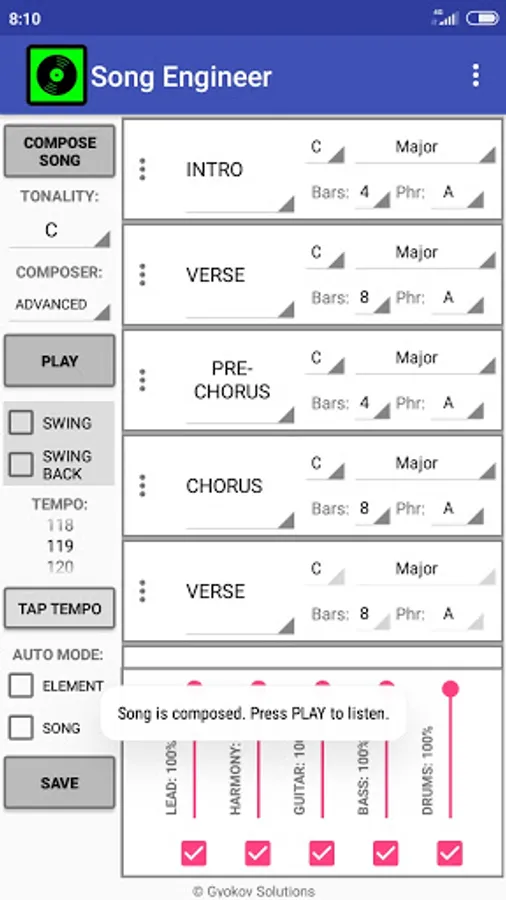
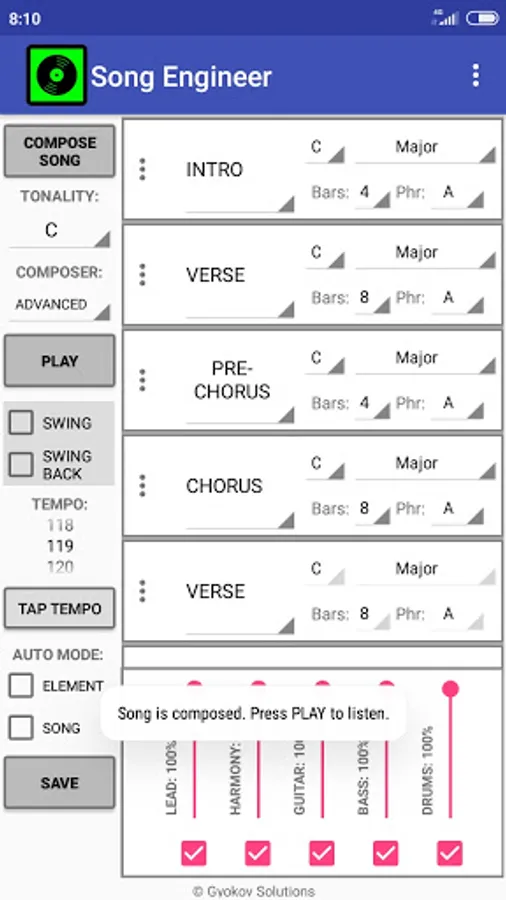
5. The song is composed. 5 instruments are used - lead(vocal), guitar, bass, harmony(piano) and drums.
6. Press PLAY to listen to the song. You can change song tempo. Also you can hear every element and recompose it using the three dots button on the left side of each element.
7. You can edit instrument notes and drums by selecting Element Menu - Edit element.
8. Press SAVE to save the song in midi format. Song is saved in [sdcard]/SongEngineer folder. In settings you can change instruments type used in midi file. The midi file can be used for song enhancement and production using any DAW software.
Song Engineer manual - https://gyokovsolutions.com/song-engineer-manual
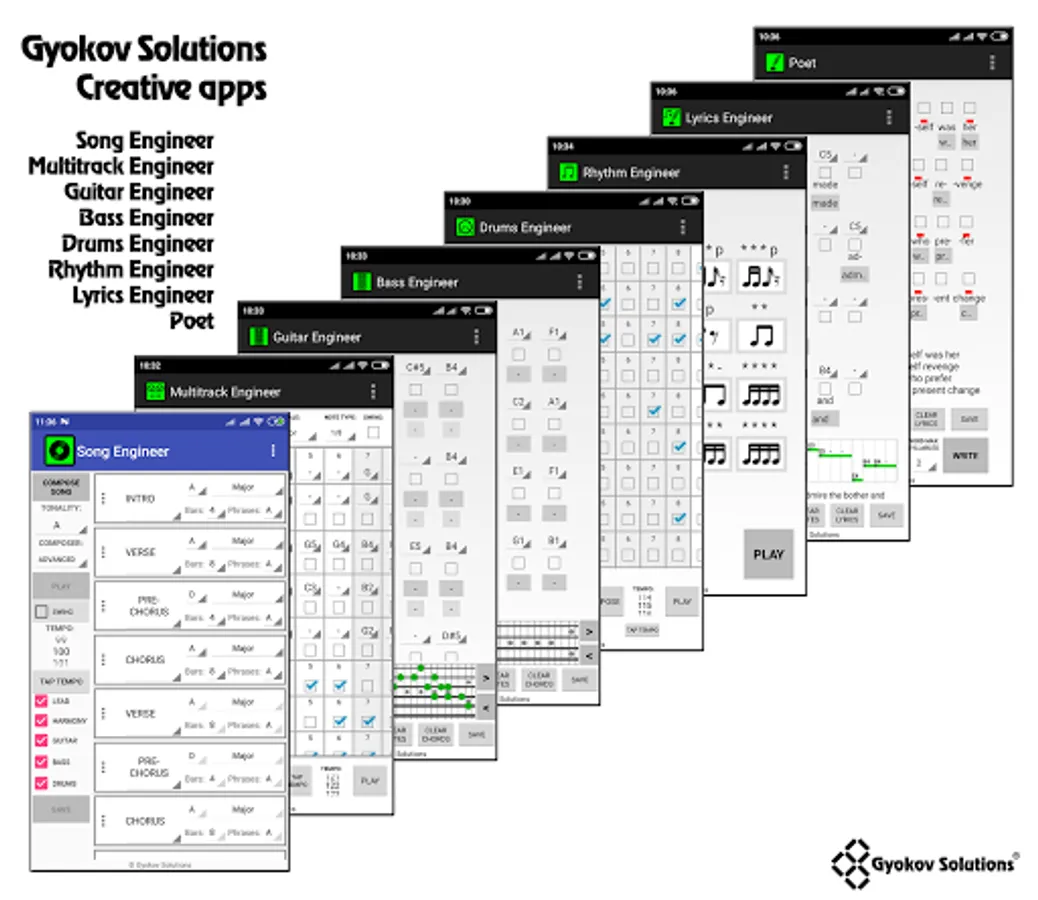
Song Engineer Screenshots
Tap to Rate:
Reviews for Song Engineer
Yeska
11/18/2024
Great app, and when you know music, easy to get some good results. Maybe I'm missing something, but after a song is composed, I would like to see the length of the song in minutes and seconds. Some will think this is Minor, some will think it's Major. 😉 Edit: thank you very much for adding the song/element length. This is very useful to me!
Jurgen Schuller
2/14/2024
Good for a starting point of a song, export as midi and continue working with it in your DAW.