AppRecs review analysis
AppRecs rating . Trustworthiness 82 out of 100. Review manipulation risk 18 out of 100. Based on a review sample analyzed.
★
AppRecs Rating
Ratings breakdown
5 star
75%
4 star
0%
3 star
0%
2 star
0%
1 star
25%
What to know
✓
Low review manipulation risk
18% review manipulation risk
✓
Credible reviews
82% trustworthiness score from analyzed reviews
✓
High user satisfaction
75% of sampled ratings are 4+ stars (4.0★ average)
About Tachometer Engineer
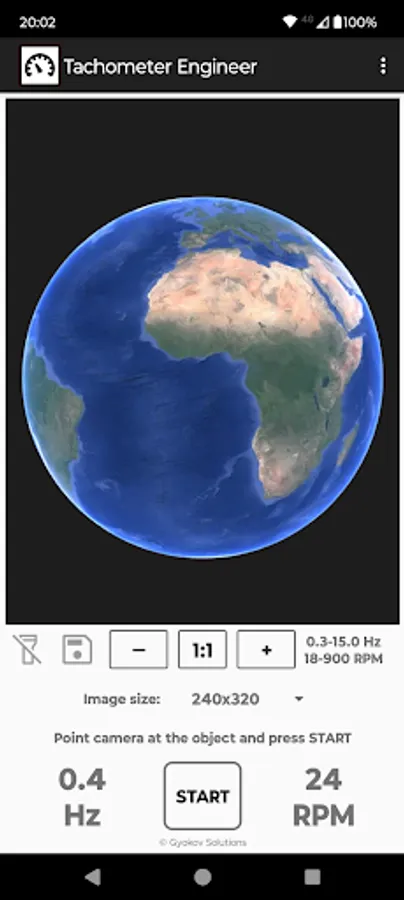
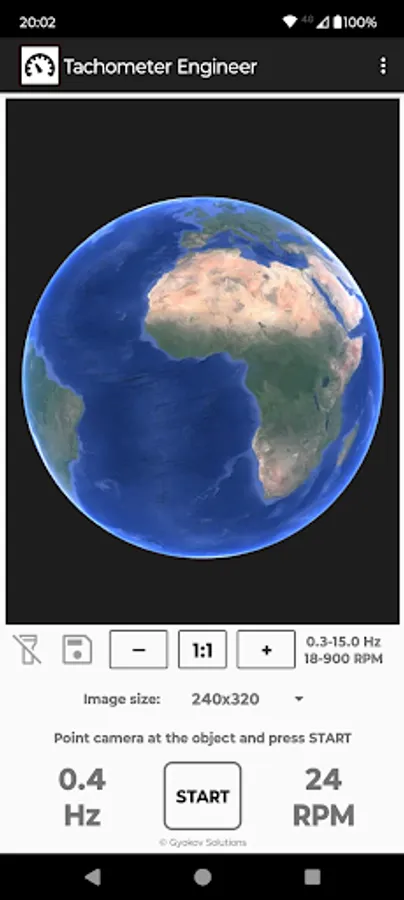
Tachometer Engineer uses phone camera to analyze periodically moving objects and determines frequency in
- Hz (Hertz - number of cycles per second)
- RPM (revolutions per minute)
Frequency can be determined
- automatically - by the app
- manually - by comparing captured images during measurement and selecting two similar images
How to use:
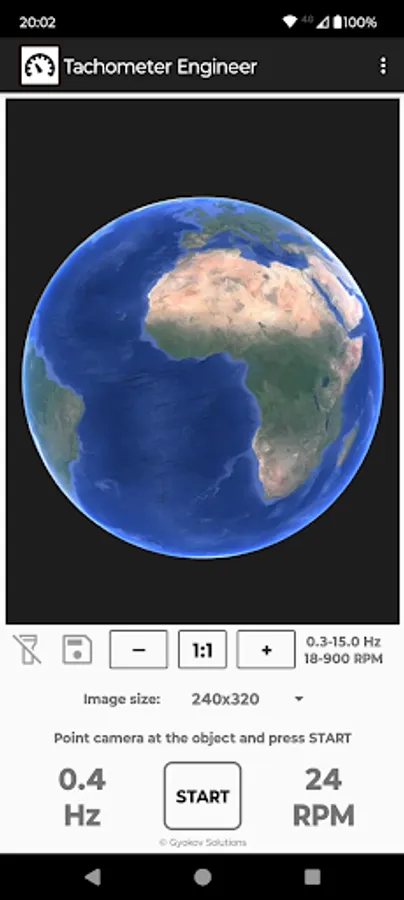
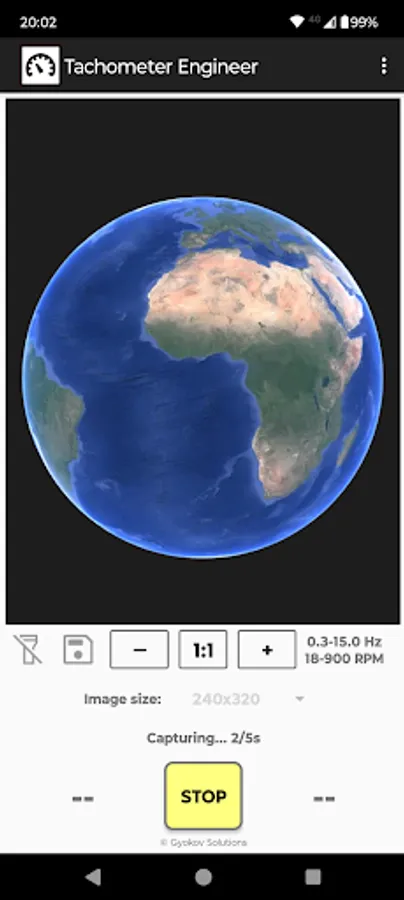
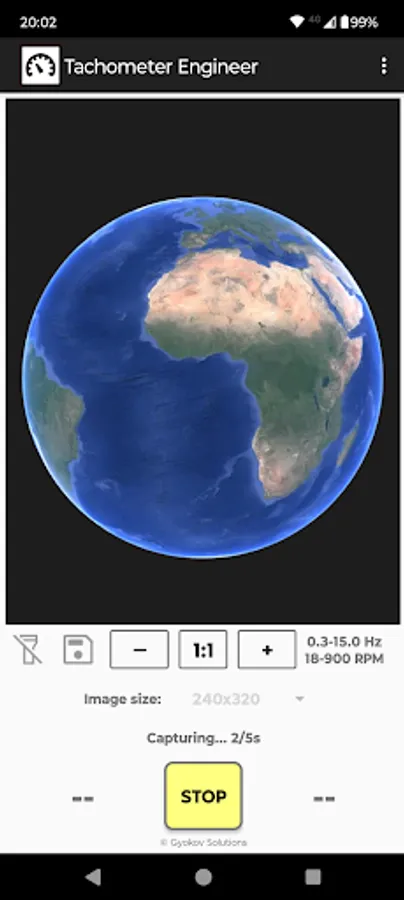
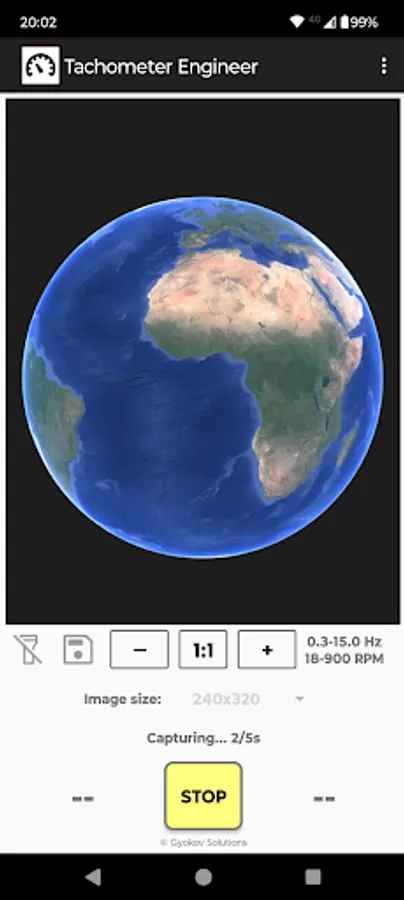
- point the camera to the object and press START
- hold steady for 5 seconds
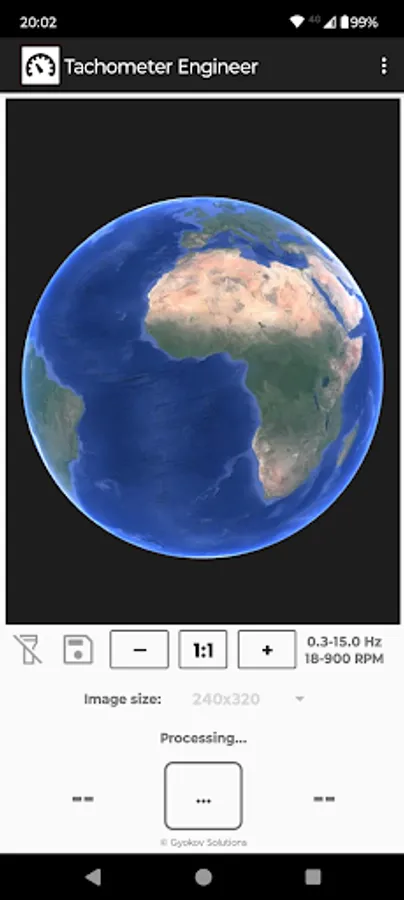
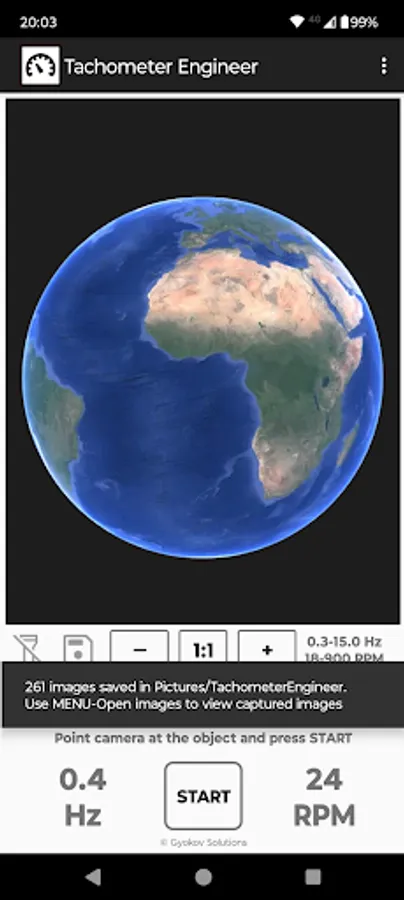
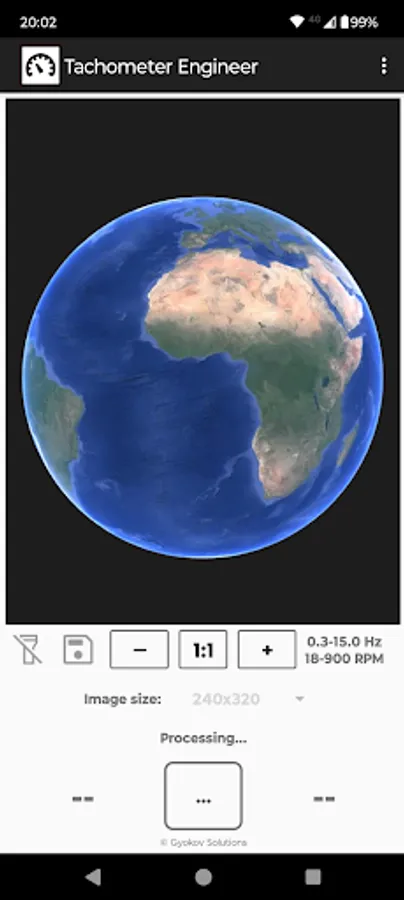
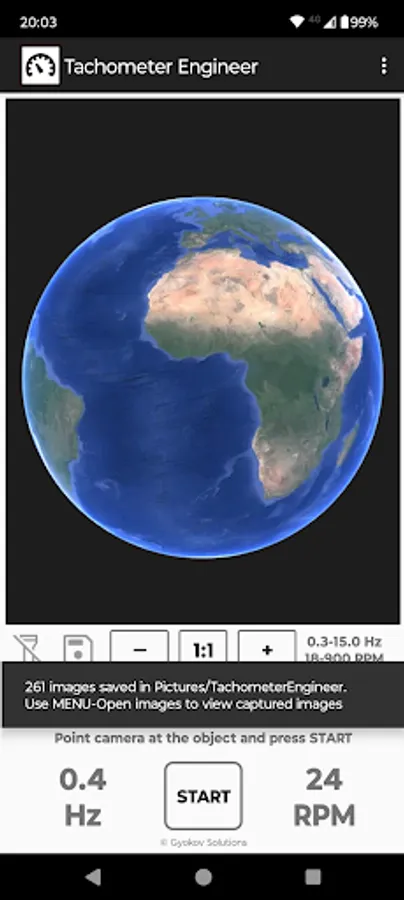
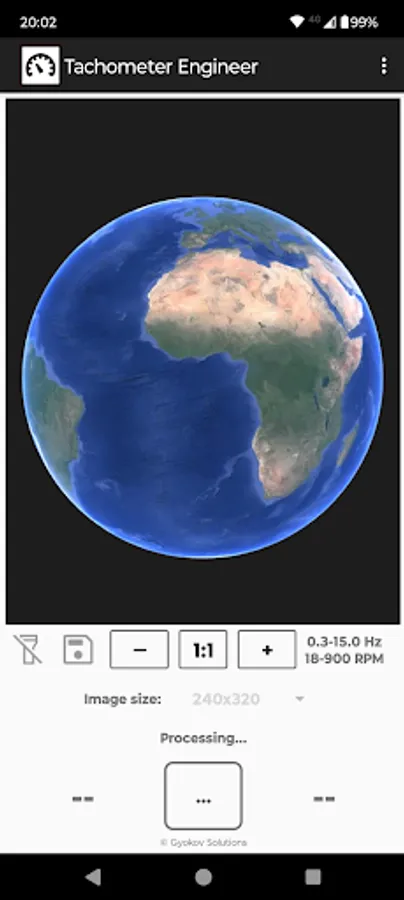
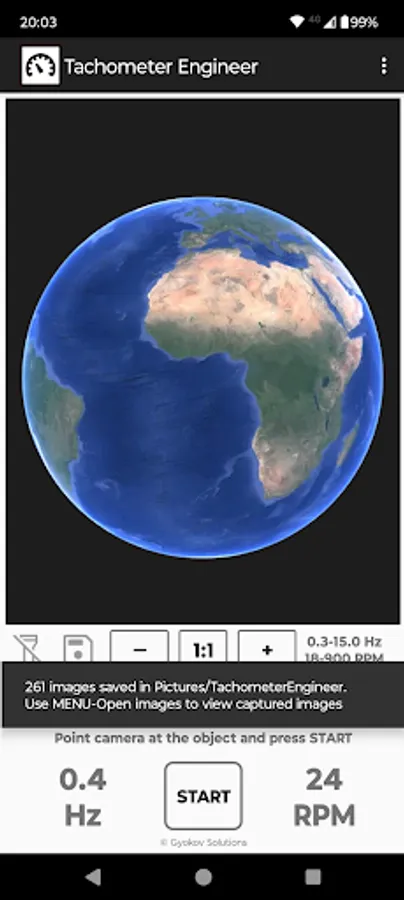
- result is shown in Hz and RPM
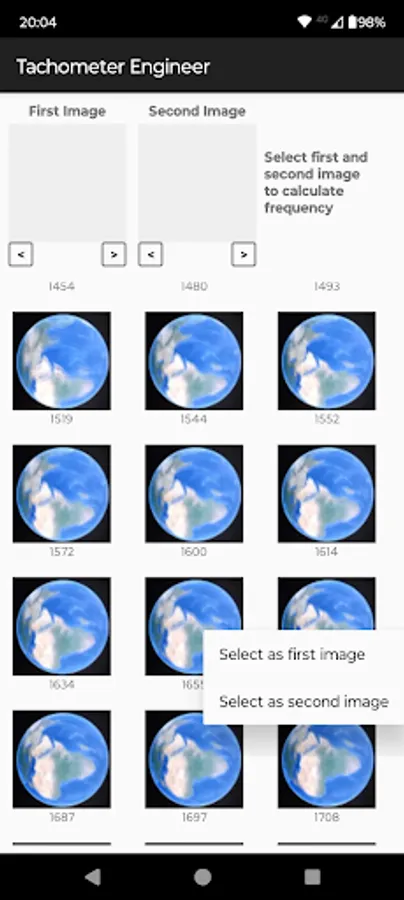
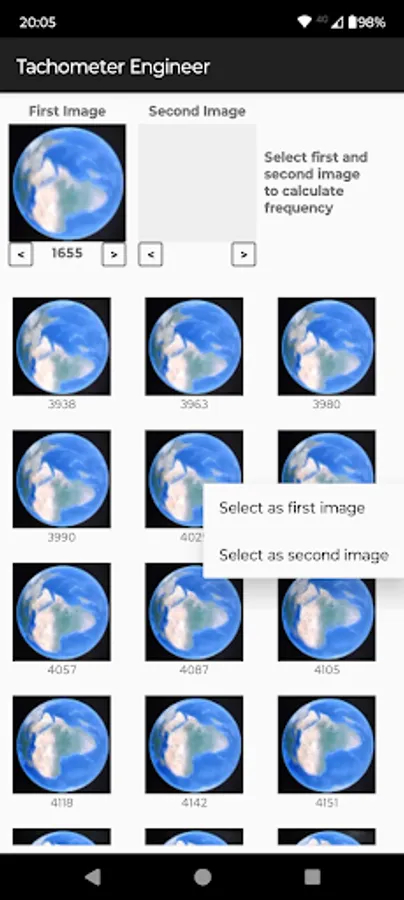
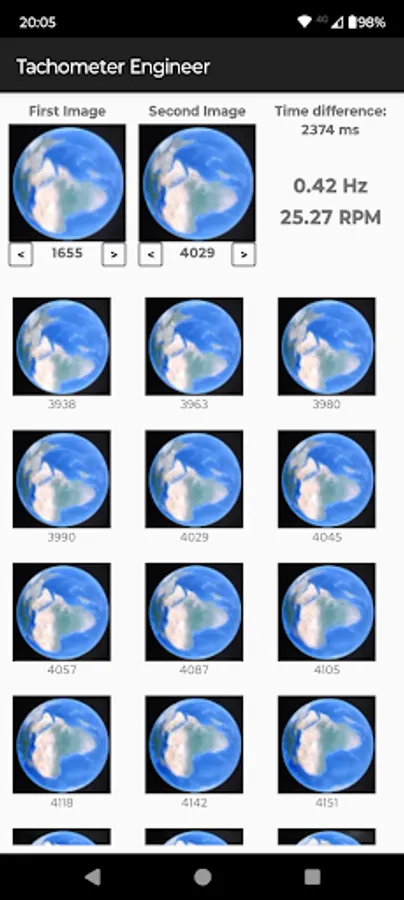
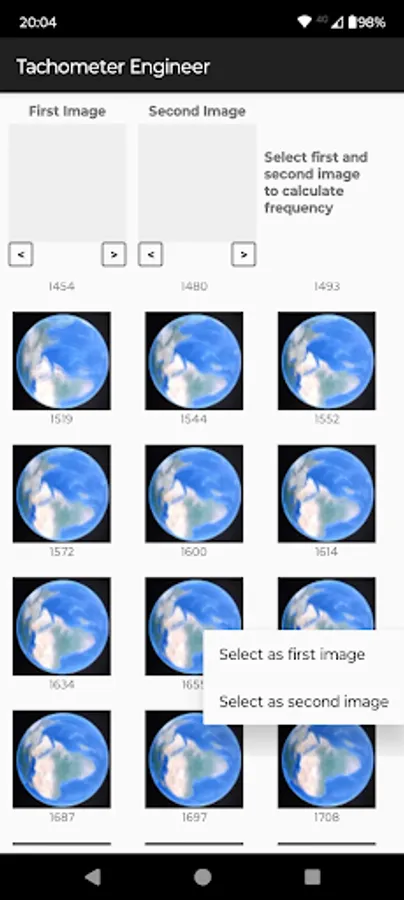
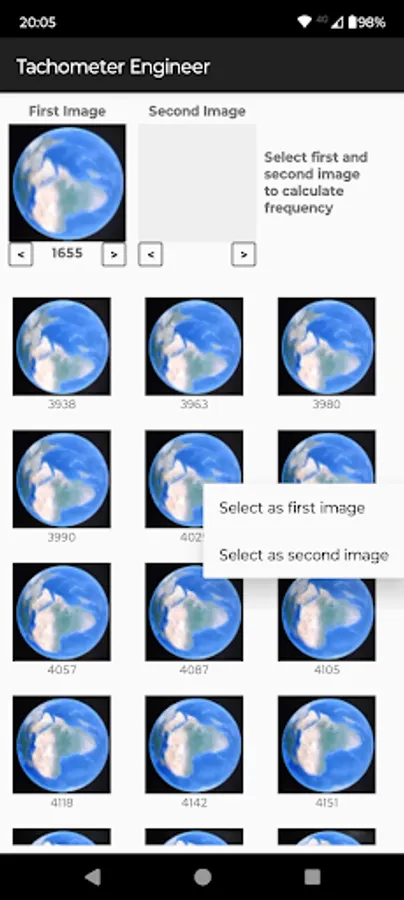
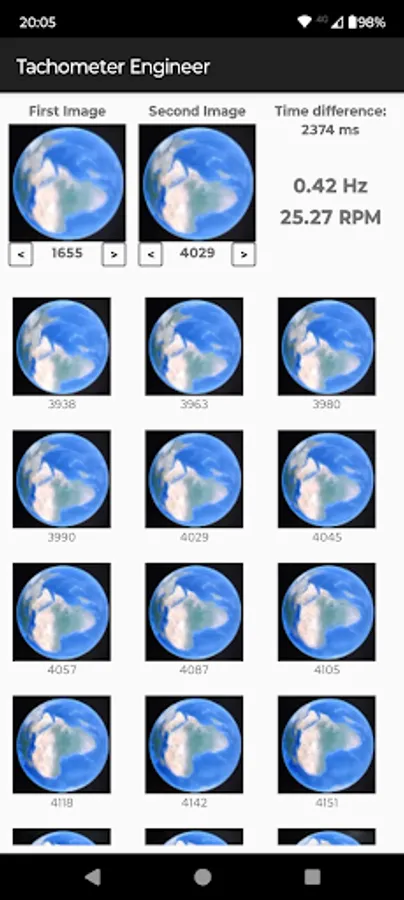
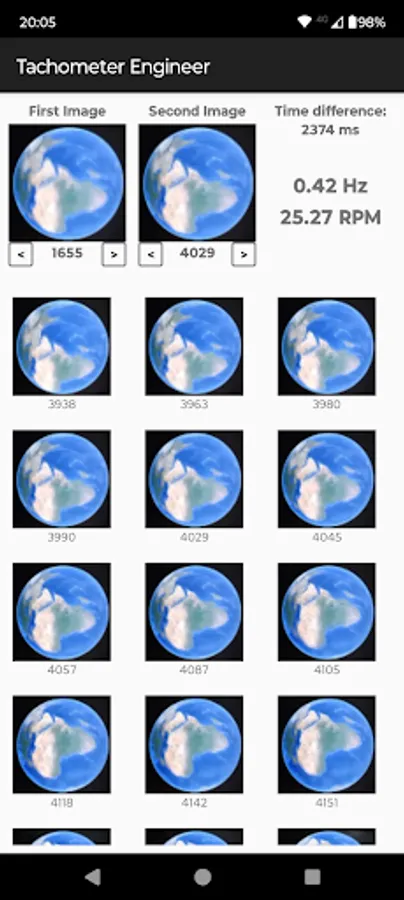
- if needed open Menu - Open images and manually determine exact frequency and RPM by selecting two similar images from captured images. The app will calculate time difference between them and determine frequency in Hz and RPM.
You can also use images captured during measurement to determine better speed of an object. Usual frame rate is 60 frames per second.
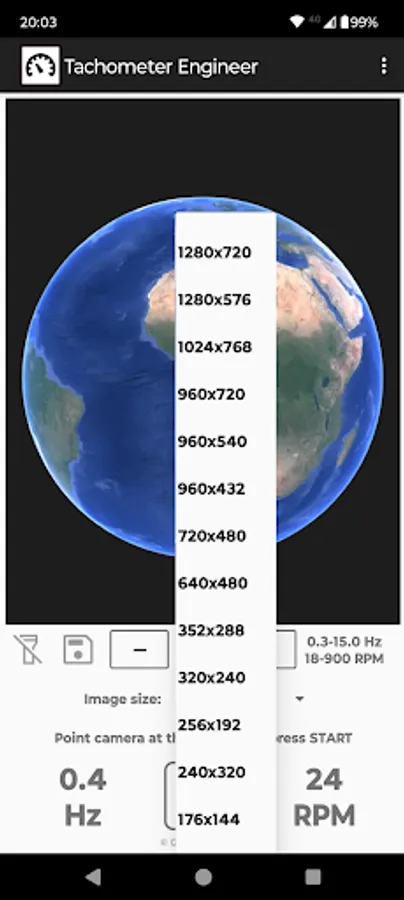
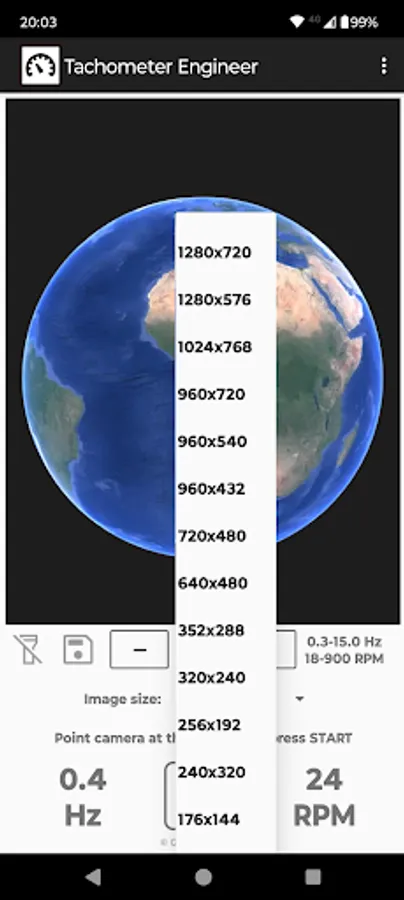
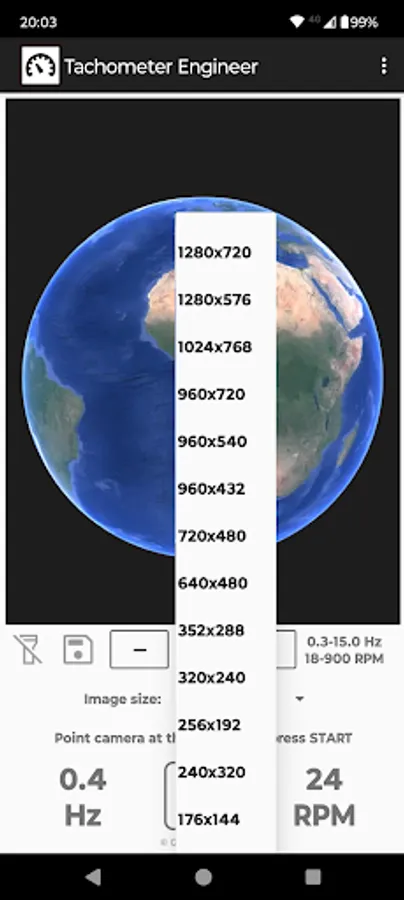
To activate image saving click on disk icon. Then select image resolution. If your phone can not handle this resolution choose smaller resolution. At the end of measurement a message will be shown with information how many images were saved. Images are saved in folder Pictures/TachometerEngineer. The name of the images contains information how many milliseconds they were taken relative to first picture.
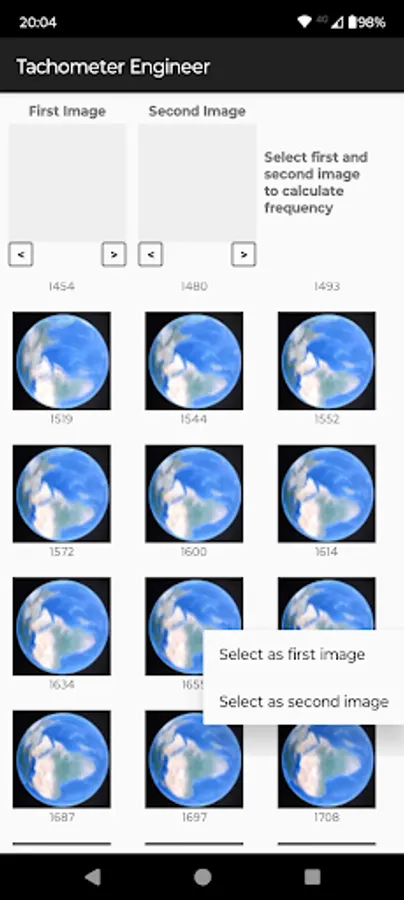
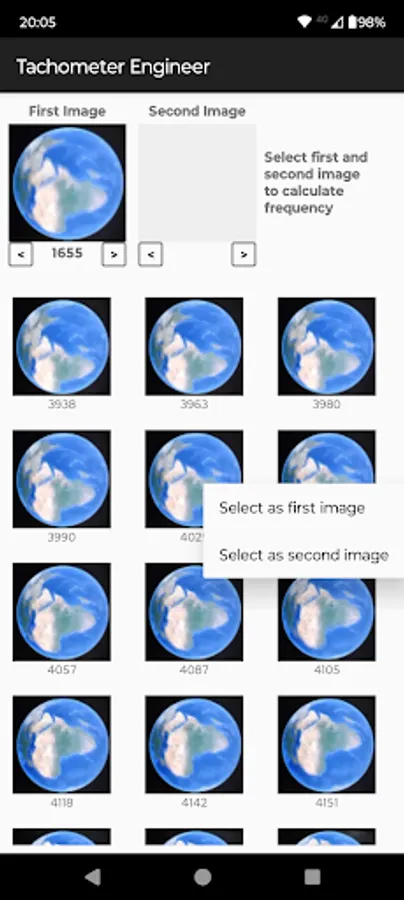
To calculate exact frequency and RPM open captured images by selecting MENU - Open images. Select measurement folder. The app shows all images for selected measurement. Select two similar images by long clicking on them and selecting image as first or second image. Then the app calculates time difference between them and exact frequency and RPM.
Minimum and maximum frequency can be set in SETTINGS - TACHOMETER. Increasing minimum frequency will reduce time needed for measurement. Maximum frequency is 30Hz (1800 RPM). Increasing maximum frequency will reduce time needed for processing during measurement.
- Hz (Hertz - number of cycles per second)
- RPM (revolutions per minute)
Frequency can be determined
- automatically - by the app
- manually - by comparing captured images during measurement and selecting two similar images
How to use:
- point the camera to the object and press START
- hold steady for 5 seconds
- result is shown in Hz and RPM
- if needed open Menu - Open images and manually determine exact frequency and RPM by selecting two similar images from captured images. The app will calculate time difference between them and determine frequency in Hz and RPM.
You can also use images captured during measurement to determine better speed of an object. Usual frame rate is 60 frames per second.
To activate image saving click on disk icon. Then select image resolution. If your phone can not handle this resolution choose smaller resolution. At the end of measurement a message will be shown with information how many images were saved. Images are saved in folder Pictures/TachometerEngineer. The name of the images contains information how many milliseconds they were taken relative to first picture.
To calculate exact frequency and RPM open captured images by selecting MENU - Open images. Select measurement folder. The app shows all images for selected measurement. Select two similar images by long clicking on them and selecting image as first or second image. Then the app calculates time difference between them and exact frequency and RPM.
Minimum and maximum frequency can be set in SETTINGS - TACHOMETER. Increasing minimum frequency will reduce time needed for measurement. Maximum frequency is 30Hz (1800 RPM). Increasing maximum frequency will reduce time needed for processing during measurement.
Tachometer Engineer Screenshots
Tap to Rate:
Reviews for Tachometer Engineer
Alek Aki
12/27/2025
haven't tried it! gonna look good :)
Pradnyesh Prabhu
12/19/2025
Shows 900 rpm of stationary table