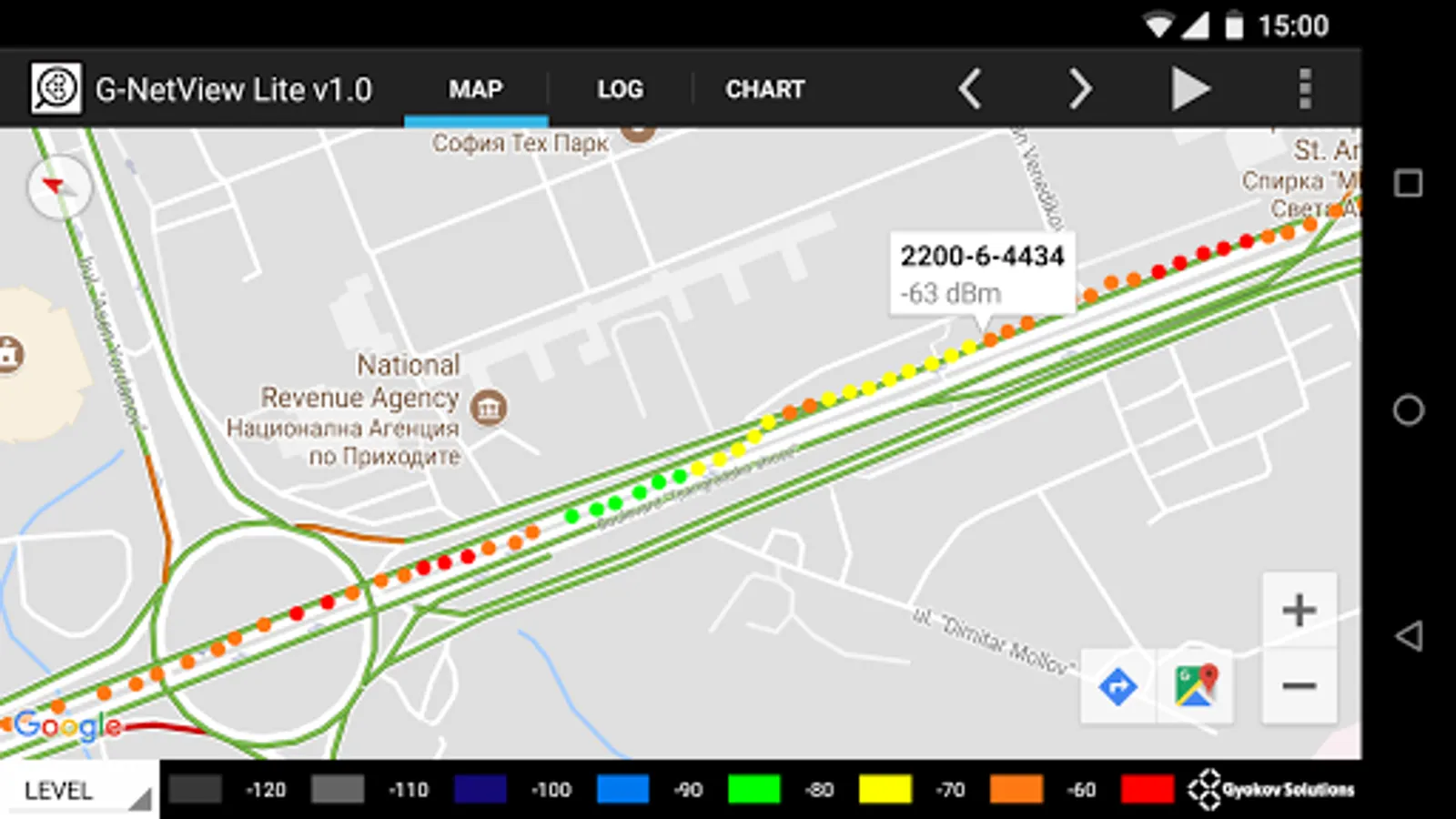
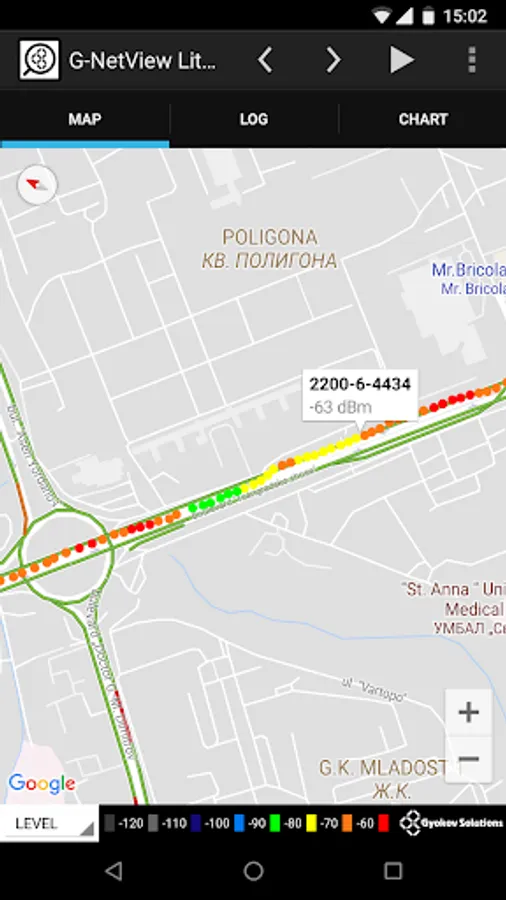
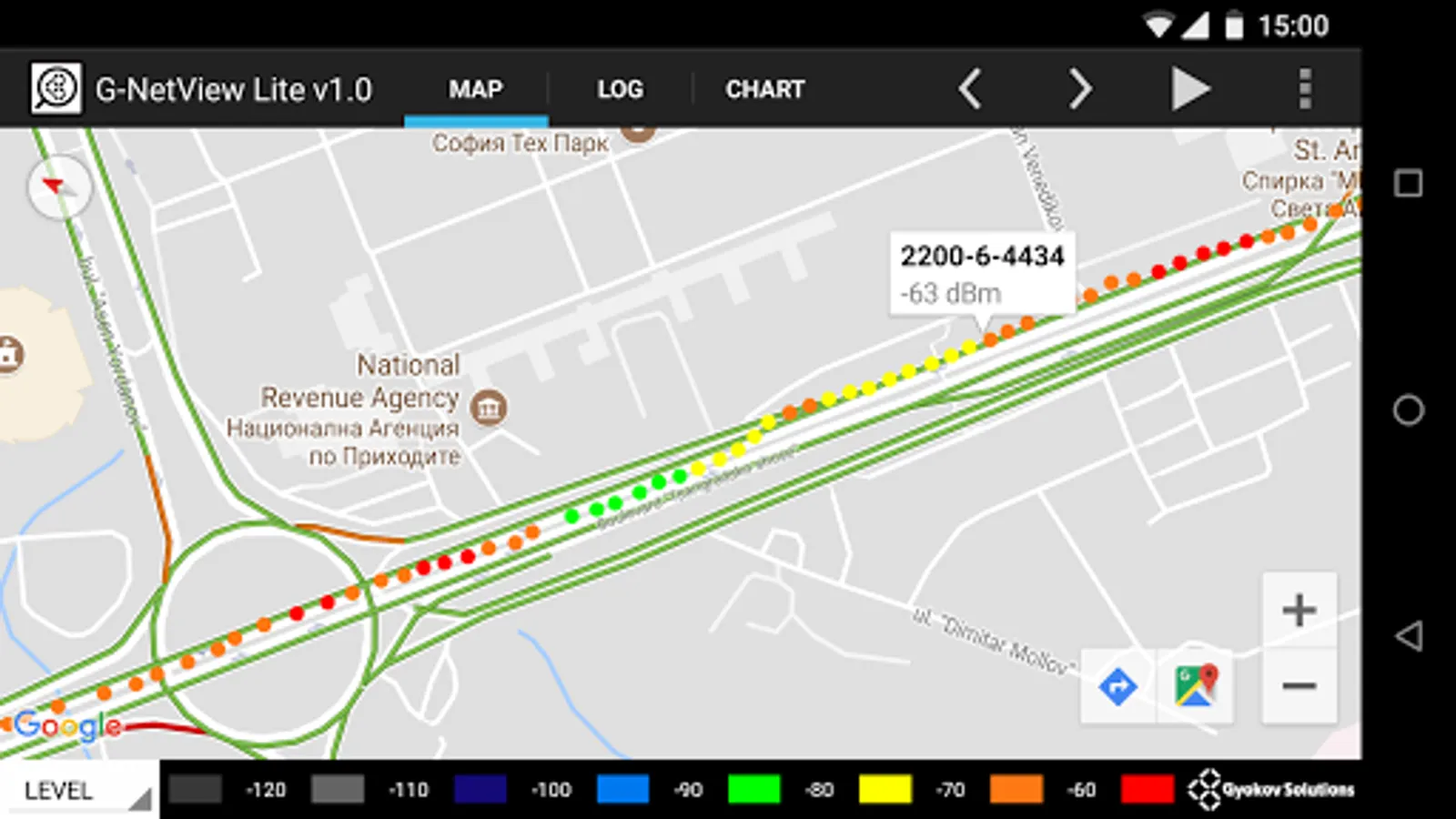
In this app, users can view and analyze G-NetTrack logfiles with map visualizations and measurement charts. Includes logfile points display and thematic map options such as LEVEL, CELL, and SPEED.
AppRecs review analysis
AppRecs rating 4.5. Trustworthiness 69 out of 100. Review manipulation risk 43 out of 100. Based on a review sample analyzed.
★★★★☆
4.5
AppRecs Rating
Ratings breakdown
5 star
100%
4 star
0%
3 star
0%
2 star
0%
1 star
0%
What to know
✓
Authentic reviews
No red flags detected
⚠
Questionable review patterns
43% review manipulation risk - some review patterns appear unusual
⚠
Unusually uniform ratings
100% of sampled ratings are 5 stars with very little variation
About G-NetView Lite
G-NetView Lite is an Android app for viewing and analyzing G-NetTrack logfiles.
Features:
- logfile points visualization on map
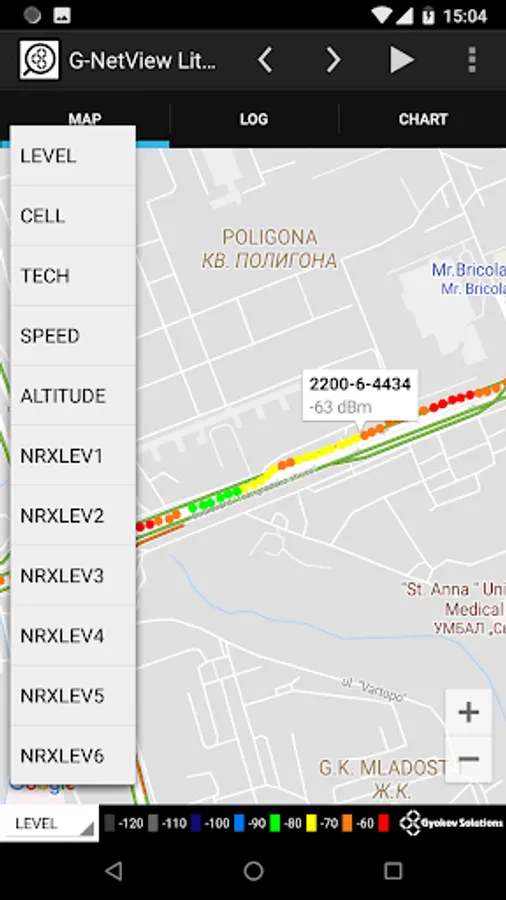
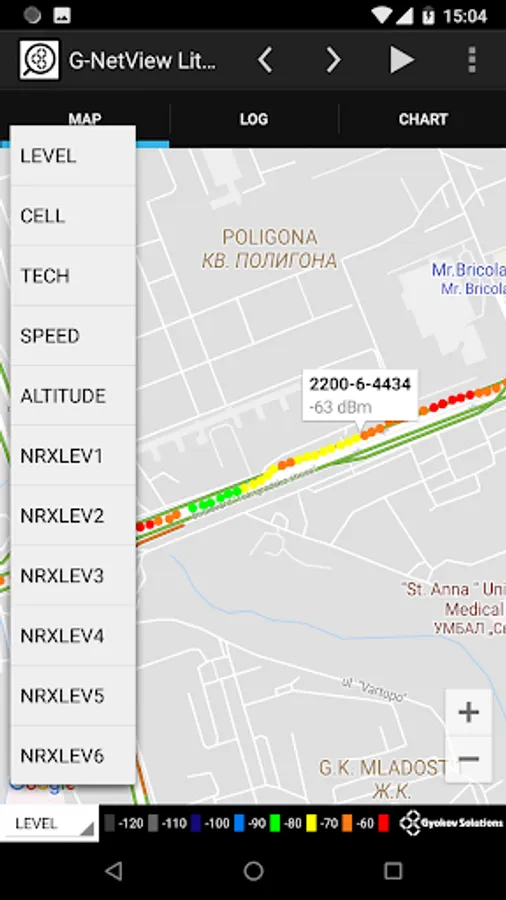
- different thematic maps - LEVEL, CELL, TECH, SPEED, ALTITUDE, NEIGHBORS LEVEL
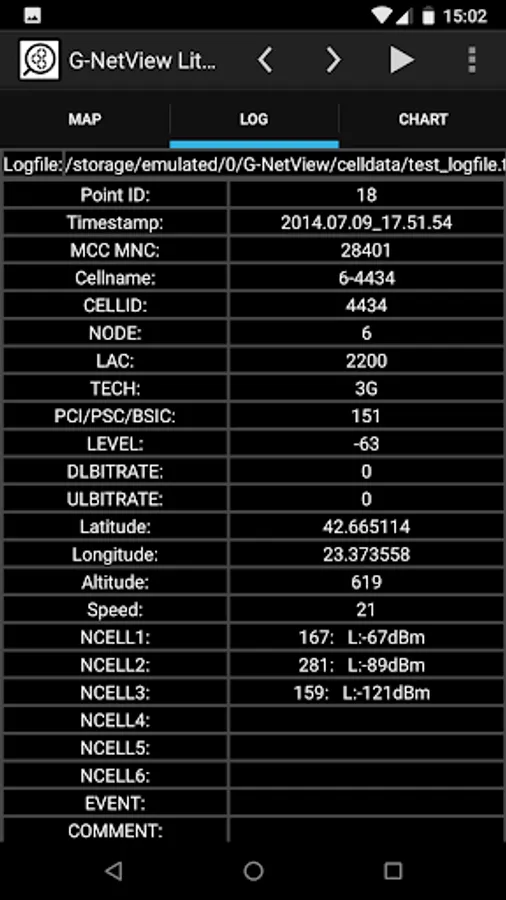
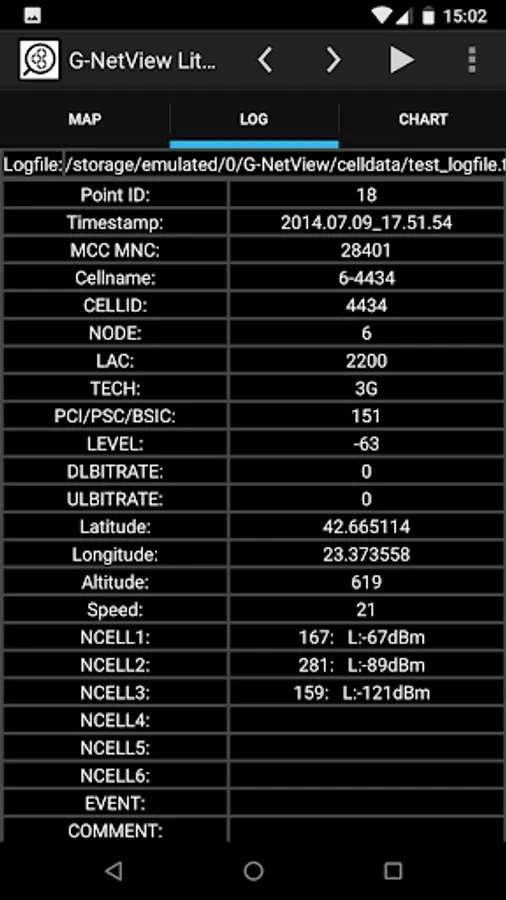
- measurement point info
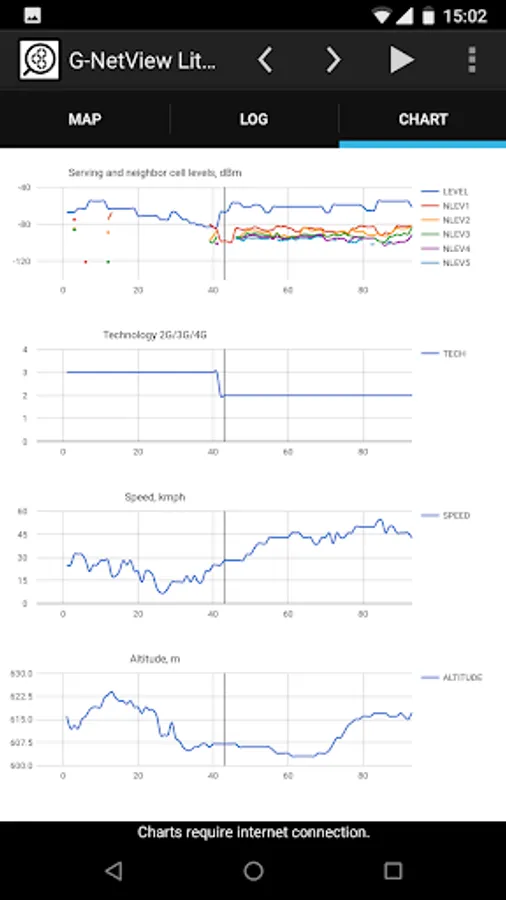
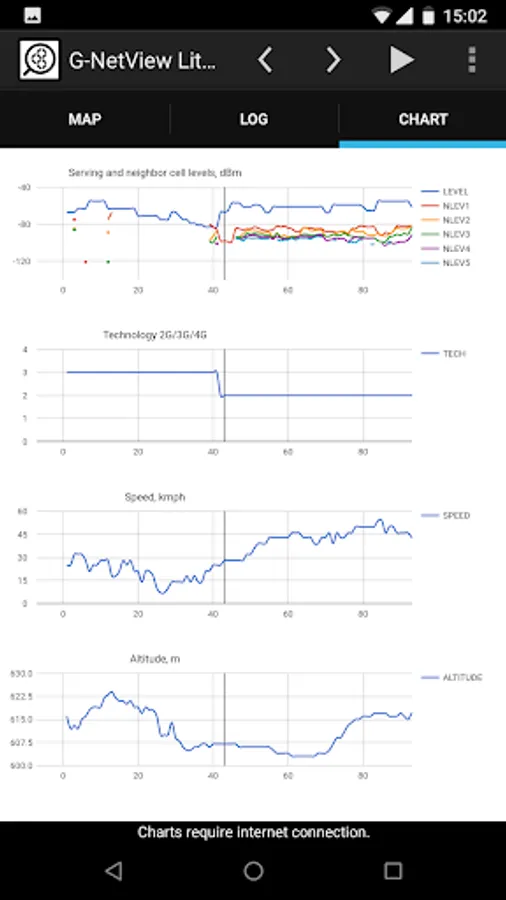
- measurements charts
- export of measurement charts in html format to be viewed on desktop browser
- logfile player
- floorplan load for indoor measurements
Get Pro version for more features like:
- using cellfile with cell information
- serving and neighbor cell lines visualization
- more thematic maps - QUAL, PCI/PSC/BSIC, SNR, BITRATE, SERVING DISTANCE, SERVING BEARING, SERVING ANTENNA HEIGHT, ARFCN, TEST PING, TEST BITRATES, NEIGHBORS QUAL
- measurement point extended info
- measurements histogram statistics charts
- export of measurement statistics in html format to be viewed on desktop browser
G-NetView Pro - https://play.google.com/store/apps/details?id=com.gyokovsolutions.gnetviewpro
How to use:
1. Load logfile - select your text logfile to open it. In folder G-NetView/celldata there is a sample test_logfile.txt.
2. Use buttons to play logfile or select a point to see measurements.
3. In LOG tab you can see measurements for selected point.
4. In CHART tab you can view the measurement charts. Use buttons to move or zoom.
App privacy policy - https://sites.google.com/view/gyokovsolutions/g-netview-lite-privacy-policy
Features:
- logfile points visualization on map
- different thematic maps - LEVEL, CELL, TECH, SPEED, ALTITUDE, NEIGHBORS LEVEL
- measurement point info
- measurements charts
- export of measurement charts in html format to be viewed on desktop browser
- logfile player
- floorplan load for indoor measurements
Get Pro version for more features like:
- using cellfile with cell information
- serving and neighbor cell lines visualization
- more thematic maps - QUAL, PCI/PSC/BSIC, SNR, BITRATE, SERVING DISTANCE, SERVING BEARING, SERVING ANTENNA HEIGHT, ARFCN, TEST PING, TEST BITRATES, NEIGHBORS QUAL
- measurement point extended info
- measurements histogram statistics charts
- export of measurement statistics in html format to be viewed on desktop browser
G-NetView Pro - https://play.google.com/store/apps/details?id=com.gyokovsolutions.gnetviewpro
How to use:
1. Load logfile - select your text logfile to open it. In folder G-NetView/celldata there is a sample test_logfile.txt.
2. Use buttons to play logfile or select a point to see measurements.
3. In LOG tab you can see measurements for selected point.
4. In CHART tab you can view the measurement charts. Use buttons to move or zoom.
App privacy policy - https://sites.google.com/view/gyokovsolutions/g-netview-lite-privacy-policy
G-NetView Lite Screenshots
Tap to Rate:
Reviews for G-NetView Lite
Bereket W Tsadik
10/17/2025
Best
Gyanendra Singh
7/26/2024
Not user friendly , Acuressy not measured as maximum time ..