Heart Rate Monitor - Watch
jigu watchface
4.1 ★
93 ratings
10,000+
downloads
Free
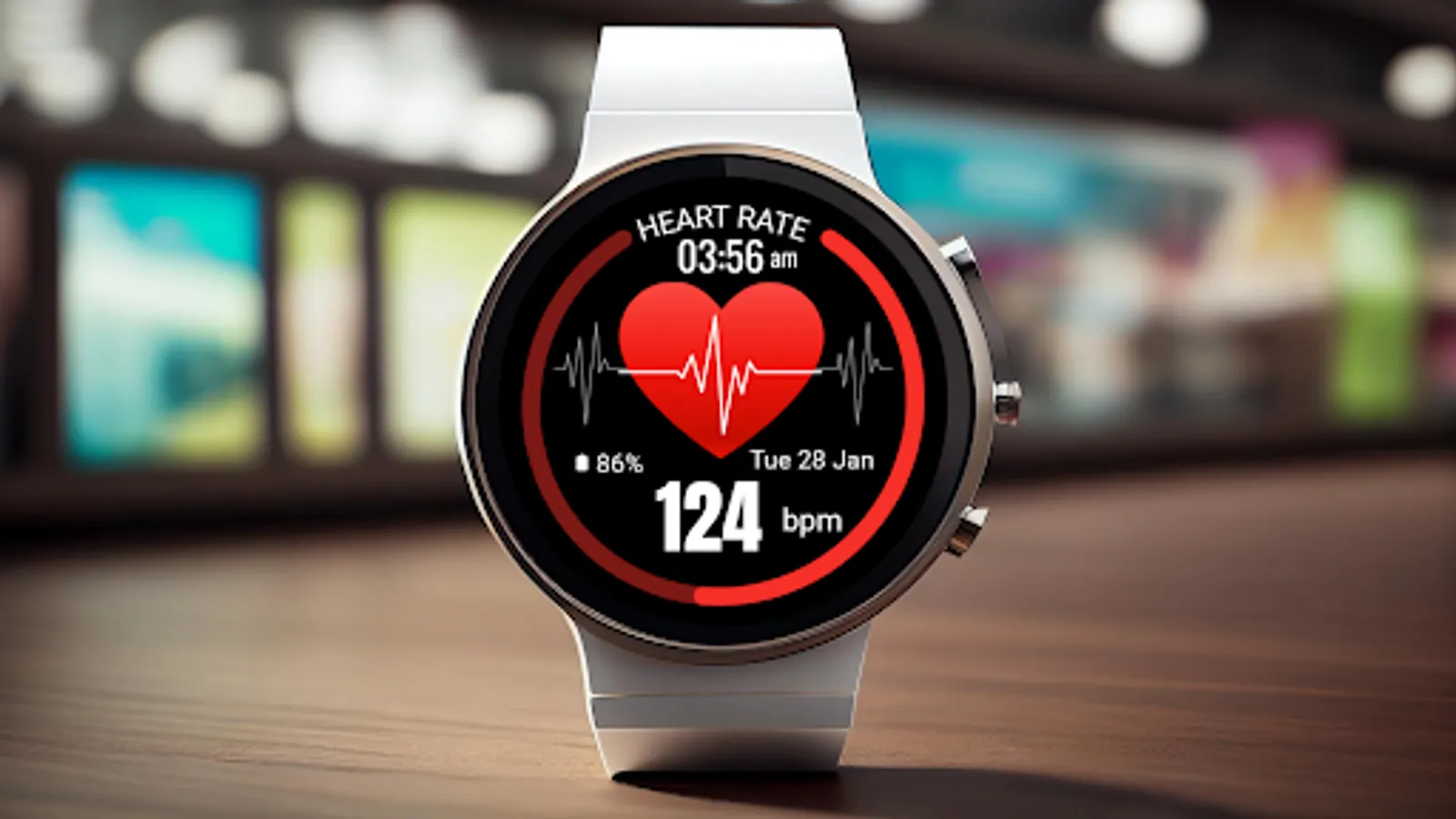
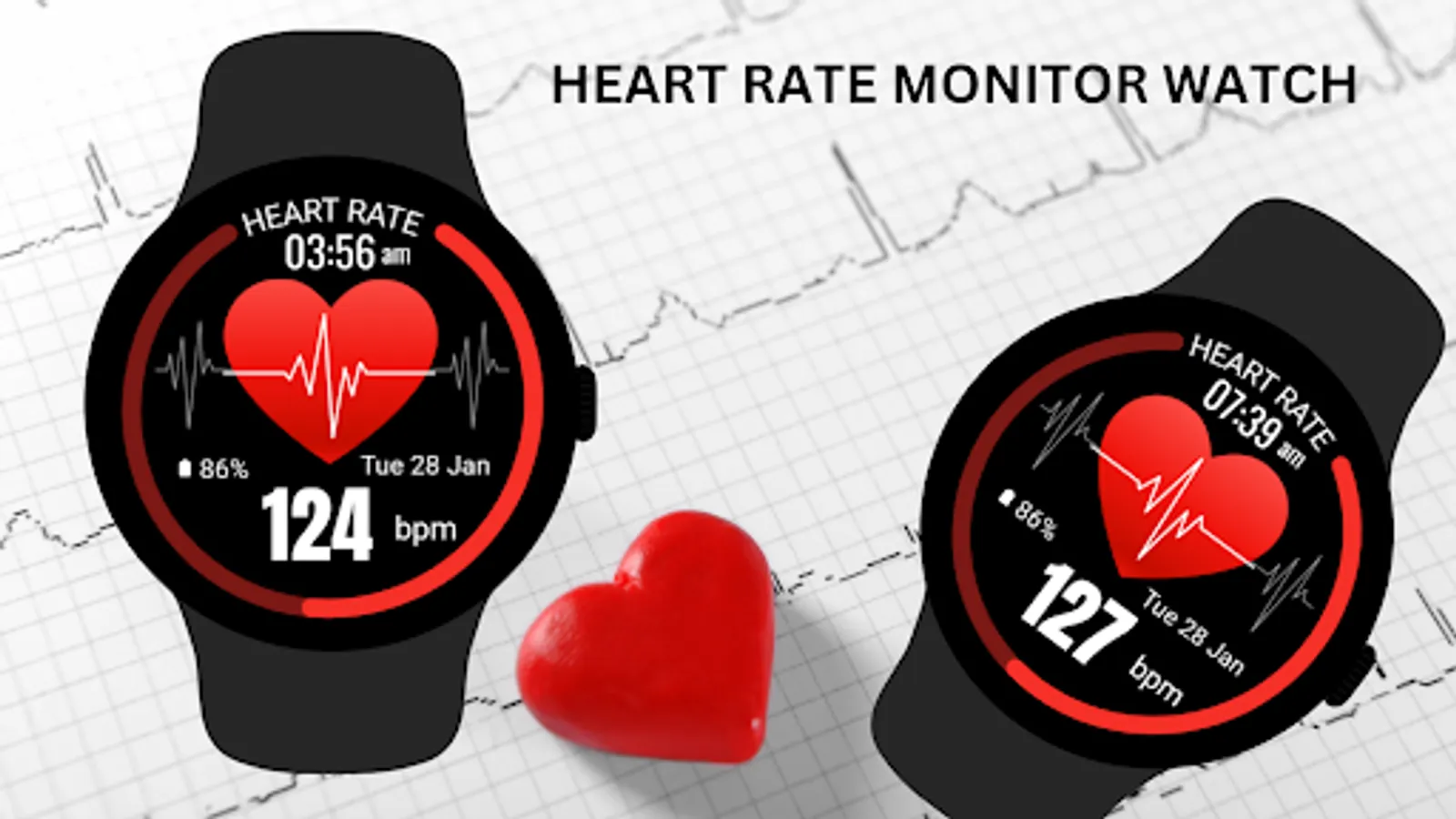
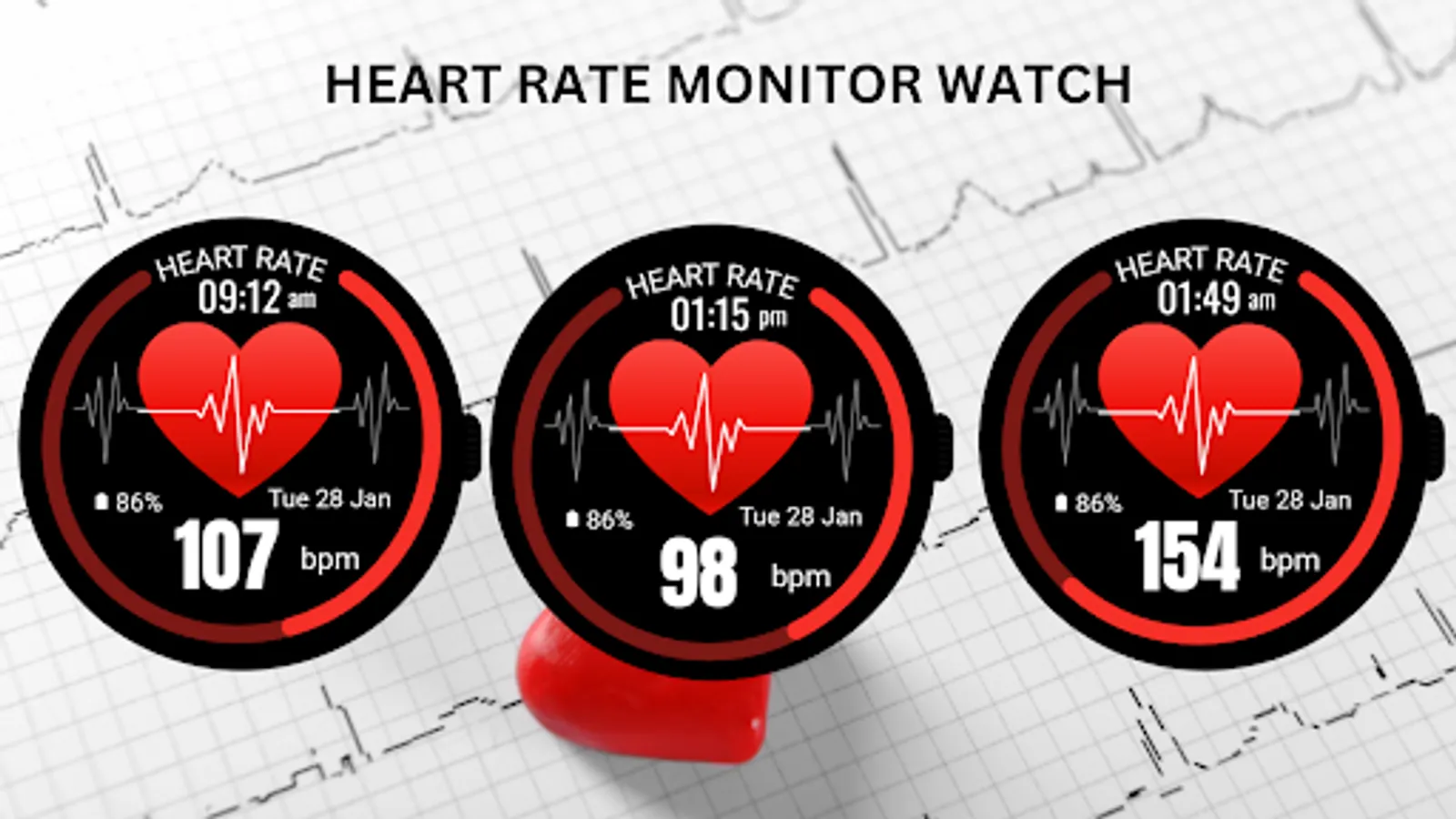
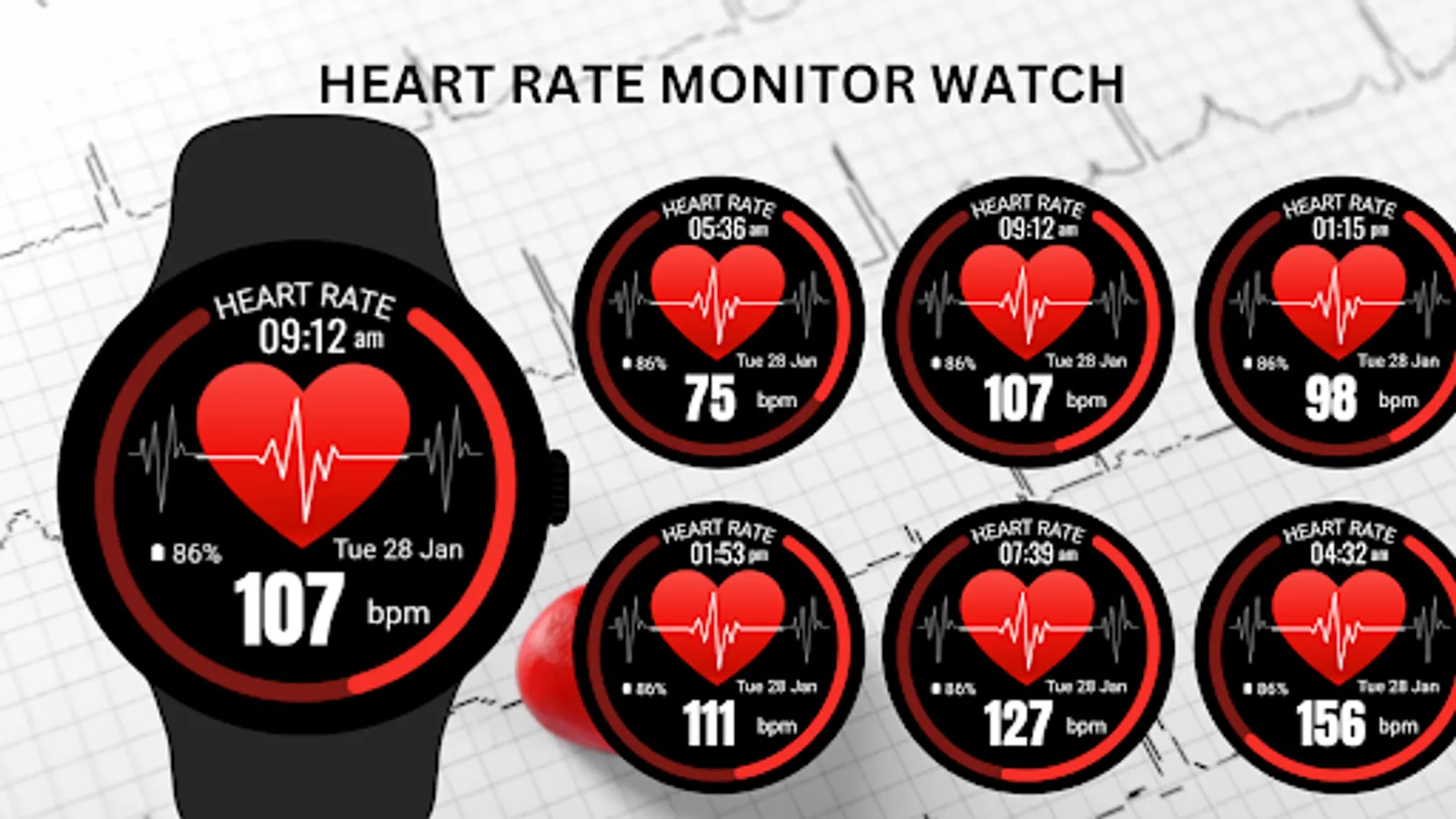
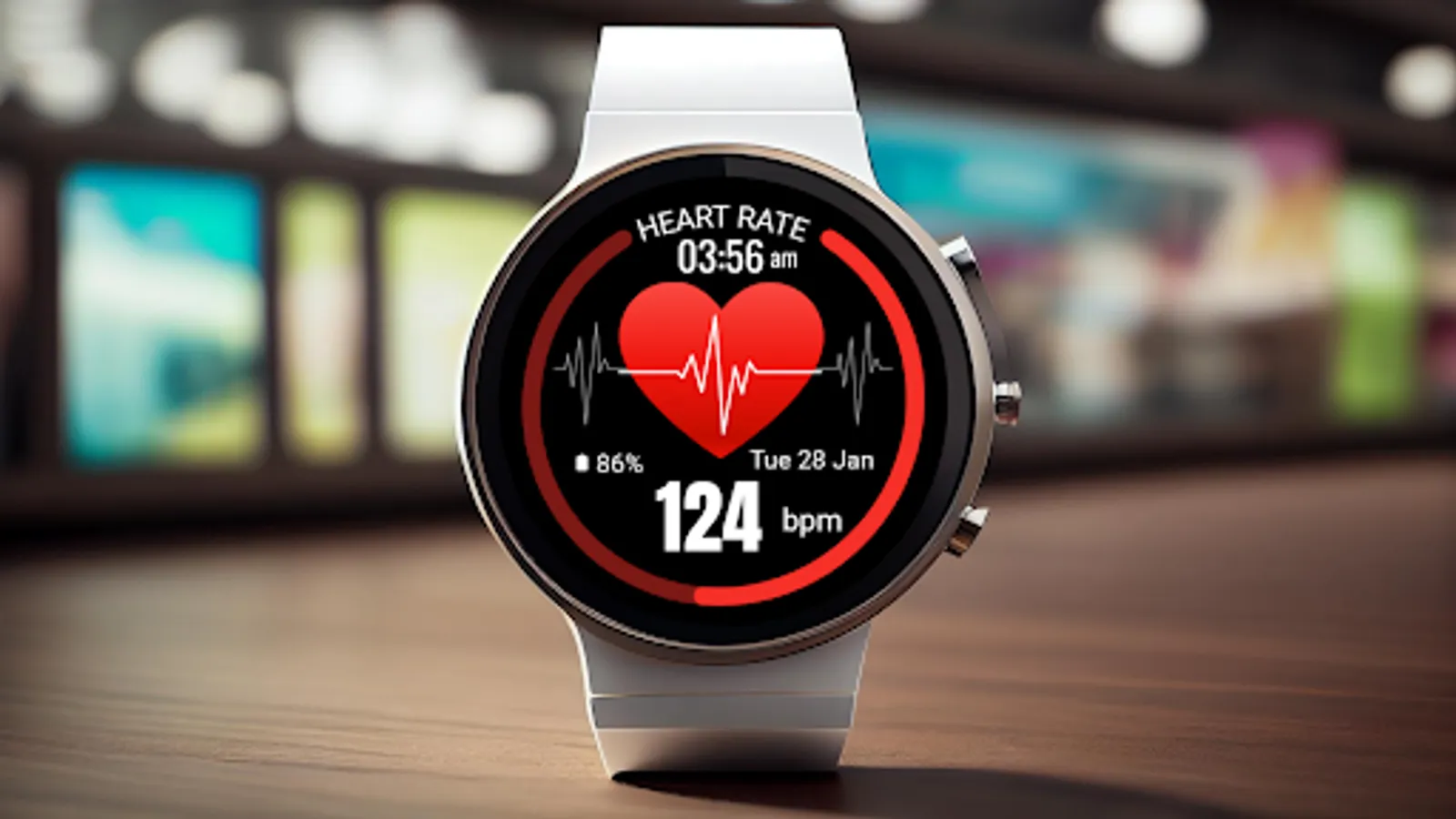
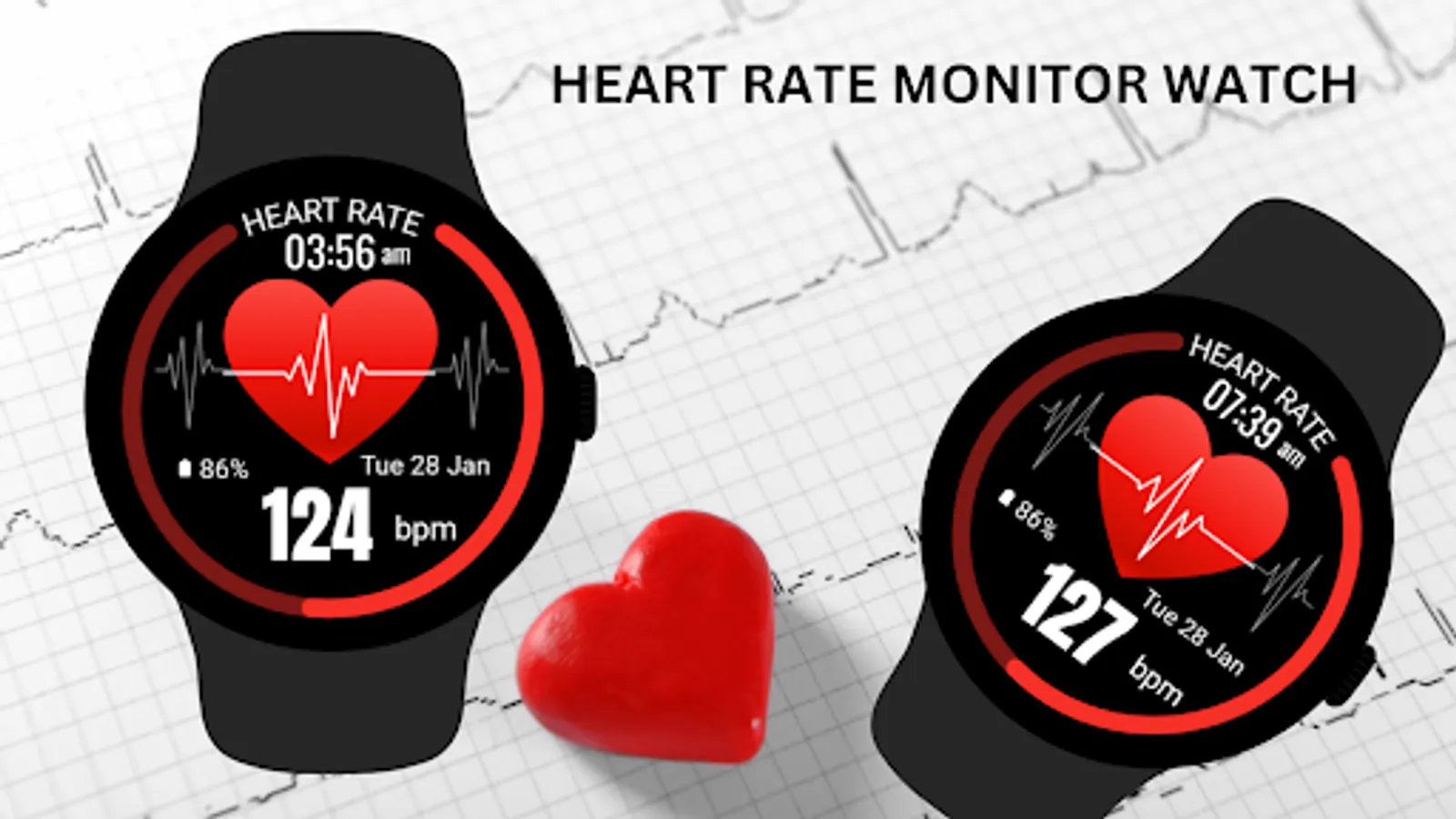
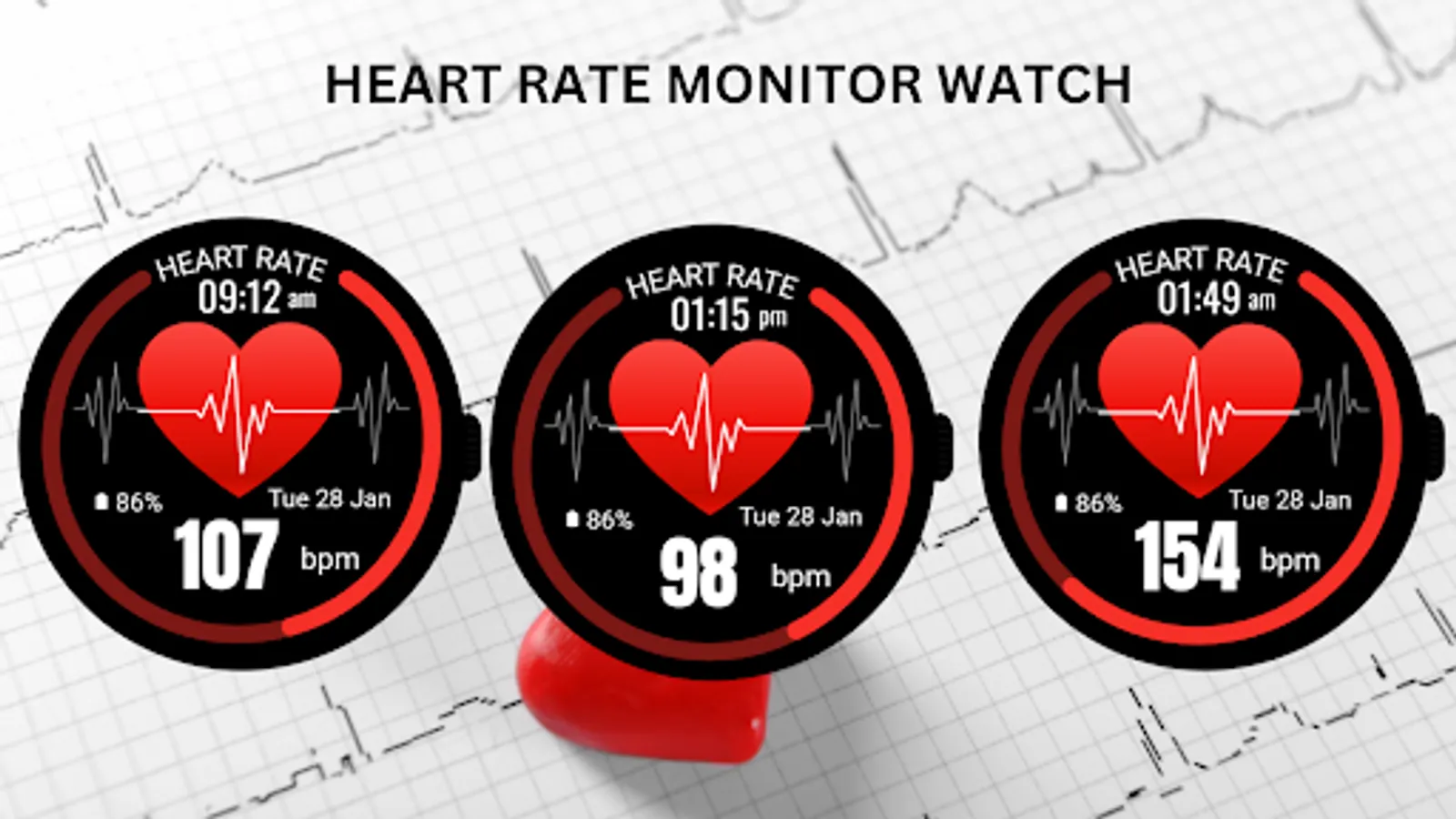
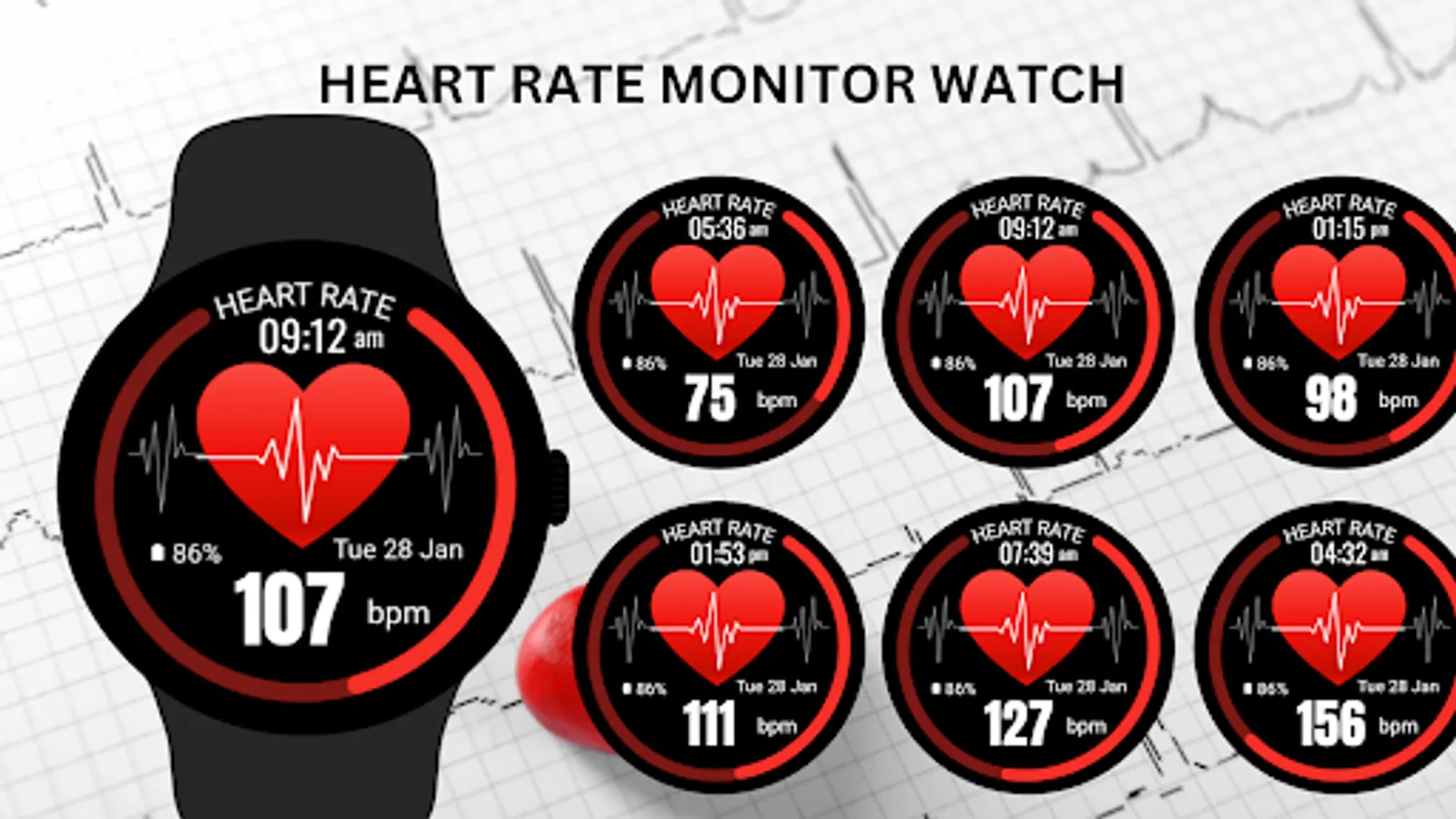
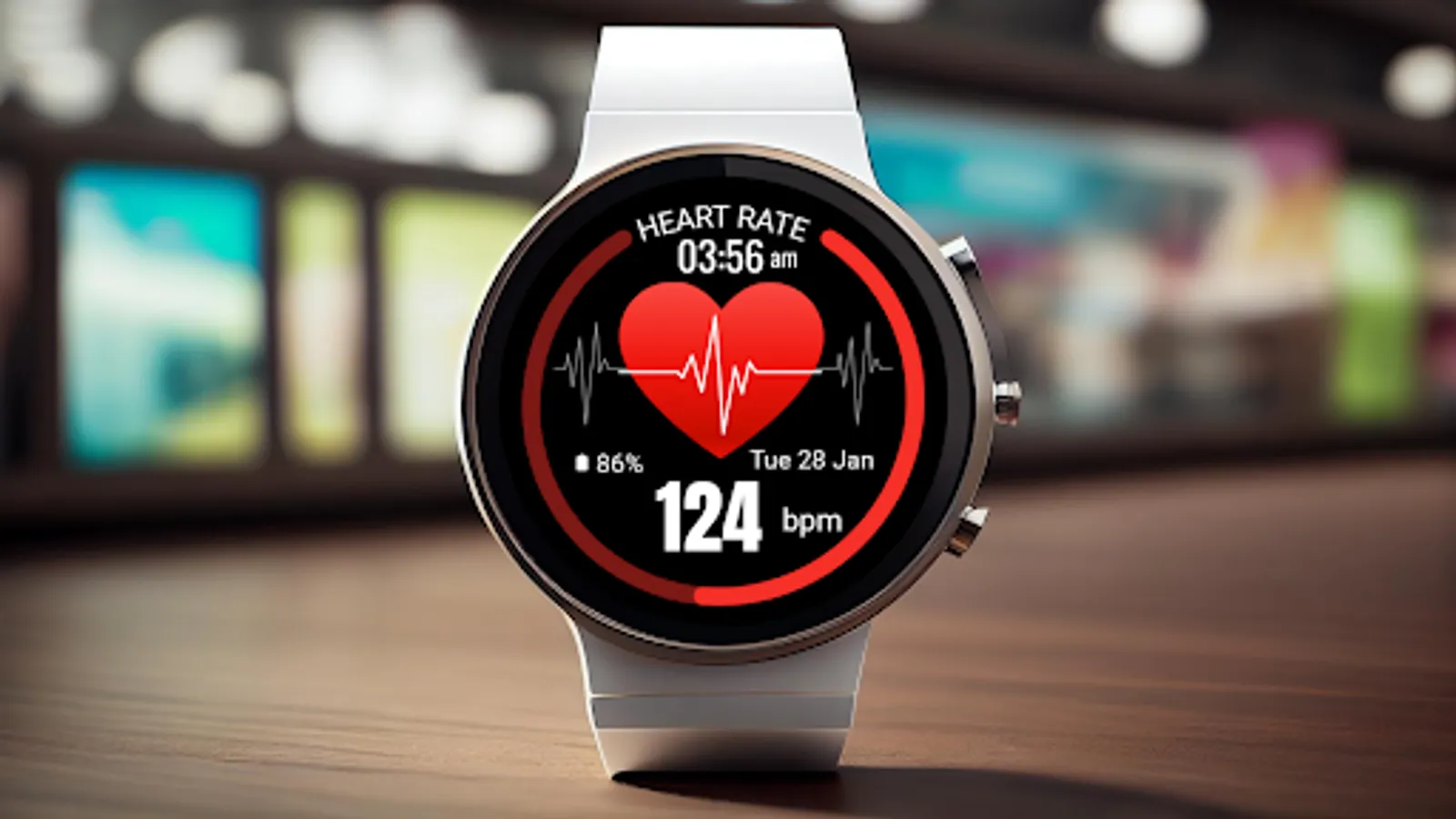
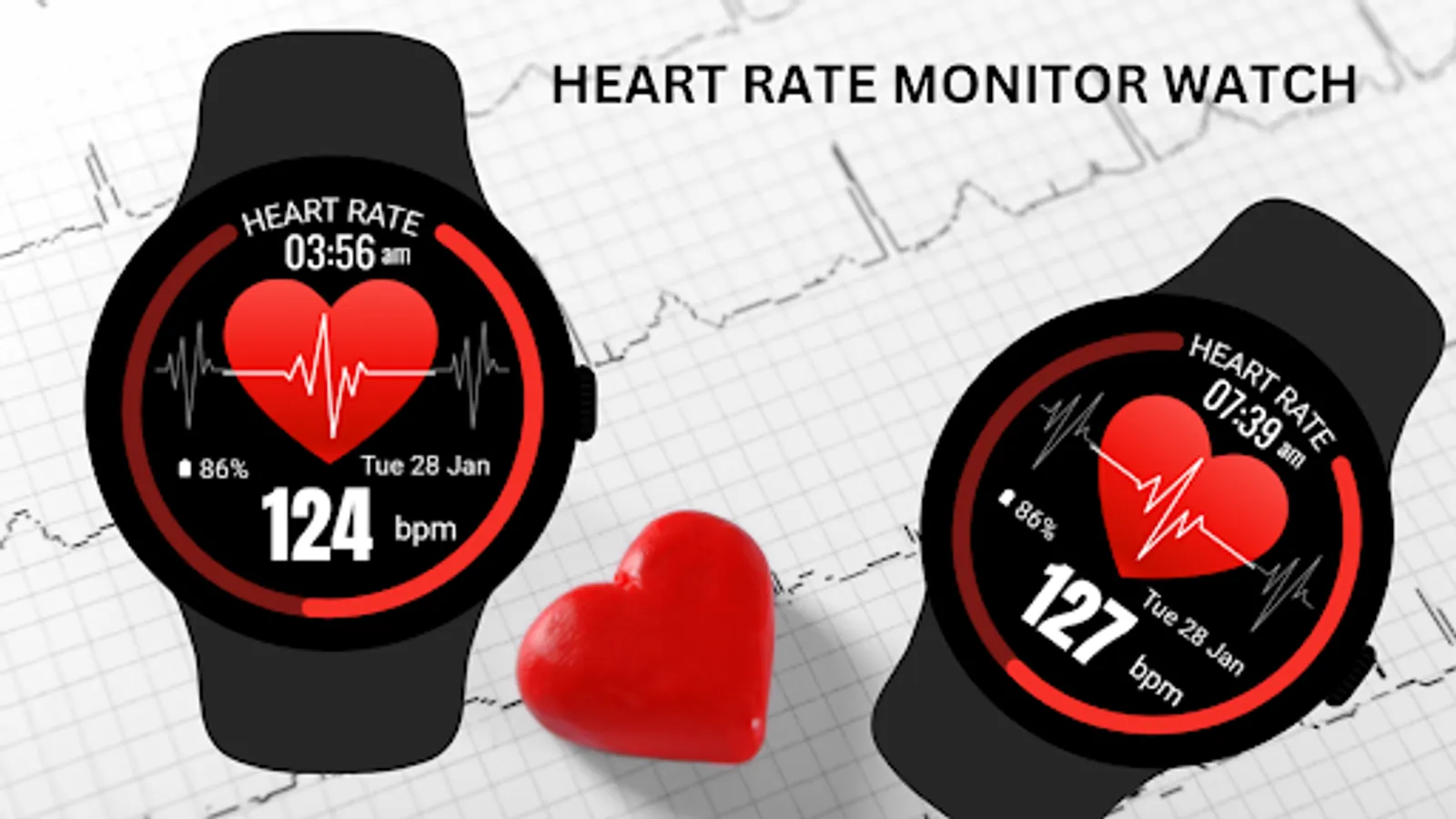
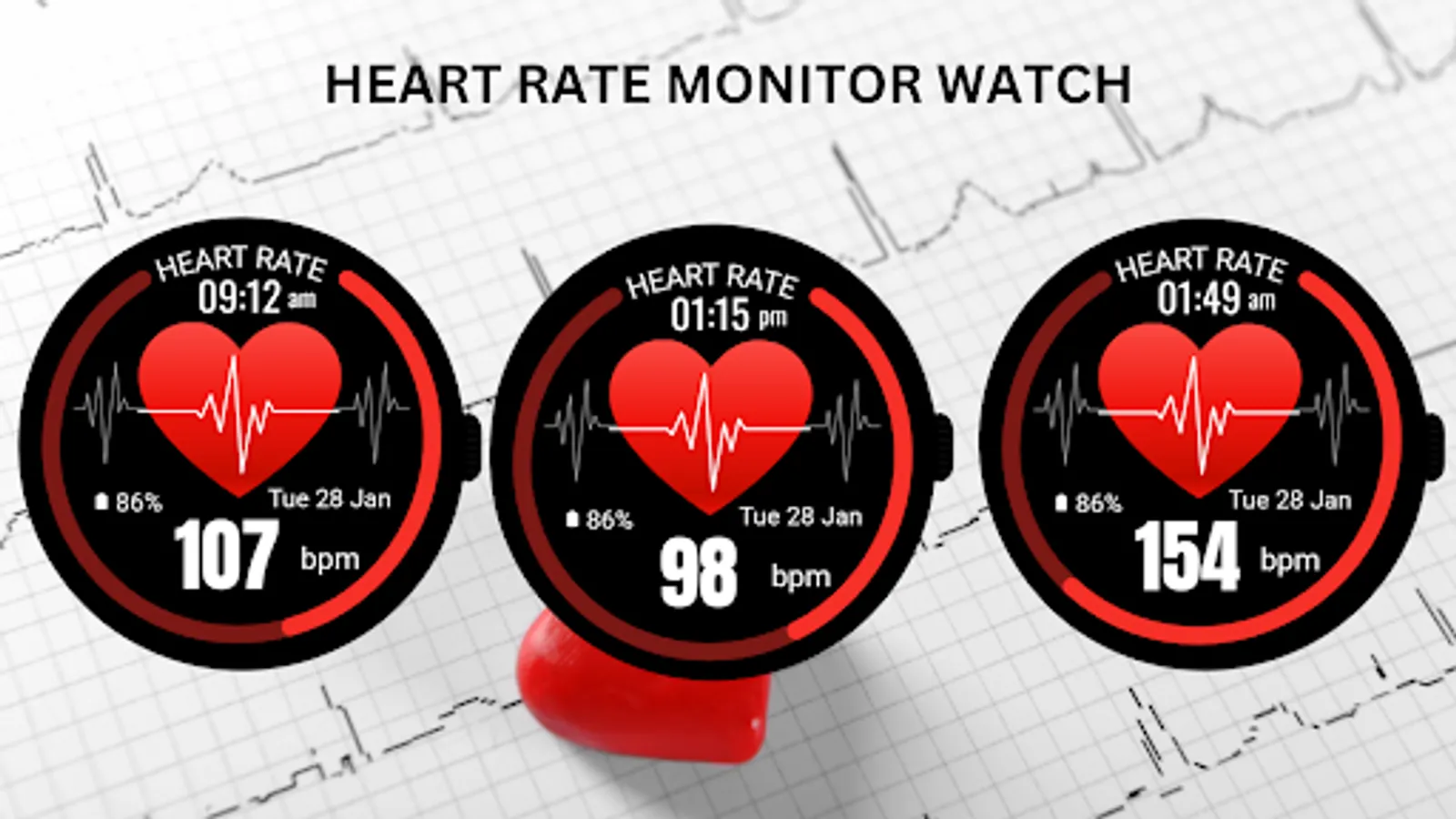
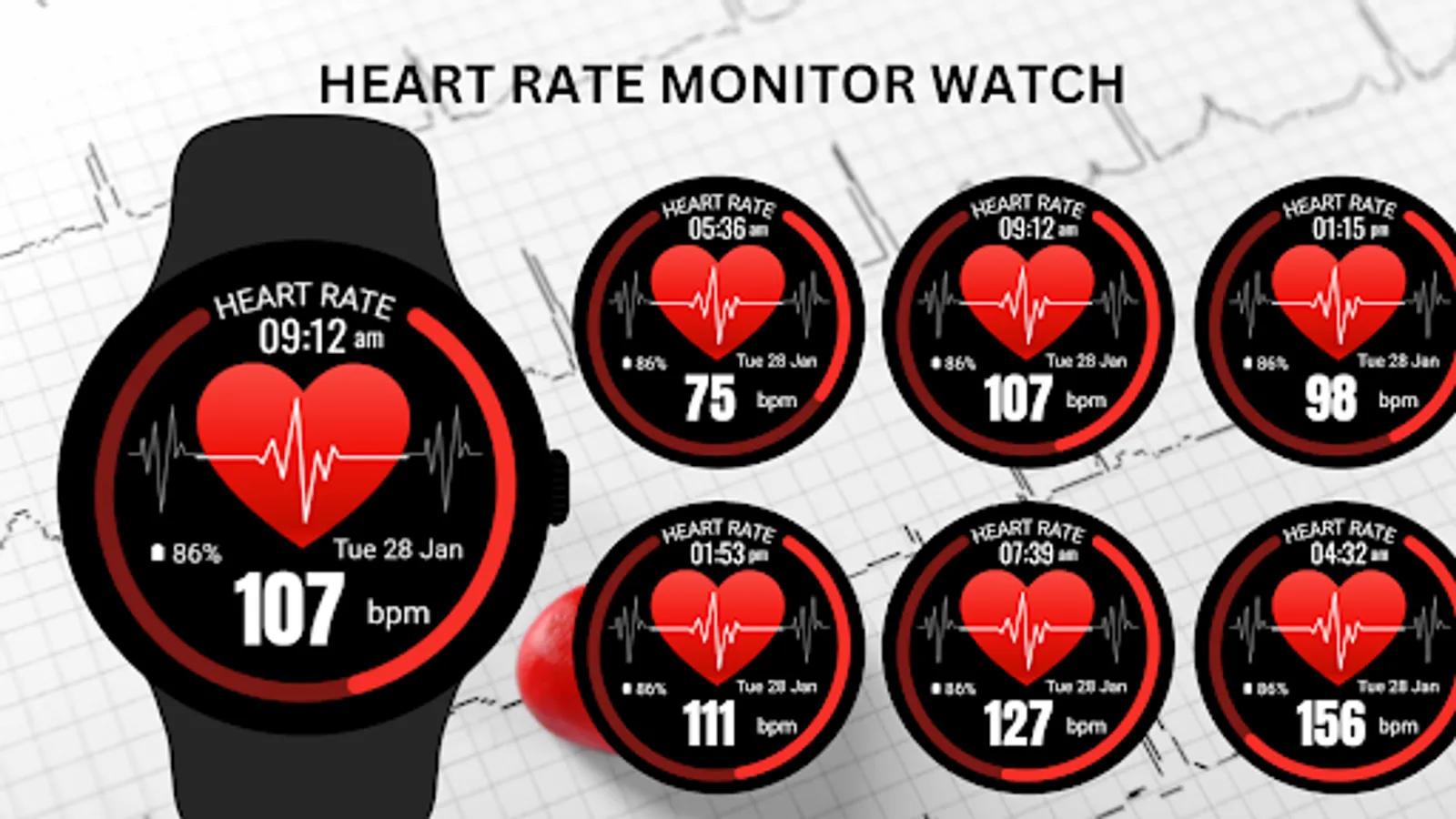
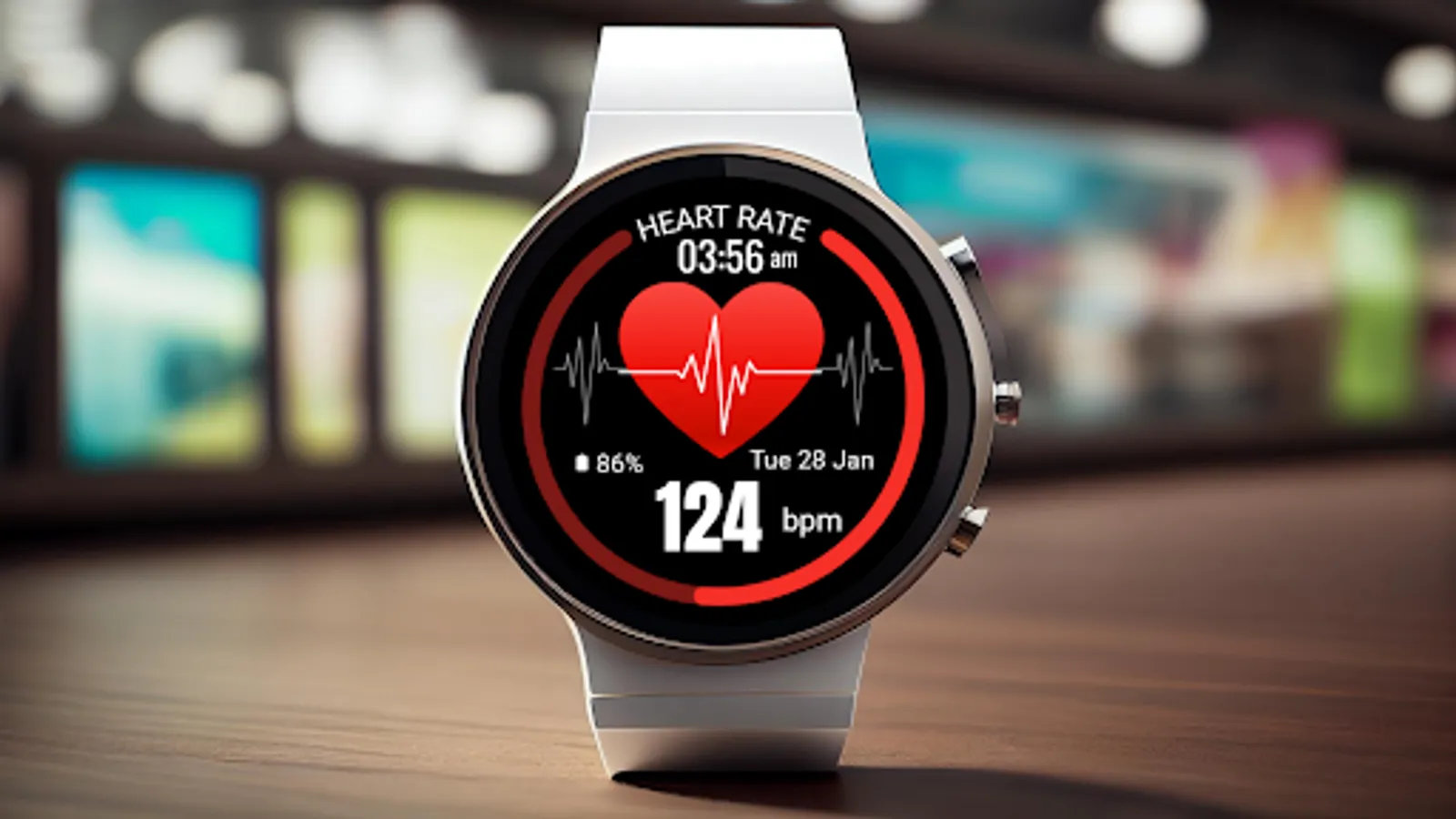
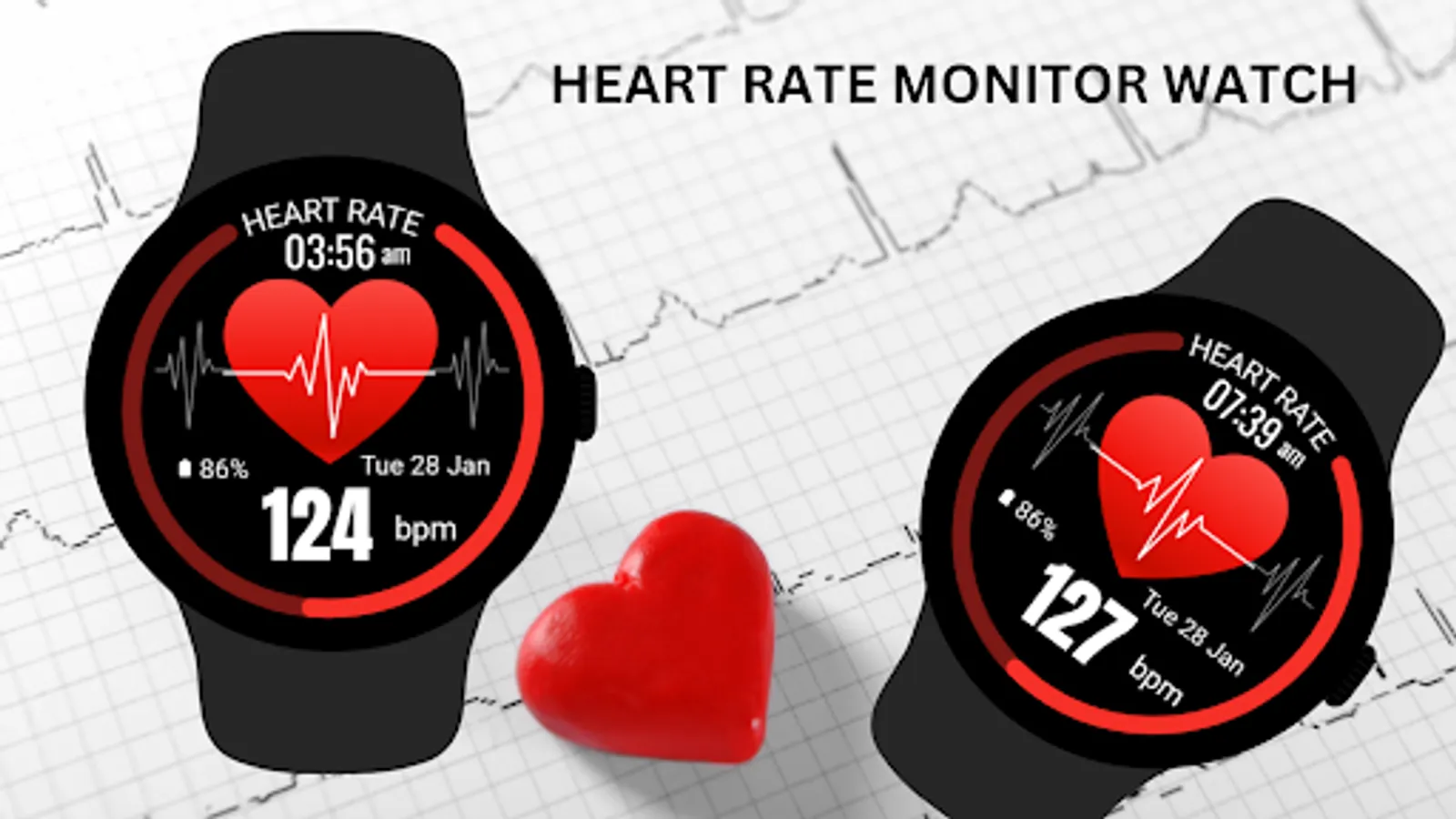
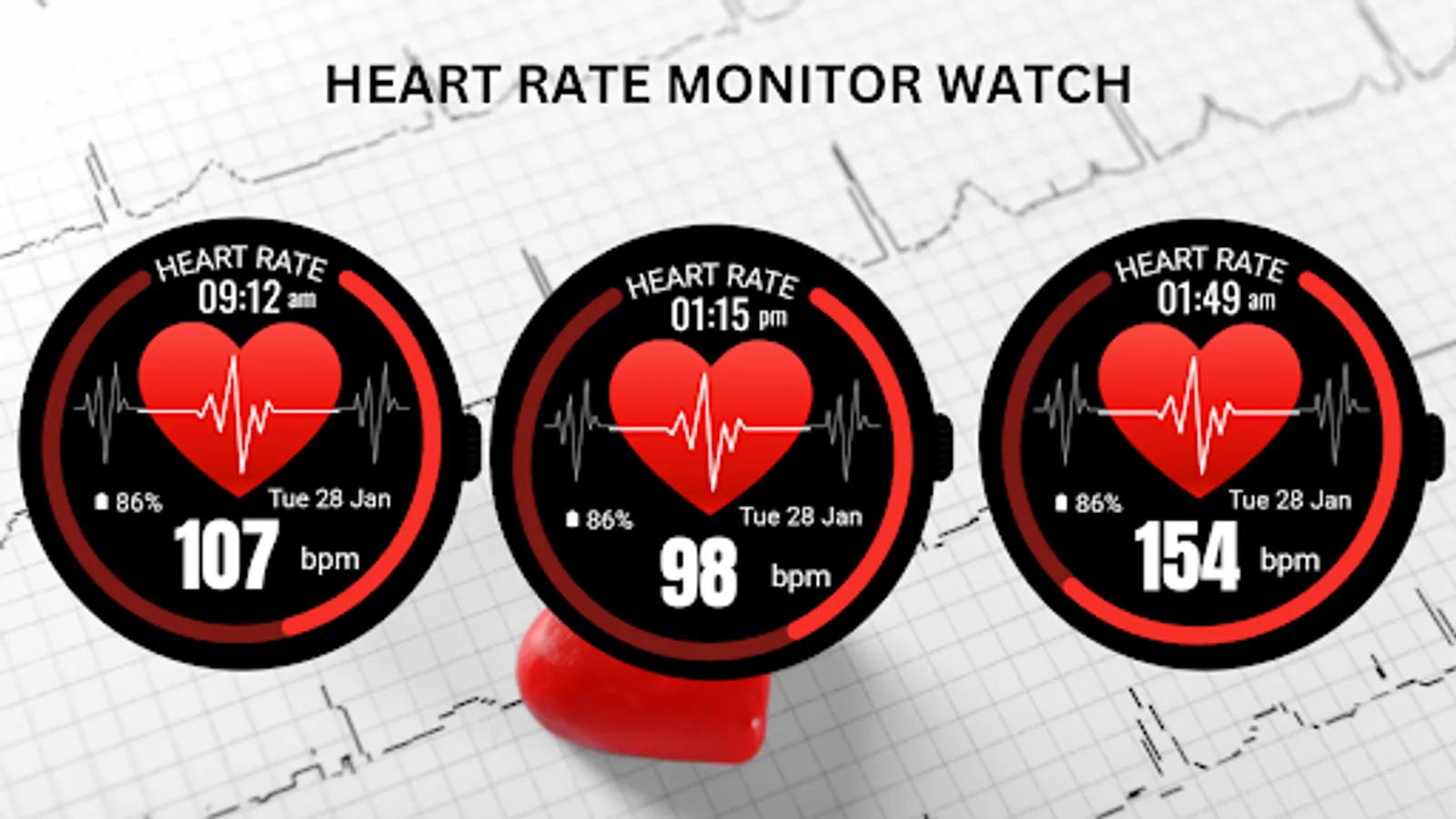
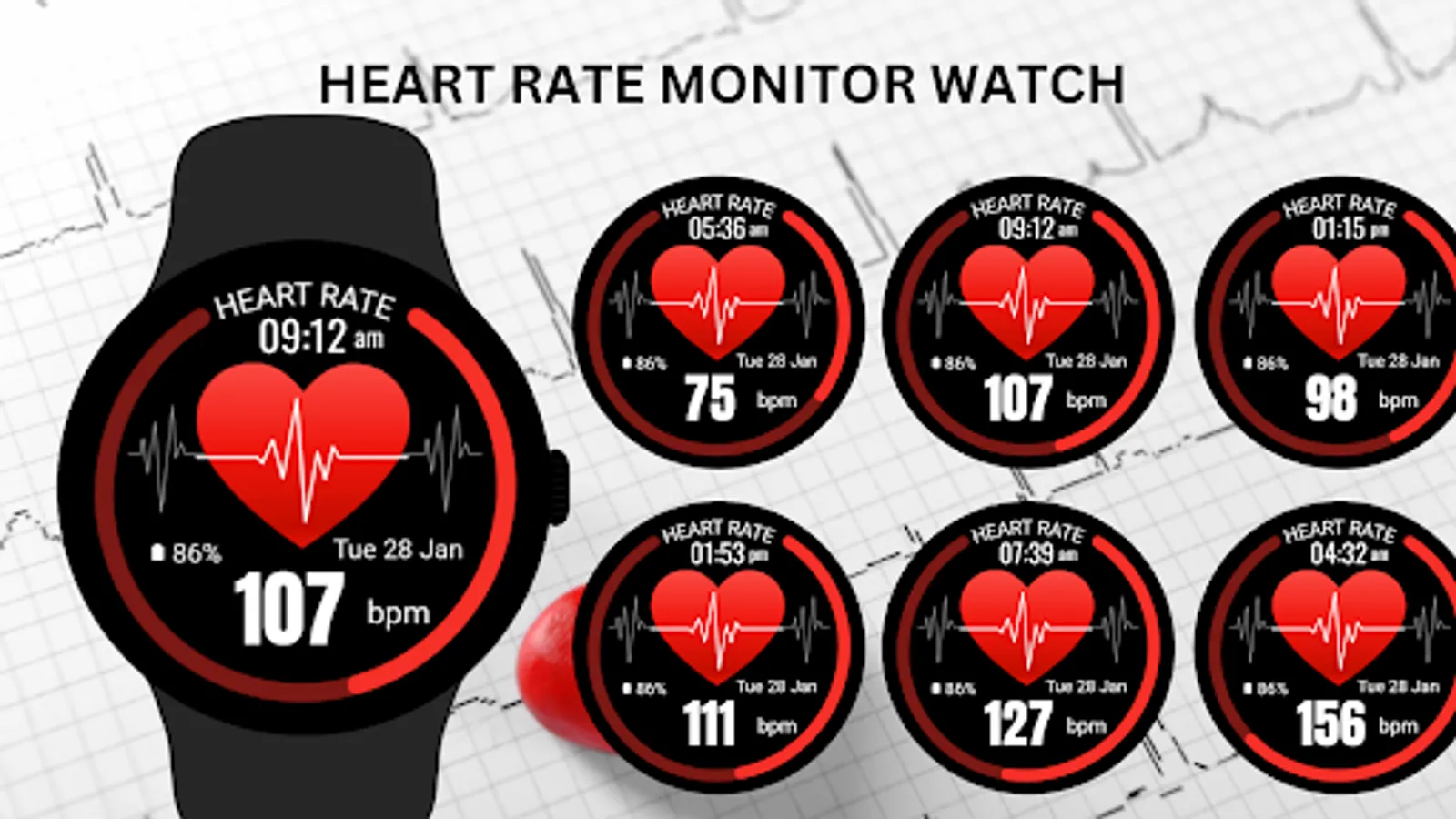
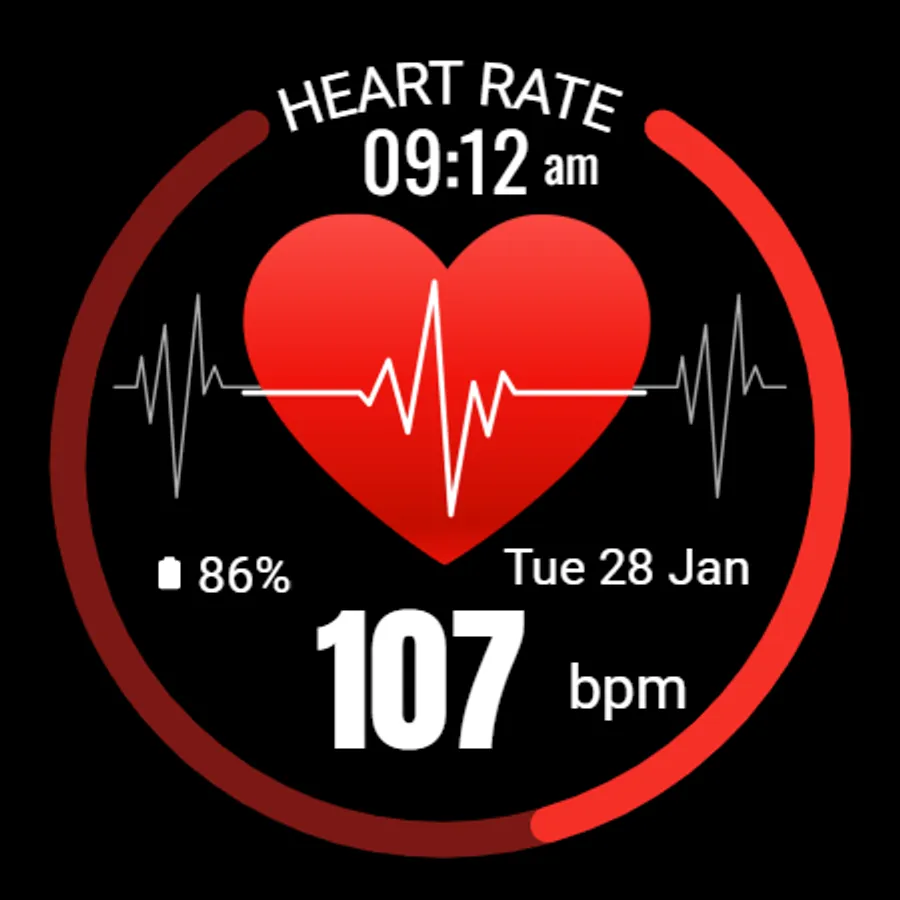
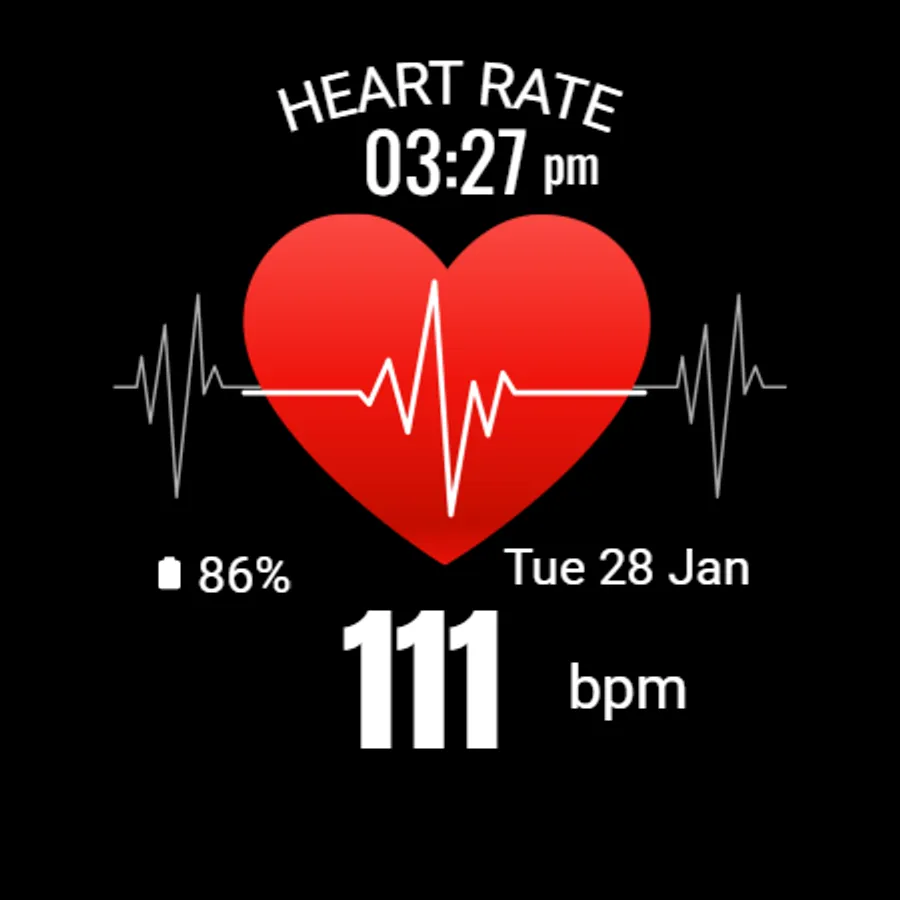
In this watch face app, you can view real-time heart rate alongside time, date, and battery status. Includes customization options and information on battery saving tips.
AppRecs review analysis
AppRecs rating 4.1. Trustworthiness 82 out of 100. Review manipulation risk 22 out of 100. Based on a review sample analyzed.
★★★★☆
4.1
AppRecs Rating
Ratings breakdown
5 star
67%
4 star
5%
3 star
11%
2 star
5%
1 star
11%
What to know
✓
Low review manipulation risk
22% review manipulation risk
✓
Credible reviews
82% trustworthiness score from analyzed reviews
✓
High user satisfaction
73% of sampled ratings are 4+ stars (4.1★ average)
About Heart Rate Monitor - Watch
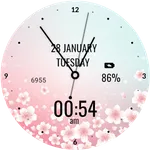
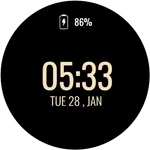
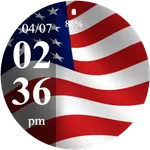
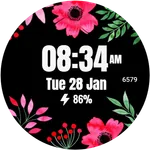
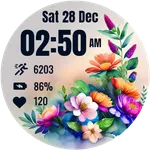
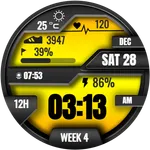
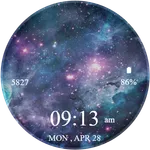
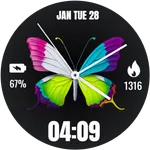
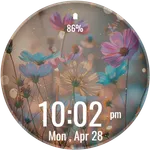
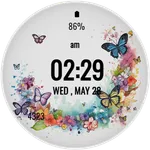
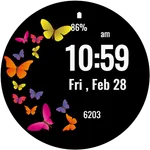
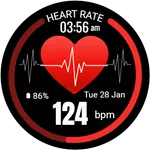
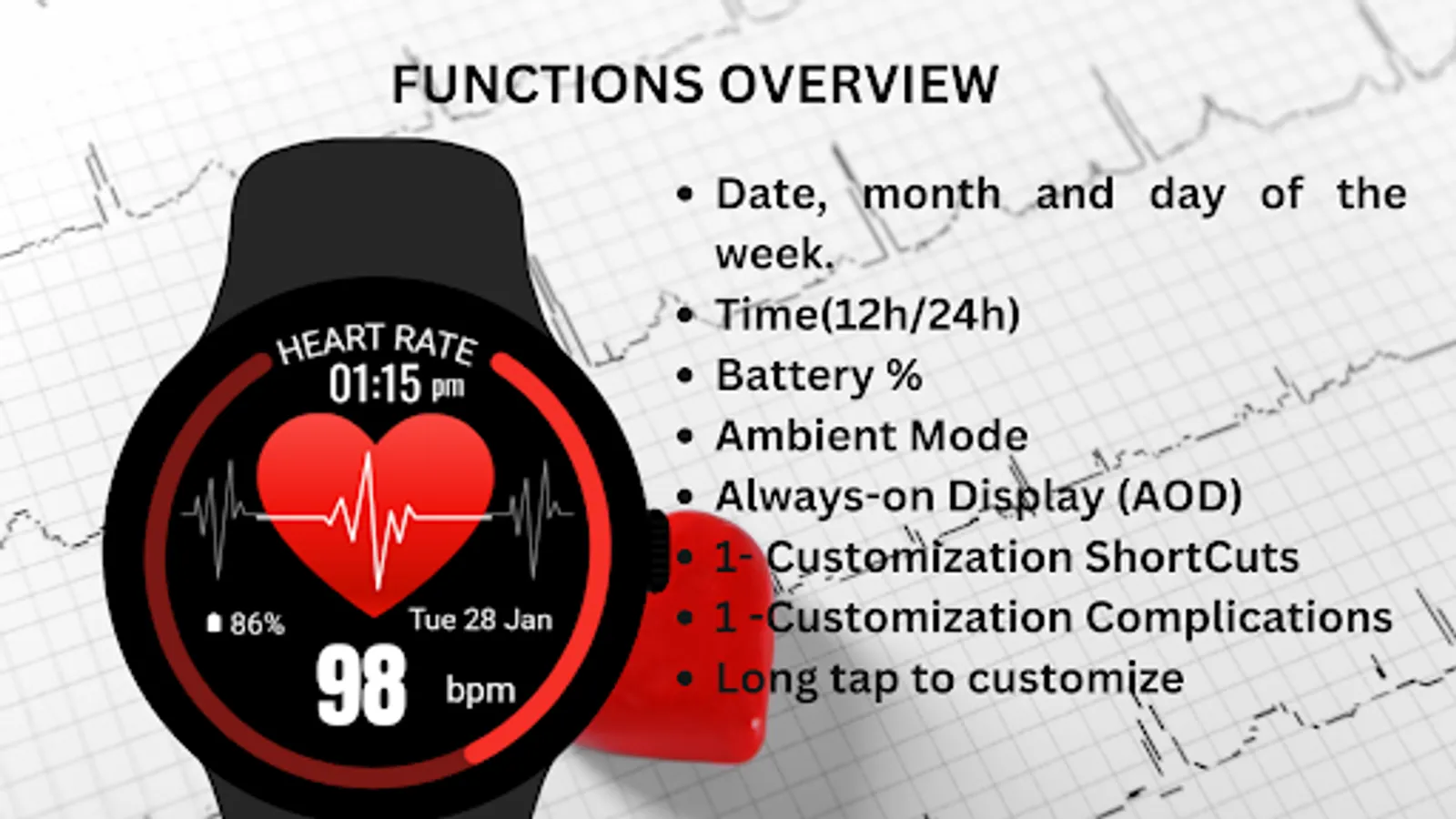
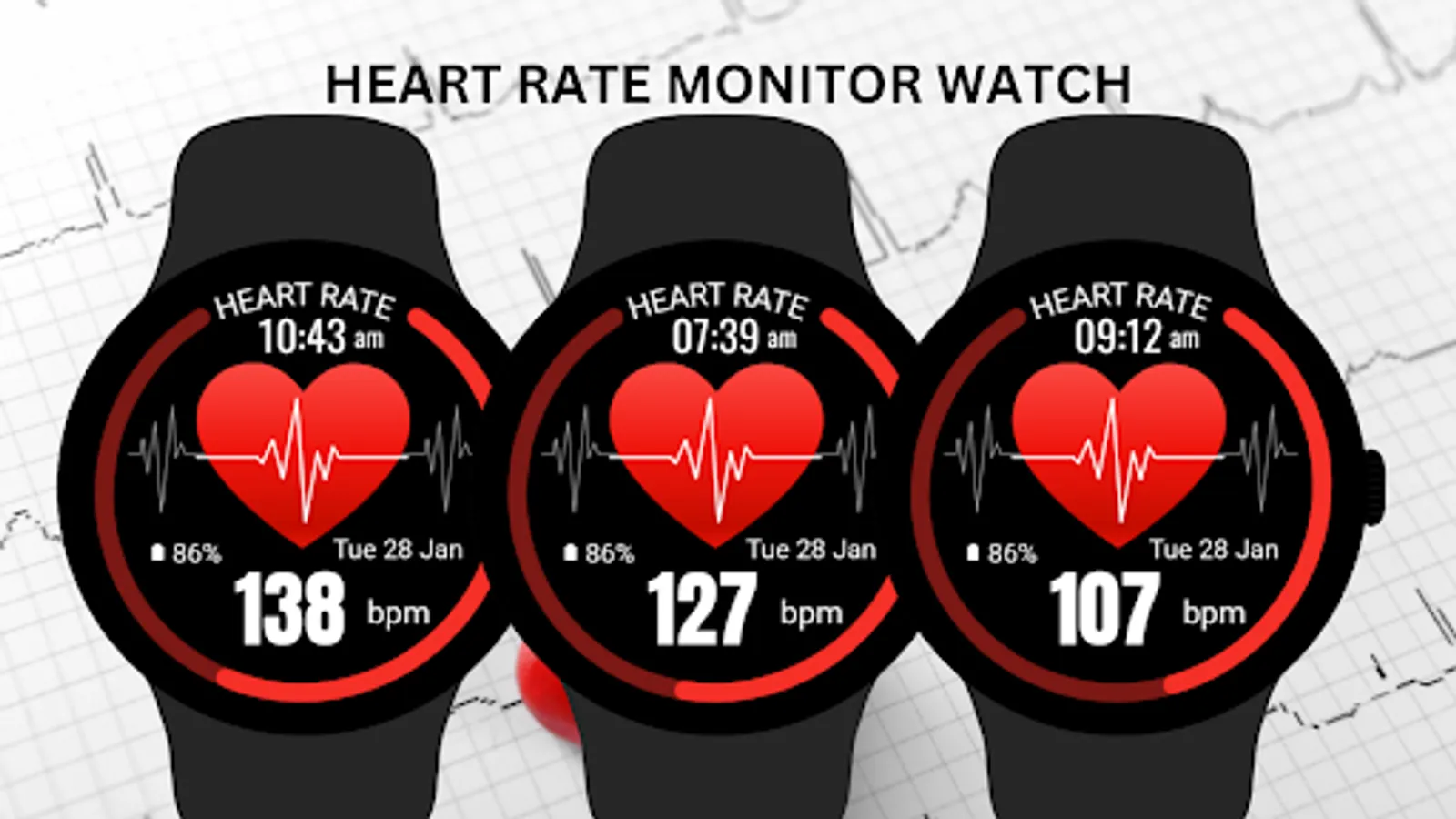
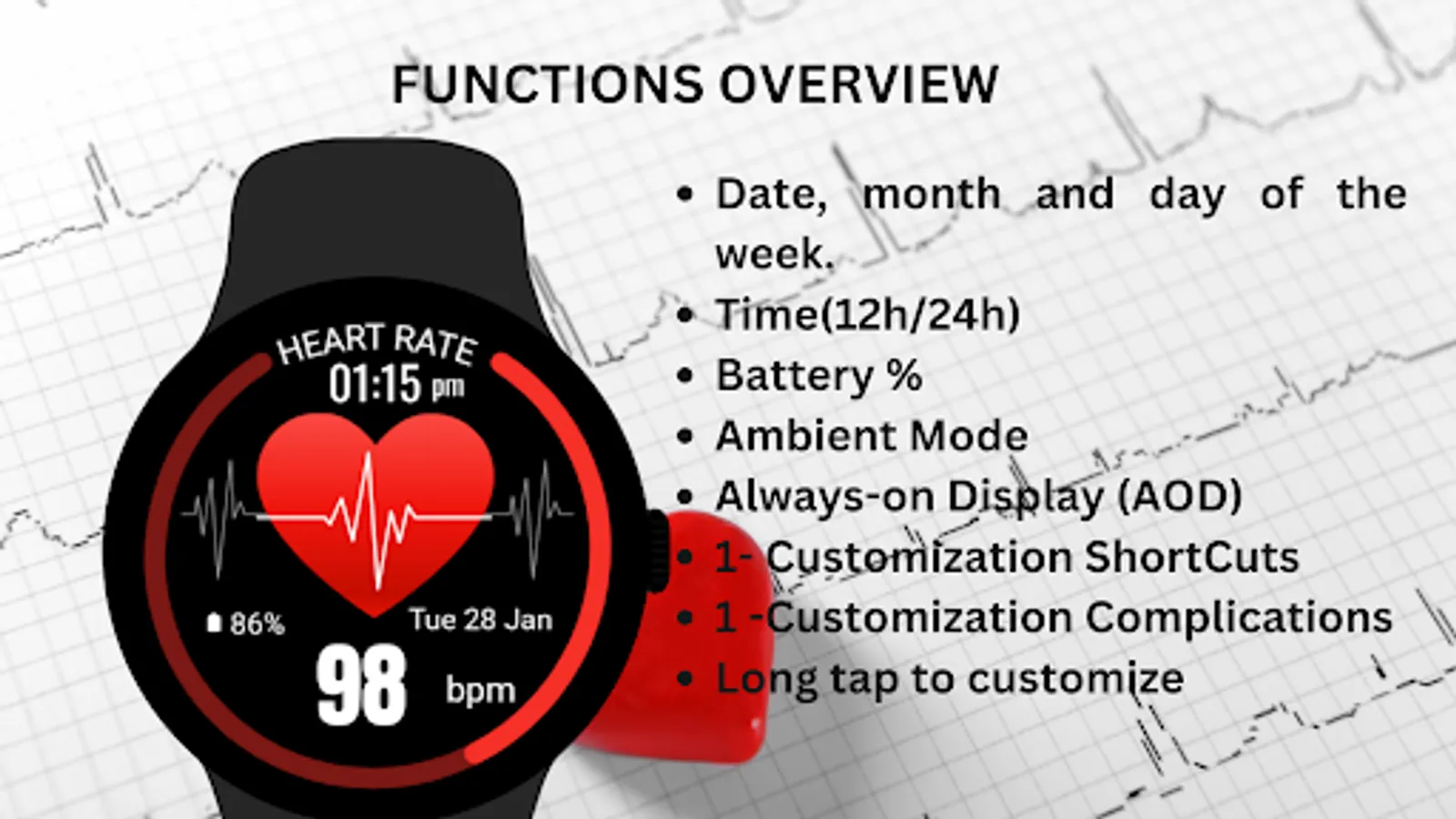
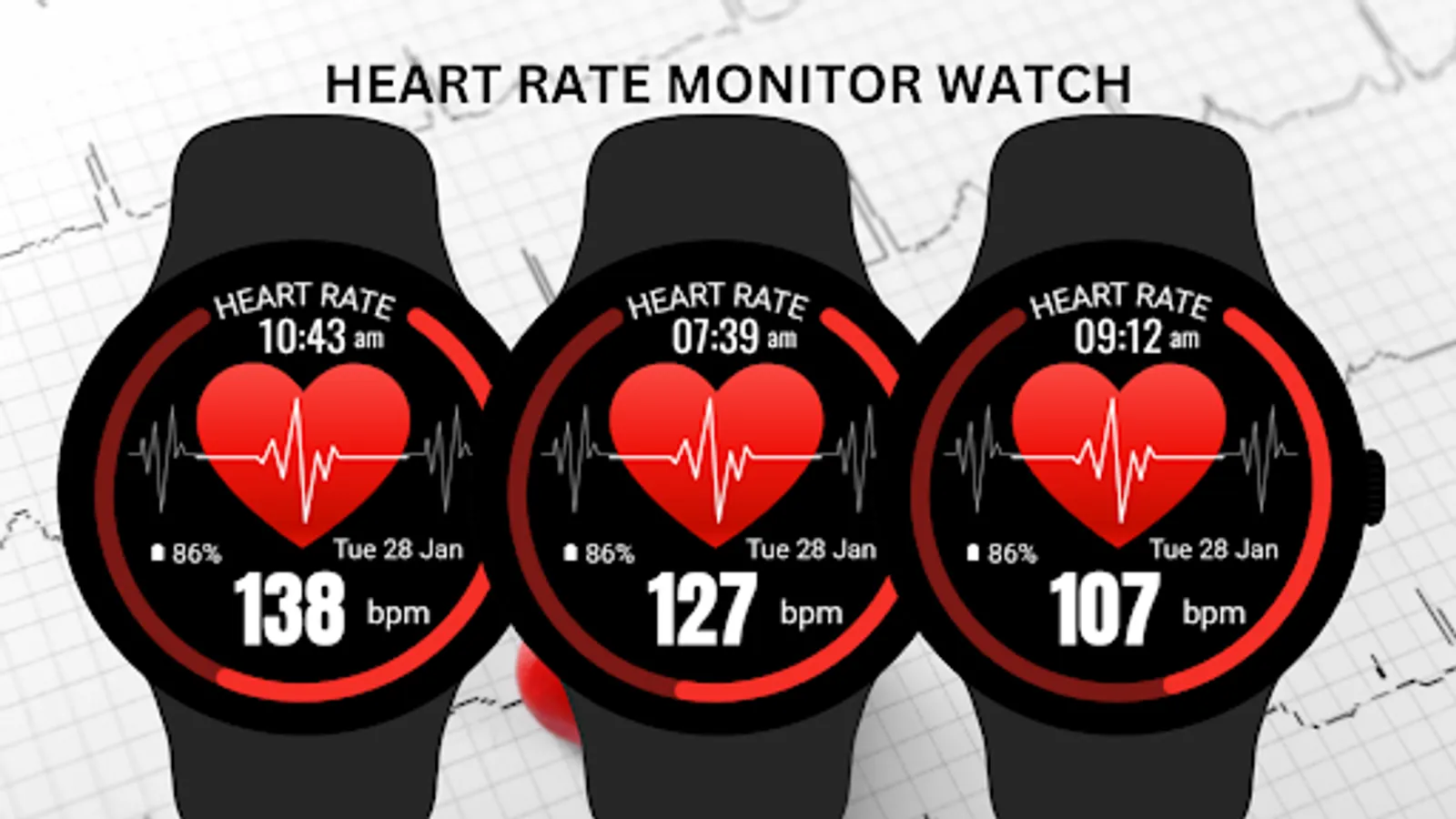
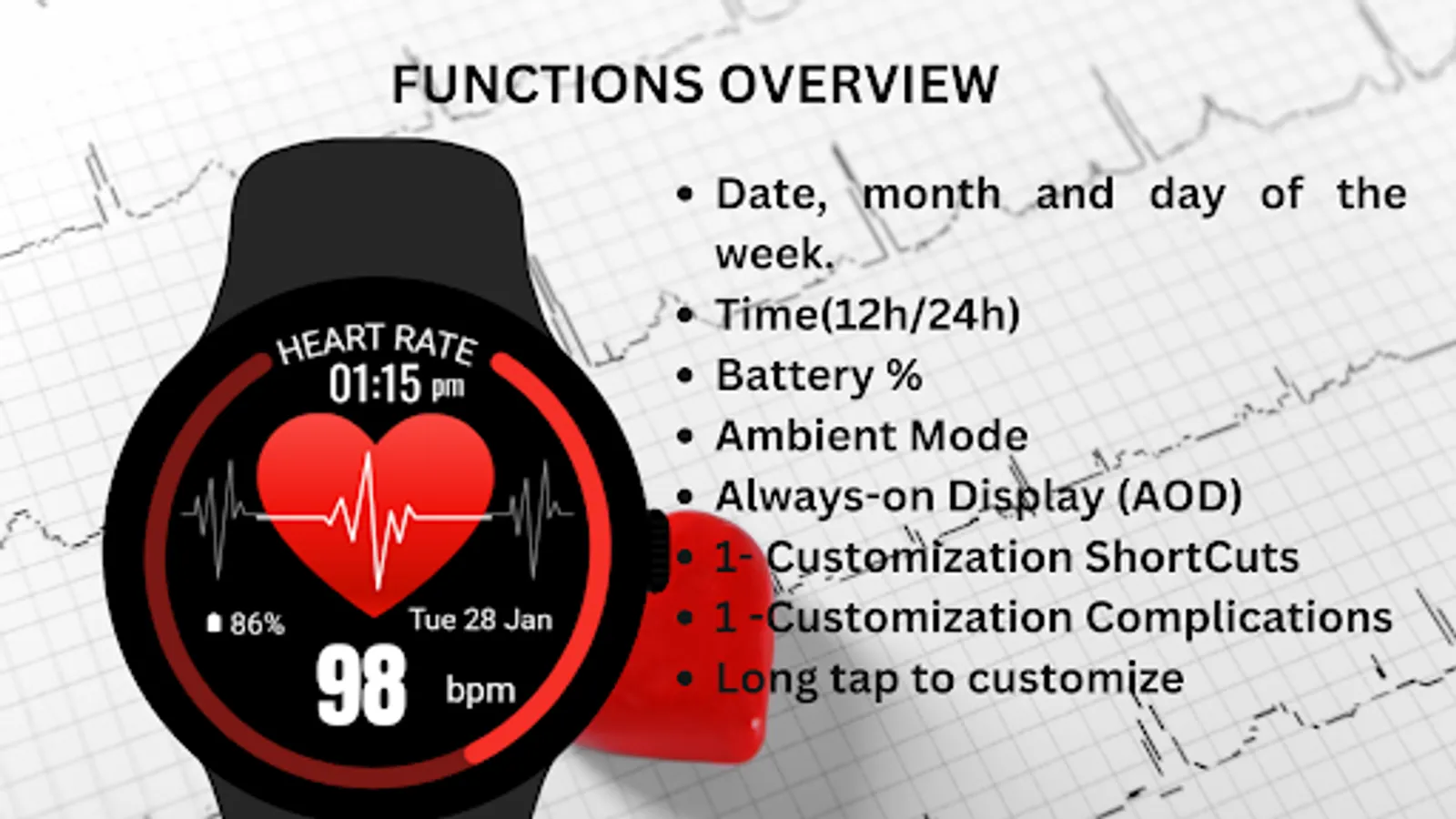
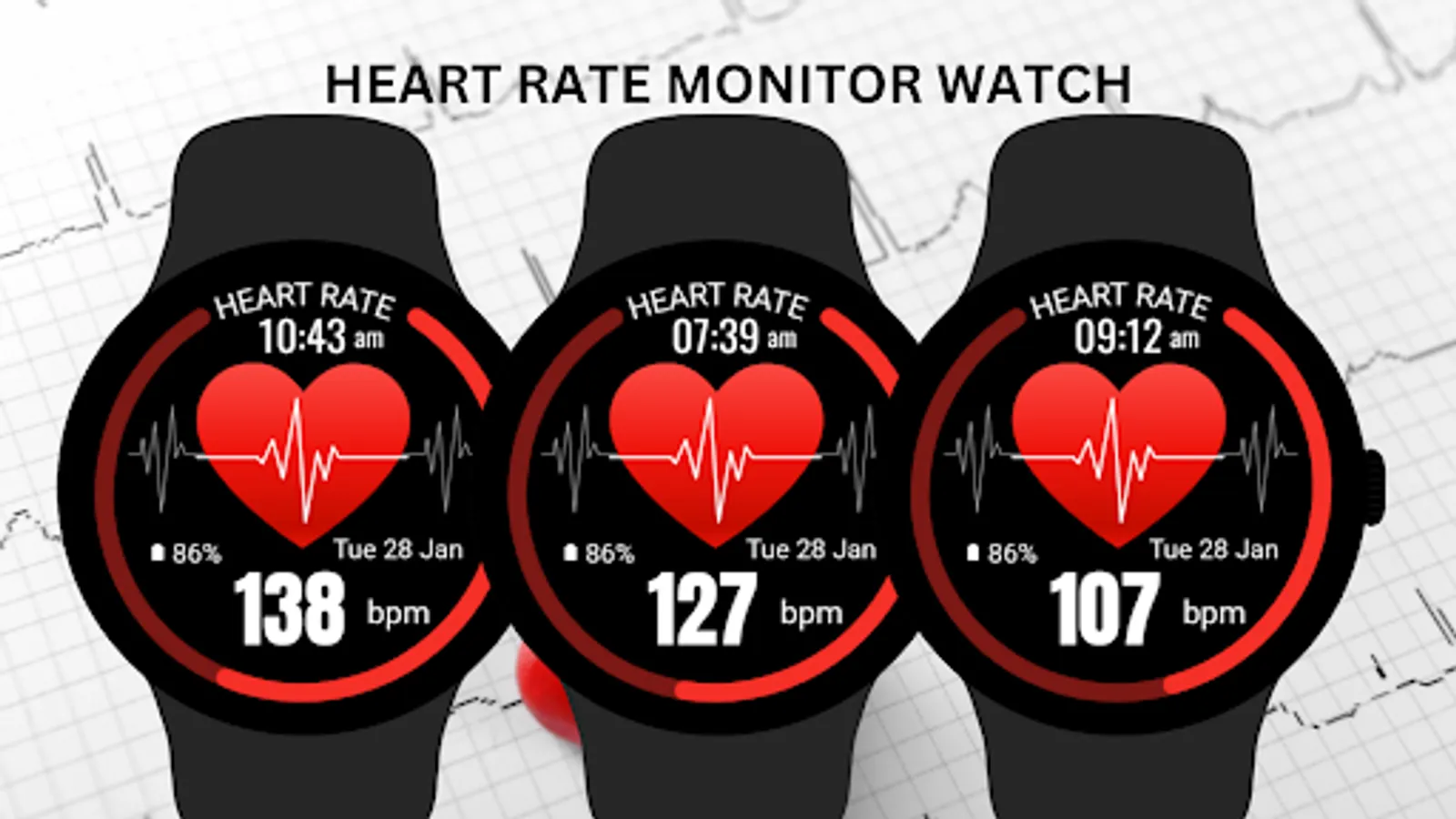
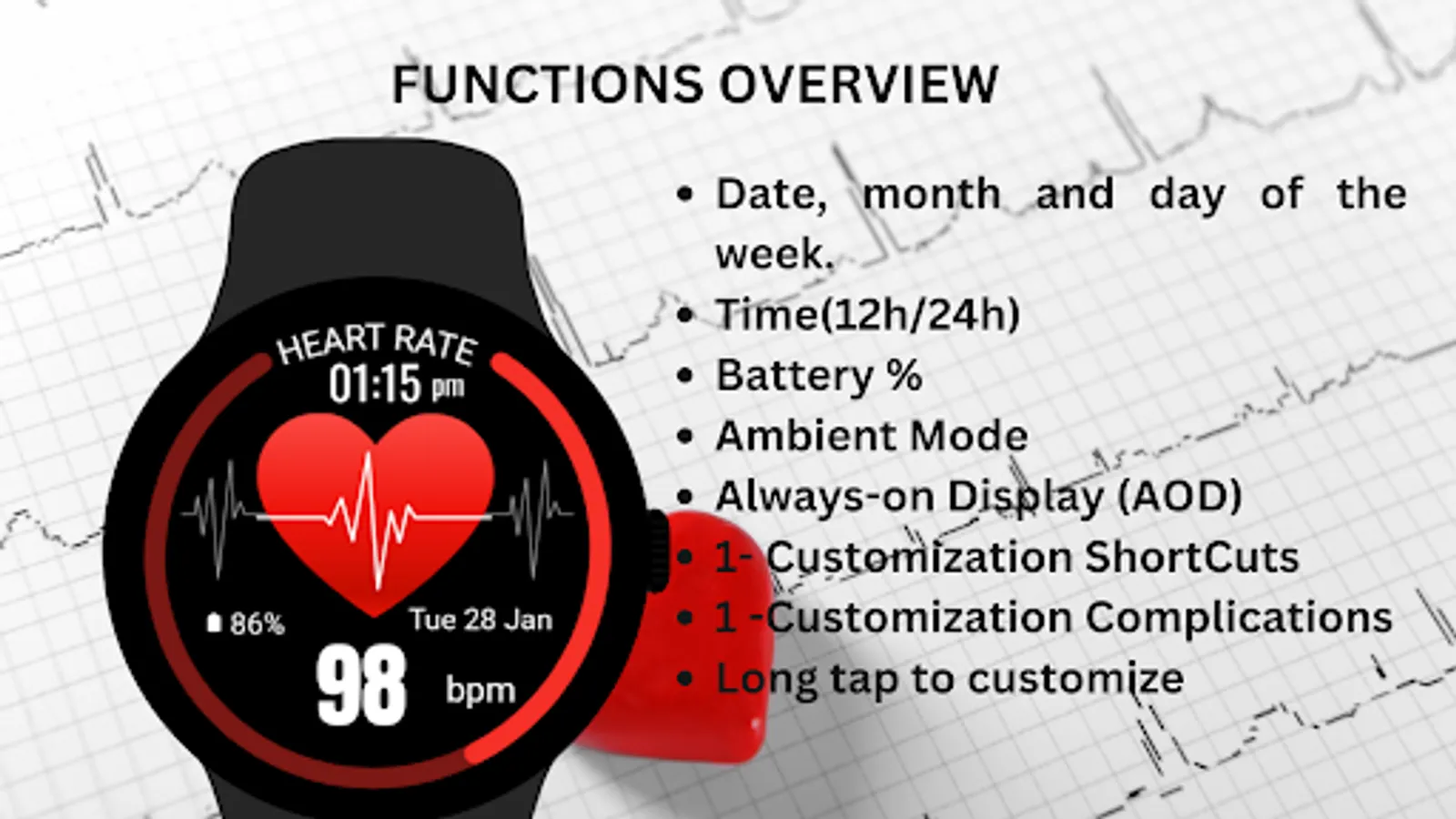
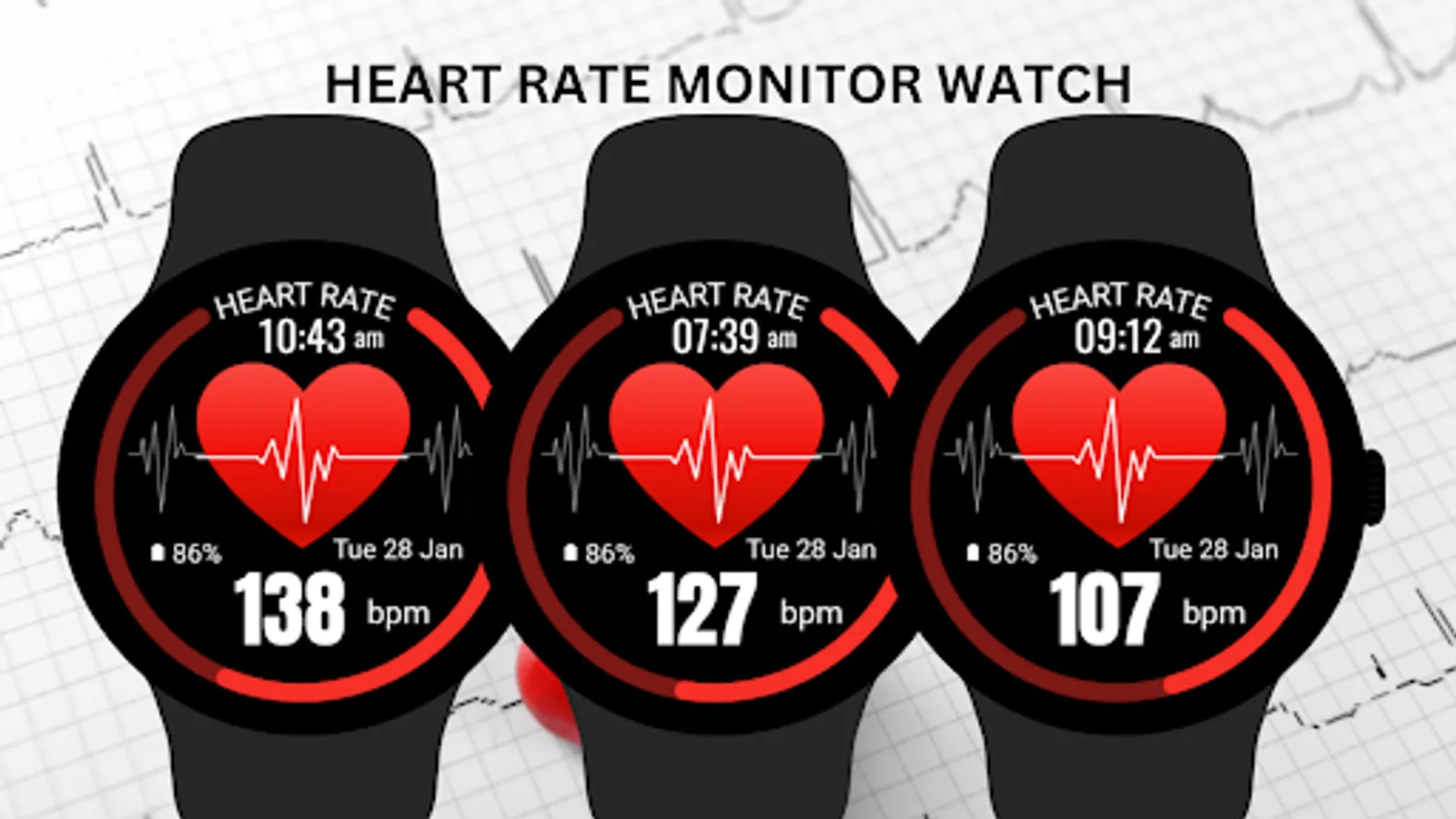
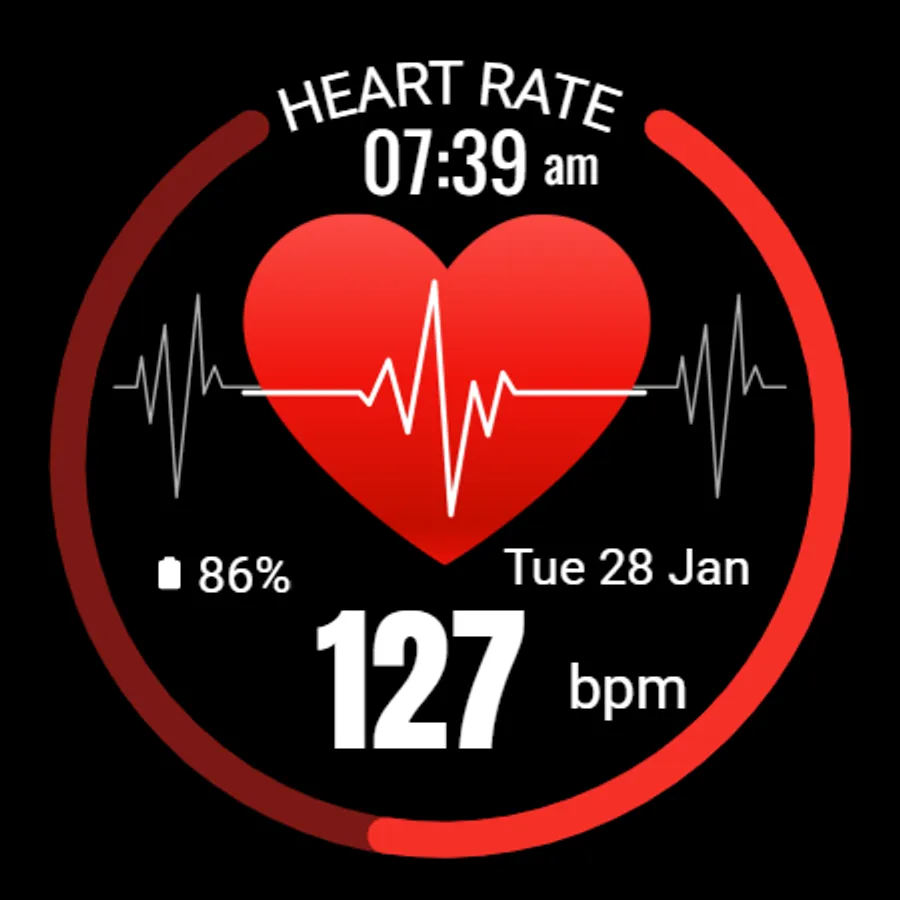
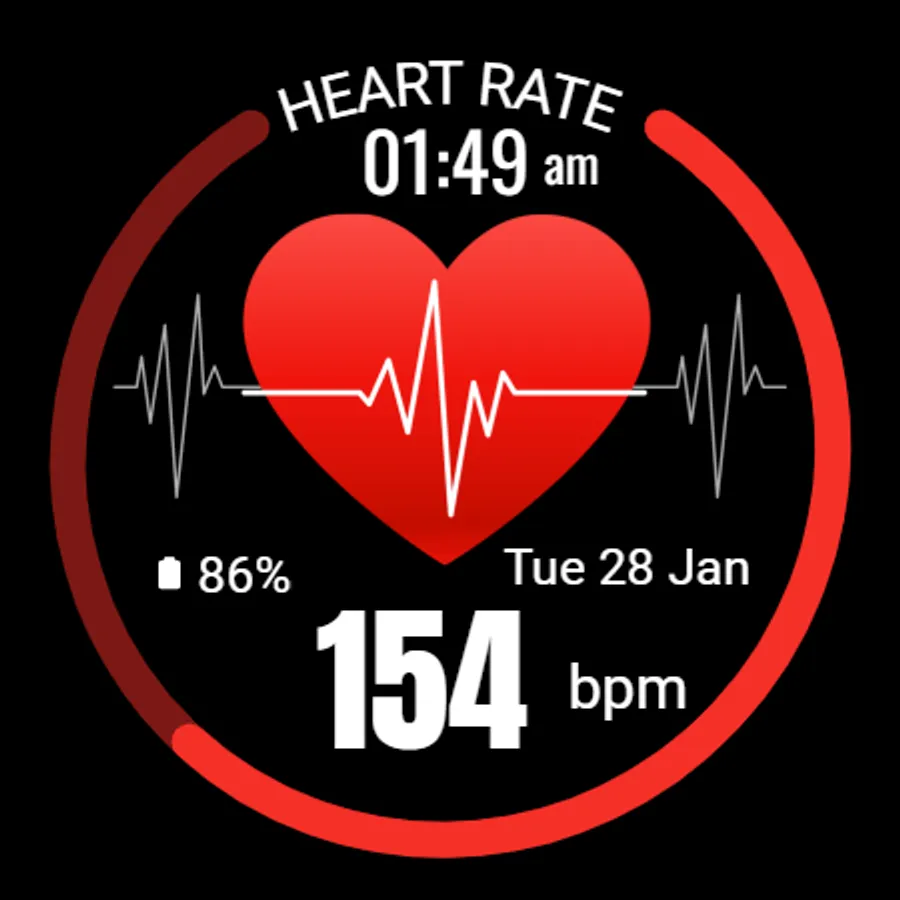
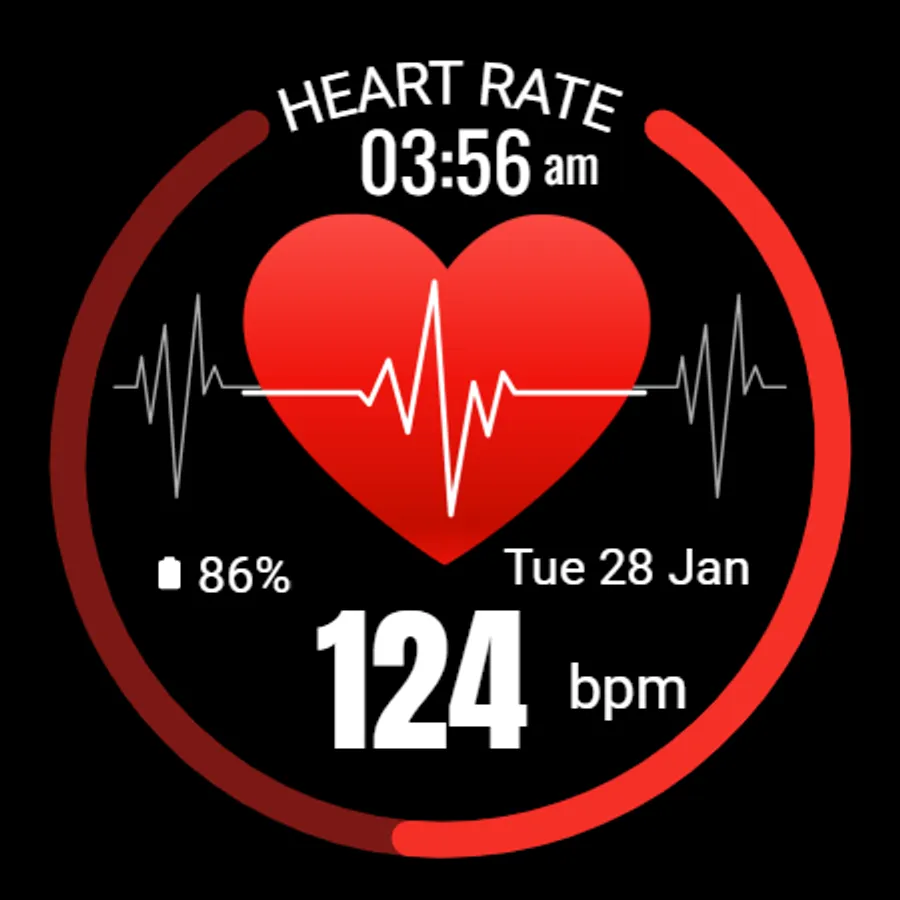
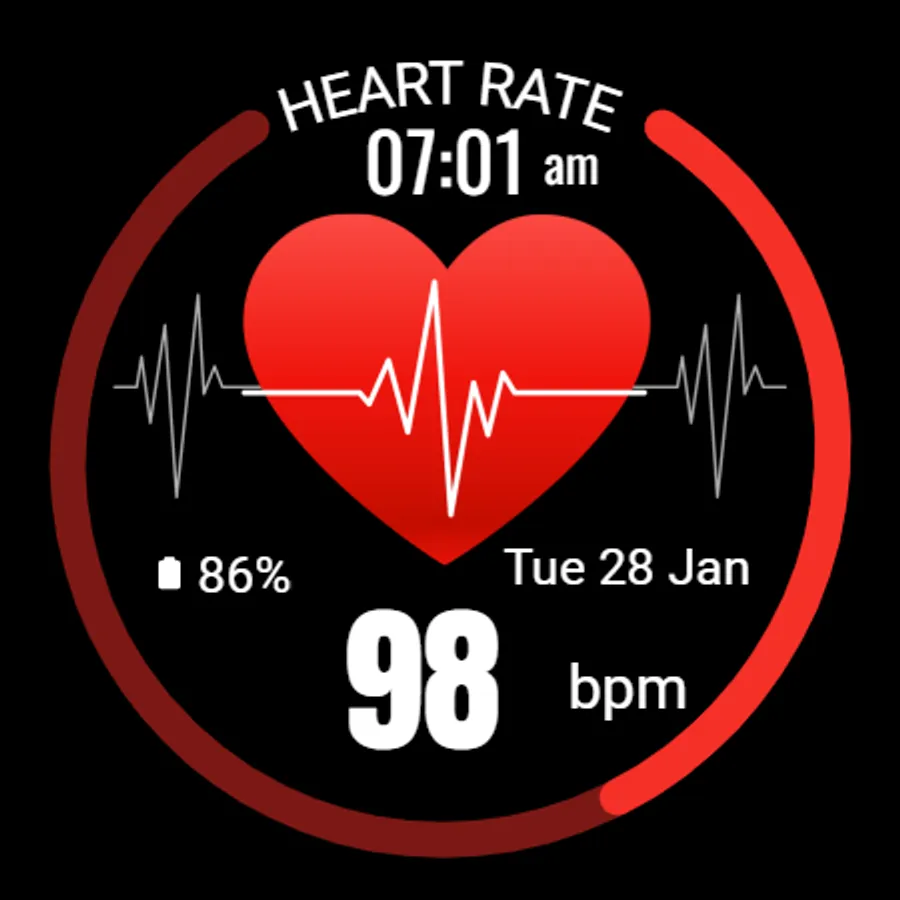
Monitor your heart rate effortlessly with the Heart Rate Monitor Watch Face for Wear OS! Featuring a bold and easy-to-read design, this watch face not only displays your heart rate but also shows the time, date, and battery status, all in a clean and functional layout.
Stay in tune with your health by keeping your heart rate information always available right on your wrist, perfect for active users or those simply looking to monitor their fitness level.
⚙️ Watch Face Features
• Date, month and day of the week.
• Real-time heart rate monitoring
• Battery %
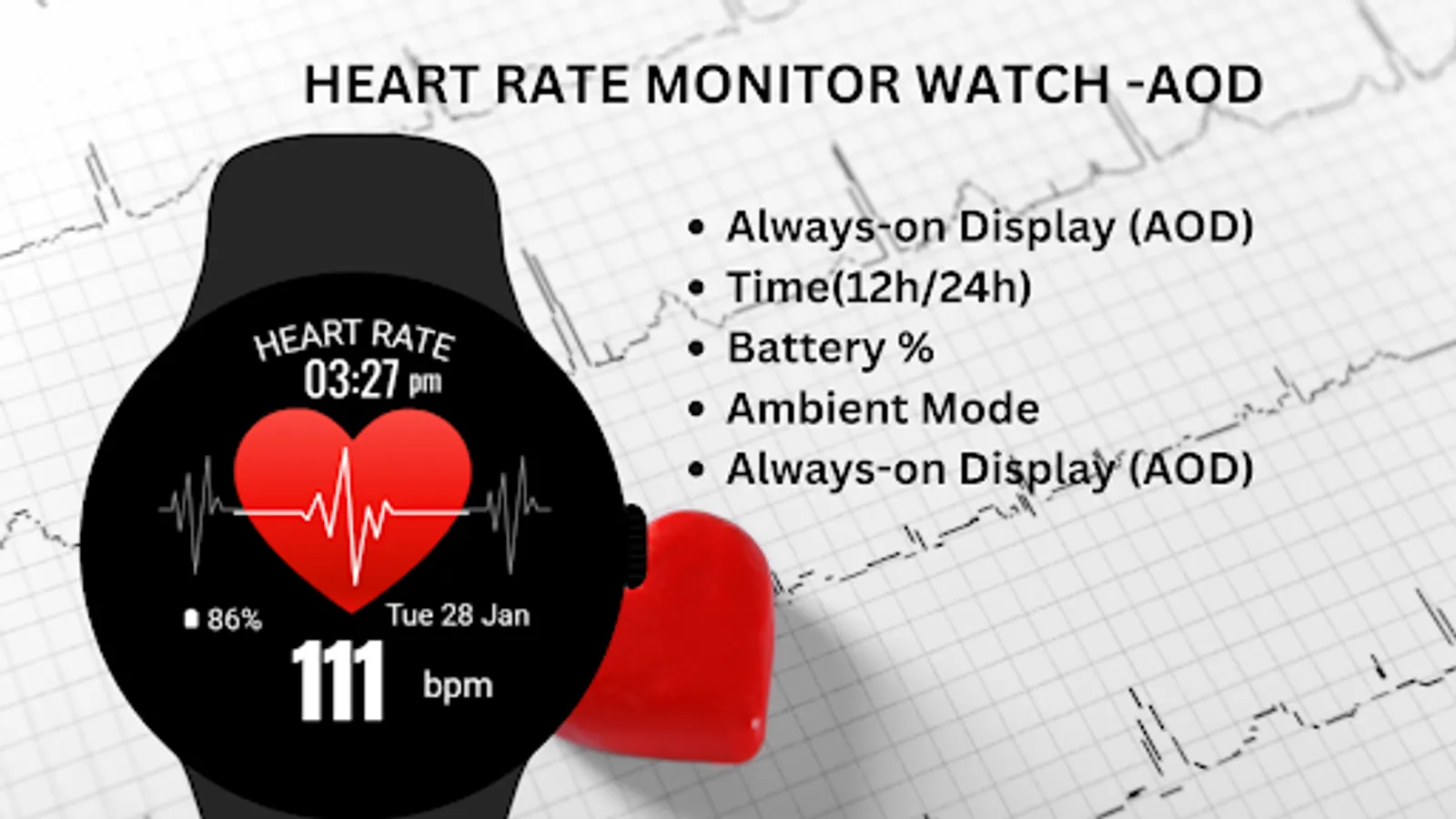
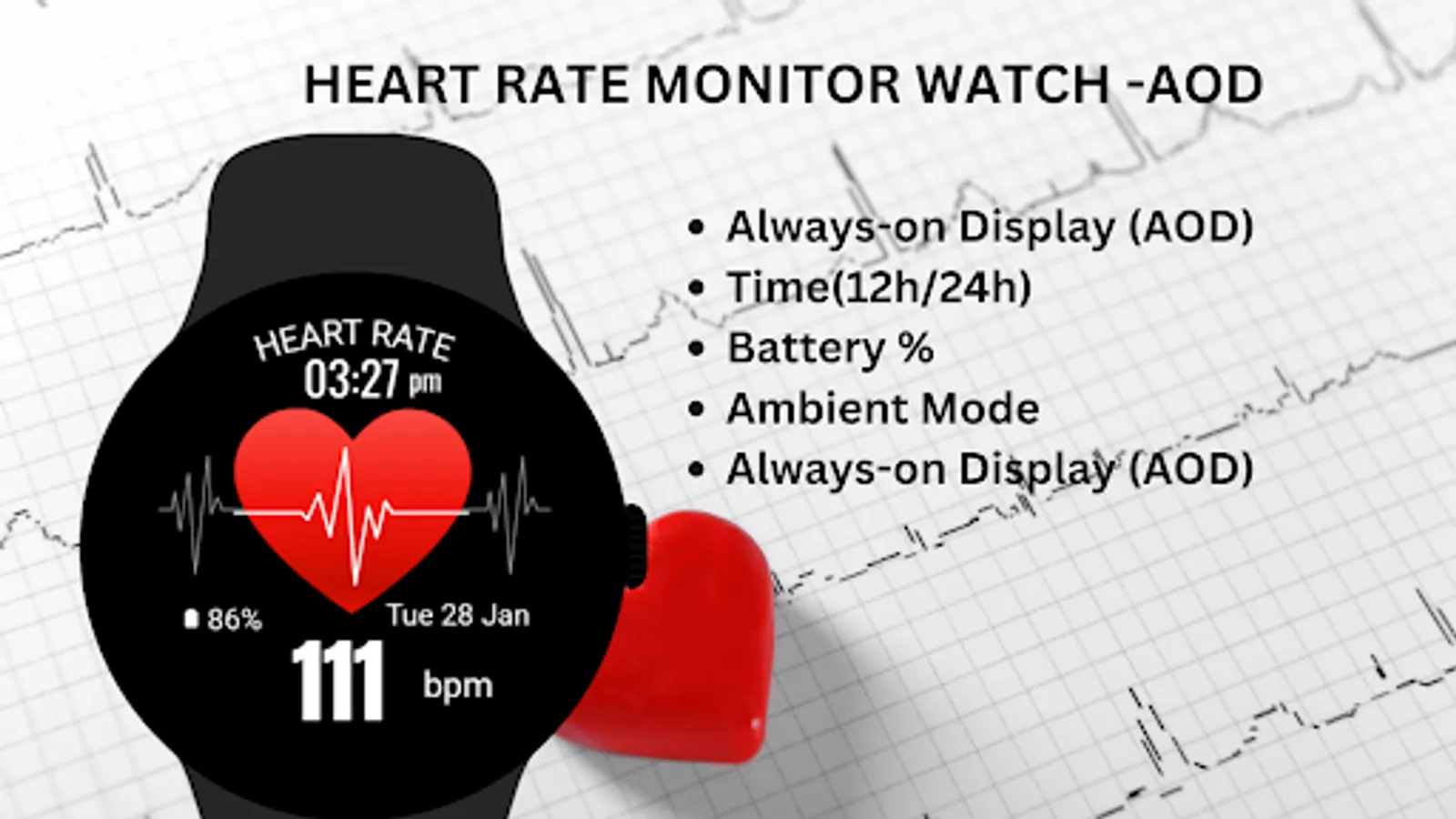
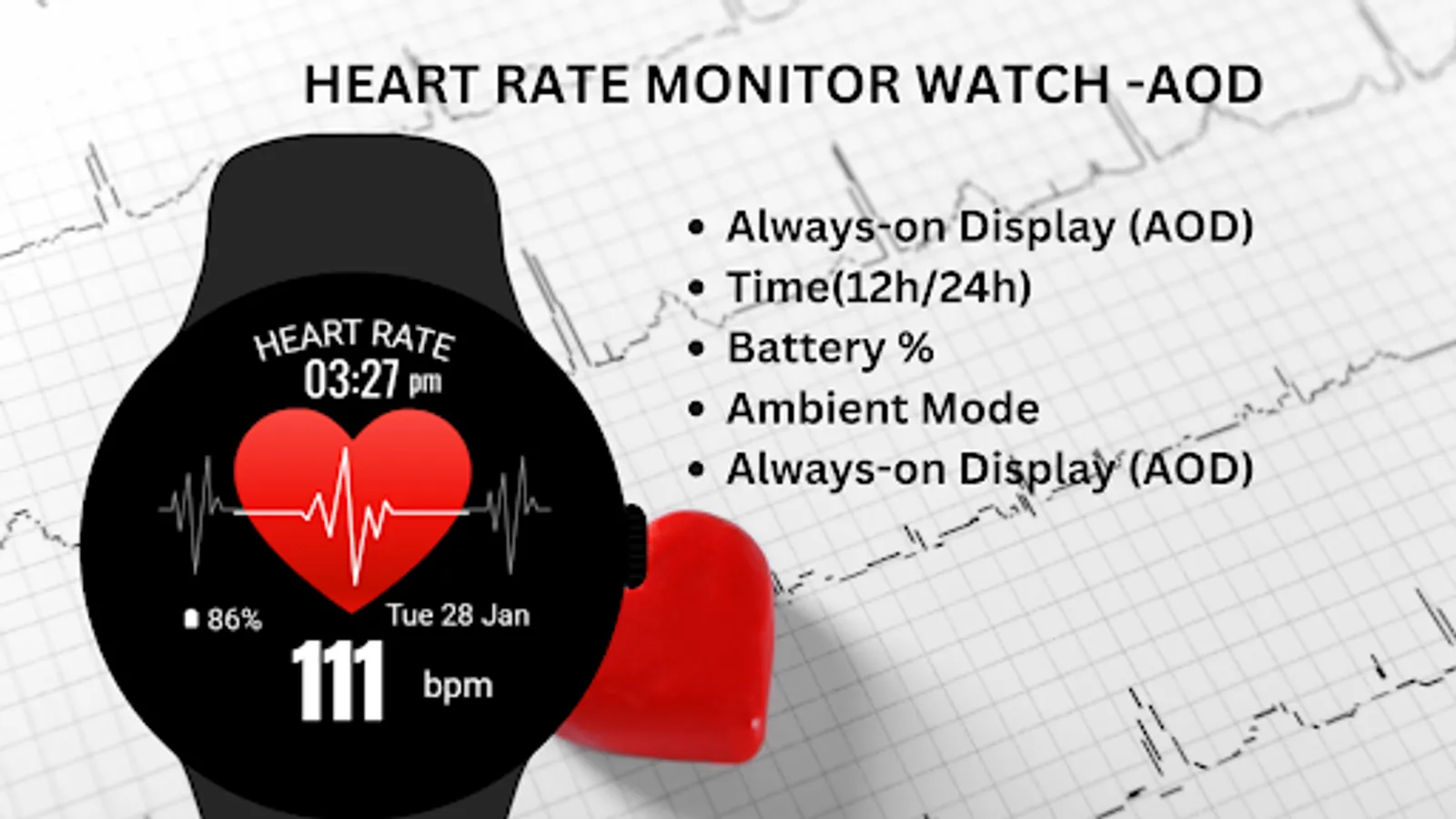
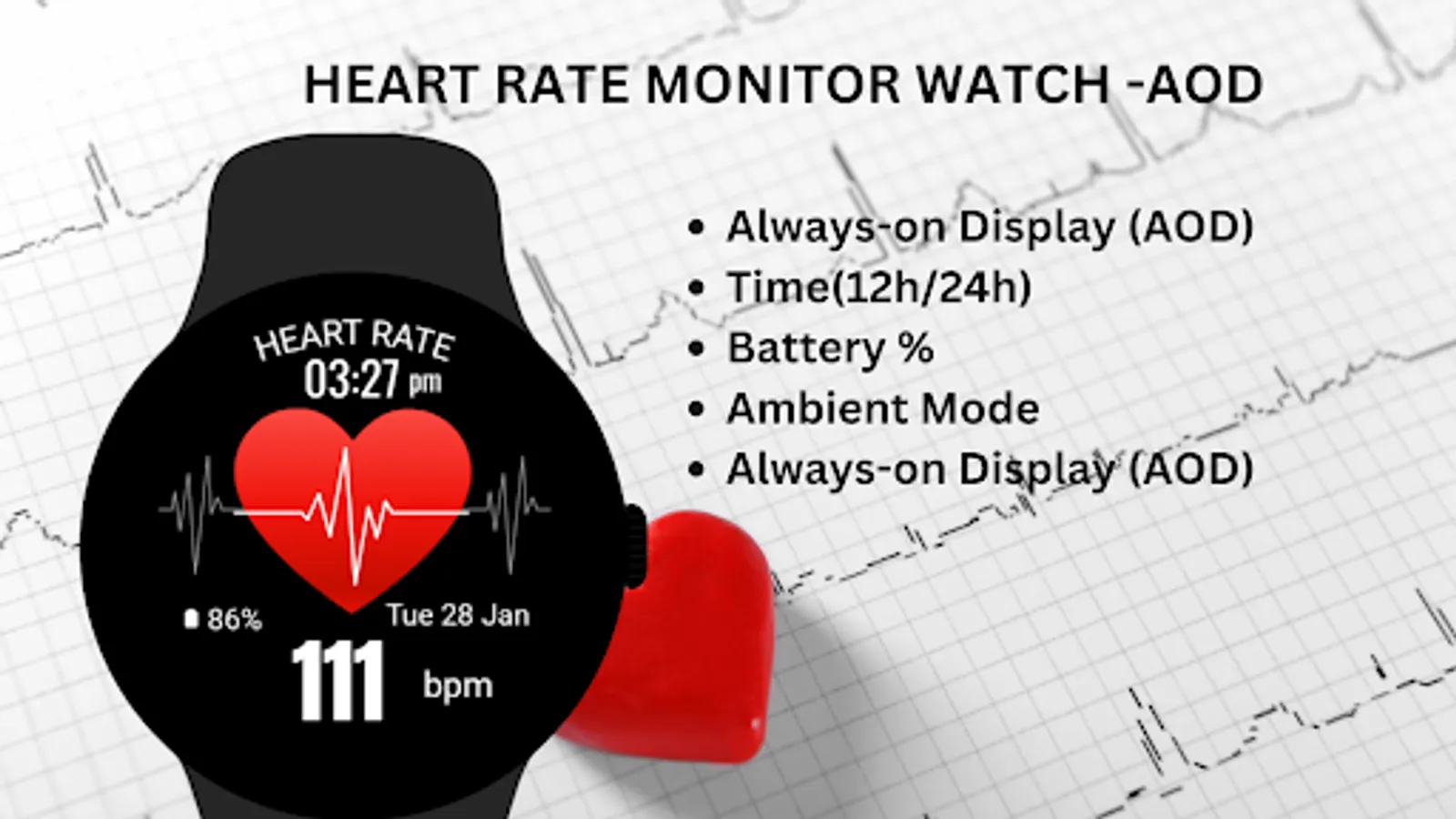
• Ambient Mode
• Always-on Display (AOD)
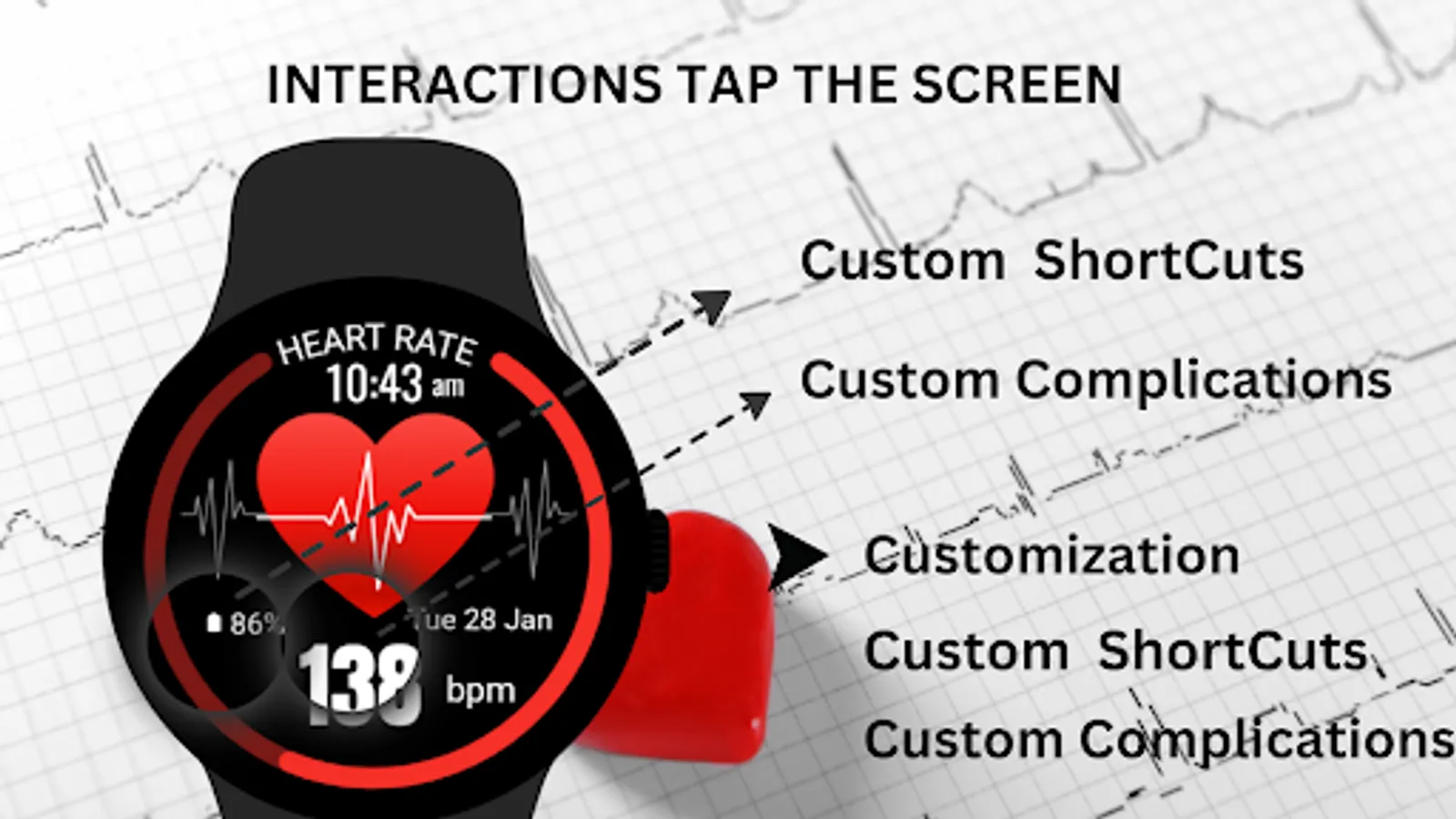
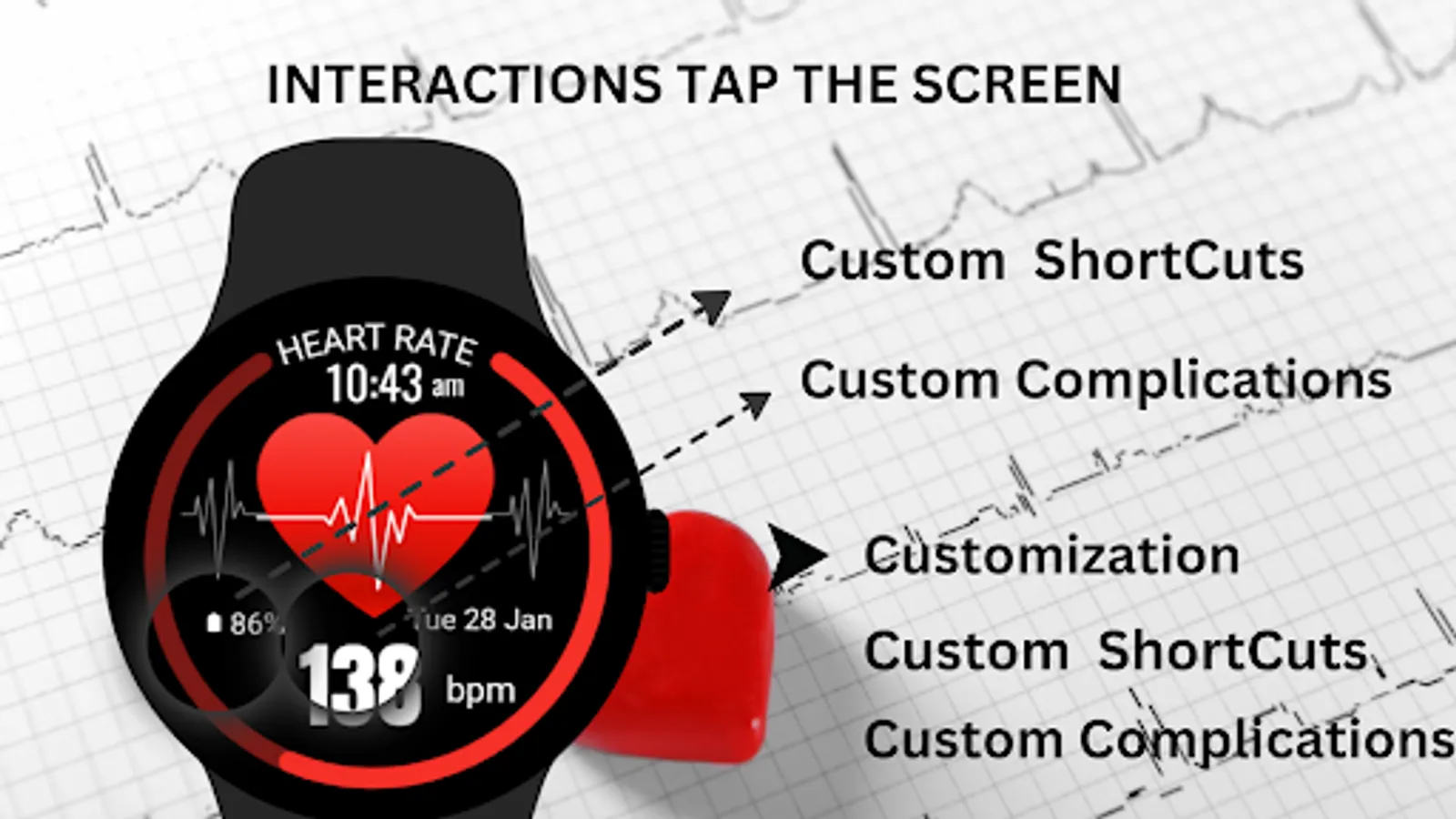
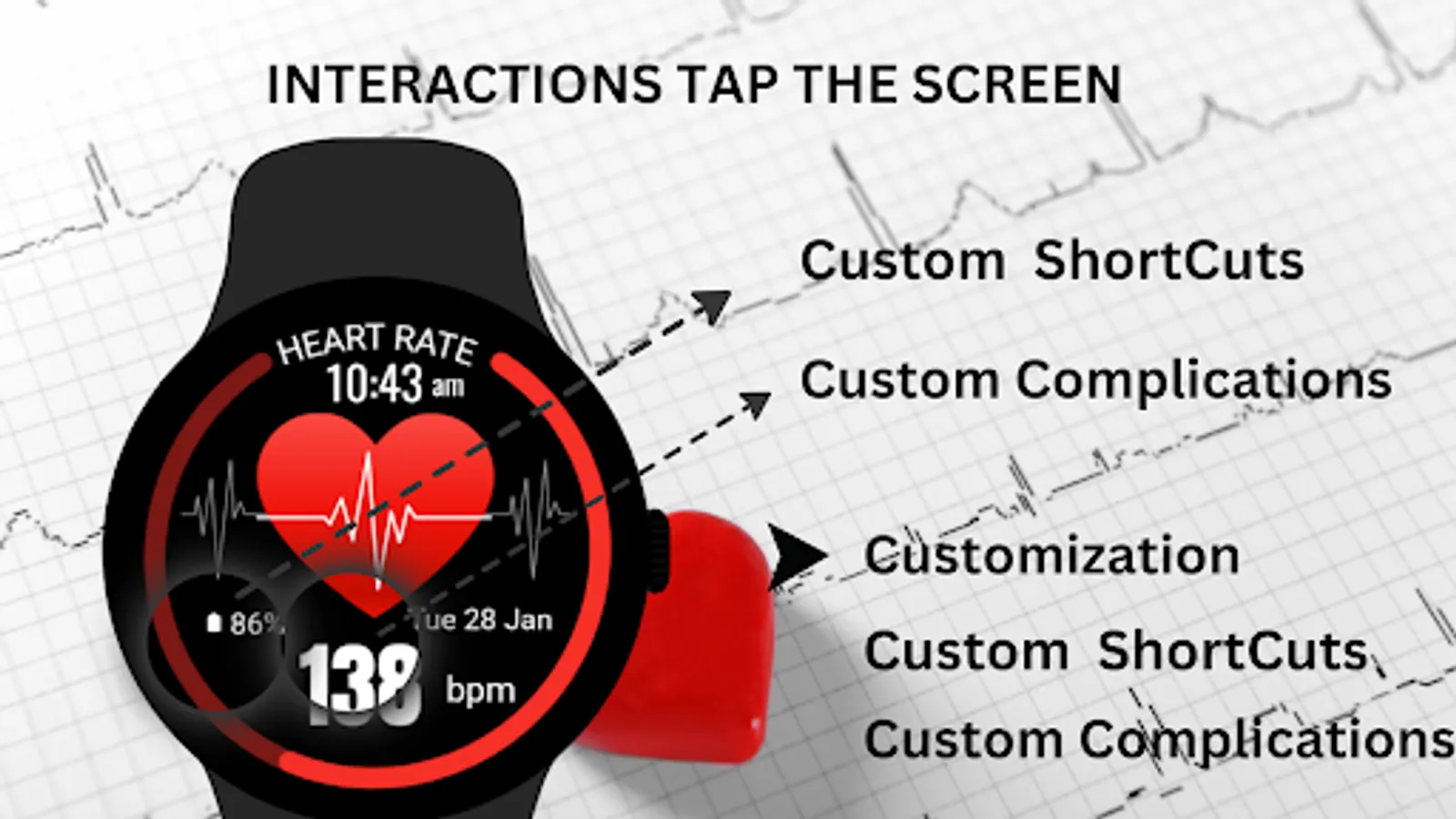
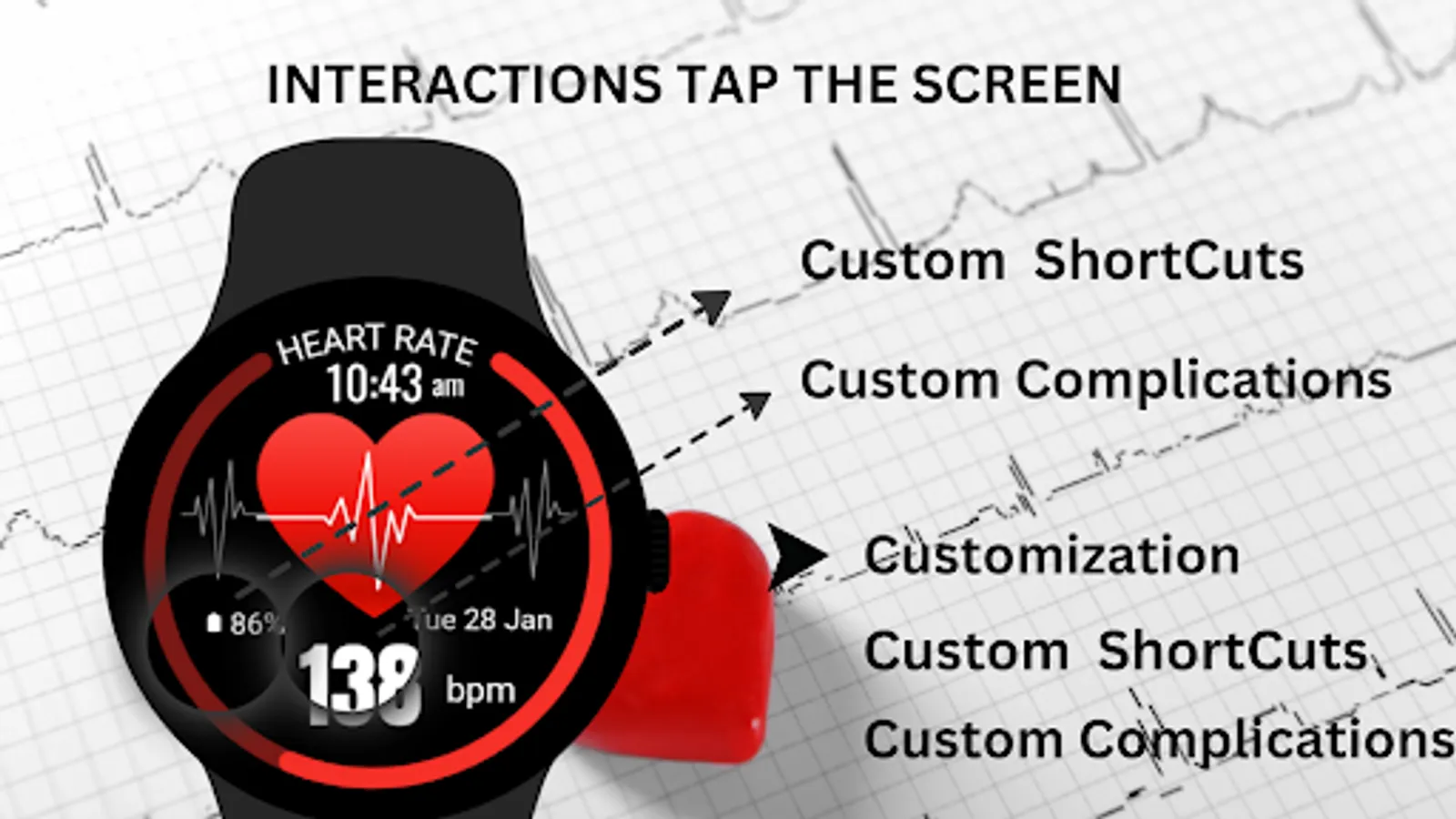
🎨 Heart Rate Monitor Watch Face Customization
1 - Touch and hold display
2 - Tap on Customize option
🎨 Heart Rate Monitor Watch Face Complications
Touch and hold display to open customization mode. You can customize the field with any data you want.
🔋 Battery
For better battery performance of the watch, we recommend disabling the "Always On Display" mode.
After installing the Heart Rate Monitor Watch Face, follow these steps:
1)Open the Companion App on your phone.
2)Tap "Install on Watch".
3)On your watch, select the Heart Rate Monitor Watch Face from your settings or watch face gallery.
Your watch face is now ready to use !
✅ Compatible with all Wear OS devices API 33+ including such as Google Pixel Watch, Samsung Galaxy Watch etc.
Not suitable for rectangular watches.
Thank you !
Stay in tune with your health by keeping your heart rate information always available right on your wrist, perfect for active users or those simply looking to monitor their fitness level.
⚙️ Watch Face Features
• Date, month and day of the week.
• Real-time heart rate monitoring
• Battery %
• Ambient Mode
• Always-on Display (AOD)
🎨 Heart Rate Monitor Watch Face Customization
1 - Touch and hold display
2 - Tap on Customize option
🎨 Heart Rate Monitor Watch Face Complications
Touch and hold display to open customization mode. You can customize the field with any data you want.
🔋 Battery
For better battery performance of the watch, we recommend disabling the "Always On Display" mode.
After installing the Heart Rate Monitor Watch Face, follow these steps:
1)Open the Companion App on your phone.
2)Tap "Install on Watch".
3)On your watch, select the Heart Rate Monitor Watch Face from your settings or watch face gallery.
Your watch face is now ready to use !
✅ Compatible with all Wear OS devices API 33+ including such as Google Pixel Watch, Samsung Galaxy Watch etc.
Not suitable for rectangular watches.
Thank you !
Heart Rate Monitor - Watch Screenshots
Tap to Rate:
Reviews for Heart Rate Monitor - Watch
Curtis B
12/8/2025
Can not install, shows ads only
Cheri Bieniek
12/2/2025
2 day sample trial then $34.+ per month charge! for what!! i think not! i wasn't born yesterday!