In this soft keyboard app, users can type accurately using large buttons and slide gestures without auto correction. Includes customizable shortcuts, plug-ins, and key mapping options.
AppRecs review analysis
AppRecs rating 4.0. Trustworthiness 0 out of 100. Review manipulation risk 0 out of 100. Based on a review sample analyzed.
★★★★☆
4.0
AppRecs Rating
Ratings breakdown
5 star
51%
4 star
28%
3 star
6%
2 star
3%
1 star
11%
What to know
✓
High user satisfaction
80% of sampled ratings are 4+ stars (4.0★ average)
✓
Authentic reviews
Natural distribution, no red flags
About Flit Keyboard
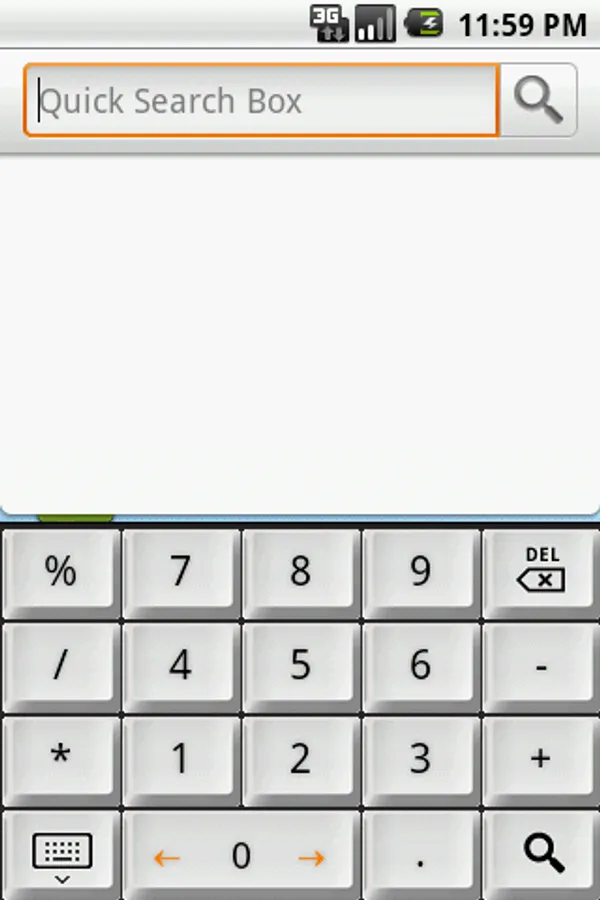
Light weight soft keyboard to improve typing accuracy without rely on auto correction. Users can type properly even on devices as small as SmartWatch.
===Description===
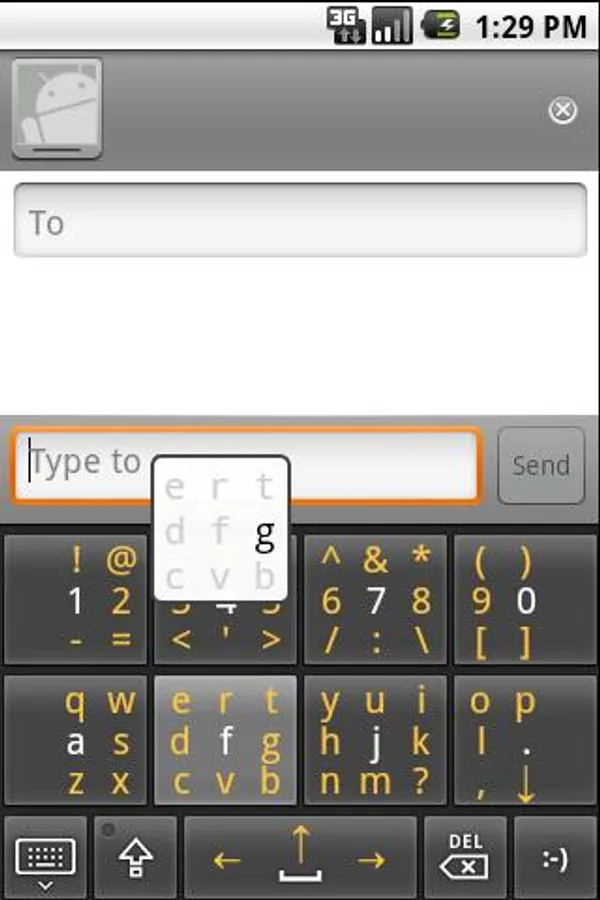
Using 4 to 8 big buttons with tap & slide typing approach, even big fingers can type on small device properly. And users will able to type without looking at the keyboard with some practice.
Features:
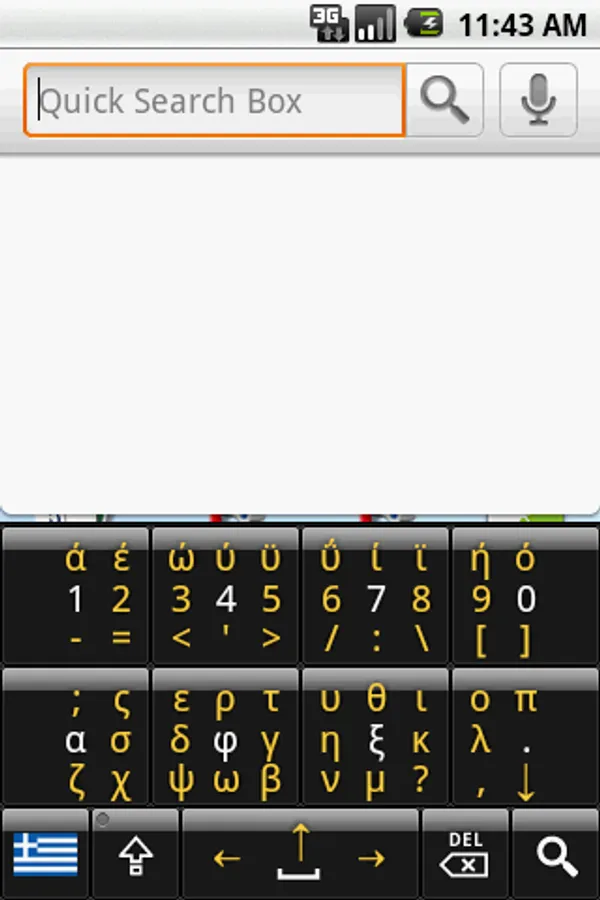
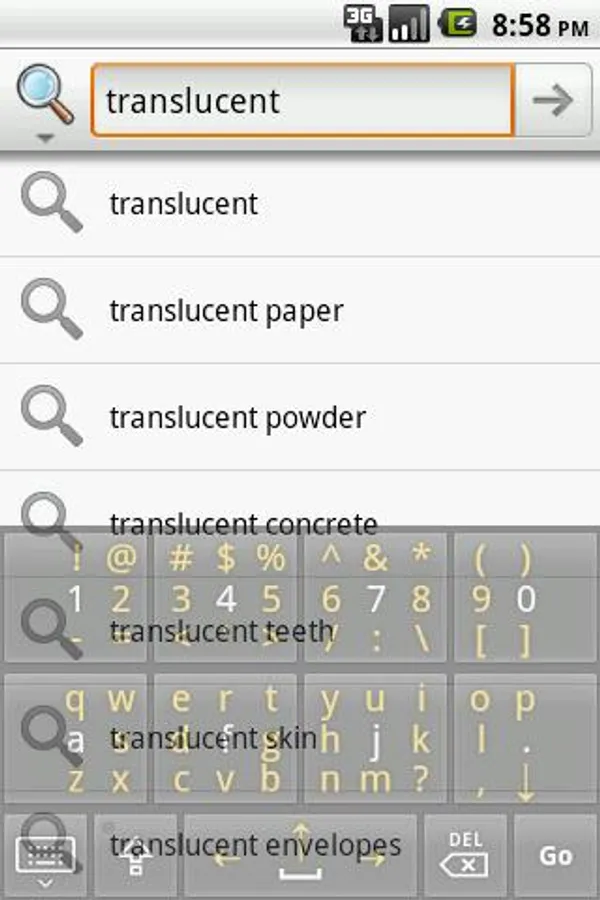
1. 8-buttons Full-QWERTY mode for all normal keyboard characters on ONE screen, including letters, numbers, symbols, AND cursor arrow key.
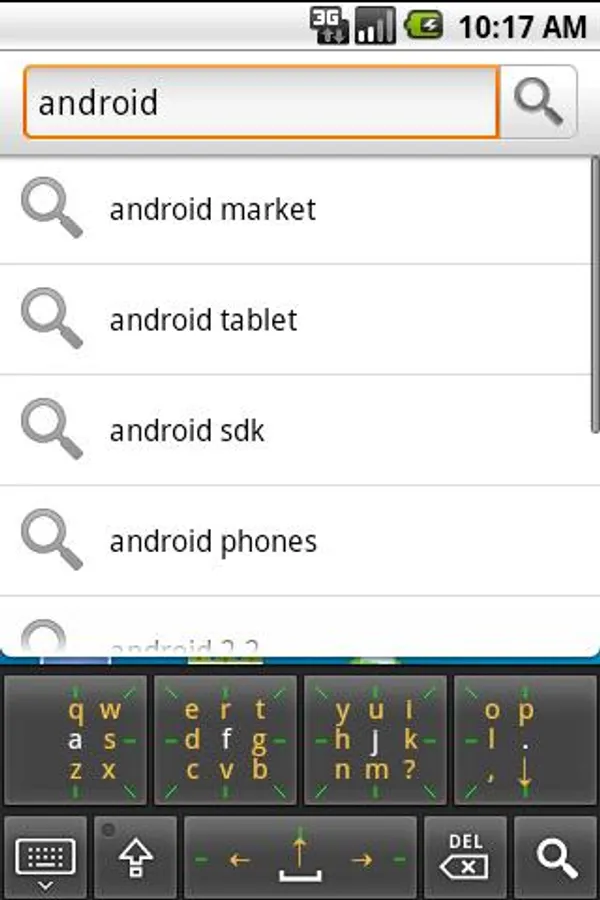
2. 4-buttons letter-only Small-QWERTY mode for more screen space.
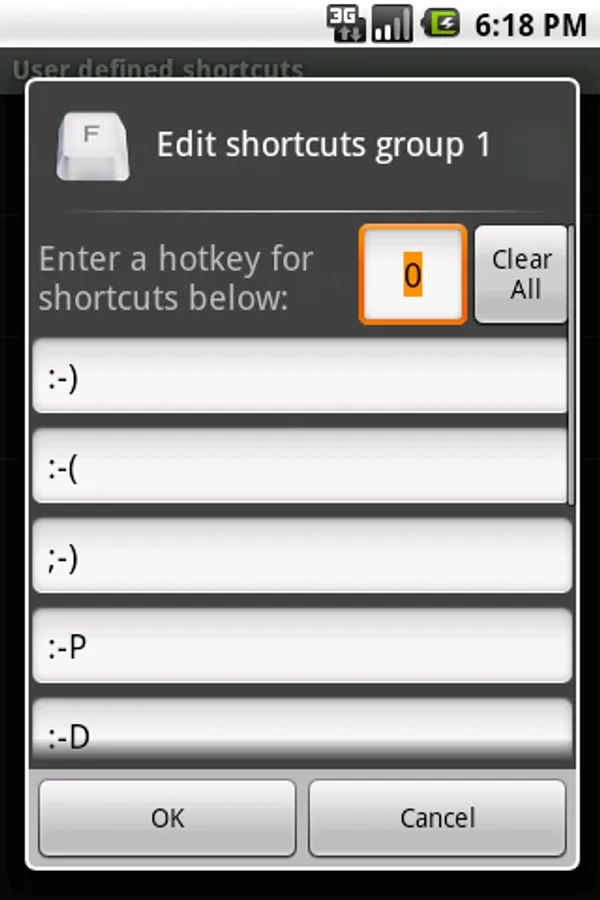
3. User defined shortcuts let users input their favor text quickly. Dynamic shortcuts help users input current date and time easily.
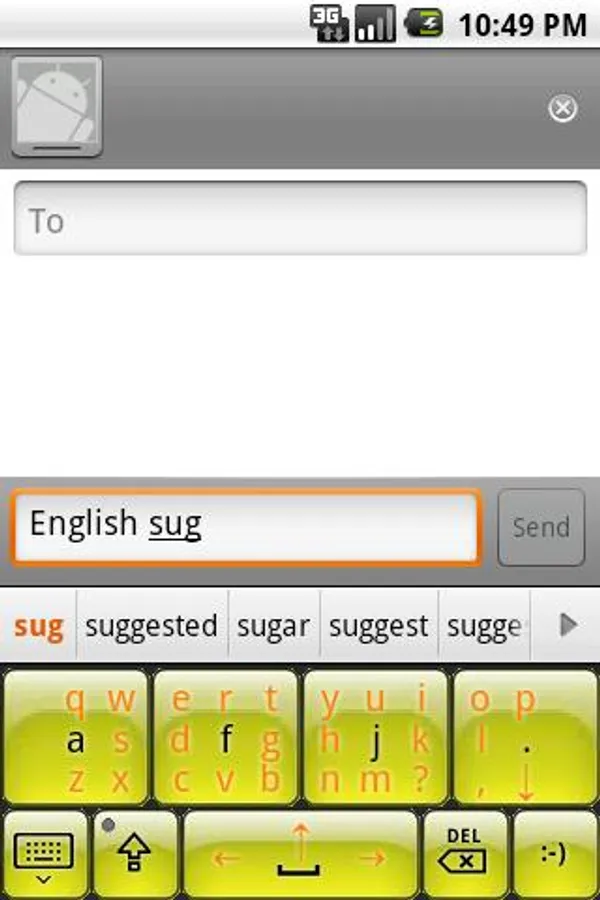
4. Installable plug-ins to extends features such as add word suggestion, change appearance, and add keyboard layout.
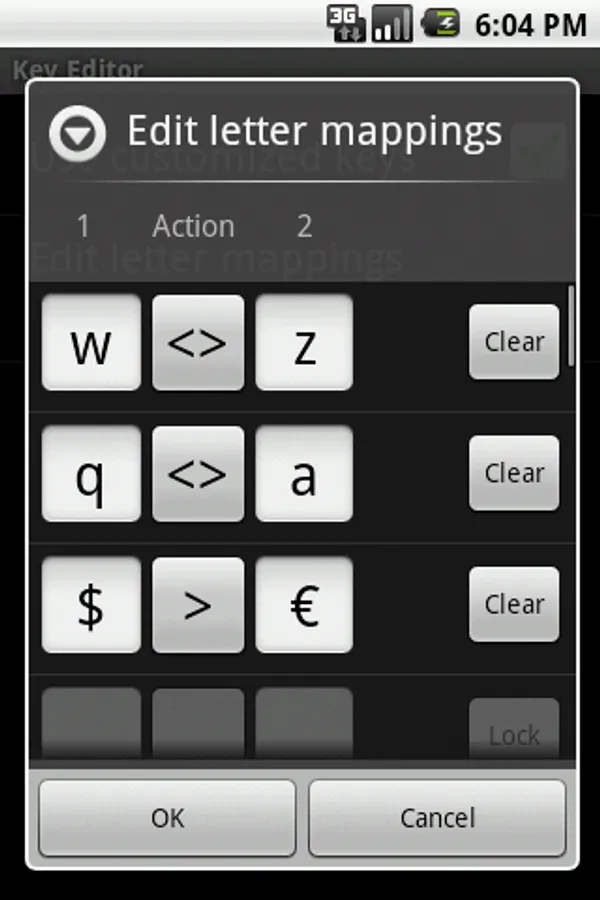
5. Key Mapper to customized letters of the key buttons to suit personal habit, or swap letters position to recreate keyboard layout such as QWERTZ or AZERTY.
Please enable Flit Keyboard from Language settings after installed, and read the help messages from Flit Keyboard settings for usage and tips.
[Note: For any problem, please check out the FAQ in product website]
===Description===
Using 4 to 8 big buttons with tap & slide typing approach, even big fingers can type on small device properly. And users will able to type without looking at the keyboard with some practice.
Features:
1. 8-buttons Full-QWERTY mode for all normal keyboard characters on ONE screen, including letters, numbers, symbols, AND cursor arrow key.
2. 4-buttons letter-only Small-QWERTY mode for more screen space.
3. User defined shortcuts let users input their favor text quickly. Dynamic shortcuts help users input current date and time easily.
4. Installable plug-ins to extends features such as add word suggestion, change appearance, and add keyboard layout.
5. Key Mapper to customized letters of the key buttons to suit personal habit, or swap letters position to recreate keyboard layout such as QWERTZ or AZERTY.
Please enable Flit Keyboard from Language settings after installed, and read the help messages from Flit Keyboard settings for usage and tips.
[Note: For any problem, please check out the FAQ in product website]
Flit Keyboard Screenshots
Tap to Rate: