In this mapping tool, you can edit touch points, emulate multiple touches, and customize input settings for gaming and other purposes. Includes features for screen capture, profile management, and device compatibility.
AppRecs review analysis
AppRecs rating 3.6. Trustworthiness 0 out of 100. Review manipulation risk 0 out of 100. Based on a review sample analyzed.
★★★☆☆
3.6
AppRecs Rating
Ratings breakdown
5 star
49%
4 star
17%
3 star
2%
2 star
9%
1 star
22%
What to know
✓
Good user ratings
66% positive sampled reviews
✓
Authentic reviews
Natural distribution, no red flags
⚠
High negative review ratio
31% of sampled ratings are 1–2 stars
About GKM Touch
For users looking for simply and easy to use touchscreen mapping tools to play Touchscreen games and other purpose, work with Gamepad, Keyboard and Mouse. FPS style games get much better camera control by playing with mouse, provides true PC gaming experience on Android. ** Need rooted device, and make sure SELinux is disabled on Android 4.3+ devices **.
If your device is not compatible or have other problem please contact developer at android.locnet@gmail.com
Features:
- simple and easy to use
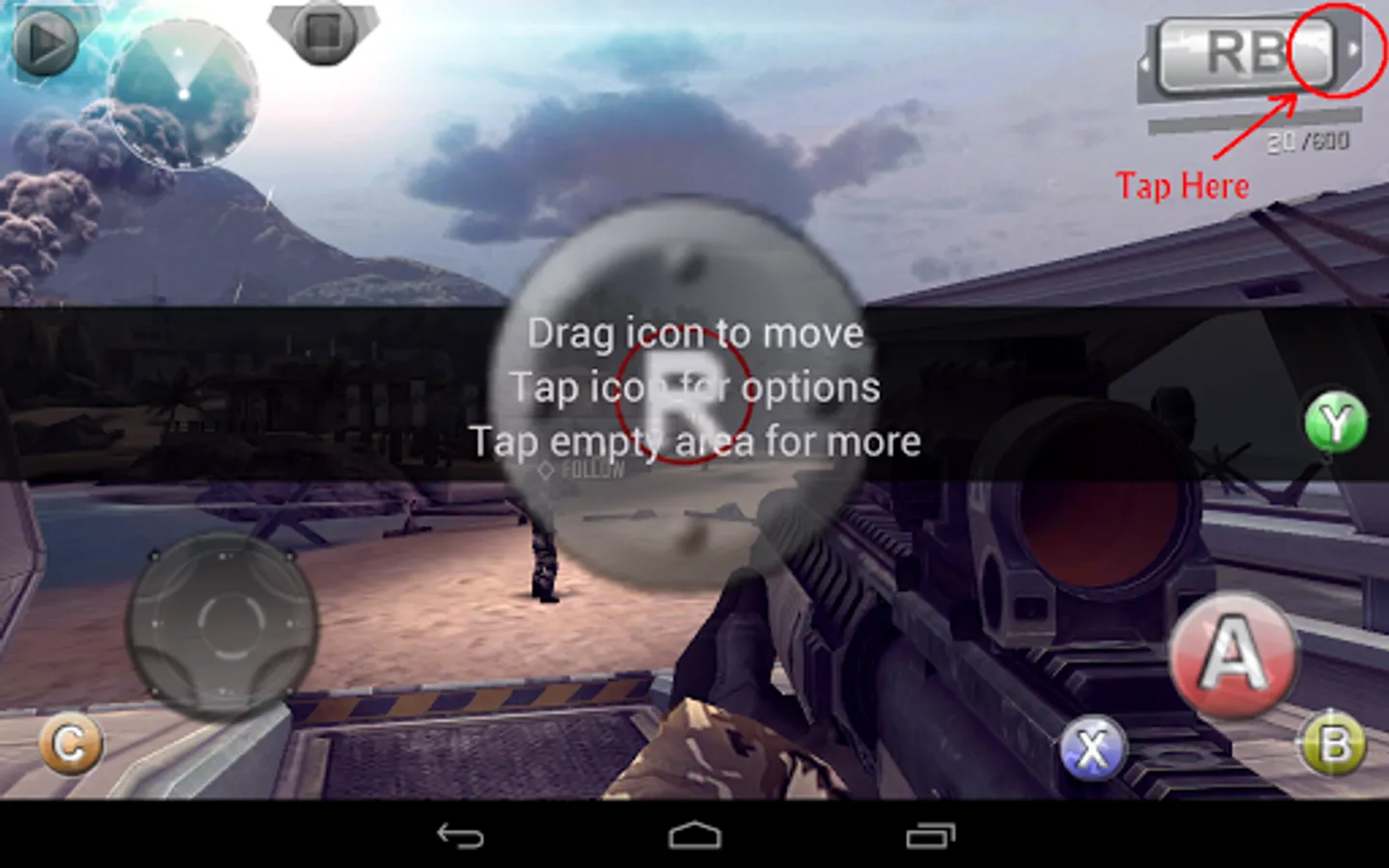
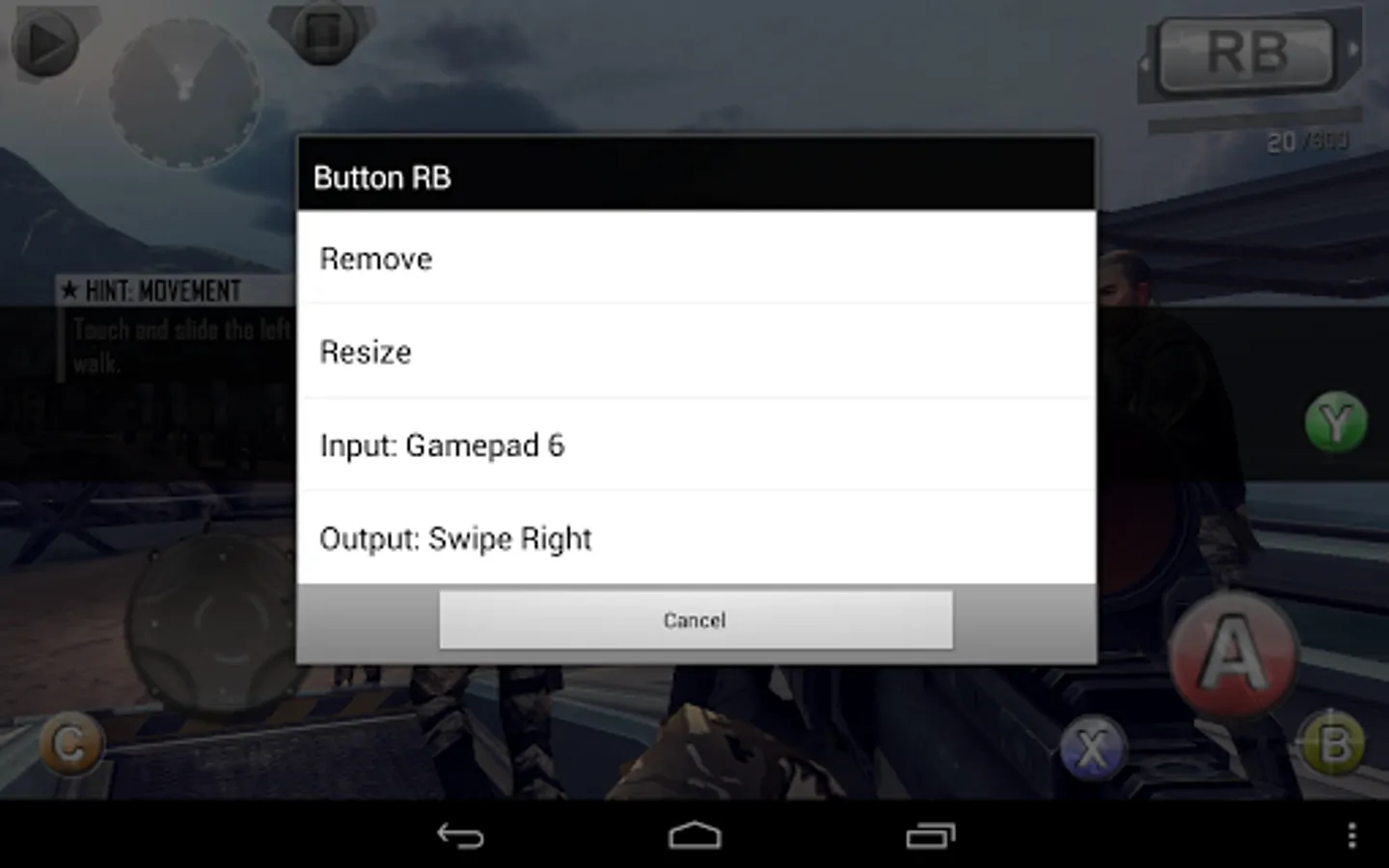
- edit touch points over captured screen or directly over games screen
- emulate up to 5 simultaneous touch points
- pan camera with mouse, map mouse buttons, and hide mouse cursor
- save game profiles and exchange with other users
- work with any input devices support by OS (e.g. Xperia Play Touchpad, USB XBox 360 Controller), Bluez-IME (e.g. Wiimote, iControlPad, PhoneJoy, iPega), or "system mode" of connecting tools like Sixaxis Controller (PS3) and Moga Universal Driver
- work with devices which have no physical touchscreen
If your device is not compatible or have other problem please contact developer at android.locnet@gmail.com
Features:
- simple and easy to use
- edit touch points over captured screen or directly over games screen
- emulate up to 5 simultaneous touch points
- pan camera with mouse, map mouse buttons, and hide mouse cursor
- save game profiles and exchange with other users
- work with any input devices support by OS (e.g. Xperia Play Touchpad, USB XBox 360 Controller), Bluez-IME (e.g. Wiimote, iControlPad, PhoneJoy, iPega), or "system mode" of connecting tools like Sixaxis Controller (PS3) and Moga Universal Driver
- work with devices which have no physical touchscreen
GKM Touch Screenshots
Tap to Rate: