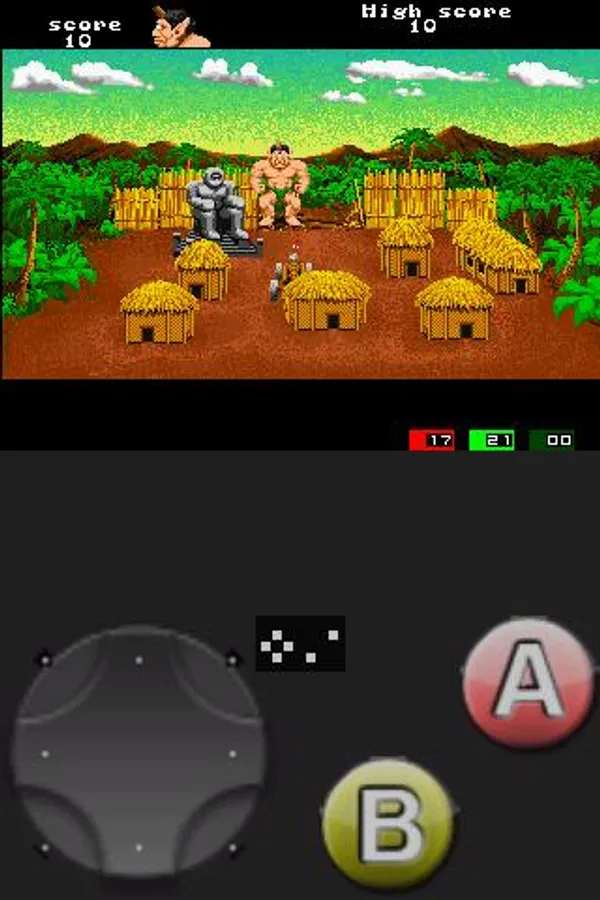
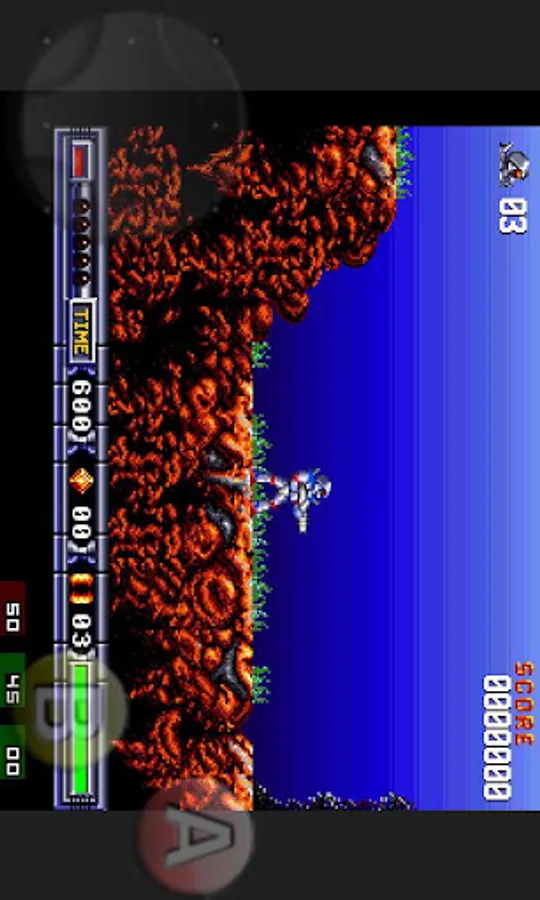
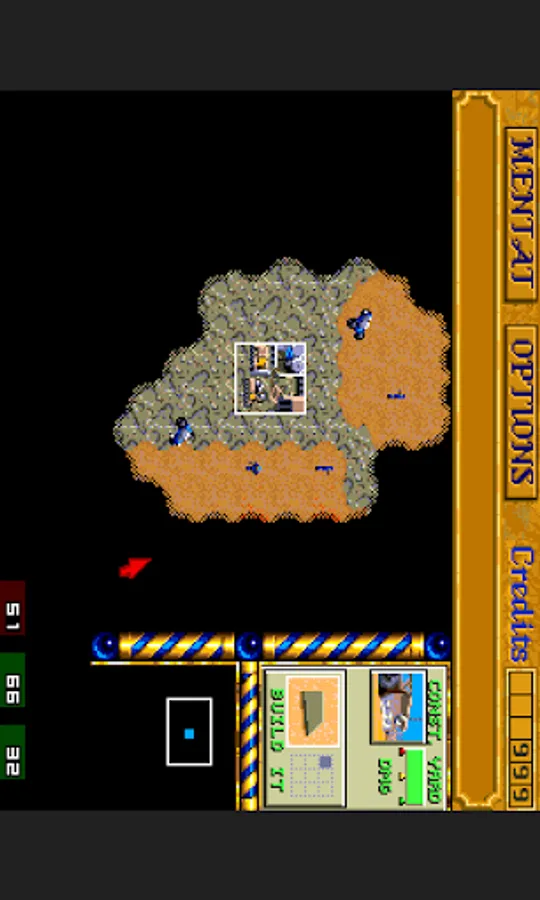
In this emulator app, users can run and configure Amiga 500 games on Android devices. Includes support for multiple floppy drives, save states, and display options.
AppRecs review analysis
AppRecs rating 3.9. Trustworthiness 0 out of 100. Review manipulation risk 0 out of 100. Based on a review sample analyzed.
★★★☆☆
3.9
AppRecs Rating
Ratings breakdown
5 star
63%
4 star
13%
3 star
0%
2 star
0%
1 star
25%
What to know
✓
Good user ratings
75% positive sampled reviews
✓
Authentic reviews
No red flags detected
About AnUAE4All
An UAE4All port for Android. UAE4All is an Amiga 500 emulator originally from Chui mainly for playing old Amiga games. Like the original UAE4All, some games are rather tricky to make it work, so basically only suitable to experienced UAE4All user.
IMPORTANT: Requires Amiga Forever Essentials for Android or your 512k Kickstart ROM in .rom format, and Amiga floppy disk image in .adf format. Make sure your sdcard can be accessed through /sdcard.
We appreciate any rating, comments and suggestions, but in case you need some answer, please check description below, check FAQ on homepage, or email us directly (android.locnet@gmail.com).
This app is based on various UAE4All ports and AnDOSBox, for GPL enquiries please email to developer.
Features
========
- Work in Fast mode or Compatible mode
- Support "1M Chip" or "512k Chip + 512k RAM" memory config
- Support multiple savestates in both Fast mode and Compatible mode
- Emulate from 1 to 4 floppy drives
- Select between 200/240/256 scanline
- Support Hi-Res mode
- Portrait or Landscape mode with free resize
- Support Sound
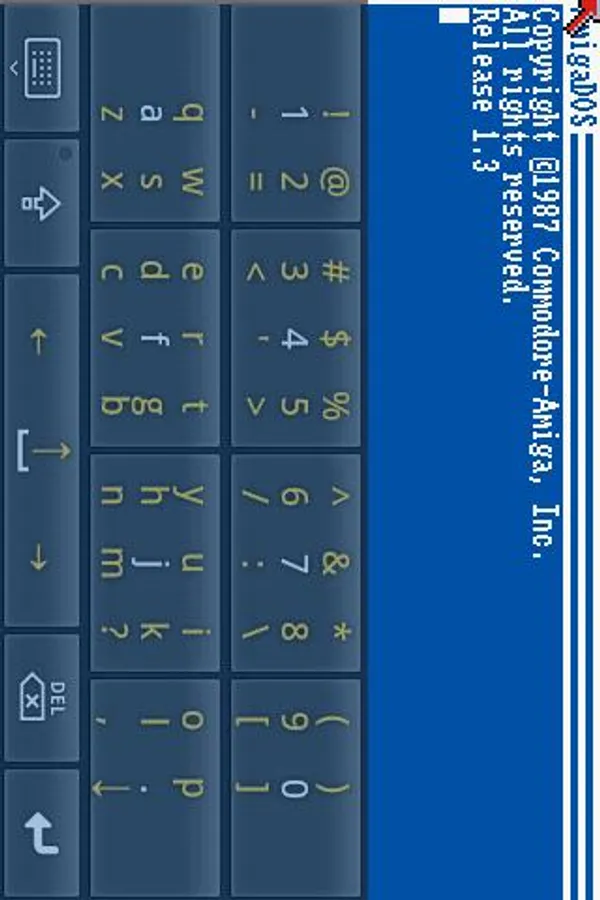
- Work with Software and Hardware keyboard
- Support entering special keys like Ctrl, ESC and Function keys
- Support Virtual TrackPad, Virtual Joystick, and Pen Mouse mode
Limitations for this version
============================
- Require 512k ROM.
- Compatibility is limited (similar to other UAE4All ports).
- Floppy only, not support harddisk.
Known Issues
============
- On some device it failed to call out the software keyboard. In this case, try holding the "menu" hardware key, or turn on (menu->input mode->show keyboard fix).
- Some program will not compatiblity with Pen mode, please use Trackpad mode in this case.
General Tips
============
- Require 512k Kickstart ROM, have better compatibility with v1.3 ROM.
- Check out UAE4All compatibility list from internet.
- If "Disk Error" is reported and cannot proceed, restart the emulator and try again.
- If have problem running some program, try switch to another emulation (core) mode.
- Savestate will bind to the disk inserted in Floppy Drive 1 BEFORE the emulator started, disk change after that will not change the binding.
- Use "menu->buttons->show buttons" to check hidden buttons and joystick area.
- To avoid accidental mouse click, switch to Joystick mode/Scroll Screen mode, or turn off "Tap screen as Click" from "menu->input mode".
- Select change floppy then press Back without selecing a disk file will eject a disk from the floppy drive.
- Use Right-Alt instead of Left-Alt (or turning off "menu->input mode->map left-alt key") to type special letters on physical keyboard.
- To use D-Pad as keyboard arrows, make sure Joystick Keys is not in D-Pad mode ("menu->settings->joystick keys").
- To use Button Mapper, make sure Joystick Keys is disabled.
- Use our "GameKeyboard" or "Flit Keyboard" with it's Extra Plugin as companion if needed.
Joystick Tips
=============
See FAQ on homepage.
IMPORTANT: Requires Amiga Forever Essentials for Android or your 512k Kickstart ROM in .rom format, and Amiga floppy disk image in .adf format. Make sure your sdcard can be accessed through /sdcard.
We appreciate any rating, comments and suggestions, but in case you need some answer, please check description below, check FAQ on homepage, or email us directly (android.locnet@gmail.com).
This app is based on various UAE4All ports and AnDOSBox, for GPL enquiries please email to developer.
Features
========
- Work in Fast mode or Compatible mode
- Support "1M Chip" or "512k Chip + 512k RAM" memory config
- Support multiple savestates in both Fast mode and Compatible mode
- Emulate from 1 to 4 floppy drives
- Select between 200/240/256 scanline
- Support Hi-Res mode
- Portrait or Landscape mode with free resize
- Support Sound
- Work with Software and Hardware keyboard
- Support entering special keys like Ctrl, ESC and Function keys
- Support Virtual TrackPad, Virtual Joystick, and Pen Mouse mode
Limitations for this version
============================
- Require 512k ROM.
- Compatibility is limited (similar to other UAE4All ports).
- Floppy only, not support harddisk.
Known Issues
============
- On some device it failed to call out the software keyboard. In this case, try holding the "menu" hardware key, or turn on (menu->input mode->show keyboard fix).
- Some program will not compatiblity with Pen mode, please use Trackpad mode in this case.
General Tips
============
- Require 512k Kickstart ROM, have better compatibility with v1.3 ROM.
- Check out UAE4All compatibility list from internet.
- If "Disk Error" is reported and cannot proceed, restart the emulator and try again.
- If have problem running some program, try switch to another emulation (core) mode.
- Savestate will bind to the disk inserted in Floppy Drive 1 BEFORE the emulator started, disk change after that will not change the binding.
- Use "menu->buttons->show buttons" to check hidden buttons and joystick area.
- To avoid accidental mouse click, switch to Joystick mode/Scroll Screen mode, or turn off "Tap screen as Click" from "menu->input mode".
- Select change floppy then press Back without selecing a disk file will eject a disk from the floppy drive.
- Use Right-Alt instead of Left-Alt (or turning off "menu->input mode->map left-alt key") to type special letters on physical keyboard.
- To use D-Pad as keyboard arrows, make sure Joystick Keys is not in D-Pad mode ("menu->settings->joystick keys").
- To use Button Mapper, make sure Joystick Keys is disabled.
- Use our "GameKeyboard" or "Flit Keyboard" with it's Extra Plugin as companion if needed.
Joystick Tips
=============
See FAQ on homepage.
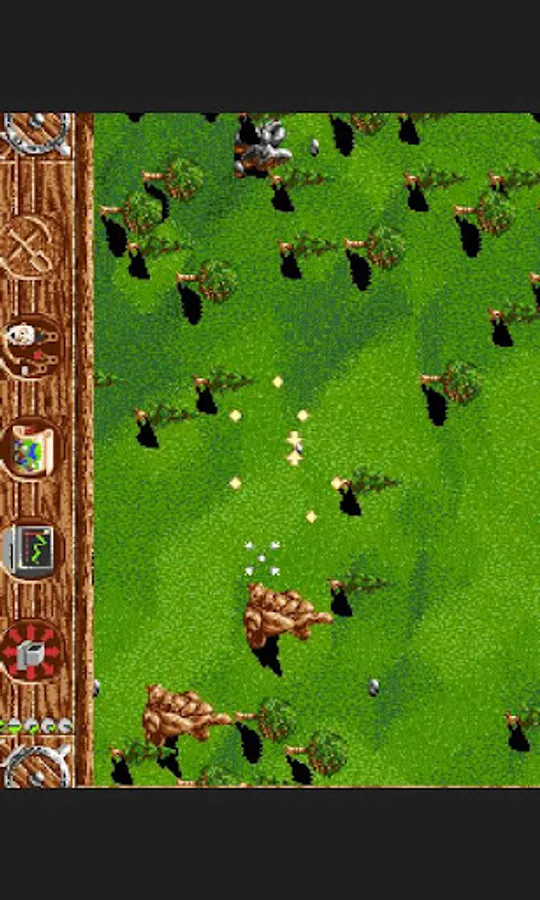
AnUAE4All Screenshots
Tap to Rate: