In this app, you can enable supported controllers to connect via USB without rooting or pairing. Includes compatibility checks, troubleshooting tips, and device support guidance.
AppRecs review analysis
AppRecs rating 3.6. Trustworthiness 0 out of 100. Review manipulation risk 0 out of 100. Based on a review sample analyzed.
★★★☆☆
3.6
AppRecs Rating
Ratings breakdown
5 star
55%
4 star
7%
3 star
10%
2 star
3%
1 star
25%
What to know
✓
Good user ratings
62% positive sampled reviews
✓
Authentic reviews
Natural distribution, no red flags
About Sixaxis Enabler
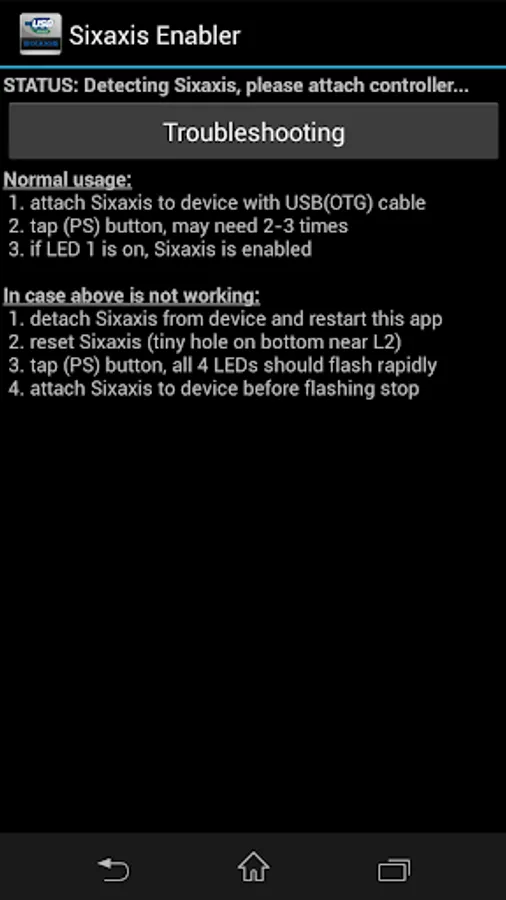
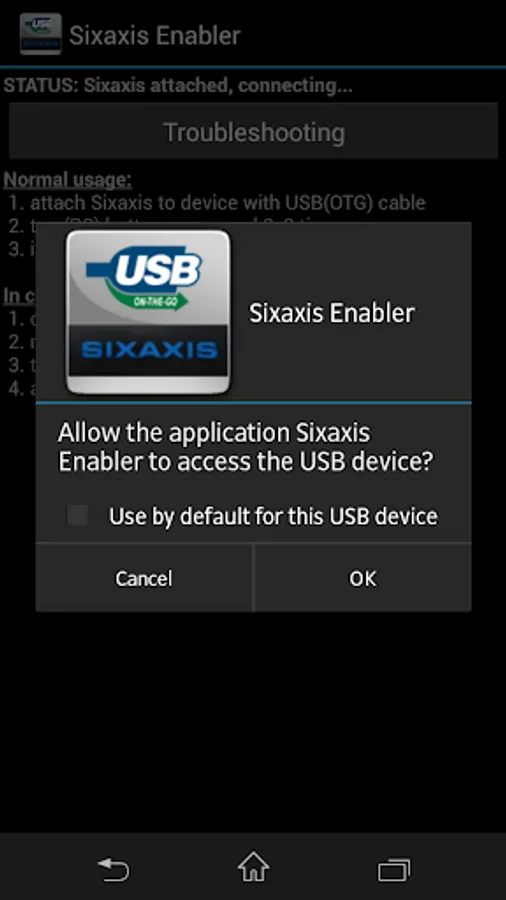
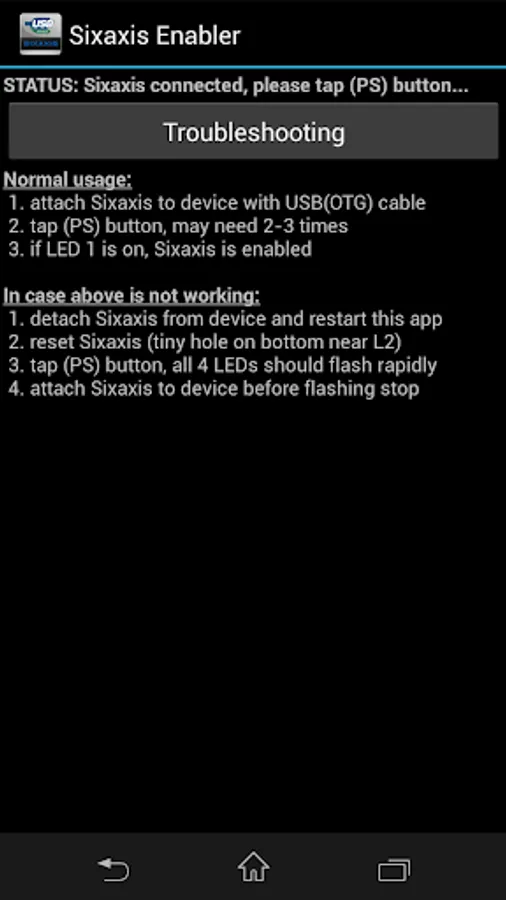
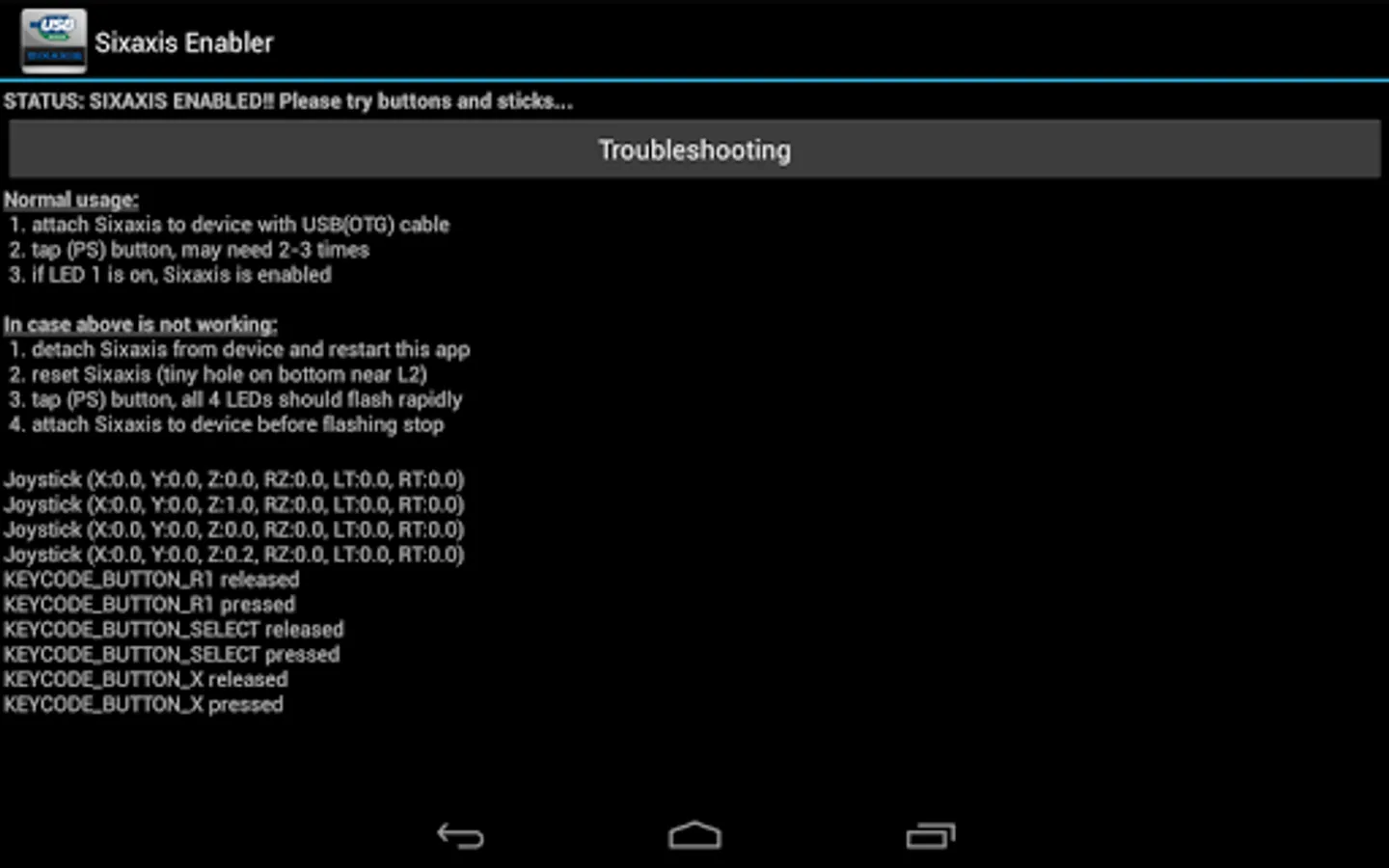
NO ROOT, NO PAIRING. Enable supported devices to use wired PS3 DualShock 3/Sixaxis Controller natively. All you need is an Android device with USB-Host support, and connection cable (USB-OTG cable is needed for device with no built-in USB Host port). You can avoid the need of rooting, and skip the hassle of pairing the controller when switching between devices.
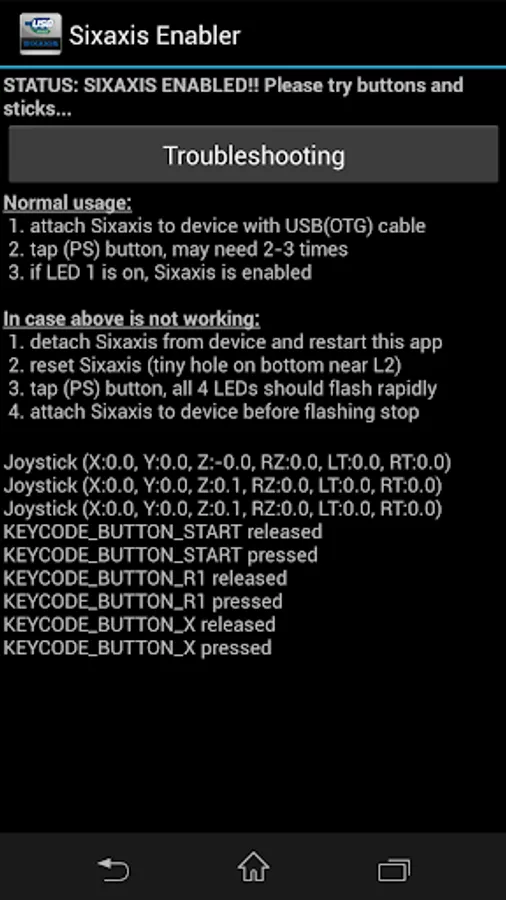
After the controller is enabled you can use it with games and mapping tools which support native controller.
NOT ALL DEVICES AND AFTERMARKET CONTROLLERS ARE SUPPORTED, AND ONLY WORK WHEN CABLE IS CONNECTED. PLEASE DON'T LEAVE BAD COMMENT IF YOUR DEVICE IS NOT SUPPORTED.
If it is working with your device please share the information in comments, otherwise please get a refund and report to android.locnet@gmail.com.
Common Problem
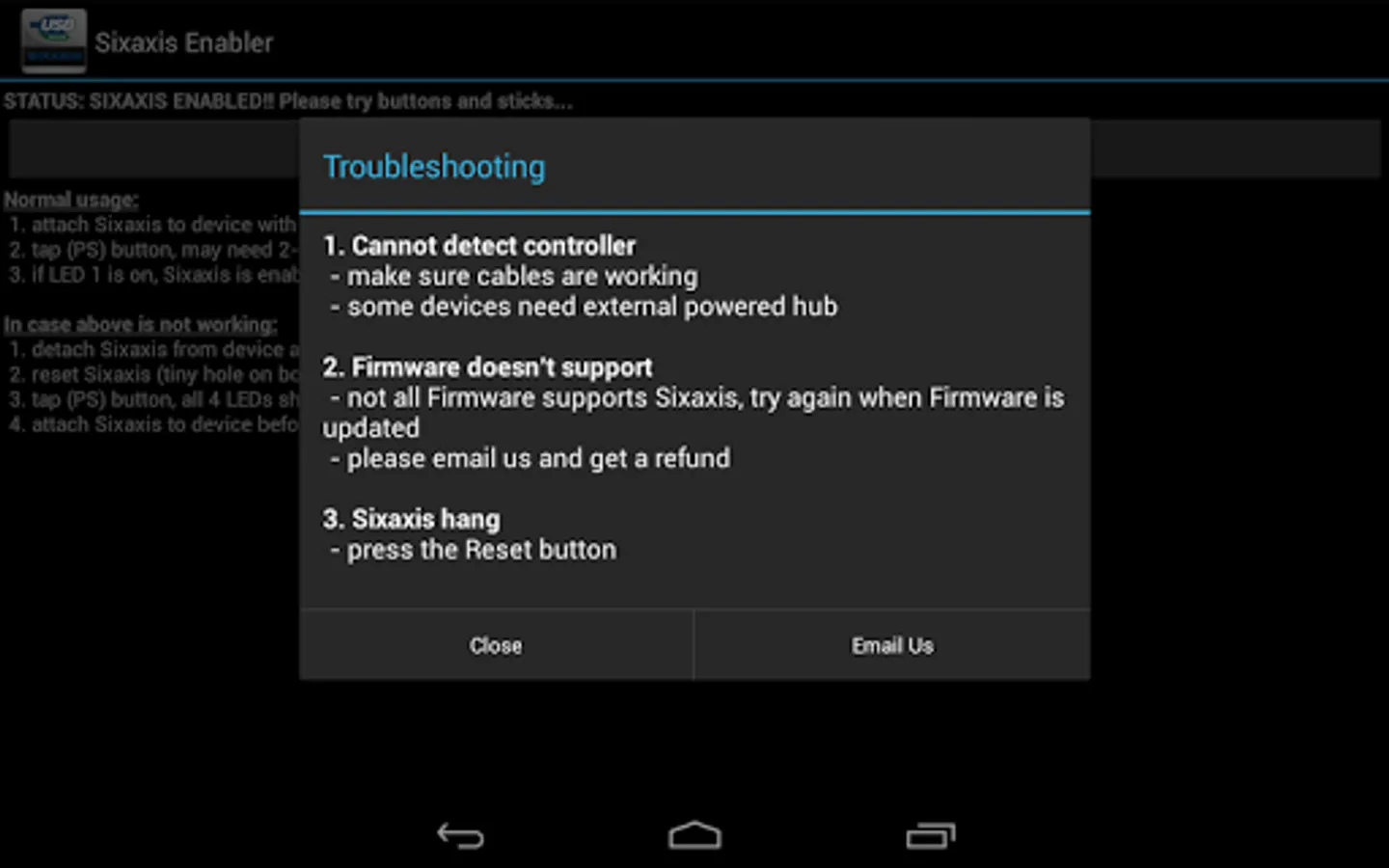
1. The #1 reason for failure is an incorrect/incompatible cable, if the app cannot detect the controller please go through the troubleshooting section.
2. Another common problem is insufficient power provided by the device, in this case an external powered USB Hub is needed.
3. Finally, incompatibility mainly come from lacking Sixaxis support from Firmware, in this case only the device manufacturer can fix the problem through Firmware update.
General Troubleshooting Tips
1. make sure your PS3 controller is working with the USB cable properly, when plugging into a PC, windows should detect and add it as new gamepad although windows won't response to button press.
2. make sure your OTG cable is working with your device, test with an USB keyboard/mouse if possible
3. make sure nearby PS3 (or any other devices you have paired with the controller) is powered off, otherwise the controller may try to connect with those device through Bluetooth instead.
4. if you have ever installed any other apps which can work with PS3 controller directly, you may need to uninstall them.
After the controller is enabled you can use it with games and mapping tools which support native controller.
NOT ALL DEVICES AND AFTERMARKET CONTROLLERS ARE SUPPORTED, AND ONLY WORK WHEN CABLE IS CONNECTED. PLEASE DON'T LEAVE BAD COMMENT IF YOUR DEVICE IS NOT SUPPORTED.
If it is working with your device please share the information in comments, otherwise please get a refund and report to android.locnet@gmail.com.
Common Problem
1. The #1 reason for failure is an incorrect/incompatible cable, if the app cannot detect the controller please go through the troubleshooting section.
2. Another common problem is insufficient power provided by the device, in this case an external powered USB Hub is needed.
3. Finally, incompatibility mainly come from lacking Sixaxis support from Firmware, in this case only the device manufacturer can fix the problem through Firmware update.
General Troubleshooting Tips
1. make sure your PS3 controller is working with the USB cable properly, when plugging into a PC, windows should detect and add it as new gamepad although windows won't response to button press.
2. make sure your OTG cable is working with your device, test with an USB keyboard/mouse if possible
3. make sure nearby PS3 (or any other devices you have paired with the controller) is powered off, otherwise the controller may try to connect with those device through Bluetooth instead.
4. if you have ever installed any other apps which can work with PS3 controller directly, you may need to uninstall them.
Sixaxis Enabler Screenshots
Tap to Rate: