In this reminder app, you can create, organize, and complete your to-dos using voice commands, widgets, or within the Calendar app. Includes smart lists, tags, subtasks, and location-based reminders for efficient task management.
AppRecs review analysis
AppRecs rating 4.5. Trustworthiness 79 out of 100. Review manipulation risk 27 out of 100. Based on a review sample analyzed.
★★★★☆
4.5
AppRecs Rating
Ratings breakdown
5 star
90%
4 star
7%
3 star
2%
2 star
0%
1 star
1%
What to know
✓
Low review manipulation risk
27% review manipulation risk
✓
Credible reviews
79% trustworthiness score from analyzed reviews
✓
High user satisfaction
90% of sampled ratings are 5 stars
About Reminders
Features
Fast and easy to use
• Use Siri to create reminders with your voice, or add Reminders to your Control Center or iPhone Action Button to quickly create a reminder on the go.
• Create, edit, and complete scheduled reminders from within the Calendar app.
• Add a widget to your Home Screen on iOS and iPadOS, or Notification Center on macOS, to view and complete reminders.
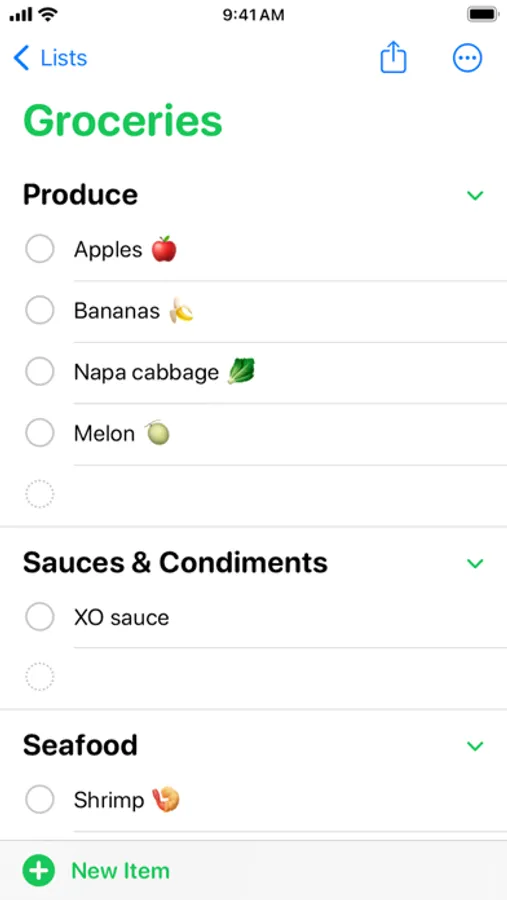
• Make shopping easier with grocery lists that automatically group related items into sections like dairy and produce.
Powerful organization
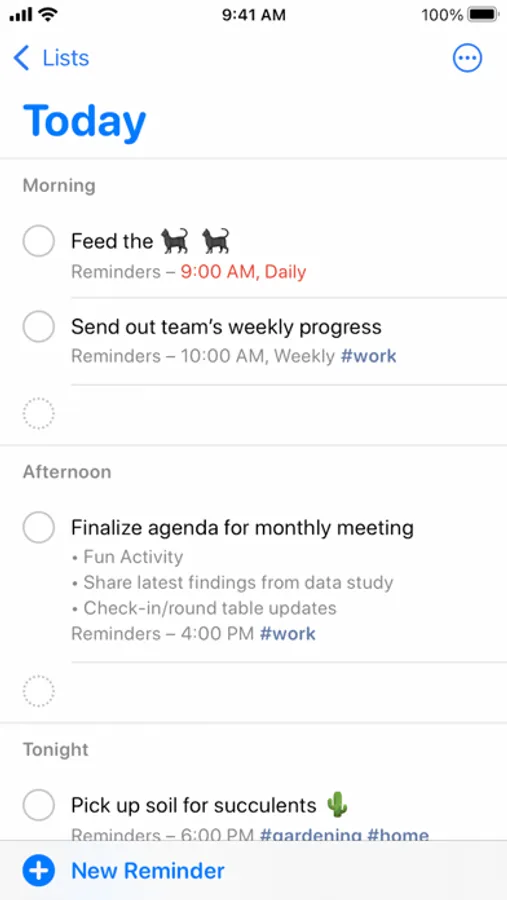
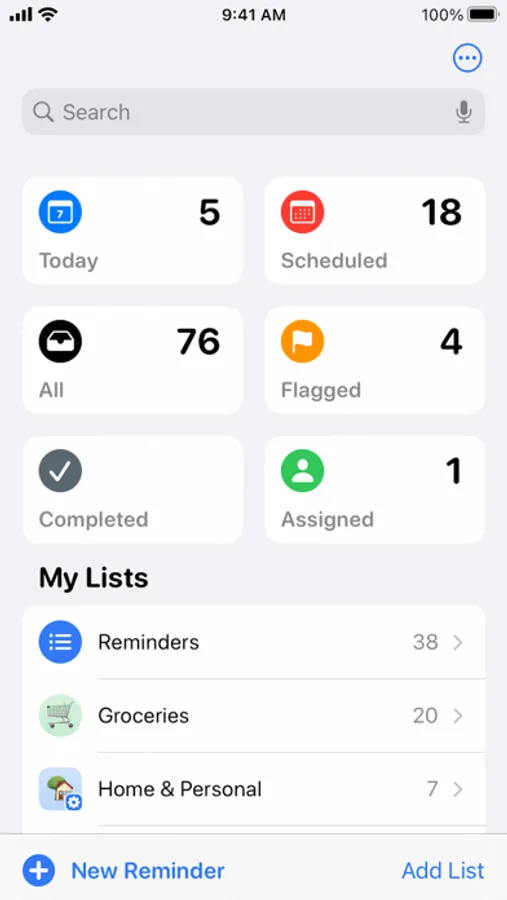
• Smart Lists - Today, Scheduled, Flagged, All, and Assigned to Me, and Completed - automatically organize and display upcoming reminders.
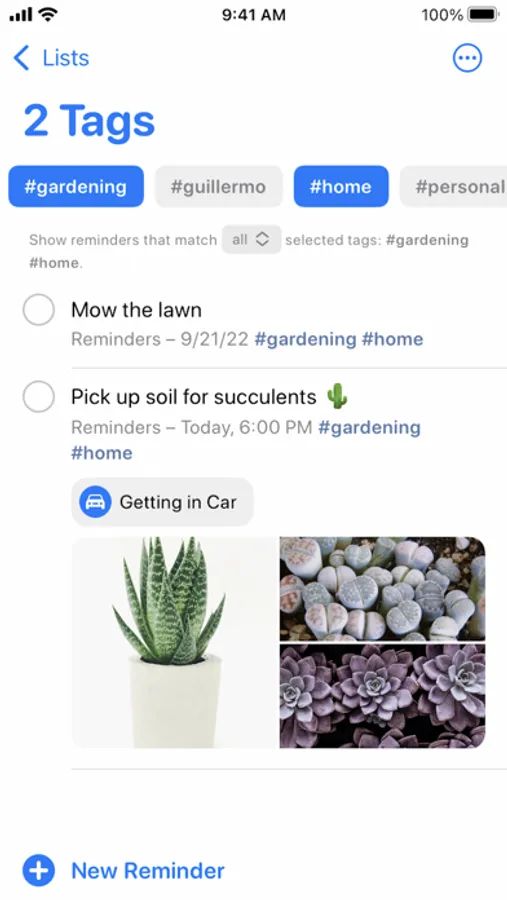
• Organize your reminders with tags to make them easy to find.
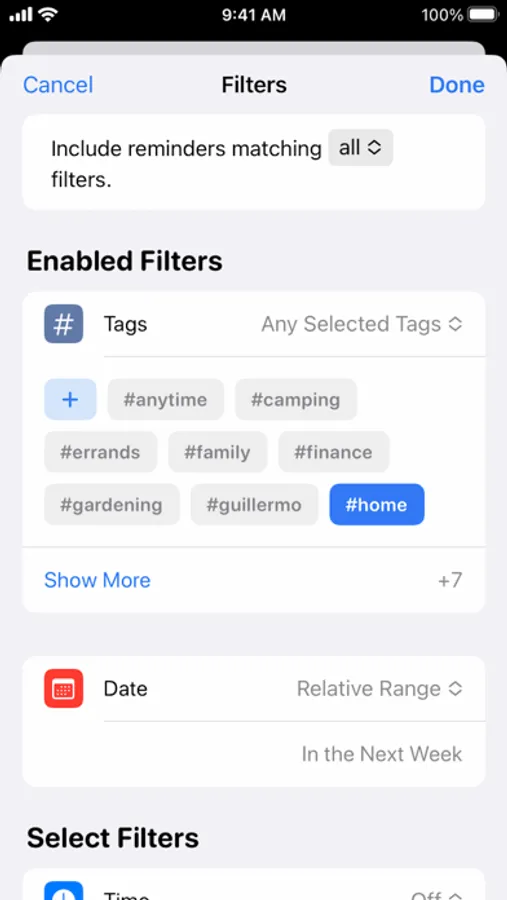
• Custom Smart Lists automatically include reminders that matter most to you by gathering to-dos based on tags, dates, times, locations, flags, and priority.
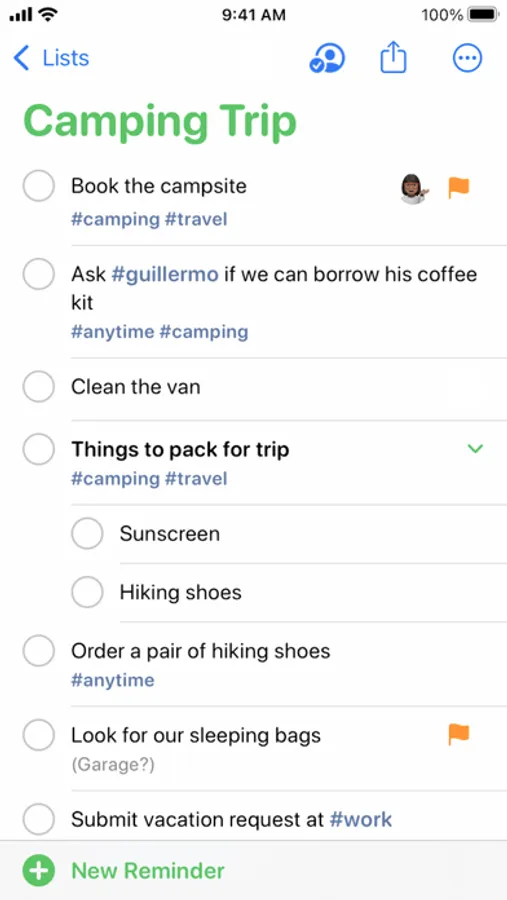
• Use subtasks to add additional detailed tasks to a reminder.
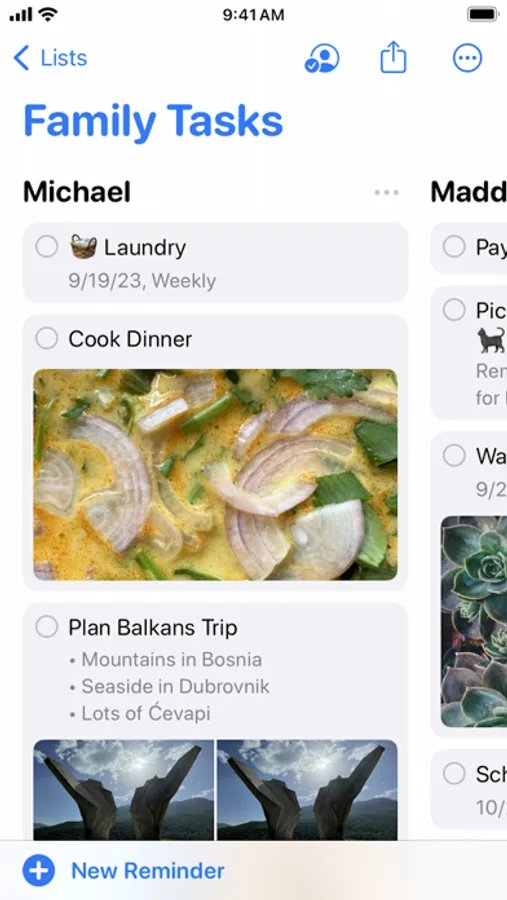
• Organize reminders within a list by creating section headers; tap Auto-Categorize at the top of a list to have Apple Intelligence organize your reminders into sections by related categories. You can also try viewing sections in column view to arrange them across your screen. It’s a powerful way to visualize tasks, or even make simple kanban boards.
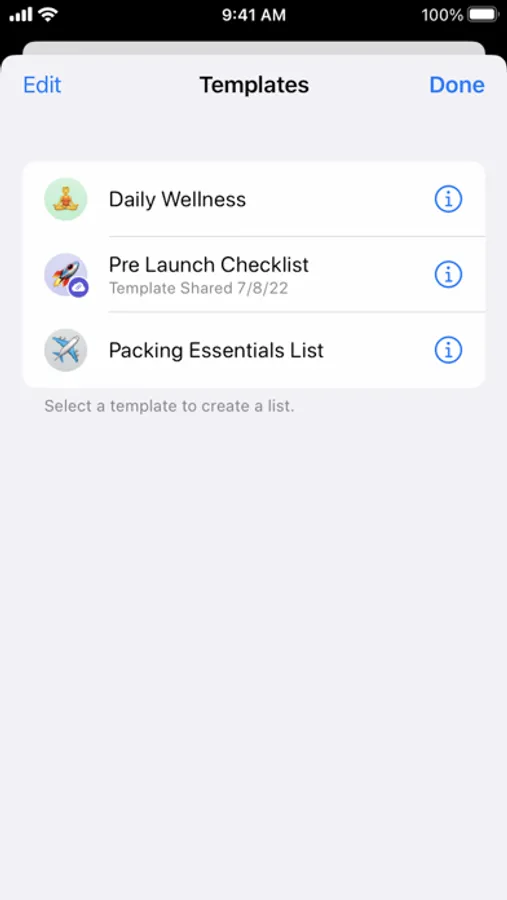
• Save a list as a template to reuse it for routines, packing lists, and more. Share templates with others via a link, or download templates that others have shared.
Be reminded when and how you want
• Set reminders to repeatedly remind you daily, weekly or at custom intervals.
• Trigger reminders by specific locations, for example when you arrive at home or work, or when you get in your car.
• Tag people in a reminder to get a reminder the next time you chat with them in Messages.
Collaborate with others
• Share and collaborate on a list of reminders - everyone with access to the shared list will be able to add or complete reminders.
• Assign reminders to people with whom you share lists.
Intelligence
• Share a webpage, note, or any text to the Reminders app and Apple Intelligence will suggest relevant tasks and grocery items from what you’re looking at.
• Natural language support allows you to type phrases to create reminder settings. Try something like “Jog every other morning” for a specific, recurring reminder.
Reminders for Apple Watch
• Get notified and mark reminders as complete right from your wrist and automatically sync across your iPhone, iPad, Mac, or Apple Vision Pro with iCloud.
• View reminders and create new ones directly on your Apple Watch.
Certain features are available only in select languages and regions.
Reminders Screenshots
Tap to Rate:
Reviews for Reminders
DennyDellulu
Do you have trouble managing your time?
Reminders. It’s one of those apps that come preinstalled on your phone, so you think it’s basic; but it’s anything basic. One of the most useful features is the geofence that you can assign to Reminders to alert you whenever you are in a specific location.
ReviewFrank
Great app
I can’t say enough about it. If you do it right you can stay very well organized and not miss events or task tasks.