
With this energy management app, you can view your account balance, access bills, and make payments. Includes outage mapping, restoration status updates, and customizable alerts.
AppRecs review analysis
AppRecs rating 4.0. Trustworthiness 0 out of 100. Review manipulation risk 0 out of 100. Based on a review sample analyzed.
★★★★☆
4.0
AppRecs Rating
Ratings breakdown
5 star
89%
4 star
8%
3 star
2%
2 star
0%
1 star
1%
What to know
✓
High user satisfaction
89% of sampled ratings are 5 stars
⚠
Pricing complaints
Many low ratings mention paywalls or pricing
About Avista
Access your energy account anywhere, anytime with Avista’s free mobile app. Whether at home or on the go, Avista customers can enjoy these convenient features:
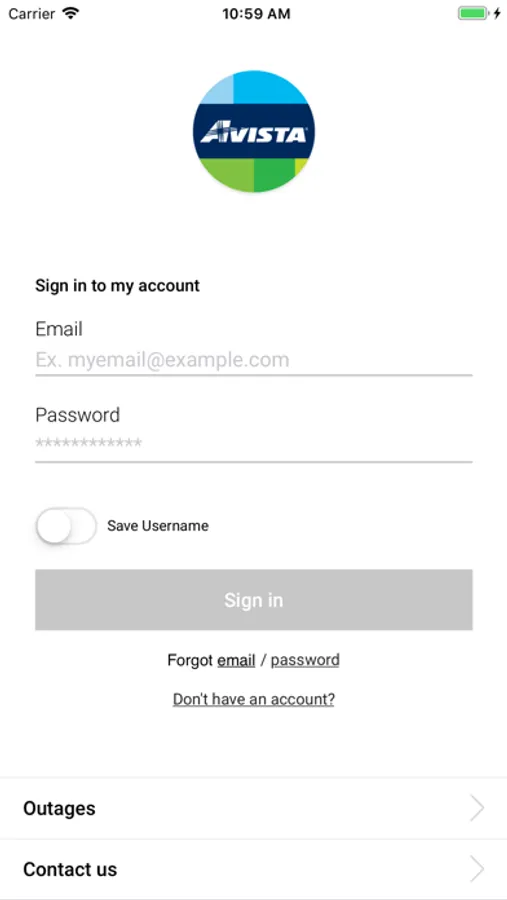
EASY SIGN IN
• Sign in to the app using your myavista.com account credentials
• If you do not have a myavista.com online account, create one to use with the mobile app and myavista.com
• You can even use Touch ID or Face ID to sign in on supported devices
• Choose "Remember me" to skip entering your email every time you sign in
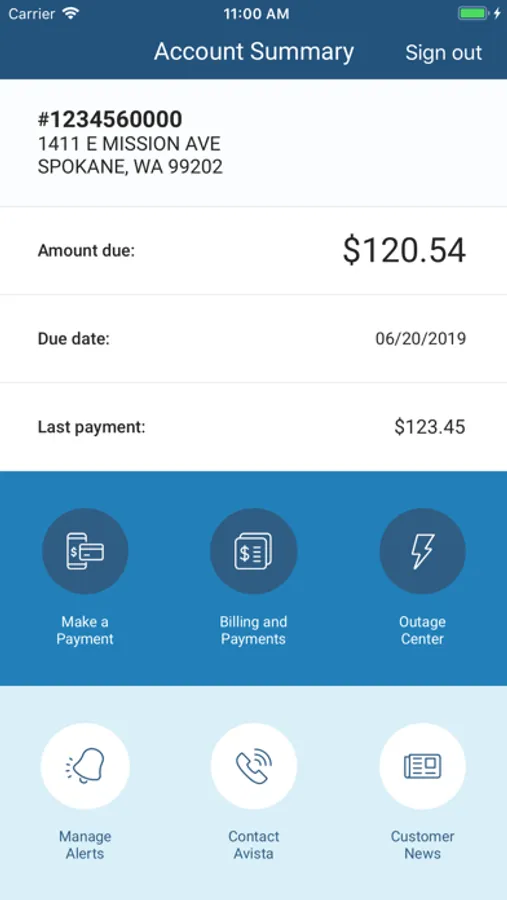
ACCOUNT SUMMARY
• View your real-time account balance, payment due date, and balance details
• Access your bill and payment history
• Download your bill as a PDF
• Easily switch between multiple accounts
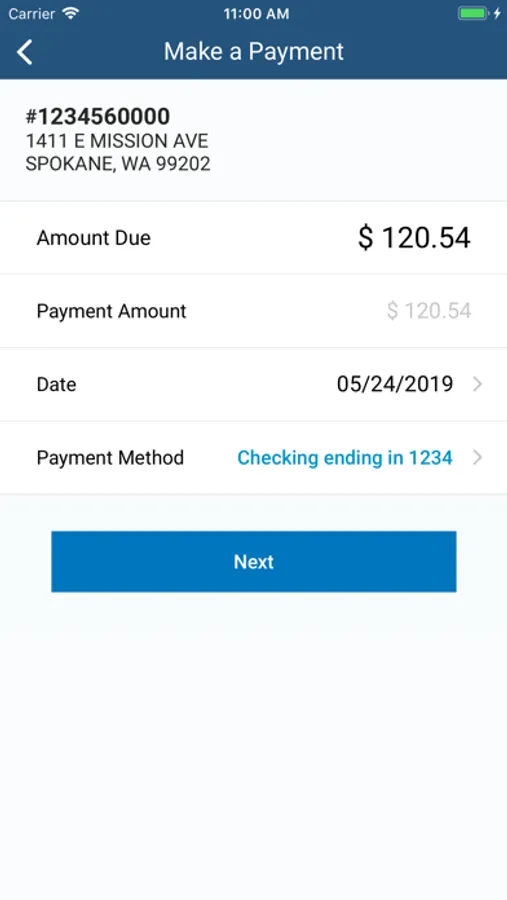
PAY YOUR BILL
• Securely make immediate or scheduled payments
• Add or remove payment methods from your wallet
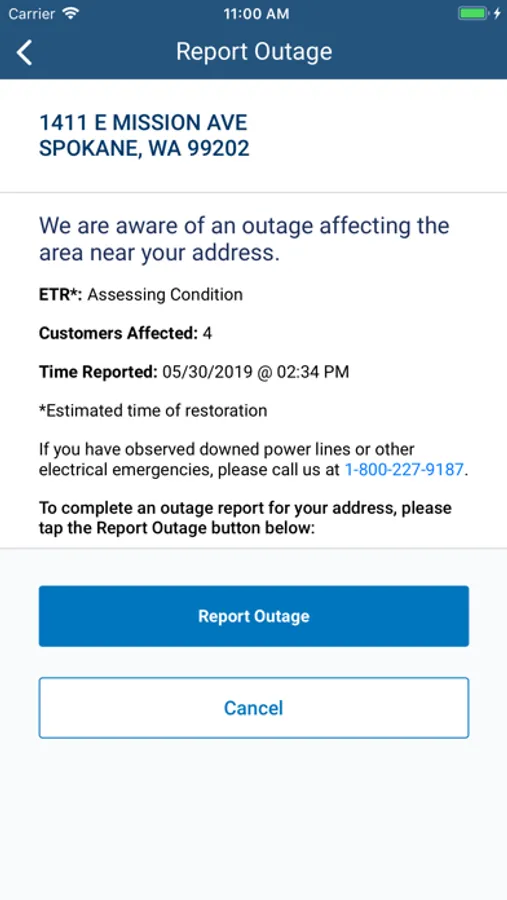
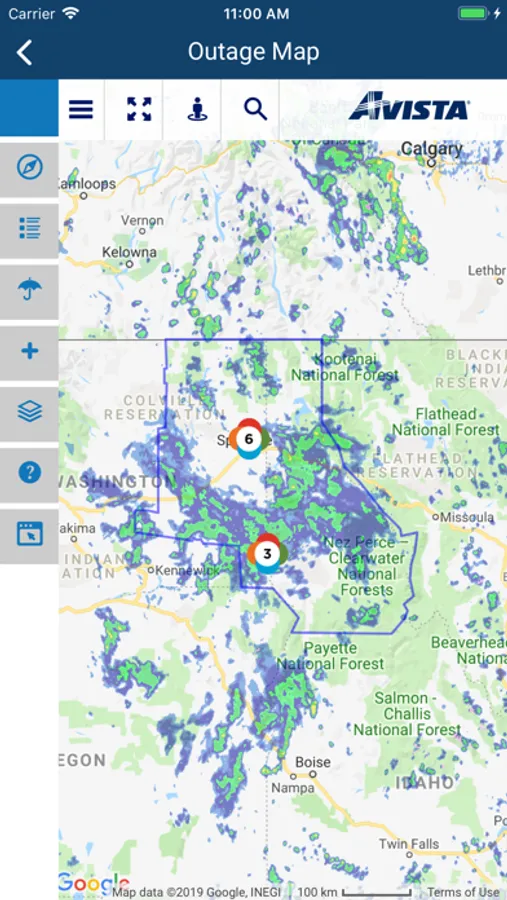
OUTAGE INFORMATION
• View the interactive outage map, complete with area weather, regional outage information, and restoration information
• Check outage status and track restoration progress
• Report a power outage
• See status of specific outages, including estimated restoration times
• Search the outage map by address
• Know when a crew is on site working to repair the outage
CONVENIENT ALERTS
• Sign up for and manage in-app push notifications for billing reminders or outage events
You must be an Avista customer to use the app and report outages
Data rates may apply.
EASY SIGN IN
• Sign in to the app using your myavista.com account credentials
• If you do not have a myavista.com online account, create one to use with the mobile app and myavista.com
• You can even use Touch ID or Face ID to sign in on supported devices
• Choose "Remember me" to skip entering your email every time you sign in
ACCOUNT SUMMARY
• View your real-time account balance, payment due date, and balance details
• Access your bill and payment history
• Download your bill as a PDF
• Easily switch between multiple accounts
PAY YOUR BILL
• Securely make immediate or scheduled payments
• Add or remove payment methods from your wallet
OUTAGE INFORMATION
• View the interactive outage map, complete with area weather, regional outage information, and restoration information
• Check outage status and track restoration progress
• Report a power outage
• See status of specific outages, including estimated restoration times
• Search the outage map by address
• Know when a crew is on site working to repair the outage
CONVENIENT ALERTS
• Sign up for and manage in-app push notifications for billing reminders or outage events
You must be an Avista customer to use the app and report outages
Data rates may apply.
Avista Screenshots
Tap to Rate:
Reviews for Avista
Boxer bob
Service
Great service restoring service
Teddy0474
Paying bill
It makes it easy to keep on top of you account and easy to use