AppRecs review analysis
AppRecs rating 4.6. Trustworthiness 77 out of 100. Review manipulation risk 23 out of 100. Based on a review sample analyzed.
★★★★☆
4.6
AppRecs Rating
Ratings breakdown
5 star
81%
4 star
14%
3 star
0%
2 star
0%
1 star
5%
What to know
✓
Low review manipulation risk
23% review manipulation risk
✓
Credible reviews
77% trustworthiness score from analyzed reviews
✓
High user satisfaction
81% of sampled ratings are 5 stars
About Anoc Octave Editor
This software is provided "as is" without warranties or conditions of any kind, either expressed or implied.
Features:
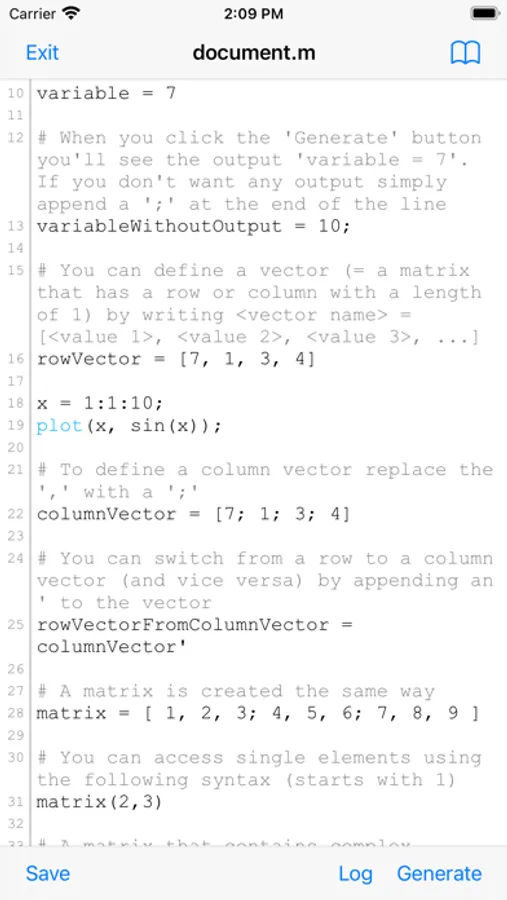
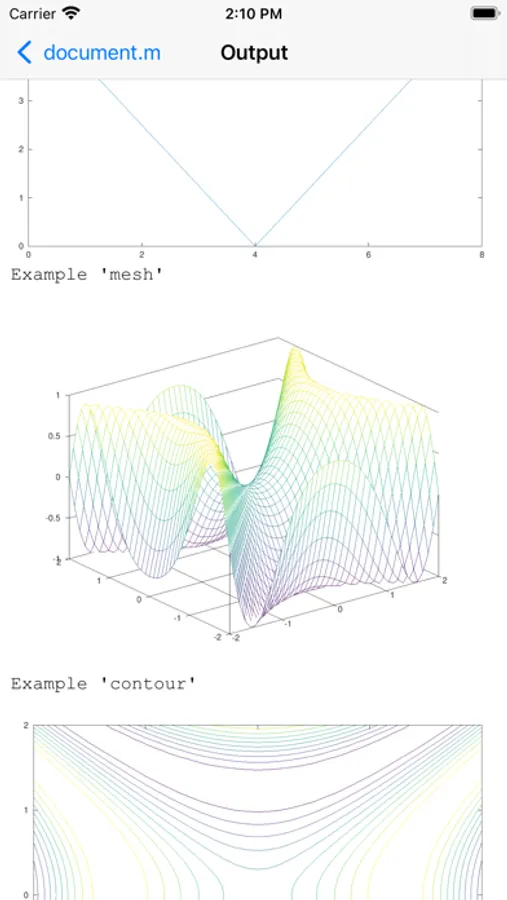
* Use a dedicated server to perform calculations and generate plots
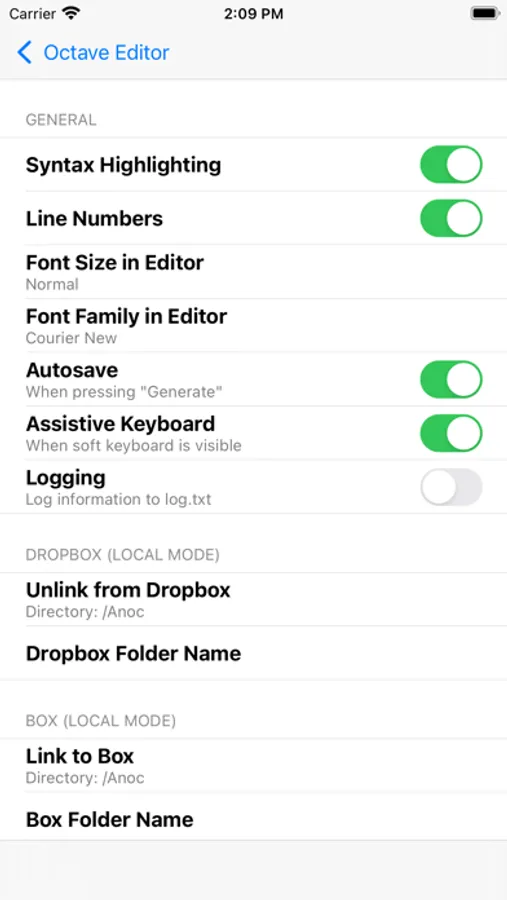
* Automatic Dropbox synchronization (Local Mode)
* Automatic Box synchronization (Local Mode)
* Git integration (Local Mode)
* 2 Modes: Local Mode (stores .m documents on your device) and Cloud Mode (synchronizes your projects with Verbosus)
* Encrypted transmission to the server by using HTTPS
* Syntax highlighting (operators, plot functions, comments)
* Line numbers
* Assistive keyboard
* Hotkeys (see below)
* Web-Interface (Cloud Mode)
* Two factor authentication (Cloud Mode, in combination with Copiosus)
* No ads
Additional features in Anoc Pro:
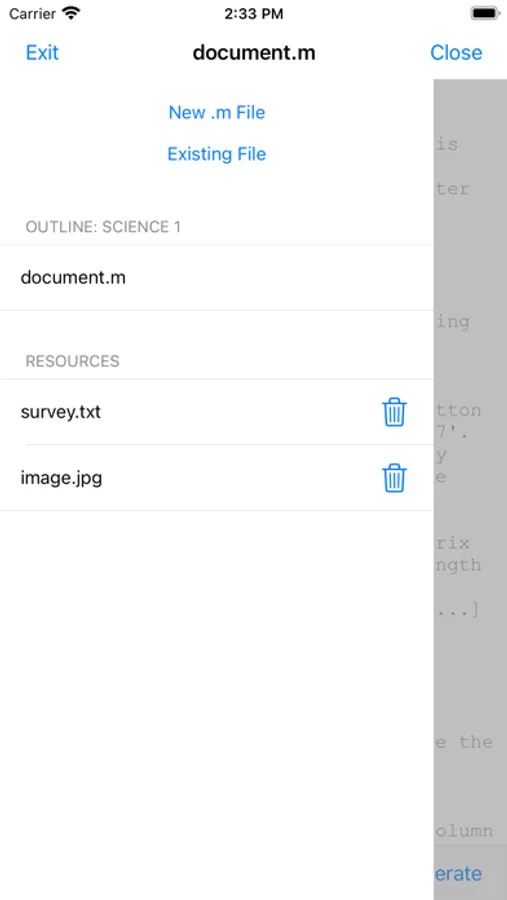
* Unlimited number of projects (Local Mode)
* Unlimited number of documents per project (Local Mode)
* Unlimited number of file uploads per project (Local Mode)
* Unlimited number of projects (Cloud Mode)
* Unlimited number of documents per project (Cloud Mode)
Hotkeys in editor:
ctrl+s: save
ctrl+g: generate result
ctrl+n: new document
ctrl+d: delete document
ctrl+.: next document
Function files:
Create a new file e.g. worker.m and fill it with
function s = worker(x)
% worker(x) Calculates sine(x) in degrees
s = sin(x*pi/180);
In your main .m file you can call it with
worker(2)
Load a file into a variable with the load command (Local Mode):
data = load('name-of-file.txt');
Terms of Use: https://www.apple.com/legal/internet-services/itunes/dev/stdeula
Anoc Octave Editor Screenshots
Tap to Rate:
Reviews for Anoc Octave Editor
Wallace B.
Very Similar to Matlab
This language, Octave, is very similar to Matlab. I used to use my sister’s Matlab account while she was attending ATM university. But her account was going to expire since she finished school. I copy and pasted a program I made in Matlab to this app to see if it would work. The program was a simulation of a dice game called Toss Up. Took me just 133 lines of code to create. When I pasted it, it didn’t work. But I only had to tweak two different commands to make it work. So very similar to Matlab. There are a few differences tho. Not too long ago I wanted to make a polar histogram and realized that Octave doesn’t have a command for that like Matlab. So Octave has a few less features than Matlab, but it’s extremely similar. If you know Matlab you know Octave and visa versa. Really love this app. I even bought the desktop version as well
GaryK
Excellent App
Customer support is on point. I pointed out a minor bug, they responded that day asking for additional information and the bug was corrected in an update by the very next day. Can’t beat that.