AppRecs review analysis
AppRecs rating 1.0. Trustworthiness 77 out of 100. Review manipulation risk 22 out of 100. Based on a review sample analyzed.
★☆☆☆☆
1.0
AppRecs Rating
Ratings breakdown
5 star
27%
4 star
27%
3 star
7%
2 star
20%
1 star
20%
What to know
✓
Low review manipulation risk
22% review manipulation risk
✓
Credible reviews
77% trustworthiness score from analyzed reviews
⚠
Mixed user feedback
Average 1.0★ rating suggests room for improvement
About Mach Write
**Please visit our website or search for "Mach Write" in the Mac App Store to download the macOS version, only $3.99!**
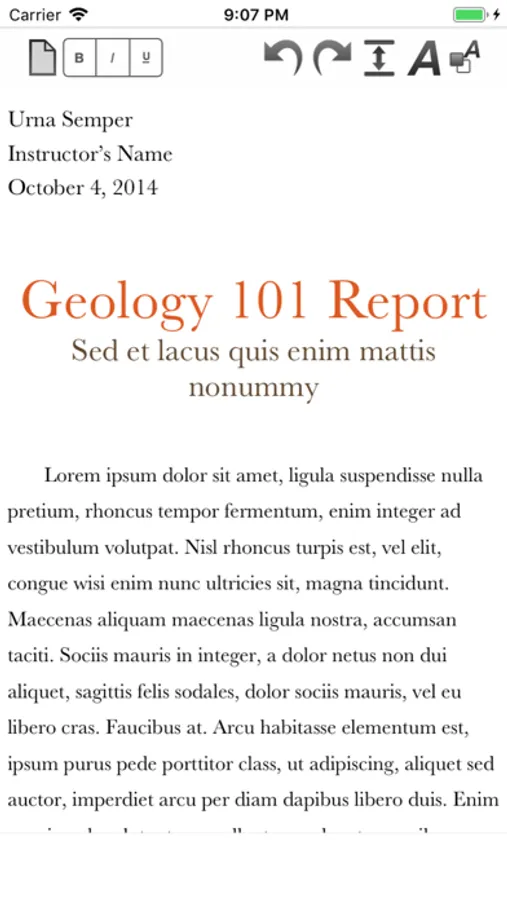
Mach Write is a powerful new RTF, TXT, PDF (Rich Text Format, Plain Text, PDF) Editor and Viewer for iOS and macOS! Featuring full iCloud document synchronization, RTF in multiple styles, sizes, and colors; as well as PDF Viewing/Creating/Annotation; and TXT files in addition to supporting nearly 15 plain text code formats; Mach Write makes it super easy to create in many different formats while still being incredibly powerful! And the best part is Mach Write is free for iOS and only $3.99 (U.S.) on macOS!
- iCloud document synchronization; Mach Write keeps all your documents up to date on all your iOS and OS X devices (iPhone, iPad, and Mac)
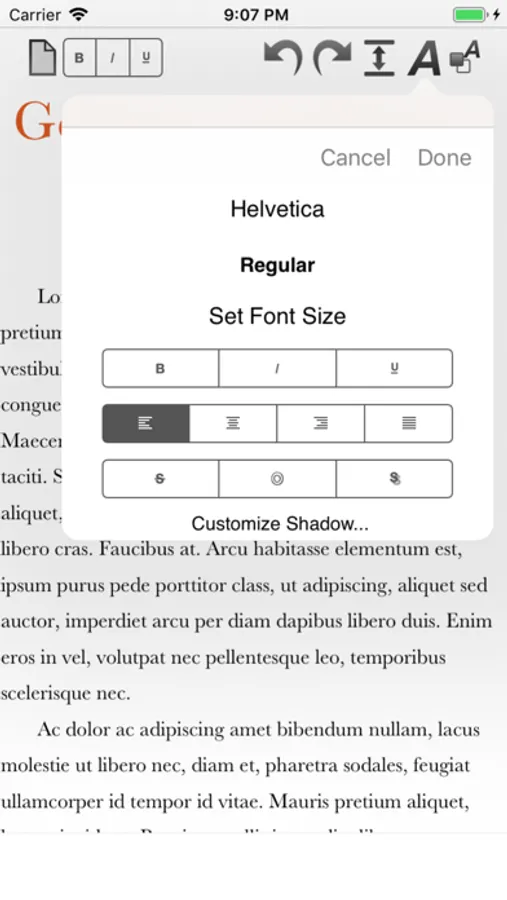
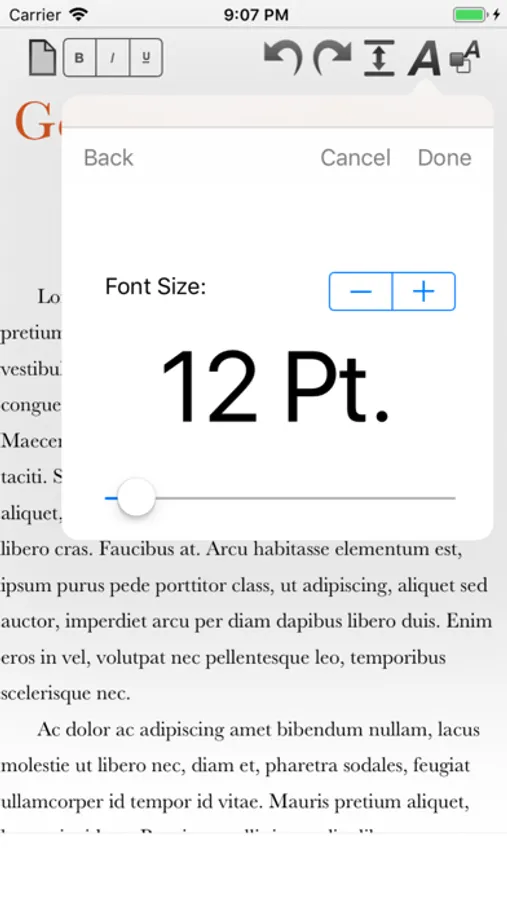
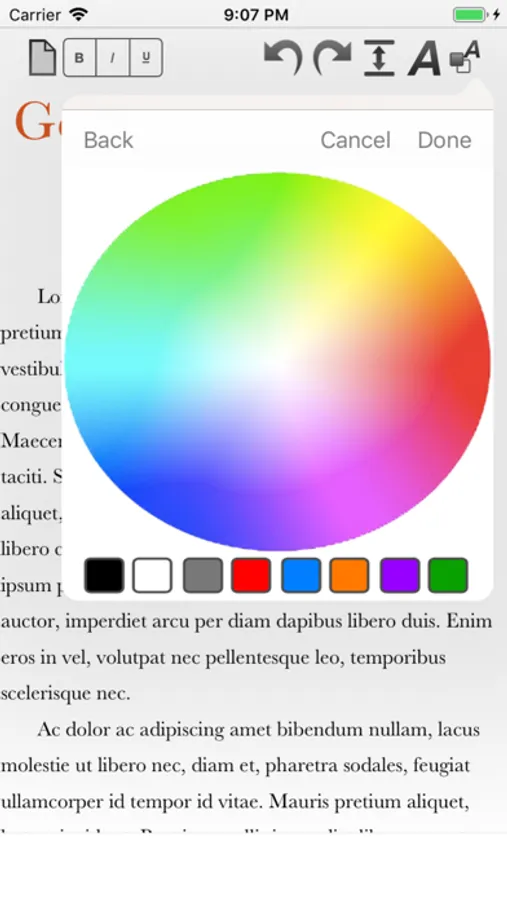
- RTF Read/Write support; easily Create and Edit Rich Text with multiple styles, alignment, font sizes, color, shadows, line spacing, and more -- one of the most popular word processor formats widely compatible across OS X, Windows, and Linux
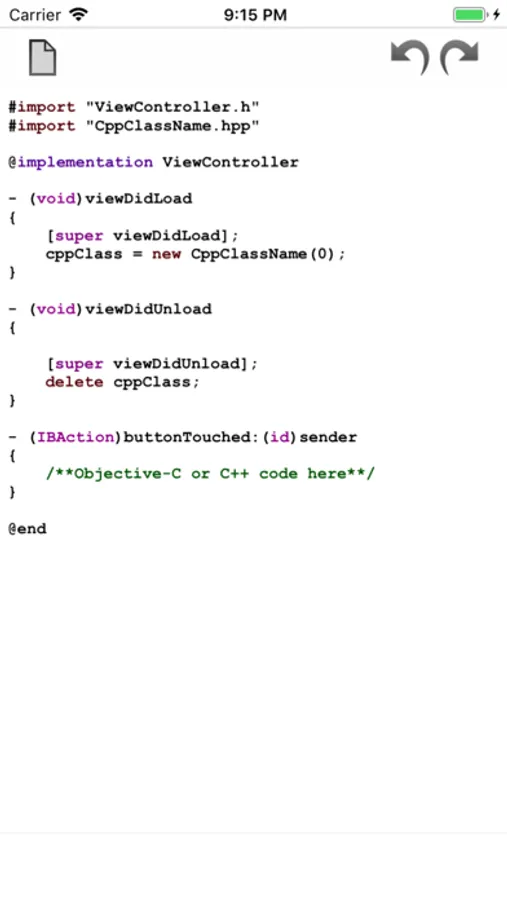
- TXT Read/Write support; as well as HTML/JS/PHP/RB/PL/JAVA/C/H/M/CP/MM Read/Write with Syntax Highlighting support for HTML, Javascript, PHP, Ruby, Perl, Java, C, C++, Objective-C++ and more
- PDF Creation, Viewing, Editing; PDF Free-hand writing on iOS -- Create Blank PDFs super easy and draw diagrams, take notes, etc. (Large PDF documents in iCloud, such as large eBooks, are not recommended)
- DOC and DOCX Viewing on iOS (DOC/DOCX Read/Write support on OS X)
- Export as PDF makes it easy to annotate PDF's for grading papers, making corrections, or signing documents (iOS only)
- Revolutionary PDF Magnifer feature makes it super easy to take Notes and automatically save as PDF (iOS only)
- Incredibly advanced, yet super easy to use!
Mach Write is a powerful new RTF, TXT, PDF (Rich Text Format, Plain Text, PDF) Editor and Viewer for iOS and macOS! Featuring full iCloud document synchronization, RTF in multiple styles, sizes, and colors; as well as PDF Viewing/Creating/Annotation; and TXT files in addition to supporting nearly 15 plain text code formats; Mach Write makes it super easy to create in many different formats while still being incredibly powerful! And the best part is Mach Write is free for iOS and only $3.99 (U.S.) on macOS!
- iCloud document synchronization; Mach Write keeps all your documents up to date on all your iOS and OS X devices (iPhone, iPad, and Mac)
- RTF Read/Write support; easily Create and Edit Rich Text with multiple styles, alignment, font sizes, color, shadows, line spacing, and more -- one of the most popular word processor formats widely compatible across OS X, Windows, and Linux
- TXT Read/Write support; as well as HTML/JS/PHP/RB/PL/JAVA/C/H/M/CP/MM Read/Write with Syntax Highlighting support for HTML, Javascript, PHP, Ruby, Perl, Java, C, C++, Objective-C++ and more
- PDF Creation, Viewing, Editing; PDF Free-hand writing on iOS -- Create Blank PDFs super easy and draw diagrams, take notes, etc. (Large PDF documents in iCloud, such as large eBooks, are not recommended)
- DOC and DOCX Viewing on iOS (DOC/DOCX Read/Write support on OS X)
- Export as PDF makes it easy to annotate PDF's for grading papers, making corrections, or signing documents (iOS only)
- Revolutionary PDF Magnifer feature makes it super easy to take Notes and automatically save as PDF (iOS only)
- Incredibly advanced, yet super easy to use!
Mach Write Screenshots
Tap to Rate:
Reviews for Mach Write
X3n0n!@
Hm
Keeps force closing on me
ShoobyTaylor
Inexplicably cant open RTF files
Don’t know why some of my RTF files are grayed out and unopenable, don’t care. Tried multiple times, it doesn’t work, now I’ve deleted the app.