With this authentication app, you can generate one-time passcodes, approve push notifications, and manage device-bound passkeys. Includes multi-factor authentication options, biometric security, and integration with hardware authenticators.
AppRecs review analysis
AppRecs rating 2.6. Trustworthiness 76 out of 100. Review manipulation risk 21 out of 100. Based on a review sample analyzed.
★★☆☆☆
2.6
AppRecs Rating
Ratings breakdown
5 star
25%
4 star
12%
3 star
10%
2 star
11%
1 star
42%
What to know
✓
Low review manipulation risk
21% review manipulation risk
⚠
Mixed user feedback
Average 2.7★ rating suggests room for improvement
⚠
High negative review ratio
53% of sampled ratings are 1–2 stars
About RSA Authenticator (SecurID)
Secure your digital life and streamline access with the RSA Authenticator App. Designed for enterprises and highly regulated industries, RSA offers a trusted way to secure authentication regardless of your environment.
Multi-Factor Authentication (MFA) Made Easy
Protect your accounts with RSA's diverse multi-factor authentication (MFA) options, including one-time passcodes (OTP), QR codes, code matching, push notifications, biometrics, and hardware authenticators for an extra layer of security. RSA provides device-bound passkeys that are seamless and phishing-resistant, ensuring a smooth experience across your apps and services.
Passwordless Security, Simplified
Forget passwords; use passkeys. Use your device-bound passkey for fast, secure, and frictionless authentication—perfect for organizations looking to reduce risks and boost workforce productivity.
Note: Your company must be an RSA customer to use this app. Contact your help desk administrator if you did not receive the information required to register your device.
The RSA Authenticator app is an update to the existing SecurID 4.X app and a replacement for SecurID Authenticate 3.9.x app.
Please refer to the “What’s New” section on macOS and iOS App Store for further details.
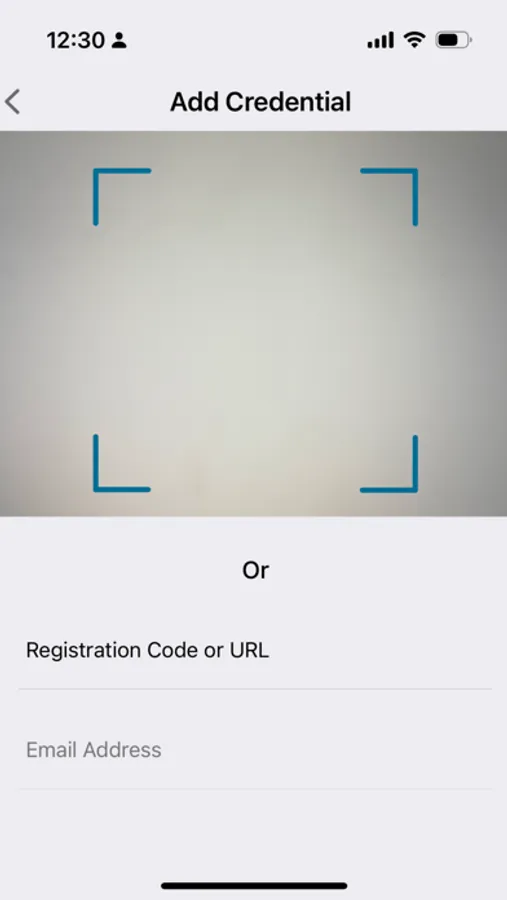
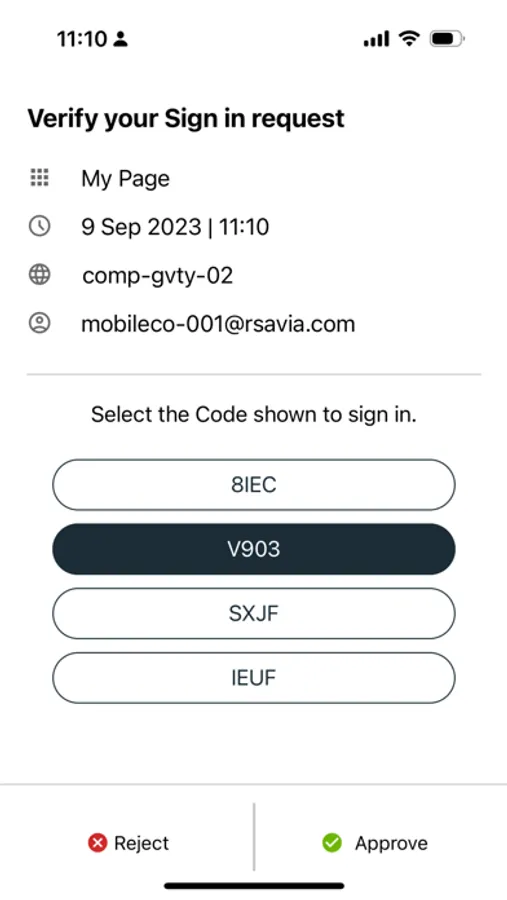
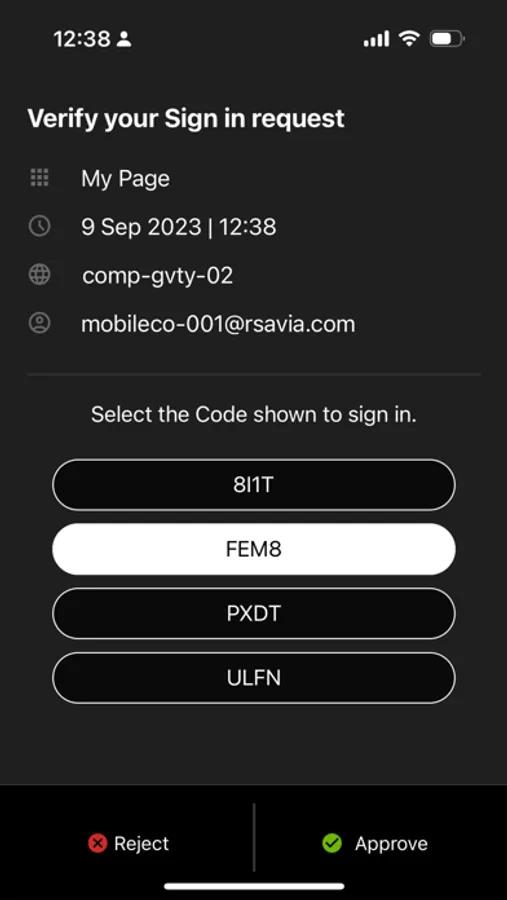
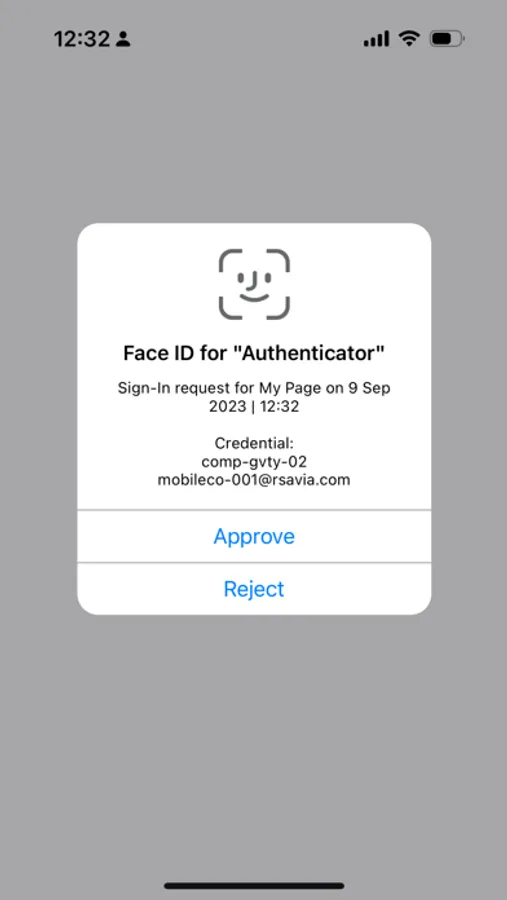
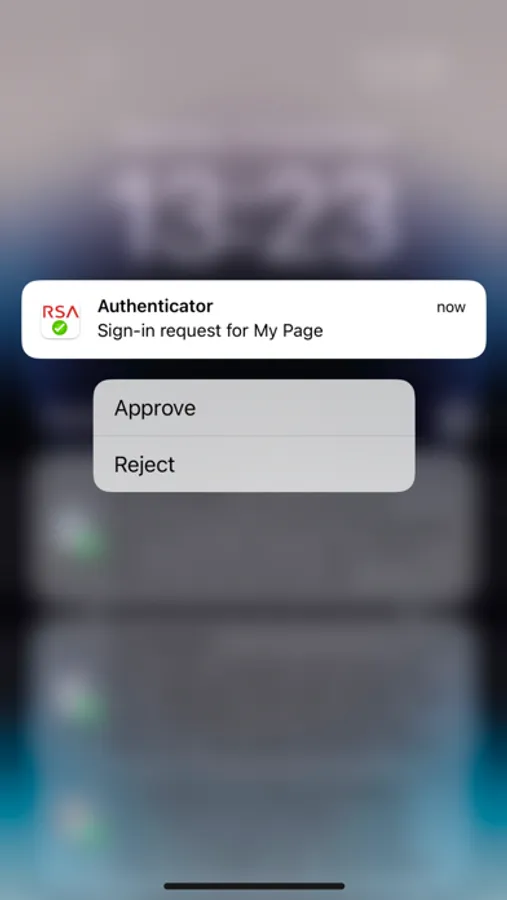
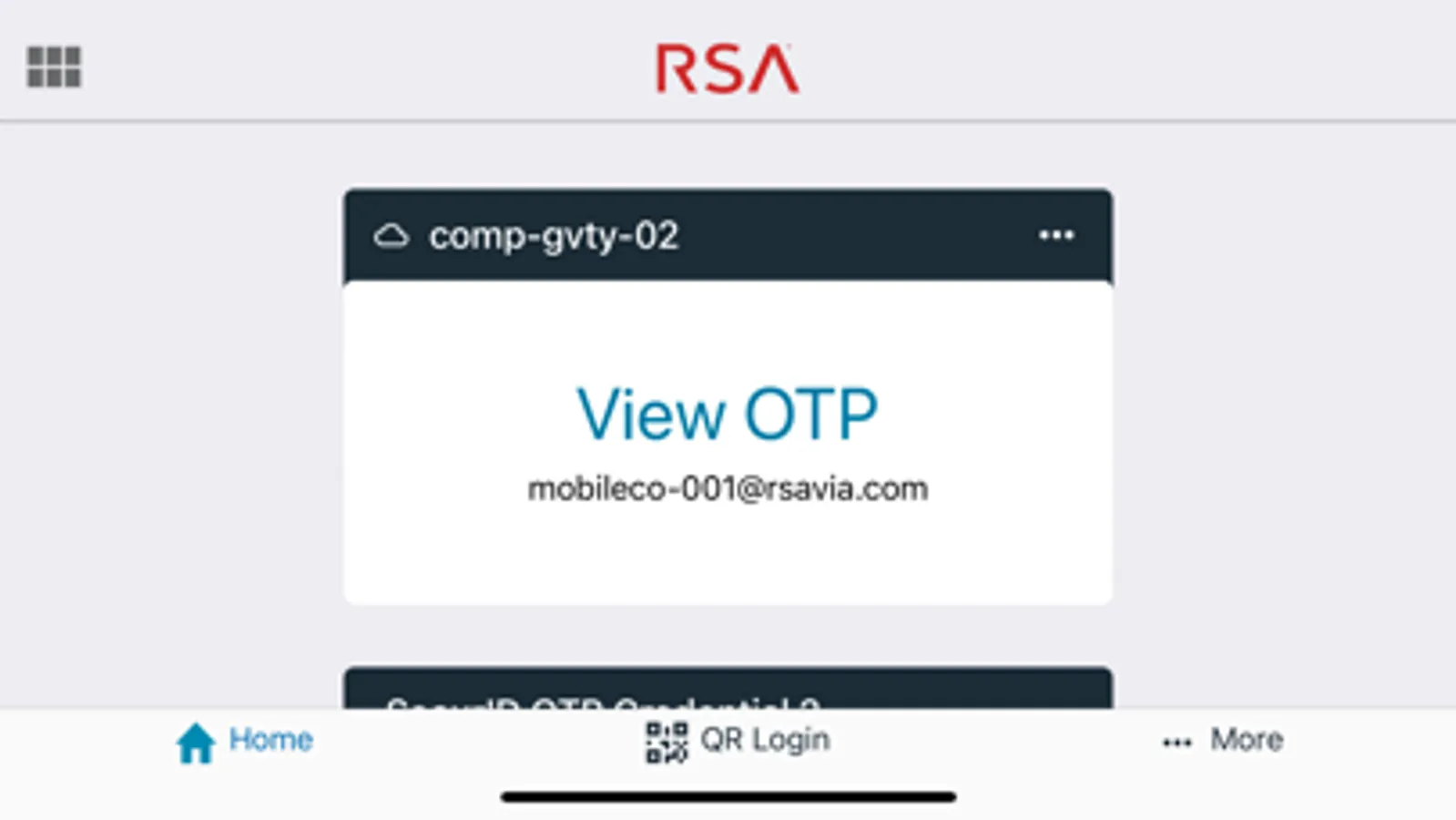
RSA Authenticator (SecurID) Screenshots
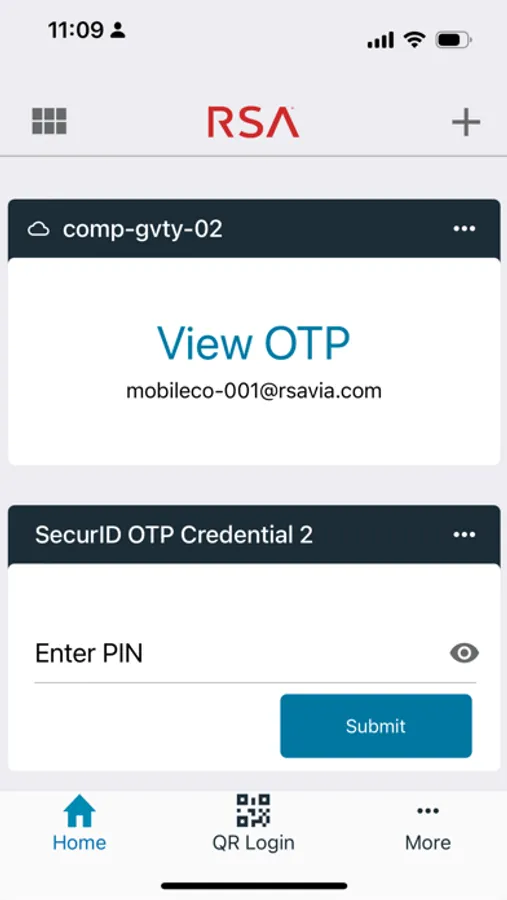
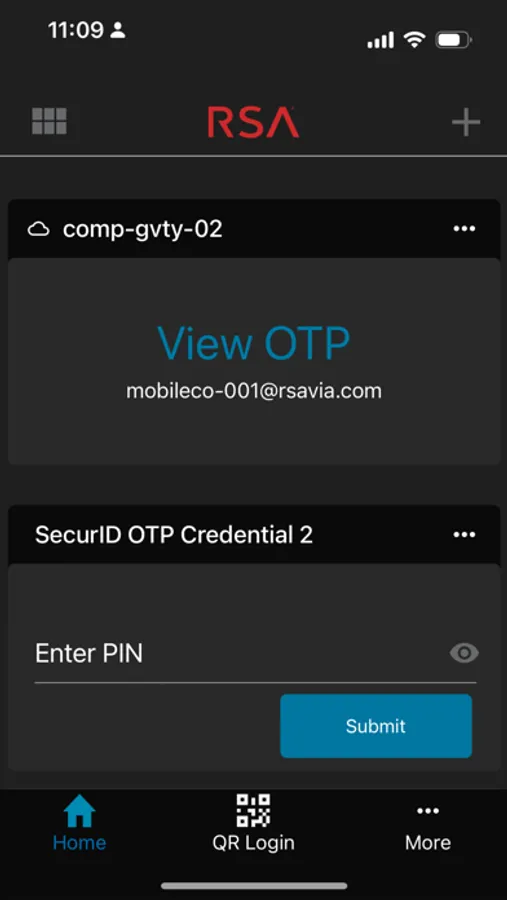
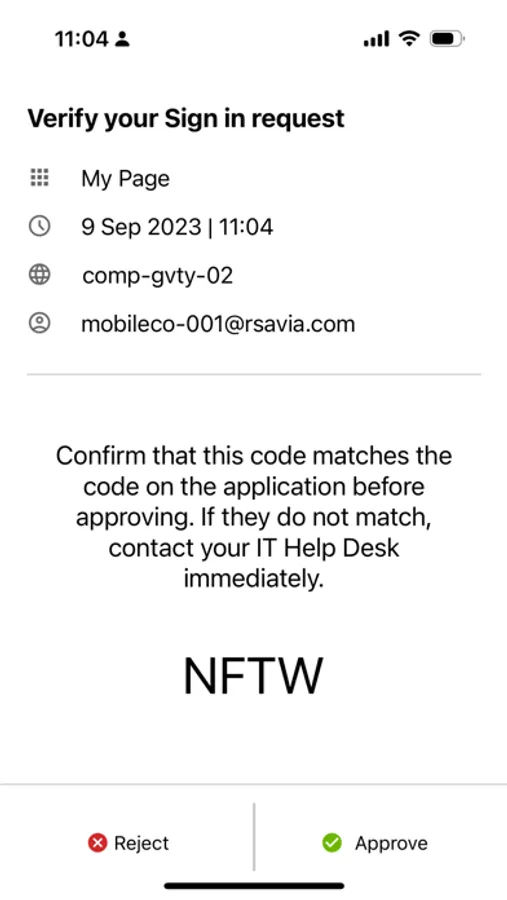
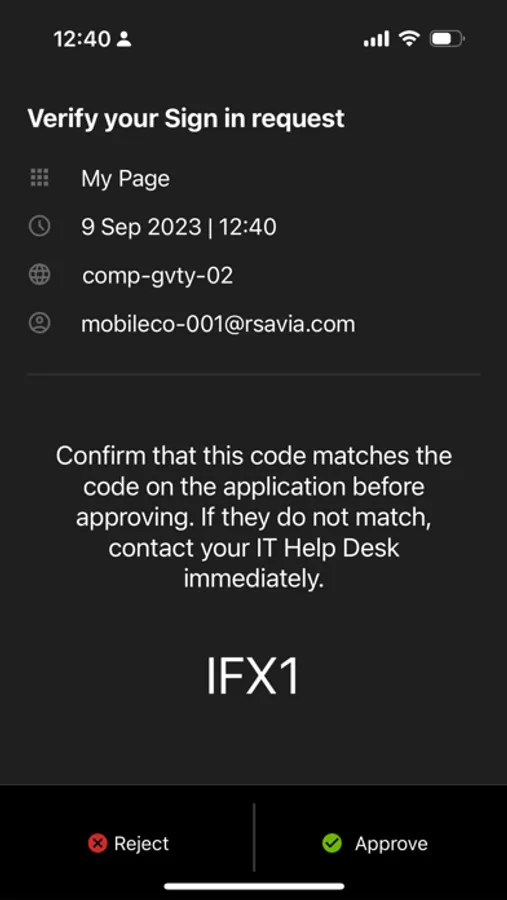
Tap to Rate:
Reviews for RSA Authenticator (SecurID)
AGS007X
Critical Face ID Bug – Needs Immediate Fix
Please urgently fix the ongoing Face ID bug. The app does not allow Face ID to be enabled natively, and the only way to activate it is through iOS settings under Face ID & Passcode → Other Apps. Even when enabled this way, the app has a persistent bug: every time Face ID triggers, the token briefly appears and then disappears, taking about three seconds to reappear. This should not be happening. It is essential to have native Face ID protection within the RSA app itself to provide an additional and critical layer of security. However, at the moment, there is no way to enable Face ID from within the app, and users are forced to rely solely on iOS system controls to secure access. Please fix this issue or add an internal setting to enable Face ID directly within the RSA app. This is extremely important for users who depend on secure and reliable authentication. I have submitted this feedback multiple times, but it seems to be consistently ignored. I strongly urge you to address this problem as soon as possible.
corealex0616
Face ID Issue
Fix the issue with Face ID. When it’s used the token disappears and you have to go out of the screen and back in just to get it to come back.