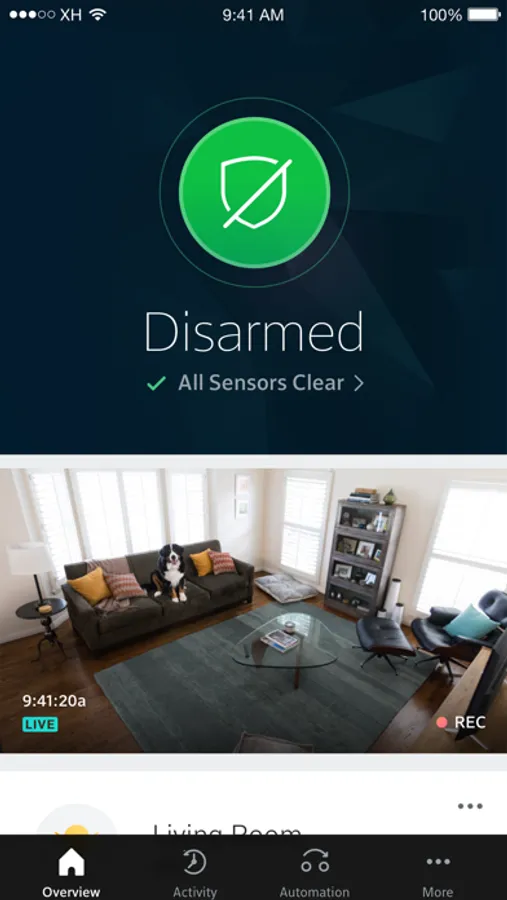
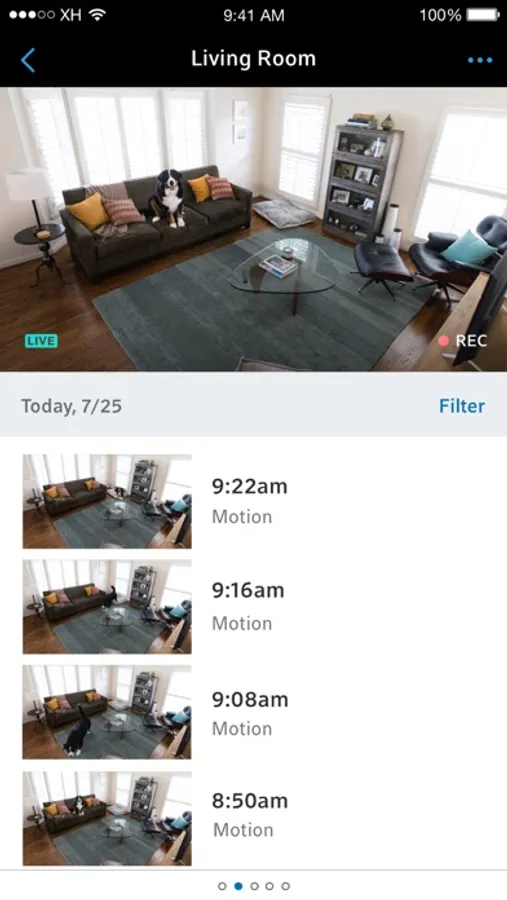
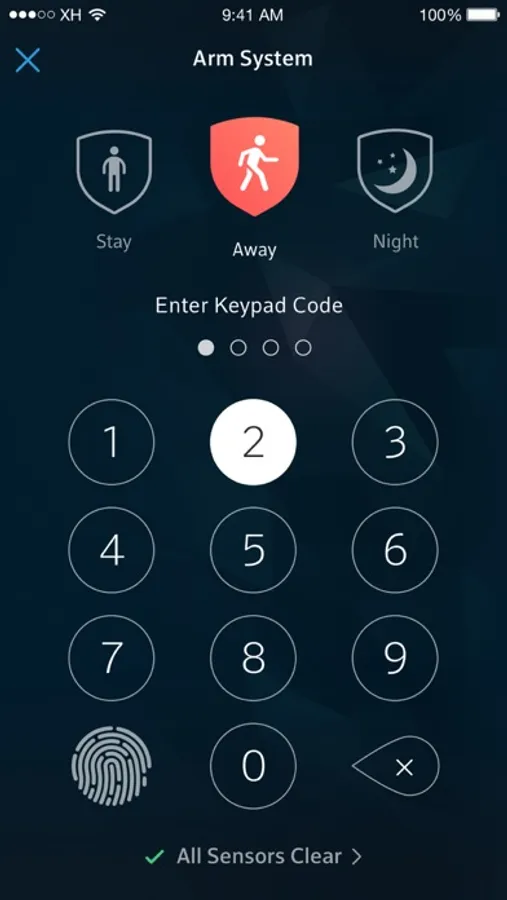
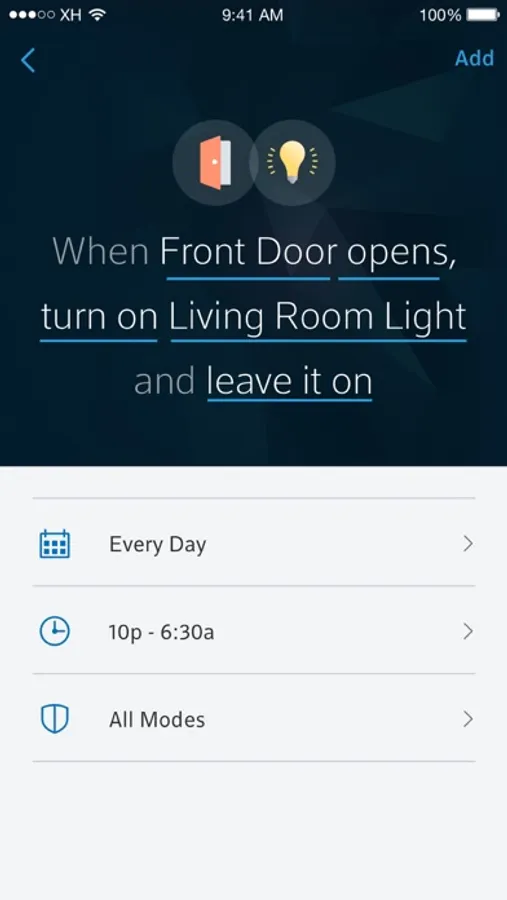
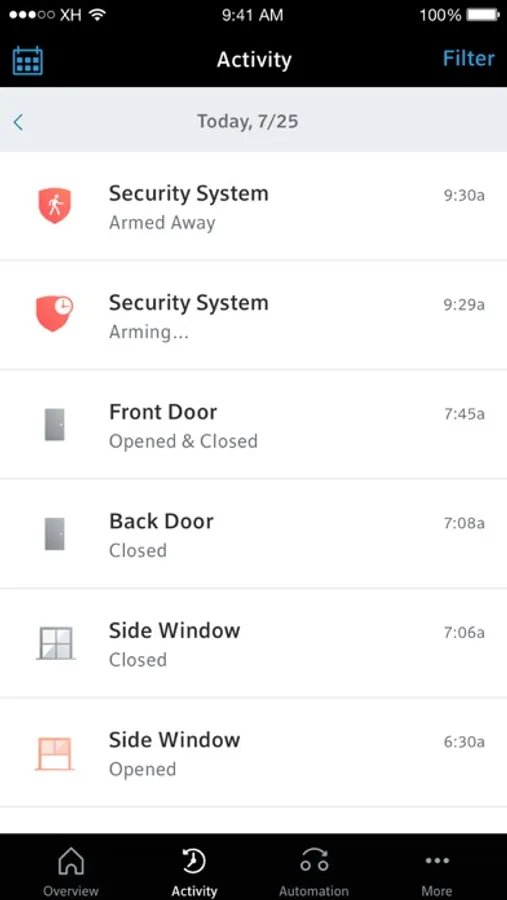
With this home security app, you can arm and disarm your system, access video feeds, and control lighting and temperature remotely. Includes real-time alerts, video monitoring, and device compatibility with smart thermostats, lights, and locks.
AppRecs review analysis
AppRecs rating 4.2. Trustworthiness 76 out of 100. Review manipulation risk 23 out of 100. Based on a review sample analyzed.
★★★★☆
4.2
AppRecs Rating
Ratings breakdown
5 star
70%
4 star
14%
3 star
3%
2 star
3%
1 star
9%
What to know
✓
Low review manipulation risk
23% review manipulation risk
✓
Credible reviews
76% trustworthiness score from analyzed reviews
✓
High user satisfaction
84% of sampled ratings are 4+ stars (4.3★ average)
About Xfinity Home
FEATURES
- Remote arm and disarm
- Real-time text and email alerts when alarms are triggered and motion is detected*
- Remote video monitoring*
- Lighting and thermostat control*
WORKS WITH XFINITY COMPATIBLE DEVICES*
- Thermostats: Ecobee, Carrier Cor, Zen
- Lighting: Philips Hue Lights, Lutron Caséta Wireless Light Switches and Dimmers, Sengled Element Touch Bulb, GE (Jasco) Wireless Light Switches and Dimmers, LIFX Lights
- Locks: August Smart Locks, Kwikset SmartCode Door Locks
REQUIREMENTS
- Wi-Fi or 4G cellular internet connection
- Xfinity Home service
- Xfinity ID or Comcast.net email address and password (Need your Xfinity ID? Go to https://www.xfinity.com/support/internet/create-xfinity-username)
*Purchase of additional hardware may be required.
Disclaimer: Not available in all areas. Restrictions apply. Service and equipment sold separately. Services and features vary based on service package.
Learn more about ‘Cal. Civ. Code §1798.135: Do Not Sell My Info’ options at www.xfinity.com/privacy/manage-preference
Xfinity Home Screenshots
Tap to Rate:
Reviews for Xfinity Home
PabloL559
Loyal Customer Frustrated – App No Longer Works After iOS Updates
I have been an XFINITY HOME customer since the service first launched, and unfortunately over the past few years the app has become increasingly problematic. With every iOS update, compatibility seems to get worse. We currently have two devices: an iPhone 14 Pro Max where the app has not been working properly for quite some time, and an iPhone 17 Pro Max where it worked perfectly until updating to iOS 26.3. Since that update, the application has stopped working on both phones. It is now 2026 and honestly XFINITY needs to modernize and update its app. Other companies such as Ecobee, ADT, and several others offer solid integrations with iPhone and other systems, along with frequent updates that improve the user experience. As long-time customers, it is disappointing to see the application falling behind the competition. At this point, we are evaluating other service options that are actively innovating and keeping up with leading brands in the market.
X finally suck
App decides not want to work
This app is getting suck at its job