
With this authentication app, you can generate verification codes, receive push notifications, and securely backup accounts. Includes QR code scanning, biometric authentication, and support for third-party services.
AppRecs review analysis
AppRecs rating 1.9. Trustworthiness 70 out of 100. Review manipulation risk 24 out of 100. Based on a review sample analyzed.
★☆☆☆☆
1.9
AppRecs Rating
Ratings breakdown
5 star
17%
4 star
5%
3 star
5%
2 star
7%
1 star
66%
What to know
✓
Low review manipulation risk
24% review manipulation risk
⚠
Mixed user feedback
Average 2.0★ rating suggests room for improvement
⚠
High negative review ratio
73% of sampled ratings are 1–2 stars
About OneLogin Protect
Features
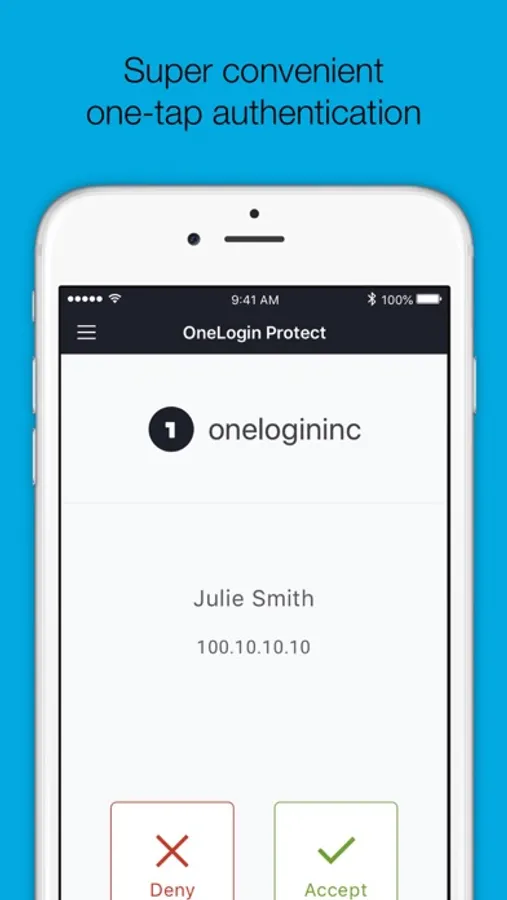
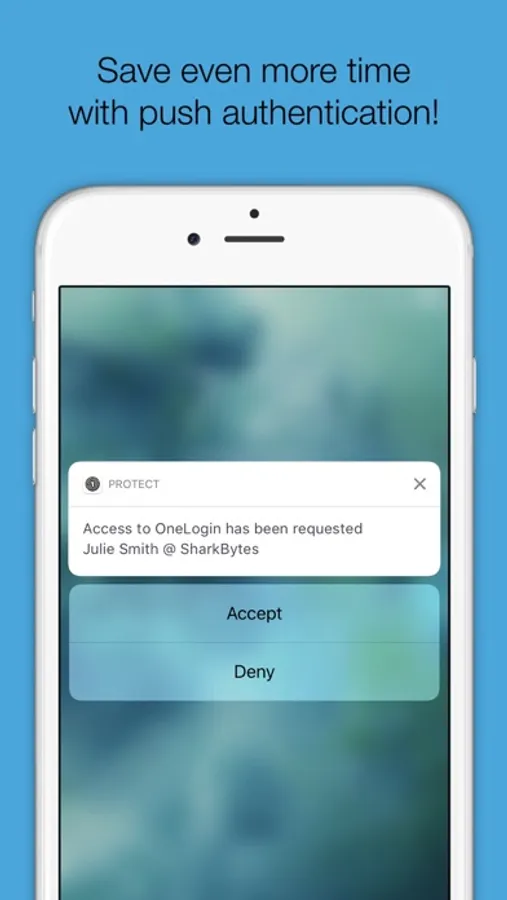
• Alerts user with a push notification, user responds with just a tap (OneLogin accounts only).
• Requires your Touch ID, Face ID, or PIN to accept push notification (OneLogin accounts only).
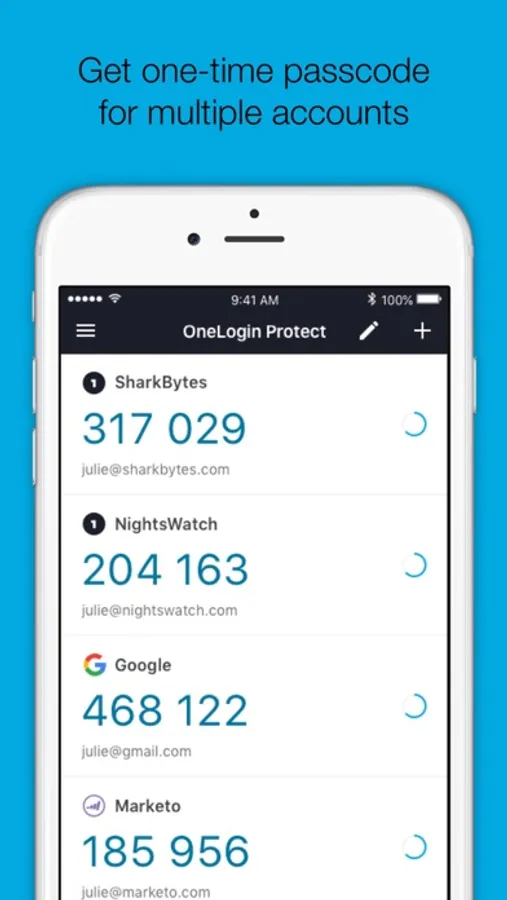
• Works with third-party providers and accounts which you can add at any time.
• Compatible with services using OATH security tokens (i.e. Google Authenticator).
• Generates a unique 6-digit code every 30 seconds for each account (TOTP).
• Generates verification codes without a data connection.
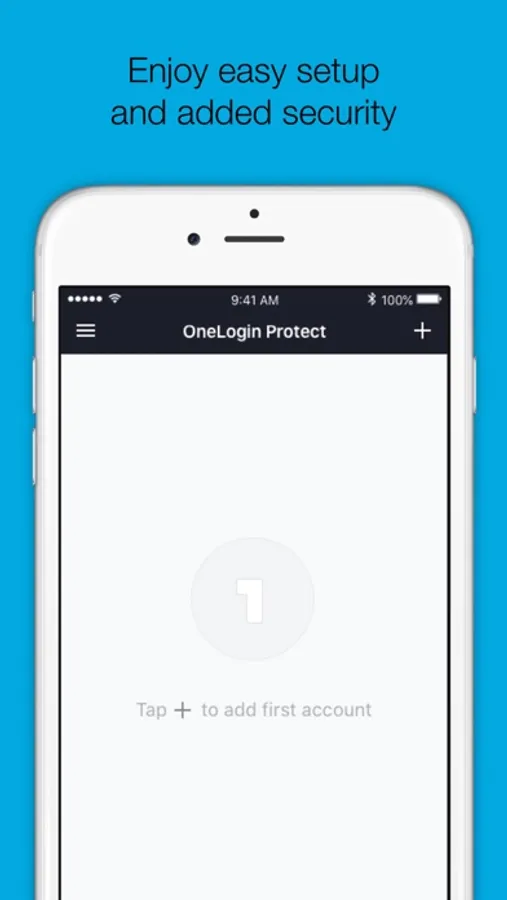
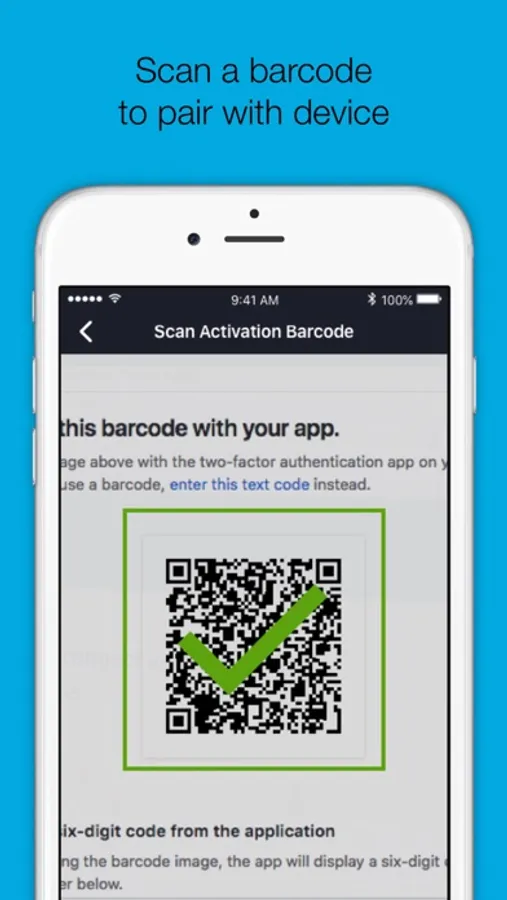
• Adds a new account by scanning a QR code or by entering it manually.
• Securely backup and restore your accounts to your own Google Drive
Permissions
• Camera access for scanning QR code when adding new accounts.
• Push notifications for delivery of OTP requests
Learn more
• Learn more about 2-step verification at onelogin.com/onelogin-protect-authenticator
• Follow us on Twitter: https://twitter.com/onelogin
• Like us on Facebook: https://www.facebook.com/onelogin
OneLogin Protect Screenshots
Tap to Rate:
Reviews for OneLogin Protect
Maxistheman91
Useless
How does this even help it doesn’t make sense this is useless and stupid why did i get this i delete now
Lectrik1
Very hard to use
This app is very difficult to get set up and use. It asks you what kind of account you want to set up, then goes straight to asking for a code which you don’t have. It doesn’t ever set up the account. Very not user friendly. NOT recommended.