
AppRecs review analysis
AppRecs rating 4.1. Trustworthiness 81 out of 100. Review manipulation risk 23 out of 100. Based on a review sample analyzed.
★★★★☆
4.1
AppRecs Rating
Ratings breakdown
5 star
59%
4 star
18%
3 star
0%
2 star
0%
1 star
24%
What to know
✓
Low review manipulation risk
23% review manipulation risk
✓
Credible reviews
81% trustworthiness score from analyzed reviews
✓
Good user ratings
76% positive sampled reviews
About Sync Folders
• Bidirectional sync, one-way sync, mirror backup (In-App Purchases, two sync modes for free).
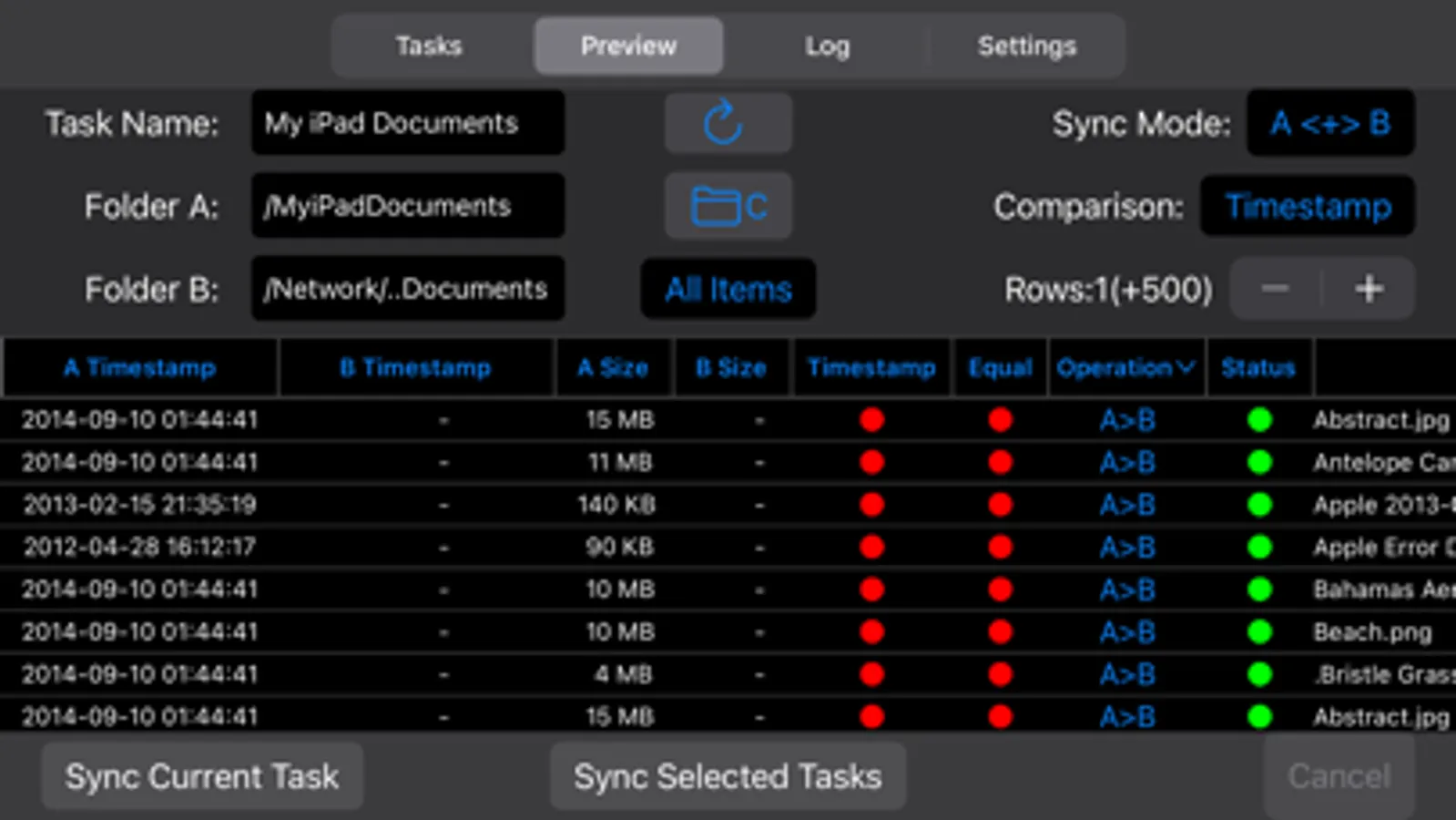
• Powerful preview mode. Ability to change file operations before syncing.
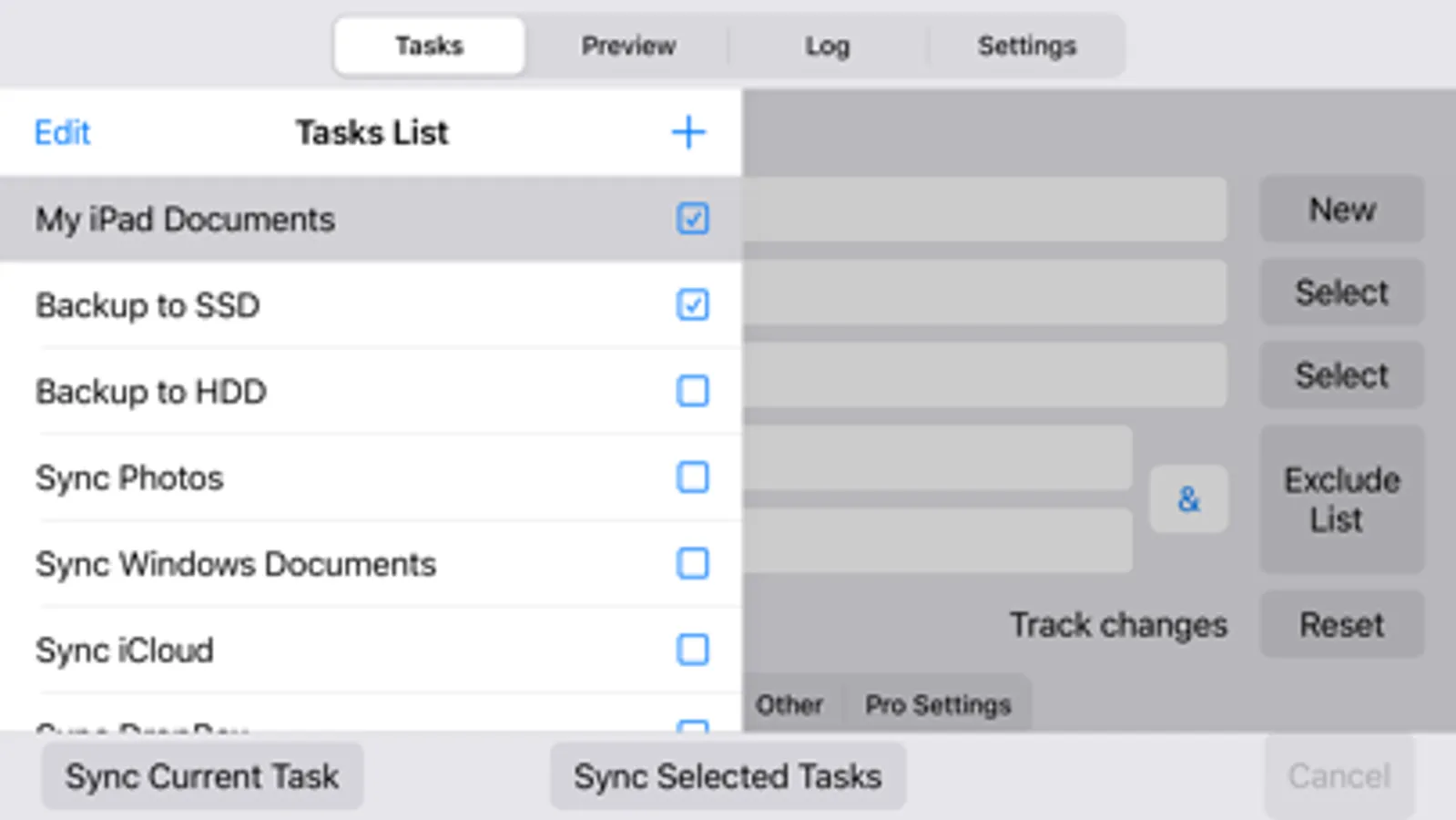
• Synchronization any number of pair folders at the same time (In-App Purchases, one pair folders for free).
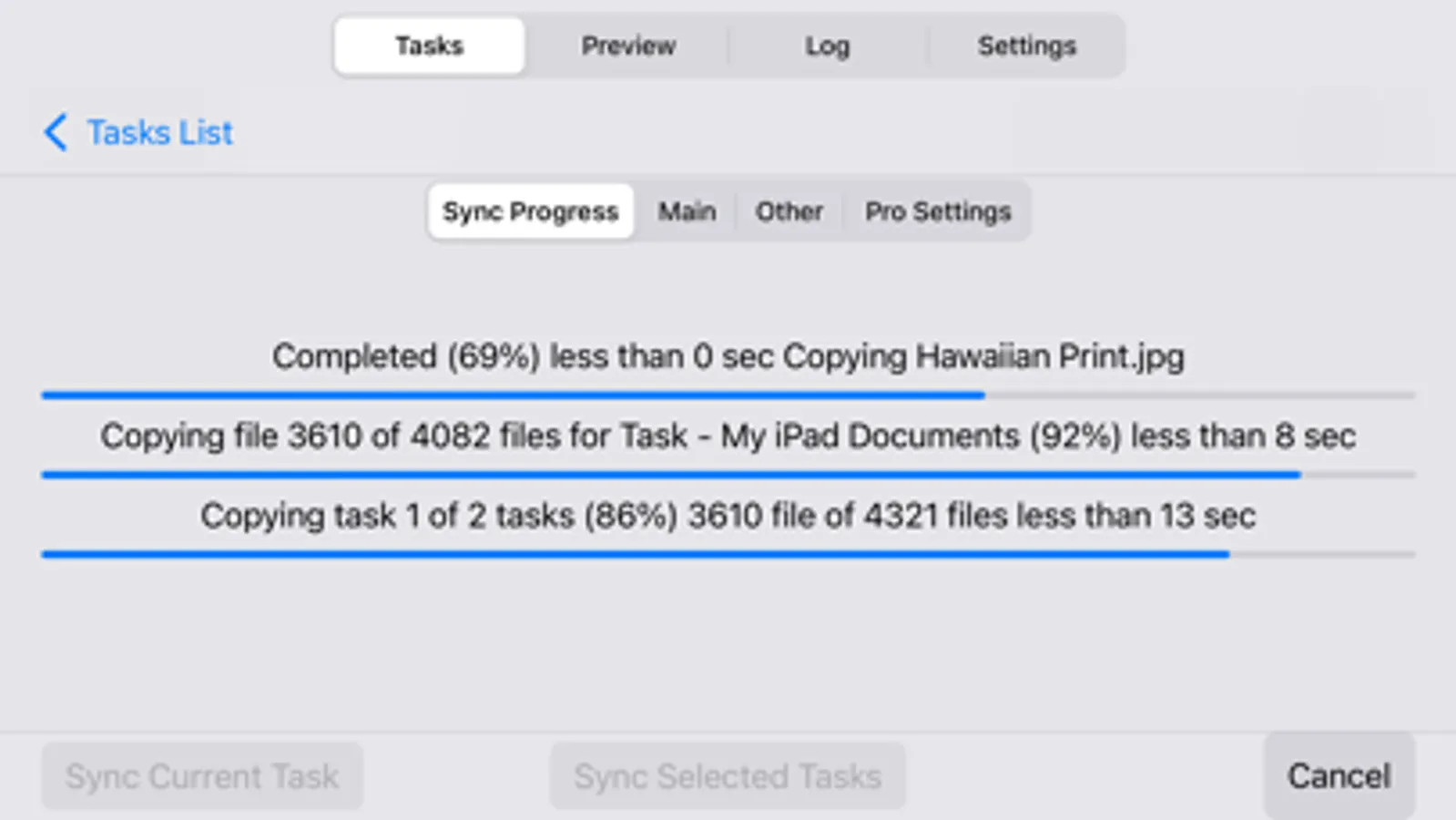
• With each re-backup, the app finds and copies only new files and new file versions, thereby reducing backup time and extending the life of your storage devices.
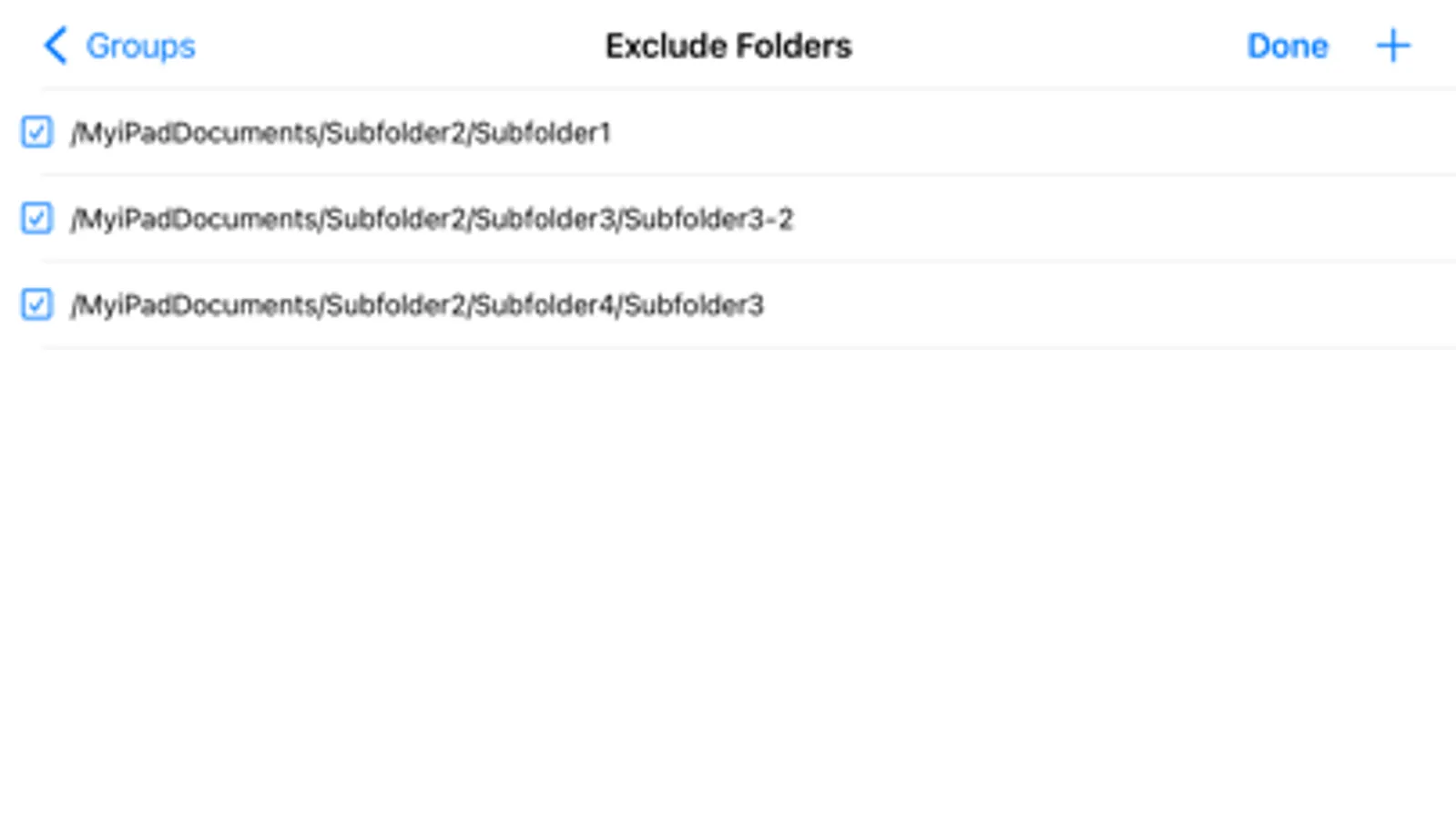
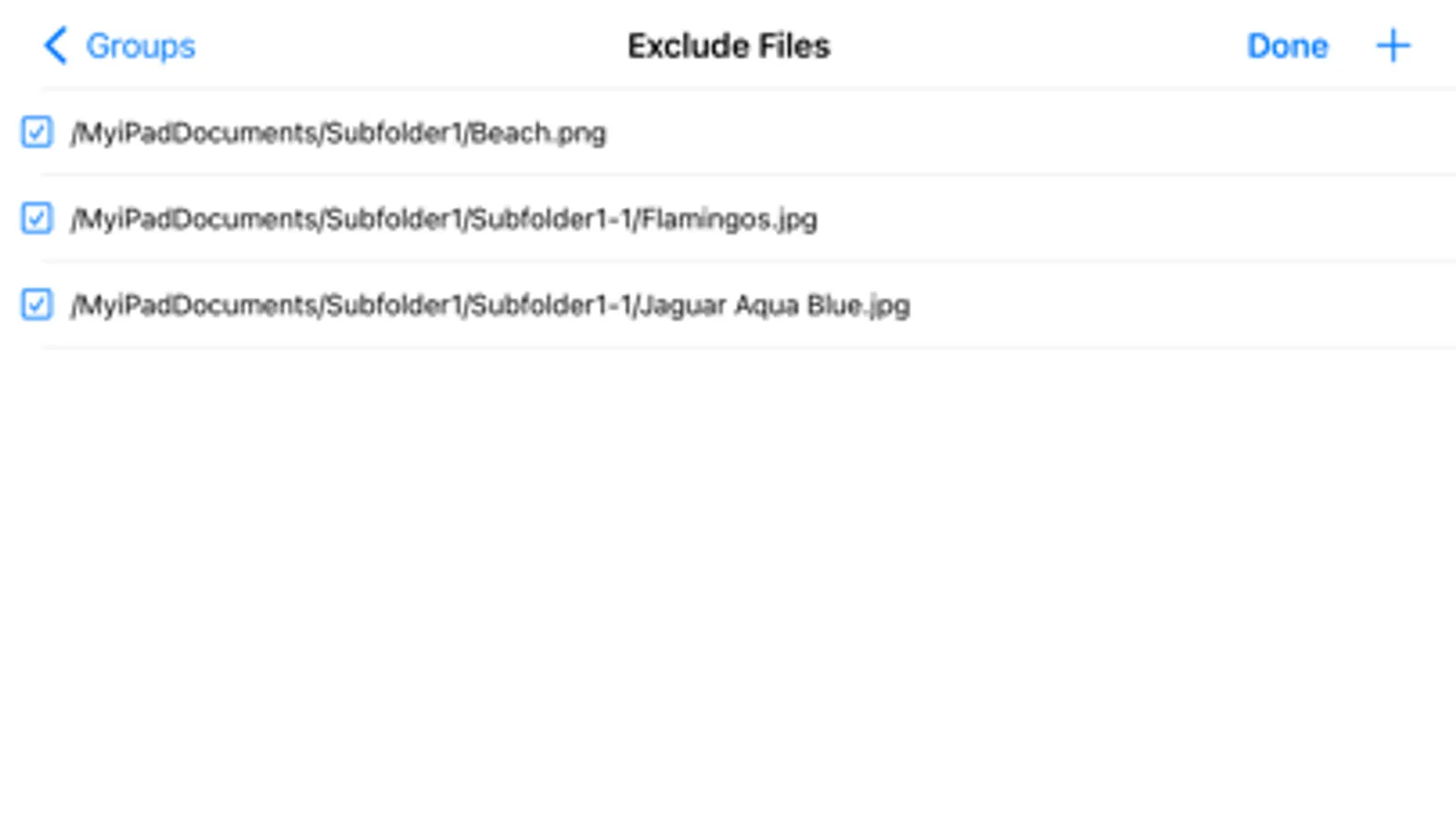
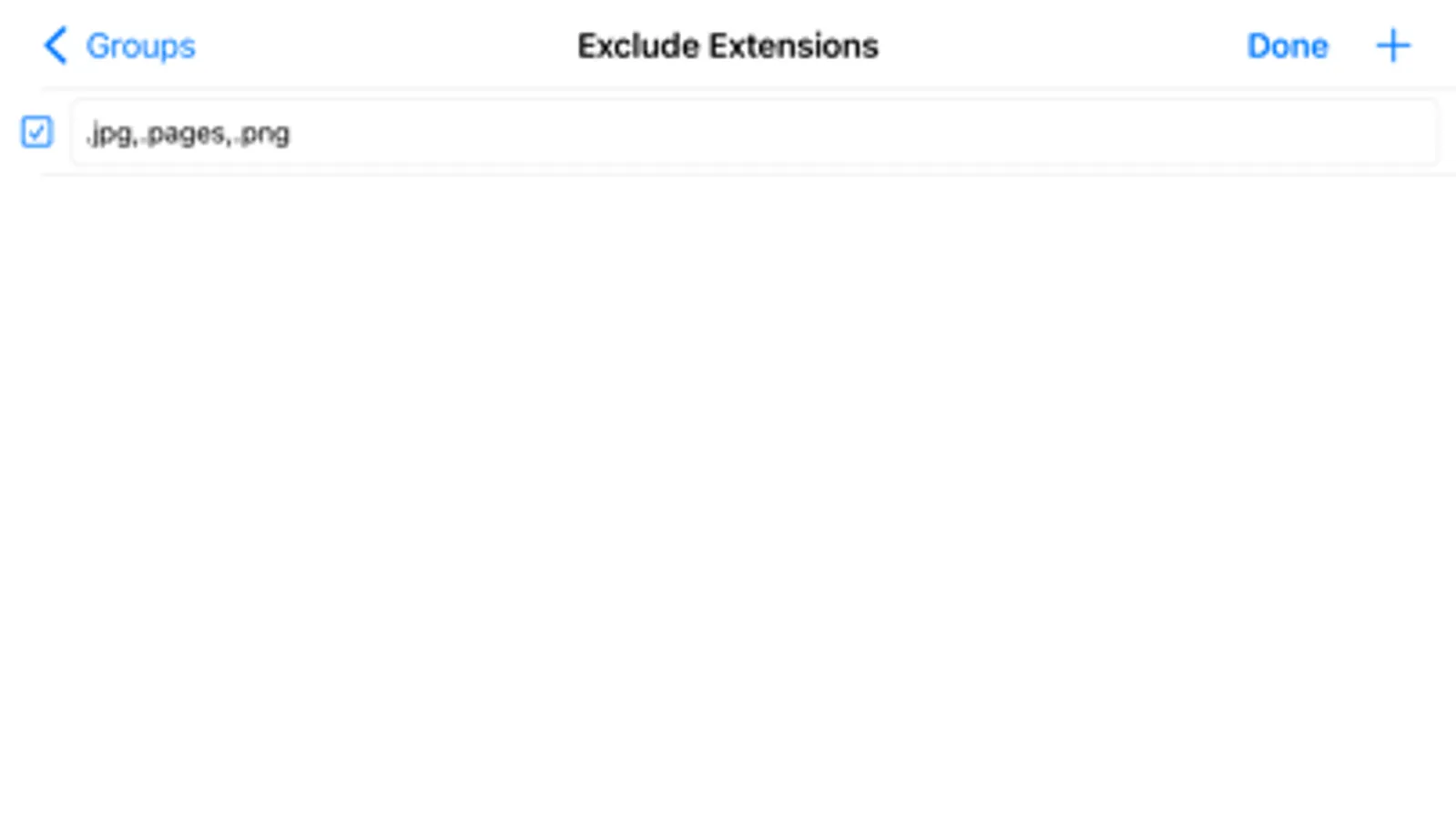
• List of excluded subfolders, files, file extensions, filter for folders and files.
Sync Folders is an easy-to-use app for beginners, has the ability to fine-tune synchronization settings for the most exacting professionals.
Do you have terabytes (TB) of data to sync? No problem! Sync Folders has been optimized to work with extremely large number of files.
Do you have questions? Please watch our helpful video tutorial on our website.
FOR BEGINNERS
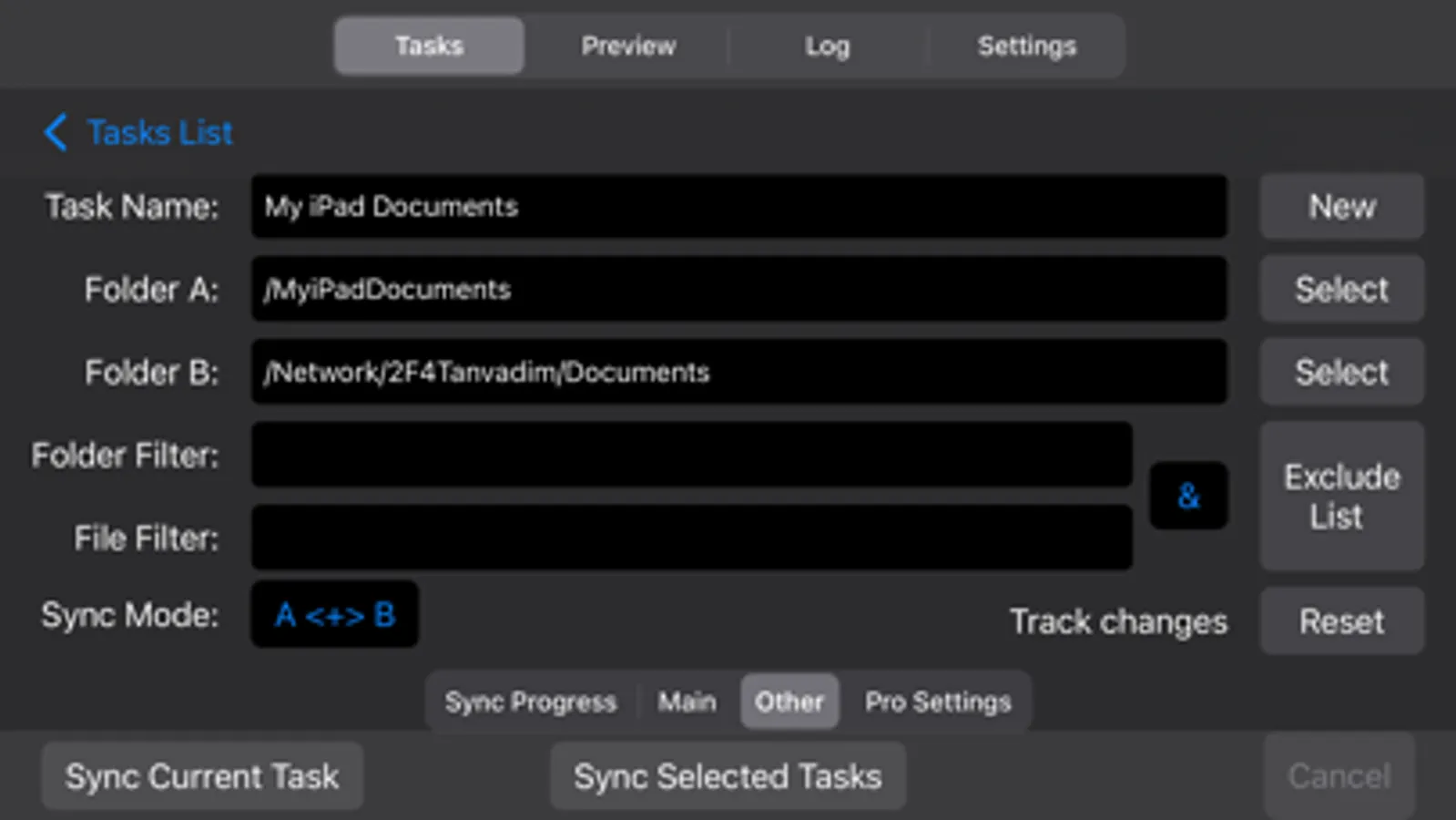
- Select 2 folders to synchronize.
- Select the synchronization mode, or use the default mode. You do not need to worry about other settings, they are set to the recommended.
- Click the "Sync current task" button and your folders will be synchronized!
FOR PROFESSIONALS
- 9 sync modes (In-App Purchases, two sync modes for free).
- 6 file comparison modes allow to synchronize files on the storage devices with different file systems.
- Synchronization of files with all attributes (timestamps, tags).
- Synchronization of subfolder attributes (timestamps, tags).
- Ability to select what package types synchronize as files, and which as folders.
- You can transform the app to the convenient file manager using powerful filters for files and folders.
- Synchronization over the network.
- Protection for unauthorized disconnect storage devices (folders) during synchronization.
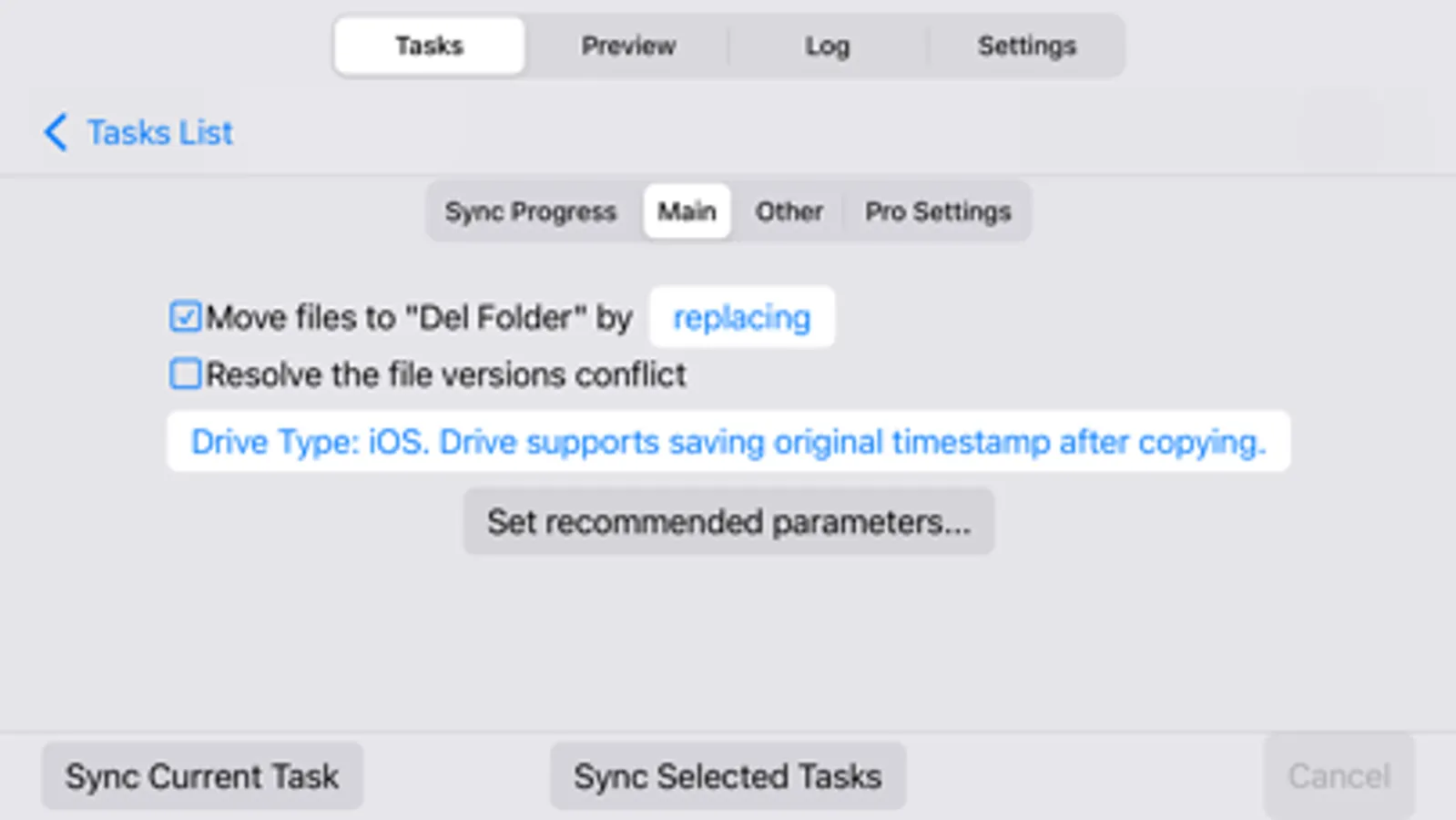
- Keeping the last/all versions of files to be deleted. Using this mode, you can always restore deleted files, even if folders have synchronized several times.
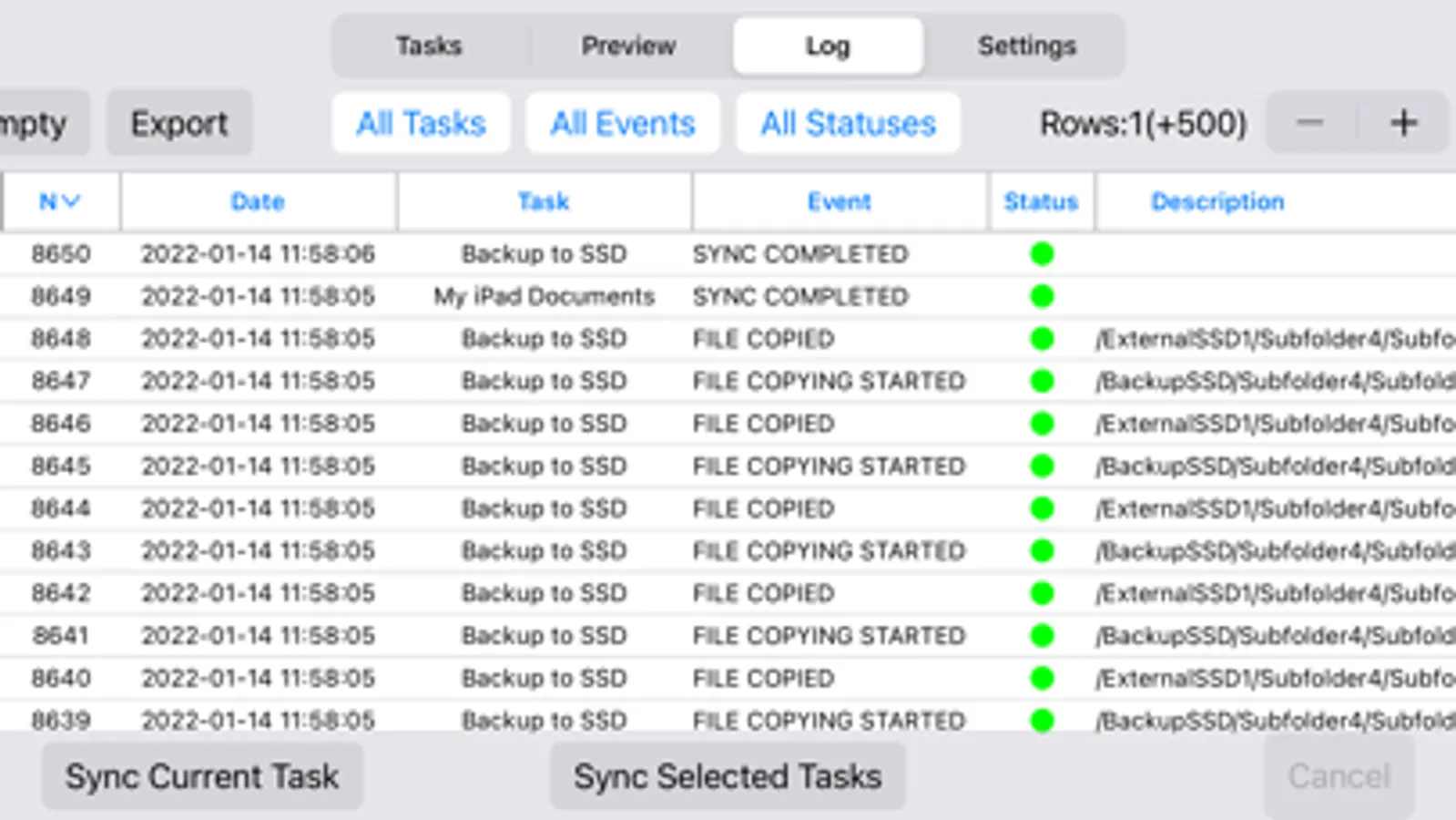
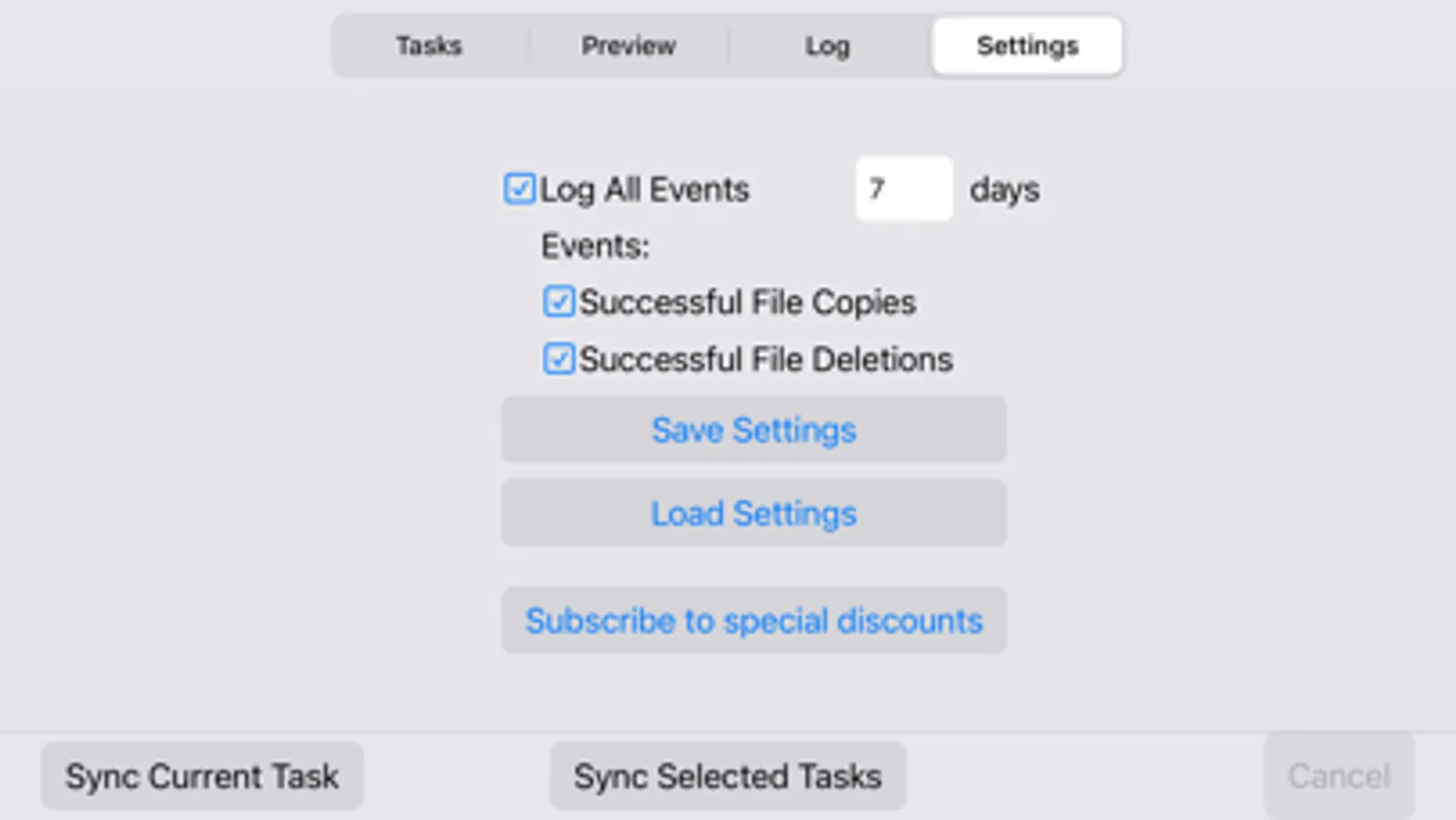
- Ability to log events. You can filter events by type, task, status. Ability to export the event log to an external file.
Sync Folders Screenshots
Tap to Rate:
Reviews for Sync Folders
Kalaga1
Not working properly in macOS Tahoe 26.2
Sync Folders used to function effectively after the initial setup in earlier versions of macOS. However, in macOS Tahoe 26.2, we encounter persistent failures, even though the profiles previously worked seamlessly. For instance, we frequently encounter issues reading files in ~/Library, despite providing it with full disk access multiple times. Consequently, I’ve switched to Syncovery (which also has its own learning curve), but it has eliminated all read errors.
MoZZoro
So useful
It’s a lifesaver for backups because it only copies the files that have actually changed which saves me so much time when moving stuff between my device and external drives.