AppRecs review analysis
AppRecs rating 3.5. Trustworthiness 77 out of 100. Review manipulation risk 24 out of 100. Based on a review sample analyzed.
★★★☆☆
3.5
AppRecs Rating
Ratings breakdown
5 star
25%
4 star
25%
3 star
0%
2 star
0%
1 star
50%
What to know
✓
Low review manipulation risk
24% review manipulation risk
✓
Credible reviews
77% trustworthiness score from analyzed reviews
About LaserSoft Measure
A smart APProach to Professional Measurement...
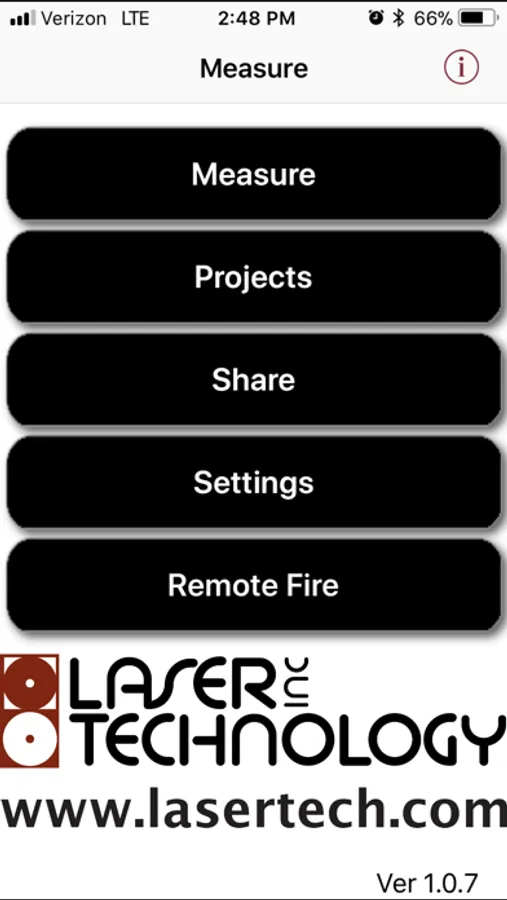
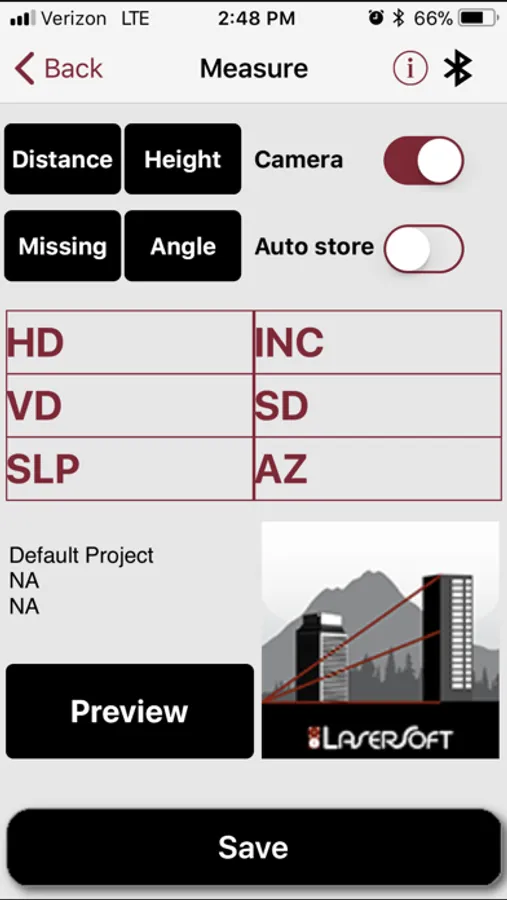
Need to capture and record measurements with pictures of each shot? Well, we have an app for that! Our LaserSoft Measure App makes taking field measurements as easy as 1-2-3, and it stores scope shot images and files them any way you want.
Features:
-Makes data collection easy for non-GIS experts
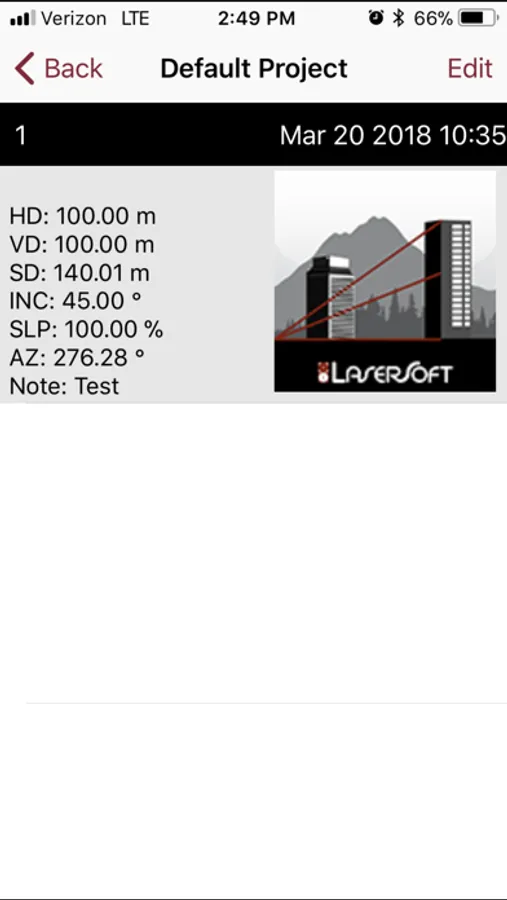
-Stores 7X scope shot images and all laser data values
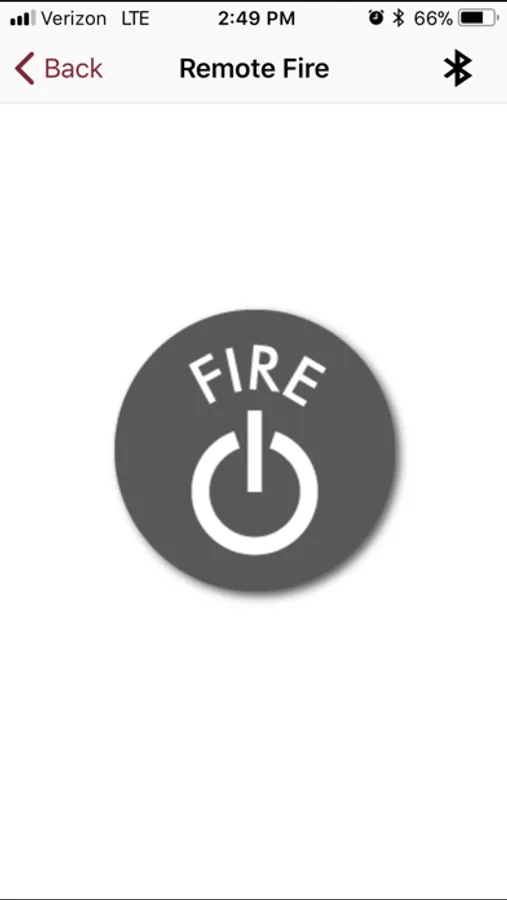
-Remote fire the laser and change laser measurement modes from the app
Record LTI TruPulse scope shots & data values for:
-Distances (HD, SD, VD) and Inclination
-Height and Missing Line solutions
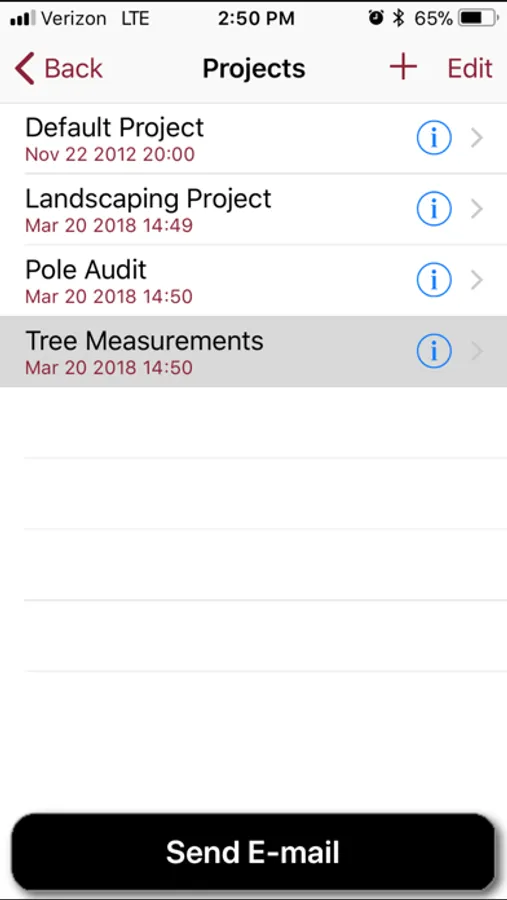
Customizable categories, subcategories and notes for all your measurements.
Create multiple projects.
Connectivity:
-Bluetooth
Hardware:
-Laser Technology, Inc. TruPulse® 200x Series w/Bluetooth® Professional Measurement Device REQUIRED
-Optional specially designed mounting brackets for iPhone
*LaserSoft Measure only works with a TruPulse 200x professional measurement device.
LaserSoft Measure Screenshots
Tap to Rate:
Reviews for LaserSoft Measure
elfjohn
Super helpful
The remote trigger on this app makes for more accurate measurements when using the trupulse x.
TornadoNewbie
Great Bluetooth capture 200x only
This is a great little app to auto capture Bluetooth data from the Trupulse 200x directly into the iPhone via Projects (Folders) that can then be sent via drop box or email. It can remotely trigger the fire in the 200x as well as the Fire button on the 200x will trigger the app to store data. Nice!! Suggestions for next revision: 1) Please allow zooming in during photo preview mode through the lens. Shooting a building 200m away without digital zoom, looks like an ant in preview. Secondly, please give an option to store the lat/lon/and heading from the iPhone directly into the project. This no brainer would be very useful . Finally, the remote trigger does not always give feedback always in a successful trigger, that would be helpful. Finally, maybe show the measurement returned over BT at the bottom of the photo upon successful capture in preview mode? And please consider a firmware 200x upgrade to allow the full meters with decimal to be on one line. For ft/in it’s fine, but meters it’s tough to read a split measurement between lines. Mahalo!