AppRecs review analysis
AppRecs rating 2.0. Trustworthiness 82 out of 100. Review manipulation risk 19 out of 100. Based on a review sample analyzed.
★★☆☆☆
2.0
AppRecs Rating
Ratings breakdown
5 star
17%
4 star
0%
3 star
17%
2 star
0%
1 star
67%
What to know
✓
Low review manipulation risk
19% review manipulation risk
✓
Credible reviews
82% trustworthiness score from analyzed reviews
⚠
Mixed user feedback
Average 2.0★ rating suggests room for improvement
About dot ART - Mosaic Effects App
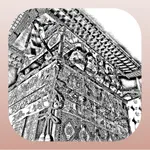
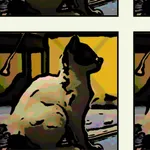
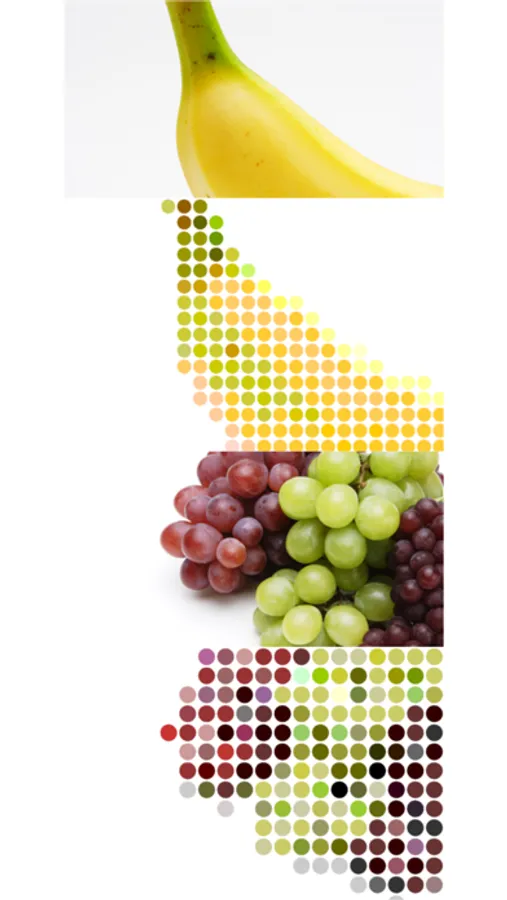
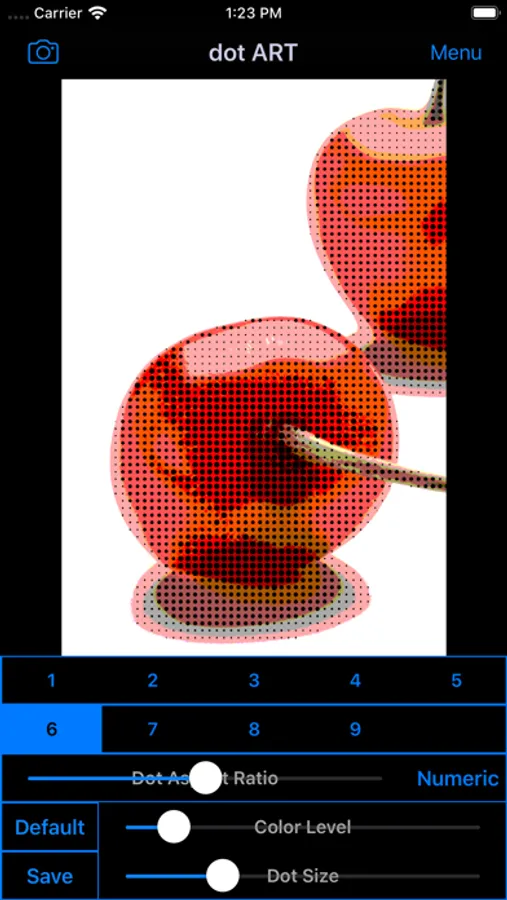
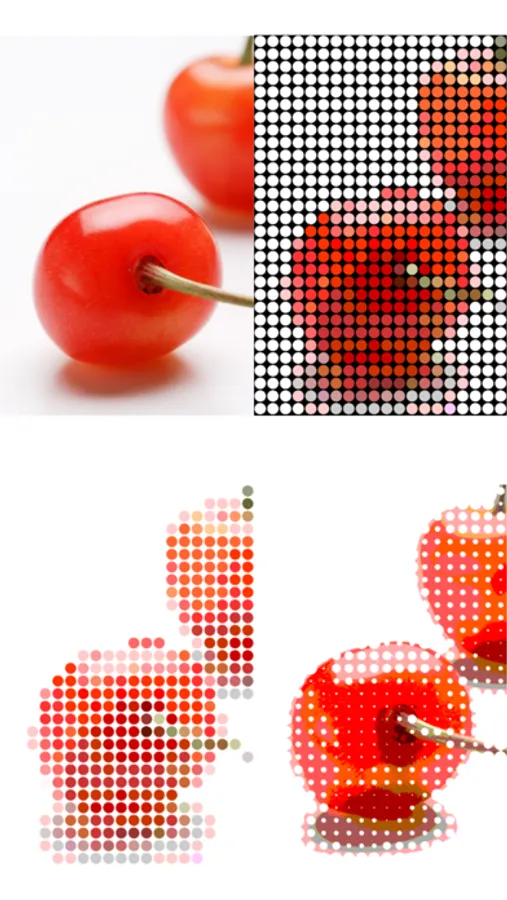
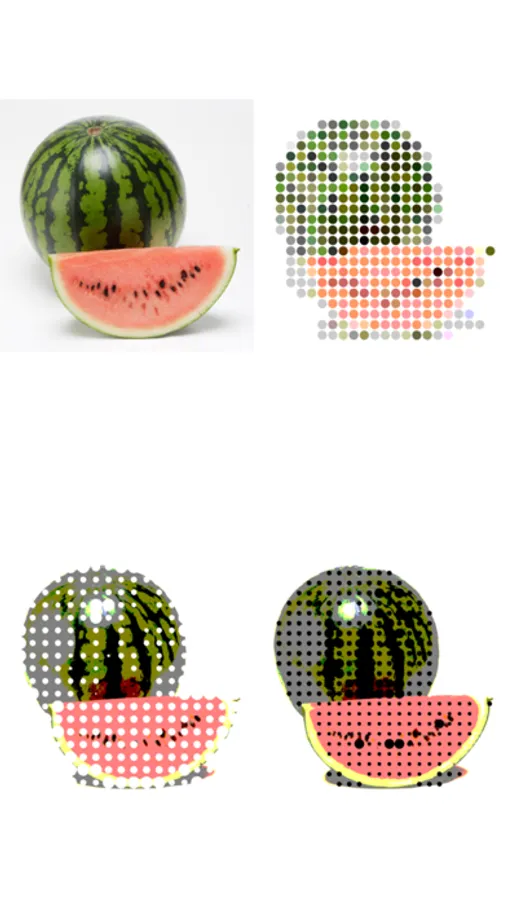
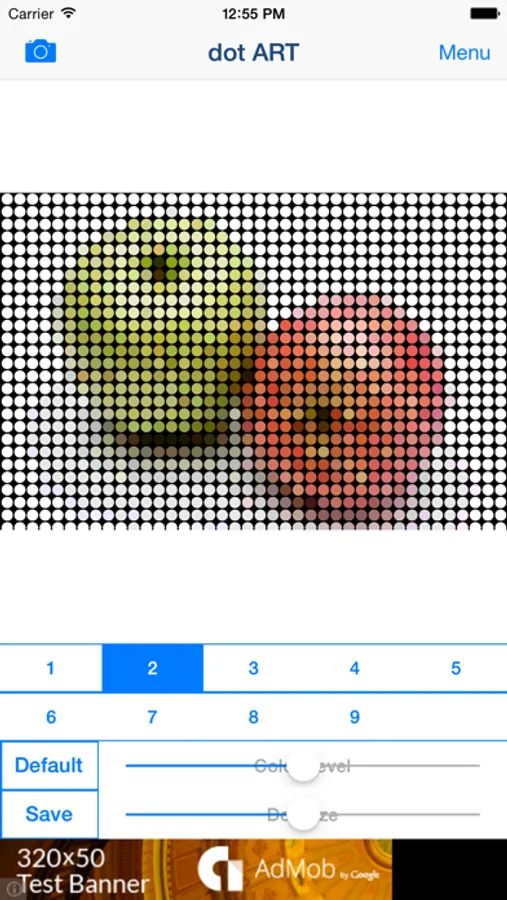
You will be able to create "Dot Art Illustration and Movie" that made of round colorful dots, and "Pop Art Effects Illustration and Movie" from your photo, illustration and video by using Art Editor app "dot ART".
If you enjoyed by this App, I'm glad.
■Illustration / Movie list that you can create and edit by using "dot ART".
1.Mosaic Art
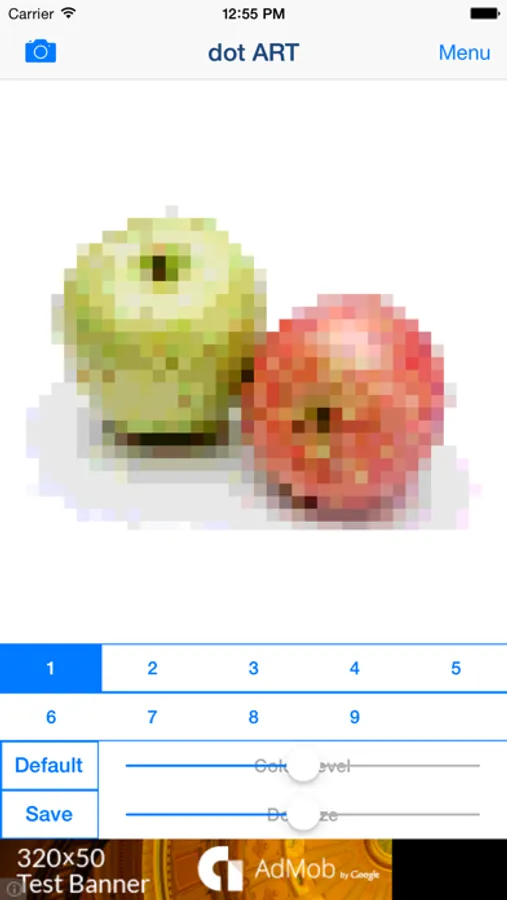
Create and edit "Mosaic Art Effects Pictures and Movies", and save it.
you can also create 8 bit game style by reducing color level.
2.Dot Art
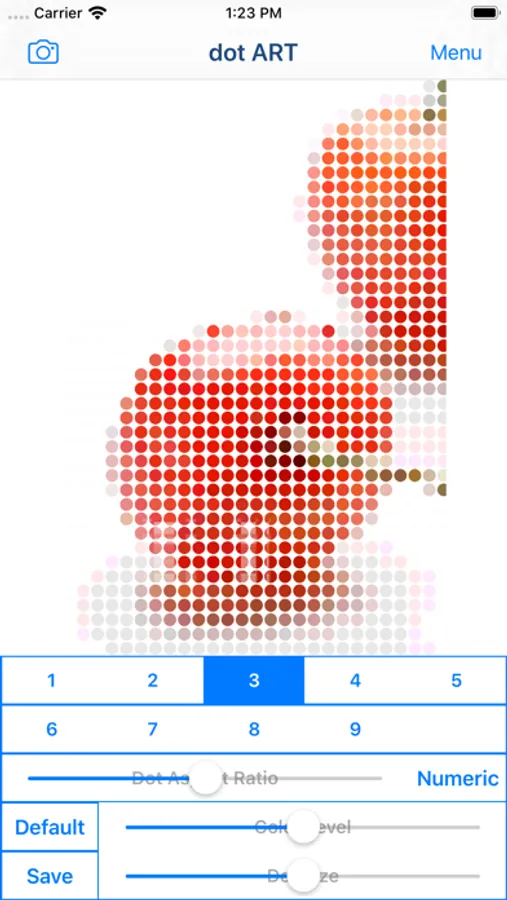
Create and edit "Dot Art Effects Images and Movies" that made of round colorful dots, and save it.
You can choose background color from black and white.
*Add-on is required in order to save white background.
3.Halftone Style
Create and edit "Halftone Effects Images and Movies" that dot size is changed by hue, and save it.
You can choose background color from black and white.
*Add-on is required in order to save "halftone effects".
4.Pop Art Style
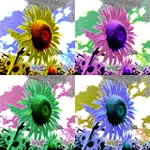
Create and edit "Pop Art Effects Illustrations and Videos", and save it.
You can create "Pop Art Effects Illustration and Videos" by reducing color level.
*Add-on is required in order to save "Pop Art Effects".
■How to Edit
1. Select image or video you want to edit from "Camera" Button.
2. When Image or video was displayed, select type and adjust to the desired by Sliders.
*If you want to save type "3〜9" , you need to purchase Add-on.
3. When you touch "Save" Button, current image or video will be saved in "Camera Roll".
■About In-app Advertising
Banner Advertising is displayed in Home Screen.
Full Screen Advertising will be displayed, after you have saved the picture.
You can hide these Advertising by purchasing "Additional Function Add-on".
dot ART - Mosaic Effects App Screenshots
Tap to Rate:
Reviews for dot ART - Mosaic Effects App
Toni-czec
Nice app
I really like the app and was so happy to see the developer updated it for iOS 13. Don’t believe the bad reviews - try it for yourself - this is a cool app.
reviewwere
It’s just straight up boring....
As I said in title it’s boring as hell like ppl might think o it’s dot to dot puzzles cool then once they get it you just take a pic then u just change the photo to dots!!!! So don’t get this if you want a dot to dot puzzle!!! 😡😢😡😢😡😢😡🤬🤬🤬🤬🤬🤬🤬🤬🤬