Multitrack Player
GyokovSolutions
3.0 ★
58 ratings
10,000+
downloads
Free
In this multitrack player, you can load multiple instrument files, adjust their volume, solo or mute individual tracks, and control playback features like loop, speed, and pitch. Includes track balancing, looping, and pitch adjustment.
AppRecs review analysis
AppRecs rating 3.0. Trustworthiness 88 out of 100. Review manipulation risk 25 out of 100. Based on a review sample analyzed.
★★★☆☆
3.0
AppRecs Rating
Ratings breakdown
5 star
29%
4 star
14%
3 star
14%
2 star
14%
1 star
29%
What to know
✓
Low review manipulation risk
25% review manipulation risk
✓
Credible reviews
88% trustworthiness score from analyzed reviews
⚠
High negative review ratio
43% of sampled ratings are 1–2 stars
About Multitrack Player
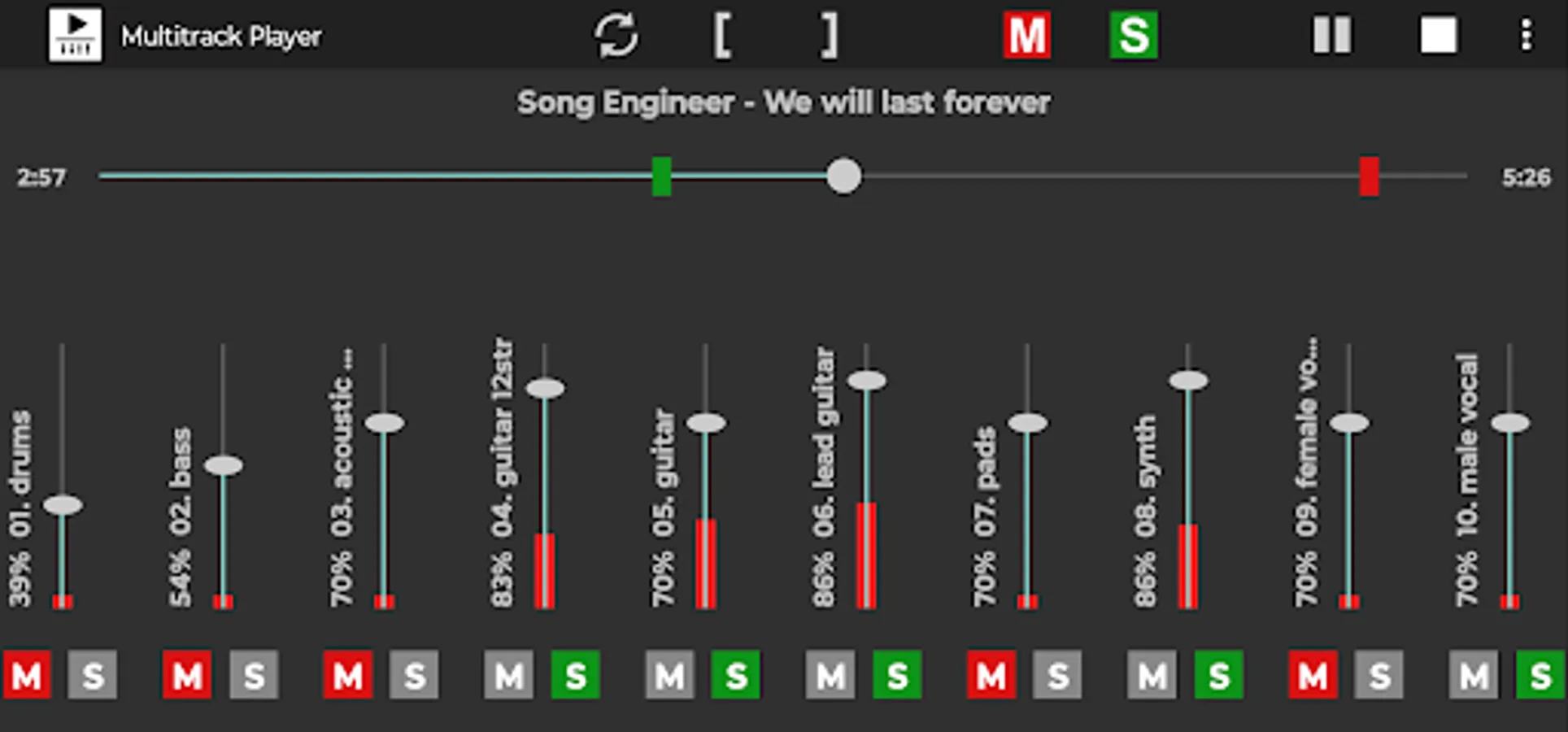
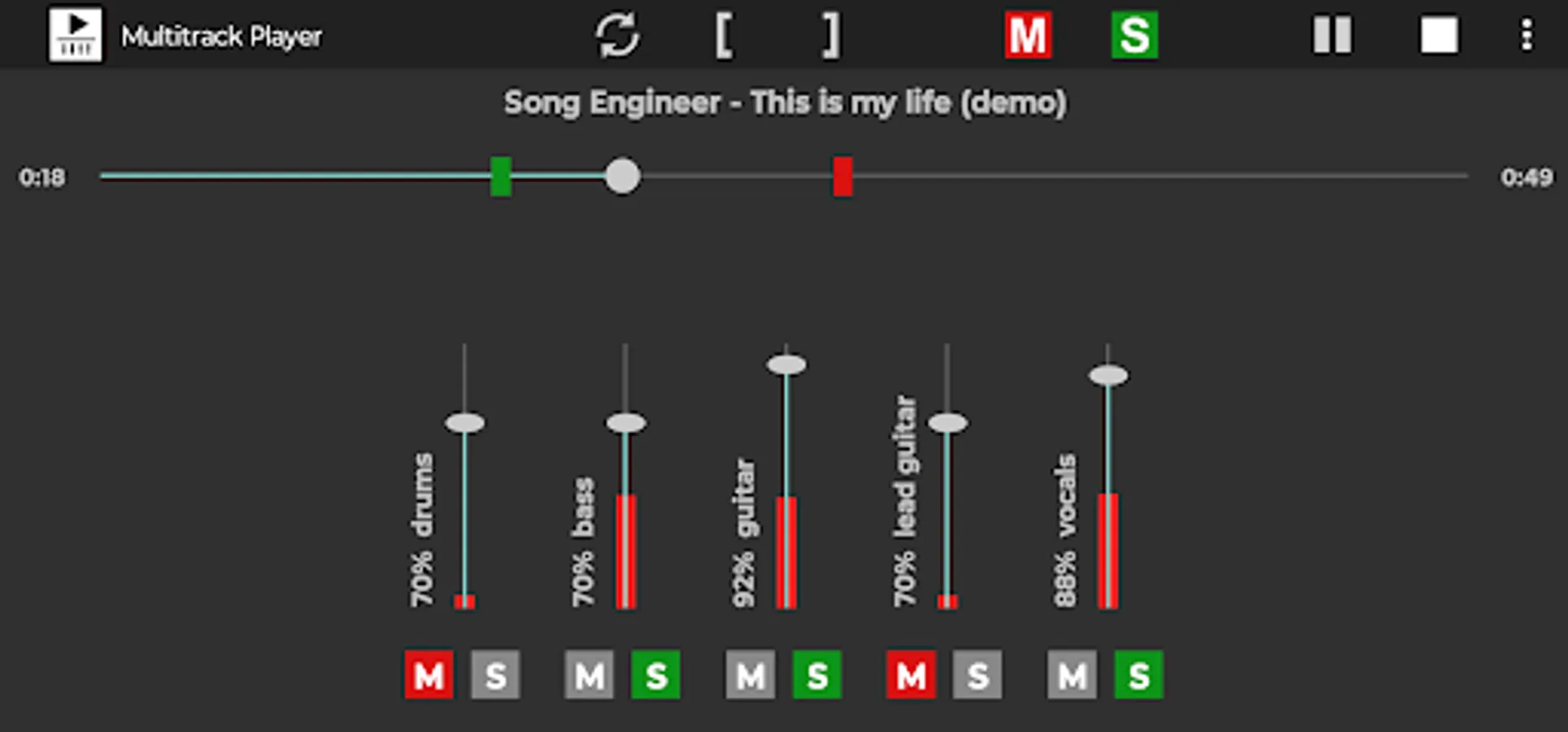
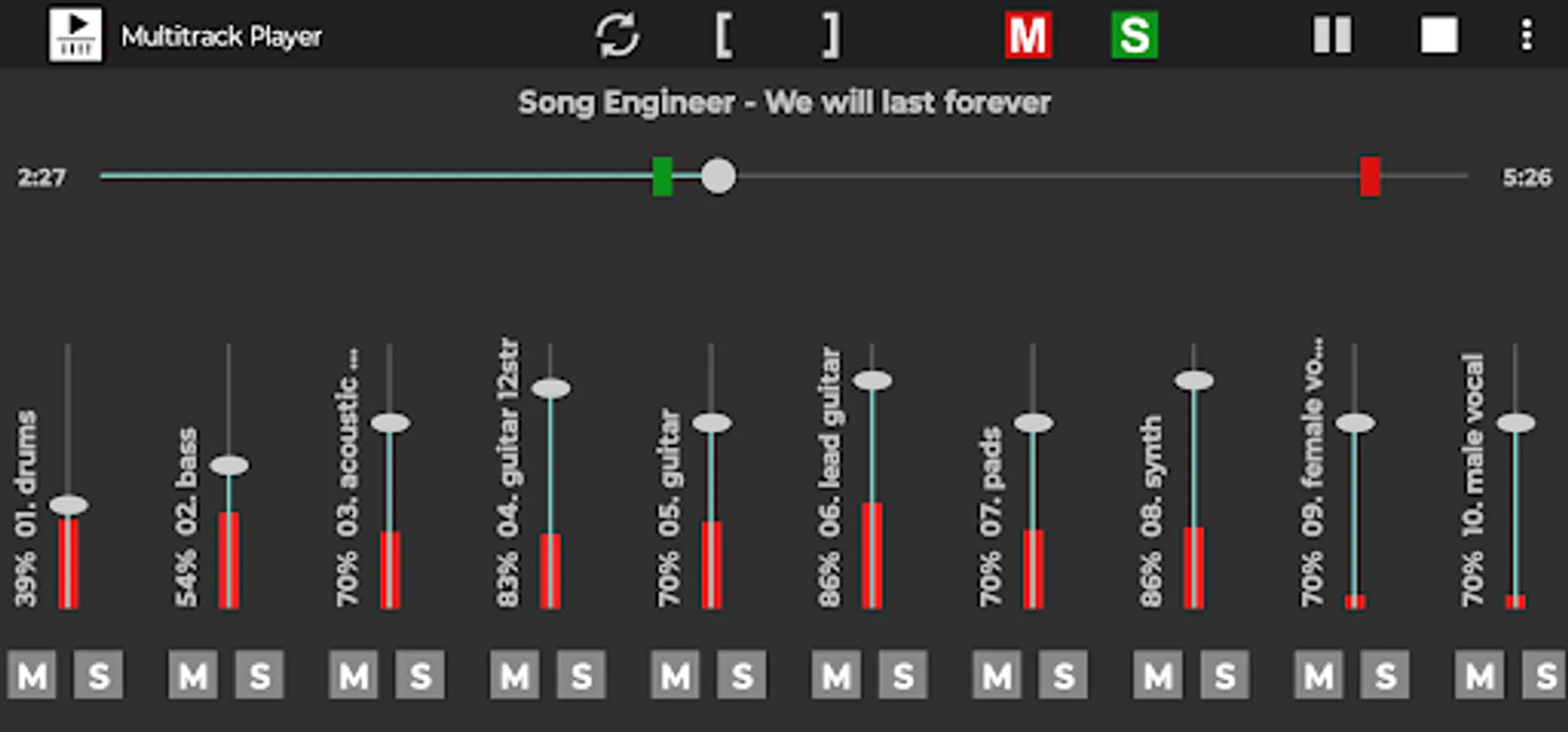
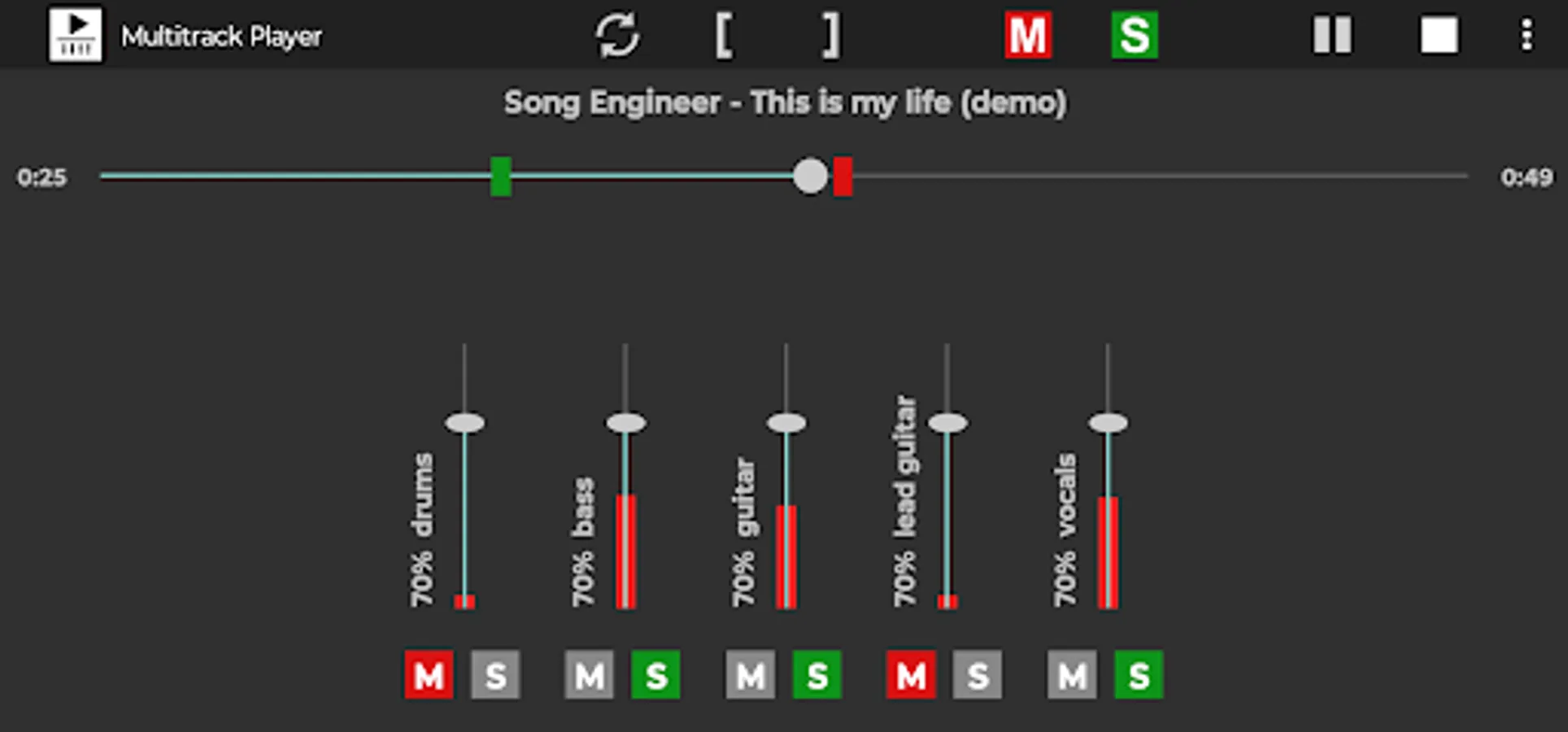
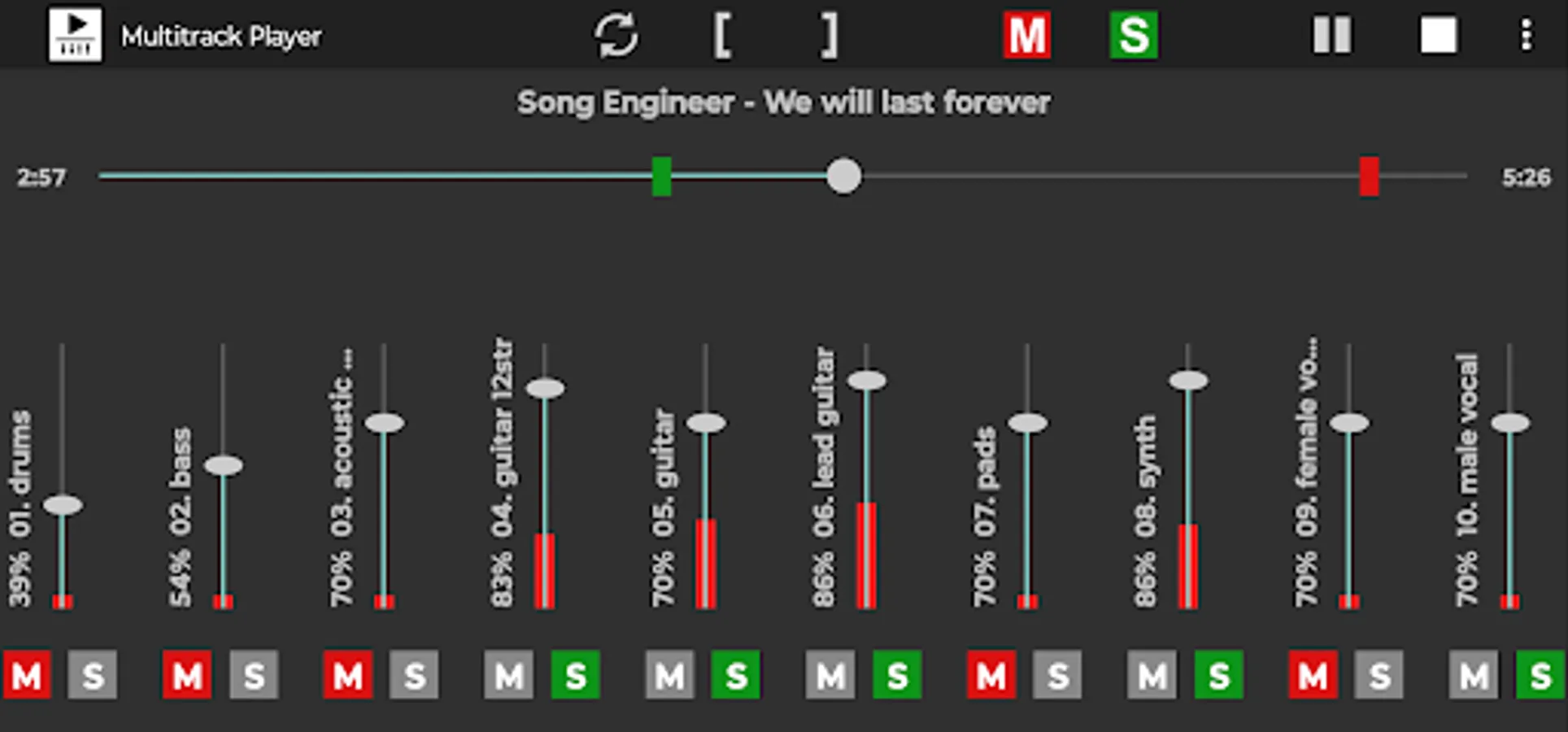
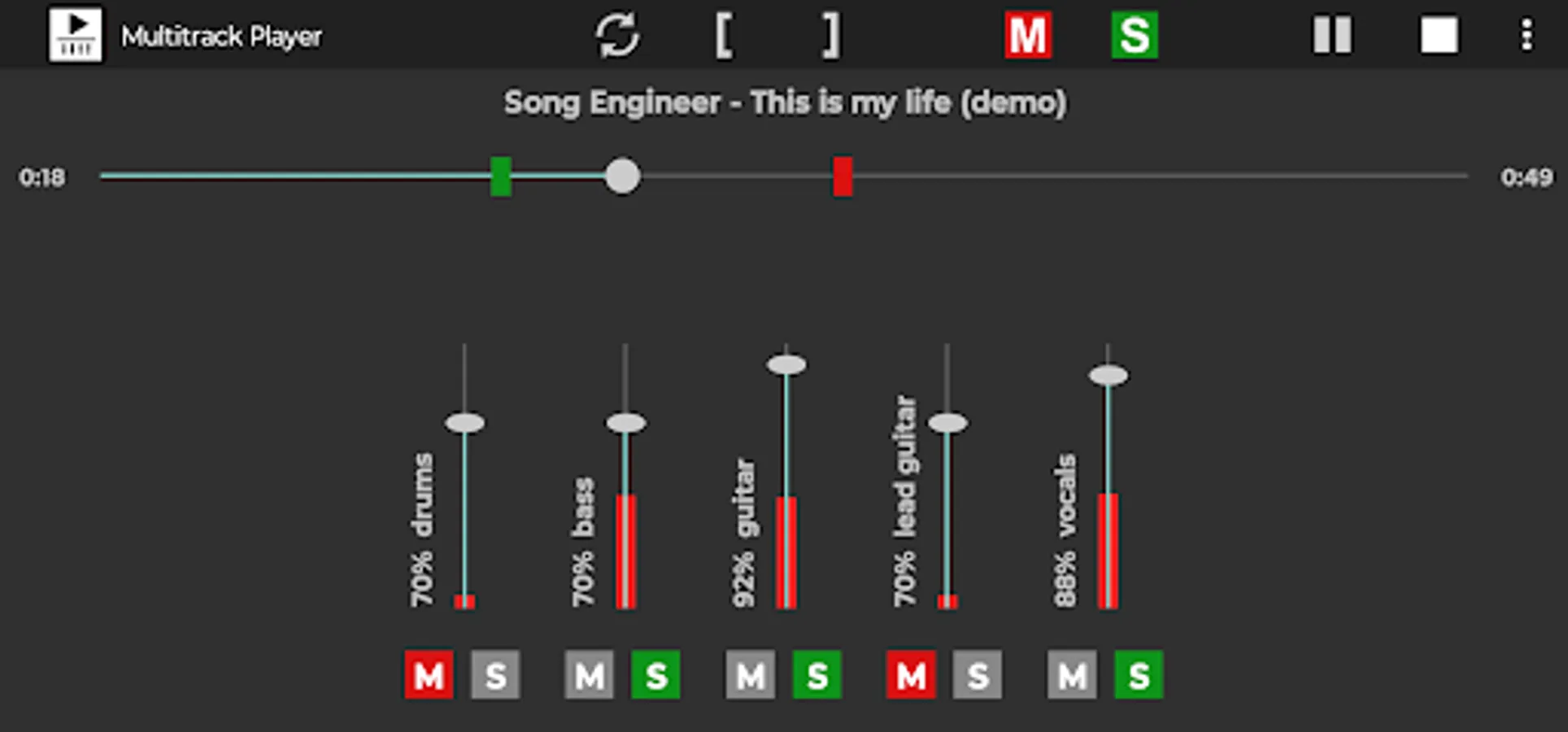
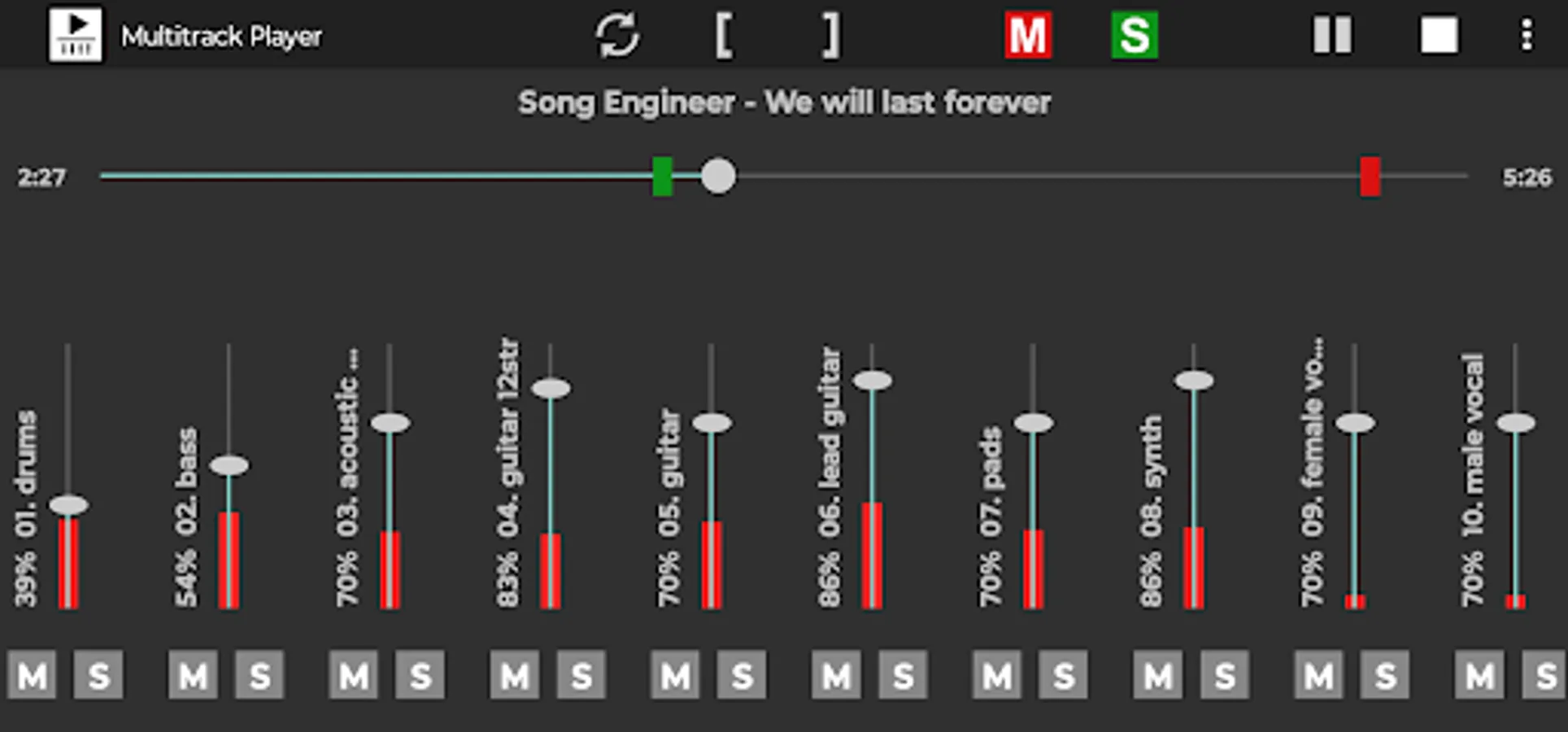
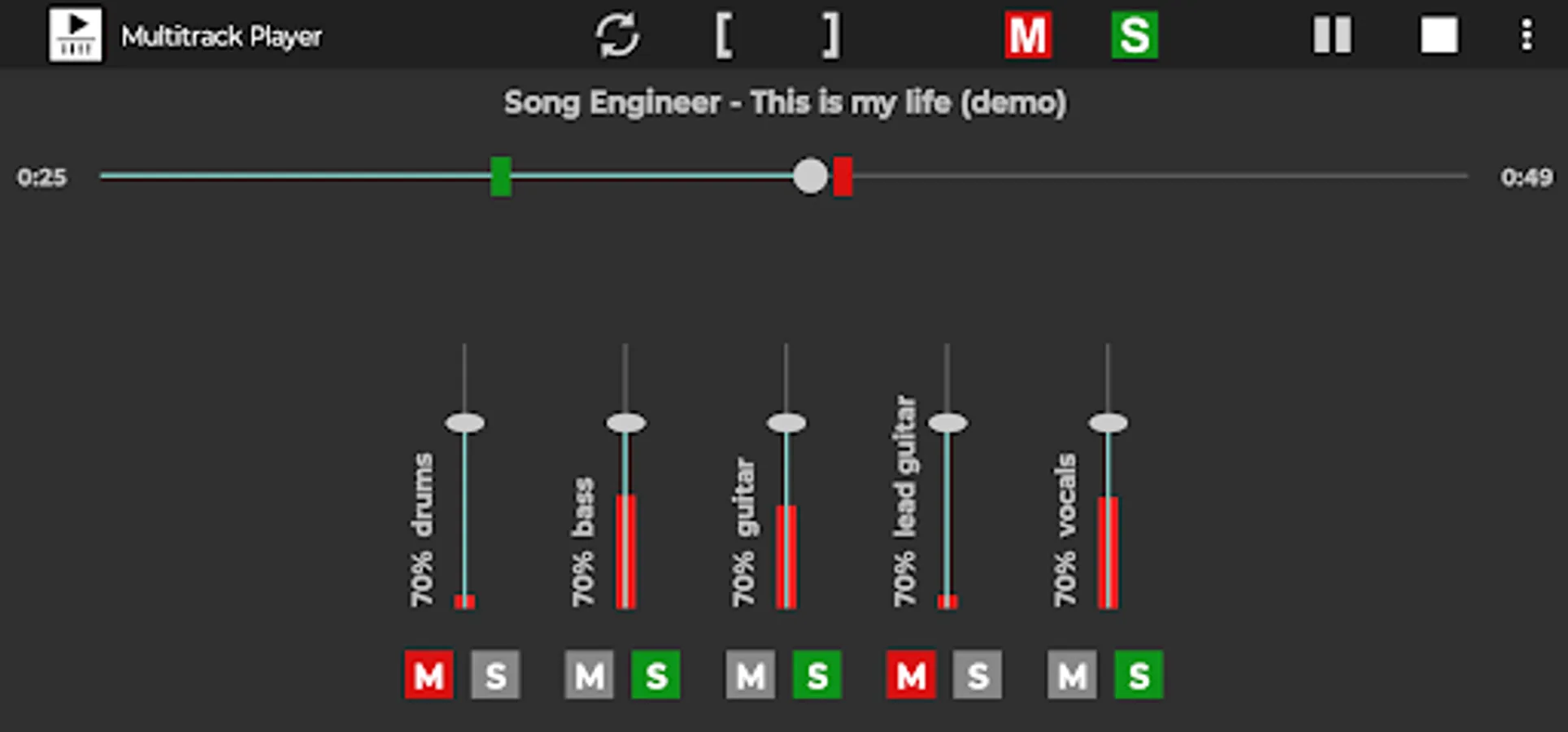
Multitrack Player is simple multitrack songs player. Just select folder that contains song instrument files and play it. You can solo/mute instrument tracks and change their balance and loudness level.
App features:
- play multitrack song (several audio files for different instruments)
- adjust track loudness
- solo/mute track
- loop feature
- change speed
- change pitch
How to use:
1. Download multitrack songs on your device. Search internet for "free multitracks". Multitrack song contains several audio files for instrument tracks.
2. Open app. Select Menu - Open multitrack and point to folder that contains multitrack song.
3. The app loads multitrack song.
4. Press buttons PLAY and STOP to play song.
5. Using track fader you can control instrument track loudness.
6. Use track button [S] to solo track and button [M] to mute track.
7. Use header button [S] to activate all tracks and button [M] to mute all tracks.
How to activate loop feature:
1. Press loop button. It will change color to white and will activate (start loop ) and (end loop) buttons ( [ ) and ( ] ).
2. Play song or move progress slider to start loop position.
3. Press ( [ ) button to set start loop position.
4. Move progress slider to loop end position.
5. Press ( ] ) button to set end loop position.
6. Press play button to play the song.
How to change speed and pitch:
1. Use speed spinner to set song speed
2. Use pitch spinner to change pitch. The step is one semitone.
For better performance use wav files. If mp3 files are used then it is better to use CBR (constant bitrate) mp3.
App manual - https://gyokovsolutions.com/multitrack-player-manual
Get Pro version for extra features:
- no ads
- balance control
- pitch and speed knob controls with continuous values
- save/open multitrack
- load/play next/previous multitrack in folder.
- autoplay next multitrack
- audio preview (loop/scrub)
- zoom
App features:
- play multitrack song (several audio files for different instruments)
- adjust track loudness
- solo/mute track
- loop feature
- change speed
- change pitch
How to use:
1. Download multitrack songs on your device. Search internet for "free multitracks". Multitrack song contains several audio files for instrument tracks.
2. Open app. Select Menu - Open multitrack and point to folder that contains multitrack song.
3. The app loads multitrack song.
4. Press buttons PLAY and STOP to play song.
5. Using track fader you can control instrument track loudness.
6. Use track button [S] to solo track and button [M] to mute track.
7. Use header button [S] to activate all tracks and button [M] to mute all tracks.
How to activate loop feature:
1. Press loop button. It will change color to white and will activate (start loop ) and (end loop) buttons ( [ ) and ( ] ).
2. Play song or move progress slider to start loop position.
3. Press ( [ ) button to set start loop position.
4. Move progress slider to loop end position.
5. Press ( ] ) button to set end loop position.
6. Press play button to play the song.
How to change speed and pitch:
1. Use speed spinner to set song speed
2. Use pitch spinner to change pitch. The step is one semitone.
For better performance use wav files. If mp3 files are used then it is better to use CBR (constant bitrate) mp3.
App manual - https://gyokovsolutions.com/multitrack-player-manual
Get Pro version for extra features:
- no ads
- balance control
- pitch and speed knob controls with continuous values
- save/open multitrack
- load/play next/previous multitrack in folder.
- autoplay next multitrack
- audio preview (loop/scrub)
- zoom
Multitrack Player Screenshots
Tap to Rate:
Reviews for Multitrack Player
Logan Reimer
4/16/2025
It can't even keep it's own demo tracks synchronized. it gets out of wack and sound terrible.
Carlisle Steele
3/13/2025
Great app, does what it says. Great for a solo artist.